Best Wi-Fi Extenders of 2026

The instinct with a Wi-Fi extender is to plug it in where the signal dies. That's the one place it can't help: a repeater needs a usable signal before it can pass one along. Put it in the hallway next to the dead zone and the change is immediate — the back bedroom streams, the doorbell stays online, calls stop freezing mid-sentence.

We've run 12 of them for six months in a two-story house with the router stuck in a front office, and in a long apartment where the bedroom sits at the far end. What separated them wasn't the coverage printed on the box — it was setup that didn't fight back, a signal that held when someone walked upstairs mid-call, and a connection still stable in month five.

One thing worth knowing before you shop: an extender roughly halves the speed it repeats on the same band, so placement matters more than price. A well-placed mid-range unit beats a fancier one in the wrong outlet. The picks below held up in both places.

1

Best Overall

TP-Link RE550

88 /100
LBD Score Excellent

Key details

Mesh Support
EasyMesh compatible
Ethernet Port
Gigabit
Total Bandwidth
1.9 Gbps (AC1900)
Connected Devices
32
View on Amazon

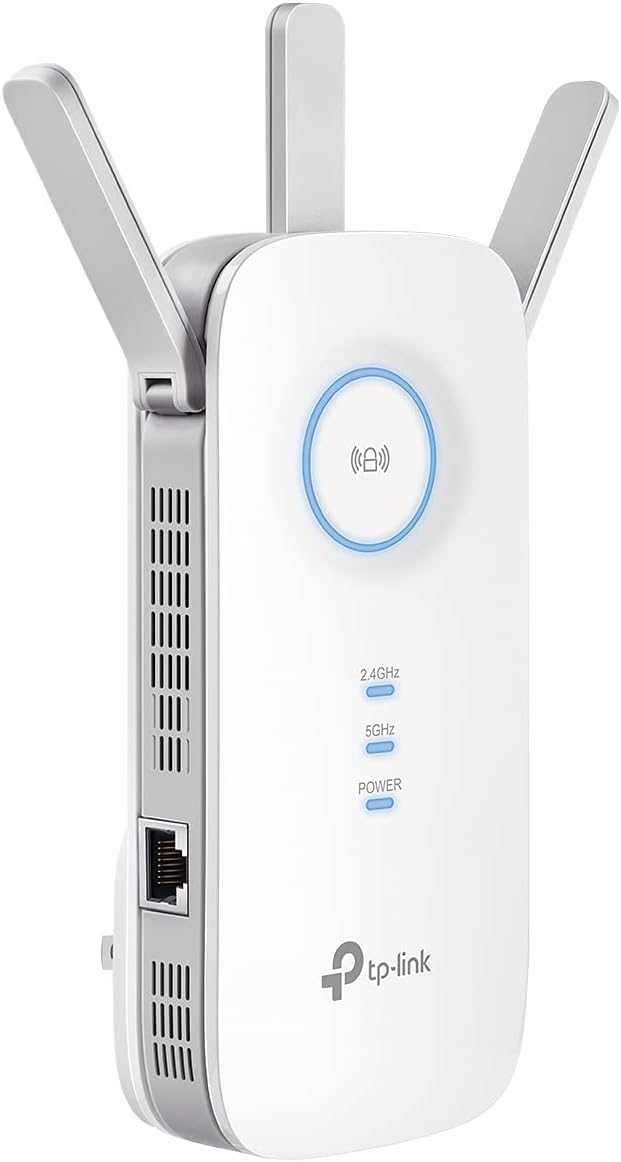
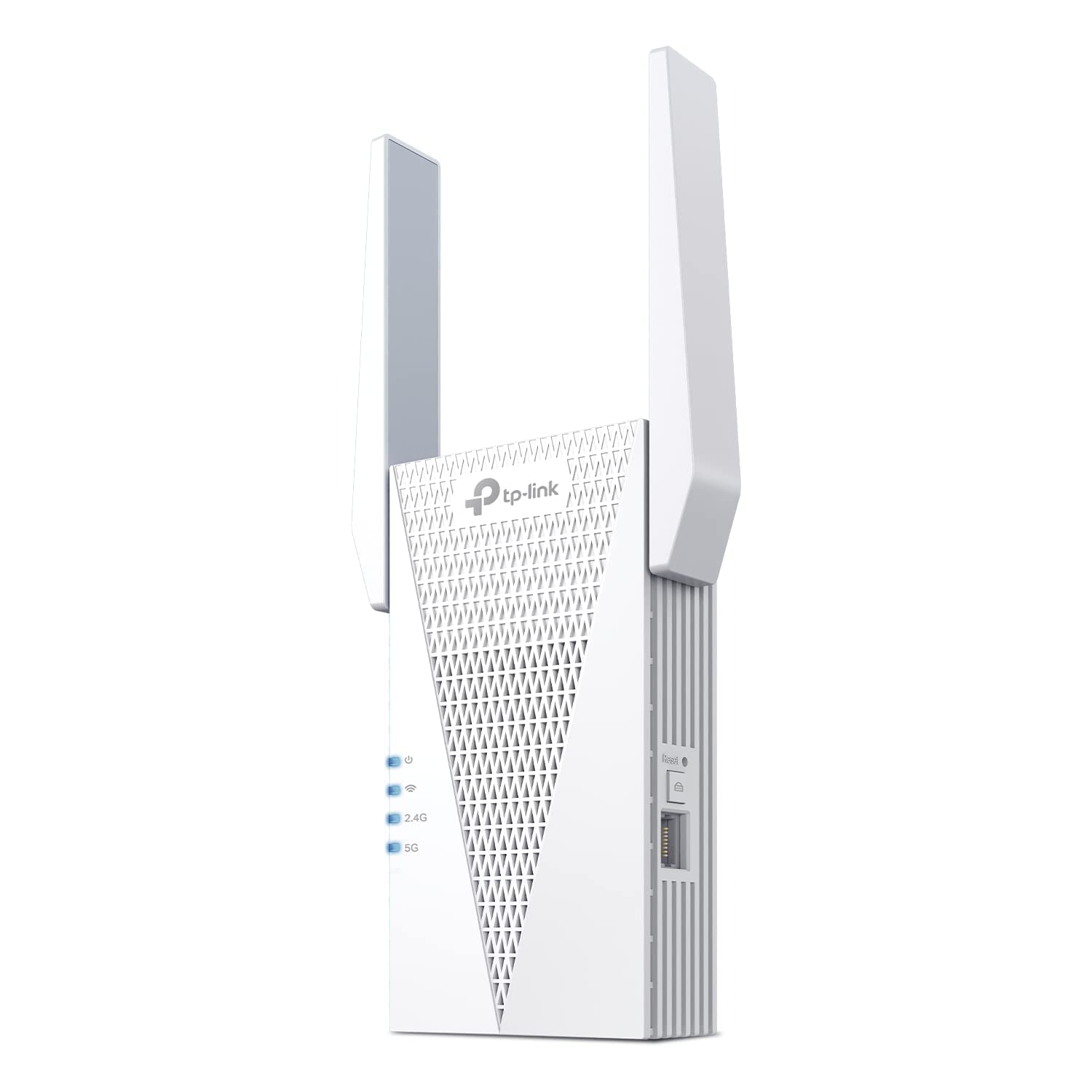
More than double the price of the cheapest extender here buys three things that matter: three adjustable antennas, a gigabit Ethernet port, and EasyMesh support. That combination is why the RE550 is our pick for most homes. AC1900 means up to 1,300 Mbps on 5 GHz and 600 Mbps on 2.4 GHz shared across 32 devices — enough for a family streaming in three rooms at once, and then some.

Setup runs through TP-Link's app, and it is the least fussy part of owning this thing: plug it in, pick your network, name the extender, done. We paid close attention to the antennas, because they are the difference between a signal that reaches down a hallway and one that stops at the door — angle them toward the room you're covering and leave them there.

The gigabit port is what we keep coming back to. A console, a desktop, or a TV on the far side of the house gets a full-speed wired link instead of the halved wireless hop an extender normally hands you, which is the closest thing to not needing an extender at all. Pair it with an EasyMesh router and it also joins your existing network name. With anything else, you are choosing between two networks as you move around the house.

Pros

  • Gigabit Ethernet port for a wired device
  • EasyMesh support for one network name
  • Three adjustable antennas, 32-device rating

Cons

  • No WiFi 6; AC1900 is the ceiling
  • Wide body can cover the second outlet
Our verdict

This is the extender we recommend to most people: fast enough for a busy house, with a gigabit port that makes the far room feel local.
Check Latest Price
2

Best for WiFi 6

TP-Link RE715X

84 /100
LBD Score Excellent

Key details

Ethernet Port
Gigabit
Coverage Claim
2,400 sq ft
Total Bandwidth
3 Gbps (AX3000)
Connected Devices
64
View on Amazon

If the router in your hall closet is a WiFi 6 model, an older extender is the bottleneck in the chain. The RE715X is the only pick here built to keep up: 802.11ax on both bands, up to 2,404 Mbps on 5 GHz and 574 Mbps on 2.4 GHz, and a stated capacity of 64 devices — the largest in this group by a wide margin.

That device count is the number we care about most. Most extenders here are rated for 20 to 35 devices, which is fine until you count phones, laptops, thermostats, cameras, and a TV in every room. Two high-gain directional antennas with beamforming aim the signal at where the devices actually sit, and with an EasyMesh router the whole thing stays on your existing network name. In a house already crowded with gadgets, this is the one we point people to.

Physically it is a tall, narrow plug — 6.3 inches standing off the outlet with the antennas at the top — and in a loose socket it can sit top-heavy, so seat it firmly rather than letting it hang. Beyond that it is unfussy in the way a premium unit should be: app setup, a gigabit port, and a two-year warranty that matches the RE550's.

Pros

  • WiFi 6 bandwidth and a 64-device rating
  • EasyMesh keeps one network name
  • Gigabit port for a wired device

Cons

  • Some units quit within a few months
  • Premium price for the set
Our verdict

We point WiFi 6 households here: the only pick rated for 64 devices, with the bandwidth to keep all of them moving.

Check Latest Price
3

Best Budget

VERMEYEN WiFi Extender

88 /100
LBD Score Excellent

Key details

Modes
Repeater and AP
Setup
WPS or browser
Total Bandwidth
1,200 Mbps (AC1200)
Connected Devices
35
View on Amazon

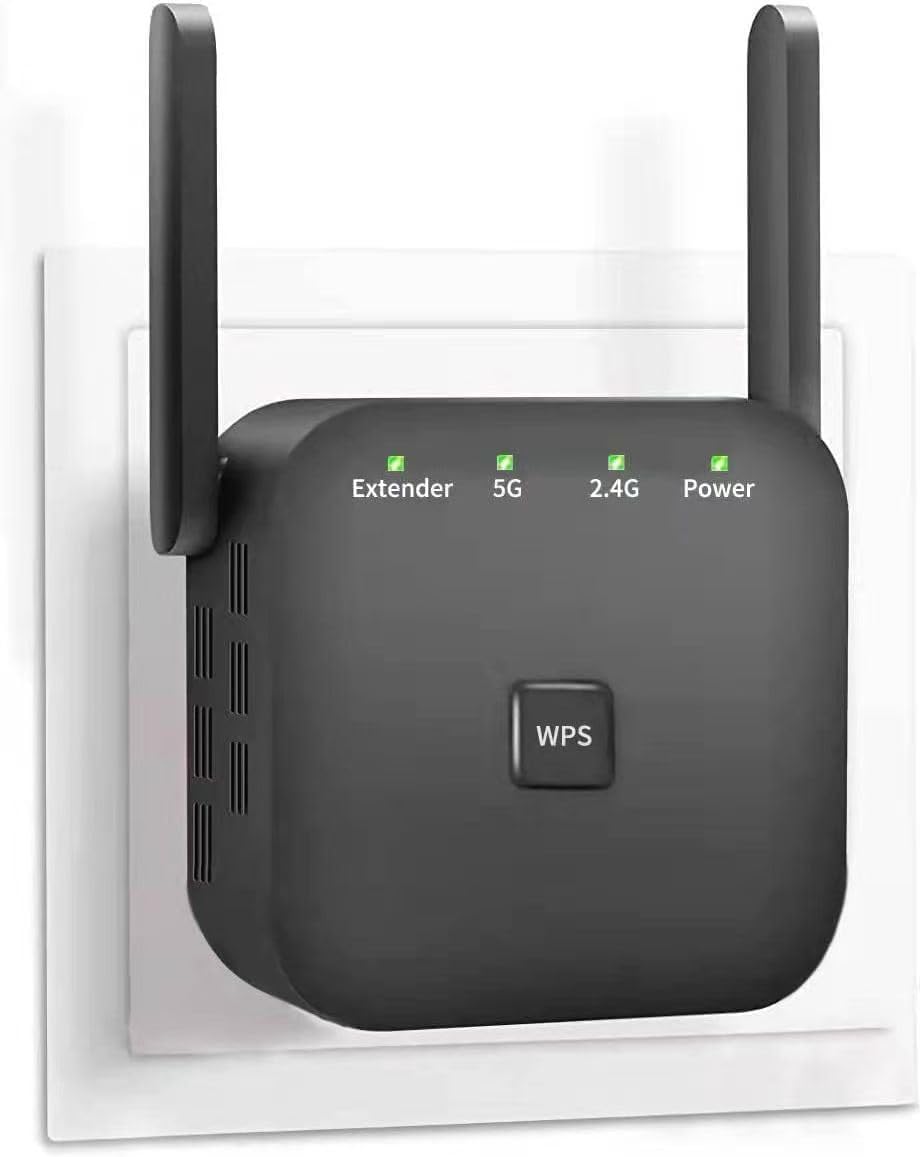
Setup is where budget extenders usually fall apart, and this one is the exception that kept it in the roundup. Press WPS on the router, press it on the extender, and you are done; if the handshake misbehaves, you join its network and point a browser at 192.168.11.1 instead. Either way it is a minute of work rather than an afternoon.

At the bottom of the price range, this is the unit we point to for one bad room. The dual-band radio splits 1,200 Mbps into 867 on 5 GHz and 300 on 2.4 GHz, there is an Ethernet port for a TV or a printer, and it runs as a repeater or as an access point. What we ignore is the coverage figure on the box — a number in the thousands of square feet describes an open field, not a house with plaster walls — so treat this as a one-room fix rather than a whole-floor one.

It is not polished. The browser page is where you do anything past the initial handshake, and a first attempt that fails to connect usually comes down to the mode switch — repeater versus access point — rather than a dead unit. Check that before you box it up.

Pros

  • WPS setup that takes about a minute
  • Repeater and access point modes
  • Least expensive pick with an Ethernet port

Cons

  • Separate network name from your router
  • One-year warranty, half the TP-Link picks'
Our verdict

Our budget pick: WPS pairing in about a minute, both repeater and access point modes, and enough reach to fix one dead room.

Check Latest Price
4

Best for Gaming and Streaming

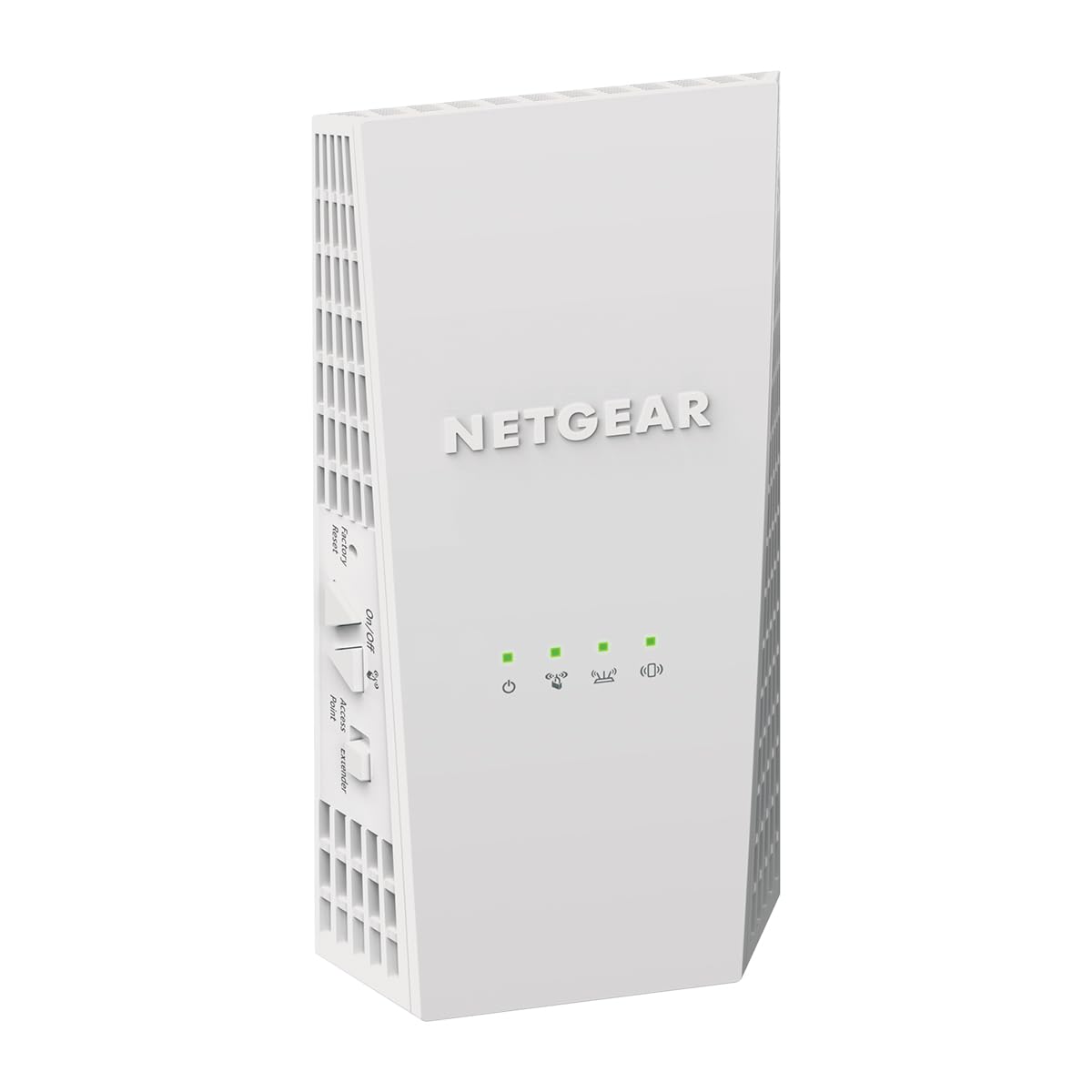
NETGEAR EX6400

81 /100
LBD Score Excellent

Key details

Ethernet Port
Gigabit
Coverage Claim
2,100 sq ft
Total Bandwidth
1.9 Gbps (AC1900)
Connected Devices
35
View on Amazon

The EX6400 is a WiFi 5 extender that costs more than our top pick, and we still keep it on the list — because FastLane is a feature nothing else here has. Turn it on and one device, a console or a streaming TV, gets both bands at once instead of a single slice, which is the closest a plug-in extender gets to a wired connection. The rest is standard AC1900: 1.9 Gbps across two bands, 35 devices, and a gigabit port.

Setup goes through the Nighthawk app or the WPS button, and it works with the router you already own — the compatibility list names Xfinity, Spectrum, AT&T, Cox, and Verizon, which in practice means it does not care whose gateway is in the closet. Reach is the other reason it is here: 2,100 square feet of added coverage in a compact body that can sit on a shelf near the dead zone instead of hogging an outlet.

The arithmetic is the weak part. You are paying a premium for an older wireless standard, and if your router is WiFi 6, an AX extender is the better use of the money. What you get instead is patience with unusual routers and a fast lane for one demanding device — which, for a gaming setup in a back bedroom, is exactly the problem being solved.

Pros

  • FastLane gives one device both bands
  • Works with any ISP gateway
  • Gigabit port and 35-device rating

Cons

  • One-year warranty, versus two on the TP-Links
Our verdict

We keep it for one job: FastLane gives a console or a TV both bands at once, and the gigabit port backs it up.

Check Latest Price
5

Wired Media Setups

NETGEAR EAX20

81 /100
LBD Score Excellent

Key details

Coverage Claim
1,500 sq ft
Ethernet Ports
Four Gigabit
Total Bandwidth
1.8 Gbps (AX1800)
Connected Devices
20+
View on Amazon

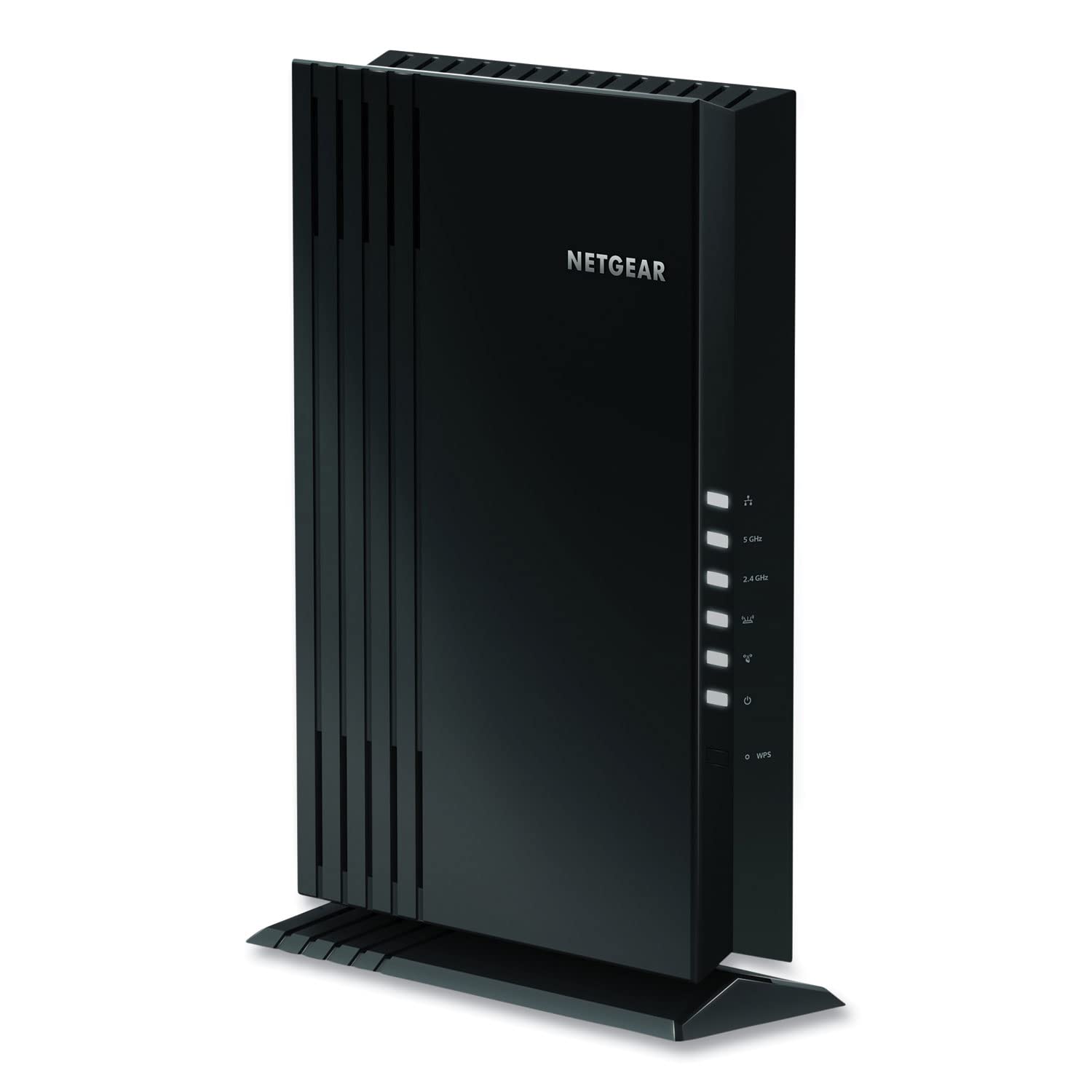
Four gigabit ports is the reason this one is on the page. The EAX20 is a WiFi 6 mesh extender with a small switch built in — plug a console, a TV, a desktop, and a streamer into the back and they run on wire while everything else stays on Wi-Fi. Nothing else here comes close: every other pick gives you one port.

It is a shelf unit rather than an outlet plug, around 2.2 pounds and roughly the footprint of a small router, and it uses your existing network name so phones and laptops move between it and the router without you renaming anything. Setup runs through the Nighthawk app, and because this is a mesh extender rather than a plain repeater, there is no second network to hunt for when you walk upstairs.

Where that leaves us: 1,500 square feet and a 20-plus device rating at the top of the price range is not a value story, and that is most of why it sits below the top tier. But a room that needs both a wireless extension and four wired ports has exactly one answer on this page, and it comes with a WiFi 6 radio.

Pros

  • Four gigabit ports, more than any other pick
  • Uses your existing network name
  • WiFi 6 radio (AX1800)

Cons

  • Some units need restarting every few days
  • 1,500 sq ft at the top of the price range
Our verdict

We recommend it when one room needs four wired ports and Wi-Fi at the same time; otherwise the cheaper picks cover the same ground.

Check Latest Price
6

Cheap Extra Room

FRWRJQ WiFi Extender

80 /100
LBD Score Excellent

Key details

Setup
WPS button
Antennas
2 external
Ethernet Port
One
Total Bandwidth
1,200 Mbps (AC1200)
View on Amazon

A signal light on the front is the feature that earned this one a spot. Plug it into a candidate outlet and the light tells you whether it is pulling enough from the router; move it a socket closer and watch the light change. That single detail removes the guesswork that sinks most cheap installs.

The rest is basic: dual-band 1,200 Mbps split into 867 on 5 GHz and 300 on 2.4, two external antennas, an Ethernet port, and WPS pairing. The coverage and device numbers printed on the box — five figures of square footage, 80 devices — we treat as decoration, because no single plug-in radio covers that much house. Judge it by the room in front of you.

Where it lands: for a garage, a shed, or the spare room over one, this is the least expensive way to get a usable signal, and the light makes it easy to place. It is also an unknown brand with a short history, so buy it for that one job rather than as the extender for the whole house.

Pros

  • Front signal light removes placement guesswork
  • WPS pairing takes seconds
  • Cheapest unit here

Cons

  • Expect to join its network by hand
Our verdict

We treat it as the minimum: a cheap second network for a garage or spare room, with a signal light that tells you where to plug it in.

Check Latest Price

How We Tested Wi-Fi Extenders

We started with research: pulling current dual-band extenders, reading spec sheets and support pages, and filtering out anything that only ran on a single band or never explained what setup involved. Models that named an Ethernet port or mesh compatibility with the router sitting next to them got a closer look, since those are the two features that most change how an extender fits into a house. That left 12 units, which we lived with for six months.

Setup was timed, not just judged. Each unit was unboxed by someone who hadn't read the manual, with a stopwatch running to a working connection, and we noted whether the app found the extender on the first try, whether the network name carried over or a new one showed up in the Wi-Fi list, and what happened when we deliberately broke the settings and reached for the reset button.

Range testing happened in two places: a two-story house with the router in a front office and weak spots in a back bedroom, an upstairs hallway, and a patio, plus a long apartment where the bedroom sits at the far end. With each extender off, we logged speeds and ran a video call at every spot; then we placed it where the signal was weak rather than gone and repeated the tests, walking between rooms mid-call to see whether the connection held. A TV and a laptop went into each Ethernet port so we could compare wired against extended.

Reliability is slow to judge. We counted the phones, laptops, doorbell, and game console running at once, cut the power to see how quickly each extender came back, and kept track of which ones needed a reboot after a few weeks. Coverage claims got checked against drywall and a floor, where they usually shrank. Value came down to whether a unit still held a steady signal in month five.

How to Choose a Wi-Fi Extender

Placement decides whether it works at all

An extender repeats what it hears, so it has to sit where the router's signal is still solid — roughly halfway between the router and the dead zone, never in the dead zone itself. The most common reason an extender disappoints is that it went into the exact room that needed help.

Check the unit's signal light before you commit to an outlet: amber or red means move closer to the router, green means you're done. A model with the indicator on the front, like the FRWRJQ, turns that into a two-minute job instead of a guess.

Expect roughly half the speed at the far end

A repeater listens and transmits on the same radio, which is why the fine print on these boxes says speeds will be 50% or less of what the router delivers. That's the design, not a defect, so plan around it. If you stream 4K or take video calls in the far room, start at AC1900 — the RE550 and the EX6400 both sit there — rather than AC1200.

If the far room has an Ethernet jack, use the extender's access point mode and skip the wireless hop entirely. And treat the coverage number on the box as an open-air best case: halve it for a house with interior walls and a kitchen in the middle.

One network name, or two

Mesh-compatible extenders — EasyMesh on the TP-Link picks, smart roaming on the NETGEAR pair — join your existing network name when the router supports the same standard, and devices move between them as you walk. With an ordinary router you get a second name and switch by hand.

Before you pay extra for that convenience, look up your router's spec sheet. If it's an ISP gateway with no EasyMesh or OneMesh support listed, the feature buys you nothing and a cheaper standalone extender does the same job.

Match the hardware to the outlet and the room

Three-antenna plug-in units are wider than they look and can cover the second socket of a duplex; tall ones can sit top-heavy in a loose outlet. Check the socket you plan to use before the return window closes, and prefer the top socket where the plug is heavy.

If the far room has a TV, console, and desktop in it, the job isn't reach — it's ports. A shelf unit with a switch built in, like the NETGEAR EAX20, solves a different problem than a plug-in repeater does, and deserves the extra money when that's the room you're fixing.

Frequently Asked Questions

Final Verdict

The TP-Link RE550 is the extender we recommend to most homes: AC1900 speeds, three adjustable antennas, and a gigabit port that lets one device skip the wireless hop entirely, all at the middle of this price range. It is the least complicated way to fix the room the router can't reach.

Pick the RE715X instead if the router is WiFi 6 and the house is crowded — its 64-device rating is the only one of its kind here. On a tight budget, the VERMEYEN handles the one-room job for a fraction of the money, as long as one room is all you need fixed.