Best Wi-Fi 7 Mesh Routers of 2026

The corner of my upstairs hallway has killed every router I've owned: one bar, a spinning wheel, a video call that freezes when I climb the stairs. A mesh system fixes that — instead of one box shouting through plaster, two or three units hand your devices off as you move. My team and I have spent six months with nine Wi-Fi 7 mesh systems, and the spread between them is wider than the spec sheets suggest.

The square footage on the box is the least useful number in the store, since those figures assume open air and a clean spectrum. What really decides whether the back bedroom works is the backhaul — whether satellites talk to the router over a dedicated band or a cable — plus how much wall sits in between. And Wi-Fi 7 won't rescue a slow internet plan, so match the hardware to what you're paying for.

We weighed speed where it counts, coverage that held, setup that didn't need a support call, and gear worth the money. Floor plans vary more than routers do, so your walls will decide more than the box does.

1

Best Overall

eero 7 (3-pack)

88 /100
LBD Score Excellent

Key details

Bands
Dual-band
Coverage
6,000 sq ft (3-pack)
Wired Ports
Two 2.5 GbE per unit
Device Capacity
120+ devices
View on Amazon

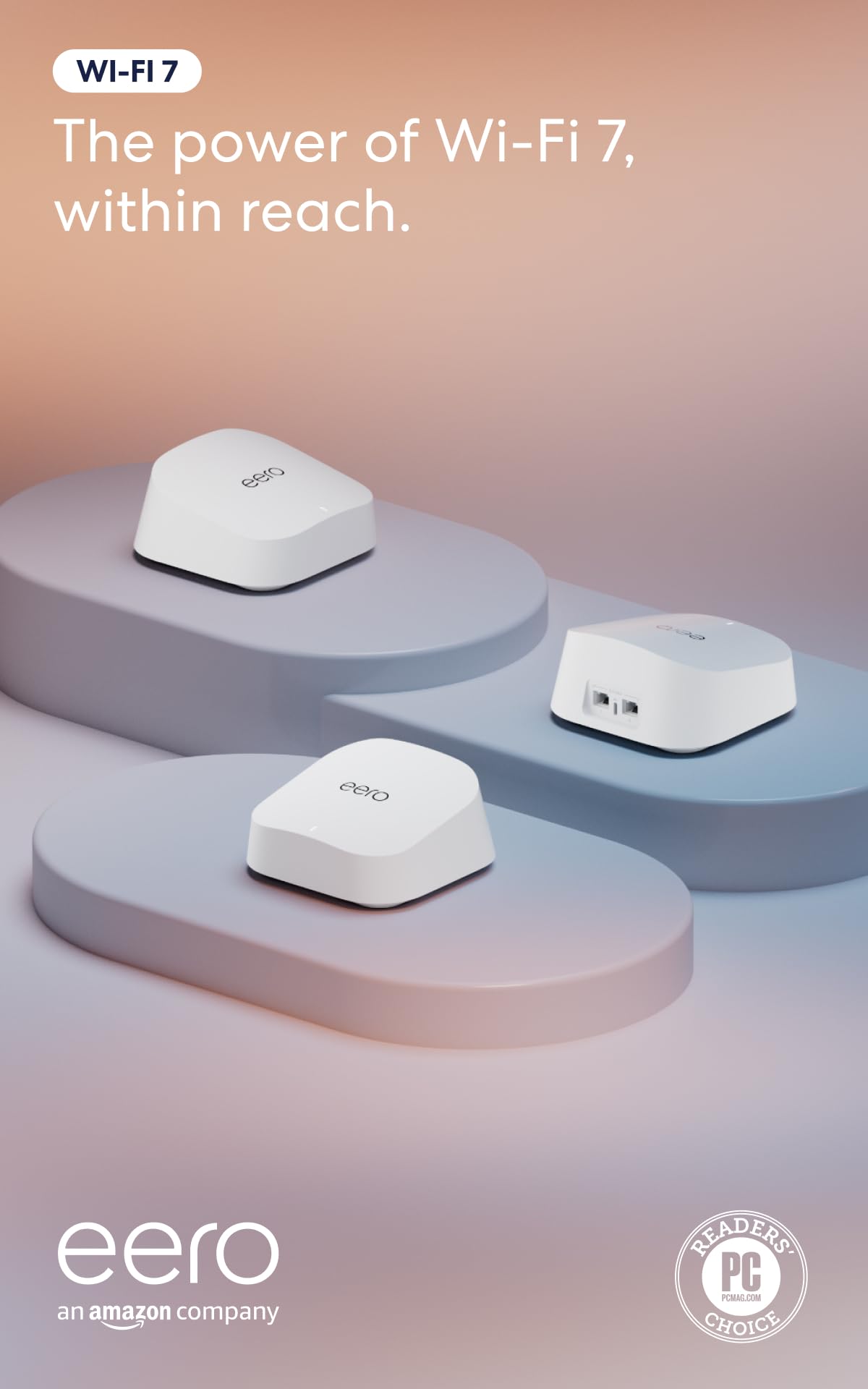
Most Wi-Fi 7 kits ask you to trade an evening for coverage. The eero 7 asks for a phone: three identical units, one app, and a network that comes up without a detour through an advanced settings page. It's also the kit here whose record held up best on the things that actually annoy people — coverage, speed, and everyday reliability all land on the positive side — and that combination is what put it at the top of this list.

What we kept coming back to is the ports. Every unit has two auto-sensing 2.5 GbE jacks, so you can wire all three back to the router and still have a spare for a NAS or a desktop. A wired backhaul is the single biggest upgrade available to any mesh, and eero doesn't make you buy a bigger model to get it. Coverage is rated to 6,000 square feet across the three units, with room for more than 120 devices, and it talks to older eero gear and to Echo speakers with eero Built-in.

The compromise is the radio set. There's no 6 GHz band, and that's where Wi-Fi 7's widest 320 MHz channels live. Dual-band Wi-Fi 7 still earns its name — MLO, 4K-QAM, better behavior around interference — but in a dense building, or a house where several people are on video calls at once, a tri-band kit gives the mesh a second lane to work with. That's why the eero Pro 7 sits on this list at all.

What settled it for us is how little it asks after setup. Adding a node means plugging it in and tapping through the app, and the same app tells you which device is dragging the network. If you want the network to be furniture rather than a project, that's the trade you're making here.

Pros

  • Setup most households finish without help
  • Two 2.5 GbE ports on every unit
  • 6,000 sq ft and 120+ devices from three nodes
  • Works with older eero gear and Echo speakers

Cons

  • No 6 GHz band for wider channels
  • Advanced security and parental tools need a subscription
Our verdict

For most households we recommend the eero 7: the strongest reliability record in this group, a setup you can finish from the couch, and 2.5 GbE ports on all three units.
Check Latest Price
2

Best Tri-Band

eero Pro 7 (3-pack)

86 /100
LBD Score Excellent

Key details

Bands
Tri-band
Coverage
6,000 sq ft (3-pack)
Wired Ports
Two 5 GbE per unit
Device Capacity
600+ devices
View on Amazon

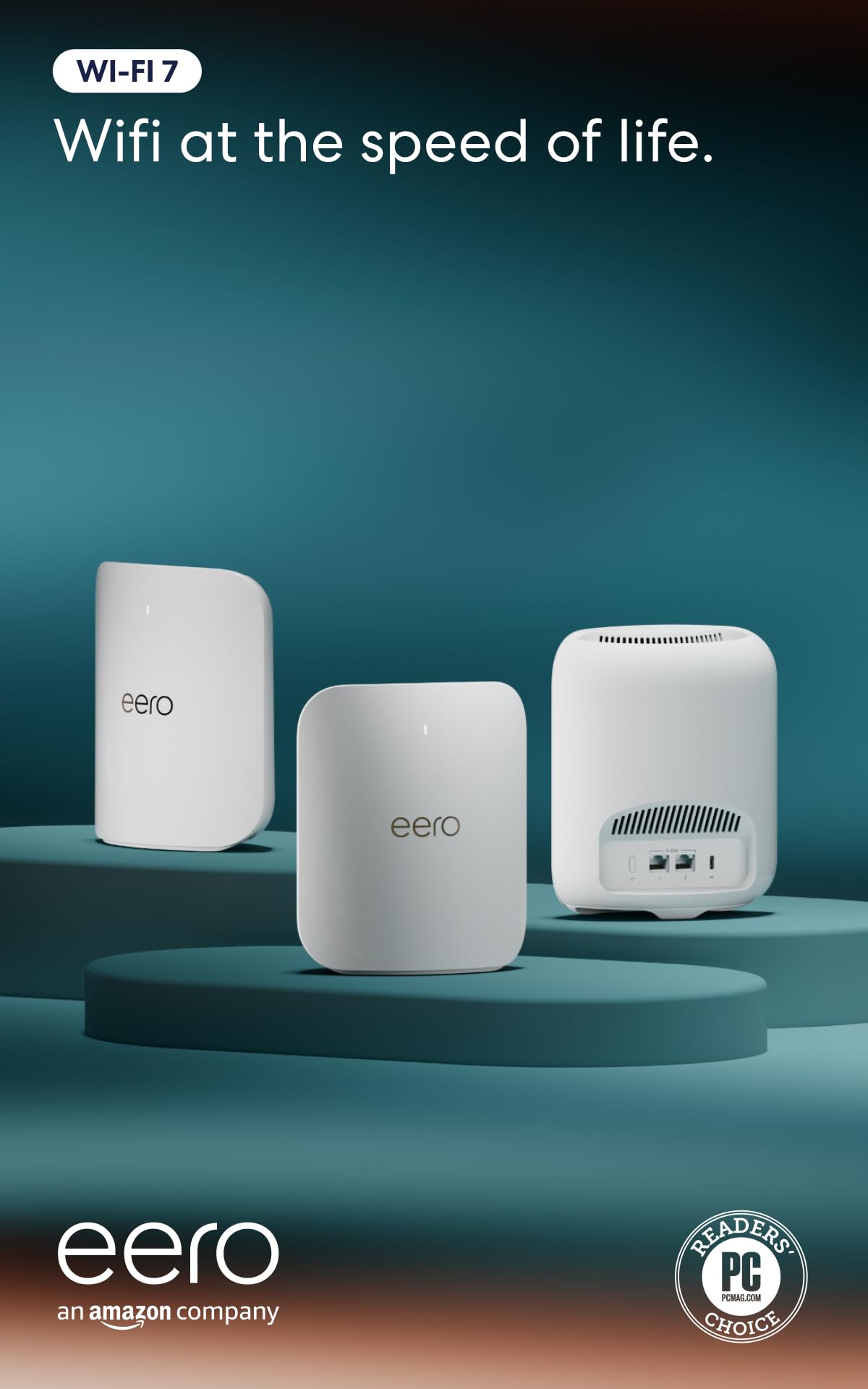
Same app, same three-unit footprint, same 6,000 square feet on the box. What the eero Pro 7 adds is a 6 GHz band, two 5 GbE ports on every unit, and a device ceiling of 600-plus — the difference between a network that keeps up and one you never think about.

The extra band earns its keep twice over. It carries Wi-Fi 7's 320 MHz channels, which is where the eye-catching close-range speeds come from, and it gives the mesh a lane to talk to itself so the satellites aren't fighting your laptop for airtime. It supports internet plans up to 5 Gbps and moves up to 3.9 Gbps over the air. In a house with consoles, cameras, and three people on video calls, that headroom is the whole point.

We mind the port count: two Ethernet jacks per unit is stingy on a system at this end of the range, and if your broadband tops out at a gigabit you're buying radios your devices can't fill. Where it makes sense is the crowded house — dozens of connected devices, several people working from home, and a floor plan that already pushed a Wi-Fi 6 kit to its limit.

Pros

  • 6 GHz band for 320 MHz channels
  • 5 GbE ports keep multi-gig plans fed
  • 600+ device ceiling for loaded homes
  • Same easy app as the eero 7

Cons

  • Only two Ethernet ports per unit
Our verdict

The eero Pro 7 is the pick when device count, not square footage, is your problem: a 6 GHz band, 5 GbE ports, and room for 600-plus devices.

Check Latest Price
3

Best Budget

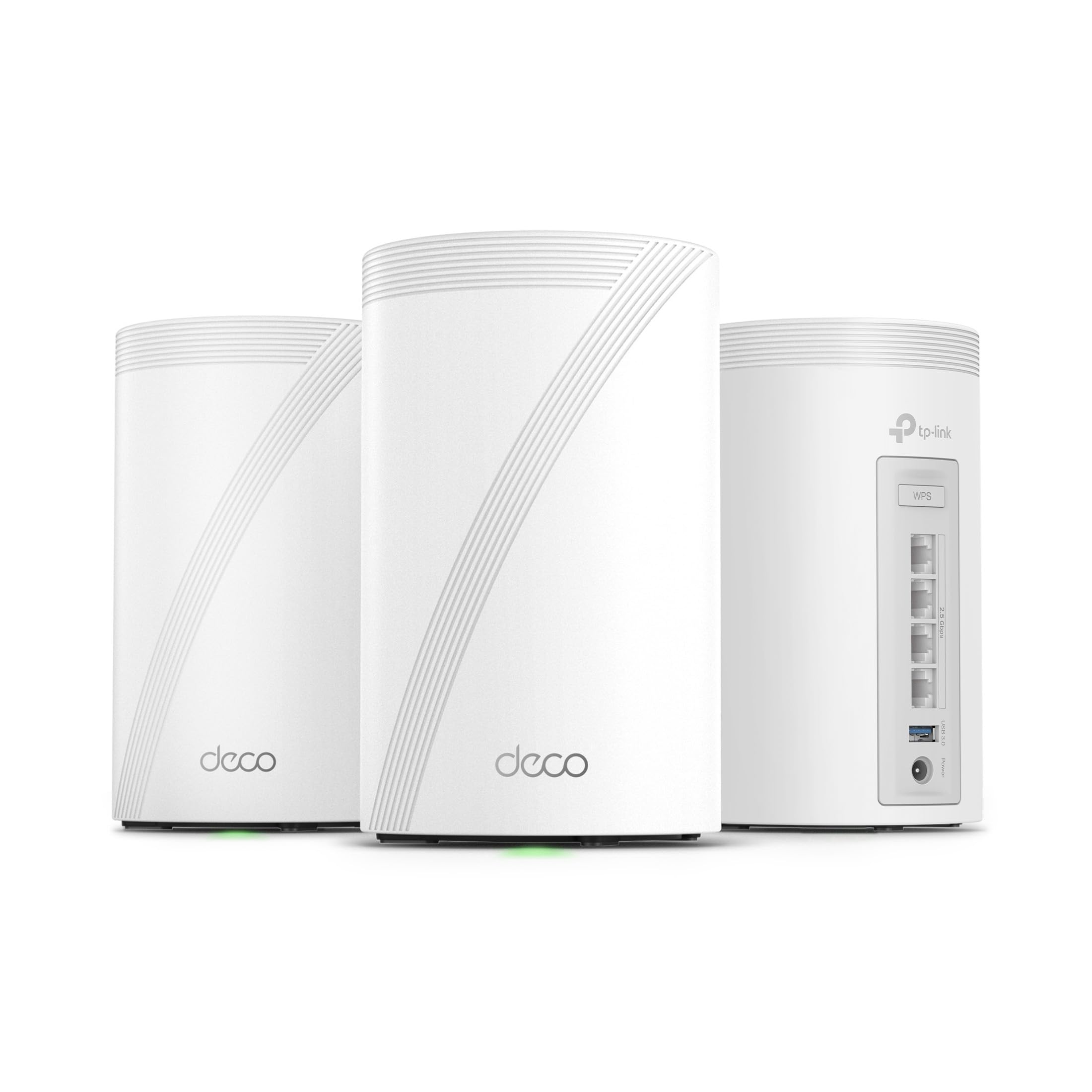
TP-Link Deco BE23 3-Pack

87 /100
LBD Score Excellent

Key details

Bands
Dual-band
Coverage
6,500 sq ft (3-pack)
Wired Ports
Two 2.5 Gbps per unit
Device Capacity
150 devices
View on Amazon

The cheapest three-pack in this guide is also the one we hand to people who want to stop thinking about their network. The Deco BE23 covers 6,500 square feet, supports 150 devices, and puts two 2.5 Gbps ports on every unit — wired flexibility that kits costing noticeably more don't always match.

BE3600 is not a big number, and that's fine. It's a dual-band, 160 MHz design rated for 3.6 Gbps in total, so a 1 or 2 Gbps plan is never the bottleneck, and MLO still does its work for devices that support it. Combined with 160 MHz channels on the 5 GHz band, that's enough for streaming, gaming, and a house full of video calls. What you give up is the 6 GHz band and the multi-gig radio ceiling of the tri-band kits; in an apartment, or a mid-size house full of phones, TVs, and smart gear, neither is a loss you'll feel.

Setup runs through the Deco app, which walks you through the first unit before it lets you add the others — worth knowing, because powering on all three at once is how these installs go sideways. HomeShield handles security, the network grows by adding another Deco, and a two-year warranty backs the hardware if you draw a unit that misbehaves.

Pros

  • Cheapest three-pack in this set
  • Two 2.5 Gbps ports on each unit
  • 6,500 sq ft and 150 devices
  • Deco app makes setup a short job

Cons

  • Dual-band, so no 6 GHz or 320 MHz channels
  • Long-term reliability less proven than the eero 7
Our verdict

We point budget buyers at the Deco BE23: 6,500 square feet, 2.5 Gbps ports on every unit, and Wi-Fi 7 for the least money in this guide.

Check Latest Price
4

Best for Wired Backhaul

TP-Link Deco BE63 3-Pack

84 /100
LBD Score Excellent

Key details

Bands
Tri-band
Coverage
7,600 sq ft (3-pack)
Wired Ports
Four 2.5G per unit
Device Capacity
200+ devices
View on Amazon

Four 2.5 Gbps Ethernet ports on every unit. That's the number that separates the Deco BE63 from everything else on this page. Most mesh kits give you one or two jacks on the router and a single spare on each satellite; this one puts a small switch at every node, plus a USB 3.0 port.

Where we think it pays off is a house with cable in the walls. Wire all three units and the tri-band radios stop spending their capacity on backhaul; you also get a port for the TV, the console, and the desktop in whatever room the node lives in. That is the least glamorous feature here and the one most likely to fix a network people have been fighting with for a year.

The radios are the biggest in this group short of the Orbi 970: 6 GHz at 5,188 Mbps, 5 GHz at 4,324 Mbps, and 2.4 GHz at 574 Mbps, spread across a 3-pack rated for 7,600 square feet and 200-plus devices, with a two-year warranty.

Wireless is where it gets fussier. Dropouts during roaming can happen when the units talk to each other over the air, and the fix is usually the thing those ports already let you do: run cable. If a unit does go bad, the two-year warranty covers it.

Pros

  • Four 2.5 Gbps ports on every unit
  • Tri-band capacity up to 10 Gbps
  • 7,600 sq ft and 200+ devices
  • USB 3.0 port on each node

Cons

  • Wants a wired backhaul to be at its steadiest
Our verdict

Our pick for anyone who can pull Ethernet: the Deco BE63 puts four 2.5 Gbps ports on every unit and adds a 6 GHz band across 7,600 square feet.

Check Latest Price
5

Best Subscription-Free Security

ASUS ZenWiFi BT6 3-Pack

78 /100
LBD Score Very Good

Key details

Bands
Tri-band
Coverage
7,600 sq ft (3-pack)
Warranty
3 years
Wired Ports
Two 10G ports
View on Amazon

The ZenWiFi BT6 is the kit here that includes its security suite outright. AiProtection Pro, the parental controls, and the VPN setup come with the hardware rather than as a yearly line item, and Asus covers that hardware for three years — against one year on the Orbi systems.

The rest of the package is serious too: tri-band with up to 9.4 Gbps on MLO, 4K-QAM, seven internal antennas and eight high-power front-end modules, coverage rated to 7,600 square feet for the three-pack, and 10G ports for a multi-gig plan. AiMesh means these extend with other compatible Asus routers instead of being a closed island, which is the difference between a system you grow and one you replace.

What we like most is the SSID flexibility. Smart Home Master lets you spin up a separate network for IoT gear and another for the kids' devices in a couple of taps, which is the usual fix for the smart plug that keeps dropping. The caution is maturity: plan on applying the current firmware before you judge the system, and keep that three-year warranty in mind as the backstop.

Pros

  • Security and parental controls included
  • Three-year warranty
  • 10G ports for multi-gig plans
  • Separate SSIDs for IoT and family devices

Cons

  • Roaming between nodes is the least consistent here
Our verdict

We like the ZenWiFi BT6 for households done with subscriptions: AiProtection, parental controls, 10G ports, and a three-year warranty in one kit.

Check Latest Price
6

Best for Very Large Homes

NETGEAR Orbi 970 3-Pack

83 /100
LBD Score Excellent

Key details

Bands
Quad-band
Coverage
10,000 sq ft (3-pack)
Wired Ports
10G WAN plus 10G and 2.5G LAN
Device Capacity
200 devices
View on Amazon

Ten thousand square feet is more than most of us will ever need, and that is exactly who the Orbi 970 is for: a property where the garage, the pool house, and the far end of the lawn all want the same network. It's the only quad-band system here, and the only one that reserves a band purely for the link between units.

That reserved lane is the reason to pay for it. On a tri-band mesh the link between nodes shares airtime with your devices; here it doesn't, so 200-plus clients and a 4K stream in the den don't compete for the same capacity. The port selection matches the ambition: a 10 Gbps internet port plus 10G and 2.5G LAN ports across the router and satellites, and up to 27 Gbps of radio capacity.

The catch is what feeds it. A gigabit plan can't touch this system's ceiling — you need multi-gig service and 10G-capable gear to see what it can do, and without them you are paying for headroom you'll never use. For a gigabit house of 3,000 square feet we don't see the point; the eero Pro 7 covers the same ground for far less.

Pros

  • Dedicated backhaul band for satellites
  • 10,000 sq ft and 200 devices
  • 10G internet and LAN ports
  • Radio capacity up to 27 Gbps

Cons

  • Needs multi-gig internet to pay off
  • One-year warranty on the priciest system here
Our verdict

For estates and outbuildings, the Orbi 970 is the only system here with a dedicated backhaul band: 10,000 square feet, 200 devices, and 10G ports.

Check Latest Price
7

Mid-Size Homes

NETGEAR Orbi 370 3-Pack

81 /100
LBD Score Excellent

Key details

Bands
Dual-band
Coverage
6,000 sq ft (3-pack)
Wired Ports
2.5G Ethernet
Device Capacity
70 devices
View on Amazon

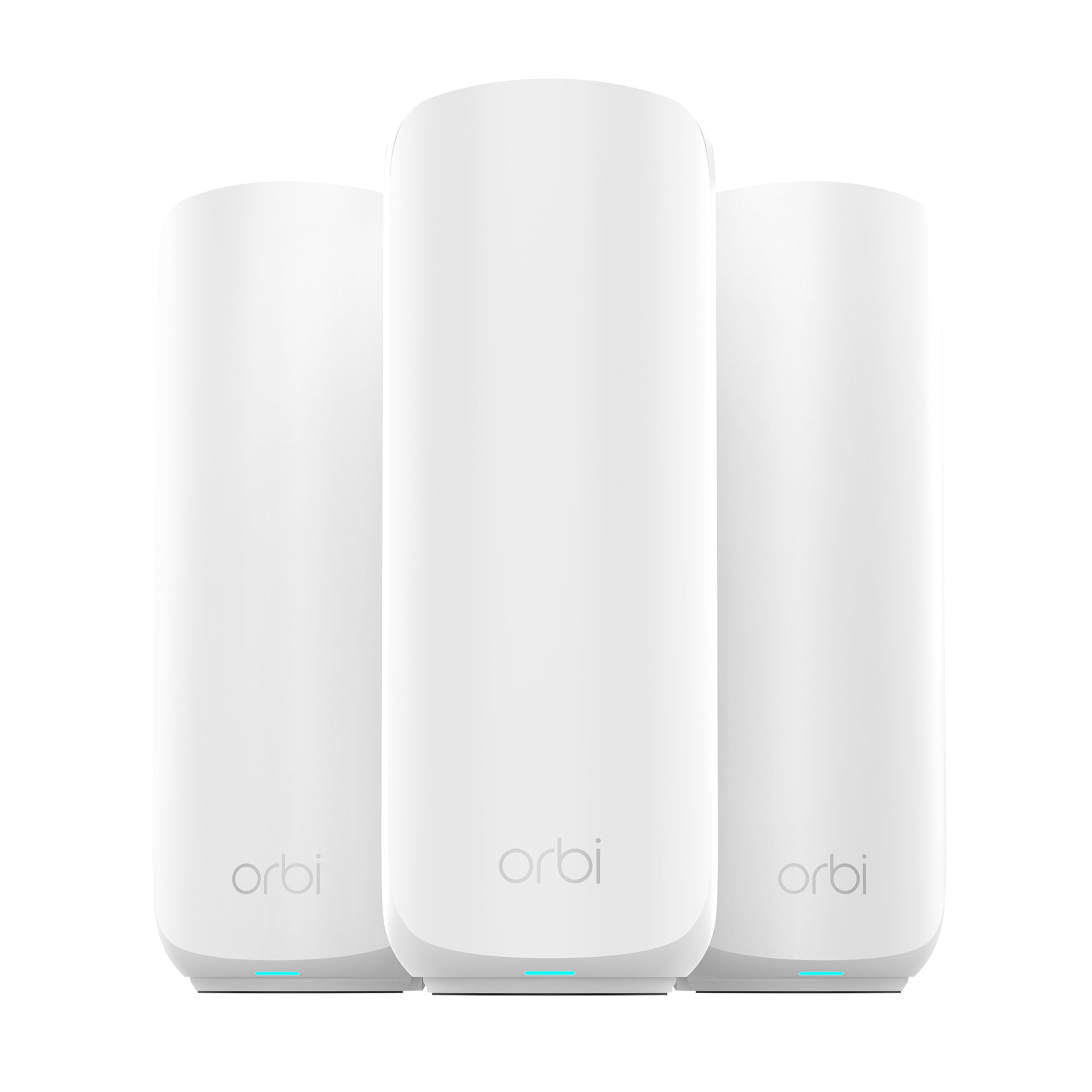
Seventy devices sounds generous until you count the plugs, bulbs, cameras, and TVs. That's the honest brief on the Orbi 370: a dual-band Wi-Fi 7 kit rated for 6,000 square feet and 70 connected devices, built as a router plus two satellites rather than three identical nodes.

It's a 5 Gbps system with a 2.5 Gbps port for plans up to 2.5 Gbps, and Netgear's enhanced backhaul does what it can to keep the link between units moving. Setup is the same guided Orbi app used across the line, and the kit works with any cable or fiber provider — no Orbi-specific internet requirement.

Where the 370 is honest about itself is the ceiling. Seventy devices is not a lot once a family of four with two consoles, a work laptop each, and thirty-odd smart devices starts connecting, and a dual-band backhaul has less room to maneuver than a tri-band one. In a 2,000-square-foot house with a normal gadget load neither is a problem; in a 5,000-square-foot house with a home office and a garage full of cameras, both are.

Our read: this is the Orbi for someone who wants the app, the satellite design, and a 2.5 Gbps port without tri-band money. Set the satellites where the app asks, wire one if there's cable nearby, and it will hold 6,000 square feet of ordinary household traffic. Buy it for the device count you have, not the one you might have in five years.

Pros

  • Easy app-guided setup
  • 2.5 Gbps port for multi-gig plans
  • 6,000 sq ft from router plus two satellites
  • Works with any cable or fiber provider

Cons

  • 70-device ceiling is modest
  • Dual-band backhaul limits the farthest node
Our verdict

Count your devices before buying, then take the Orbi 370: we like its 6,000 square feet, 2.5 Gbps port, and app-guided setup for a normal-sized house on a 1 to 2 Gbps plan.

Check Latest Price

How We Chose and Tested Wi-Fi 7 Mesh Systems

We started by pulling every Wi-Fi 7 kit sold as a three-pack, comparing spec sheets side by side, and cutting anything that couldn't handle a modern internet plan or had a pattern of owner complaints about dropped connections. Over six months we bought nine systems, from dual-band budget kits to tri-band flagships, and set each one up in a house rather than on a bench.

Every system spent at least a week in a 1930s two-story with plaster walls and a detached garage, and a few also went into a long railroad apartment where the bedrooms run in a line. I ran each first the way most people will — wirelessly, satellites placed where the signal died — then again with Ethernet backhaul where the walls allowed it. At each setup I ran speed tests in six fixed spots, walked a video call from the kitchen to the far bedroom to watch the handoff, and checked whether a 4K stream in the back room held without buffering.

Setup was timed from the moment I cut the tape to the moment the last node went solid, working alone with a phone, and I counted how many times the app made me start over. Reliability came later: I loaded one network with more than 40 devices, unplugged a satellite mid-meeting, and kept a week of notes on drops and on devices that stubbornly clung to the wrong node.

Build quality and value were the last pass — I handled each unit, checked whether its ports could actually feed the internet plans it advertises, and noted whether the security and parental controls cost extra each month.

How to Choose a Wi-Fi 7 Mesh Router

Match the ports to your internet plan

Wi-Fi 7 kits are sold by a combined radio figure — BE3600, BE10000 — that no single device will ever see. What actually caps your speed is the WAN port on the router. A 1 Gbps plan runs fine on anything here; a 2.5 Gbps plan needs a 2.5 GbE port, which the eero 7, both Decos, and the Orbi 370 all have. Above that you're into the eero Pro 7's 5 GbE ports or the 10G ports on the ZenWiFi BT6 and the Orbi 970.

Buy for the plan you'll have in two years, but only to a point. A 10G port on a gigabit connection is a label, not an upgrade.

Decide whether the 6 GHz band earns its keep

Wi-Fi 7's widest channels live in the 6 GHz band, and a third radio also gives the mesh a lane to move traffic between units. That's why tri-band kits cost more, and it is the biggest split in this group: the eero 7, Deco BE23, and Orbi 370 are dual-band; the eero Pro 7, Deco BE63, ZenWiFi BT6, and Orbi 970 are not.

The honest test is congestion. A detached house on a 1 Gbps plan with a dozen devices will not feel the difference. An apartment building, or a home with four people on video calls and a NAS moving files, will. If neither describes you, put the difference toward a third node instead of a third band.

Treat the square-footage number as a starting point

Coverage ratings assume open space, one floor, and no brick. A 3-pack rated for 6,000 square feet can struggle in a 2,500-square-foot house with plaster walls and a detached garage, and nothing here pushes through a stone chimney. Plan on roughly one node per floor plus one for the far corner or the outbuilding, and keep each node within range of the one before it. A satellite repeating a weak signal just makes the weak signal bigger.

Count devices, then add a margin

Device ceilings in this group run from 70 on the Orbi 370 to 600-plus on the eero Pro 7, and they are easier to bust than they look. Phones, laptops, and TVs are the obvious ones; bulbs, plugs, cameras, thermostats, robot vacuums, and doorbells are the ones people forget. Count everything on your network today, add a third for what arrives over the next couple of years, and buy above that number rather than at it.

Check what the app owns and what it charges

Every system here is managed from a phone, and the differences sit in what's included. Asus bundles AiProtection Pro and parental controls with the BT6; eero keeps its more advanced security and parental tools behind a subscription. Before you buy, decide whether the features you actually want — per-device profiles, content filtering, VPN access — are in the box or on a yearly bill.

Firmware updates arrive the same way, so pick an app you won't mind opening. It is the interface you'll live with for the next five years.

Frequently Asked Questions

Final Verdict

For most households, the eero 7 is the system to buy: three units, 6,000 square feet, 2.5 GbE ports on every node, and the steadiest record in this group. It won't win a spec-sheet argument, and it doesn't need to.

If your problem is device load rather than floor space, the eero Pro 7's 6 GHz band and 600-device ceiling are worth the step up. And if you can run cable between rooms, the Deco BE63's four ports per unit turn that cable into the best backbone here.