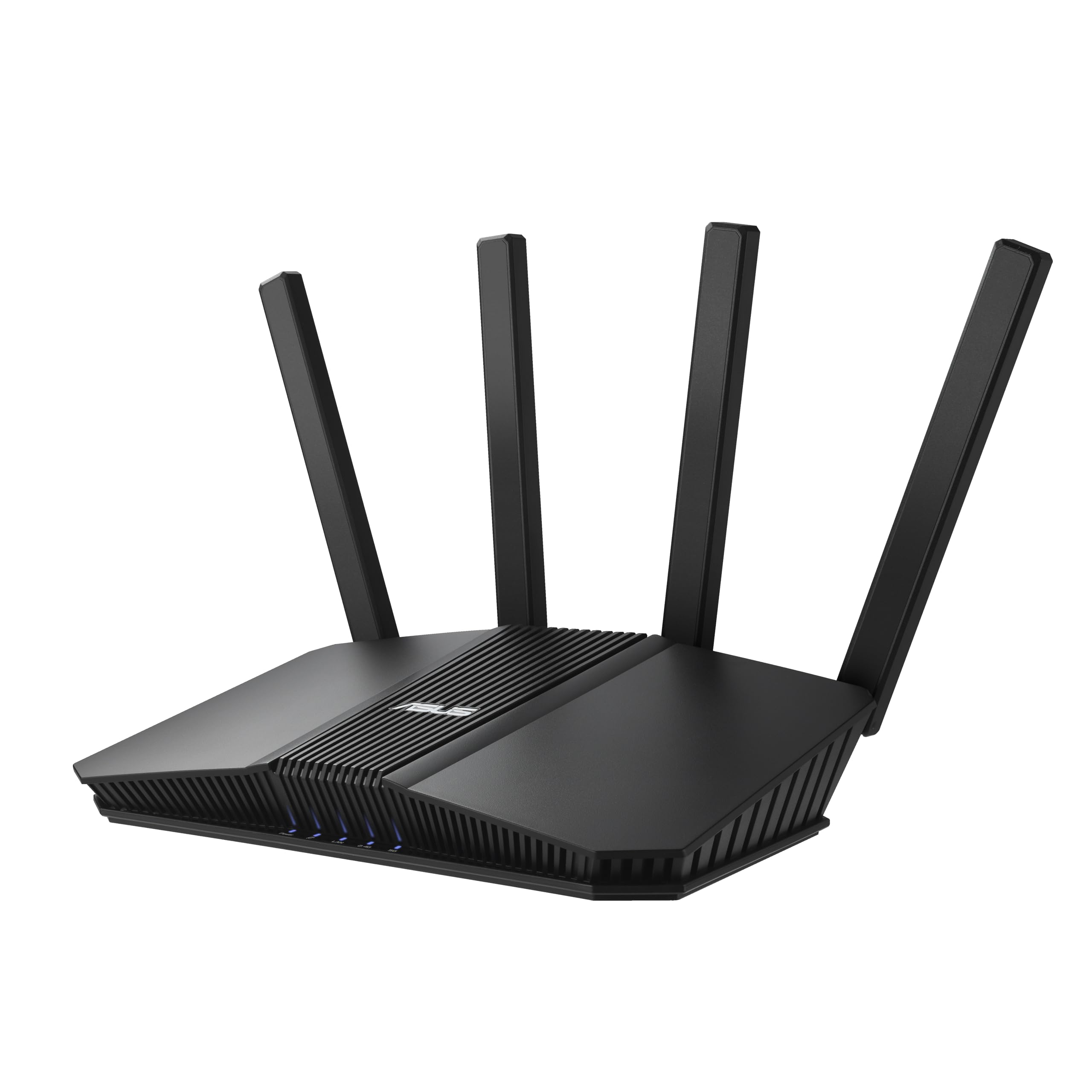
Best Overall

TP-Link Archer BE400
Key details
- Device Load
- Up to 90
- Wi-Fi Class
- BE6500 dual-band
- Wired Ports
- 2x 2.5G, 3x 1G
- Stated Coverage
- Up to 2,400 sq. ft.
Two 2.5-gigabit ports on the least expensive router in this group is the detail that settled it for us. One takes the modem, the other feeds a NAS or a 2.5G switch, and three gigabit ports mop up the rest — which means a multi-gig internet plan doesn't get chopped down to gigabit at the router's edge. There's a USB 3.0 port as well, something we didn't expect at this end of the range.
Wi-Fi 7 on a dual-band router sounds like a contradiction, and it partly is. There's no 6 GHz radio here and no 320 MHz channels, so the fastest Wi-Fi 7 links simply aren't available. What you do get is the rest of the standard: multi-link operation tying 2.4 and 5 GHz together, 4K-QAM, and a 6.5 Gbps aggregate across six streams. For a house full of phones, a couple of TVs, and a work laptop, that's the useful half — the half that shows up as fewer stalls rather than bigger numbers on a speed test.
Coverage is rated at 2,400 square feet and 90 devices, which is the right shape for an apartment or a small house; push it into a long ranch with a detached garage and you'll want a mesh node. Setup through the Tether app is the quickest we went through in this group — it finds the modem, names the network, and hands you a working Wi-Fi 7 network in minutes, with parental controls and a guest network one toggle away. If we could change one thing, it's the port mix: a third 2.5-gigabit LAN in place of the third gigabit would turn this into a genuine multi-gig hub.
Pros
- Two 2.5-gigabit ports at the lowest price here
- Rated for 2,400 sq. ft. and 90 devices
- Setup finishes in minutes with the Tether app
- USB 3.0 port for a quick file share
Cons
- Connections can drop under sustained load
We send most homes to the BE400: two 2.5-gigabit ports, honest Wi-Fi 7 radios, and setup you'll finish before your coffee cools.