Best Overall

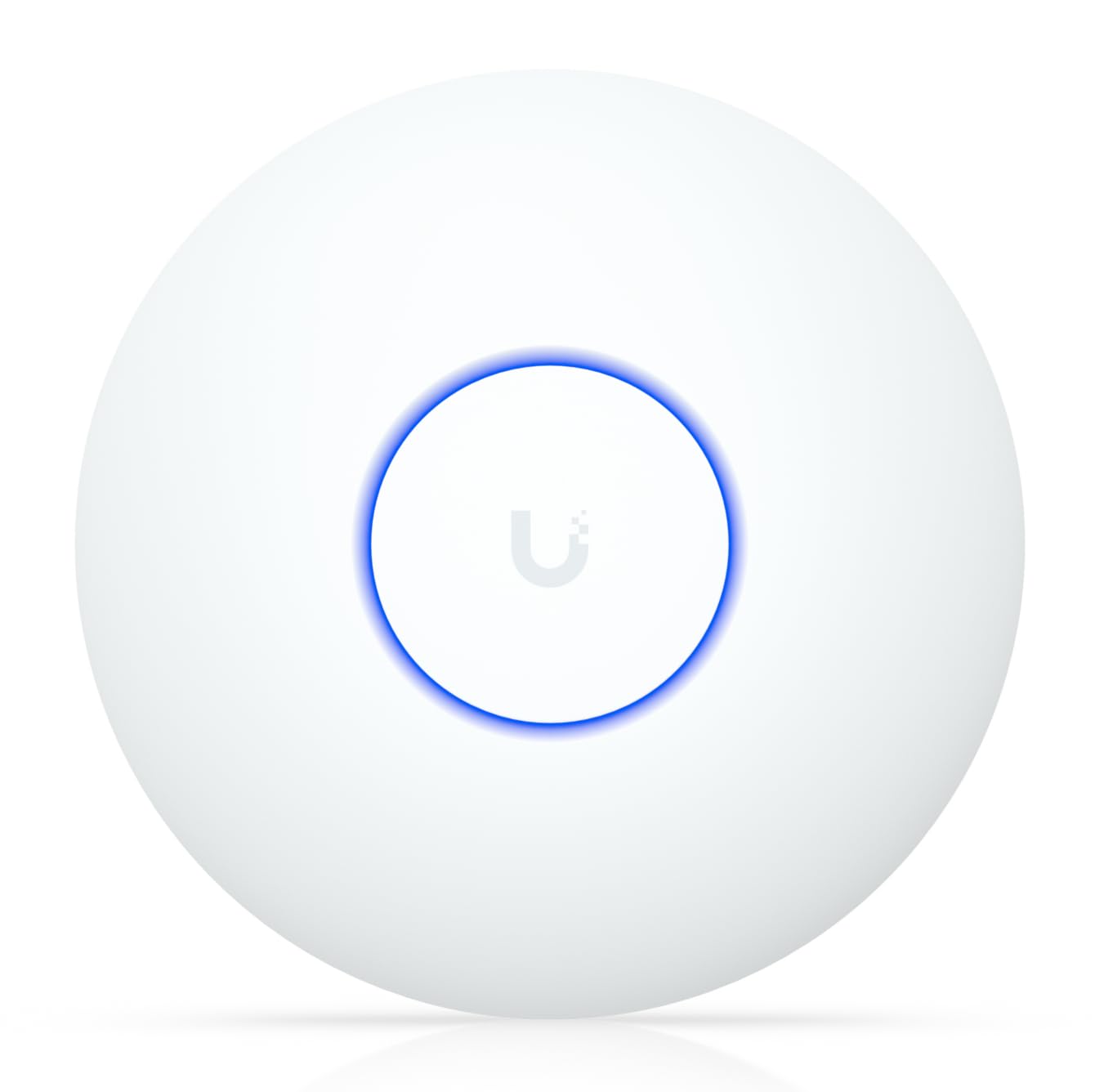
Ubiquiti UniFi 7 Pro
Key details
- Bands
- Tri-band (2.4, 5, 6 GHz)
- Power
- PoE+ (adapter not included)
- Listed Coverage
- 1,500 sq ft (140 m²)
- Spatial Streams
- 6
Six gigahertz is the reason to move to Wi-Fi 7 at all, and this is the access point here that uses it best. The U7 Pro runs three bands with six spatial streams, so the new band is left to the devices that can take advantage of it while the doorbells and printers stay on 2.4 GHz. In a house where 5 GHz is already shared with everything else, that reads as breathing room rather than a bigger number on a box.
What we appreciated in use is how much of the tuning is visible: per-client signal and history, per-band radio settings, and a clear picture of which access point a device is talking to. Roaming between two units happened without any nursing from us. Put one on a desk instead of a ceiling and you give a lot of that back — the antenna pattern aims down and out, and usable throughput drops with it.
Setup has one wrinkle. If you already run UniFi, adoption is quick; if you don't, the controller application is where SSIDs and VLANs get defined, and the access point is not much use until that exists. Older 2.4 GHz-only gadgets are also worth pinning to that band by hand rather than letting band steering guess, which is where most of the connection oddities in this line start.
Pair it with a PoE+ switch that can spare the watts and the rest of the install is cable, a bracket and an afternoon.
Pros
- Tri-band radios with a clean 6 GHz channel
- Six spatial streams for crowded households
- About 1,500 sq ft of listed coverage
- Per-client visibility in the UniFi app
Cons
- PoE+ adapter not included
- Runs hot; wants air at the mount
If the goal is a genuinely fast Wi-Fi 7 house, this is the access point we recommend first: three bands, a clean 6 GHz channel, six streams, and PoE+ as the catch.