Best Slide and Film Scanners of 2026

The carousel trays in my parents' closet sat untouched for thirty years, and the projector that used to show them died long before that. That's why most people go looking for a film scanner — not out of love for hardware, but because there's a shoebox or a binder of slides nobody can see anymore. A good one turns those into files you can text to your sister or print for a birthday. A bad one turns the whole project into a weekend of fighting with drivers, color casts, and software you'll never open twice.

I've spent six months running a dozen of these machines, from palm-sized digitizers with a 2-inch screen to dedicated film scanners that come with real software bundles, and the differences stopped being subtle fast. Megapixels barely predict anything: a sharp, color-balanced scan from a modest sensor beats a mushy higher-resolution one every time. What actually separates these machines is the film tray, the preview, the pace at which they chew through a tray, and whether skin tones come out looking like people.

The picks below are the ones I'd hand my own shoebox to.

1

Best Overall

Kodak Slide N Scan

88 /100
LBD Score Excellent

Key details

Screen
5-inch LCD
Resolution
22 megapixels
Card Support
SD/SDHC up to 32GB, card not included
Film Formats
135, 110, 126mm film and 50mm slides
View on Amazon

This is the scanner for the person who has inherited four carousels of family slides and no appetite for software. The Kodak Slide N Scan takes a mount, shows it on a 5-inch screen and saves a 22-megapixel JPEG to a card at the press of one button, and the whole unit is about the size of a hardback book and weighs a pound.

It is our default recommendation because of the trays rather than the sensor. The inserts for 135, 110 and 126 film and 50mm slides click into the feed and let you move frame to frame without reseating a holder, and that handling decides whether a big box gets finished or abandoned in March. Gallery mode on the screen is bright and wide enough to sort a tray without opening a laptop, which is more than we can say for the smaller units here.

Video out, USB to a computer, one-touch brightness and RGB adjustment before you save: the workflow is genuinely closed. The card is not in the box and the slot tops out at 32GB, so buy one with the scanner and copy everything off before you start the next tray.

Where it stops is the quality ceiling. This is a fast JPEG machine, and if half the collection deserves a 16-bit scan with dust removal, that is the Plustek below rather than this. For the other nine hundred slides, the Kodak is the one that gets them done.

Pros

  • Big, bright 5-inch screen for sorting as you scan
  • Click-in trays for 135, 110, 126 and 50mm slides
  • No computer needed, with USB and HDMI output
  • A few seconds per frame once you are organised

Cons

  • Trims a sliver off the edge of 35mm frames
Our verdict

We recommend the Slide N Scan to anyone with a mixed box of slides and negatives who wants usable JPEGs without learning software.

Check Latest Price
2

Best for Archival 35Mm

Plustek OpticFilm 8300i Ai

79 /100
LBD Score Very Good

Key details

Color Depth
16-bit
Film Formats
35mm negatives and slides
Included Software
SilverFast 9 Ai Studio
Optical Resolution
7200 dpi
View on Amazon

Seven thousand two hundred dots per inch, 16 bits per channel and a three-slide IT8 calibration target in the box: the OpticFilm 8300i is the only scanner here built for archival work rather than convenience, and it earns its price only when the 35mm is worth keeping properly.

The numbers are not decoration. A CCD sensor behind an LED light reads a slide at an optical 7200 dpi and writes 16-bit files, which is the difference between recovering a shadow later and inventing one. SilverFast 9 Ai Studio and Plustek's QuickScan Plus are both bundled, the IT8 target lets you calibrate color against a known reference, and an infrared pass lifts dust and scratches on the way in.

Using it is a different rhythm from everything else here, and the software is the bigger hurdle: SilverFast has an answer for everything and shows you most of it at once, so the first good scan arrives after some reading rather than before it. The reward is control — a 16-bit file with a calibrated color starting point, a crop you set rather than accept, and dust removal you can tune.

The other limit is the format list: 35mm negatives and mounted slides, nothing else, so 126 and 110 shooters need a different machine. What surprised us was how much the calibration target changed the job — it turns “the colors look wrong” into something you can measure and repeat.

Pros

  • True 7200 dpi optical scans with 16-bit files
  • Infrared dust and scratch removal built in
  • SilverFast 9 Ai Studio plus an IT8 target included
  • Calibrated color you can repeat across a batch

Cons

  • 35mm film and slides only
  • Steep SilverFast learning curve
Our verdict

Buy it if the negatives are the point: nothing else here matches its 7200 dpi scans, and the slow pace is what those scans cost.

Check Latest Price
3

Best Touchscreen Controls

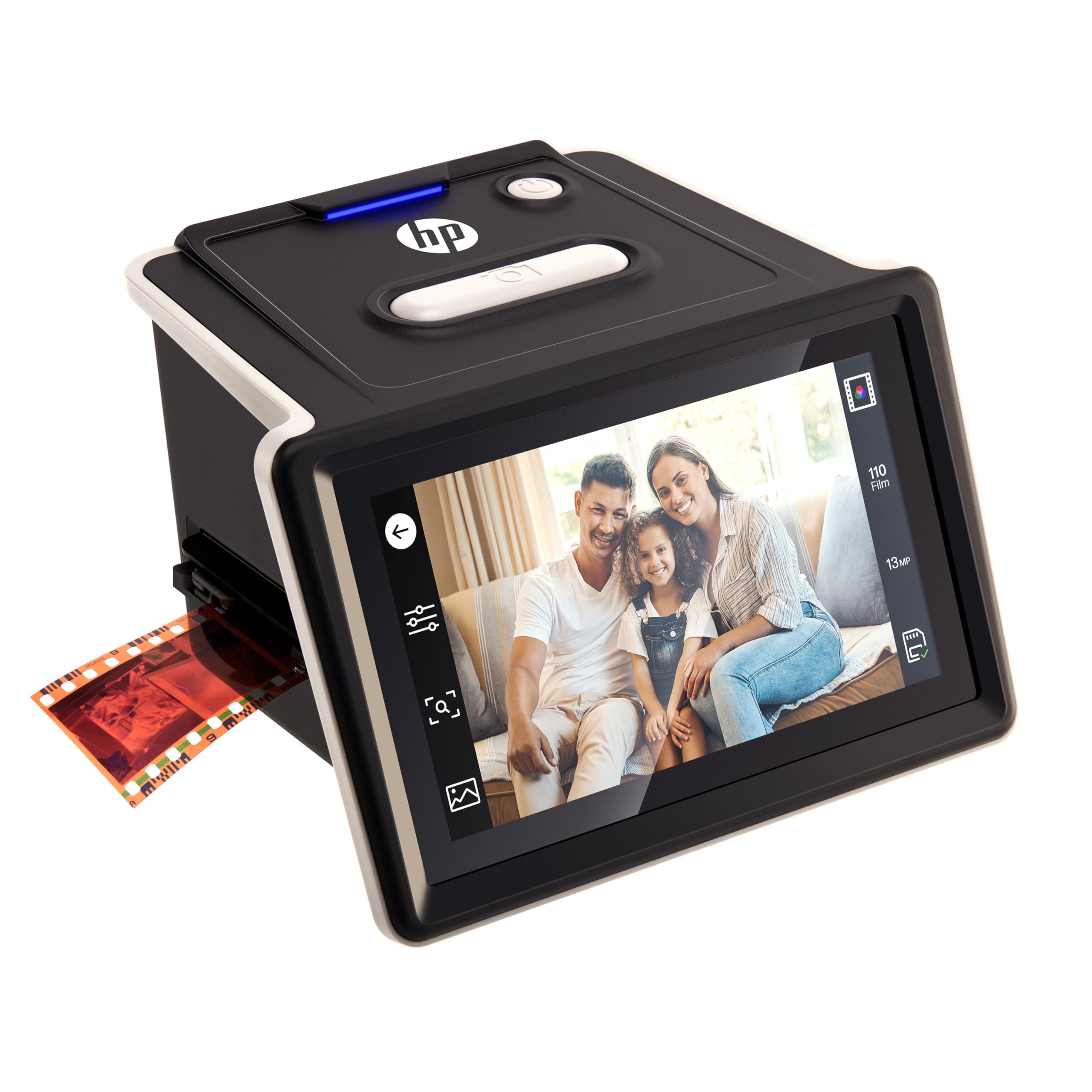
HP FilmScan HPFS500

83 /100
LBD Score Excellent

Key details

Screen
5-inch touchscreen
Sensor
13MP CMOS
Storage
SD card, not included
Film Formats
135, 126 and 110 film and slides
View on Amazon

Where our top pick gives you a bright screen and a row of buttons, the HP FilmScan HPFS500 gives you a touchscreen — the only one in this roundup. You tap to crop, resize, brighten and correct color with the frame live in front of you, and nothing needs plugging into a computer to get there.

The quick-load tray takes 135, 126 and 110 film and mounted slides and feeds frames through one after another rather than making you lift and reseat a holder between shots. The body is 13.4 ounces and small enough to park on a shelf, files land on an SD card, and there is USB for the times you want the scans in a folder straight away.

We think the touch layer earns the difference over the Kodak. Correcting a cast or a crop before you save is a two-tap job here rather than a walk through a menu, and tapping a face to check focus is a much better way to spend an evening than squinting. For anyone who intends to fix color as they go instead of afterwards, that is the deciding feature.

One handling note that does not show up in the specifications: dry-mounted slides on thick cardboard can drag in the tray, so feed those by hand and a little more deliberately. Everything else about it is quick, tidy and forgettable, which is what you want from a tool you bring out twice a decade.

Pros

  • Touchscreen cropping and color correction on device
  • Quick-load tray takes three film formats plus slides
  • Compact 13.4-ounce body with SD and USB output
  • Fast enough to work through hundreds of slides

Cons

  • 22MP files are interpolated from a 13MP sensor
Our verdict

Our pick for anyone who would rather tap a screen than decode a button menu — the touch panel is what the extra money buys.

Check Latest Price
4

Best Big Screen for the Money

ClearClick Virtuoso 3.0

84 /100
LBD Score Excellent

Key details

Output
14MP, 22MP interpolated
Screen
7-inch LCD
Warranty
2 years
Film Formats
35mm, 110, 126 and 50mm slides
View on Amazon

The Virtuoso 3.0 has the largest screen in this roundup at 7 inches, and that is the whole argument for it: you can see a face, a horizon and a color cast without leaning in, and two people can look at once. When the scanning happens at the kitchen table with relatives pulling up chairs, that is worth more than another megapixel.

It takes 35mm, 110 and 126 negatives and 50mm slides, writes JPEGs at 14 megapixels or 22 interpolated to an SD card, and needs no computer or driver. Mini HDMI takes a finished tray to a television, which is the nicest way to review one with an audience.

In use it is quick and unfussy: seat the mount, press, advance. The slide holder is a friction fit, so set each mount square before you scan rather than discovering a crooked frame an hour later, and a curled negative needs a moment of persuasion before the tray closes flat.

Two things we did not expect to weigh as much as they did: a two-year warranty that stretches to three with registration, and support from a small US business rather than a call center. For a device that may sit in a drawer between family visits, that is a real part of what you are buying.

Pros

  • 7-inch preview screen, the largest here
  • Handles 35mm, 110, 126 and 50mm slides
  • Two-year warranty, extendable to three
  • Mini HDMI output for reviewing on a TV

Cons

  • SD card and mini HDMI cable sold separately
Our verdict

The 7-inch screen makes this the scanner we set up when the family is watching, and the money stays sensible.

Check Latest Price
5

Best Budget Pick with a Big Screen

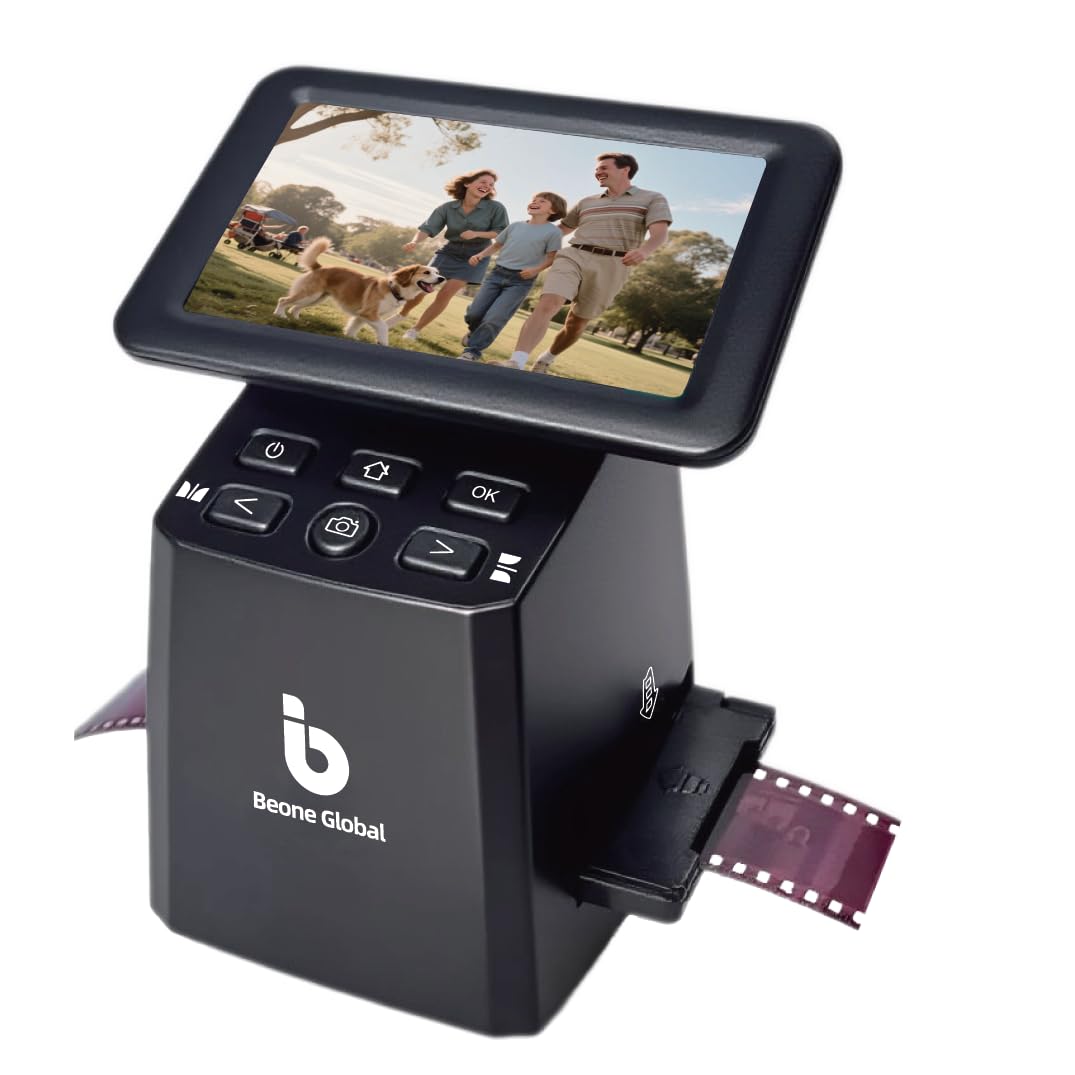
BEONE ClearScan S5

76 /100
LBD Score Very Good

Key details

Screen
5-inch LCD
Sensor
1/2.3-inch CMOS
Weight
10.1 oz
Resolution
24 megapixels
View on Amazon

The ClearScan S5 is the least expensive scanner here with a five-inch screen, which is the short version of what it offers: the preview size that makes a scan reviewable, without the premium the better-known boxes ask.

We think it is the value pick of the group. The 1/2.3-inch sensor is small, but the 24-megapixel files came out clean enough that we stopped checking, and the on-device light and RGB controls did most of the correction before anything reached a computer. A five-inch screen you can actually judge a face on, at this end of the market, is the whole point.

The controls sit in a panel below the screen where a thumb expects them, and we preferred that to a touch panel once our fingers were dusty from old mounts. It handles 135, 126 and 110 film and slides, weighs 10 ounces, and saves to a card with no computer attached.

For a family archive of a few thousand frames it is the sensible middle of this group: less than the big-screen boxes, far less fiddly than the pocket-sized one, and small enough to leave out on the desk between sessions.

Pros

  • Five-inch preview at the lowest price here
  • 24-megapixel output from a 1/2.3-inch CMOS sensor
  • Physical buttons below the screen
  • Covers 135, 126 and 110 film and slides

Cons

  • File numbering restarts after each power cycle
Our verdict

A five-inch screen and 24-megapixel files for the least money here; we think it is the smart buy for a mid-size family archive.

Check Latest Price
6

Best for Travel and Small Batches

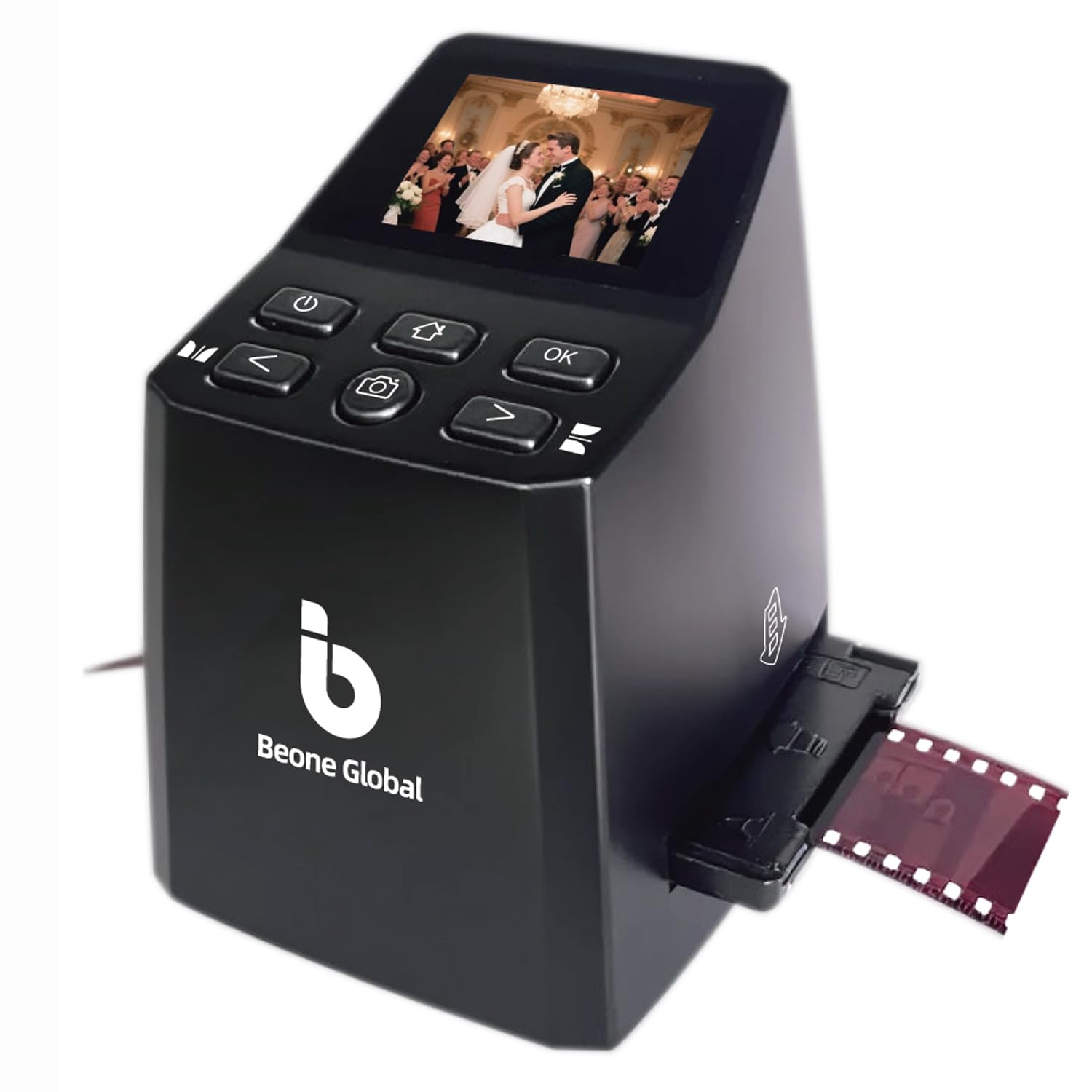
BEONE ClearScan MINI

78 /100
LBD Score Very Good

Key details

Screen
2.31-inch LCD
Sensor
1/3-inch CMOS
Weight
10.1 oz
Resolution
16 megapixels
View on Amazon

We set the ClearScan MINI on a kitchen table beside a shoebox of slides with no laptop anywhere, and it did the thing we wanted: scan, save, next, until the box was empty. It weighs 10 ounces, so it goes in a bag and comes back out somewhere else.

It is a 16-megapixel unit with a 1/3-inch CMOS sensor, a 2.31-inch screen and a row of buttons in the panel below it. Brightness, color, flip and rotate are adjustable on the device, files go to an SD card, and there is no software to install. The adapters listed cover 135 and 126 film.

The small panel is the honest trade. It is enough to confirm a frame is level and loaded the right way round, and not enough to tell you whether a face is sharp, so our habit was to scan first and judge on a bigger screen afterwards. For a small collection that is a fair bargain at the lowest price in this roundup.

It is not the tool for a thousand slides in one sitting, and it is not trying to be: no power brick to hunt for, no cable, no computer, and a footprint smaller than a coffee mug. That is the machine some people actually need.

Pros

  • Ten ounces, small enough for a bag
  • Front-mounted buttons under the screen
  • Edits brightness, color and rotation on board
  • Lowest price in this roundup

Cons

  • Adapters listed for 135 and 126 only
Our verdict

We keep this one for travel: it is the smallest and least expensive scanner here, and it still saves straight to a card.

Check Latest Price
7

Budget Archival 35Mm

Plustek OpticFilm 8100

78 /100
LBD Score Very Good

Key details

Output
69 megapixels
Film Formats
35mm negatives and slides
Included Software
SilverFast SE Plus 9
Optical Resolution
7200 dpi
View on Amazon

Do you need the OpticFilm 8300i's extras, or only its resolution? The 8100 answers the second question: the same 7200 dpi optical scan from a CCD sensor and an LED light source, with SilverFast SE Plus 9 in place of Ai Studio and no infrared dust removal.

That scan is a real one. Files come off it at 69 megapixels, which is enough to crop into a corner of a frame and still have something worth printing, and the bundled quick-scan software handles a batch when you do not want to think. There is a carry bag in the box, and the unit stows on a shelf between sessions.

What you give up is the automatic spotting. Without an infrared pass, dust on the slide becomes dust in the file, so the job starts with a brush and a blower and ends with a spotting tool for whatever is left. The software-based dust filter is not the same thing: it can mistake detail in the picture for a speck and blur it away.

For a few hundred carefully kept 35mm frames this is the cheaper way into proper film scanning, and it asks for the same slow, deliberate patience as its big brother. What it will not do is rescue a shoebox — for that, the standalone units above are the ones that finish.

Pros

  • 7200 dpi optical CCD scanning with 69MP output
  • SilverFast SE Plus 9 and QuickScan bundled
  • Carry bag included for storage and travel
  • Scan quality well regarded for the price

Cons

  • No infrared dust removal
  • 35mm film and slides only
Our verdict

If your archive is a few hundred good 35mm frames, this is the Plustek to buy: the resolution of our premium pick without the dust hardware.

Check Latest Price
8

Photos Plus Film

ClearClick QuickConvert 2.0

83 /100
LBD Score Excellent

Key details

Power
Built-in rechargeable battery
Output
14MP, 22MP interpolated
Screen
5-inch LCD
Also Scans
4x6 photos or smaller
View on Amazon

The QuickConvert 2.0 is the only scanner here that will copy a 4x6 print without taking it out of the album, and the only one with a battery inside. Those two facts decide the purchase: this is the machine for an archive that is half paper and half film.

It takes prints of 4x6 or smaller — not 5x7 — along with 35mm, 110 and 126 film and slides, at 14 megapixels or 22 interpolated, on a 5-inch screen, at roughly two to three seconds a frame. There is no autofeeder, so every print and mount is placed by hand, and the rechargeable battery means it works away from an outlet.

A couple of things to know. Glossy prints sometimes pick up a band of internal light near the edge, which we cropped out of the keepers, and the exposure controls on the device are basic enough that a badly underexposed negative stays that way. For the ordinary run of family snapshots, neither got in the way.

The two-year warranty matters more than usual on a combo device, because there are two mechanisms to go wrong, and it matches what ClearClick offers on the Virtuoso. If the closet holds albums as well as slides, nothing else here touches it; if it is film only, a dedicated film scanner does a better job.

Pros

  • Copies 4x6 prints still in the album
  • Built-in rechargeable battery for cord-free use
  • Two-year warranty and US support
  • Two to three seconds per scan

Cons

  • Crops into the edge of 35mm negatives
Our verdict

Nothing else here handles a photo album, and that alone justifies it for a mixed paper-and-film archive.

Check Latest Price

How We Chose and Tested the Best Film and Slide Scanners

We started with spec sheets for every scanner that handles 35mm slides and negatives, then narrowed the field to 12 models: units that take 110 and 126 alongside 35mm, standalone machines that run without a computer, and dedicated film scanners that ship with software and a calibration target. Anything that required a driver hunt on a current laptop came off the list early.

Each one lived on my desk for the better part of a week. My test archive was my own: carousel trays of slides from the late '70s, strips of negatives, my grandfather's square 126 frames, a few 110 cartridges, and a stack of 4x6 prints. I timed every scan from tray-in to file-on-card; the quick ones ran a few seconds a frame, and the slow ones made me leave the room.

The same five frames went through every machine — a dense shadow, a blown highlight, a portrait, one with a known gray card, and a badly faded slide gone magenta — and I lined the results up on a single monitor. I was looking for skin tones that stayed natural, shadows that kept detail, and auto-exposure that didn't hunt from frame to frame, then rescanned one slide a week later to see whether the color drifted.

For ease of use, I handed each scanner to a friend who'd never touched one and kept quiet, noting whether the holder went in without a manual and how long the save-to-card step took to figure out. I checked whether the 110 and 126 holders actually held film flat, since a bowed slide goes soft at the edges no matter the resolution, and I wrote down what came in the box — a missing memory card or a paid upgrade for the good software changes the math.

How to Choose a Slide and Film Scanner

Standalone box or a scanner on a cable

There are two kinds of machine here and they are not chasing the same job. A standalone scanner has a screen, a card slot and a JPEG button; it clears a shoebox over a few evenings and never asks you to install anything. A tethered film scanner such as the Plustek units feeds a computer through SilverFast, one frame at a time, and writes 16-bit files that hold much more of the slide. Count your keepers before you choose: a whole family archive wants the standalone, and a portfolio of a few hundred frames wants the scanner on the cable.

What the megapixels on the box actually mean

Check whether the figure is optical or interpolated. Two scanners here capture on a 13- or 14-megapixel sensor and write a 22-megapixel file; the extra pixels are calculated, not read. That is fine for a slideshow or a photo book and it stops being fine when you want to crop into a corner or print large. Optical numbers, like the Plusteks' 7200 dpi, are what buy real detail, and they cost you time. Watch the holder too: a tray that masks the edge of a 35mm frame quietly trims the picture.

Match the adapters to the film you own

35mm, also called 135, is the common case and every scanner here handles it. After that the lists diverge: 126 Instamatic negatives are square, 110 cartridges are tiny, and mounted slides need a holder that seats them flat. Check the list against the boxes in your closet before you order, because an adapter you have to hunt for later is how a scanner ends up unused. Movie film is the trap — Super 8 and 8mm appear in advertised formats, but these machines capture single frames, and a reel is not what you feed them.

Throughput is about the tray, not the scan

Every unit here takes one frame at a time; nothing at this level has an autofeeder that swallows a carousel. What separates them is what happens between frames. A tray you push through with a thumb keeps you in your chair, while a holder that must be unclipped, aligned and reseated turns forty slides into an evening. Clean first, as well. Dust on a mount becomes a white speck in the file, and only the Plustek 8300i lifts it automatically with an infrared pass; everyone else gets a brush and a spotting tool.

Cards, cables and what comes in the box

Most of these scanners ship without an SD card, and at least one stops at 32GB, so order a card with the machine rather than discovering the gap on your first evening. Copy the scans off and back them up: until you do, the card is the only copy of a week's work. HDMI is the other genuinely useful extra. Several units will play a scan straight to a television, which is the pleasantest way to review a tray with other people in the room, and the cable is usually not included.

Frequently Asked Questions

Final Verdict

Our default is the Kodak Slide N Scan. It is the easiest of these to live with, it takes every common film format, it shows you a usable picture before you commit, and it turns a box of slides into a folder of JPEGs without a computer. Order the SD card at the same time; the slot stops at 32GB and nothing comes in the box.

Change the choice only when the job changes. If the 35mm is the archive rather than the shoebox, the Plustek 8300i is the other decision worth making, and the 8100 is the same resolution without the dust hardware. If you want the corrections done on a touchscreen, that is the HP FS500.