Best Overall
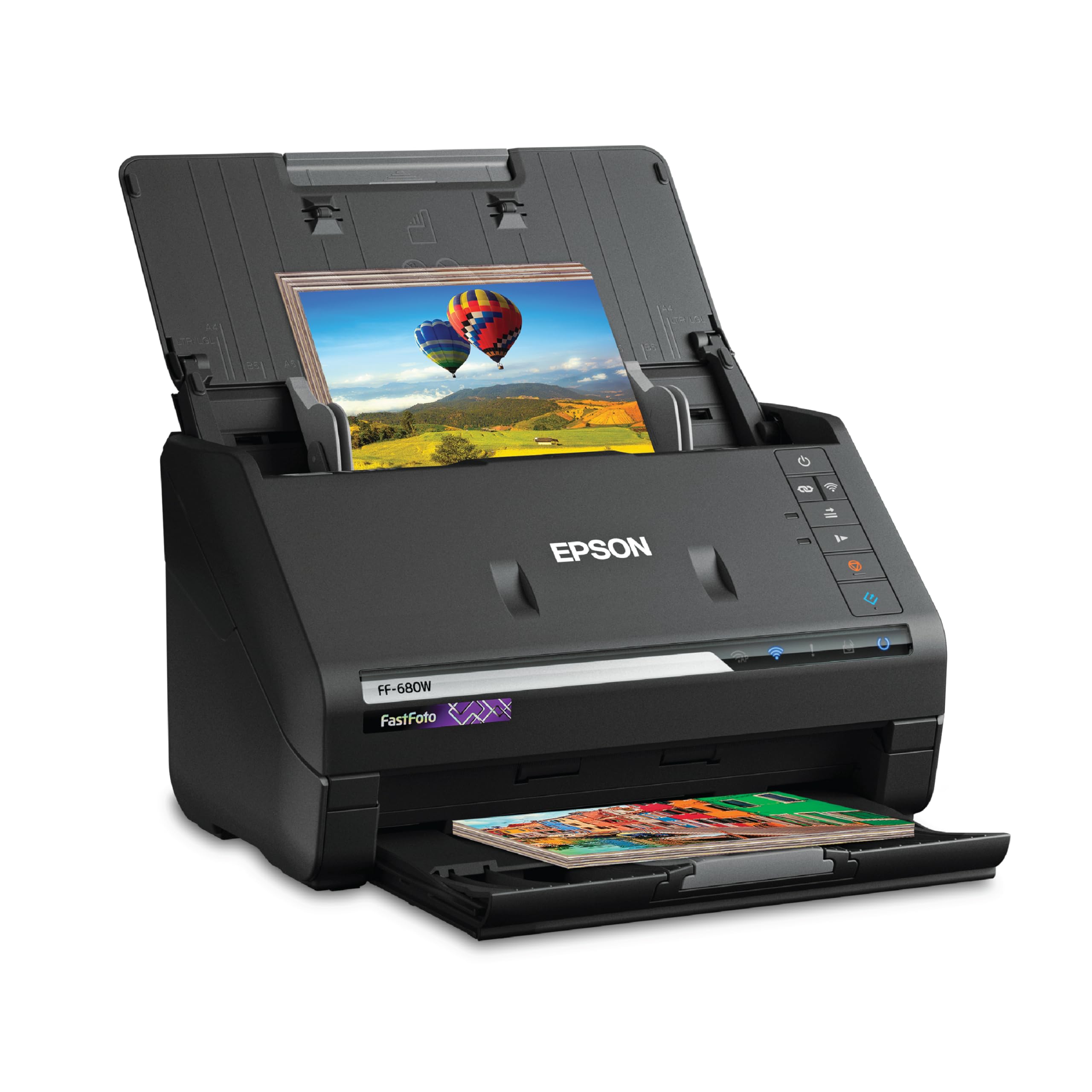
Epson FastFoto FF-680W
Key details
- Duplex
- Scans front and back in one pass
- Connection
- Wi-Fi and USB
- Resolution
- 600 dpi
- Scan Speed
- Up to 1 photo per second at 300 dpi
The pile of prints is the test that matters. Set a stack in the FF-680W's feeder and it pulls them through at up to one photo per second at 300 dpi, scanning both sides in one pass. That duplex detail is the one we appreciate most: handwritten dates and names on the back come through with the image, so you are not flipping prints or losing the context that makes them worth keeping.
We think this is the best default in this group for family archives because it solves the boring part of the job: feeding and naming. The scans are not flawless, and the wireless connection and bundled software are the two places where the experience frays. Use USB if the scanner sits near your computer, and set your scan profiles before you start rather than changing settings mid-stack.
What earns it the top spot is the combination of speed and capacity. The feeder takes a real stack, and the enhancement tools handle fading and red-eye without turning every photo into a plastic-looking copy. We wish the software made it easier to adjust resolution during a project, but the hardware is forgiving enough that most people can scan first and sort later. That is the right balance for a first photo scanner.
Pros
- Fast batch scanning at up to 1 photo per second
- Duplex scanning captures notes on photo backs
- Feeder handles a stack of prints
- Enhancement tools help restore faded photos
Cons
- Higher-resolution scans can look over-sharpened
For most people with a box of prints, this is the scanner we recommend: it feeds a stack, captures the back of each photo, and turns a weekend project into an afternoon.