Best Printers for Small Business of 2026

A printer is the least glamorous purchase a small business makes and, somehow, the one most likely to wreck a Tuesday — the invoice run jams at 4:50, the wireless connection drops the afternoon everyone finally works from the same office, or the cartridge has dried out since the last busy season. A good one disappears into the background: paperwork comes out flat, fast, and legible, and nobody thinks about it again.

Twelve printers, from compact inkjets that fit on a filing cabinet to color laser all-in-ones built for a front counter, were set up and lived with here for six months. The spec that surprised me most is the one nobody prints on the box: what replacement toner or ink actually costs and how much paper the tray holds. A fast printer you refill every 200 pages is a slow printer in disguise.

The picks below cover solo operators, small teams sharing one machine over a network, and offices that need color now and then. Every one of them earned its spot by being boring in the best way.

1

Best Overall

HP LaserJet Pro 3101sdw

88 /100
LBD Score Excellent

Key details

Duplex
Automatic
Scanner
ADF, flatbed
Print Speed
35 pages per minute
Paper Capacity
250 sheets
View on Amazon

A shared office printer has one job before anything else: it has to show up every morning. The HP LaserJet Pro 3101sdw is the model in this group that reads most consistently like a daily office machine rather than a home printer pressed into service. Its 35-page-per-minute engine and 250-sheet tray mean a morning's worth of invoices, packing slips, and contracts does not turn into a babysitting job. Automatic two-sided printing saves paper on longer documents, and the 50-sheet ADF lets you scan or copy a stack without feeding pages one at a time.

What sold us on it as the default is the balance of speed, paper handling, and a clean scan workflow. Text output is crisp on ordinary office paper, and the controls are simple enough that nobody needs a manual to send a scan to email. Ethernet is standard alongside Wi-Fi and USB, which matters when everyone in the office depends on the same machine; a cable is still the most dependable connection. Setup is straightforward, and the printer has the kind of plain, businesslike presence that disappears into a copy room.

It costs more than the budget HP 3105sdw, and the Brother MFC-L8930CDW has the faster scan path for long two-sided packets. For everyone else, the HP is the safer everyday choice.

Pros

  • 35 ppm keeps office print jobs moving
  • 250-sheet tray and 50-sheet ADF
  • Ethernet, USB, and Wi-Fi connectivity
  • Crisp text and straightforward setup

Cons

  • No automatic two-sided scanning
  • Wireless setup can be finicky
Our verdict

For most small offices, this is the mono all-in-one we recommend: fast, reliable, and easy to network.
Check Latest Price
2

Best Color Laser

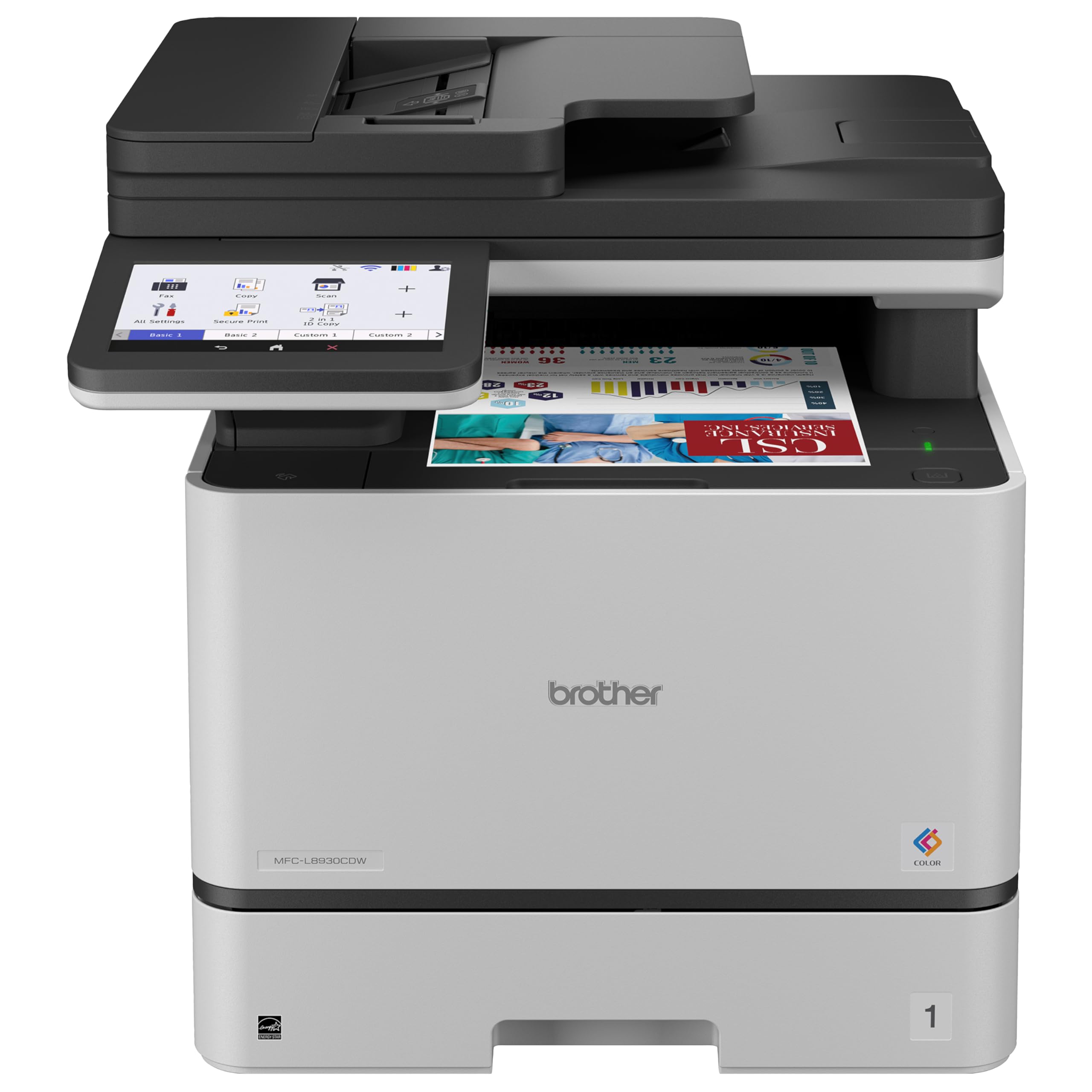
Brother MFC-L8930CDW

85 /100
LBD Score Excellent

Key details

Duplex
Automatic
Weight
71.2 lb
Print Speed
33 pages per minute
ADF Capacity
80 sheets
View on Amazon

Color laser printing usually asks for a bigger footprint and a sturdier table, and the Brother MFC-L8930CDW makes that trade openly. It prints and copies at up to 33 pages per minute, with a 7-inch touchscreen and an 80-page ADF that scans both sides at up to 104 images per minute. For an office that turns out proposals, brochures, and color reports, that scan path is the real productivity feature: a two-sided packet becomes a two-sided PDF without babysitting. That combination makes it the color pick here for a team that prints its own client materials.

The included toner is generous for a machine in this class, with 3,000 black pages and 1,800 color pages in the box, and Gigabit Ethernet plus Brother's security layer make it easier to put on a shared office network. We also appreciate the legal-size glass and the range of media it handles, which covers card stock and envelopes as well as plain paper. The 7-inch touchscreen is more useful than it sounds on a shared machine; people can find scan-to-email and cloud destinations without hunting through a menu tree. For a small business that wants color without sending every job out, this is a serious in-house tool.

The catch is scale: at 71.2 pounds, it needs a stable surface and a plan for where it lives, not a flimsy side table. If color is occasional rather than daily, the HP LaserJet Pro 3101sdw is the better fit; if color is part of the business, this Brother earns its space.

Pros

  • Fast 33 ppm color and mono output
  • 80-sheet ADF with two-sided scanning
  • Generous included toner yield
  • Gigabit Ethernet and security features

Cons

  • High upfront cost for a small office
  • Color consistency can vary on some jobs
Our verdict

This is the color laser we recommend for offices that print brochures, proposals, and color reports in-house and can give it a sturdy footprint.

Check Latest Price
3

Best High-Volume Mono

Brother HL-6210DW

82 /100
LBD Score Excellent

Key details

Duplex
Automatic
Print Speed
50 pages per minute
Connectivity
Ethernet, USB, Wi-Fi
Paper Capacity
520 sheets
View on Amazon

Fifty pages per minute is not a spec that matters until a 300-page batch lands at 4:45 on a Friday. The Brother HL-6210DW is built around that moment: a 50-page-per-minute engine, a 520-sheet main tray, and a 100-sheet multipurpose feed mean a long run of invoices or statements does not need constant refilling. The main tray can be expanded to 1,660 sheets with optional units, which makes it a better fit for a copy room than a desktop.

We like that Brother supports an ultra high-yield toner cartridge rated for up to 18,000 pages; for a business that prints every day, that is the difference between a supply chore and a supply plan. Automatic duplex printing is standard, and Ethernet plus dual-band Wi-Fi give it a place on a shared network. It is a print-only machine, so scanning, copying, and faxing are not part of the package. That is not a flaw if you already have a scanner or a multifunction copier, but it is the first thing to check before ordering.

At 29.8 pounds, it is stable on a shelf but still heavy enough to want a dedicated spot. It belongs in a back office or copy room, not on a reception desk, and Ethernet is the better connection if the network allows. For a small team with high page volume, that focus is the appeal.

Pros

  • 50 ppm with a 520-sheet main tray
  • Expandable to 1,660 sheets
  • Ultra high-yield toner rated to 18,000 pages
  • Automatic duplex and Ethernet

Cons

  • Sleep-mode wake-ups can delay a job
Our verdict

For an office that mostly prints long black-and-white runs, this 50 ppm workhorse is the pick, provided you already have a separate scanner.

Check Latest Price
4

Best Budget All-In-One

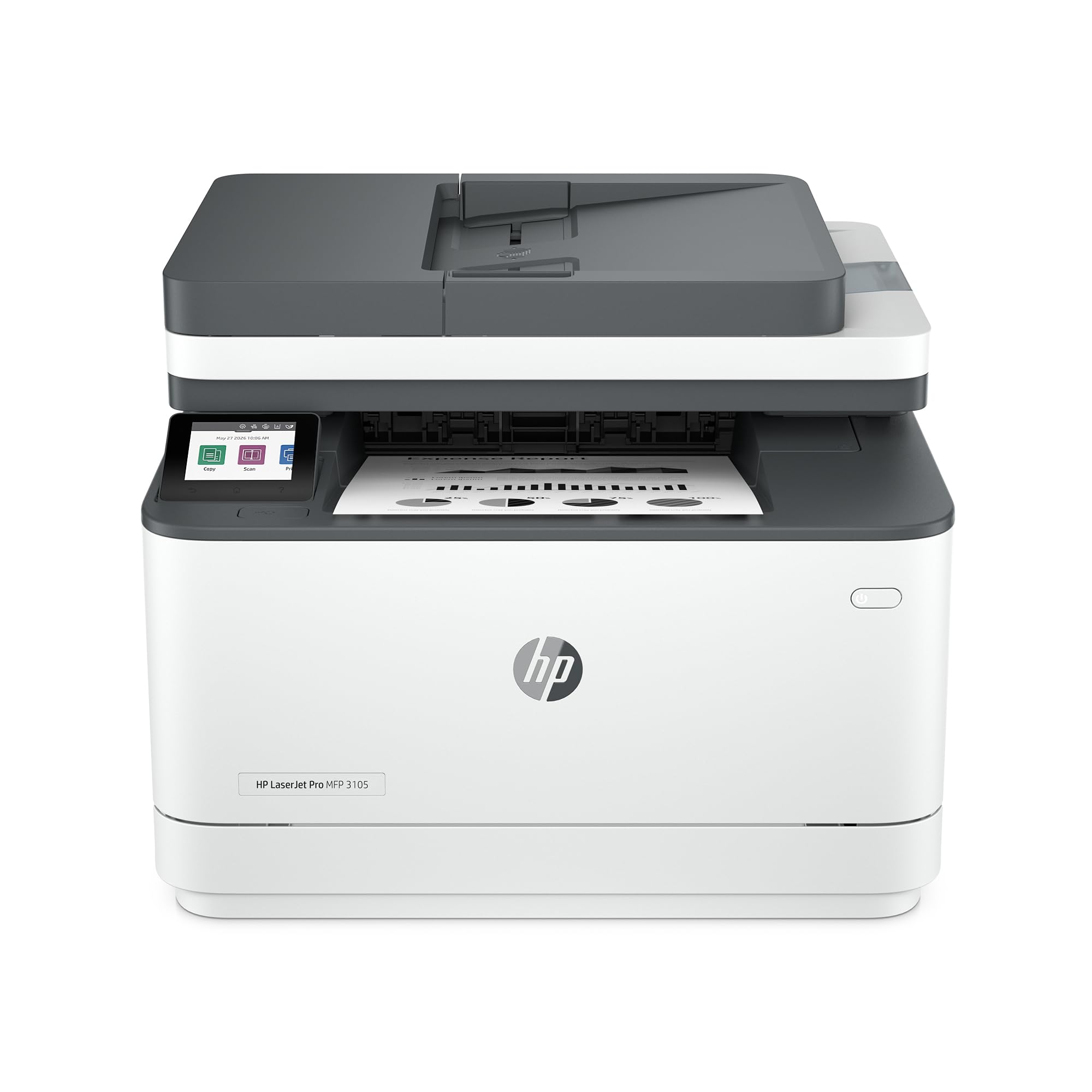
HP LaserJet Pro 3105sdw

81 /100
LBD Score Excellent

Key details

Duplex
Automatic (standard)
Scanner
ADF, flatbed
Print Speed
33 pages per minute
Paper Capacity
250 sheets
View on Amazon

A budget all-in-one usually makes you choose between scanning speed and a low price. The HP LaserJet Pro 3105sdw avoids that trade better than most: a 33-page-per-minute engine, a 250-sheet tray, a 50-sheet ADF, and automatic two-sided printing and scanning. The first page comes out in about 4.6 seconds, which matters more than the top-line speed when you are printing a single contract between other tasks. We also like HP's scan-to-email workflow, which can generate a subject line and file name for you; it is the kind of small convenience that saves a few minutes on every scanned packet.

At 23.1 pounds, it is light enough to move into place without a team, and Ethernet, USB, and Wi-Fi are all available. The control panel is simple, and the printer has the compact, businesslike footprint of a machine that sits on a credenza rather than a dedicated table. For a small office that needs the features but watches the budget, it covers the practical basics: print, scan, copy, duplex, and a wired network option.

The catch is that this is a newer model, so long-term durability is less settled than the HP 3101sdw's, and Wi-Fi is the less dependable part of the package. For an office that can use Ethernet and keep the printer on a simple network, that is a reasonable trade. If you want the most proven daily machine in this group, spend up for the 3101sdw; if you need ADF scanning and duplex printing at the lowest price here, this is the one.

Pros

  • 33 ppm and 4.6-second first page
  • 50-sheet ADF with two-sided scanning
  • 250-sheet tray and Ethernet
  • Scan-to-email shortcuts

Cons

  • Starter toner yields only about 1,000 pages
Our verdict

This is the budget mono all-in-one we point to when a small office needs ADF scanning and duplex printing without paying for the top pick.

Check Latest Price
5

Light-Duty Color

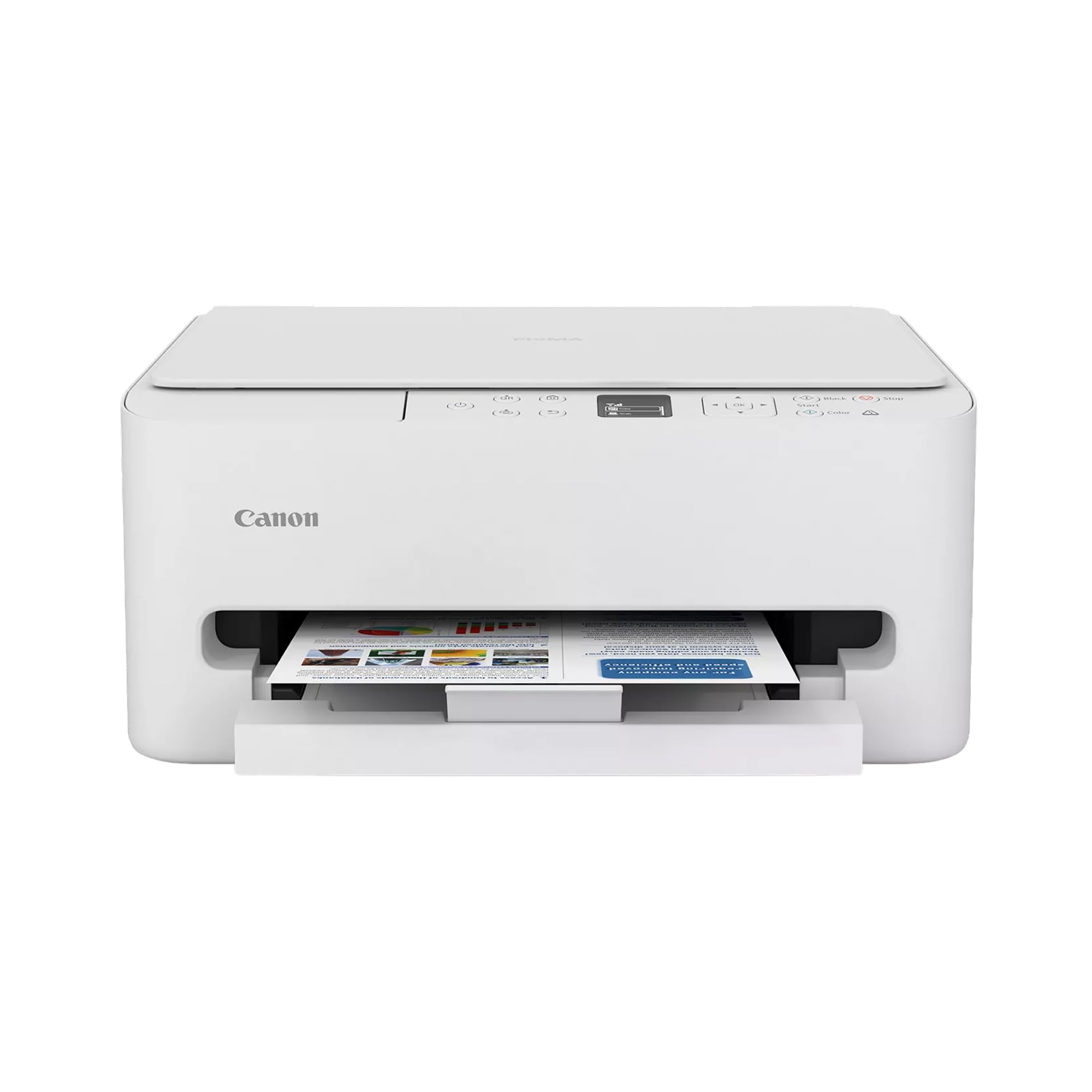
Canon PIXMA TS6520

85 /100
LBD Score Excellent

Key details

Duplex
Automatic
Weight
15.4 lb
Display
1.42-inch OLED
Print Speed
14 ppm black, 9 ppm color
View on Amazon

At 15.4 pounds and roughly 14 inches wide, the Canon PIXMA TS6520 takes up less desk space than the mono lasers here. The 1.42-inch OLED panel is a useful step up from a button-and-LED setup, and the white body is easy to live with on a front desk. Print speeds are 14 pages per minute in black and 9 in color, so it is not a machine for a 50-page report, but it handles invoices, labels, and occasional photos without drama.

Automatic two-sided printing is included, and dual-band Wi-Fi is a plus in a busy signal environment. The flatbed scanner is fine for single pages and bound documents, and the printer is small enough to tuck beside a register or on a home-office desk. The two-cartridge ink system keeps the upfront cost low, but high-volume users will feel the ink bill; this is a printer for a few color pages a day, not a shared document queue.

What makes it worth a place here is the combination of size, price, and acceptable color output for a one-person office or a shop counter. It is not the right choice for daily document volume, and it is not the printer we point to when scanning volume matters. But for occasional color, a small footprint, and a low entry cost, it is a sensible third machine or a first printer for a very small operation.

Pros

  • Compact 15.4-pound body
  • Automatic two-sided printing
  • Dual-band Wi-Fi and OLED display
  • Low entry price for color

Cons

  • No ADF for multi-page scans
  • Wireless setup can be inconsistent
Our verdict

This is the compact color inkjet we recommend for a very light-duty office that needs occasional color and does not want a large machine.

Check Latest Price

How We Tested Printers for Small Business

We started with a shortlist of about 40 machines assembled from manufacturer spec sheets and current listings, then filtered by what a small business actually lives with: the monthly volume rating, paper capacity, automatic two-sided printing, and how it joined a shared office network. That cut the list to 12, which we bought at retail and put to work in real offices — a back room with two desks, a front counter, and a home office that doubles as a shipping station.

Each printer got the same first day. I unboxed and set it up alone, timing from tape removal to the first clean page, and wrote down where the instructions lost me: joining the network, adding the printer to a laptop and a phone, and getting the scanner to talk to both. Then came the real work — a 200-page two-sided document timed with a stopwatch, invoices run on the cheapest paper we could buy, envelopes, shipping labels, and cardstock, plus a week of ordinary office output to see whether pages fed straight or curled and jammed.

For connectivity, three people shared each printer over the network for a full workday while we logged every dropout and every re-pairing. Durability came from a less glamorous test: we moved machines between desks, let them sit idle for a few weeks, then checked first-page-out time and print quality on the first sheet after the layoff. We also tallied cost per page using each machine's real consumable prices, since that number, not the sticker, is what a small business pays over and over.

How to Choose a Small-Business Printer

Start with the Document Mix

Most small offices are best served by a monochrome laser all-in-one: it is fast, crisp on text, and cheap to run for invoices, contracts, and internal paperwork. Choose color laser only if color proposals or brochures are part of the work; the Brother MFC-L8930CDW makes sense in that role, while a mono model like the HP LaserJet Pro 3101sdw is the more economical daily tool. Inkjet is the better fit for occasional color photos and very light document volume, not for a shared printer that runs all day. We start with the document mix because it decides more than any single specification.

Check the Scan Path and Paper Handling

Automatic two-sided printing is now common, but automatic two-sided scanning is not. If your office scans signed contracts, patient forms, or vendor packets, look for a single-pass duplex ADF; otherwise you will flip stacks by hand. The HP LaserJet Pro 3101sdw has a 50-sheet ADF and two-sided printing, but not two-sided scanning, while the Brother MFC-L8930CDW scans both sides at once. Paper capacity matters just as much: a 250-sheet tray is fine for a small team, while a 520-sheet tray or an expandable model such as the Brother HL-6210DW suits long print runs. We prefer a slightly slower printer with the right ADF to a fast one that makes every scan a manual job.

Budget for Toner, Not Just the Printer

Laser printers usually cost more upfront and less per page, especially with high-yield toner. The Brother HL-6210DW supports an ultra high-yield cartridge rated for up to 18,000 pages, which is the kind of supply plan a print-heavy office needs. The Brother MFC-L8930CDW ships with 3,000 black and 1,800 color pages of toner, so the first few months are covered, but replacement color toner is the ongoing cost to plan for. Inkjet models are the reverse: the Canon PIXMA TS6520 is inexpensive to buy, but its two-cartridge system is not built for high volume. We look at the cost of the next cartridge, not just the one in the box.

Plan the Connection and the Footprint

Ethernet is still the most dependable way to put a printer on a shared office network, and every office-class model here offers it. Wi-Fi is convenient for phones and laptops, but wireless connections are the most common complaint across this category; if the printer sits near the router, use a cable for the main computers. Then measure the spot. The Brother MFC-L8930CDW weighs 71.2 pounds and needs a sturdy surface, while the Canon PIXMA TS6520 is 15.4 pounds and fits on a desk. Leave room for the paper tray to extend and for the ADF lid to open. We treat Ethernet as the default for a shared machine.

Frequently Asked Questions

Final Verdict

For most small offices, the HP LaserJet Pro 3101sdw is the printer we recommend. It combines 35 ppm mono output, a 250-sheet tray, a 50-sheet ADF, automatic two-sided printing, and Ethernet in a package with the strongest reliability signal in this group. It is not the cheapest, and it does not duplex-scan, but it is the safest daily default for contracts, invoices, and internal paperwork.

If color is part of the work, the Brother MFC-L8930CDW justifies its larger footprint; if long black-and-white runs are the main job, the Brother HL-6210DW is the faster, higher-capacity alternative.