Best Shipping Label Printers of 2026

There's a moment when a small shop stops being small: the evening you're on the floor peeling 4x6 stickers off a sheet, taping them straight, and realizing you've spent an hour on it. A thermal shipping label printer fixes that in one move — no ink, no sheets, one label per order, usually sent straight from your phone. The catch is these printers look nearly identical on paper, and what actually matters — does the Bluetooth hold, does the barcode scan, does it jam at label nine hundred — only shows up after a few weeks.

We ran 11 of them through eight months of packing nights, and the good ones shared a few traits. Bluetooth connectivity is the whole ballgame — a printer that drops out mid-batch is worse than no printer — and print quality only matters in one direction: if a barcode scans on the first pass and a return address stays legible at arm's length, it's good enough. The picks below all cleared that bar, and a couple did it from a footprint smaller than a sheet of paper.

1

Best Overall

Labeer Y43BT

85 /100
LBD Score Excellent

Key details

Weight
15.9 oz
Connectivity
Bluetooth, USB
Print Resolution
203 x 203 dpi
Maximum Label Size
4 x 6 inches
View on Amazon

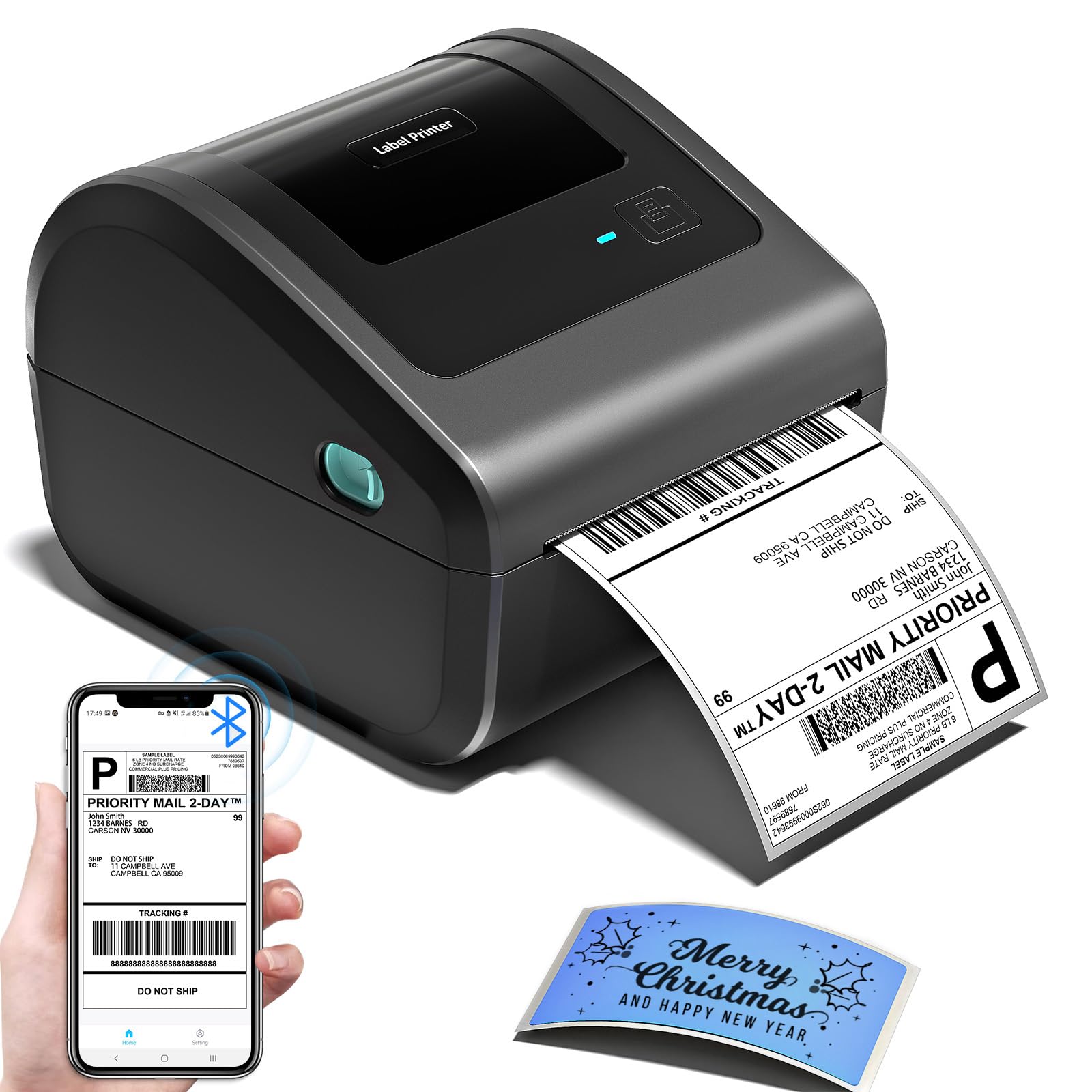
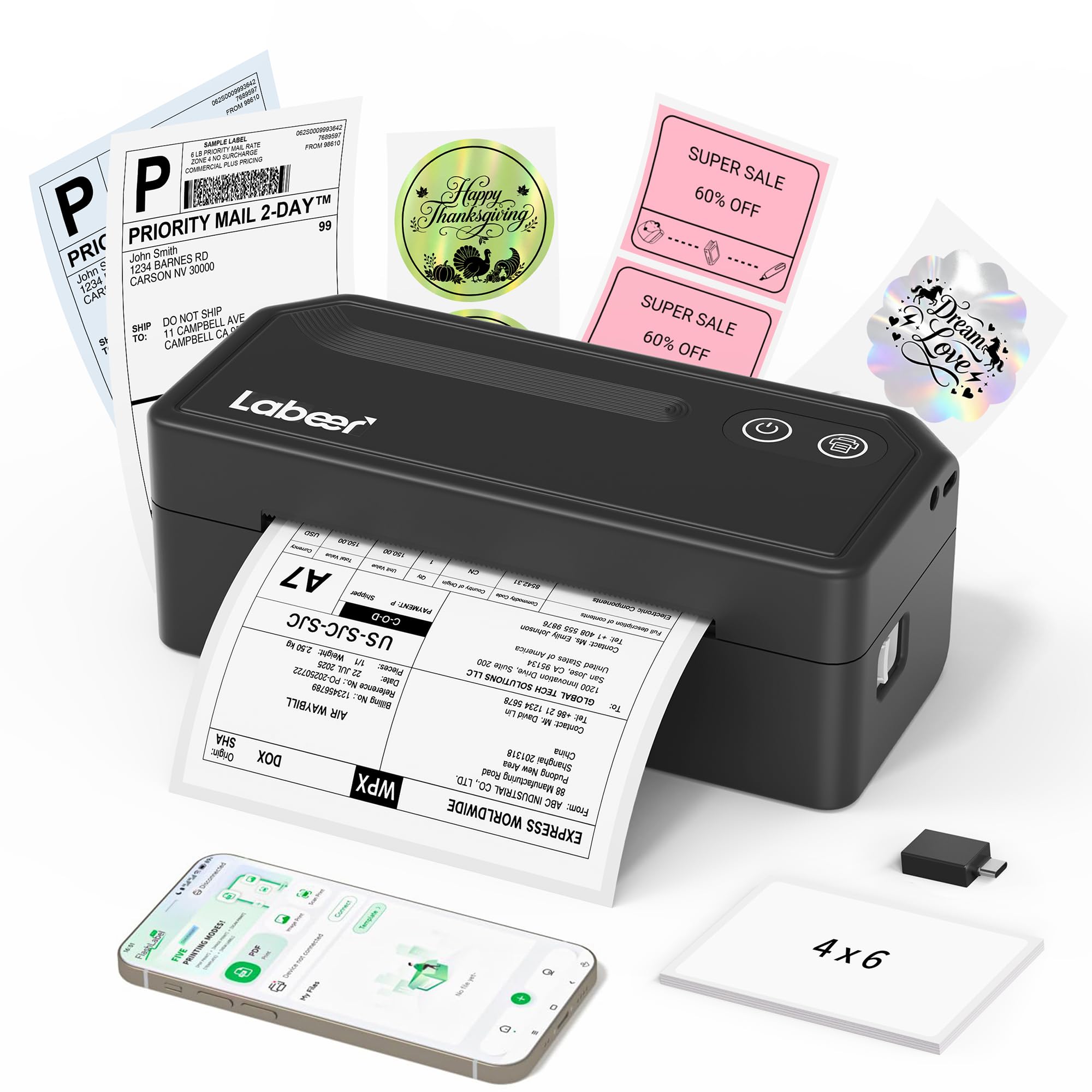
A budget shipping label printer is easy to overlook, but the Labeer Y43BT is the one we recommend first for most small sellers. The phone workflow is the reason: download a label as a PDF and print it straight from an iPhone or Android device, with no desktop detour. For someone packing at a kitchen table, that is the difference between a printer that gets used and one that becomes clutter.

The hardware is modest in the right ways. It prints standard 4x6 shipping labels at 203 dpi, and it also handles 4x4, 4x2, and 2x1 sizes, so it can produce a small product tag after the shipping run. The 450 g body is light enough to move between a desk and a shelf.

Bluetooth and USB cover the two routines most sellers have: phone in hand at the packing bench, or a laptop plugged in for a longer batch. We appreciate the inkless direct thermal setup because there are no cartridges to replace and no wet ink to smudge a barcode. Auto calibration is the quiet convenience here: change the roll, let the printer find the gap, and get back to packing. That is a better use of attention than babysitting a feed button.

Pros

  • Prints 4x6 labels directly from phone PDFs
  • Handles 4x6, 4x4, 4x2, and 2x1 labels
  • Bluetooth and USB connections
  • Compact 450 g body

Cons

  • Starter pack includes only 20 labels
Our verdict

We recommend the Labeer Y43BT as the best all-around choice for small sellers who want crisp 4x6 labels from a phone without paying premium prices.
Check Latest Price
2

Best for Busy Shipping Desks

KNAON Y813BT

90 /100
LBD Score Outstanding

Key details

Warranty
2 years
Print Speed
60 pages/min
Connectivity
Bluetooth, USB
Print Resolution
203 dpi
View on Amazon

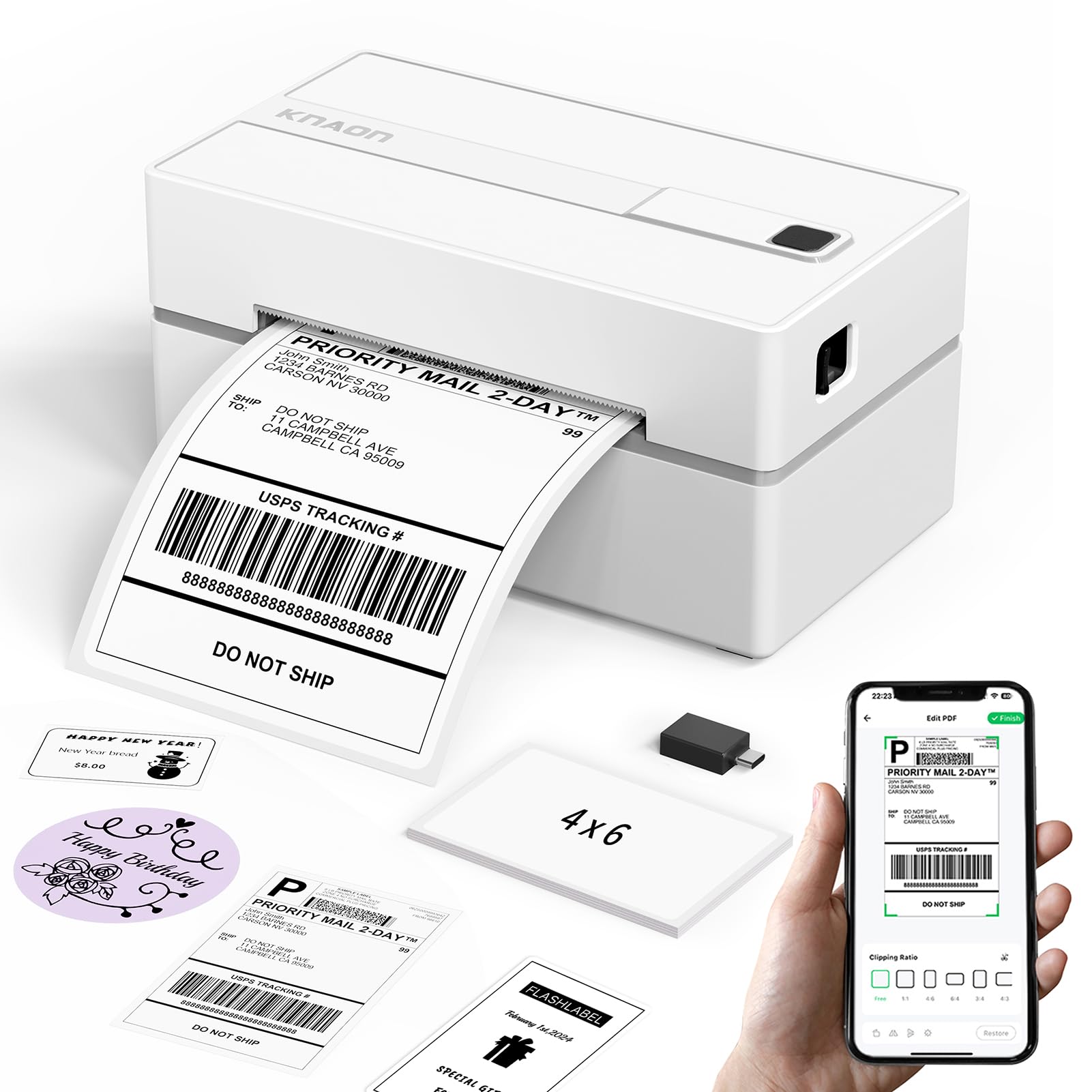
A 3,000-template app is the sort of feature that sounds like filler on a shipping printer. On the KNAON Y813BT, it is the reason to choose it: FlashLabel Pro adds 5,000 icons and 100 fonts, so you can build a branded thank-you sticker or product label without a separate design tool. If your labels are also a small branding moment, that library is the hook.

We think it is the more interesting pick for a seller who wants shipping labels and designed labels from one machine. The printer itself is compact and quick, with a listed 60-label-per-minute pace, 203 dpi output, and a 100-label capacity. The two-year warranty is also longer than most here, which matters if the printer is going to live on a packing bench.

Bluetooth handles phone printing, and USB covers Windows, Mac, ChromeOS, and Linux. The compact body and 100-label capacity keep it manageable on a small desk, and the app is the feature that separates it from the pack. For a one-printer shop that wants labels to look designed, this is the more interesting choice.

Pros

  • 3,000 templates and 5,000 icons in the app
  • Rated for 60 labels a minute
  • Two-year warranty

Cons

  • Print quality can be inconsistent
Our verdict

We recommend the KNAON Y813BT for sellers who want fast batch printing and a deep template library for branded labels and stickers.

Check Latest Price
3

Best for Wide Label Sizes

Phomemo 241BT

89 /100
LBD Score Excellent

Key details

Weight
1.59 lb
Label Width
1 to 4.6 inches
Connectivity
Bluetooth, USB
Print Resolution
203 x 203 DPI
View on Amazon

Standard 4x6 labels are only part of the job for some sellers. The Phomemo 241BT accepts widths from 1 to 4.6 inches, so the same machine can print a carrier label, a return-address label, or a narrow product sticker without a second device. That flexibility is the first thing we noticed, and it is the reason this one stays in the conversation.

The rest of the package is built for a small business that prints steadily: 203 dpi output, a rated 72 labels a minute, Bluetooth and USB, desktop support for Windows, Mac, ChromeOS, and Linux, and the Labelife app for phone printing. At 720 g, it is light enough to move but stable enough to leave on a desk. The 4.6-inch maximum is the practical advantage over printers that cap out at 4.1 or 4.2 inches.

We like it best for sellers who print more than one label shape. The wider media path is not a spec-sheet trophy; it means you can keep one roll of 4x6 labels loaded and still run a batch of smaller stickers when a product launch needs them. Bluetooth is the convenience for phone printing, and USB handles the desktop side. If your labels are always 4x6 and nothing else, the extra width is nice rather than necessary.

Pros

  • Accepts 1 to 4.6 inch label widths
  • Rated for 72 labels a minute
  • Light 720 g body

Cons

No notable drawbacks to flag.

Our verdict

We recommend the Phomemo 241BT for sellers who want one printer to handle 4x6 shipping labels and narrower product labels without switching machines.

Check Latest Price
4

Best for USB Desktop Setups

JADENS JD268BT

89 /100
LBD Score Excellent

Key details

Connectivity
Bluetooth, USB
Included Labels
50
Print Resolution
203 x 203 DPI
Maximum Label Size
4 x 6 inches
View on Amazon

A USB cable is not a glamorous feature, but it is the reason the JADENS JD268BT makes sense. Connect it to a Windows PC or Mac, load a 4x6 label, and print. That is the workflow we reach for when a batch has to go out and nobody wants to troubleshoot an app.

The specs support the desk-printer role: 203 dpi output, a rated 72 labels a minute, Bluetooth for compatible Windows and Mac systems, and 50 test labels in the box. The 4x6 media size is standard, and the USB connection works with Windows 7 and newer plus Mac OS 10.9 and newer. It is a workhorse shape, not a travel gadget.

Bluetooth is the part to treat as a bonus rather than the default. The wireless route can be fussy, so we prefer the USB setup for a long run because it removes one variable from the morning. That is not a knock on the printer's core job; it is a reason to keep the cable on the desk.

We keep the JD268BT in the conversation for a desktop-bound seller who wants a familiar, cable-first workflow. The 50-label starter pack is enough to get through setup and a first round of orders, and the 203 dpi output is the right resolution for a carrier label. The trade-off makes sense when the printer has a permanent home.

Pros

  • USB setup for Windows and Mac
  • Rated for 72 labels a minute
  • 50 test labels included

Cons

  • Larger footprint than compact picks
  • Print quality can vary between runs
Our verdict

We recommend the JADENS JD268BT for desktop sellers who want a straightforward USB-first printer and can give it a permanent spot.

Check Latest Price
5

Best for Built-In Label Storage

Omezizy D450BT

84 /100
LBD Score Excellent

Key details

Warranty
5 years
Connectivity
Bluetooth, USB
Label Capacity
250 labels
Print Resolution
203 x 203 DPI
View on Amazon

Most label printers leave the roll hanging off the back. The Omezizy D450BT puts it inside a compartment that holds up to 250 4x6 labels, which keeps the paper path covered and the desk looking less like a shipping closet. The built-in bin is the design idea, and it is a good one.

We like that for a shared workspace or a home office where the printer sits in view. Fewer loose rolls mean less dust and a tidier reload, and the closed path makes the whole thing feel more like a piece of equipment than a spool on a stand. The rest of the spec sheet is solid: 203 dpi, Bluetooth and USB, support for 1 to 4.6 inch label widths, and a five-year warranty.

The trade-off is height. The internal bin makes the body taller than a bare printer, so measure the shelf before you commit. If you have the vertical room, the D450BT is the tidy choice for a small business that wants a full roll on hand without a separate label holder. It is also the pick here with the longest warranty, which is a meaningful cushion for a machine that runs every day.

Pros

  • Holds up to 250 labels internally
  • Prints 1 to 4.6 inch widths
  • Bluetooth and USB connections
  • Five-year warranty

Cons

No notable drawbacks to flag.

Our verdict

We recommend the Omezizy D450BT for sellers who want a tidier packing bench and a built-in bin that holds a full 250-label roll.

Check Latest Price
6

Best for Mac Users

SVANTTO 4B-2063C

84 /100
LBD Score Excellent

Key details

Weight
1.5 lb
Print Speed
150 mm/s
Connectivity
Bluetooth, USB
Print Resolution
203 DPI
View on Amazon

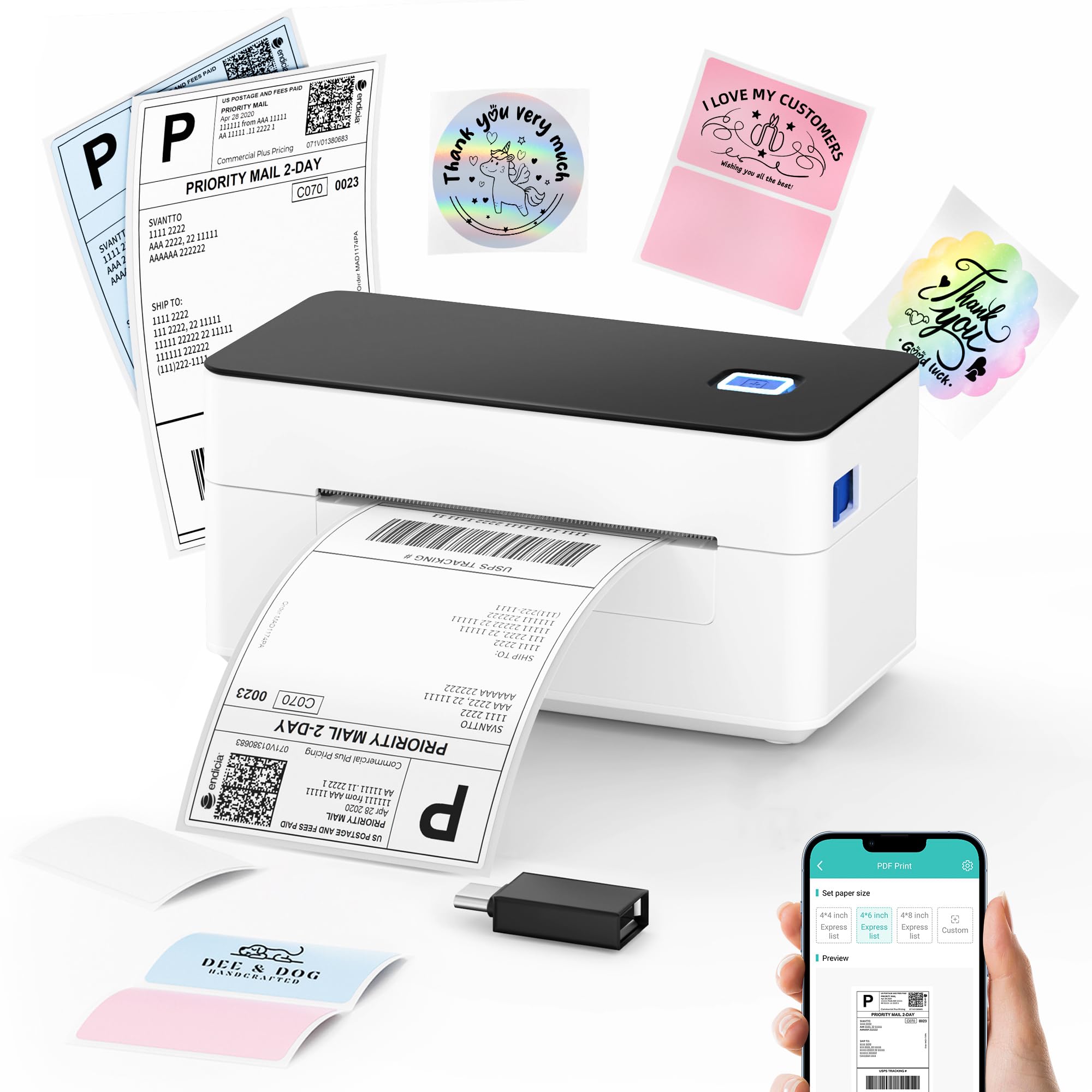
If your desk is built around a Mac, the SVANTTO 4B-2063C makes the connection rule clear: Bluetooth for iPhone, Android, and compatible Windows machines, USB for Mac. We think that is a useful, honest split for a mixed-device household.

The compact body weighs 1.5 pounds and is rated for about 70 labels a minute at 203 dpi, which is quick enough for a daily batch without turning the desk into a fulfillment center. The 4x6 media size is standard, and the app handles the phone side. The cable is the only concession for Mac users, but it is a simple one.

Speed and size are the reasons to keep it on the shortlist. A 1.5-pound body can sit beside a laptop without demanding a dedicated table, and 70 labels a minute is a sensible pace for a one-person shop. For a compact printer that covers both phone and desktop work, that balance is the appeal.

Pros

  • Bluetooth for phones and Windows
  • USB connection for Macs
  • Rated for 70 labels a minute
  • Compact 1.5-pound body

Cons

  • Print quality can vary between labels
Our verdict

We recommend the SVANTTO 4B-2063C for Mac-based sellers who want a compact, fast printer and do not mind using USB instead of Bluetooth.

Check Latest Price
7

Budget Starter Setup

Rongta RP425

82 /100
LBD Score Excellent

Key details

Weight
1.43 lb
Print Speed
150 mm/s
Connectivity
Bluetooth, USB
Print Resolution
203 x 203 dpi
View on Amazon

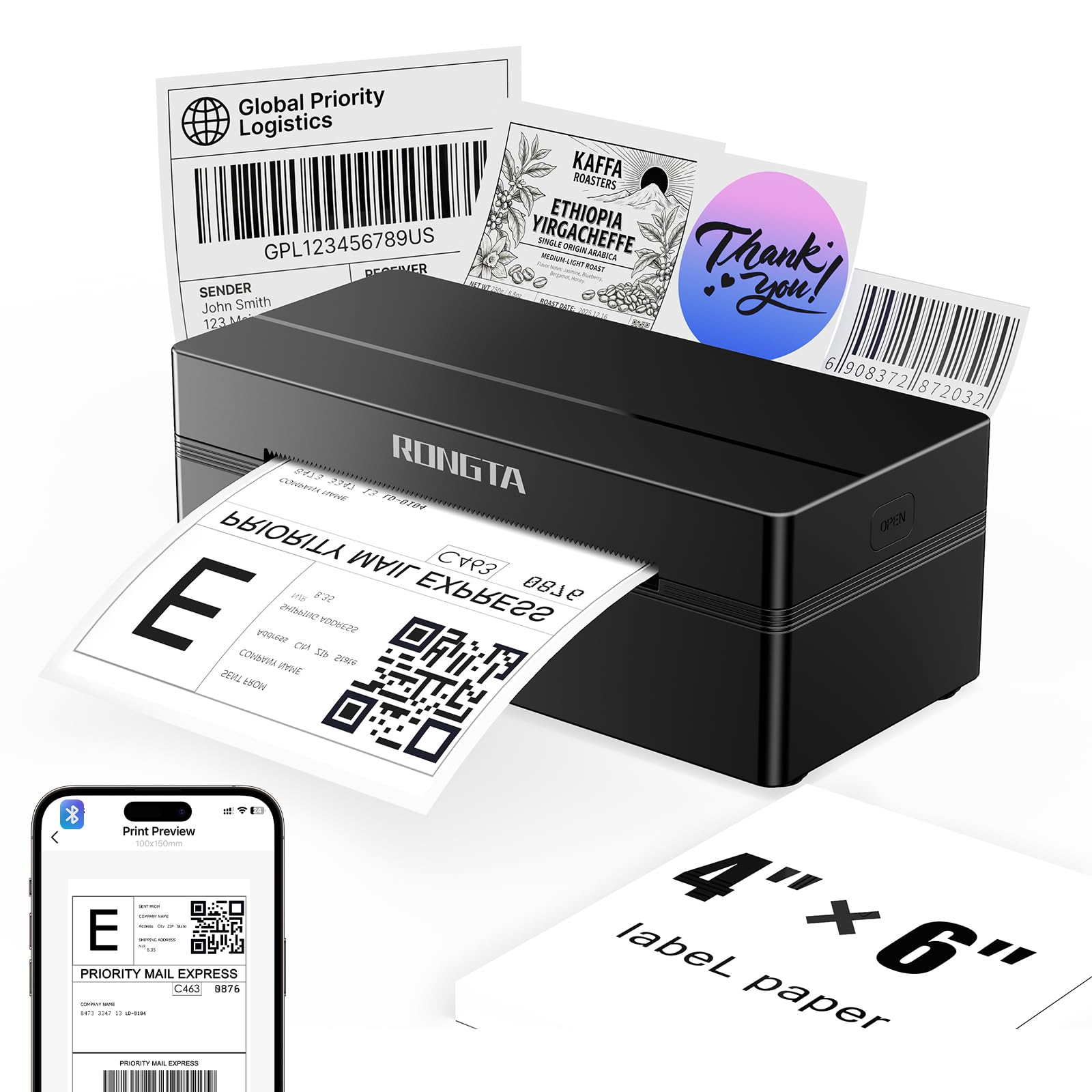
Automatic label identification is the kind of feature you notice when it is missing. The Rongta RP425 detects, grabs, and feeds labels without a manual calibration dance, which removes one of the fussy steps that can make a new printer feel like a chore.

The rest is a sensible starter package: 203 dpi output, a rated 150 mm/s print speed, Bluetooth and USB, and a 0.65 kg body that is easy to move. It supports Windows 7 and newer, macOS, iOS, and Android, and the automatic feed is the feature that separates it from the bare-bones budget models.

We like it as a low-cost entry point for a seller who is still testing the e-commerce waters. The automatic feed means fewer wasted labels while you learn the machine, and the light body can move from a kitchen table to a shelf when dinner is ready. The wireless connection is the weak spot, so keep the USB cable within reach and test the first label before a batch.

Pros

  • Automatic label identification and feeding
  • Rated for 150 mm/s
  • Light 0.65 kg body

Cons

  • One-year warranty is shorter than some picks
Our verdict

We recommend the Rongta RP425 as a low-cost starter printer for sellers who want automatic label feeding and can live with a shorter warranty.

Check Latest Price
8

Compact Small Batches

HKHKPI N40

80 /100
LBD Score Excellent

Key details

Warranty
2 years
Label Capacity
100 labels
Print Resolution
203 x 203 dpi
Maximum Label Size
4 x 6 inches
View on Amazon

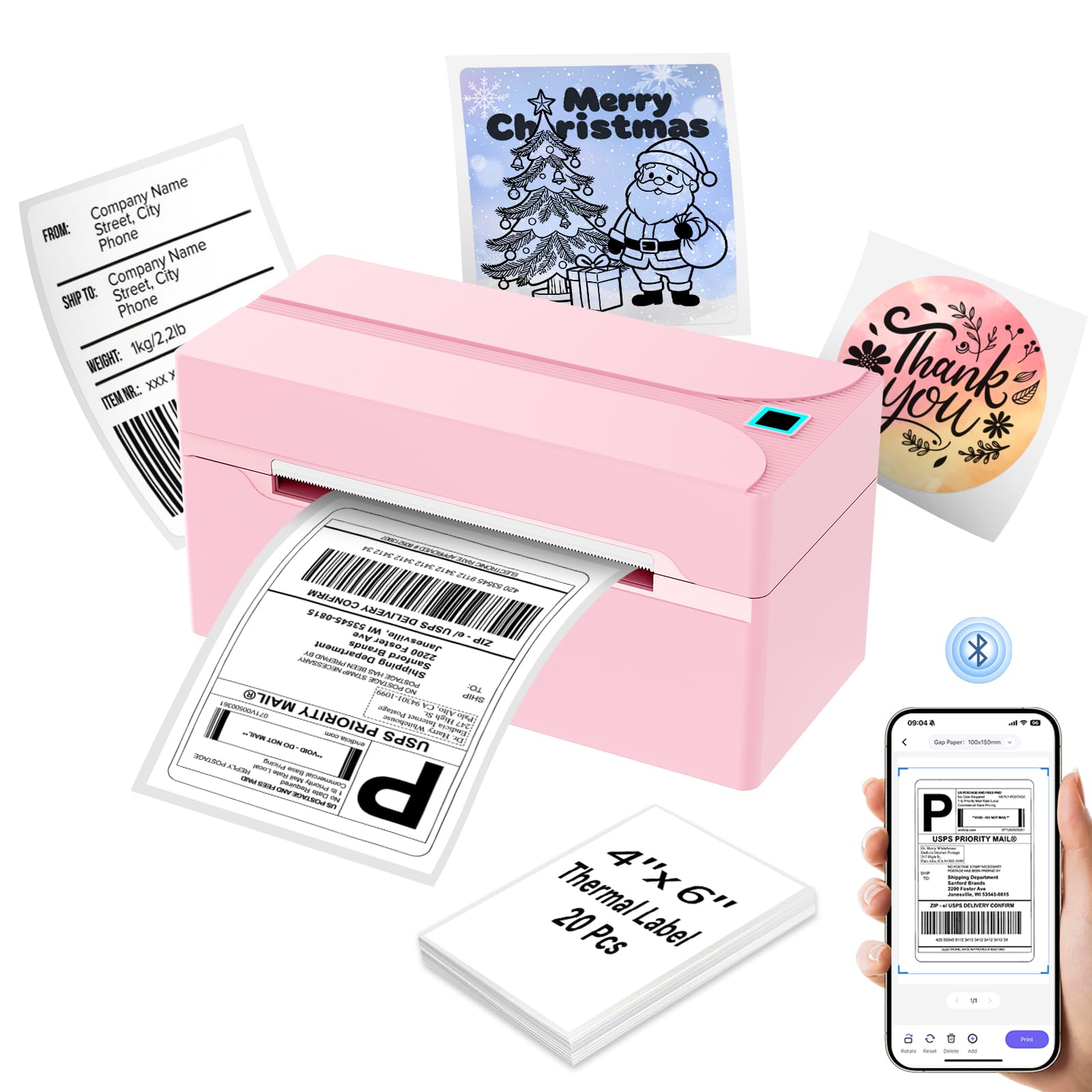
Pink is not the usual color for a shipping printer. The HKHKPI N40 uses it to stand out, but the practical case is simpler: this is a compact 4x6 printer with a two-year warranty and a body that looks at home on a craft table.

The specs are modest but complete: 203 dpi output, Bluetooth printing, a 100-label capacity, and a 4x6 maximum media size. It is small enough to sit beside a sewing machine or on a bookshelf, and the footprint stays out of the way when the printer is not in use.

The Bluetooth connection keeps the desk free of a cable, and the two-year warranty is a longer safety net than the one-year coverage on some budget picks. The compact body is the reason it can live in a craft room without taking over the table.

We see it as a style-conscious small-batch pick: the kind of printer you leave out because it looks good and does not need a dedicated shipping desk. The pink body and compact footprint make it the one most likely to stay in view rather than get packed away between orders.

Pros

  • Compact 722.5 g body
  • Prints standard 4x6 labels at 203 dpi
  • Two-year warranty

Cons

  • 100-label capacity is small for high-volume days
Our verdict

We recommend the HKHKPI N40 for small-batch sellers who want a compact, colorful 4x6 printer and do not need a high-volume workhorse.

Check Latest Price

How We Tested (and Lived With) 11 Shipping Label Printers

To build the shortlist, I started with the 4x6 thermal format, since that's the size that matches a standard shipping label, and read through the specs for a few dozen models. Anything that wouldn't talk to both a phone and a computer got cut, as did anything locked into proprietary label stock. That left 11 units, which my team used the way an online seller would, over eight months.

Most of that time it just looked like work: evening order batches spread across a kitchen table, afternoon catch-ups at a back-room packing bench, and one long Sunday a month clearing a week of Etsy and Shopify orders. Each printer ran at least a few hundred labels on the roll it shipped with and then on plain white direct-thermal stock, mixing addresses, barcodes, and return labels.

Setup caused most of the frustration, so we paired every printer from scratch on an iPhone, an Android phone, a Windows laptop, and a Mac, counting the attempts and checking the next morning whether it had to be paired again. We also walked phones out of range mid-batch to see how each recovered, and timed the gap between tapping print and the label landing. Reliability got tested the boring way: five hundred labels back to back, watching for drift, jams, and curled edges.

Print quality came down to one question — did the label work — so we scanned every barcode with a phone at two feet and again at arm's length, and read return addresses in dim back-room light. Compact size we judged with a tape measure on a crowded desk, since most of these land beside a scale and a tape gun. We also tracked cost per label, including whether the starter rolls in the box were worth counting.

How to Choose a Shipping Label Printer

Start With the Labels, Not the Printer

A standard 4x6 shipping label is the baseline, but the maximum width is where the useful differences sit. A printer that stops at 4.1 or 4.2 inches handles carrier labels fine; one that reaches 4.6 inches gives you room for wider product labels and a few odd sizes. We prioritize a clean 4x6 feed over a wider media path unless you also print product labels or return labels. If you do, the wider path on the Phomemo 241BT earns its place.

Resolution matters less than alignment at this size. Every pick here prints at 203 dpi, which is enough for a carrier barcode. A crisp 203 dpi label beats a misaligned higher-resolution one, so check the feed and calibration story before chasing a number.

Match Connectivity to Your Devices

Bluetooth is the feature most sellers think they need, but the useful question is which device needs to be wireless. Phone-first sellers can use an app and a Bluetooth connection; a desktop that stays on the desk is often better served by USB. Some printers support Bluetooth on phones and Windows but require USB on Macs, so read the compatibility line closely rather than assuming Bluetooth covers every device. The SVANTTO 4B-2063C is a good example of a clear split: Bluetooth for mobile and compatible Windows machines, USB for Mac.

If you print from both a phone and a computer, choose a model with both connections and treat the cable as the steady backup. If you never print from a phone, a USB routine can be simpler and less expensive.

Treat Feed and Calibration as Core Features

Label printers fail in unglamorous ways: a skipped label, a half-printed barcode, a roll that feeds two labels before the first one prints. We look for automatic label identification and calibration because they reduce that waste, especially when you change roll sizes. A built-in label bin, like the one on the Omezizy D450BT, also keeps the roll covered and the paper path tidier. The cheapest printer is not a bargain if it eats a strip of labels every time you start a batch.

Keep the first label of a run as a test. Check the barcode and the address block before you commit a full sheet, and keep the feed path clean.

Balance Speed, Capacity, and Support

Speed ratings are useful mainly as a comparison: 60 to 72 labels a minute is fast enough for a one-person shop, and a slower model still clears a small batch. Capacity matters more if you leave the printer loaded; a 100-label capacity is fine for occasional orders, while a 250-label bin suits a busier bench. We weight warranty next. The Omezizy D450BT carries a five-year warranty, the KNAON Y813BT covers two years, and the Rongta RP425 is a one-year proposition. For a printer that earns money, longer coverage is worth weighing against the upfront difference.

Frequently Asked Questions

Final Verdict

For most small sellers, the Labeer Y43BT is the one we point to first. It prints a crisp 4x6 label from a phone PDF, handles a few smaller sizes, and stays compact enough for a kitchen-table packing station. The money saved is useful, but the real win is a workflow that does not require a computer every time a label needs to print.

If your desk is a Mac and you want a compact USB printer, the SVANTTO 4B-2063C is the better fit. If you want the roll hidden away and a longer warranty, the Omezizy D450BT earns the upgrade. Choose the Labeer unless one of those specific requirements points you elsewhere.