Best Mid-Tower Cases of 2026

The worst moment in a PC build is rarely the build itself — it's when the graphics card stops halfway into the slot because its fan shroud is kissing the front panel, or the radiator you bought fouls the motherboard heatsink by four millimeters. A mid-tower case decides whether that moment happens, and it quietly sets your thermal ceiling, your noise floor, and how much of a Saturday you lose to cable routing.

I've built in cases that made a 90-minute job feel effortless and in ones that made me question the hobby. Over eight months, my team and I built complete systems in 12 mid-tower cases — mesh-front airflow boxes, dual-glass panoramas, the lot — moving the same components between them so only the chassis changed. The lesson that surprised me most: bundled RGB fans are often the loudest thing in the build, and a glass front panel is a design choice you pay for in degrees.

Steel thickness, front USB-C, and well-placed grommets all matter, but what you live with every day is airflow, clearance, and how easily the panels come off. The picks below sort themselves by what each one does best.

1

Best Overall

Lian Li V100RX

94 /100
LBD Score Outstanding

Key details

Included Fans
4x 120mm PWM ARGB
Max GPU Length
420mm
Radiator Support
Up to 360mm top
Max Cooler Height
178mm
View on Amazon

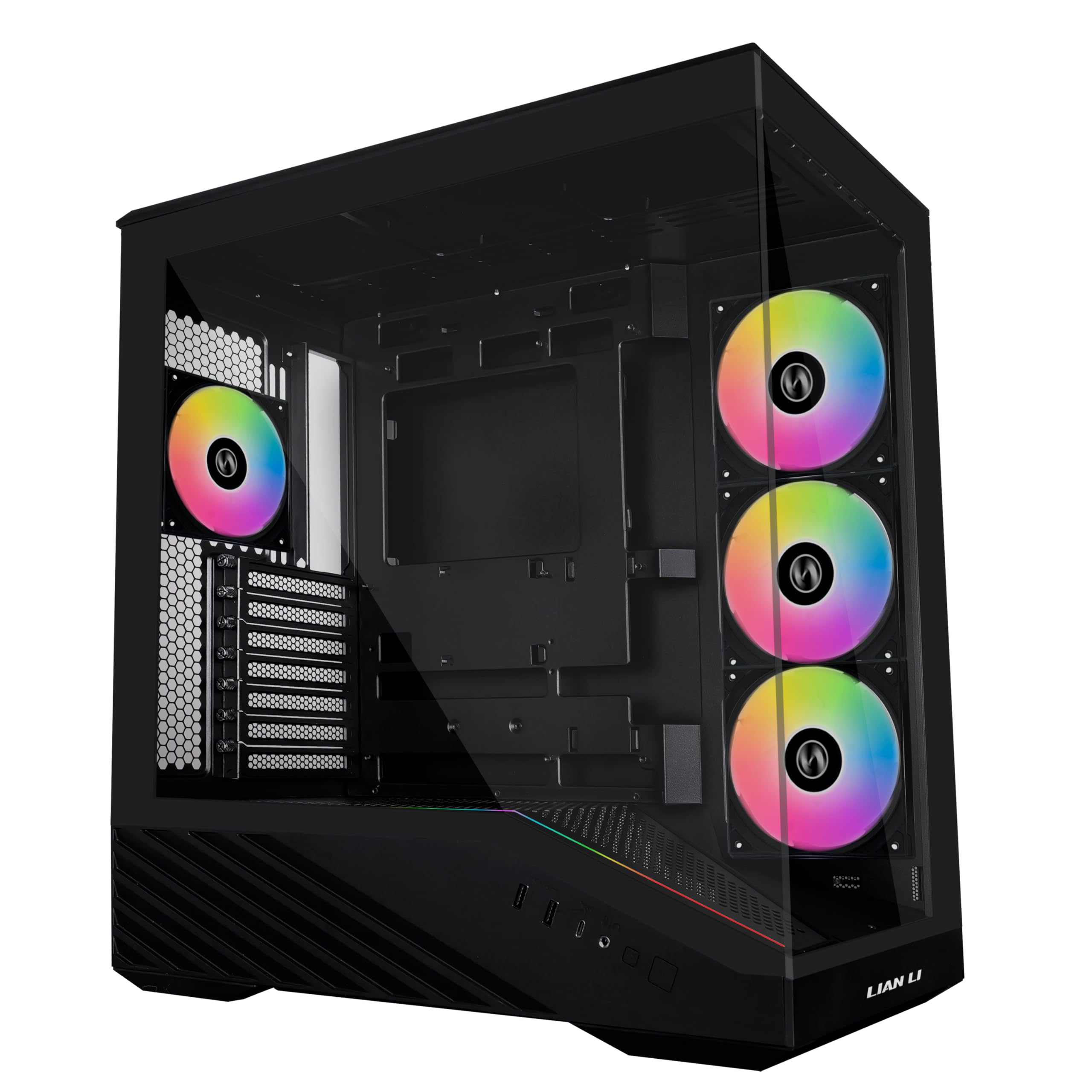
Four 120mm PWM ARGB fans arrive mounted and daisy-chained, with a 26-LED ARGB strip tucked along the glass and a GPU support bracket in the box. Bought separately, that fan kit is a real slice of a midrange build budget, which is the first thing we noticed when we costed a build around this case.

We think it's the one most people should buy. A 420mm graphics card limit and 178mm of cooler height clear the current generation of long three-fan cards and tall air coolers, a 360mm radiator fits in the roof, and the tray is drilled for back-connect motherboards, so the 24-pin can vanish behind the panel instead of crossing the glass.

Building in it is uneventful, which is the compliment we want to pay a case. Both side panels come off without tools, the front I/O sits on the side edge with USB-C among the ports, and a cable running to a desk hub stops looping over the top panel where you can see it.

The money went into the bundle rather than the paperwork: the warranty runs one year, against two from NZXT and Corsair and three from Thermaltake. That's the trade, and it's worth knowing before you order.

Pros

  • Four PWM ARGB fans already installed
  • Fits 420mm cards and 178mm coolers
  • Front USB-C on a side-mounted panel
  • Takes back-connect motherboards

Cons

  • One-year warranty, the shortest here
Our verdict

We recommend it to most builders: four PWM ARGB fans, clearance for a 420mm card and front USB-C, and a price below the premium cases here.

Check Latest Price
2

Best for First Builds

NZXT H5 Flow

91 /100
LBD Score Outstanding

Key details

Included Fans
2x 120mm
Expansion Slots
7
Radiator Support
360mm front, 240mm top
Motherboard Support
ATX, Micro-ATX
View on Amazon

Two 120mm Quiet Airflow fans, one front and one rear, arrive screwed down, and the rest of the box is mesh: ultra-fine mesh over the front, top and side panels, plus a perforated power supply shroud that can take two more 120mm fans.

That shroud is the detail worth understanding. The perforations let a pair of floor fans feed the graphics card directly, but the power supply has no bottom intake of its own, so it ends up sharing that floor space with whatever you mount there. Plan the two together rather than assuming both.

Cable management is handled with wide channels, hooks and straps instead of a bag of zip ties, and the panels lift away without a fight. A badly laid out tray can eat an evening; this one is hard to get wrong.

For a first ATX build with a mid-range card and an air cooler, this is the case we recommend, and the compact footprint helps under a desk. If you want a chassis that arrives already full of ARGB fans, the V100RX covers that ground without a second shopping trip.

Pros

  • Three-sided mesh with two fans included
  • Wide cable channels, hooks and straps
  • 360mm radiator support up front
  • Compact footprint for an ATX case

Cons

  • Top radiator capped at 240mm
Our verdict

The case we point first-time builders to: compact, genuinely easy to cable, and simple to open when something needs swapping.

Check Latest Price
3

Best for Water Cooling

Corsair 4000D RS ARGB

92 /100
LBD Score Outstanding

Key details

Fan Mounting
InfiniRail front and roof
Included Fans
3x 120mm RS ARGB PWM
Radiator Support
Dual 360mm
Motherboard Support
ATX, reverse motherboard
View on Amazon

Two 360mm radiators, not one. That's the gap between this and the V100RX, and it's why the 4000D RS stays on our shortlist for anyone cooling both a CPU and a graphics card with liquid.

Corsair's InfiniRail mounts are the part we appreciate most: the front and roof positions are steel rails you slide into place rather than fixed hole patterns, so a thick radiator or a 140mm fan lands where you want it. The panel beside the motherboard tray works as a cable cover or, with it out, as a side fan mount, and the FRAME structure is built to be taken apart and rebuilt.

It costs the most of the airflow-focused cases here and arrives with three fans where the Lian Li includes four. What the extra buys is a chassis for changing your mind — dual radiators, movable rails, a modular frame. If the plan is one 240mm AIO and an air-cooled card, that's headroom you may never touch.

Pros

  • Two 360mm radiators at once
  • Sliding InfiniRail front and roof mounts
  • Modular FRAME structure for rebuilds

Cons

  • Premium price with three fans included
  • Coarse front perforations pass more dust
Our verdict

For a water-cooled build we look here first: dual 360mm radiators, sliding fan rails and a frame designed to be rebuilt.

Check Latest Price
4

Best for Reverse-Connector Builds

Corsair 3500X RS ARGB

90 /100
LBD Score Outstanding

Key details

Fan Mounts
Up to 10x 120mm
Included Fans
3x 120mm RS120-R ARGB reverse
Radiator Support
Up to 360mm
Motherboard Support
Mini-ITX to E-ATX
View on Amazon

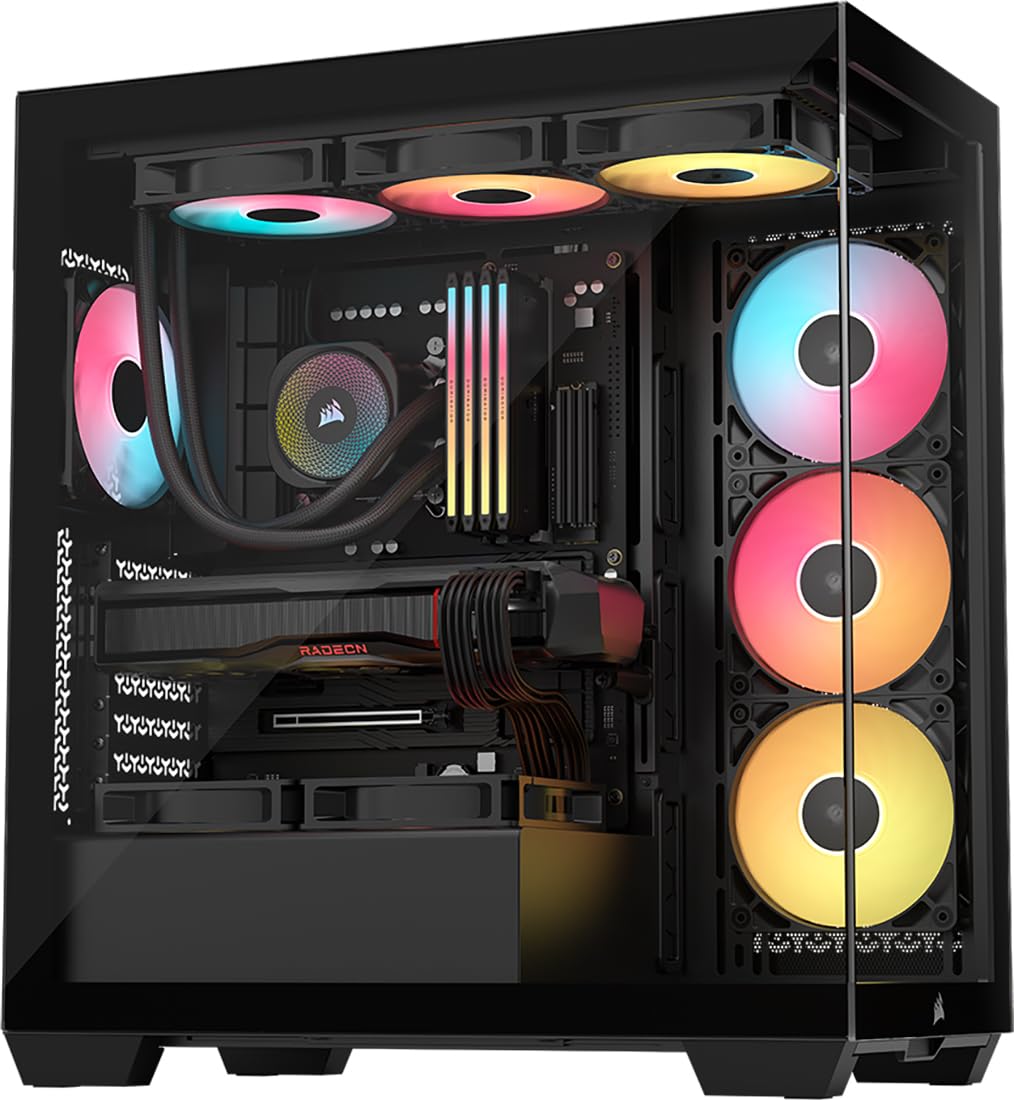
If the point of the build is looking at it, start here. Glass covers the front and the side, and the three included RS120-R fans are reverse-blade intakes, so the lit faces point into the case rather than showing you the fan frames.

The practical half matches the looks. Corsair lists support for reverse-connection boards — Asus BTF, MSI Project Zero, Gigabyte Project Stealth — which is the difference between a clean build and one with the 24-pin snaking across the glass. Side, roof and floor mounts take up to ten 120mm fans, radiators go to 360mm, the tray runs from Mini-ITX to E-ATX, and a built-in bracket holds a heavy card level.

The trade is where the air comes from. With glass across the front, intake is the side and the floor, so fill the side mount and keep the floor clear rather than blocking it with a drive cage. Both glass panels lift off without tools, which matters in a case you'll want to wipe down.

Pros

  • Glass front and side panels
  • Supports reverse-connector motherboards
  • Mounts for up to ten 120mm fans

Cons

  • Just over 9 kg before parts go in
Our verdict

Our pick for a build meant to be looked at, especially with a hidden-connector motherboard and a card that needs holding level.

Check Latest Price
5

Most Fans Included

MUSETEX K2

91 /100
LBD Score Outstanding

Key details

Included Fans
7x 120mm PWM ARGB
Max GPU Length
400mm
Radiator Support
Up to 360mm
Max Cooler Height
165mm
View on Amazon

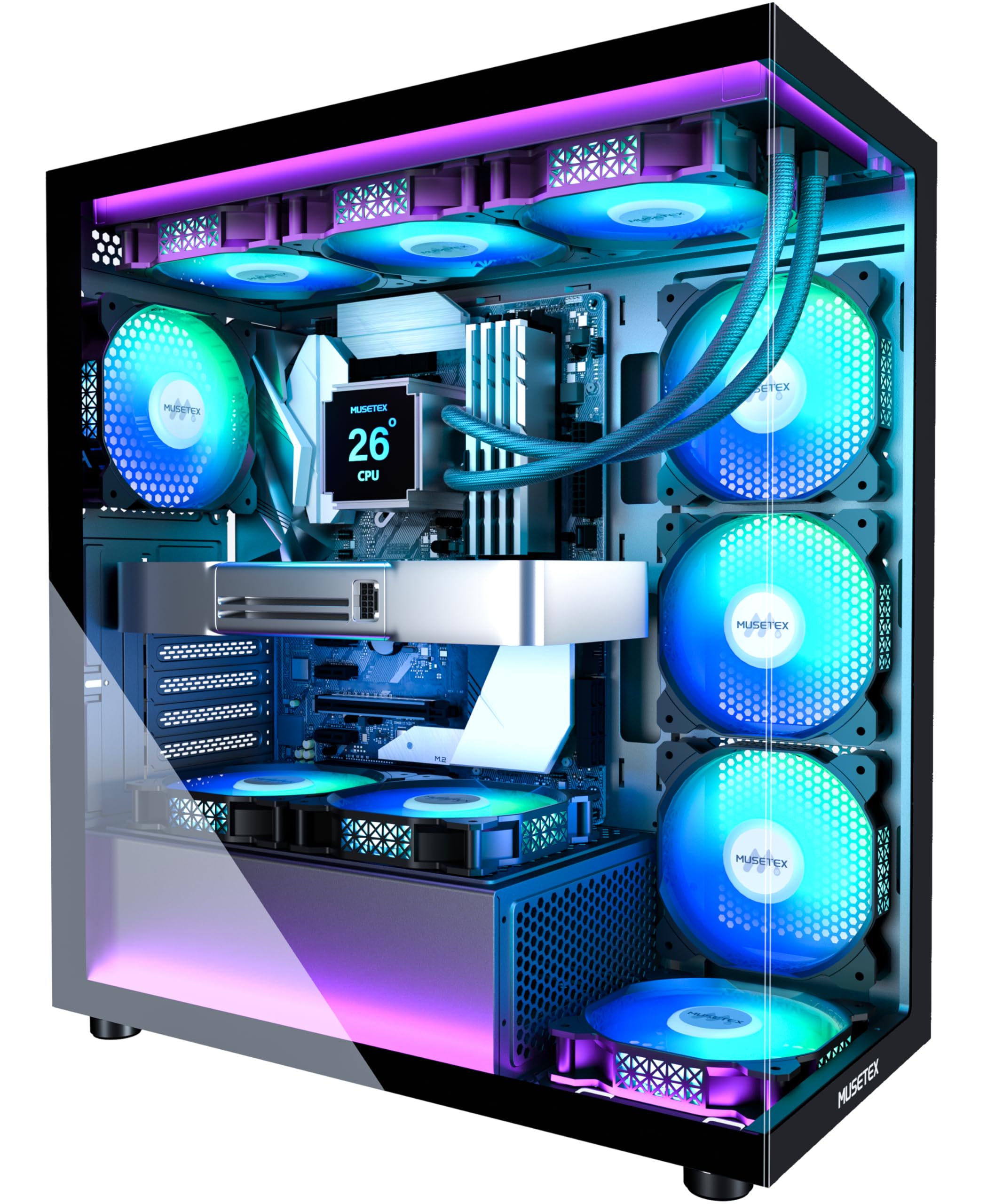
Seven 120mm PWM ARGB fans, pre-installed and rated for 600 to 1300 rpm at about 21 dBA, all addressable through motherboard software. Fitting a case out like that yourself is a separate order and a separate budget.

We think it's the simple answer for a lit-up build. Front USB-C, a 400mm graphics card limit, 165mm of cooler height and a 360mm radiator mount cover mainstream hardware, and the dual glass does the showing off. It's the least fiddly route here to skipping the fan shopping entirely.

Check the power supply before it ships: with the hard drive holder in place the bay takes a 140mm unit, and pulling the holder opens it up to 180mm. Cable routing runs through channels with Velcro straps, which keeps the rear panel tidy enough to close without a fight.

Pros

  • Seven PWM ARGB fans included
  • Front USB-C and two USB 3.0
  • Fits 400mm cards and 360mm radiators

Cons

  • Fans rated at a modest 24.7 CFM
  • No rubber grommets on cable cutouts
Our verdict

We buy it for the bundle: seven PWM ARGB fans and front USB-C, which is most of a lit build's shopping list in one box.

Check Latest Price
6

Best Budget Panoramic

Thermaltake View 270 Plus

89 /100
LBD Score Excellent

Key details

Front I/O
USB-C 3.2 Gen 2, 2x USB 3.0
Included Fans
3x 120mm ARGB
Max GPU Length
420mm
Radiator Support
Up to 360mm top
View on Amazon

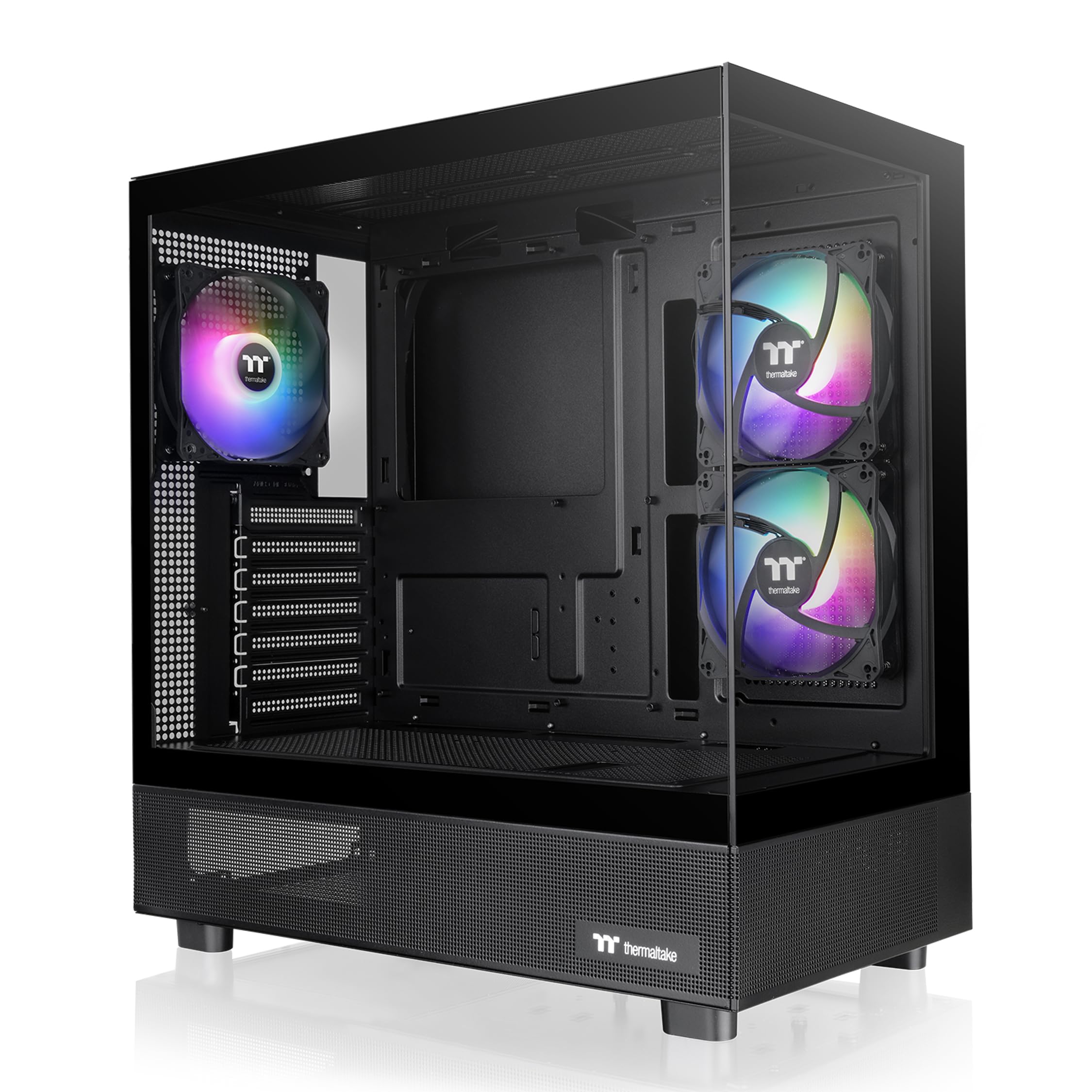
Pillarless dual glass, three ARGB fans in the box, a 420mm graphics card limit, a 360mm radiator mount in the roof, front USB-C and a three-year warranty. Nothing else in this group puts that list together for the money.

Living with it is easy. Both glass panels pop loose at the top and lift away, so swapping a fan or wiping the inside doesn't turn into an afternoon, and a full ATX board with a 360mm AIO in the roof goes in without a fight.

Two things to know. Not every opening is filtered — the top and rear vents pull dust freely, so plan on more frequent cleaning than a sealed case demands. And the three included fans get noisy when you push them; a gentler fan curve quiets them without costing much cooling.

Pros

  • Pillarless dual glass front and side
  • Three ARGB fans in the box
  • 420mm card limit and 360mm roof radiator
  • Three-year manufacturer warranty

Cons

  • E-ATX boards fit poorly in practice
Our verdict

The least you can spend here on pillarless dual glass with three ARGB fans, a 420mm card limit and a three-year warranty.

Check Latest Price
7

Tight-Budget Builds

MUSETEX NN8

91 /100
LBD Score Outstanding

Key details

Included Fans
6x 120mm PWM ARGB
Max GPU Length
320mm
Radiator Support
Up to 280mm
Max Cooler Height
160mm
View on Amazon

320mm of graphics card room. That single figure decides whether this case is for you, because plenty of current three-fan cards run past it, and no amount of tidy cable work buys back a centimetre.

What the money gets you is six PWM ARGB fans already installed, a polygonal mesh front, a glass door that swings open on magnets instead of lifting off, 160mm of cooler height and 170mm of power supply room. The front panel carries two USB 3.0 ports.

Around a two-fan card and an air cooler, six fans and a mesh front at this price are hard to argue with, and the magnetic door makes quick swaps painless. Measure the card first — if it's close to 320mm, spend a little more on the V100RX and stop worrying about it.

Pros

  • Six PWM ARGB fans pre-installed
  • Magnetic glass door for quick swaps

Cons

  • 320mm card limit rules out long GPUs
  • No USB-C on the front panel
Our verdict

Worth it if your card is under 320mm: six PWM ARGB fans, a magnetic glass door and a mesh front for very little money.

Check Latest Price
8

Cheap USB-C Builds

DARKROCK EC2

86 /100
LBD Score Excellent

Key details

Front I/O
USB-C and USB 3.0
Fan Mounts
Up to 8x 120mm
Included Fans
1x 120mm
Max GPU Length
340mm
View on Amazon

USB-C on the front panel is the feature that dates a case fastest, and this is the least you can spend here to get one — alongside a single USB 3.0 port, magnetic dust filters top and bottom, and a mesh front that lets air straight through.

The rest is budget-case pragmatism. One 120mm fan is included, the tempered glass side is a door that swings open rather than a panel you lift off, and the interior accepts up to eight 120mm fans. At 340mm the graphics card limit trails the 420mm cases but clears the NN8's 320mm.

The front radiator mount is listed at 360mm, but fitting one means pulling the front I/O first, so treat 240mm or 280mm as the realistic ceiling. It's the sort of detail that only shows up halfway through a build.

If the budget is fixed and the build is a mid-range card with an air cooler, this gets you mesh, glass and USB-C for less than anything else in this group. Add a second fan when you order — a single 120mm isn't enough intake behind a front this open.

Pros

  • Front USB-C on a budget case
  • Magnetic dust filters top and bottom
  • Mesh front with room for eight fans

Cons

  • Cable routing is tight above the motherboard
Our verdict

The cheapest way here to get front USB-C and a mesh front in one case, and a fair choice for a mid-range air-cooled build.

Check Latest Price

How We Tested These Mid-Tower Cases

We started with a list of roughly 40 mid-tower cases and cut it down by reading spec sheets against the things that actually stop a build: maximum graphics card length, top and front radiator support, CPU cooler height, and whether the front I/O includes USB-C. Price bracket mattered too — we kept the final 12 within a range a normal build can absorb, so the comparison stayed fair.

Then we moved in. Each case got the same ATX motherboard, the same triple-fan graphics card, and a tall tower air cooler, and we timed the build from unboxing to first boot. After that we swapped the air cooler for a 360mm liquid cooler to see where it would actually mount and what it crowded out — RAM, VRM heatsinks, or the top fan mounts. We noted every time a grommet sat in the wrong place or a fan header was out of reach.

Airflow and noise got measured, not guessed: a 30-minute game loop with an identical fan curve in each case, logging CPU and GPU temperatures, then a sound meter at idle and under load about a foot from the front panel. We also routed the same 24-pin and three GPU power cables through every chassis and tried to close the rear panel without bulging it, since that's where most builds go wrong.

For build quality and appearance, each case sat on a desk for a week — we pulled the dust filters, opened the glass, checked for panel wobble and screw threads that grabbed, and whether the bundled anti-sag bracket actually reached a heavy card. Value came down to what shipped in the box: how many fans, whether they were PWM or just loud, and whether the cabling arrived pre-routed.

How to Choose a Mid-Tower Case

Fit the graphics card first

Clearance in this group runs from 320mm on the MUSETEX NN8 to 420mm on the Lian Li and Thermaltake, and a three-fan card with a thick cooler passes 330mm without much effort. Measure the card, then leave a few millimetres for the power connectors, which is where a length that looked fine on paper stops being fine.

If a front radiator is part of the plan, it eats into that same number. A case that lists 400mm of card room and a 360mm front mount will not give you both at once.

Decide whether the radiator goes up or in front

A 360mm radiator in the roof keeps the front clear for air, but not every mid-tower allows one there: the NZXT H5 Flow takes 360mm up front and only 240mm on top. The Corsair 4000D RS is the outlier that supports two 360mm radiators at once.

Choose the mount before the case, because a 360 that only fits up front changes which graphics cards still fit behind it.

Read the fan bundle properly

Pre-installed fans are the difference between a finished build and another order: four PWM ARGB fans on the V100RX, seven on the MUSETEX K2, one on the DARKROCK EC2.

Check the control type as well as the count. PWM fans follow a curve and idle quietly; fixed-voltage fans run at one speed whatever the system is doing. Addressable fans also need a 5V ARGB header on the motherboard, which the MUSETEX NN8 states outright in its listing.

Mesh, glass, and where air actually enters

A mesh front is the easy answer for cooling. A panoramic glass case is the easy answer for looks, and it draws intake from the side and floor instead. Neither is wrong, but know which one you're buying before you fall for a photograph.

Dust filtration follows the same logic. Magnetic top and bottom filters on the DARKROCK EC2 lift out in seconds, while some panoramic designs leave vents unfiltered and expect a vacuum more often.

Plan for the cables and the parts you'll touch

Look at the depth behind the motherboard tray and whether the cutouts will pass a 24-pin without force. Tool-free panels matter more than they sound — the Lian Li and Thermaltake both come apart without a screwdriver, which you'll appreciate the first time you swap a fan.

Grommets are optional at the budget end. Where they're missing, a stiff cable needs gentler routing rather than a harder shove.

Frequently Asked Questions

Final Verdict

Most builds should start with the Lian Li V100RX. Four PWM ARGB fans, 420mm of graphics card room and front USB-C make it the least fussy way into a current ATX build, and the one-year warranty is the compromise rather than anything about the chassis itself.

Two requirements change the answer. If a pair of 360mm radiators is part of the plan, the Corsair 4000D RS is built for it. If the motherboard carries its connectors on the back, the 3500X shows the build off with no cable in sight.