Best Ink Tank Printers of 2026

The ink cartridge aisle is where a cheap printer quietly becomes an expensive hobby. I have watched a bargain printer burn through a set of cartridges before it finished a school year, and that math is exactly why refillable ink tank printers have taken over home offices. Instead of replacing a plastic cartridge every few weeks, you pour ink into a reservoir and keep going. The catch is that not every tank printer handles the boring work—double-sided reports, scan jobs, the occasional smudged homework page—with the same patience.

We spent eight months with nine ink tank printers, running them through the same mix of school forms, tax documents, recipes, and color photos. Setup was the first hurdle, and I can tell you that a touchscreen and a clear app do more for my patience than a spec sheet ever will. The best models also make refilling a tank feel less like a chemistry experiment and more like topping off a kettle. Below are the ones that earned a permanent spot on my desk.

1

Best Overall

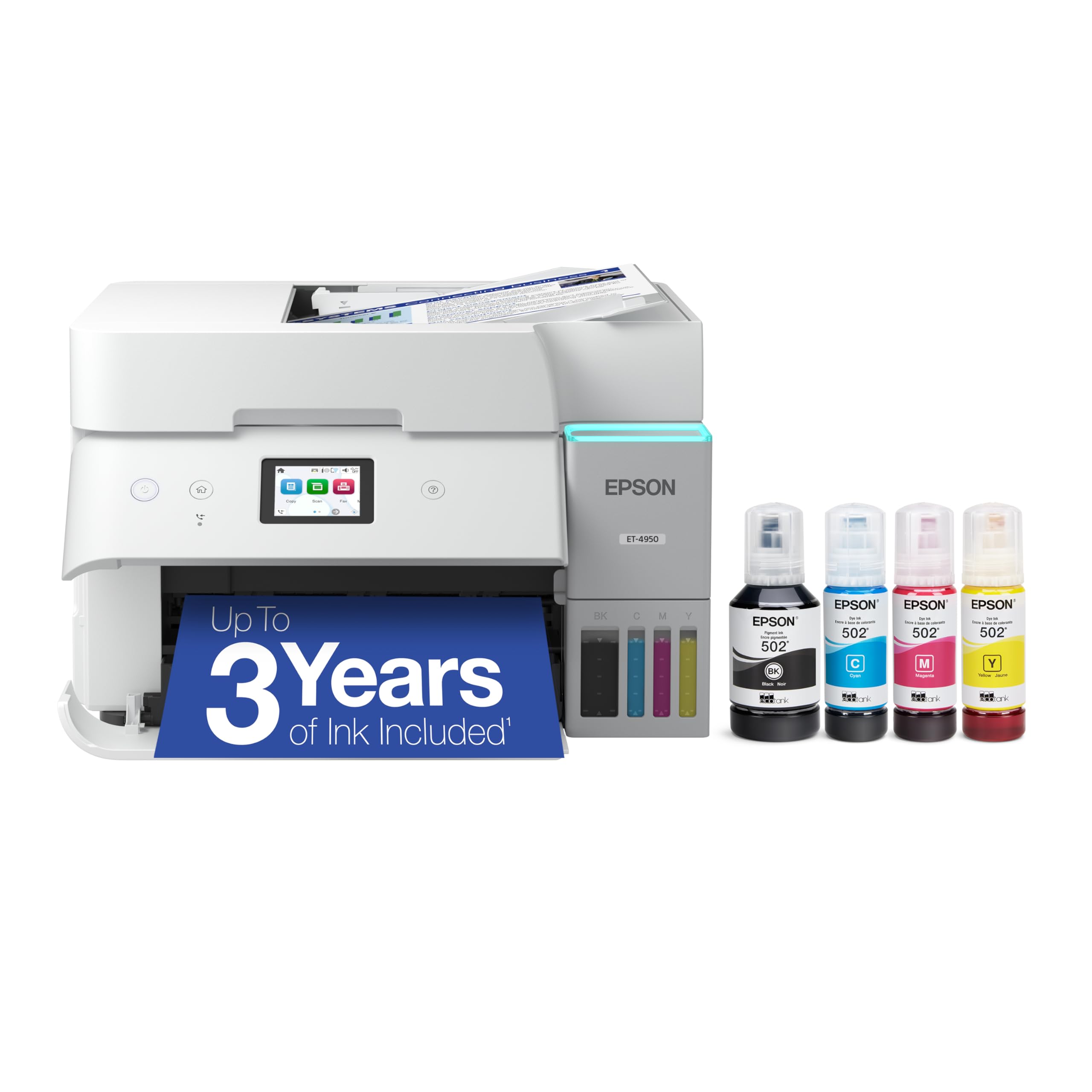
Epson EcoTank ET-4950

83 /100
LBD Score Excellent

Key details

Ink Yield
6,600 black / 5,500 color pages
Print Speed
18 black / 9 color ppm
Paper Capacity
250 sheets
Document Handling
Auto duplex, ADF, fax
View on Amazon

The ET-4950 asks for more than most of the tank printers here, and it answers with a full document workflow: an 18-page-per-minute black print speed, a 250-sheet paper tray, automatic two-sided printing, an automatic document feeder, fax, and Ethernet. That combination is what we want in a busy home office, because it cuts down on reloading, manual flips, and network workarounds.

The included ink is rated for up to 6,600 black and 5,500 color pages, and the 502 bottles are keyed to the correct tank. We appreciate that because refilling is the chore most likely to go wrong when several people share a printer. Print quality is crisp for documents, and the flatbed scanner handles bound documents while the feeder takes multi-page sets.

The 250-sheet tray is the detail we keep coming back to. It is the difference between a printer that interrupts a workday and one that quietly keeps up. The 18/9 ppm rating is also quick enough for a shared desk, and the front paper path is easier to live with than a rear feed in a tight office.

Wireless is the part to watch; Ethernet is the dependable fallback. The extra paper handling is the part you pay for, and it is worth it only if you will use it.

Pros

  • 250-sheet tray and ADF
  • Automatic duplexing and fax
  • Fast 18/9 ppm output
  • 6,600/5,500-page ink yield

Cons

  • One-year warranty is short for the price
Our verdict

We recommend the Epson EcoTank ET-4950 as the best all-around tank printer for a busy home office because it pairs fast printing with a 250-sheet tray, automatic duplexing, an ADF, and Ethernet.

Check Latest Price
2

Best Value

Canon MegaTank G3270

84 /100
LBD Score Excellent

Key details

Duplex
Simplex
Ink Yield
6,000 black / 7,700 color pages
Print Speed
11 black / 6 color ppm
Paper Capacity
100 sheets
View on Amazon

Canon rates the G3270's included bottles for up to two years of printing, and the color bottle set is actually rated for more pages than the black one: 7,700 color against 6,000 black. That color-heavy rating is the detail we noticed, because families and school printers often run out of color first. The 100-sheet tray and 11/6 ppm speed are basic but workable for a home desk.

We recommend it as the value pick for everyday home printing. The 1.35-inch display and app setup keep the routine simple, and print quality is clean for text, forms, and casual photos. The tank system is the real draw: one set of bottles replaces a shelf of cartridges, and the refill points are easy to reach.

The main compromise is paper handling. It prints on one side only, so double-sided documents mean flipping the stack yourself. The 100-sheet tray is fine for short runs but not for a home office that prints all day. If those limits fit your week, the G3270 is a lot of printer for the money.

Pros

  • High 7,700-page color yield
  • Clean text and casual photo output
  • Easy app setup and 1.35-inch display
  • Low-cost tank printing

Cons

  • Wireless connection can be unreliable
Our verdict

We recommend the Canon MegaTank G3270 as the value pick for everyday home printing, where its low-cost refills and clean output matter more than duplexing.

Check Latest Price
3

Best for Small Offices

HP Smart Tank 7603

79 /100
LBD Score Very Good

Key details

Ink Yield
6,000 black / 8,000 color pages
Print Speed
15 black / 9 color ppm
Paper Capacity
250 sheets
Document Handling
Auto duplex, ADF, fax
View on Amazon

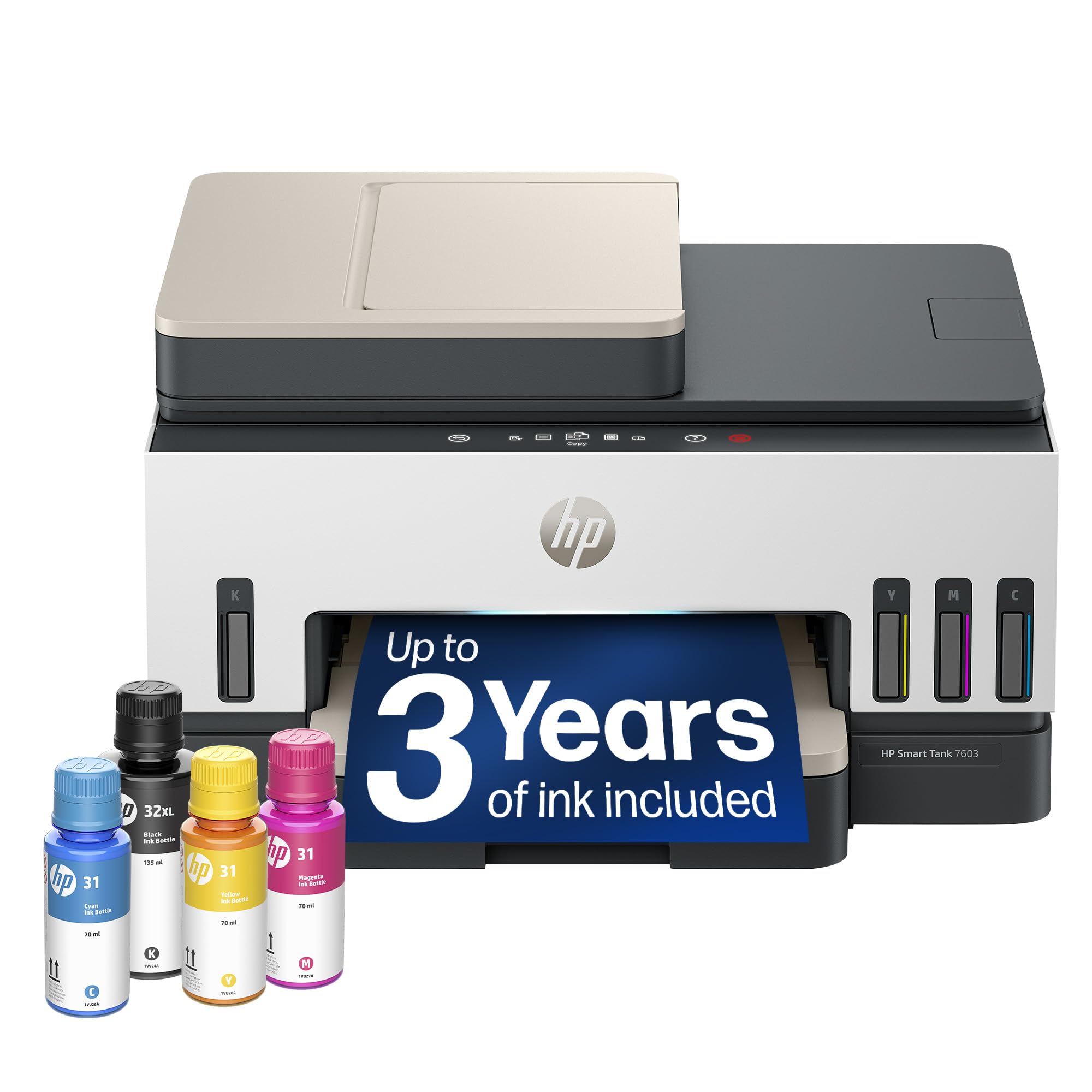
The feature that separates the Smart Tank 7603 from the home printers here is the 35-sheet automatic document feeder, paired with fax and automatic duplexing. Add a 250-sheet paper tray, 15/9 ppm print speeds, and Ethernet, and you have a small-office machine rather than a family printer with a bigger ink tank.

The ink setup is the easy part: bottles plug into keyed tanks and drain without squeezing. We like that the 8,000-color-page rating gives a color-heavy office room to work, while the 6,000-page black rating keeps contracts and invoices covered. Print quality is clean on plain paper, and the flatbed scanner stays available for books and odd sizes.

The 35-sheet feeder is not enormous, but it is enough for a typical invoice batch or a signed contract set. The 250-sheet tray is the other office detail we appreciate, since it means fewer interruptions during a long print run. We also like the control panel more than a phone-only setup, especially when several people need to copy.

The 17-pound body needs a sturdy shelf. The paper handling is the reason to choose it over a compact home unit.

Pros

  • 35-sheet ADF and fax
  • Automatic duplexing
  • 250-sheet paper tray
  • 6,000/8,000-page ink rating

Cons

  • One-year warranty is short for an office printer
Our verdict

We recommend the HP Smart Tank 7603 for a small office that scans and faxes, because its document feeder, automatic duplexing, and 250-sheet tray handle real paperwork.

Check Latest Price
4

Best for Duplex Document Work

Canon MegaTank MAXIFY GX2020

80 /100
LBD Score Excellent

Key details

Ink Yield
3,000 black / 3,000 color pages
Print Speed
15 black / 10 color ppm
Paper Capacity
250 sheets
Document Handling
Auto duplex, ADF, fax
View on Amazon

A 250-sheet paper tray and automatic two-sided printing are the two reasons the Canon MAXIFY GX2020 belongs in a document-heavy office. The 35-sheet automatic document feeder, fax, Ethernet, and 15/10 ppm print speeds fill out the workflow, so scanning, copying, and printing multipage sets do not all depend on the same flatbed.

The pigment GI-25 ink bottles are a practical office choice, and the 2.7-inch color touchscreen makes the setup and copy settings easier to manage than a small monochrome panel. Print quality is firm on plain paper, with crisp text and solid blocks of color for presentations.

We like it for duplex document work, but the ink math is the surprise. The GX2020 is rated for 3,000 black and 3,000 color pages per set, while the cheaper Canon G3270 is rated for 6,000 black and 7,700 color. The premium buys paper handling and duplexing, not longer refill intervals.

The 17.8-pound body needs a solid surface, and the 3-year warranty is a real office advantage.

Pros

  • 250-sheet tray and auto duplex
  • 35-sheet ADF and fax
  • 3-year warranty
  • Crisp pigment-ink documents

Cons

  • Wireless connection can be inconsistent
Our verdict

We recommend the Canon MAXIFY GX2020 for duplex-heavy document work, where its 250-sheet tray and automatic document feeder earn their keep.

Check Latest Price
5

Best Compact Home Office

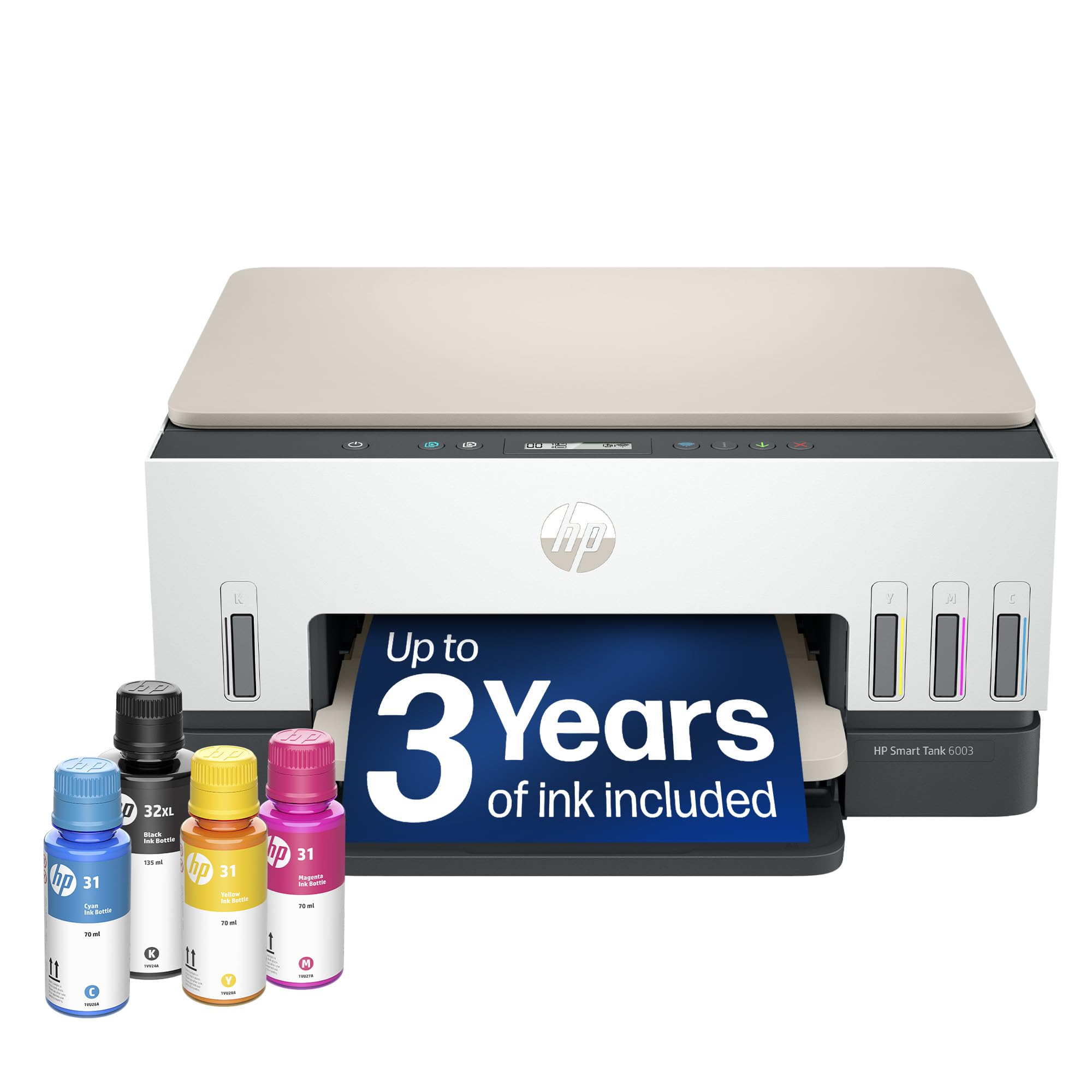
HP Smart Tank 6003

79 /100
LBD Score Very Good

Key details

Duplex
Automatic
Ink Yield
6,000 black / 8,000 color pages
Print Speed
12 black ppm
Paper Capacity
150 sheets
View on Amazon

Automatic duplexing in a relatively compact home-office body is the smart part of the Smart Tank 6003. It measures 7.82 inches tall and 14.33 inches deep, holds 150 sheets, and prints at 12 black pages per minute. The 6,000 black and 8,000 color page rating is generous for a home machine, so refills should be rare.

We appreciate the 150-sheet tray because it cuts reloading without pushing the printer into full office size. The front tray is easy to reach, and the flatbed scanner is adequate for occasional copies and receipts. Print quality is clean for documents and schoolwork, and the app setup is straightforward. The control panel is simple enough for a shared household to manage basic copies.

This is a printer for a home office that duplexes its own documents and prints in moderate batches. We recommend it when the desk space is limited but two-sided output is not negotiable. The 150-sheet tray is the practical middle ground: fewer reloads than the compact Epson, without the 250-sheet office footprint.

Pros

  • Automatic duplexing
  • 150-sheet paper tray
  • 6,000/8,000-page ink rating
  • Simple app setup

Cons

  • No automatic document feeder
Our verdict

We recommend the HP Smart Tank 6003 for a compact home office that needs automatic duplexing and big ink yields without a full-size office footprint.

Check Latest Price
6

Best for Tight Spaces

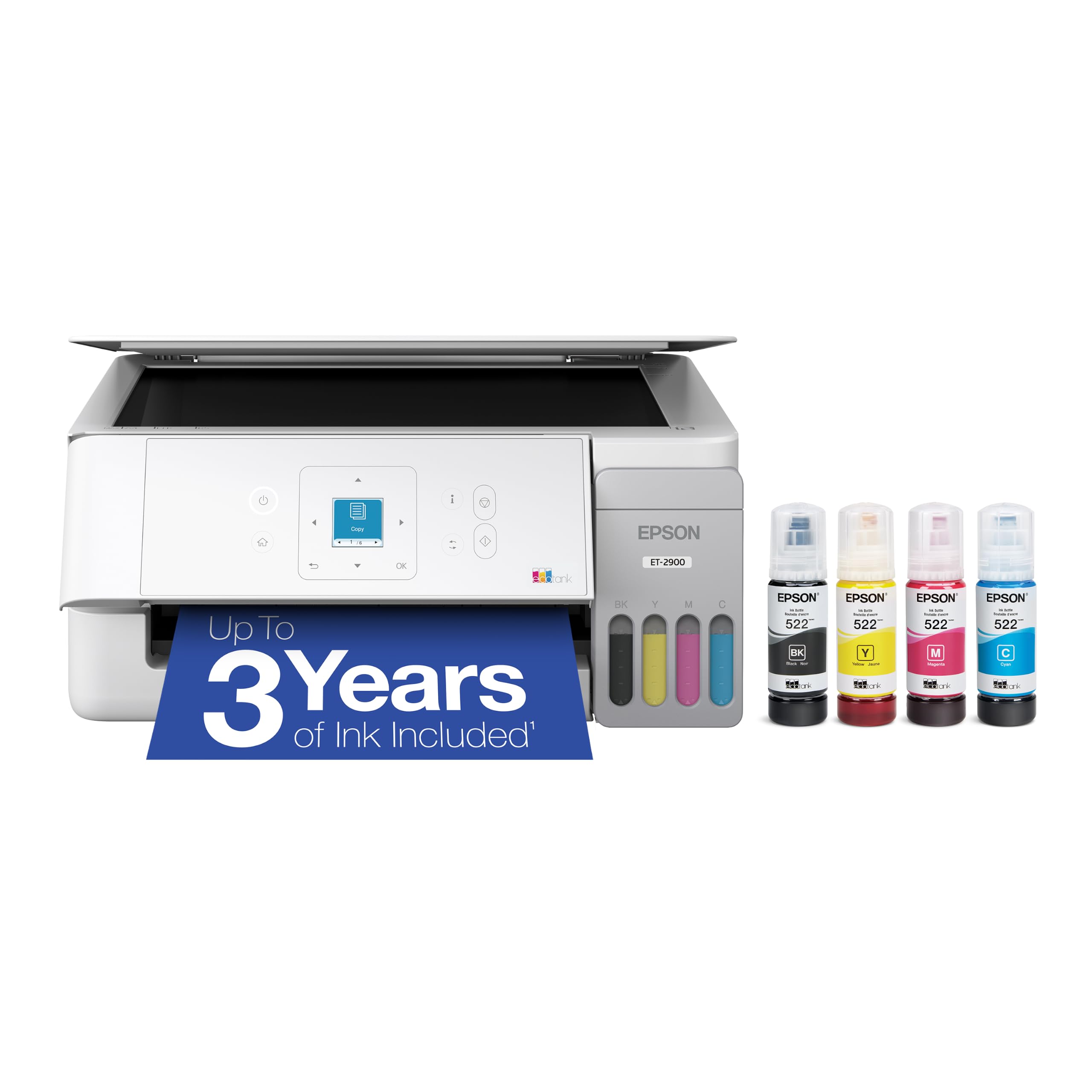
Epson EcoTank ET-2900

85 /100
LBD Score Excellent

Key details

Ink Yield
3,600 black / 6,500 color pages
Dimensions
12.5"D x 14.2"W x 6.4"H
Print Speed
11 black / 6 color ppm
Paper Capacity
100 sheets
View on Amazon

At 9.3 pounds and just 6.4 inches tall, the EcoTank ET-2900 is the pick that disappears into a shelf or a corner. We appreciate the 1.44-inch color screen, which is more useful than a button cluster when you need to check ink or change a setting.

The included ink is rated for 3,600 black and 6,500 color pages, and the keyed EcoFit bottles make refilling simple. Print speed is 11/6 ppm, which is fine for school sheets and occasional documents. The 100-sheet tray is the main compromise, since it keeps the body small but requires more reloading.

This is a home printer first. It scans and copies on a flatbed, connects over Wi-Fi or USB, and keeps the paper path simple. The single 100-sheet tray fits short bursts of printing, not a shared office that runs long documents.

The compact body is worth more than a second tray in a small apartment or a shared desk. The one-year warranty is standard, but the small footprint and three years of ink make it easy to live with.

Pros

  • Light 9.3-pound body
  • Three years of ink included
  • 1.44-inch color screen
  • Simple Wi-Fi and app setup

Cons

  • No automatic duplexing
Our verdict

We recommend the Epson EcoTank ET-2900 for tight spaces and lighter home printing, where its small body, color screen, and three years of ink make more sense than a big office unit.

Check Latest Price
7

Long Warranty Coverage

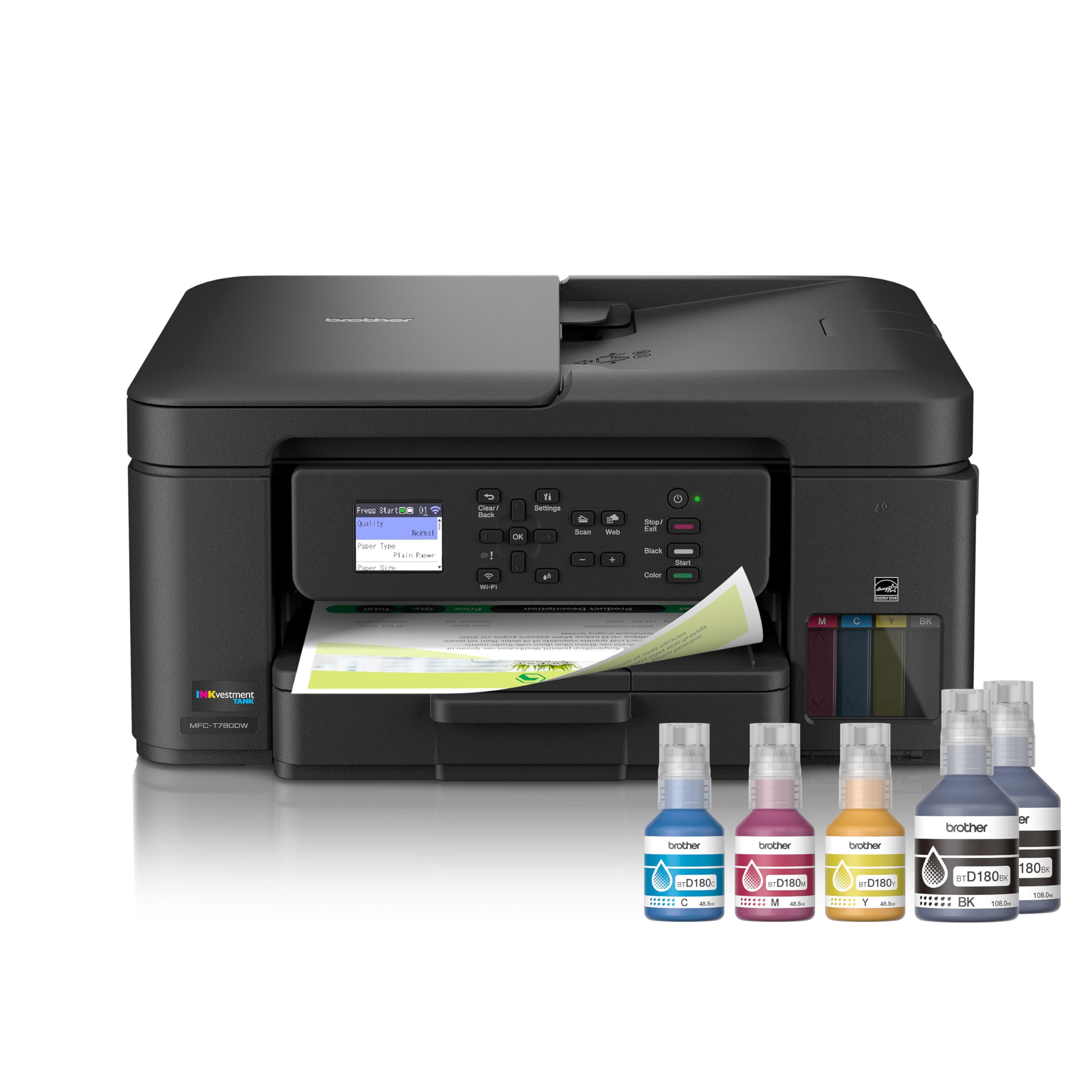
Brother INKvestment Tank 780

77 /100
LBD Score Very Good

Key details

Warranty
3-year limited
Ink Supply
Up to 3 years included
Refill Time
30 sec color / 65 sec black
Connectivity
Wi-Fi and USB
View on Amazon

Brother backs the INKvestment Tank 780 with a three-year limited warranty and rates the in-box ink for up to three years, a combination no other pick here matches outright. For a small office that wants to cap support risk, that is the most distinctive thing about it. The 1.8-inch color display, automatic duplexing, and wireless or USB connections cover the basics.

The refill routine is the part we like most. The no-spill bottles are rated to refill the color tank in about 30 seconds and black in about 65 seconds, which is quick enough to do between print jobs. The bottles are designed to prevent inserting the wrong color, so the process stays tidy.

The 1.8-inch color display is enough for cloud app shortcuts, including Google Drive, Dropbox, Box, and OneDrive. We also like that you can print and scan from the display without opening a computer, which is useful in a small office. Automatic duplexing keeps multi-page documents from becoming a manual flip job.

The warranty and refill routine are the reasons to choose it; the rest is standard home-office fare.

Pros

  • Three-year limited warranty
  • Up to three years of in-box ink
  • Fast keyed refills
  • Cloud app printing and scanning

Cons

  • Setup and wireless pairing can be finicky
Our verdict

We recommend the Brother INKvestment Tank 780 when warranty coverage matters most, thanks to its three-year limited warranty and three years of in-box ink.

Check Latest Price

How We Tested Ink Tank Printers

We started with the specs that matter for a home or small office: refillable tanks, print-scan-copy functions, wireless connectivity, duplex printing, and document feeders. From there, we narrowed by price, footprint, and the cost of replacement ink—not the starter ink alone. Nine printers made the cut, from compact desktop models to all-in-ones with fax and automatic document feeders. We used each one for eight months, in a home office and a shared family room, alongside school projects, monthly bills, and the occasional color photo.

In the first week, I set each printer up solo, timed from unboxing to a successful print, and noted whether the app, the screen, or a printed guide did the teaching. I connected each to a laptop and a phone over Wi-Fi, then sent a mix of one-page documents, a 20-page duplex report, and a color photo from the far side of the house to see whether the connection held. For print quality, I checked small type for clarity, grayscale gradients for banding, and color images for skin tones and oversaturation. I timed text documents in pages per minute, but also watched how long a color photo took to appear.

Ink cost and value got their own test: we tracked what came in the box and how many pages we printed before the first low-ink warning. Refilling was timed and rated on mess—whether the bottles needed a funnel, whether the tanks were easy to see, and whether I could do it without gloves. Reliability meant printing every day for a week, letting a printer sit idle for two weeks, then checking for clogged nozzles and wasted sheets. We also judged build quality at the hinges, trays, and output slots, since a printer that feels flimsy on day one tends to be the one that jams in month six.

How to Choose an Ink Tank Printer

Look Past the Years to the Page Yield

A three-year ink claim is useful only if it matches your volume. What matters is the rated page yield of the included bottles and of the replacement set, in black and color. A family printing school packets and forms may care more about color yield, while a home office can lean on black.

The Canon G3270 is the clearest example: its color bottles are rated for more pages than its black bottle, which suits color-heavy household printing. The Canon GX2020 costs more but is rated for fewer pages per set, because the premium goes into paper handling and duplexing. Estimate monthly pages and compare the color number, not just the headline year.

Match Paper Handling to the Work

A 100-sheet tray is fine for a household that prints in bursts; 250 sheets cuts reloading in a small office. Automatic duplexing saves paper and attention, while simplex printing means flipping the stack yourself. An automatic document feeder is the feature to insist on if you scan or copy multi-page documents.

The HP 6003 shows the split: automatic duplexing and a 150-sheet tray make it a capable home-office printer, but the lack of an ADF keeps multi-page scanning manual. The HP 7603 and Canon GX2020 add the feeder and fax. Choose the paper path first; print-quality differences are smaller than the daily friction of manual flips.

Test the Connection Before You Trust It

Wi-Fi is standard, but setup and reconnection are the most common practical problems across tank printers. A wired Ethernet port or a USB cable is not a step backward; it is the fallback that keeps a printer usable when the network drops.

The Epson ET-4950 and Canon GX2020 include Ethernet, which is worth having in a home office with a router nearby. The smaller models rely on Wi-Fi and USB. Place the printer where the signal is strong, and keep the USB cable as a backup. If the printer shares a wall with the router, use Ethernet.

Measure the Footprint and Plan for Upkeep

Tank printers are deeper than their front photos suggest because paper trays and output trays need clearance. Check height under a shelf, width on the desk, and depth for the paper path. Weight matters if you move the printer between rooms.

The Epson ET-2900 is the lightest pick here at 9.3 pounds and just 6.4 inches tall, while the office models run to about 17 pounds. Leave a few inches behind and in front, and choose a stable surface where the printer will not be knocked. Refilling is easier when the tanks sit at eye level rather than on a high shelf.

Check the Warranty and Support Terms

Warranty length varies more than it should in this category: one year on several models, three years on the Brother 780 and Canon GX2020. If the printer is a business expense, that coverage can matter as much as print speed.

Read what the warranty covers, especially the printhead, and keep the receipt and model number where you can find them. A longer warranty does not help if the printer has to travel to a service center, so check the support route before you commit. For a shared office, three years of coverage is the safer baseline.

Frequently Asked Questions

Final Verdict

The Epson EcoTank ET-4950 is the best default for a busy home or small office because it brings the full document workflow together: fast printing, a 250-sheet tray, automatic duplexing, an ADF, and Ethernet. If your printing is lighter and you want the value route, the Canon G3270 is the alternative; just accept simplex output and a fussier wireless connection. For a tight shelf and occasional copies, the Epson ET-2900 keeps the footprint small without giving up the tank advantage.