Best Printers of 2026

A printer should be boring. You hit print, the page appears, and you move on. Instead, printers fail at the worst moment: Wi-Fi drops, a blinking error light appears, or the machine eats more desk than you planned. A good one fixes the small stuff — no last-minute run for school forms, no holding your breath over a return label.

I'm picky about tech, but even I have limits. Over six months, my team and I set up and lived with nine printers, from compact models to office machines with document feeders. We printed forms, labels, photos, contracts, and recipes. What separated them: setup that works on the first try, Wi-Fi that stays connected, print quality, reasonable speed, and a footprint that doesn't eat your desk.

The cheapest printer is rarely the cheapest to own: low upfront prices can hide pricey ink, while a refillable tank or monochrome laser may cost more today and less over a year. The picks below are built for real home printing — short bursts, mixed documents and photos, and a scanner that earns its counter space.

1

Best Overall

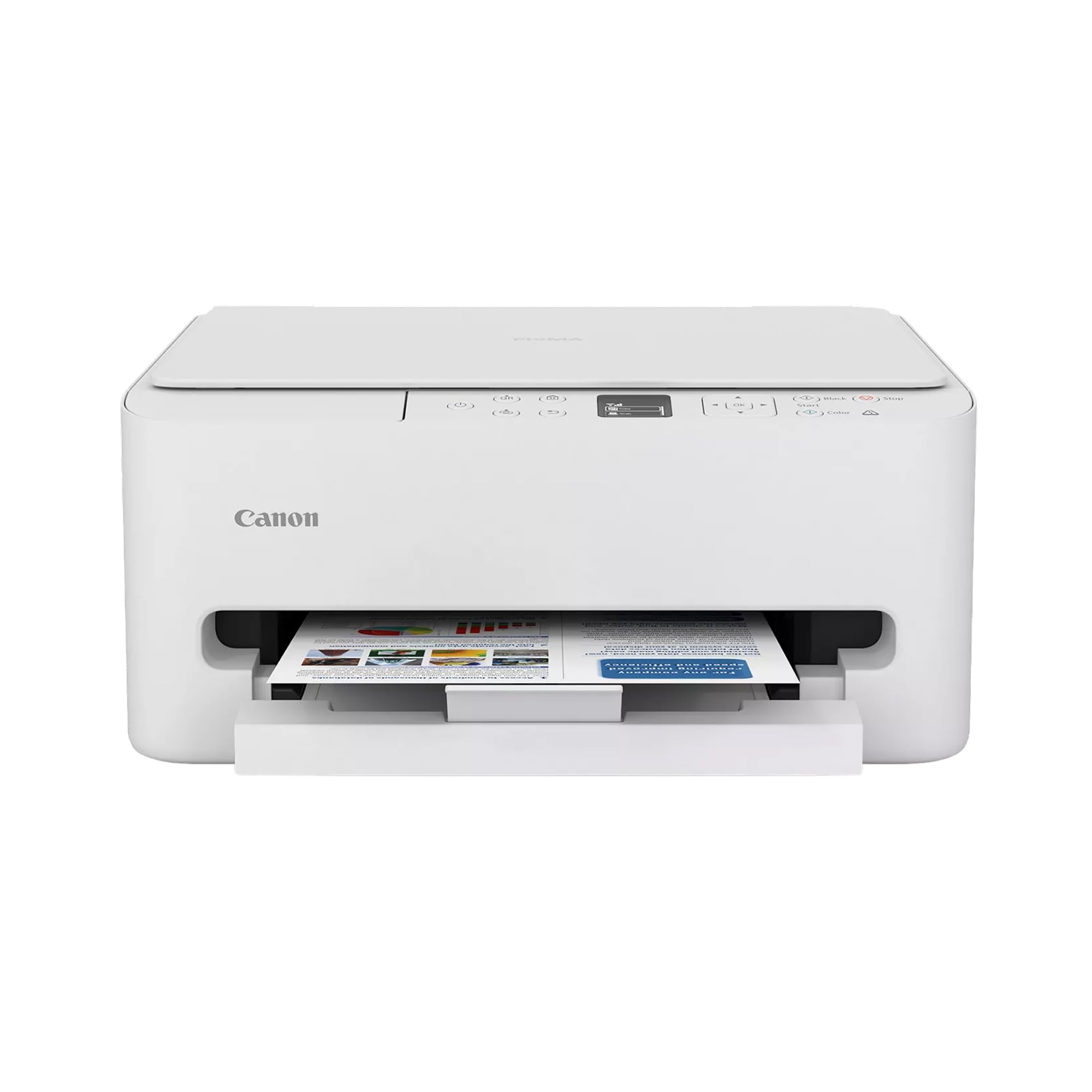
Canon PIXMA TS6520

85 /100
LBD Score Excellent

Key details

Display
1.42-inch OLED
Print Speed
14 ppm black / 9 ppm color
Printer Type
Color inkjet all-in-one
Duplex Printing
Automatic
View on Amazon

For the mixed bag of homework, coupons, and the occasional photo, the Canon PIXMA TS6520 is the printer we point most households to first. It covers color documents, flatbed scanning, and copying, and it adds automatic two-sided printing that keeps longer documents from becoming a manual-flip chore. The 1.42-inch OLED display is small but readable, and the compact body — 14 inches wide and 6.7 inches tall — fits on a shelf or side table without taking over the room. Print speeds of 14 ppm black and 9 ppm color are quick enough for a kitchen-table print queue.

The two-cartridge ink system is the trade-off. Black and color are separate, but the color cartridge carries cyan, magenta, and yellow together, so a photo-heavy week can drain the color side while black is still full. Replacement ink is the real ownership cost, and it is the main reason we do not recommend this one for a busy office that prints hundreds of color pages a month. For a household that prints a little of everything, the low upfront cost and simple refills make more sense. The flatbed scanner handles receipts and forms.

Wireless is the other thing to watch. Dual-band Wi-Fi is a plus, and setup is generally straightforward, but the connection can need a retry if the printer sits far from the router. Put it on 5 GHz if your router separates bands, or use USB if the printer stays on one desk. If you need an ADF, the Canon TR8620a is the next step; if you mostly print text, the Brother laser is the better long-term tool.

Pros

  • Compact color all-in-one for mixed jobs
  • Automatic duplex printing saves paper
  • Simple setup and readable OLED display
  • Budget-friendly upfront package

Cons

  • No automatic document feeder
Our verdict

The Canon PIXMA TS6520 is the best default for a household that prints a little of everything: color, scanning, copying, and auto-duplexing in a compact body at a budget price.

Check Latest Price
2

Best for Home Offices

Brother DCP-L2640DW

84 /100
LBD Score Excellent

Key details

Print Speed
36 ppm
Printer Type
Monochrome laser all-in-one
Paper Capacity
250 sheets
Duplex Printing
Automatic
View on Amazon

Thirty-six pages per minute is the number that makes the Brother DCP-L2640DW worth a look for a home office. It pairs that speed with a 50-page automatic document feeder, automatic duplex printing, and a 250-sheet tray — the paper-handling set that turns a stack of contracts, school forms, and return labels into a short job. It prints black only, so it is not the machine for color photos or school projects that need color, but for text-heavy work it is the fastest printer in this group.

We like the Ethernet port as much as the speed. It gives a home office a fixed connection when several computers share the printer, and dual-band Wi-Fi and USB are there for everything else. The 250-sheet tray means fewer refills, and the 50-page ADF turns a stack of pages into a scan job instead of a manual routine. Text output is crisp at 1200 x 1200 dpi, which is what matters for invoices, labels, and anything that has to look sharp in black and white.

The obvious limit is color. If your printing includes photos, color-coded schoolwork, or client presentations, this is the wrong tool no matter how fast it is. Long-term durability is less certain than the speed and print-quality story, so the one-year warranty is worth keeping in view. For a home office that prints a high volume of black-and-white pages, those are acceptable trade-offs for the speed and paper handling. It is the printer we reach for when the job is text, not color.

Pros

  • Very fast 36 ppm monochrome output
  • 50-page ADF and automatic duplex
  • Ethernet plus dual-band Wi-Fi
  • Crisp 1200 x 1200 dpi text

Cons

  • No color printing
  • Wireless can be inconsistent
Our verdict

The Brother DCP-L2640DW is the laser to buy if your home office runs on black-and-white documents and you want speed, an ADF, and Ethernet without paying for color.

Check Latest Price
3

Best for Low Ink Costs

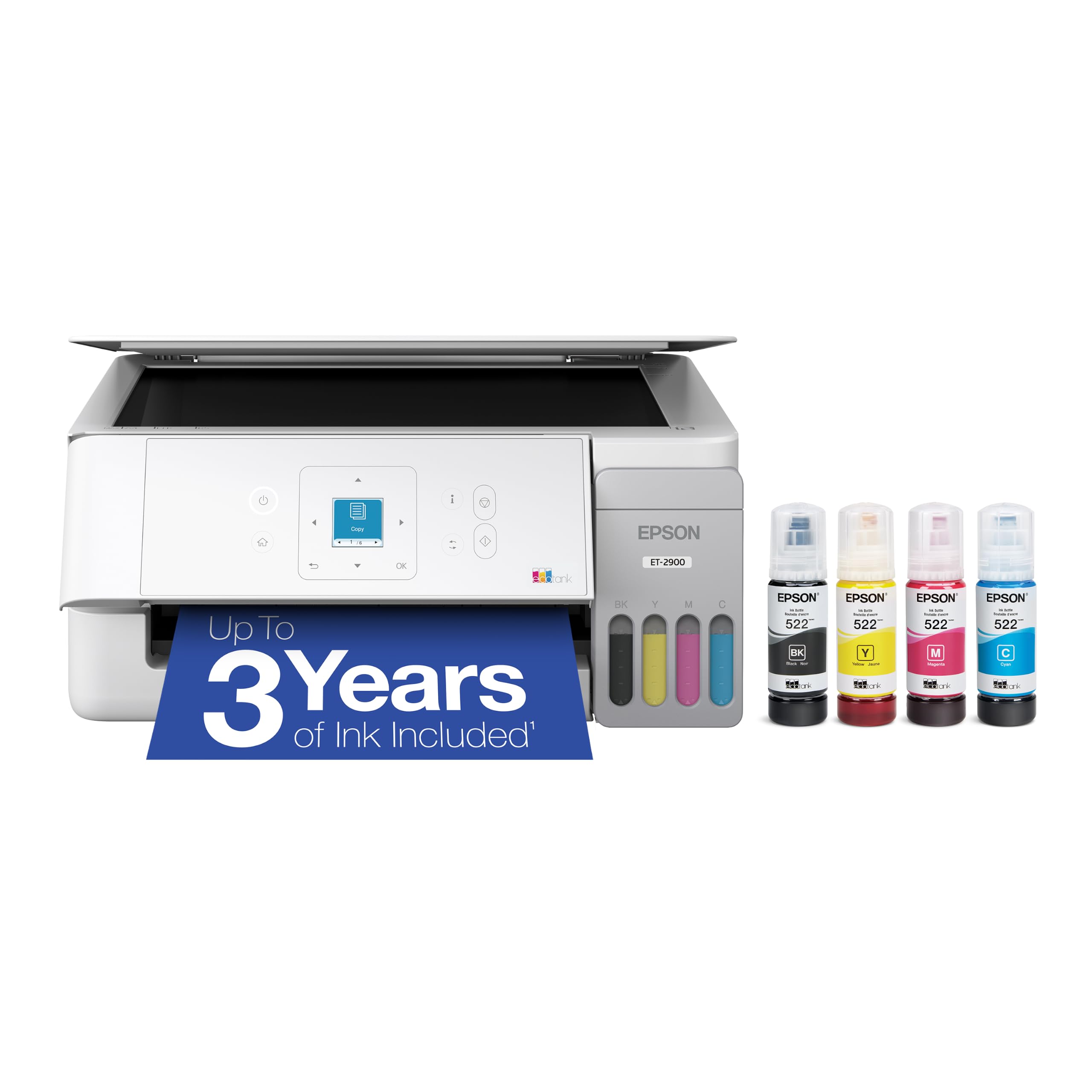
Epson EcoTank ET-2900

85 /100
LBD Score Excellent

Key details

Ink System
Refillable EcoTank
Print Speed
11 ppm black / 6 ppm color
Printer Type
Color inkjet all-in-one
Duplex Printing
Simplex
View on Amazon

Four refillable tanks replace the cartridge habit in the Epson EcoTank ET-2900, and that is the reason to consider it. Epson rates the included ink for up to 3,600 black pages and 6,500 color pages, a buffer that makes color printing feel ordinary rather than precious. At 11 ppm black and 6 ppm color, it is not fast, and it is a simplex printer, so double-sided jobs mean flipping and reinserting paper yourself. Those are real concessions, but they are the price of the low running cost.

We think the tank design is the whole reason to buy it. The keyed EcoFit bottles are meant to make refilling clean and hard to mix up, and the 1.44-inch color screen and 100-sheet tray cover the basics for a home or small office. Print quality is sharp for documents and respectable for casual photos, and the compact 9.3-pound body is easy to move when the desk needs reorganizing. The trade-off is that you are buying into Epson's ink system rather than a printer that excels at speed or paper handling. If you print a lot of color, the lower cost per page quickly outweighs the slower output. If you print double-sided reports every day, the Brother laser or the HP OfficeJet is the better fit.

Pros

  • Very low running cost with refillable tanks
  • Included ink rated for thousands of pages
  • Sharp documents and decent casual photos
  • Light 9.3-pound body

Cons

  • No automatic document feeder
  • Higher upfront cost than cartridge models
Our verdict

The Epson EcoTank ET-2900 is the right printer for color-heavy households that want to stop buying cartridges, as long as slower output and no auto-duplexing are acceptable.

Check Latest Price
4

Best for Small Offices

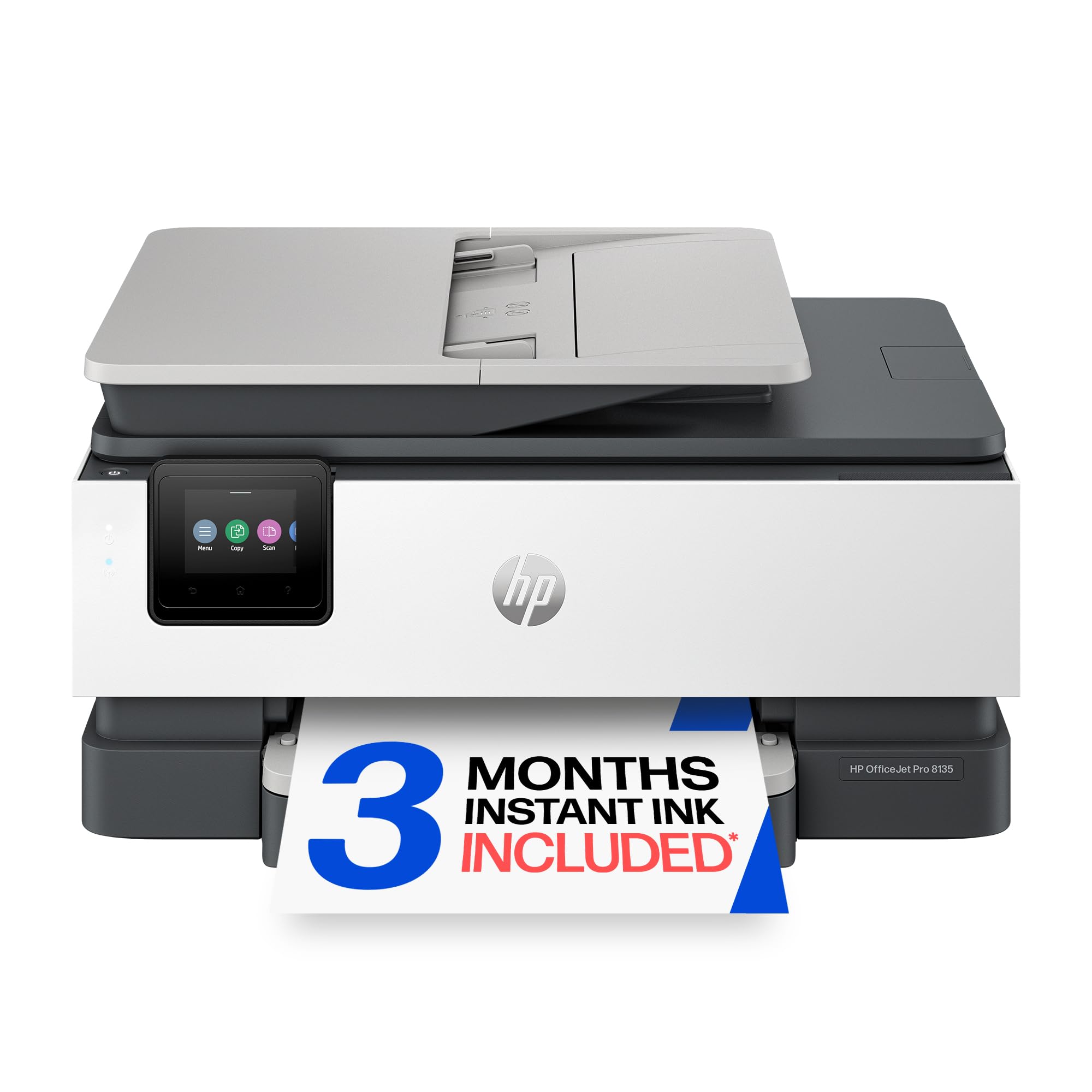
HP OfficeJet Pro 8135

83 /100
LBD Score Excellent

Key details

Print Speed
20 ppm black / 10 ppm color
Printer Type
Color inkjet all-in-one
Paper Capacity
225 sheets
Duplex Printing
Automatic
View on Amazon

An automatic document feeder changes what a home-office printer can do, and the HP OfficeJet Pro 8135 pairs one with fax and color output. It prints at 20 ppm black and 10 ppm color, holds 225 sheets, and adds a 2.7-inch touchscreen plus dual-band Wi-Fi and Ethernet. That is a small-office feature set in a body that still fits on a credenza.

For a small team, the ADF is the feature that earns the space. It scans and copies multi-page sets without babysitting each sheet, and automatic duplex printing keeps two-sided documents from becoming a manual job. Print quality is strong for color documents and business graphics, and the 225-sheet tray means fewer interruptions during a long print run. We also appreciate that HP includes a starter set of ink and a three-month Instant Ink trial, though the trial is a subscription hook, not a free lifetime supply.

We rank it below the Brother for pure text volume because a mono laser is the simpler long-run tool for black-and-white pages. The color output is the reason to choose it, and the ADF and fax are the reason to choose it over the cheaper Canon TS6520. If your office prints color presentations, scans client paperwork, and wants a fax line without adding a separate machine, this is the right shape. Just go in expecting ink to be a recurring budget line, and keep the one-year warranty in mind.

Pros

  • Color output with ADF and fax
  • Fast 20 ppm black / 10 ppm color
  • 225-sheet tray for long print runs
  • Ethernet and dual-band Wi-Fi

Cons

  • One-sided ADF scanning
  • Reliability record is uneven
Our verdict

The HP OfficeJet Pro 8135 is the color inkjet for a small office that needs an ADF, fax, and a big paper tray, provided you can absorb recurring ink costs.

Check Latest Price
5

Best for Photos and Documents

Canon PIXMA TR8620a

82 /100
LBD Score Excellent

Key details

Print Speed
15 ppm black / 10 ppm color
ADF Capacity
20 sheets
Printer Type
Color inkjet all-in-one
Duplex Printing
Automatic
View on Amazon

Five individual ink tanks are the reason the Canon PIXMA TR8620a belongs in a photo-friendly roundup. The five-tank setup lets you replace ink color by color instead of throwing away a combined color cartridge, and the printer handles borderless images up to letter size. The 20-sheet ADF and fax capability make it more than a photo printer, and automatic duplex printing covers two-sided documents. For a home that prints both family photos and paperwork, that combination is useful in a way a mono laser cannot match.

We like the five-tank system because it lets you replace only the color that runs out, which is a real advantage over the two-cartridge Canon TS6520. Print quality is a strength: text is sharp, and photos have the depth and color separation you expect from a dedicated photo ink set. The 15 ppm black and 10 ppm color ratings are fine for a home, not for a busy office.

Wireless is where this one gives us pause. The connection can be fussy, and it is the most common reason we hesitate to recommend it as the only printer in a household that depends on phones and tablets. Put it on a strong Wi-Fi signal or use USB, and the rest of the package holds up. The TR8620a makes the most sense as a second printer for photos and scanning, or as a home all-in-one where color and image quality matter more than bulletproof networking.

Pros

  • Five individual ink tanks reduce waste
  • Strong photo and text quality
  • ADF and fax add office flexibility
  • Automatic duplex printing

Cons

  • No wide-format photo printing
  • One-sided ADF scanning
Our verdict

The Canon PIXMA TR8620a is the pick for a home that prints photos and paperwork in equal measure, provided its wireless connection behaves in your space.

Check Latest Price
6

Tight Home Spaces

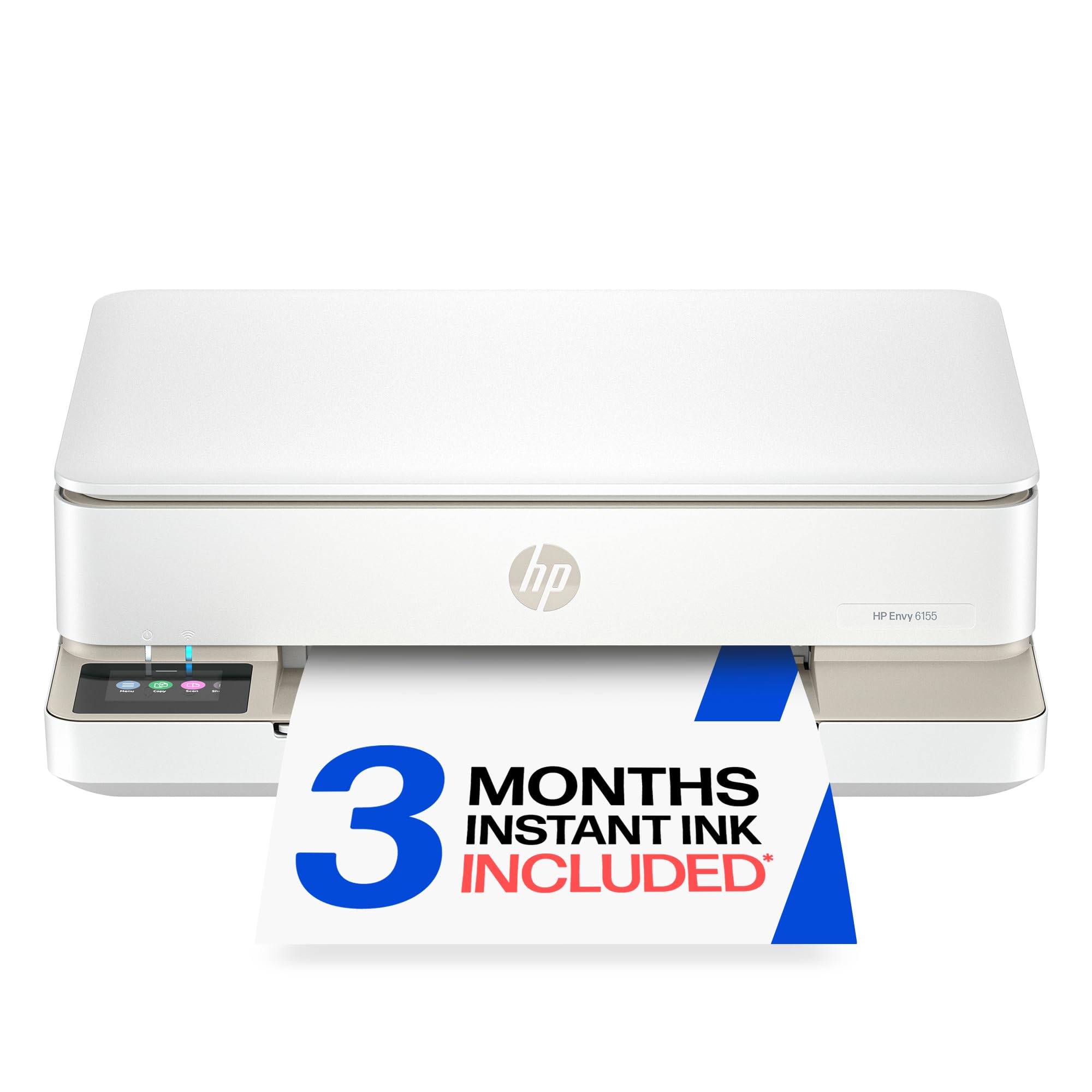
HP Envy 6155

81 /100
LBD Score Excellent

Key details

Print Speed
10 ppm black / 7 ppm color
Printer Type
Color inkjet all-in-one
Paper Capacity
100 sheets
Duplex Printing
Automatic
View on Amazon

Space is the first constraint in a small apartment, and the HP Envy 6155 is built around it. It weighs 11.2 pounds and is noticeably smaller than the office-oriented models here, with a 2.4-inch touchscreen, automatic duplex printing, and a 100-sheet tray. For a dorm room, a small apartment, or a desk that has to do double duty, that smaller footprint is the feature that matters most. We like that HP did not strip out two-sided printing to get there.

The trade-off is speed. At 10 ppm black and 7 ppm color, it is one of the slowest printers in this group, and the 100-sheet tray means more refills if you print in batches. For light home printing — school forms, tickets, the occasional photo — those limits are easy to live with. For a home office that prints every day, the Brother laser or the HP OfficeJet is the more productive choice. The small body also makes it a better fit for a shared living space than a full-size office machine.

Pros

  • Small 11.2-pound body
  • Automatic duplex printing
  • Simple touchscreen setup
  • Good for light home printing

Cons

  • No automatic document feeder
  • Wireless can be less steady than wired
Our verdict

The HP Envy 6155 is the compact home printer to choose when space is tight and your printing is light, not when you need speed or an ADF.

Check Latest Price

How We Chose and Tested the Best Printers

We started with a shortlist of wireless all-in-ones from the major printer brands, then filtered by price, footprint, and the features shoppers actually compare: automatic duplexing, document feeders, mobile printing, and a screen that doesn't require a decoder ring. We cut anything with a flimsy paper tray, a scanner that felt like an afterthought, or a driver setup that required a support call before we'd even printed a page. Nine made the cut, and each one spent six months in a real home, not a lab.

We timed setup from unboxing to first print using only the quick-start guide, first over Wi-Fi and then from a phone. We noted whether the printer found the network on the first try, whether we had to re-enter the password, and whether it stayed connected after we unplugged the router and walked to another room. We also checked the control panel: could we load paper, change a setting, and start a copy without digging through a manual?

For print quality, we ran a 20-page text document, a mixed-color page with charts and images, a 4-by-6 photo, and a stack of school forms and return labels. We looked for crisp small type, even color blocks, natural skin tones, and pages dry enough to handle immediately. We timed the text job and a duplex job, measured each printer's footprint with the trays open, and ran receipts, IDs, and a multi-page contract through the scanner or feeder to see whether copies matched the originals.

Value was a running tally, not a sticker price: we tracked how often each machine needed ink or toner, how much maintenance it demanded, and whether the cheapest unit turned out to be the most annoying to own. At the end, the printers that scored best were the ones we'd happily keep using — no heroic troubleshooting, no second-guessing a print job.

How to Choose a Printer

Start with what comes out of it

Color photos, school projects, and client presentations call for an inkjet; a home office that prints contracts and invoices in black and white is usually better served by a monochrome laser. The split matters because laser printers are fast and text-sharp but do not print color, while inkjets handle photos and color graphics but can be slower and more expensive per page. If you need both, choose a color inkjet with a document feeder rather than expecting a mono laser to cover everything.

Do the ink math before the printer math

A low purchase price and a low cost per page are different things. Cartridge inkjets are cheap to buy and can be expensive to feed, especially two-cartridge models where the color cartridge carries all three colors. Refillable tank printers such as the Epson EcoTank ET-2900 cost more upfront but stretch ink across thousands of pages, which pays off for color-heavy households. Laser toner is the better long-run buy for black-and-white volume. We put more weight on the cost per page than on the purchase price, and you should match the ink system to your monthly page count.

Paper handling is where cheap printers pinch

Automatic duplex printing saves paper and turns a two-sided report into a hands-off job; manual duplex means flipping the stack yourself. An automatic document feeder matters if you scan or copy multi-page sets, and a 250-sheet tray beats a 100-sheet tray for anyone who prints in batches. Watch the difference between duplex printing and duplex scanning: many ADFs scan only one side at a time, so a double-sided scan still needs a second pass. Buy for the paper chores you do weekly, not the ones you do once a year.

Connectivity and placement are part of reliability

A printer that drops off Wi-Fi is not reliable, however good its output looks. Dual-band Wi-Fi helps in a crowded home network, and Ethernet is the steadier choice for a home office with several computers. USB is the fallback when wireless misbehaves. We treat a wired option as a genuine reliability feature rather than a legacy port. Placement matters too: leave room for the paper tray to extend and the output tray to catch pages, and keep the printer within easy reach of the router or an Ethernet jack.

Match the footprint to the room

Measure the width, depth, and height of the spot you have in mind, then add clearance for the paper tray and output. A model that is 14 inches wide can still need several more inches in front when the tray slides out. Weight matters if the printer will sit on a flimsy shelf or move between rooms; the Epson ET-2900 is light enough to lift, while the laser models are desk-bound. If space is tight, a compact inkjet such as the HP Envy 6155 makes more sense than a full office machine.

Frequently Asked Questions

Final Verdict

For most homes, the Canon PIXMA TS6520 is the printer to buy first. It prints color documents and photos, scans and copies, and handles two-sided printing without taking over a desk, all for the least upfront money among the color all-in-ones here. The lack of an ADF and the two-cartridge ink costs are the reasons to look elsewhere if your printing leans toward office paperwork.

Choose the Brother DCP-L2640DW if black-and-white volume is the job and you want speed, an ADF, and Ethernet. Choose the Epson EcoTank ET-2900 if color printing is frequent enough that ink cost matters more than speed or auto-duplexing. The HP OfficeJet Pro 8135 is the small-office color pick when you need an ADF and fax; the Canon TR8620a is the photo-friendly alternative, with the caveat that its wireless connection needs a strong signal. If you are still unsure, count your monthly color pages: for occasional color, the Canon is the simpler buy; for steady color volume, the Epson earns its higher upfront cost.