Best Overall

NZXT H6 Flow
Key details
- Dimensions
- 16.34"D x 11.3"W x 17.13"H
- Drive Bays
- 2 × 3.5-inch
- Included Fans
- 3 × 120mm
- Motherboard Support
- ATX, micro-ATX, mini-ITX
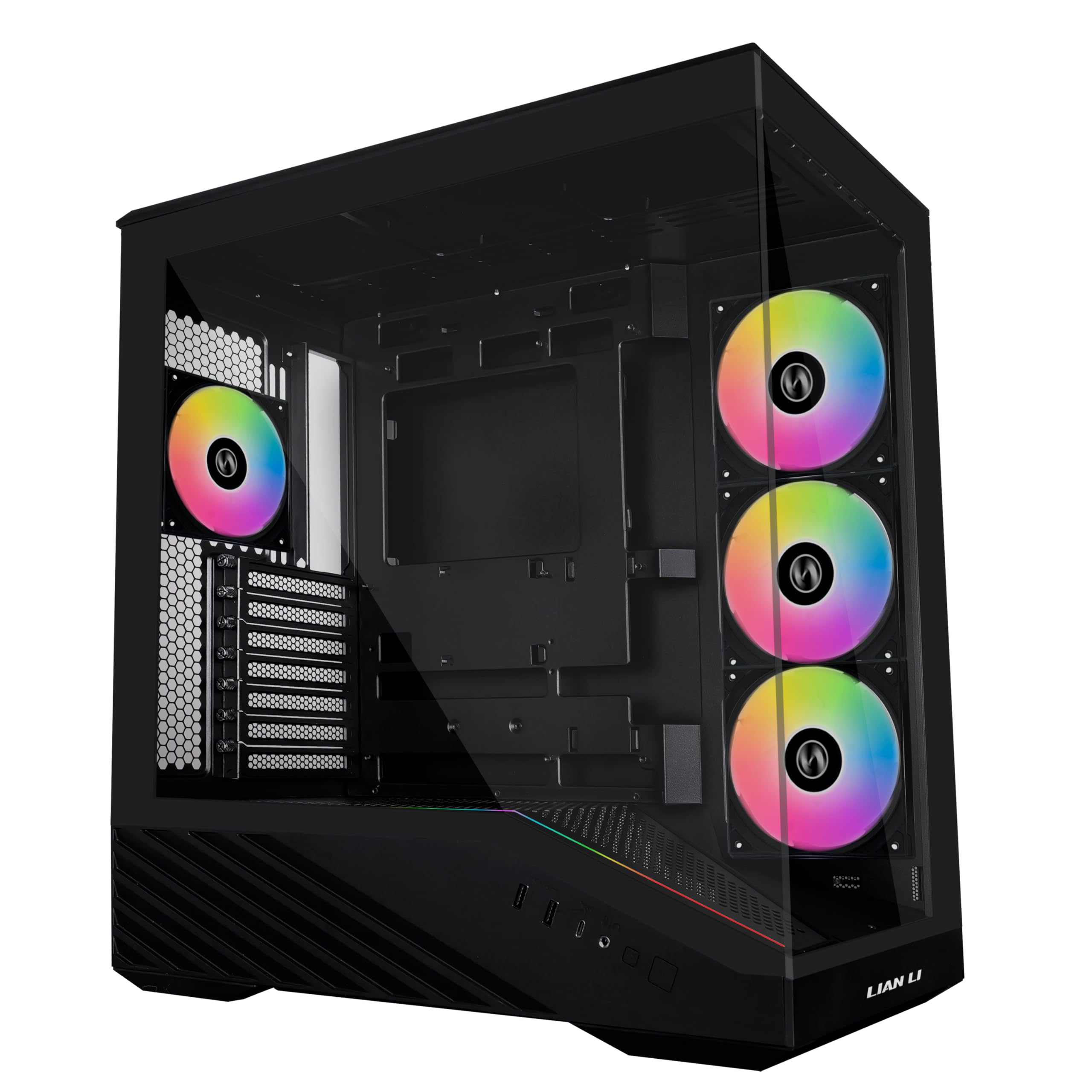
The case we recommend first is a glass box that breathes through its side. NZXT put the H6 Flow's three 120mm fans behind a glass front panel and angled them so they pull air in through the perforated side panel instead of straight through the front. That single decision is why it works as an airflow case and as something you want on a desk.
The dual-chamber layout does the rest. The power supply and drives sit in a second compartment behind the motherboard tray rather than under a shroud, which leaves the main chamber open and gives cables a wide channel with straps to hold them. The wraparound glass has a seamless edge, and the effect is a build that looks assembled rather than crammed.
Two things to sort before ordering. The listing doesn't state a maximum graphics card length for this case, so measure your card against the interior instead of assuming. And because the intake is on the side, leave a few inches between the case and a wall, a desk panel or the inside of a cubby — a front-mesh tower can be pushed into a corner, this one can't.
What's left is a compact ATX tower: seven expansion slots, two 3.5-inch bays, ATX through mini-ITX boards, and three fans already spinning. Nothing else here pairs this much airflow with this little fuss.
Pros
- Three 120mm fans, angled at the graphics card
- Dual-chamber layout keeps the PSU and cables separate
- Perforated side and top panels feed the intake
- Wraparound glass with a genuinely tidy interior
Cons
- Two 3.5-inch bays limit storage-heavy builds
We tell most builders to start here: three fans, a dual-chamber layout that keeps the graphics card in its own stream of air, and a case that looks like a display piece rather than a wind tunnel.