Best Overall
Bambu Lab P2S Combo
Key details
- Footprint
- 18 x 22 x 18 in.
- Print Speed
- 600 mm/s
- Filament Drying
- Up to 65°C
- Multicolor System
- AMS 2 Pro
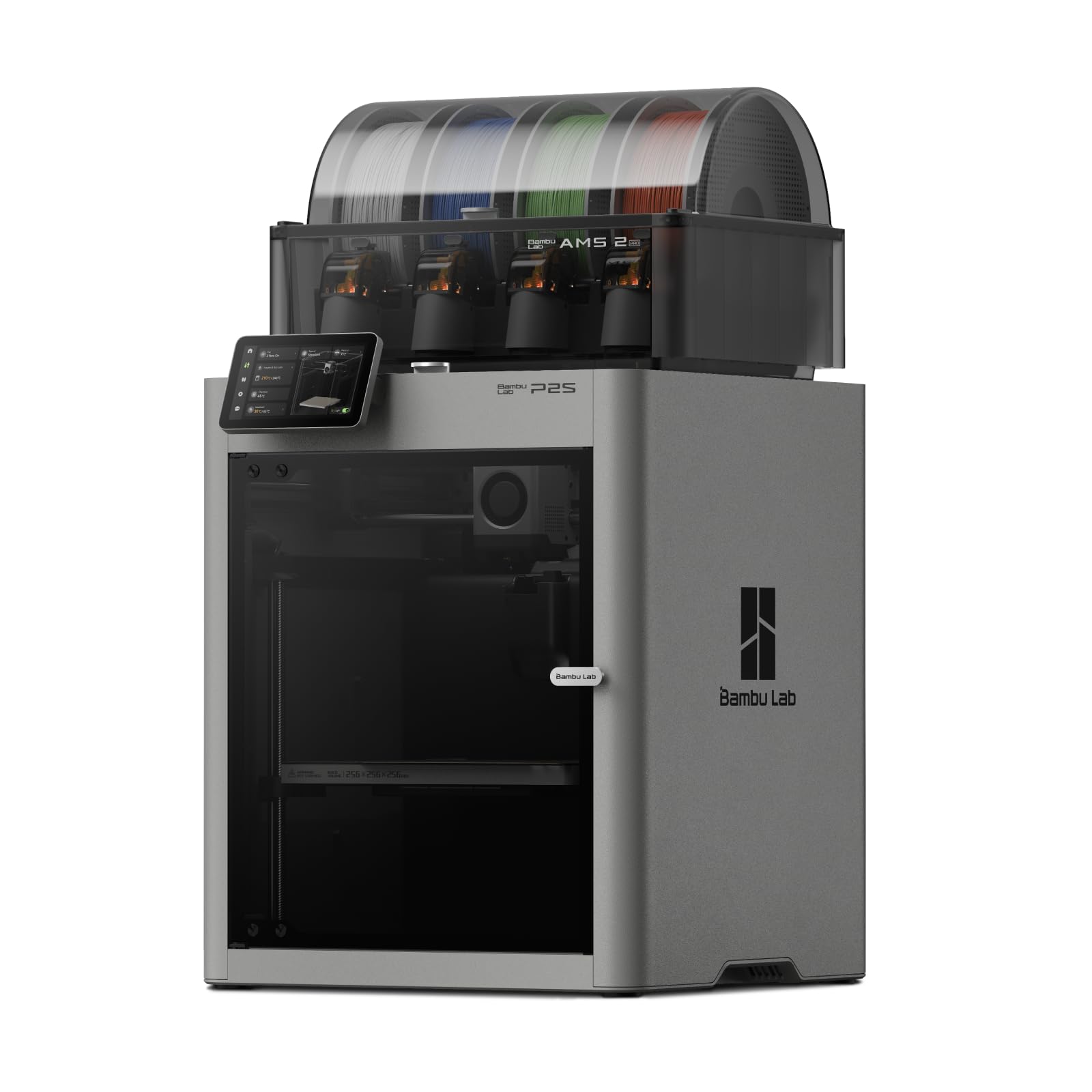
Multicolor printing usually means purge towers and wasted filament. The P2S Combo takes a more appliance-like approach: its AMS 2 Pro holds multiple spools, dries filament at up to 65°C, and keeps a spool ready instead of leaving it to absorb humidity between projects. That matters more than another headline speed number: damp PLA prints poorly, and a built-in dryer removes a chore that otherwise sits between you and a good print.
Speed is the other half of the pitch. The P2S is a CoreXY machine rated to 600 mm/s, with a servo extruder and active flow-rate compensation; that means it can move quickly without making every print look rushed. The 50°C chamber and adaptive airflow help with overhangs and keep warmer materials happier than an open frame does. Setup is designed to take about 15 minutes, and automatic calibration plus AI failure detection lower the odds that a beginner spends the first weekend chasing a bad first layer.
The footprint is the trade-off. At 18 x 22 x 18 inches and 46.3 pounds, the P2S wants a dedicated table rather than a shelf you share with homework. We think it earns that space if you print often, especially in color; the enclosure and the dryer make it feel like an appliance rather than a project. If you mainly print single-color parts, the A1 is the smarter first step. But for a household that wants one printer to handle school projects, gifts, and the occasional functional part, this is the one we keep coming back to.
Pros
- Fast 600 mm/s CoreXY motion
- AMS 2 Pro dries filament while printing
- Guided setup and AI failure detection
- Heated chamber handles more materials
Cons
- Premium price relative to beginner FDM printers
Our top pick for most home makers: fast, enclosed, and genuinely easy, with a multicolor system that dries filament as it goes.