Best Resin 3D Printers of 2026

Resin printing is the difference between a miniature that looks like a blob and one where you can count the stitches on a cloak. The tradeoff is everything that comes with a vat of liquid photopolymer: gloves, ventilation, a wash-and-cure routine, and a first week that feels like a science project. What separates a printer you fight with from one you just use is setup, leveling, plate adhesion, and a screen that delivers the same result every time.

I've kept a resin printer in my spare room for three years, mostly for tabletop minis and the occasional replacement knob. Resolution is the easiest spec to compare and the least useful to obsess over: the jump from a mid-range screen to the sharpest panel shows up in flat panels and tiny text, while a badly leveled plate ruins the same file on any machine. My team and I spent seven months running nine printers through real jobs, and the differences that mattered were rarely the ones on the box.

The picks below are the ones that earned permanent bench space. Some are small enough to learn on; others have the volume and heated vats for production work.

1

Best Overall

ANYCUBIC Photon Mono 4

86 /100
LBD Score Excellent

Key details

Weight
7.7 lb
Build Volume
6.04 × 3.42 × 6.49 in
XY Resolution
17 × 17 µm
Max Print Speed
70 mm/h
View on Amazon

The cheapest machine in this roundup also has the finest pixel pitch of the five, and that is the whole reason it sits at the top. A 7-inch 10K screen works out to 17 × 17 microns per pixel, a smaller point of light than machines costing appreciably more. Pixel size, not the K printed on the box, is what decides whether the edge of a cloak or the bridge of a 28mm nose survives the print. Our test figures came off the plate with faces and folds intact, which is the entire job at this scale.

Setup is the other half of the argument. The four-point leveling is a one-time job — seat the plate, tighten the screws in sequence, and the machine holds it — and it stayed put for the rest of our testing. At 7.7 pounds it is the lightest printer here by a wide margin, light enough to lift onto a shelf when the desk has to be a desk again, which is not true of anything else in this group.

What it prints well is the small stuff: a plate of 28mm figures, a set of props, a run of chess pieces, a weekend of bits for a kit. The vat holds a manageable volume of resin, so topping off and draining are quick jobs rather than a project, and a bad print wastes a modest amount of material. Anything past about six inches in one piece is a job for the larger machines here, which is the boundary of what this one is for rather than a flaw in it.

Speed is where it gives ground: 70 mm/h against the Mars 5 Ultra's 150. On a plate of miniatures that gap is minutes; on a tall print it is most of an evening. We kept reaching for this one anyway, because a slow print you trust beats a fast one you are watching.

Pros

  • 17 µm pixels
  • Levels once and holds through the test
  • Lightest machine here at 7.7 lb
  • Lowest-priced machine we recommend

Cons

  • 70 mm/h top speed trails the fast small-format pick
  • Build volume rules out large single-piece prints
Our verdict

We recommend the Photon Mono 4 to anyone who wants fine detail without paying for it twice — it is the best default for miniatures, props, and small functional parts.
Check Latest Price
2

Best Automated Workflow

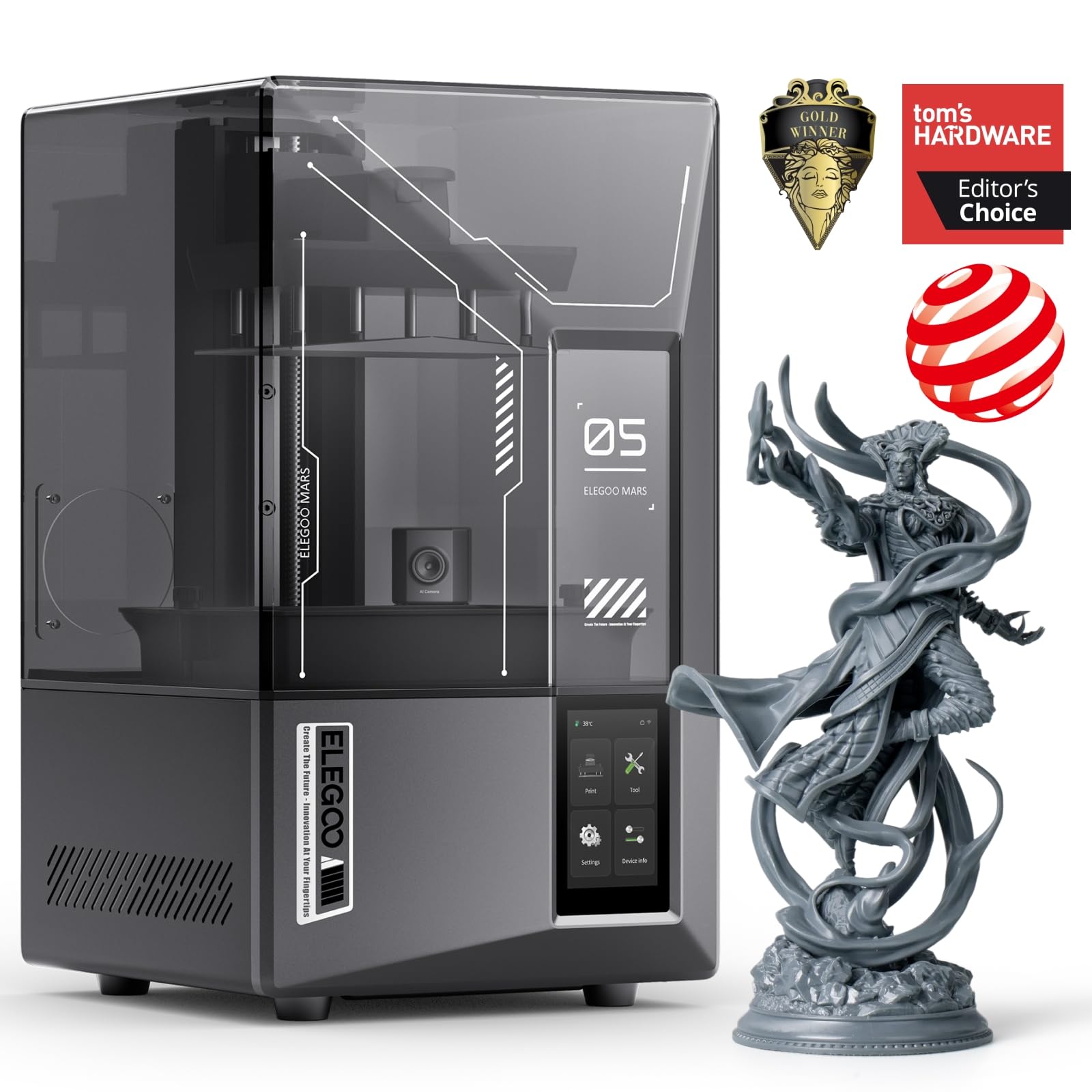
ELEGOO Mars 5 Ultra

84 /100
LBD Score Excellent

Key details

Weight
19.4 lb
Build Volume
6.04 × 3.06 × 6.49 in
XY Resolution
18 µm
Max Print Speed
150 mm/h
View on Amazon

One hundred and fifty millimeters an hour is the sort of figure that reads like marketing until you see where it comes from. The Mars 5 Ultra does not drag each layer off the film; it tilts the vat to peel the layer away, which cuts the suction force and lets the plate climb faster. On a tall print that is the difference between an afternoon and an evening.

The rest of the machine is built around not needing you. Leveling is one button, a mechanical sensor watches for cured debris in the vat before the plate comes down, and the printer halts itself if the light source runs hot. Of everything here, this is the machine we are most comfortable leaving to run while we do something else — the residue check in particular targets the failure that ruins screens rather than prints, and that is the expensive one.

Detail is not the pitch. At 18 microns its pixels are a hair coarser than the top pick's 17, and the build is slightly narrower, so if sharpness per dollar is your measure the Mono 4 wins. What your money buys here is throughput and fewer ways for a print to go wrong.

Where the beginner label on the box is only half true: the hardware is close to self-starting, but the slicer, the resin profiles, and the Wi-Fi transfer still take an evening of trial and error before the first good print. Budget that evening. What you get back afterward is a machine that largely runs itself.

Pros

  • Up to 150 mm/h with tilt-release peeling
  • One-click leveling plus debris sensing
  • Wi-Fi transfer and multi-printer monitoring

Cons

  • Pricier than the top pick, with less build volume
  • Speed advantage shows on tall prints, not small plates
Our verdict

Buy the Mars 5 Ultra if your time matters more than your build volume — it is our pick for fast, mostly unattended small-format printing.

Check Latest Price
3

Best for Detailed Large Models

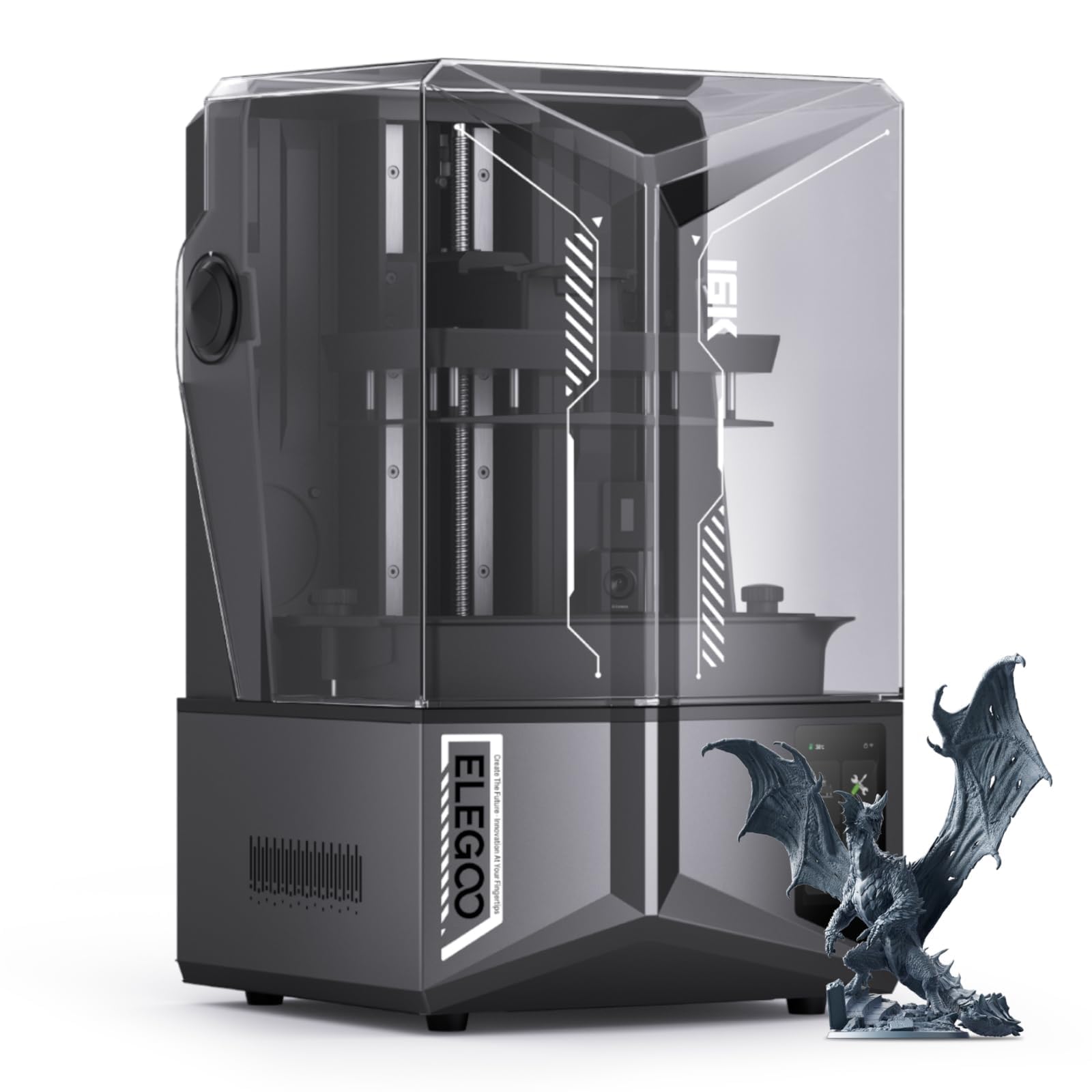
ELEGOO Saturn 4 Ultra 16K

84 /100
LBD Score Excellent

Key details

Weight
35.5 lb
Vat Heating
Holds resin at 30 °C
Build Volume
8.33 × 4.66 × 8.66 in
LCD Resolution
10-inch 16K mono
View on Amazon

The feature that will decide more prints than the 16K badge is the tank heater, which holds resin at 30 °C. Cold resin is thick resin: it clings to the release film, peels unevenly, and fails in ways that look exactly like a bad exposure setting. If your printer lives in a garage, a basement, or a spare room that never quite warms up, that heater is the reason to choose this machine over a cheaper one.

Around the heater sits a genuinely large printer: a 10-inch 16K panel over a build of 8.33 × 4.66 × 8.66 inches, automatic leveling, an AI camera with its own light, and the tilting release that speeds up tall jobs. The combination is aimed at people making large models with fine surface detail — a display bust, an ornate vehicle, something that has to hold up at arm's length. Against the M7 Max you trade build volume for a denser screen and a heated vat.

The detail we appreciated most is smaller than the screen. The camera has its own light, so you can check a print from your phone instead of lifting the lid — and on a heated machine that matters more than it sounds, because every peek lets the warm air out. It ended up being the feature we used most.

Pros

  • Heated vat holds resin at 30 °C
  • 16K detail across a large build
  • Lit camera for remote checking

Cons

  • 35.5 lb and 24 in deep
  • Costs more than the small-format machines
Our verdict

This is the one we recommend for a cold workshop and large, finely detailed models — the heated vat earns its keep where resin would otherwise run thick.

Check Latest Price
4

Best Big-Build Value

ANYCUBIC Photon Mono M7 Max

84 /100
LBD Score Excellent

Key details

Weight
60.9 lb
Build Volume
11.73 × 6.46 × 11.81 in
XY Resolution
46 × 46 µm
Max Print Speed
60 mm/h
View on Amazon

Before anything else, find the room. The build volume runs 11.73 × 6.46 × 11.81 inches, the machine weighs 60.9 pounds, and a vat that size needs a deep, stable bench with nothing above it you would miss. This is the largest format here short of the Phrozen, and it behaves like equipment rather than a desktop gadget.

What the volume buys you is a different class of print: a vehicle hull in one piece, a building without a seam down the middle, thirty small parts in a single run. The screen is a 13.6-inch 7K panel at 46 × 46 microns, roughly three times the pixel area of the 7-inch machines here, so you are trading fine detail for footprint. On a 28mm face that trade is visible; on a two-hundred-millimeter bust or a slab of terrain it disappears.

We think of it as the volume machine, and it earns its place for anyone whose work is about scale and repetition. Temperature-controlled resin and level monitoring matter in exactly that job: a big vat holds a lot of resin, cold resin prints badly, and discovering the vat has run dry halfway through is an expensive way to learn.

One detail we liked more than we expected: the plate parks at an angle after a print so resin drains back into the tank instead of onto your bench. At this build size that is a lot of resin and a lot of cleanup you simply do not deal with.

Pros

  • 11.73 × 6.46 × 11.81 in build volume
  • Temperature-controlled vat and resin monitoring
  • Plate drains at an angle after printing

Cons

  • 46 µm pixels show on small miniatures
  • Vat volume makes each failure costly in resin
Our verdict

We recommend the M7 Max to anyone whose printing is about size and repetition — terrain, hulls, and batches — rather than miniature faces.

Check Latest Price
5

Production Batch Printing

Phrozen Sonic Mega 8K S

76 /100
LBD Score Very Good

Key details

Weight
57.3 lb
Build Volume
12.99 × 7.28 × 11.81 in
XY Resolution
43 µm
LCD Resolution
15-inch 8K mono
View on Amazon

The Mega 8K S is priced like a small business, and that is what it is for: a 15-inch 8K screen, a build volume of 12.99 × 7.28 × 11.81 inches, and a lift-up lid you can open one-handed while the other hand holds a dripping plate.

We like how much of it is designed around a working day rather than a weekend. The metal drip hanger holds the plate over the vat so it drains instead of pooling on the bench, the lid lifts rather than needing somewhere to be set down, and a plate this size takes a batch in one run instead of three. If you sell what you print, that is the difference between a batch and a backlog.

Resolution is the compromise. Forty-three microns across a screen this size resolves far less finely than the 17-micron small machines, so this is not a miniatures printer; it is for large parts that would otherwise be cut into sections and glued back together. On a piece that size, the pixel pitch stops being the thing anyone notices.

The last thing to be honest about is utilization. A plate this size is meant to run full, and a hobbyist printing a figure a week will use a fraction of it. That does not make it a bad machine — it makes it the wrong machine unless volume is the point.

Pros

  • 15-inch plate takes a full batch at once
  • Lift-up lid and metal drip hanger
  • 43 µm detail held across a very large screen

Cons

  • Largest price commitment in this roundup
  • A vat this size makes failures expensive
Our verdict

A production machine for people who sell what they print; we recommend it only when a full plate of large parts is the daily job.

Check Latest Price

How We Tested Resin 3D Printers

We started by pulling together the resin printers that kept surfacing in owner threads and review sections, then cut the list by build volume, mask resolution, price, and whether a machine had a realistic path to a first successful print. That left nine printers, which we ran for seven months on a workbench in a spare room and, for the largest units, a garage that dips into the low 60s overnight.

Setup came first. We unboxed and assembled each one without help, timed it, and noted whether leveling was a manual paper-shim job or a button press; on the auto-leveling machines we ran the routine twice and checked the result against a feeler gauge. We filled vats, loaded the same sliced test files — a 32mm miniature with fine detail, a flat plate for layer-line inspection, and a small bracket with holes — and recorded how long the first print took and whether it came off the plate in one piece or needed a scraper.

Print quality we judged by eye and by caliper: layer lines on flat surfaces, whether tiny text stayed legible, whether holes came out round, and whether supports left scars. We counted failures out of every ten prints, watched how adhesion held as plates got scuffed, and tested tank heating by printing overnight in the cool garage. Over the months we tracked the unglamorous stuff, too — screen and lid wear, how easy the vat was to drain, whether the interface still made sense after the tenth print, and whether the results justified what each machine cost next to the others.

How to Choose a Resin 3D Printer

Build Volume First, Pixels Second

Every listing leads with the K count, and it tells you less than pixel pitch does. The K is just how many pixels the screen has; what governs visible detail is the size of one pixel in microns, and a bigger screen spreads those same pixels thinner. A 7-inch 10K panel lands near 17 microns, while a 15-inch 8K panel sits at 43 — the small machine resolves finer detail, the big one prints far more of it at once.

For 28–32mm miniatures, anything at or under roughly 20 microns is past what your eye will find. From about 40 microns up, expect visible stepping on sharp edges, which barely matters on terrain and large figures. Then measure the largest single piece you want and buy the build volume that fits it, not the resolution that impresses.

How Print Speed Is Actually Made

Millimeters-per-hour figures are quoted at a friendly layer height on a model that does not fight the film, so read them as a ranking rather than a promise. Where the speed comes from matters more: machines that peel the vat away in a tilting motion, or use a slicker release film, cut the force needed to separate each layer, and that is what shortens a tall print.

Our preference is to pay for the release mechanism rather than the headline number. A faster printer also moves the bottleneck downstream, so a wash-and-cure station is part of the budget rather than an accessory you get to later.

Leveling, Sensors, and the First Evening

Manual four-point leveling is not the ordeal it once was: seat the plate, tighten in sequence, and most machines hold that setting for months. Automatic leveling earns its price if the printer gets moved, shared, or knocked. The extras worth having are the ones that protect the panel — a sensor that spots cured debris in the vat before the plate descends will save you a screen.

What no machine automates is the slicer. Budget an evening for resin profiles, exposure tests, and file transfer whatever you buy; that evening is the difference between a printer that works and a printer you have decided is broken.

Temperature, Resin, and Where It Lives

Resin thickens as it cools, and thick resin clings to the film, peels unevenly, and fails in ways that look exactly like bad exposure settings. A vat heater holding around 30 °C is the difference between a reliable winter and a miserable one if the machine lives in a garage or basement.

If you plan to run engineering or high-viscosity resins, check the maker's viscosity rating before ordering; some machines are rated for resins up to 8,000 cps and most are not. Warmth and resin compatibility are the two specifications people discover too late.

The Costs That Arrive After the Box

Plan for consumables. The LCD panel and the release film are wear items, and both are replaceable; a screen protector and a spare film cost little next to a dead panel. Keep a protector on the glass from day one, because cured resin on the panel is how most of these machines die.

Count the space honestly too. These machines want a stable surface, room for a full vat, and air that does not circulate back into a bedroom. Cure waste resin in sunlight, and never pour it down a drain.

Frequently Asked Questions

Final Verdict

The ANYCUBIC Photon Mono 4 is the machine we point most people to. It puts the finest pixel pitch in this group on the plate for the least money, it levels once and stays put, and at 7.7 pounds it can live on a shelf when the desk has other work to do.

Move up to the ELEGOO Saturn 4 Ultra 16K if your models run larger than six inches or your workshop runs cold — the heated vat and the denser screen are what you are paying for. Choose the ANYCUBIC Photon Mono M7 Max only when sheer build volume is the job.