Best Overall

JSAUX 6-in-1 Docking Station
Key details
- Ethernet
- Gigabit
- USB Ports
- 3x USB-A 3.0
- HDMI Output
- 4K@120Hz
- Power Delivery
- 100W PD
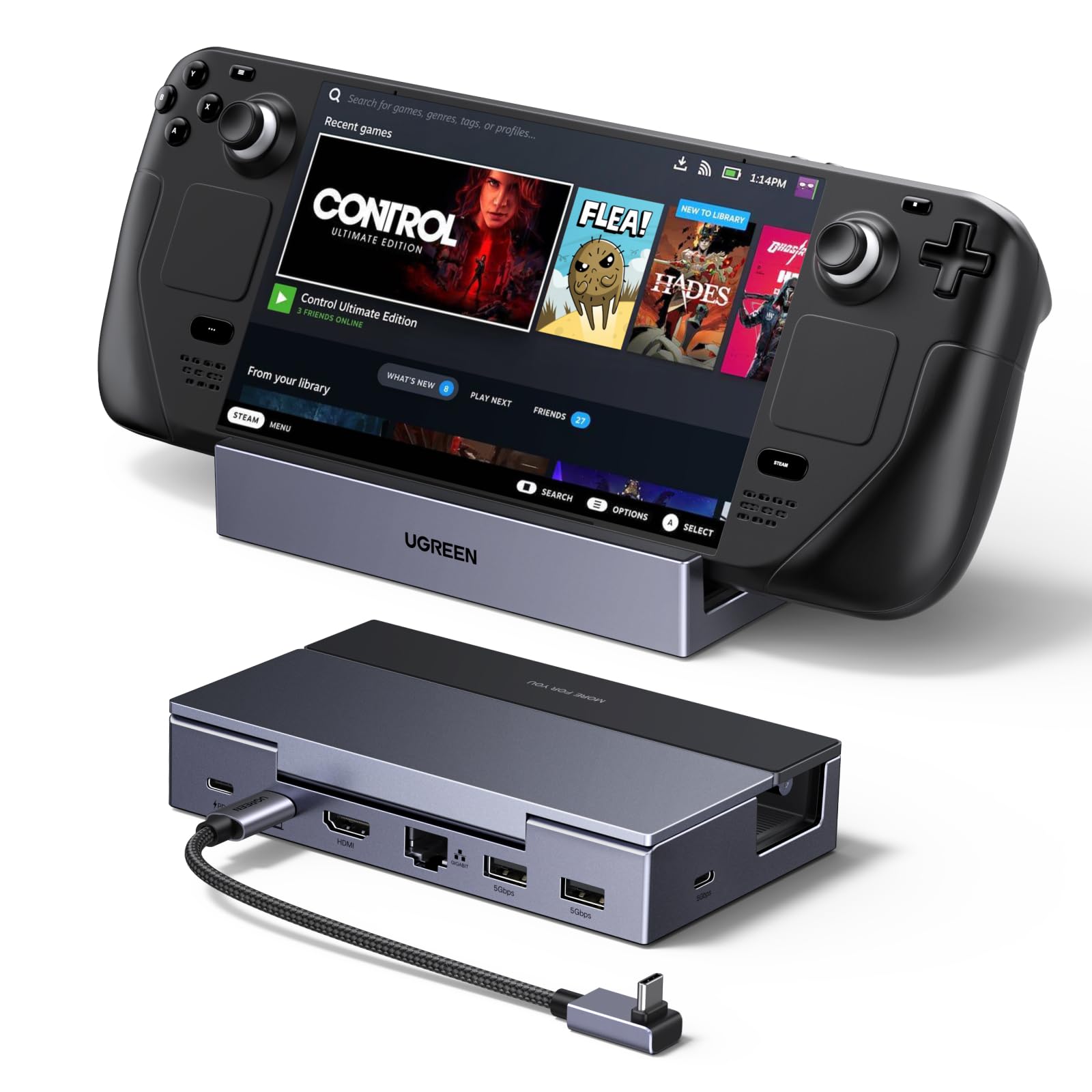
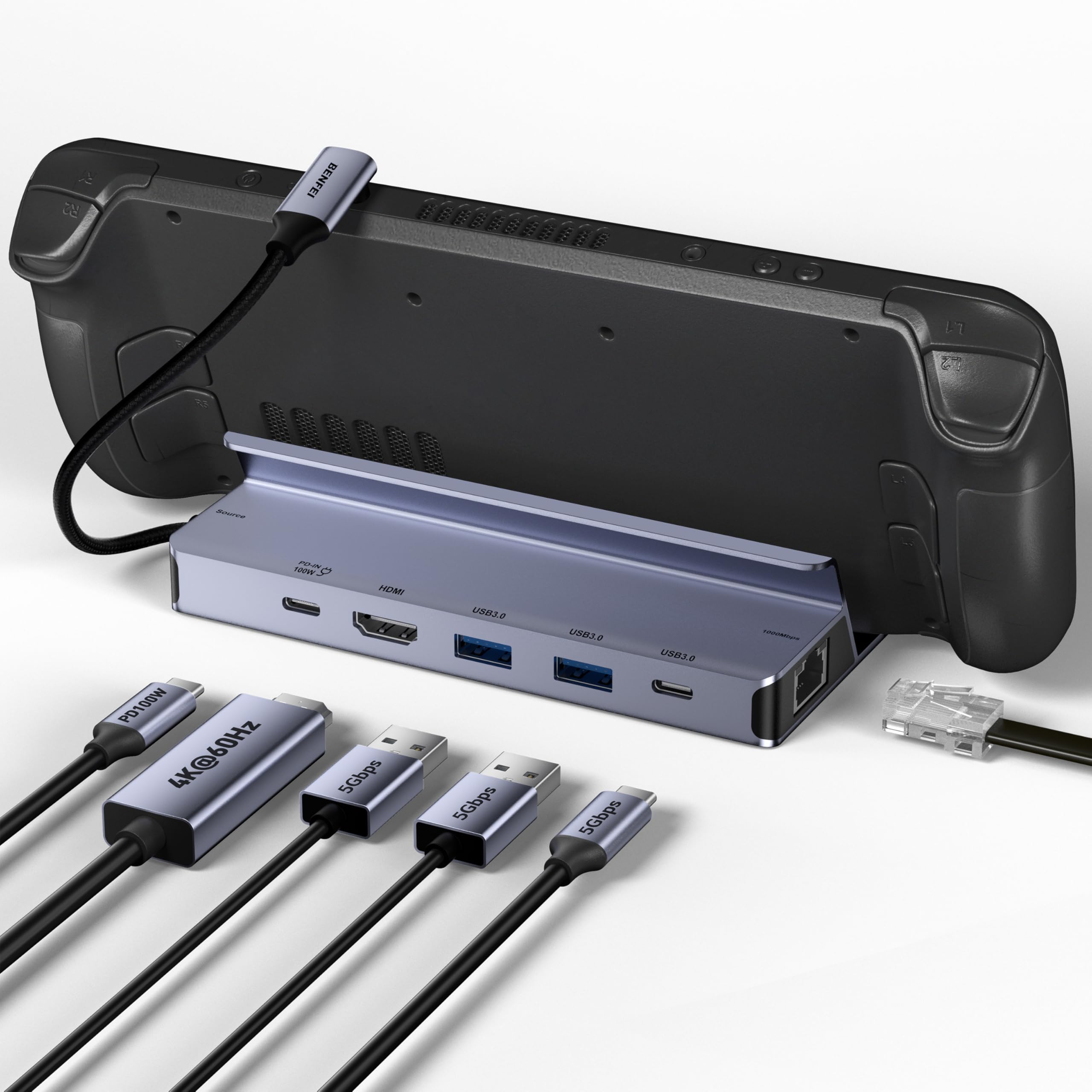
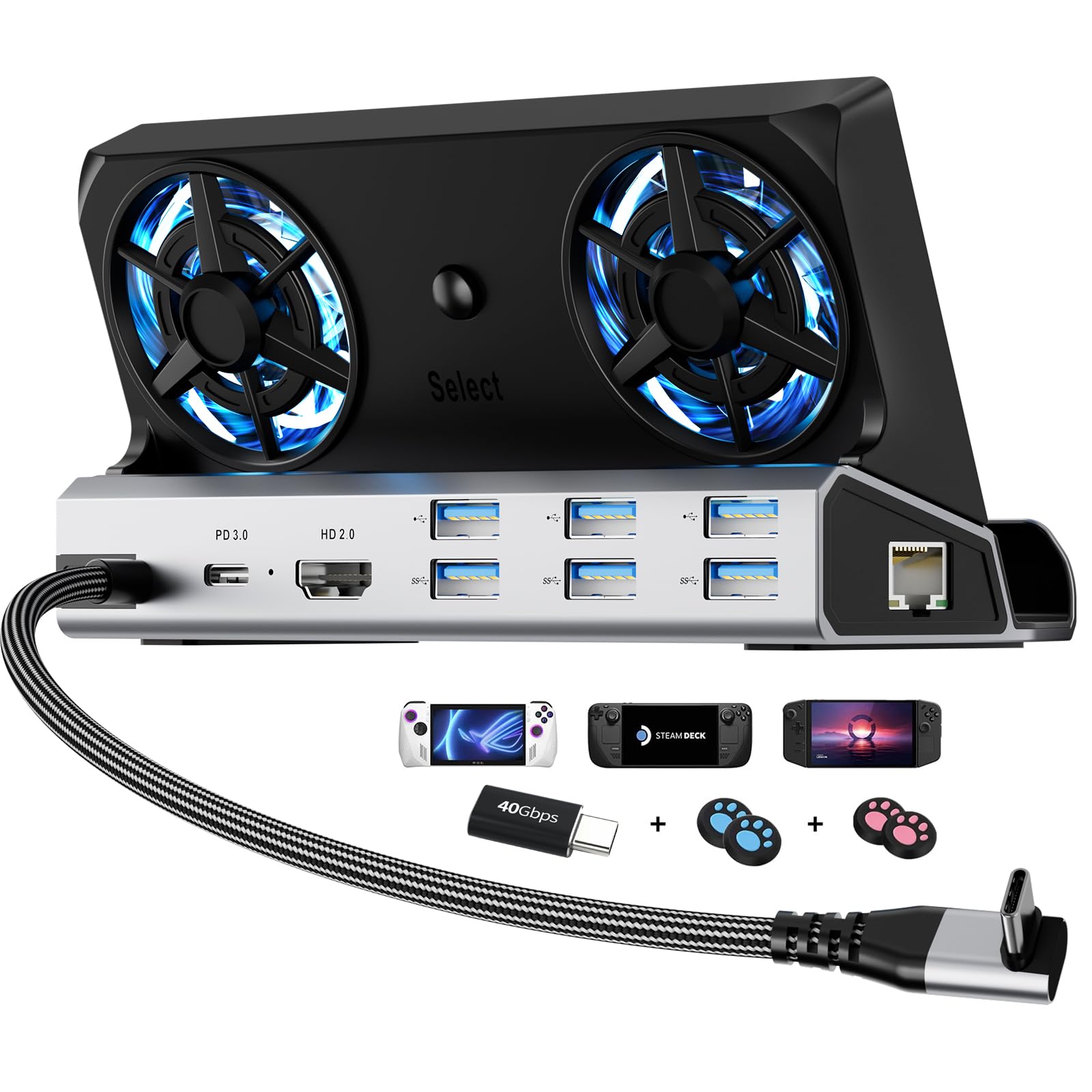
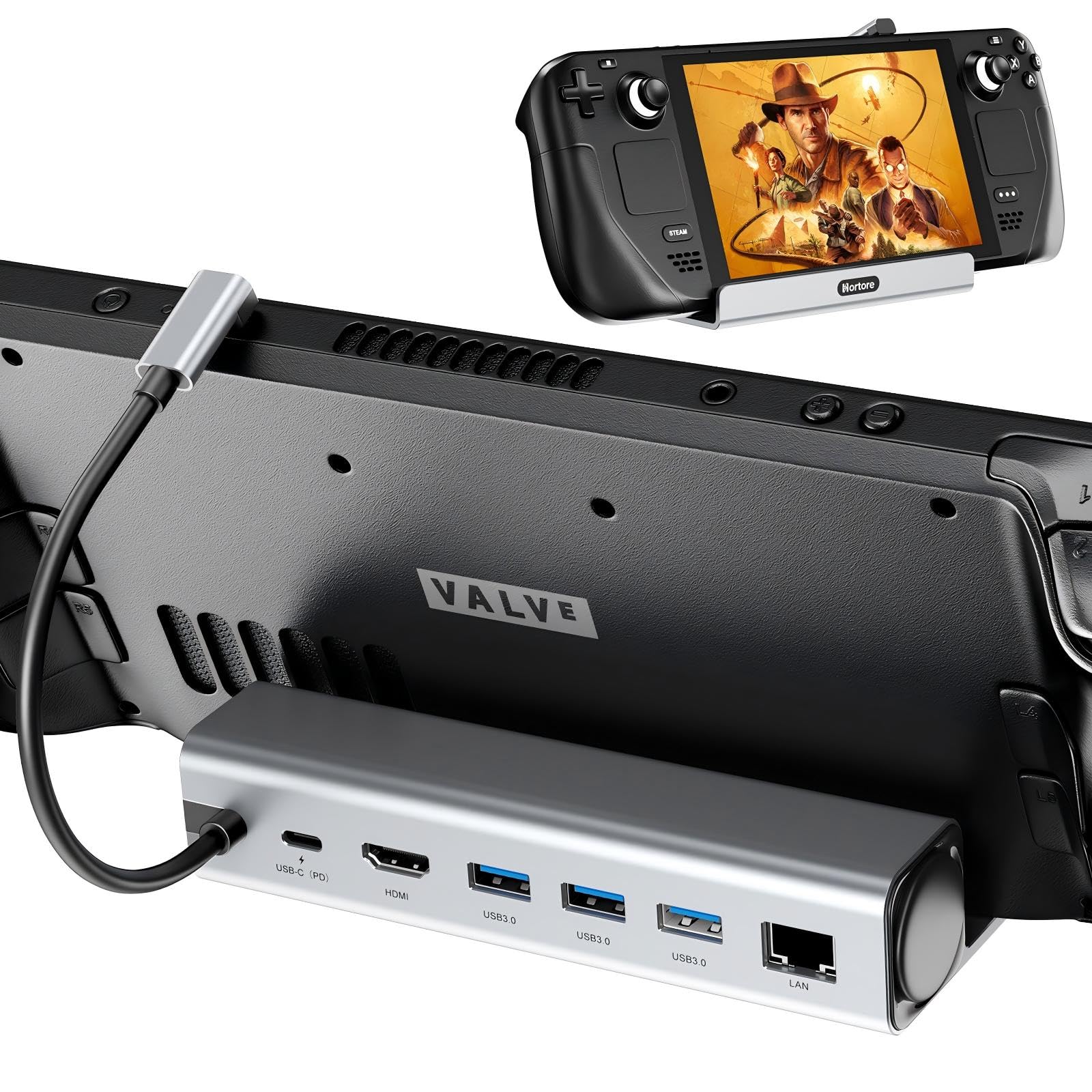
Three USB-A 3.0 ports, gigabit Ethernet, HDMI 2.1, and a 100W USB-C input sit along the back of this dock. That is the practical mix for a Steam Deck that spends part of its life on a TV. A keyboard, mouse, and controller receiver can stay connected, the Deck charges while it plays, and the network stays wired. We also like the upright cradle, which holds the handheld at a readable angle instead of leaving it flat on the desk.
The 4K120 output is the headline, and it is a real step up from the 4K60 docks in this group. On a Steam Deck, the benefit is less about hitting 120 fps in every game and more about a smoother desktop, clearer motion, and headroom for a display that can do more. You need an HDMI 2.1 display and a cable that supports the mode; on a 4K60 TV the dock behaves like a sensible 4K60 hub. The three USB-A ports run at 5Gbps, so an external SSD or flash drive is not stuck on USB 2.0.
Compatibility is broad: Steam Deck LCD and OLED, ROG Ally and Ally X, Legion Go and Go S, and MSI Claw are all named. If you swap between a Deck and a Windows handheld, that breadth matters more than another port. For most desks, though, the JSAUX is the one we reach for first because it gets the core job right without adding another hub or adapter.
Pros
- Three USB-A 3.0 ports for peripherals
- 4K120 HDMI, gigabit Ethernet, and 100W PD in one dock
- Stable upright cradle with broad handheld compatibility
- Works with Steam Deck OLED and major Windows handhelds
Cons
- No USB-C data port
The JSAUX 6-in-1 is the dock we recommend first for most Steam Deck owners: it covers 4K120 output, wired Ethernet, three USB-A peripherals, and 100W charging without turning the desk into a hub stack.