Best Overall

atolla Aluminum 5-Port USB Hub
Key details
- Enclosure
- Aluminum
- Data Ports
- 4 USB-A 3.0
- Charging Port
- 1 (2.4A)
- Power Adapter
- 5V/3A
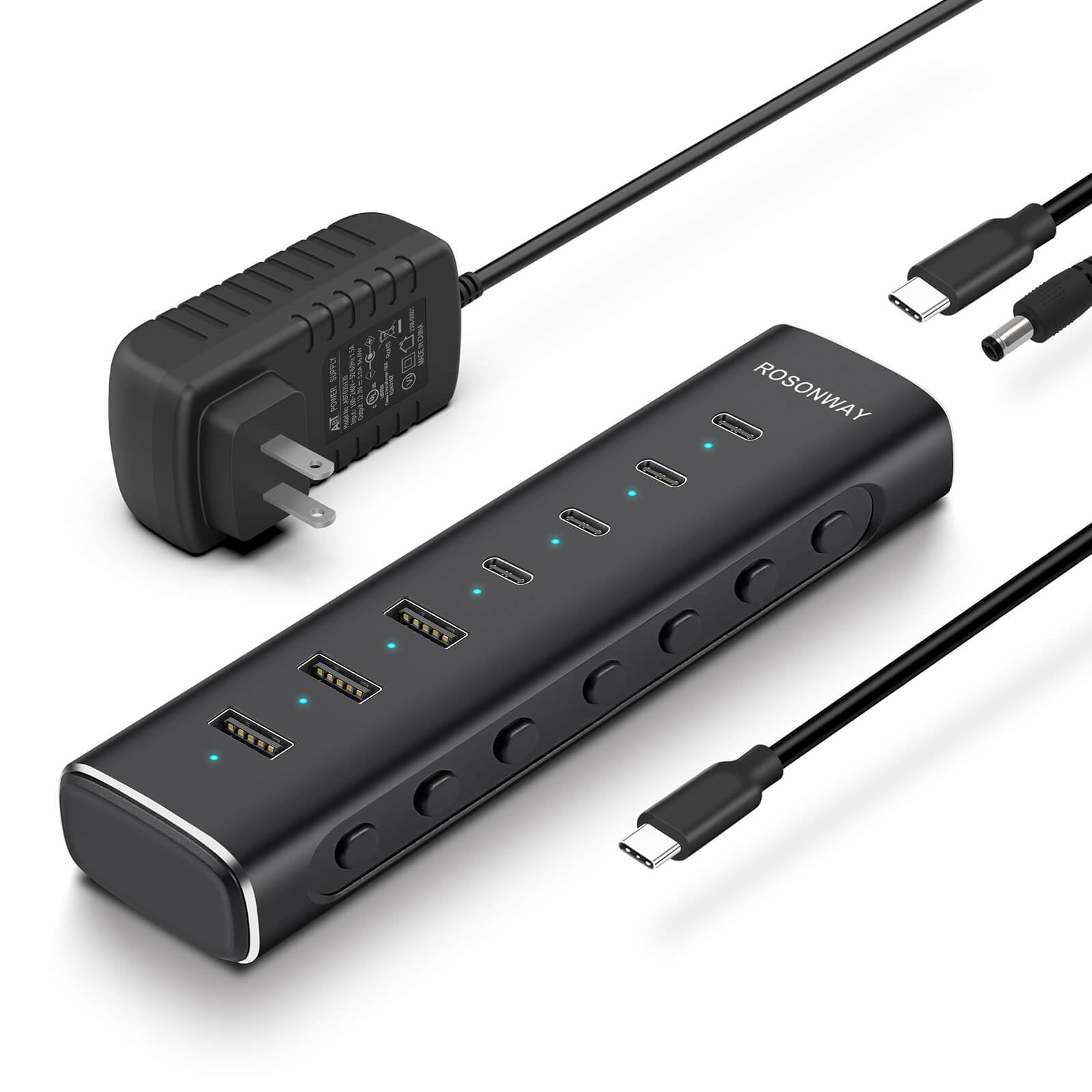
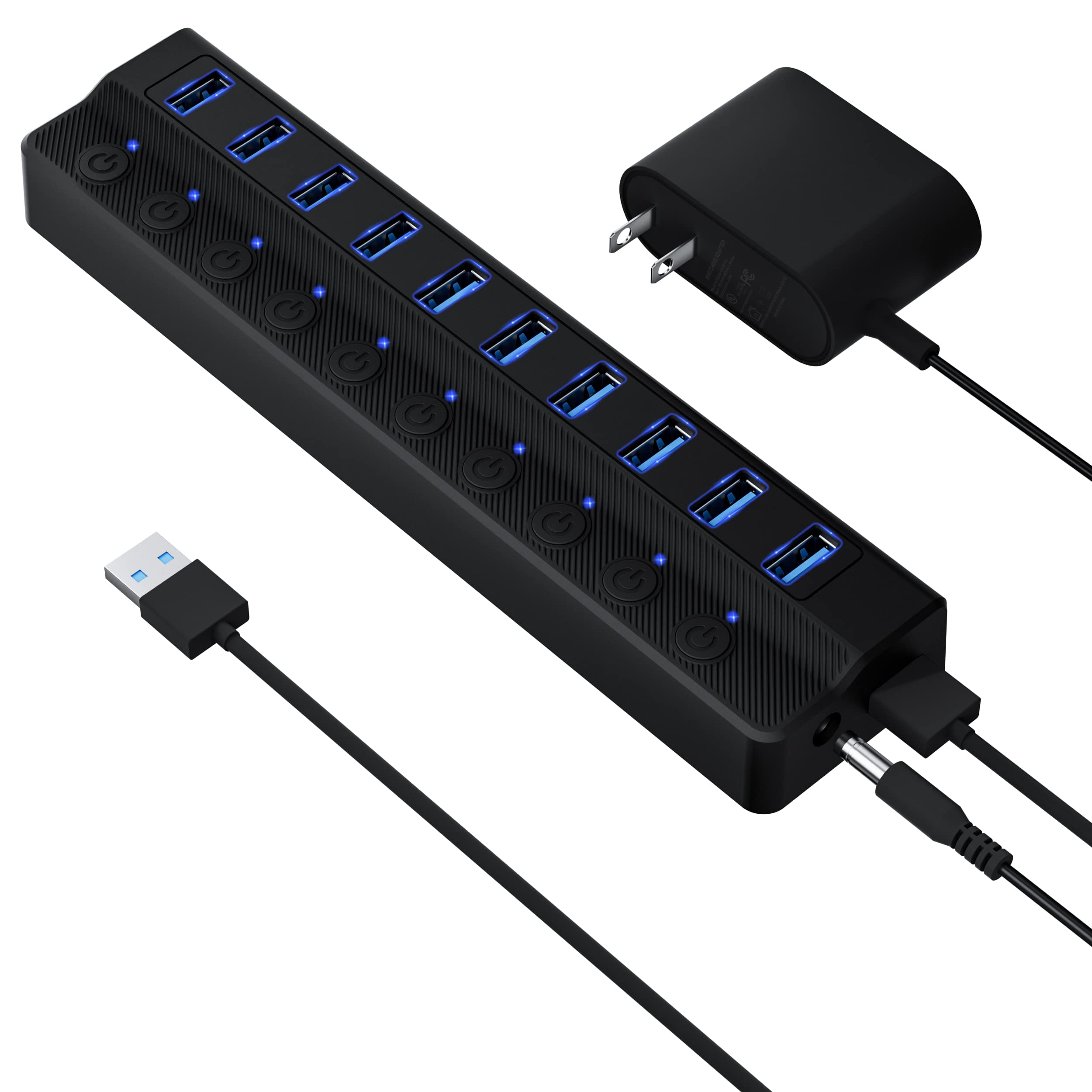
Aluminum earns its place on a hub the moment you pull a flash drive out and the whole thing doesn't come with it. The atolla has enough mass to sit still on a desk, and a lit switch for every one of its four data ports plus the charging port at the end. Stays put, kill power per device — that combination is why it is the hub we point most people to. Nothing here is exotic; it is just done properly.
The adapter is rated 5V/3A, roughly 15 watts shared across everything plugged in. A keyboard, a mouse, a flash drive and a phone on the charge port fit comfortably inside that, and one portable hard drive is fine. Two or three drives at once is where a small supply runs out of room, and no switch position fixes that. In daily use the buttons do more work than the wattage suggests: park a drive without unplugging it, shut off a webcam between calls, or force a dongle to re-enumerate without reaching behind the tower.
Two things to know before you commit. Older USB 2.0 gear is the weak spot — a wireless mouse receiver from a few years back is the most likely thing to go unrecognized, so plug your oldest device in on day one while returns are still simple. And four data ports is the ceiling: right for a laptop with two, tight on a desktop already running a printer, a scanner and a drive. The Onfinio covers that desk for about the same money.
Pros
- Aluminum body stays put when you pull a cable
- Lit on/off switch for every port
- Dedicated 2.4A charging port
- Compact footprint for four data ports
Cons
- Only four data ports
- 15W adapter limits multiple external drives
We recommend the atolla to anyone who wants four ports that stay put and stay connected — it is the surest small hub in this group.