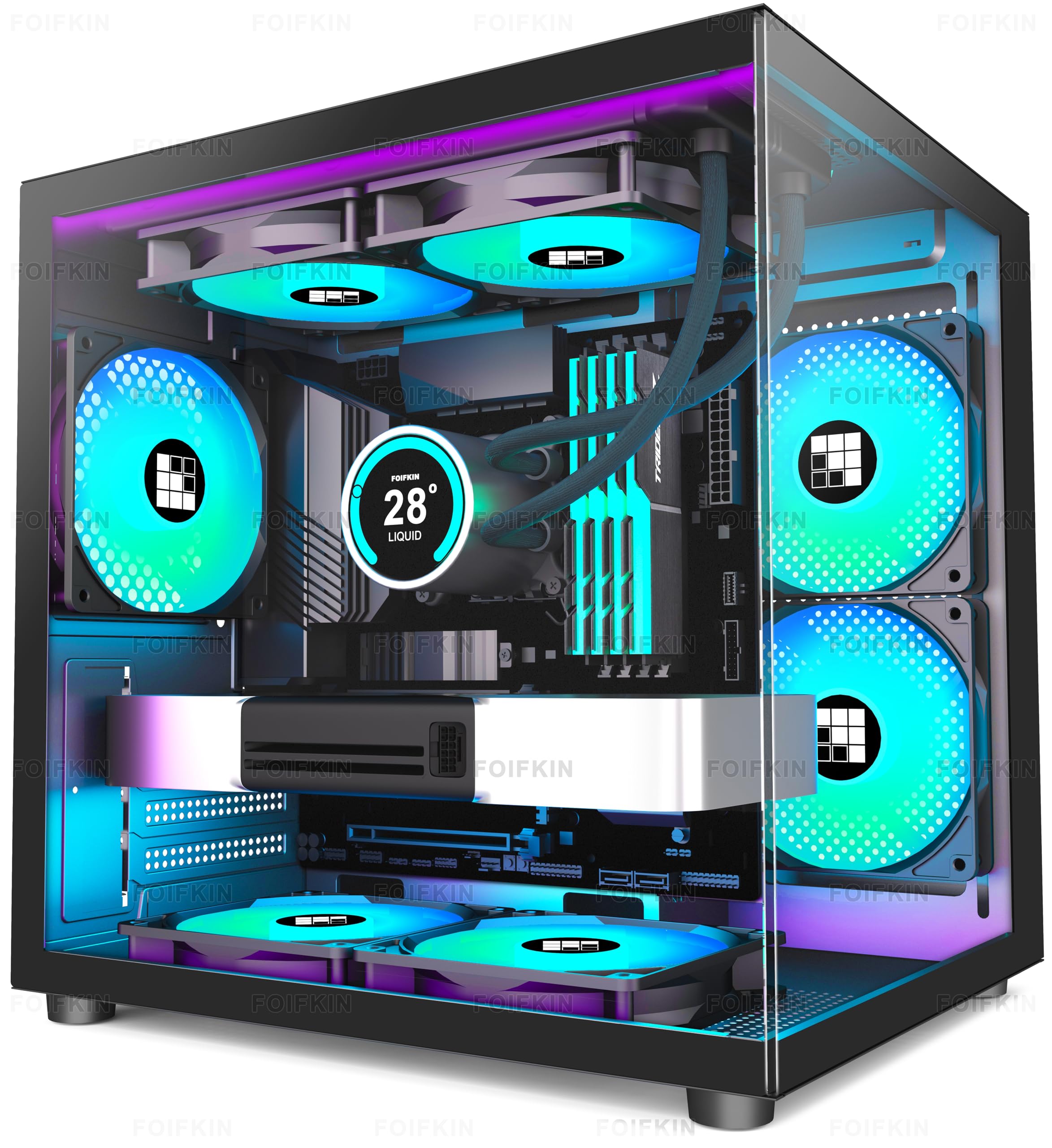
Best PC Cases for Water Cooling of 2026

A radiator is easy to buy and hard to fit. The spec sheet promises 360mm support, then the top mount fouls the VRM heatsink, the front mount crowds the GPU, and the tubing has to make a bend no fitting will forgive. In a water-cooled build, the case decides more than the pump does.

My team and I spent seven months building and rebuilding ten cases around real loops, and the gaps showed up fast. Pre-installed fans and tinted glass photograph beautifully but tell you nothing about whether a 360 slides into the front without the drive cage coming out. Slotted mounting rails, a removable top panel, and somewhere to route pump wiring matter more.

So I judged these the way you'll live with them: how the panels feel and line up, how much of the build the glass actually shows, and whether the cable channels still close once they're full of fan leads. The picks below run from a compact first-timer's case to a dual-chamber showpiece.

1

Best Overall

Corsair 4000D RS ARGB Frame

92 /100
LBD Score Outstanding

Key details

Front I/O
3x USB 3.0
Included Fans
3x 120mm PWM ARGB
Radiator Support
Dual 360mm
Motherboard Support
ATX, Micro-ATX, Mini-ITX
View on Amazon

The 4000D RS ARGB Frame is the case we keep coming back to for a water-cooled build that has to stay practical. It accepts dual 360mm radiators, and the InfiniRail system lets you slide the front and roof fan mounts instead of working around fixed holes. That matters when a radiator, fan stack, and graphics card all compete for the same few millimeters. We also like that Corsair includes three RS ARGB PWM fans up front, so the case arrives ready to move air.

The airflow story is strong without being fussy. The front panel is perforated in a three-dimensional Y pattern, and the side panel near the motherboard can act as a cable cover or come out for extra fan mounting. We prefer it as a cable cover in most builds because it cleans up the view, but the side position is there when you want another intake. The compact mid-tower footprint is a genuine advantage on a desk; this is not a case that swallows the room.

The trade-off is that the 4000D is compact for a dual-radiator case. You get the mounting flexibility, but long graphics cards and thick radiator-fan stacks still need measuring before you commit. The side fan mount and the cable cover also compete for the same space; you choose one role. Neither issue is a dealbreaker for a typical ATX build, and the steel structure is a big part of why we trust it with a heavy radiator.

Against the HYTE Y70, the Corsair is the easier case to live with: smaller, simpler, and less expensive, though it gives up the Y70's side-mounted radiator thickness and built-in display. For a first custom loop or a straightforward 360mm AIO, we take that trade.

Pros

  • Dual 360mm radiator support
  • InfiniRail mounts slide for flexible fit
  • Three PWM ARGB fans included
  • High-airflow perforated front panel

Cons

  • Side fan mount replaces the cable cover
Our verdict

For most water-cooled builds, the Corsair 4000D RS ARGB Frame is our default: dual 360mm mounts, sliding rails, and three PWM fans in a manageable mid-tower.
Check Latest Price
2

Best Showpiece

HYTE Y70 Touch Infinite

92 /100
LBD Score Outstanding

Key details

Display
14.9-inch 2.5K touchscreen
Included Riser
PCIe 4.0 x16
Radiator Support
360mm side and top
Radiator Thickness
125mm side, 68mm top
View on Amazon

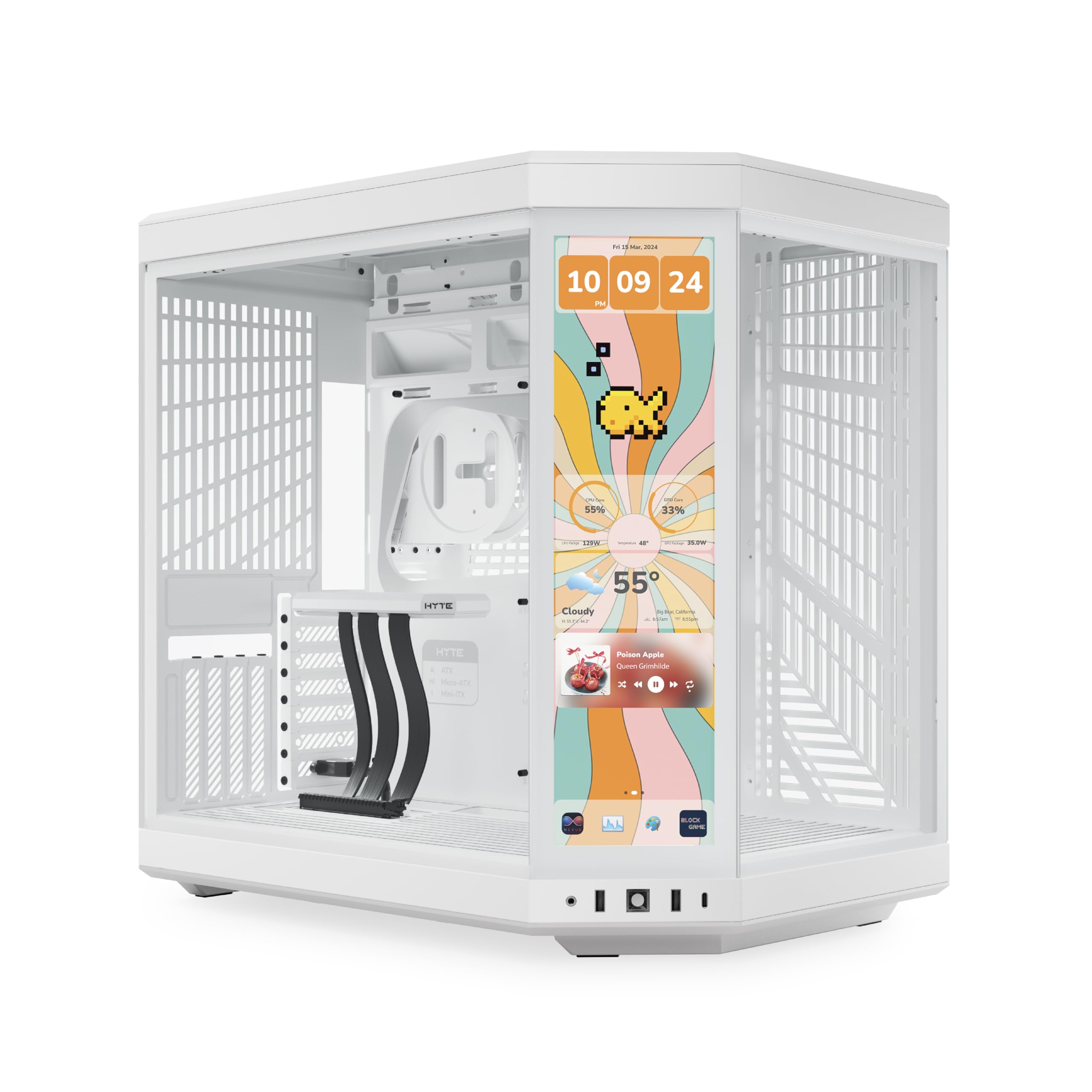
The Y70 Touch Infinite starts with the 14.9-inch 2.5K touchscreen, and that tells you most of what the case is about. This is a dual-chamber showpiece with three pieces of panoramic glass, a vertical four-slot GPU mount, and a PCIe 4.0 riser included. It is not the case for someone who wants a quiet black box under the desk; it is for a build that is meant to be looked at.

For water cooling, the useful numbers are more interesting than the screen. The side mount takes a 360mm radiator up to 125mm thick, and the adjustable top mount handles another 360mm with 68mm of thickness. That gives a custom loop room for a thick radiator and fan stack without crowding the motherboard. The dual-chamber layout also keeps the power supply and cable bundle behind the motherboard, so the main compartment stays visually clean.

We appreciate the build access, too. The glass panels come away for a wide view of the interior, and the vertical GPU mount is built in rather than an extra puzzle. The case is heavy and wide, so it asks for a serious desk or floor spot. It also arrives without fans, which is easy to forget when the spec sheet lists room for 10.

This is the case we choose when the build is the centerpiece and the cooling hardware deserves to be seen. It rewards a generous budget and a big desk, and it makes more sense for a custom loop than a first AIO, because the side radiator and vertical GPU are the reasons to pay for it.

Pros

  • 360mm side radiator up to 125mm thick
  • Adjustable 360mm top mount
  • Included PCIe 4.0 vertical GPU riser
  • 14.9-inch 2.5K touchscreen

Cons

  • No fans included
Our verdict

We see the Y70 Touch Infinite as the showcase choice for water cooling: huge radiator clearance, a built-in display, and a four-slot vertical GPU mount.

Check Latest Price
3

Best Compact First Build

NZXT H5 Flow

91 /100
LBD Score Outstanding

Key details

Front Panel
Mesh
Included Fans
2x 120mm
Radiator Support
360mm front, 240mm top
Motherboard Support
ATX, Micro-ATX
View on Amazon

The H5 Flow is the case for a first water-cooled build that needs one radiator and no wasted space. It supports a 360mm radiator in front and a 240mm radiator up top, which covers a typical AIO without turning the case into a full dual-chamber tower. The compact mid-tower shape still takes ATX motherboards and long graphics cards, so the size saving does not force a smaller platform.

What we like most is how little ceremony the H5 Flow asks for. The front, top, and side panels are fine mesh, the two included 120mm Quiet Airflow fans are enough to get a simple build running, and the cable channels and straps are already in place. We prefer this kind of case for a clean first loop because the airflow path is obvious: cool air comes in through the front mesh, passes the radiator, and leaves through the top and rear.

The limitation is the radiator layout itself. You get one 360mm position and a smaller top mount, not the dual-360 flexibility of the 4000D or the triple mounts of the F600. If you plan to add a second radiator later, this is the wrong starting point. If one 240mm or 360mm AIO is the whole cooling plan, the H5 Flow is the compact case we point to first.

Pros

  • 360mm front and 240mm top radiator support
  • Two Quiet Airflow fans included
  • Fine mesh on front, top, and side
  • Cable channels and straps built in

Cons

  • No dual-radiator layout
Our verdict

For a compact first water-cooled build, we put the H5 Flow first: one 360mm front radiator, two mesh-friendly fans, and no wasted space.

Check Latest Price
4

Best Value Dual-Radiator

HYXN H1

87 /100
LBD Score Excellent

Key details

Dimensions
16.5 x 11.2 x 17.3 in
Included Fans
7x 120mm PWM ARGB
Radiator Support
Dual 360mm (top and side)
Motherboard Support
ATX, Micro-ATX, Mini-ITX
View on Amazon

Two 360mm radiators, seven PWM ARGB fans, and a dual-chamber layout for less than the premium cases here: the H1 is the value answer for a serious water-cooled build. It puts a 360mm mount at the top and another at the side, so you can run a CPU loop and still have room for a graphics-card radiator or a thick push-pull stack. That combination is the reason it earns a place ahead of several prettier cases.

The 270-degree glass shows off the hardware, and the reverse-blade fans on the side and bottom are oriented to pull air in without showing their back sides. We like that the fan bundle is complete enough to start a build, and the 11-pound chassis is easier to move around a desk than the big dual-chamber towers. The vertical airflow design makes sense for a bottom-intake, top-exhaust layout, especially when a radiator is doing double duty as an intake.

The compromises show up behind the motherboard. Cable routing can get tight around the power-supply side, and the case does not feel as refined as the Corsair or HYTE options. Neither issue affects the radiator mounts, but they do change how pleasant the build is. If you want two 360mm mounts without moving up to a premium case, the H1 is the one we point to.

Pros

  • Two simultaneous 360mm radiator mounts
  • Seven PWM ARGB fans included
  • Dual-chamber layout hides the PSU
  • Light 11-pound chassis

Cons

  • Cable routing can be tight behind the PSU
  • Build feels less refined than premium picks
Our verdict

The H1 is our value pick for a two-radiator build: it gives you top and side 360mm mounts plus seven PWM fans, with cable-room compromises you can plan around.

Check Latest Price
5

Best Budget Triple-Radiator

FOIFKIN F600

90 /100
LBD Score Outstanding

Key details

GPU Clearance
Up to 400mm
Included Fans
7x 120mm ARGB PWM
Radiator Support
Three 360mm
Motherboard Support
ATX, Micro-ATX, Mini-ITX
View on Amazon

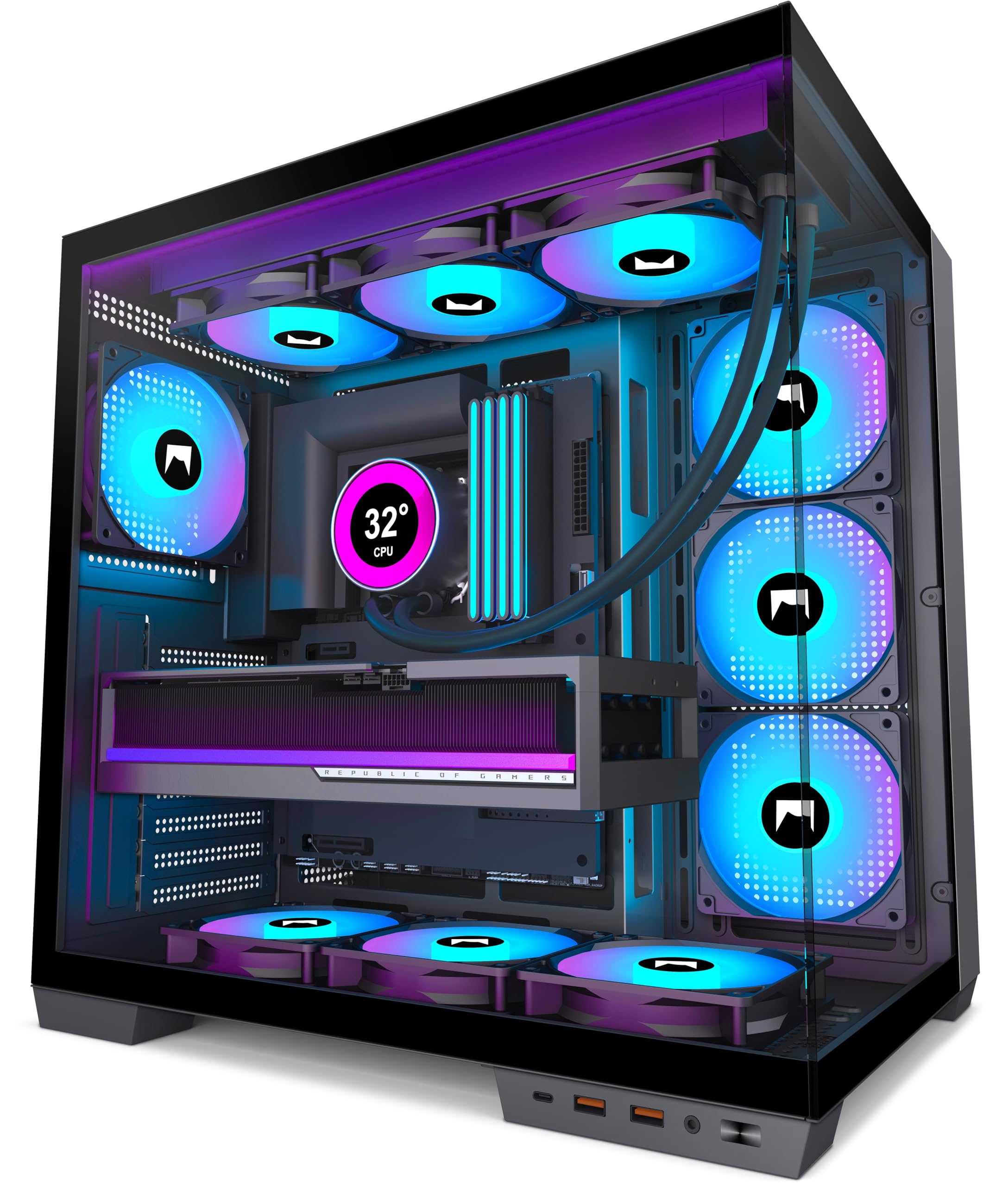
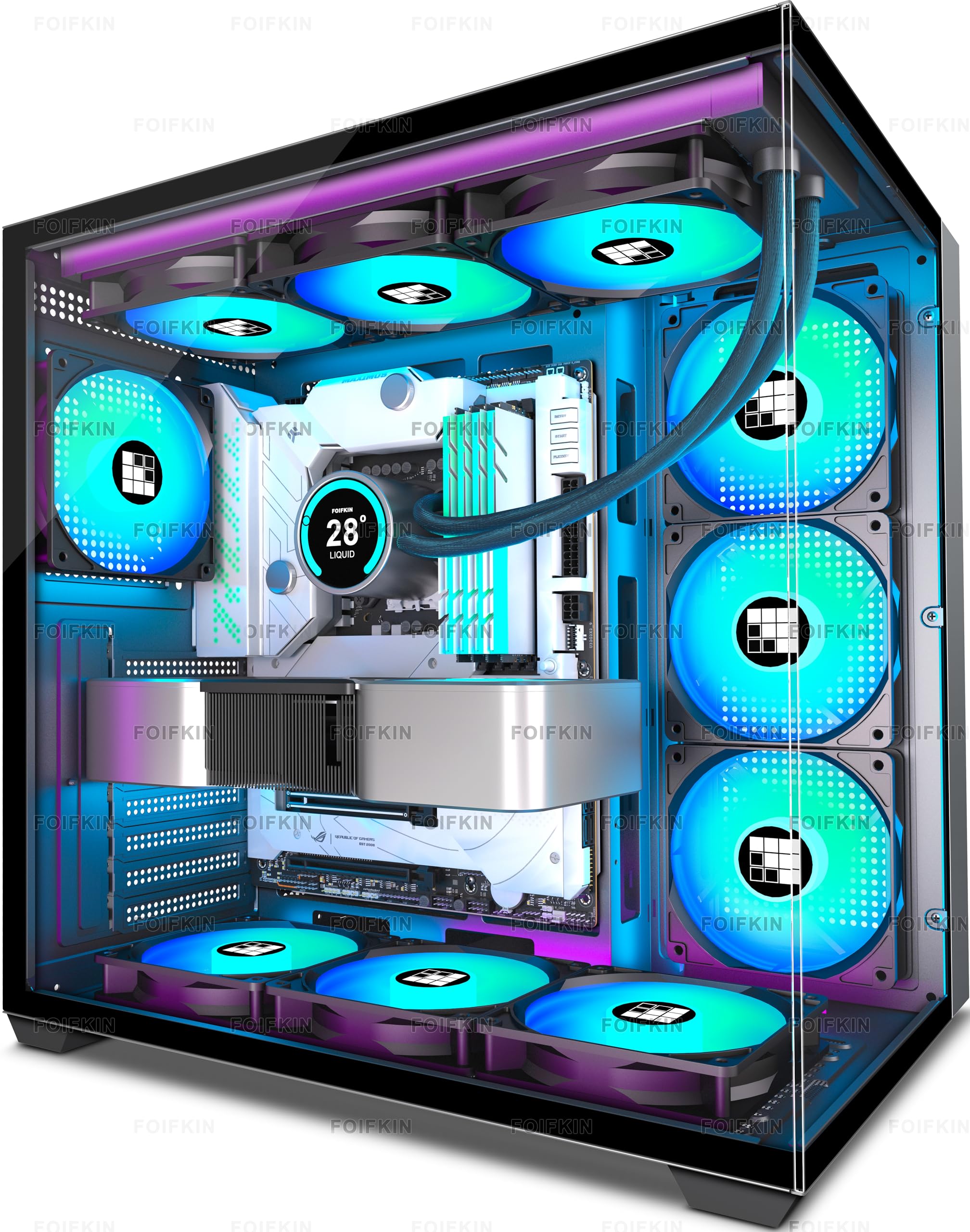
Three simultaneous 360mm radiator mounts is the headline, and the F600 backs it up with a dual-chamber interior and seven ARGB PWM fans. For a build with a CPU loop, a GPU loop, and a thick radiator stack, this is a lot of cooling space in a mid-tower footprint. The glass wraps around the front and side, so the hardware stays visible rather than disappearing into a black box.

The practical clearances are generous: graphics cards up to 400mm, ATX motherboards, and enough room for a large power supply. We like the reverse-blade fans on the side and bottom because they feed the glass-facing intakes without showing the motor hubs. The top mount is the one to plan around, since a 360mm radiator up there can crowd the motherboard edge depending on the board and fan thickness.

The F600 is not as polished as the Corsair cases. Cable management in the rear can get tight, and storage is limited to one hard drive and two SSDs, which is thin for a case this large. Those are real trade-offs, but they do not touch the radiator capacity. If the goal is the most radiator space for the least cash, this is the case we point to, with a tape measure and a cable plan.

Pros

  • Three 360mm radiator positions
  • Seven ARGB PWM fans included
  • 400mm graphics-card clearance
  • Dual-chamber glass design

Cons

  • Tight rear cable compartment
  • Storage limited to one HDD and two SSDs
Our verdict

For a triple-radiator build on a tighter budget, the F600 is the one we point to: three 360mm mounts and seven fans, provided you check graphics-card clearance and plan the cable runs.

Check Latest Price
6

Best Curved-Glass Showcase

Corsair Frame 4500X RS-R

89 /100
LBD Score Excellent

Key details

Glass
Single-piece curved
GPU Clearance
Up to 460mm
Included Fans
3x 120mm reverse-rotor RGB
Radiator Support
Dual 360mm
View on Amazon

The 4500X RS-R is the case that makes a water-cooled build look expensive before anyone sees the parts list. Its front and side panels are a single piece of curved glass, with clean lines and a wraparound view that is much more elegant than a pair of flat panels. The three included RS120R fans are reverse-rotor models, so they push air into the case while showing their lit faces.

That glass would be decoration if the cooling space were not there. Corsair fits dual 360mm radiators, and the InfiniRail system lets the top and front mounts slide into position rather than locking you to fixed slots. The case also takes graphics cards up to 460mm and includes a GPU anti-sag bracket. We like that combination because a long card and a thick top radiator often fight for the same space; the sliding rail gives you a way to split the difference.

The catch is control. This version does not include an iCUE hub, so fan and RGB control depends on your motherboard or a separate controller. That is not a radiator problem, but it is worth knowing before you buy into the Corsair ecosystem. If you already have a controller or do not mind motherboard software, the 4500X is the premium curved-glass case we choose for a dual-radiator build.

Pros

  • Dual 360mm radiator support
  • Single-piece curved glass
  • InfiniRail sliding mounts
  • 460mm graphics-card clearance

Cons

  • No iCUE hub included
Our verdict

We like the 4500X RS-R for a dual-360 water-cooled build that has to look as clean as it performs: the curved glass and sliding rails are worth the premium if you will use the space.

Check Latest Price
7

Best Fan-Included Value

MUSETEX K2

91 /100
LBD Score Outstanding

Key details

Front I/O
1x USB-C, 2x USB 3.0
GPU Clearance
Up to 400mm
Included Fans
7x 120mm PWM ARGB
Radiator Support
Up to 360mm
View on Amazon

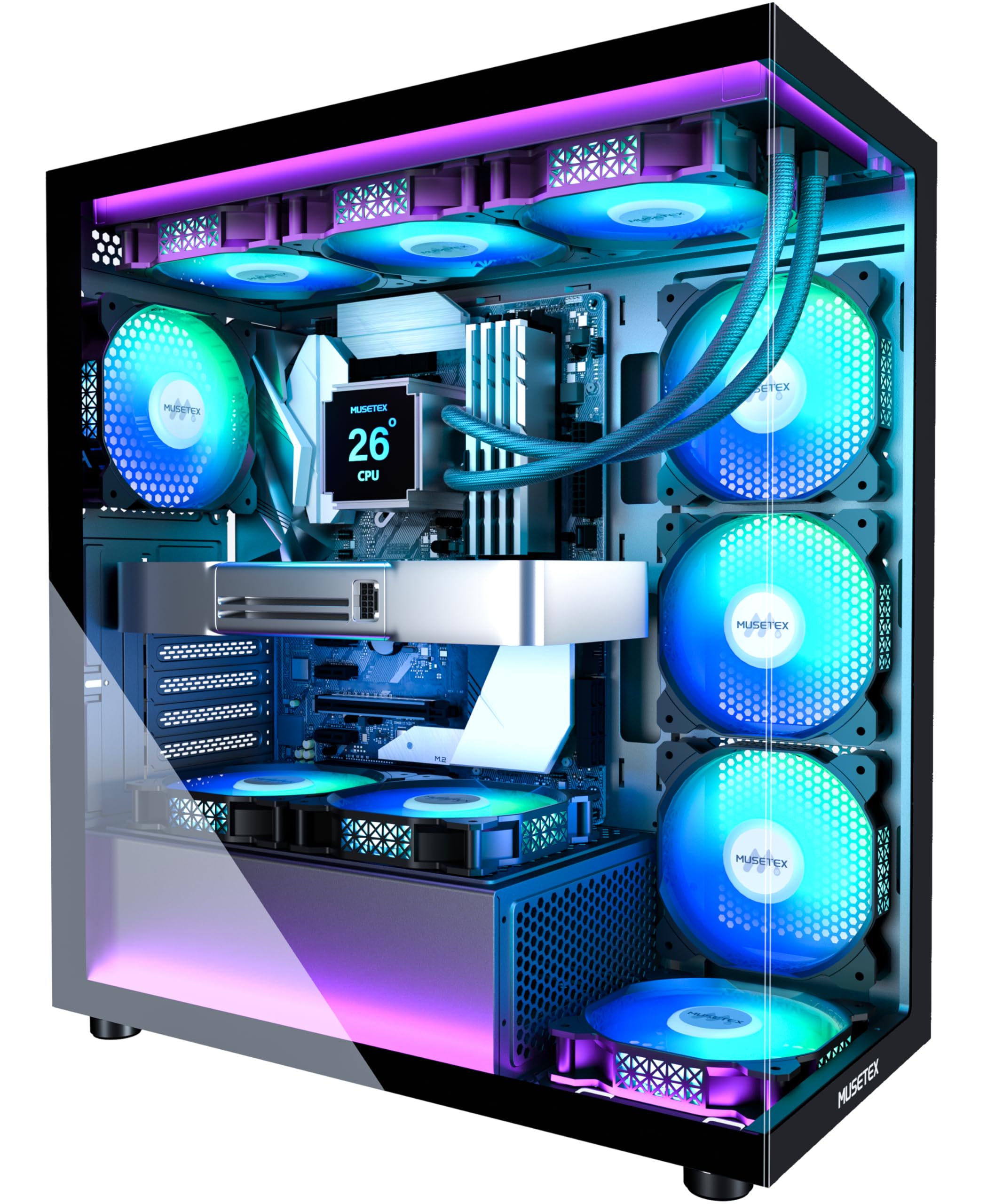
The K2 bundles seven PWM ARGB fans and a full-view dual-glass design, and that is the right first impression for a value water-cooling case. You get a 360mm radiator mount, room for a 400mm graphics card, and a Type-C port on the front panel. For a build that needs to look complete without a separate fan order, the K2 makes a strong case for itself.

We appreciate the fan count more than the lighting. Seven 120mm PWM fans give you a full airflow path from the start, and the 600-1300 RPM range is wide enough to tune for noise. The dual tempered-glass panels are the visual draw, but the mesh and filter coverage are what keep the case livable. A 360mm radiator fits, and the 165mm CPU-cooler clearance leaves room for a tall air cooler if you change direction later.

The K2 is not the easiest case to cable. The rear channel can get crowded, and the power-supply clearance shrinks when you use the hard-drive holder, so a long PSU and a stack of drives need checking before the build. We also found the frame a step behind the Corsair and HYTE cases in refinement. Those are fair trade-offs at this end of the market; if you want the fan bundle and glass look without paying for a premium chassis, the K2 is the value pick.

Pros

  • Seven PWM ARGB fans included
  • 360mm radiator support
  • Type-C front port
  • Dual tempered-glass panels

Cons

  • Cable routing space is tight
  • PSU clearance drops with the HDD holder
Our verdict

We think the K2 earns its place with seven PWM fans, 360mm radiator support, and a full glass view; just leave extra time for cable routing.

Check Latest Price
8

Small AIO Builds

FOIFKIN F100

84 /100
LBD Score Excellent

Key details

GPU Clearance
Up to 320mm
Included Fans
3x 120mm ARGB
Radiator Support
Dual 240mm
Motherboard Support
Micro-ATX, Mini-ITX
View on Amazon

The F100 is the smallest case in this group, and that is the point. It is a Micro-ATX dual-chamber case with a 270-degree glass wrap, three ARGB fans, and support for two 240mm radiators. For a compact AIO build, it gets you water cooling without a tower that takes over the desk.

The size does not remove the useful water-cooling basics. You can fit a 240mm radiator in the top and another in the side, and the three included 120mm fans give the case a head start on airflow. The glass panels are clear enough to show the loop, and the dual-chamber layout keeps the power supply and cables behind the motherboard instead of in the main view.

You do pay for the small footprint in component limits. Graphics cards top out at 320mm, power supplies at 170mm, and the case takes one hard drive and two SSDs. The rear cable area is tight, especially with a full-size ATX power supply. None of that is unusual for a compact Micro-ATX case, but it means the F100 rewards a planned build rather than a spare-parts bin.

We recommend the F100 for a 240mm AIO and a short graphics card, not for a dual-radiator custom loop with a long GPU. It is the case that makes water cooling feel manageable on a small desk, and the glass-and-fan bundle gives it a finished look that belies its compact size. If you need 360mm radiator space, move up to the H5 Flow or the 4000D.

Pros

  • Two 240mm radiator mounts
  • Three ARGB fans included
  • Compact Micro-ATX footprint
  • 270-degree glass wrap

Cons

  • Tight rear cable space
  • 320mm GPU and 170mm PSU limits
Our verdict

We choose the F100 when a 240mm AIO has to fit a small desk: it packs two 240mm mounts and three fans into a Micro-ATX frame, with tight cable room as the trade.

Check Latest Price

How We Tested Cases With Real Loops Inside

I started by pulling every mid-tower I could find that listed 360mm radiator support in at least one position and shipped with fans in the box, then trimmed the list to ten that spanned the range: a compact airflow-first case, a couple of panoramic glass models, two dual-chamber designs, and one that claims three simultaneous 360s. Each one got the same treatment over seven months of builds and rebuilds.

The first assembly in every case was a 240mm AIO, then a 360mm, then a custom loop with a pump-reservoir combo. I mounted radiators up front, up top, and in a side position wherever one existed, and after each attempt I checked the same thing: could the EPS power connector still be reached with the radiator in place, and did the top panel lift off without pulling the fans first. Fit was the biggest separator. Several cases that advertise 360 support technically take one, but only after a drive cage comes out or with tubing pressed against the glass.

Cable management was tested with a fixed bundle — 24-pin, two EPS, three PCIe, seven fan leads, and an ARGB daisy chain — routed through each case's channels, then I closed the rear panel without pressing on it. For airflow I ran the same 30-minute stress loop and logged coolant temperature and fan noise. I also counted what came in the box: whether the pre-installed fans were PWM and worth keeping, how many mounts were left free for a second radiator, and what extra fans and brackets would add to the bill. Panels were lifted, flexed, and checked at the seams, and I viewed every glass panel from the side to see whether it sat flush.

How to Choose a Pc Case for Water Cooling

Start With Radiator Positions, Not One Number

A 360mm radiator mount is only one number. The useful question is how many radiators the case can hold at once, and where they sit. A single 360mm AIO is well served by the compact NZXT H5 Flow, while the HYXN H1 and FOIFKIN F600 earn their places by supporting two or three 360mm positions. Before buying, sketch the CPU and GPU radiators on the case layout. If one radiator is the whole plan, put the savings into a thicker radiator or better fans rather than paying for empty mounts.

Measure the Radiator-Fan Stack

Radiator support does not cover the thickness of the radiator plus fans. A case may accept a 360mm radiator but leave too little room for push-pull fans, a thick core, or the motherboard's top-edge connectors. The HYTE Y70 Touch Infinite makes the clearance explicit with a 125mm side mount and a 68mm top mount; most cases are less generous, so add the radiator depth and fan depth yourself. Check the combined stack against the roof, front, and graphics card before you commit.

Airflow Has to Reach the Radiator

Water cooling still depends on air reaching the fins. A mesh front is the simplest path, but a glass-fronted case can work if it pulls air from the side or bottom. The 4000D RS ARGB Frame uses a perforated front panel, the H5 Flow uses fine mesh, and the dual-chamber cases rely on side and bottom intakes. We care more about that path than about the total fan count. A radiator with cool outside air will do more for you than a crowd of fans moving warm case air.

Build Access Matters More With Water

Radiators add weight and stiff tubing, so build access matters. Look for removable trays, sliding rails, and enough rear depth for the 24-pin, fan cables, and RGB wiring. The Corsair cases use their InfiniRail mounts and modular trays; several budget cases here have tighter rear compartments, especially behind the power supply. We prefer a plain case with room to route over a glass box that looks good empty. Measure the power-supply length and leave space for the cable bundle before buying.

Frequently Asked Questions

Final Verdict

The Corsair 4000D RS ARGB Frame is the case we recommend first for most water-cooled builds. It gets the fundamentals right: dual 360mm radiator support, sliding InfiniRail mounts, strong airflow, and three PWM fans in a footprint that still fits a normal desk setup.

If the build is meant to be seen, the HYTE Y70 Touch Infinite is the step up, with a side radiator that takes a 125mm stack, an adjustable top mount, and a display that becomes part of the build. For a two-radiator build on a tighter budget, choose the HYXN H1.