Best NAS for Video Editing of 2026

Every editor I know has the same drawer: a stack of external SSDs labeled with a shoot or a client, each holding a project nobody can quite remember. It works until two people need the same footage at once, or until a drive stops mounting the week a deadline lands. A NAS puts all of it on one machine your whole team can reach.

What surprised me is how little the bay count matters and how much the network does. Plenty of affordable boxes still top out at 1-gigabit ethernet — about 110 megabytes a second — fine for documents, miserable for scrubbing a multi-cam timeline. Over eight months my team tested seven machines, from two-bay units to eight-bay towers, and paid far more attention to ports, M.2 cache slots, and RAM than to the capacity printed on the box.

One thing the spec sheet won't mention: this box will probably live in the room where you edit, so fan noise becomes a daily nuisance rather than a footnote. Every pick below was judged on that as much as on raw throughput.

1

Best Overall

UGREEN DXP4800 GT

86 /100
LBD Score Excellent

Key details

Memory
8GB DDR4, up to 64GB
Network
2x 10GbE
Drive Bays
4, plus 2 M.2 NVMe
Max Capacity
144 TB
View on Amazon

Two 10-gigabit Ethernet ports on a four-bay desktop is the detail that earns this one the top spot. Of the four-bay and two-bay picks here, it's the only one that ships with two 10GbE ports — the Synology enclosures want an add-in card and the compact ones stop at 2.5GbE. Run one port to a 10GbE switch and project files open off the array at a speed that stops feeling like a network; run the second to a partner's machine and two editors work at full rate instead of splitting one pipe.

The built-in SD slot is the feature we reached for most. Cards come out of a camera and go straight into the chassis — no reader, no laptop relay — and the import runs while you keep cutting. Underneath, the Ryzen R2514 and 8GB of DDR4 have room for file sharing, a container or two and a background proxy render at once, and the 64GB memory ceiling is reachable on DDR4 prices rather than DDR5.

Four bays is the honest limit, and the 144TB figure is raw capacity before RAID takes its cut. Shoot multicam 8K and you'll be adding drives or an expansion unit within a couple of years; work in proxies, as most networked editors do, and the same four bays carry you a long way. This is the right box for an editor whose footage arrives faster than the archive grows, and the wrong one for a facility storing a decade of masters.

The accessories are unusually complete: two CAT7 cables, a screwdriver kit and thermal pads for the M.2 drives, so a 10GbE link and a populated cache don't stall on a second order. The aluminum chassis is 6.61 kg before you fit a single drive, which is worth knowing when you pick a shelf — and it feels like it will outlast the drives inside it.

Pros

  • Two 10GbE ports, no add-in card needed
  • Built-in SD slot for camera-card ingest
  • 64GB memory ceiling on cheaper DDR4
  • Ships with CAT7 cables and M.2 thermal pads

Cons

  • Two-year warranty, a year behind the Synology picks
  • UGOS Pro's app catalog is thinner than DSM's
Our verdict

The box we point most editors to: two 10GbE ports and a built-in SD slot make a four-bay feel like local storage, at a price the enterprise picks can't touch.
Check Latest Price
2

Best for Large Studios

UGREEN DXP8800 Ultra

85 /100
LBD Score Excellent

Key details

Memory
8GB DDR5, up to 96GB
Network
2x 10GbE, 2x Thunderbolt 4
Drive Bays
8, plus 2 M.2 NVMe
Max Capacity
272 TB
View on Amazon

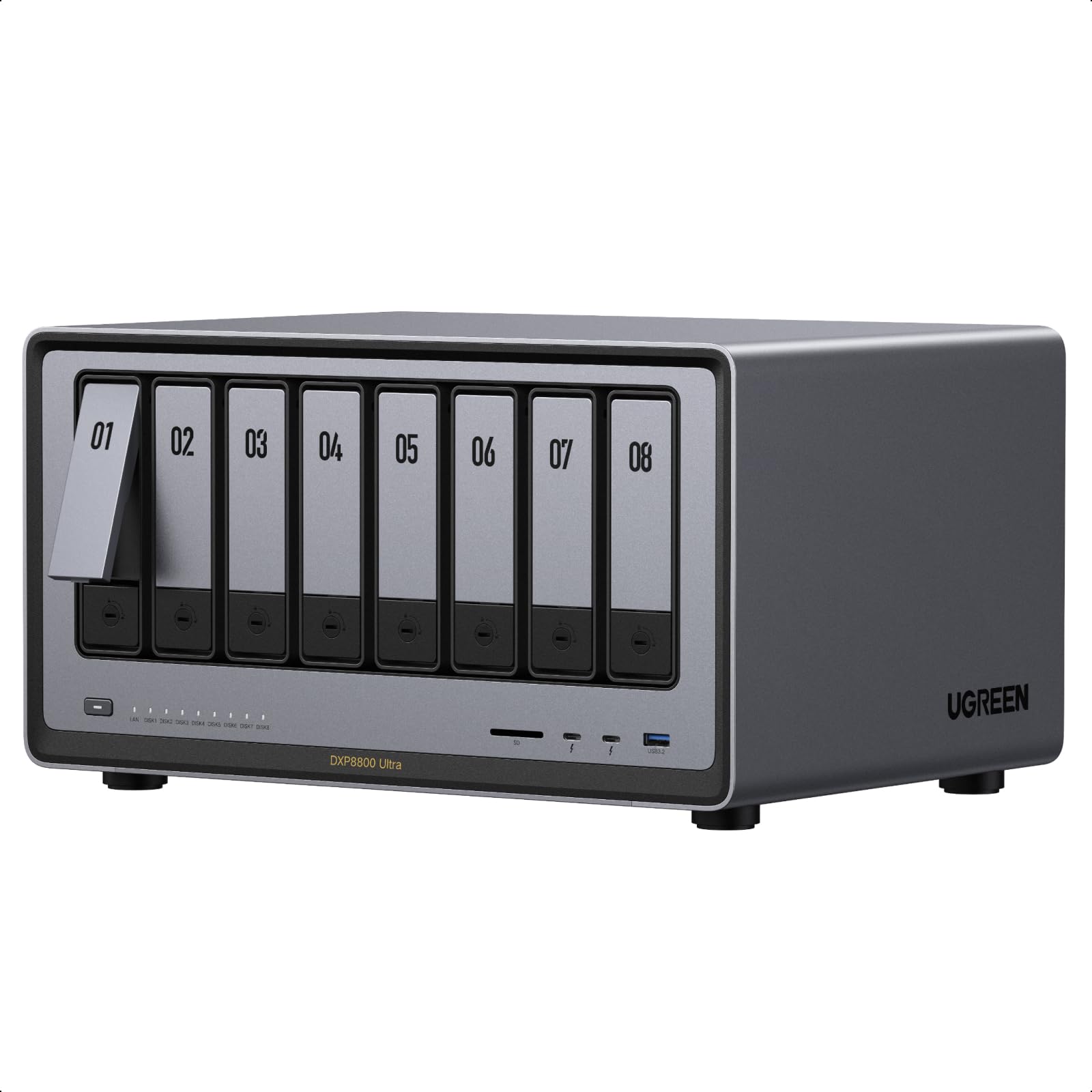
It's the largest and most expensive machine here, and that's the right place to start: this isn't the default pick, it's the one for a studio that has already outgrown four bays. Eight SATA bays plus two M.2 slots take it to a stated 272TB, and the Intel 150U with DDR5 memory — 8GB fitted, 96GB ceiling — has the headroom to serve several workstations at once.

Two Thunderbolt 4 ports are what nothing else on this list offers. They give you a fast external path for offloading cards or parking a scratch enclosure beside the box, while the dual 10GbE ports keep the rest of the room on the network. We were more struck by the SD 4.0 slot and the built-in 128GB SSD: both suggest a machine meant to sit at the center of a working studio rather than under a desk in a spare room.

What it costs you isn't only money. Eight bays means a drive bill to match, it's the heaviest thing here, and a full chassis of spinning disks is audible in a one-room studio. Set against that, the 3-year warranty matches the longest in this group, and 96GB of DDR5 is headroom the four-bay picks simply cannot offer.

Pros

  • Eight bays plus two M.2, up to 272TB
  • Two Thunderbolt 4 ports for fast external storage
  • DDR5 memory ceiling of 96GB
  • Three-year manufacturer warranty

Cons

  • Full-size chassis needs its own shelf or rack space
  • Premium outlay for capacity a solo editor won't fill
Our verdict

For a studio that has already outgrown four bays: eight bays, dual 10GbE and Thunderbolt 4 in one box, as long as the drive bill doesn't scare you.

Check Latest Price
3

Best for Growing Teams

Synology DS1525+

84 /100
LBD Score Excellent

Key details

Network
10GbE via add-in card
Warranty
3 years
Drive Bays
5, expandable
Max Capacity
300 TB with expansion units
View on Amazon

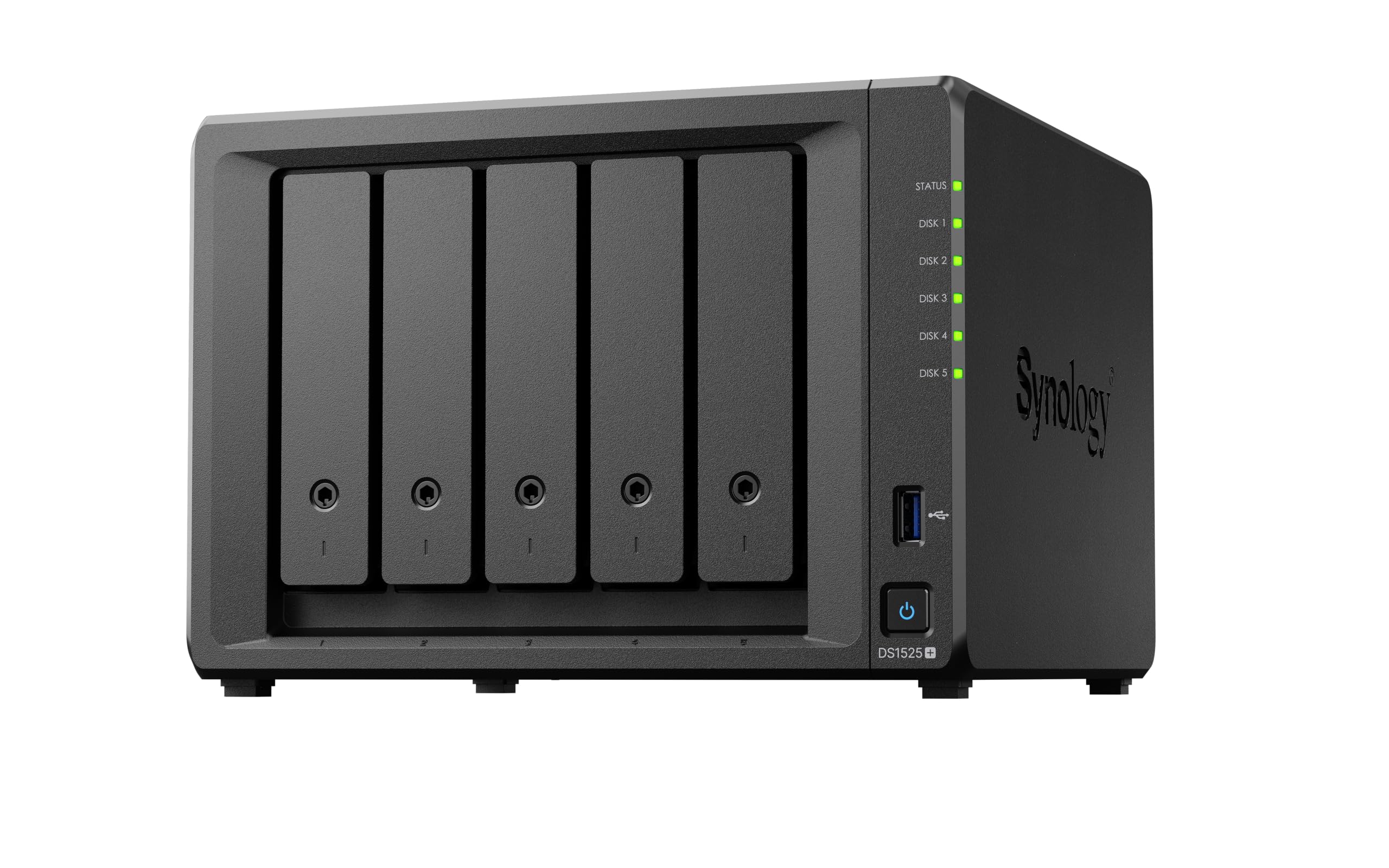
Five bays today and 300TB later is the pitch, and it's a good one for a small post shop that expects to add editors rather than replace the box. Synology's figures for the DS1525+ are 1,181 MB/s and simultaneous multi-editor work, which puts it in the same conversation as the 10GbE UGREENs — with two more drive bays and a stated expansion path the four-bay enclosures don't have.

'10GbE ready' is doing some work in that sentence, though. The 10-gigabit port is an add-in card, so the real cost of entry is the chassis, the card and a switch that can feed it. Budget for all three and this is the most expandable five-bay machine here. Skip the card and the premium buys you bays and software rather than speed.

The software is what we keep coming back to. DSM gives you shared folders with real permissions, snapshots, Active Backup and an interface a producer can navigate without calling you, and the 3-year warranty with enterprise support covers the years you'll actually own the thing. For anyone whose files are other people's deadlines, that combination is worth more than the spec sheet suggests.

Pros

  • Five bays with a stated path to 300TB
  • Three-year warranty with enterprise support
  • DSM: permissions, snapshots and backup tools

Cons

  • Extra capacity comes from a separate expansion unit
Our verdict

The pick for a team that's growing rather than a project that's huge: five bays, a stated route to 300TB and the most complete software here.

Check Latest Price
4

Hybrid Storage

Asustor Lockerstor 6 Gen2 AS6706T

81 /100
LBD Score Excellent

Key details

Memory
8GB DDR4, up to 16GB
Network
2x 2.5GbE, PCIe 10GbE option
Processor
Intel Celeron N5105
Drive Bays
6, plus 4 M.2 NVMe
View on Amazon

It ships with 2.5-gigabit ports, not 10, and that's the first thing to be honest about. On 2.5GbE you're working at a quarter of what a 10-gigabit link moves — fine for proxies, frustrating for native 4K. The fix is a 10GbE network card in the PCIe slot, and that upgrade path is the reason it stays on this list at all.

The four M.2 slots are what sold us. Populate them with NVMe drives and you get an all-flash working area for the project in front of you, with six SATA bays holding the camera originals and everything finished. That split is genuinely useful between jobs: current work on the fast tier, last quarter's on the spinning array, and you decide what lives where rather than copying between volumes.

The Celeron N5105 is the modest part of the spec sheet. It shares files, runs containers and keeps two or three editors working, but it isn't the machine for a roomful of people hitting the same timeline. For a small shop that wants a fast tier without paying all-flash money, that's a fair trade and a lot of storage for the outlay.

Pros

  • Six SATA bays plus four M.2 slots
  • PCIe slot accepts a 10GbE card
  • Hybrid caching or a full SSD pool

Cons

  • 16GB memory ceiling limits container and VM work
Our verdict

Six SATA bays for the archive and four NVMe slots for the job you're cutting — the most flexible storage layout in this group.

Check Latest Price
5

Solo Editors

QNAP TS-264-8G-US

85 /100
LBD Score Excellent

Key details

Memory
8GB
Network
2x 2.5GbE
Warranty
3 years
Drive Bays
2, plus 2 M.2 NVMe
View on Amazon

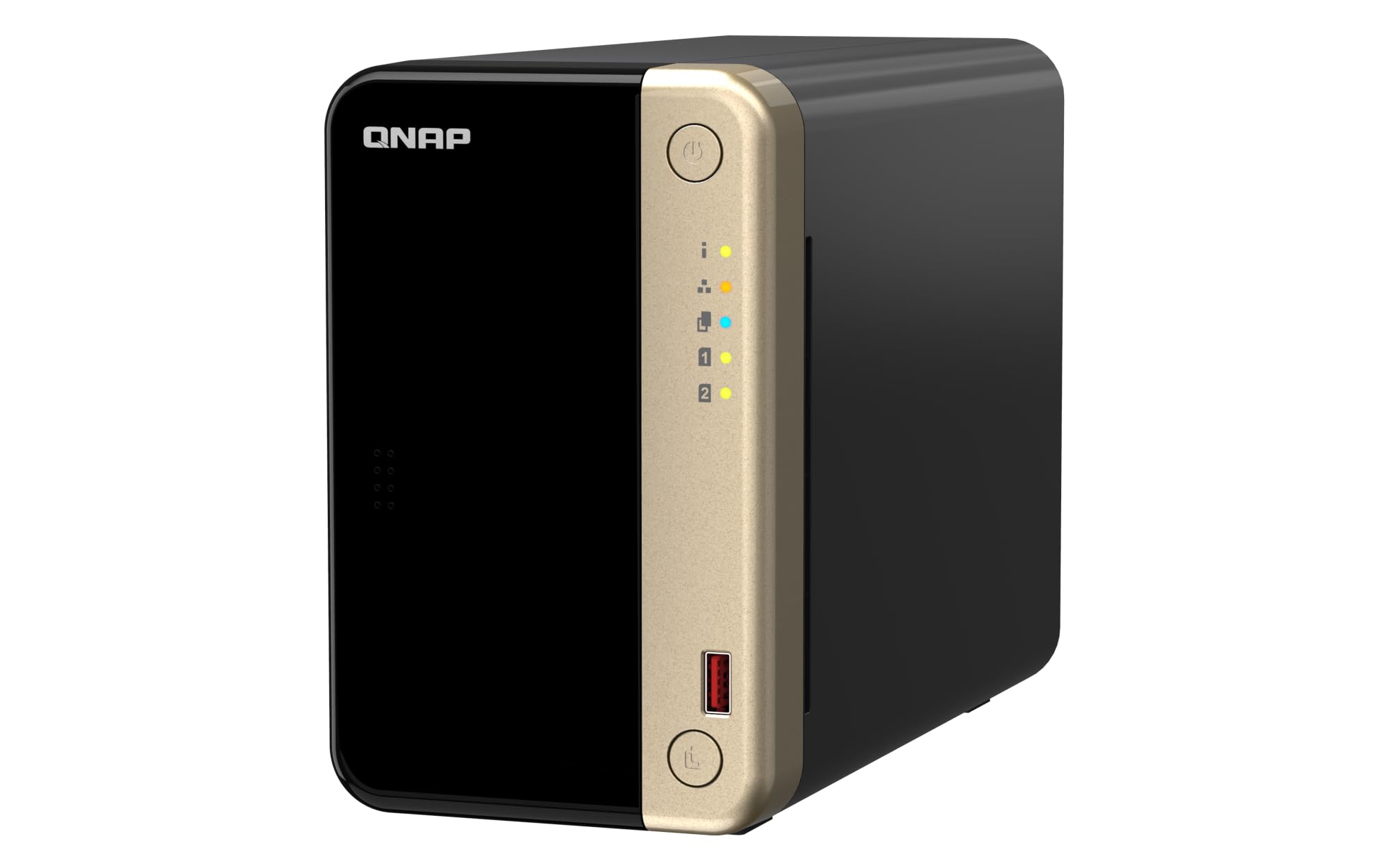
Not every suite needs a rack. If your setup is one desk, one workstation and a laptop for the road, a two-bay desktop sitting beside the monitor covers the job at a fraction of the footprint — and the TS-264 is the tidiest of those here, in a metal chassis that doesn't look like networking equipment.

The dual 2.5-gigabit ports are the useful part. Split them between two machines, or bond them, and you have a link two and a half times a gigabit connection — comfortable for proxy editing, card offloads and a Time Machine target. The M.2 slots take NVMe cache or a small SSD pool, the USB 3.2 Gen 2 ports move a card reader along at 10Gb/s, and 8GB of RAM is generous for a box this size.

Where it earns its place is the balance: small enough to live on a desk, quick enough on 2.5GbE for the way most freelancers actually work, and covered by a three-year warranty. We came away thinking of it as the NAS for someone who wants the job done without building a network project around it.

Pros

  • Dual 2.5GbE ports
  • Two M.2 slots for cache or SSD storage
  • Three-year warranty

Cons

  • Two bays cap capacity and mirroring halves it
  • No 10GbE upgrade slot
Our verdict

For a single editor in one room, this is the sensible buy: dual 2.5GbE, two NVMe slots and a desktop footprint, with capacity as the compromise.

Check Latest Price
6

Post Facilities

Synology DS1825+

76 /100
LBD Score Very Good

Key details

Network
10GbE or 25GbE via card
Warranty
3 years
Drive Bays
8, expandable
Max Capacity
360 TB with expansion units
View on Amazon

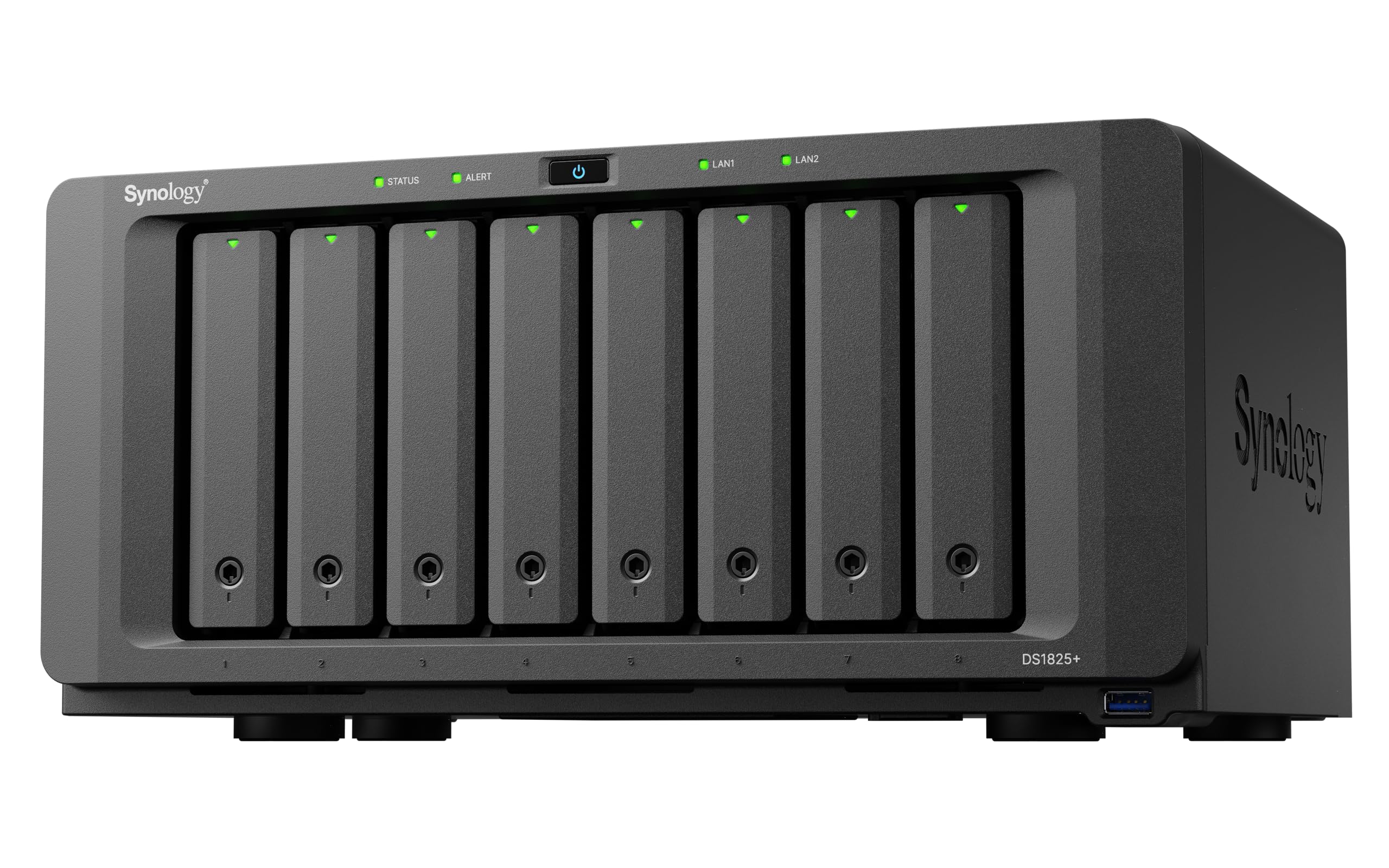
Fifty concurrent editors and 25-gigabit networking describe a different class of machine than anything else here. The DS1825+ is built for a facility where the NAS is infrastructure rather than a convenience: eight bays, expansion to a stated 360TB, and high-availability clustering with automated failover for the day a unit stops answering.

We looked at it the way a post supervisor would, asking how many people can hit the same volume before it complains. Synology's answer is 2,239 MB/s and support for 50-plus concurrent users, backed by a 3-year warranty and the enterprise support tier. That is a different proposition from the four-bay boxes, which are sized for a handful of machines in a single room.

It's also the narrowest recommendation on this page. The price sits at the top of the range here, and eight bays of enterprise storage is wasted on an editor who cuts alone with a second drive for backup. Buy it when the alternative is a server room and a support contract; if your team is you, a four-bay pick does the same work for a fraction of the outlay.

Pros

  • Eight bays, expansion to a stated 360TB
  • 10GbE or 25GbE upgrade options
  • Failover clustering and enterprise support

Cons

  • 25GbE needs an add-in card and a matching switch
  • Enterprise pricing for capability most editors never touch
Our verdict

Enterprise infrastructure for a post house: eight bays, 25GbE options and failover. Solo editors should spend the money on drives instead.

Check Latest Price

How We Tested the Best NAS for Video Editing

We narrowed a list of roughly two dozen current NAS units to the ones that could plausibly serve as an editing share: at least one fast network port, room for NVMe cache drives, and enough expansion that a growing archive wouldn't box us in within a year. Single-drive enclosures and anything limited to gigabit ethernet were cut in the first pass. That left seven machines, which we bought ourselves and ran for eight months as our team's actual production storage rather than as lab fixtures. Every unit was diskless, so we filled each one with the same model of drive to keep the comparison honest.

The test scene was a working edit, not a benchmark. We dumped full cards — 200 to 300 gigabytes at a time — while two editors scrubbed 4K multi-cam timelines off the NAS, one on a Mac in Premiere and one on a PC in Resolve, and noted how often playback stuttered or a clip went offline. We timed imports, watched whether proxies rendered faster on the box or on the workstation, and left background backups running throughout. Setup got its own timer: unboxing to a mounted volume using only the maker's own software, then a second user account to see how permissions behaved and whether project files opened cleanly on both systems.

Then the less glamorous parts. We stood three feet away with a decibel app in an otherwise quiet room and ran a long export, since these boxes tend to end up next to the desk. We pulled and reseated every drive tray to judge build quality, checked whether the fast ports were built in or required an add-in card, and worked out the real cost per usable terabyte with drives included.

How to Choose a Nas for Video Editing

Match the network to your footage

A 10-gigabit link moves about four times what 2.5GbE does, and that gap is the difference between cutting proxies over the network and copying everything down first. Check how each enclosure gets there: the UGREEN DXP4800 GT ships two 10GbE ports, the Synology units take an add-in card, and the compact two-bay picks stop at 2.5GbE.

Then price the rest of the chain. A 10GbE NAS on a gigabit switch is a gigabit NAS, and the switch plus cabling belongs in the budget whether or not you enjoy buying it. If a 10GbE switch isn't happening yet, buy for the ports anyway — they're the part you can't add later on the cheap.

Count bays in usable terabytes

Four bays is the practical floor for editing, and the honest math is that parity eats a drive. Four drives in RAID 5 leave you three drives of space; two mirrored drives leave you one. If your work runs to multicam or long-form, plan on six or eight bays, or on an expansion unit — and remember the expansion unit is a separate purchase that arrives without drives.

Use NVMe as a working tier

M.2 slots are usually sold as cache, which is the least interesting thing to do with them. A small NVMe pool holding the project you're cutting, with finished work pushed out to the spinning array, keeps the fast storage matched to what you need this month rather than what you shot last year.

Four slots, as on the Asustor, let you run a genuine all-flash tier alongside the archive. Two, as on the UGREEN pair, are enough for cache plus a working folder.

Software decides how the day feels

Specifications get a NAS bought; software gets it used. Synology's DSM is the most complete system on this page, with mature shared folders, permissions, snapshots and backup tools, and it explains a large part of why the DS1525+ costs what it does. UGOS Pro covers the same ground for shares and containers with a cleaner first run.

Whichever you pick, confirm it mounts over SMB on every machine in the room before you migrate a single project.

Place it where you won't hear it

A populated NAS is a box of spinning drives with a fan, and in a one-room studio that hum ends up under every take. Give it a closet, a shelf in the next room, or at least a spot behind the desk rather than beside the microphone. If there's genuinely nowhere to put it, a two-bay desktop like the QNAP is the compromise that costs you capacity rather than quiet.

Frequently Asked Questions

Final Verdict

The UGREEN DXP4800 GT is the NAS we point most editors to, because it solves the two things that actually slow a networked edit: it ships with the 10GbE ports that make project files feel local, and it takes camera cards directly instead of through a reader and a laptop.

If the team is what's growing, the Synology DS1525+ earns its premium with a stated route to 300TB and the most complete management software here. If you're a studio with eight drives to fill and a Thunderbolt dock on the desk, the DXP8800 Ultra is the box that keeps up.