Best Laser Engravers for Wood of 2026

Strip the marketing away and a laser engraver is a focused beam riding a moving gantry, burning a design into wood a fraction of a millimeter at a time. What separates a workhorse from a shelf ornament is unglamorous: how squarely the frame goes together, how fast you get from box to first burn, and whether it cuts through quarter-inch plywood or just scorches it. My team spent eight months with eight machines, and the gap showed up fast.

What nobody tells a first-time buyer is that the laser source matters more than the wattage printed on the box. Diode machines cut wood, leather, and acrylic beautifully but mostly skate off bare metal; fiber marks metal and hands the wood to someone else, and a few dual-source models now do both. The other fork in the road is safety — an open frame gives you room for a big sign but makes you the safety system, while an enclosed unit trades size for peace of mind. That choice decides whether a beginner keeps going, and it's the fault line running through the picks below.

1

Best Overall

xTool S1 40W

87 /100
LBD Score Excellent

Key details

Top Speed
600mm/s
Laser Power
40W diode
Safety Class
Class 1 enclosed
Working Area
23.93 x 15.16 in
View on Amazon

The enclosure is why we point most people at the S1. Wood is a smoky thing to engrave, and a closed cabinet with a filtered lid turns a garage-only hobby into something you can run on a bench beside your other tools. The Class 1 rating carries the same weight: the cover handles the beam, so the safety conversation becomes about where the smoke goes rather than whether you remembered your goggles.

Forty watts of diode power is the other half of the argument. It's rated to cut 18mm cherry wood, which puts cabinet-grade stock within reach instead of the craft plywood most desktop machines manage. The bed runs 23.93 by 15.16 inches, enough for a full sign blank or a batch of coasters in one run, and 600mm/s travel keeps a detailed engraving from eating an afternoon.

Setup surprised us. Auto-focus takes the guesswork out of lens height, and Creative Space had us at a first test cut without a settings spreadsheet. This variant also ships with the rotary attachment, which is the piece you need before tumblers and pen blanks become an option — buy it now or buy it later, but you will want it.

None of that is cheap, and this is not the machine for someone engraving flat blanks on a desk. It earns its place if you plan to cut as much as you engrave, and if you want the lid closed while you do it.

Pros

  • Class 1 enclosure makes indoor use realistic
  • Rated to cut 18mm cherry wood
  • Auto-focus and Creative Space skip the settings grind
  • 23.93 x 15.16-inch bed fits full sign blanks

Cons

  • 86.8 pounds, so it stays where it's put
  • Premium price within this group
Our verdict

The one we recommend for anyone who wants to cut real wood indoors — the enclosure and 40W module do the job, as long as the premium fits your budget.
Check Latest Price
2

Best Budget

Longer RAY5 5W

86 /100
LBD Score Excellent

Key details

Top Speed
24,000mm/min
Connections
USB, TF card, Wi-Fi, app
Laser Output
5W
Working Area
15.75 x 15.75 in
View on Amazon

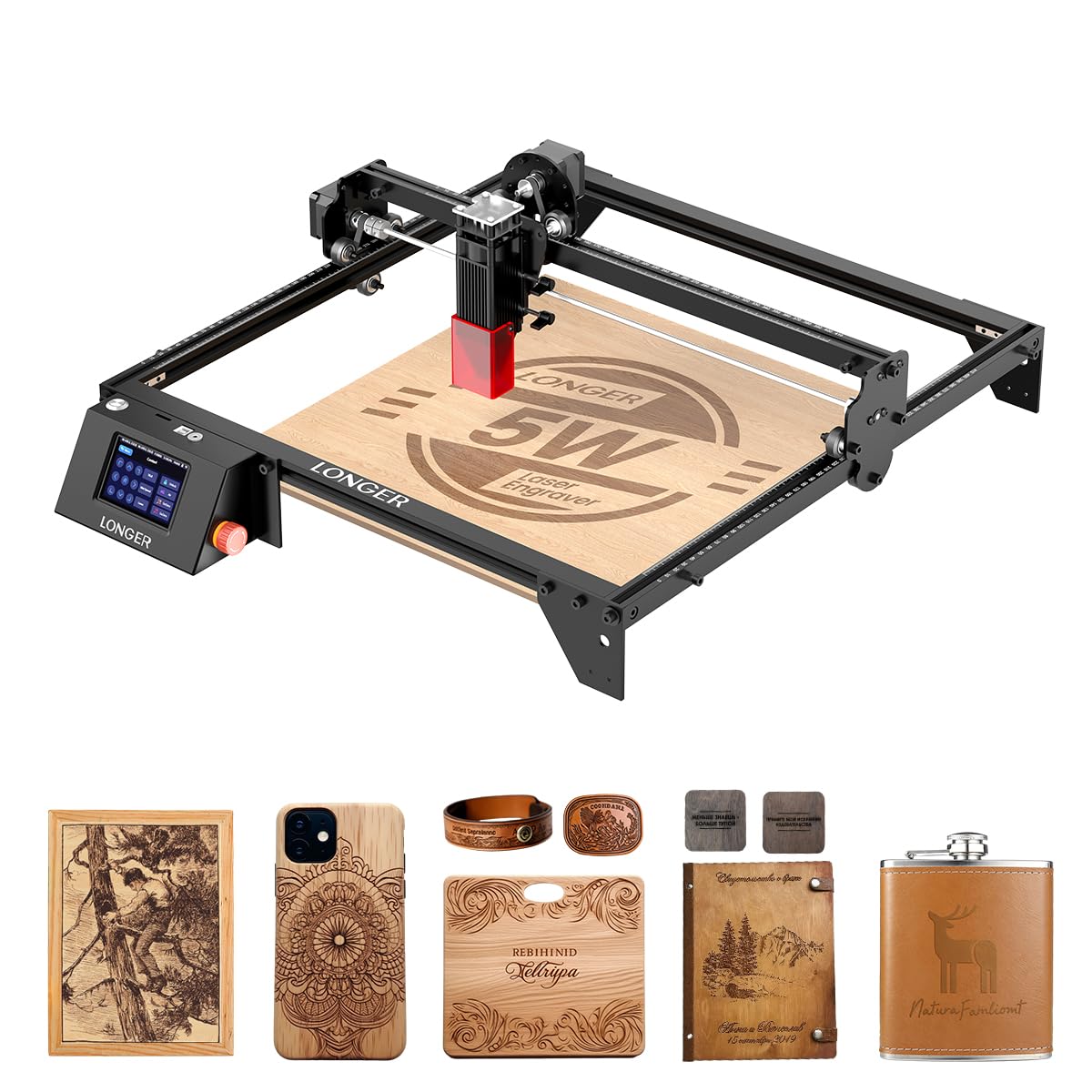
For a fraction of what an enclosed machine costs, the RAY5 gives you a 15.75-inch square work area, a touch screen bolted to the frame, and four ways to send a job — USB, TF card, Wi-Fi, or the app. We ended up running it from the card more than anything else, because a laser that doesn't need a laptop tethered to it is a laser you actually use.

Five watts is honest engraving power and marginal cutting power, and that is the trade here. It burns clean, dark marks into wood and gets through 5mm plywood in several passes, but anything thicker is a job for a bigger module. What we liked most is the size of the bed for the money: most budget machines shrink the work area to match the price, and this one doesn't.

The bundled cover helps with glare more than fumes, so plan on a window or a fan. And the printed instructions assume more than they explain — we got further with a video tutorial in the first hour than with the manual. Half an evening of prep is the difference between a frustrating weekend and a good first project.

Pros

  • 15.75-inch square bed at a budget price
  • Touch screen and offline card jobs
  • Four connection modes including Wi-Fi
  • Clean, dark engraving on wood

Cons

  • Open frame means goggles and a smoke plan
  • Touch screen needs a firm press
Our verdict

Our budget pick for engraving-first buyers: a big bed and a touch screen for very little money, provided you accept 5W cutting limits.

Check Latest Price
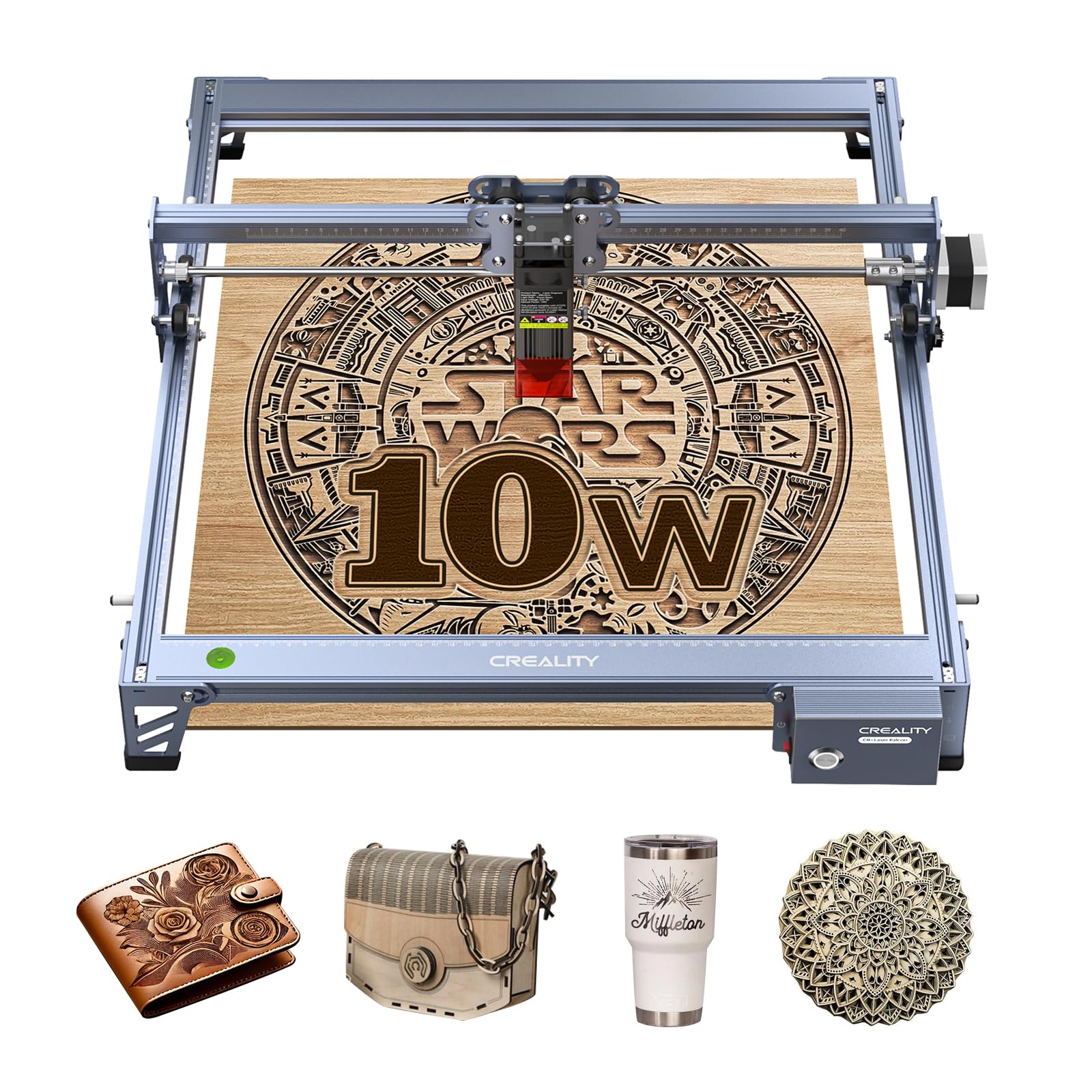
3

Best for One-Pass Cutting

Creality 10W Engraver

81 /100
LBD Score Excellent

Key details

Frame
All-aluminum alloy
Laser Output
10W (72W machine)
Working Area
17 x 16 in
Cutting Claim
5mm basswood in one pass
View on Amazon

Creality's number is specific: a 5mm basswood board or 3mm black acrylic in a single pass. That sentence is what separates this machine from the 5W units here, because one pass instead of three is the difference between a twenty-minute job and an hour of standing over it.

Ten watts of optical output from a 72W system, an all-aluminum frame, and steel-shaft wheel guides — the mechanical side is more substantial than the price suggests, and the belt tensioners are the detail you appreciate once a long cut starts drifting. It is the value pick in this group for people whose projects involve cutting, not just burning a logo onto a blank.

The software side takes some climbing. It speaks LightBurn and LaserGRBL, and if this is your first machine, LaserGRBL is the gentler introduction; the fixed-focus module wants a spacer and a careful hand for the first few jobs. The one-year warranty is the part worth remembering, because most of the setup happens on your own.

Pros

  • 10W output cuts 5mm basswood in one pass
  • All-aluminum frame with steel-shaft guides
  • 17 x 16-inch bed for larger signs

Cons

  • Connection setup can be fussy
  • No enclosure or exhaust included
Our verdict

The value pick for buyers who plan to cut, not just engrave — 10W and one-pass 5mm basswood for midrange money, with a software climb attached.

Check Latest Price
4

Best for Large Projects

Twotrees TTS-20 Pro

83 /100
LBD Score Excellent

Key details

Frame Size
27.4 x 23.4 in
Connections
Wi-Fi, USB, TF card offline
Laser Power
20W (19.5W optical)
Working Area
418 x 418 mm
View on Amazon

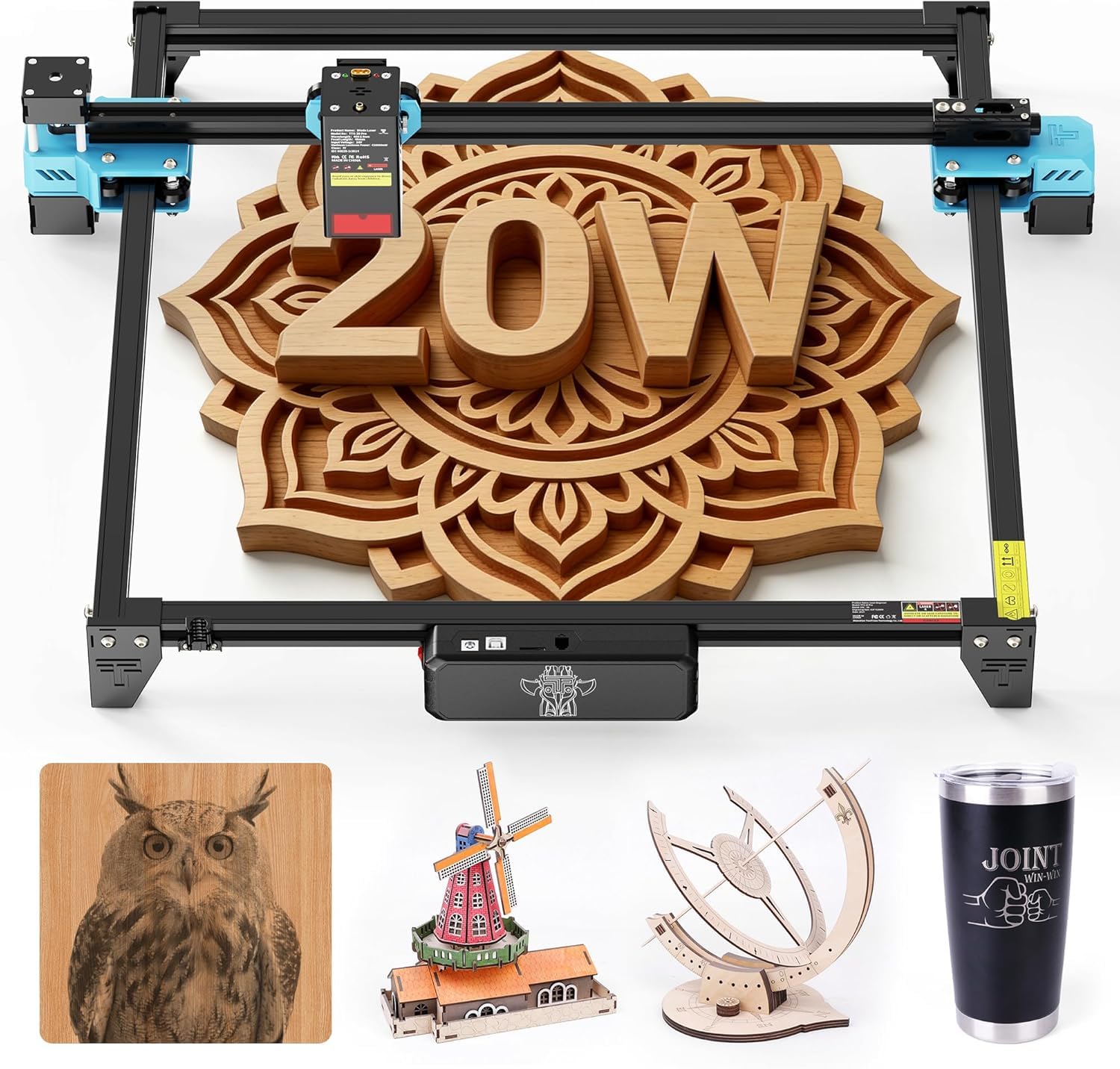
A 418mm square work area only means something once you have tried to fit a sign blank onto a 300mm bed and given up. Twotrees built this one for that moment: a 418mm square of usable bed, an aluminum frame with dual Y-axis motors and GT2 belts, and a 20W module rated at 19.5W optical or better.

That power class is where a diode laser stops scorching its way through stock and starts cutting it. Connections are broader than most here — Wi-Fi, USB, and full offline jobs from a TF card — and it runs LightBurn and LaserGRBL on Windows, macOS, and Linux, so no single piece of software owns you.

What we like most is the upgrade path. The board reserves ports for a touchscreen module and an air-assist pump, so the machine can grow with you instead of being replaced in a year. That is rare at this end of the market, and it is the reason this one sits above the smaller 10W machines for panel work.

Check your bench first. The frame measures 27.4 by 23.4 inches outside, well beyond the work area, so a machine chosen for a 418mm cut needs a table closer to the frame size. It is a big, purposeful tool that wants a permanent home.

Pros

  • 418 x 418mm working area
  • 20W module rated 19.5W optical or better
  • Wi-Fi, USB, and offline TF card jobs
  • Ports for add-on touchscreen and air assist

Cons

  • Air assist and touchscreen are sold separately
  • Open frame needs serious venting at 20W
Our verdict

The pick for panels and big signs: a 418mm bed and 20W of optical power that would cost far more elsewhere, with accessories sold separately.

Check Latest Price
5

Best for Small Workspaces

K15 Pro 10W

81 /100
LBD Score Excellent

Key details

Top Speed
15,000mm/min
Laser Power
10W
Safety Class
Class 1
Working Area
11.8 x 7.9 in
View on Amazon

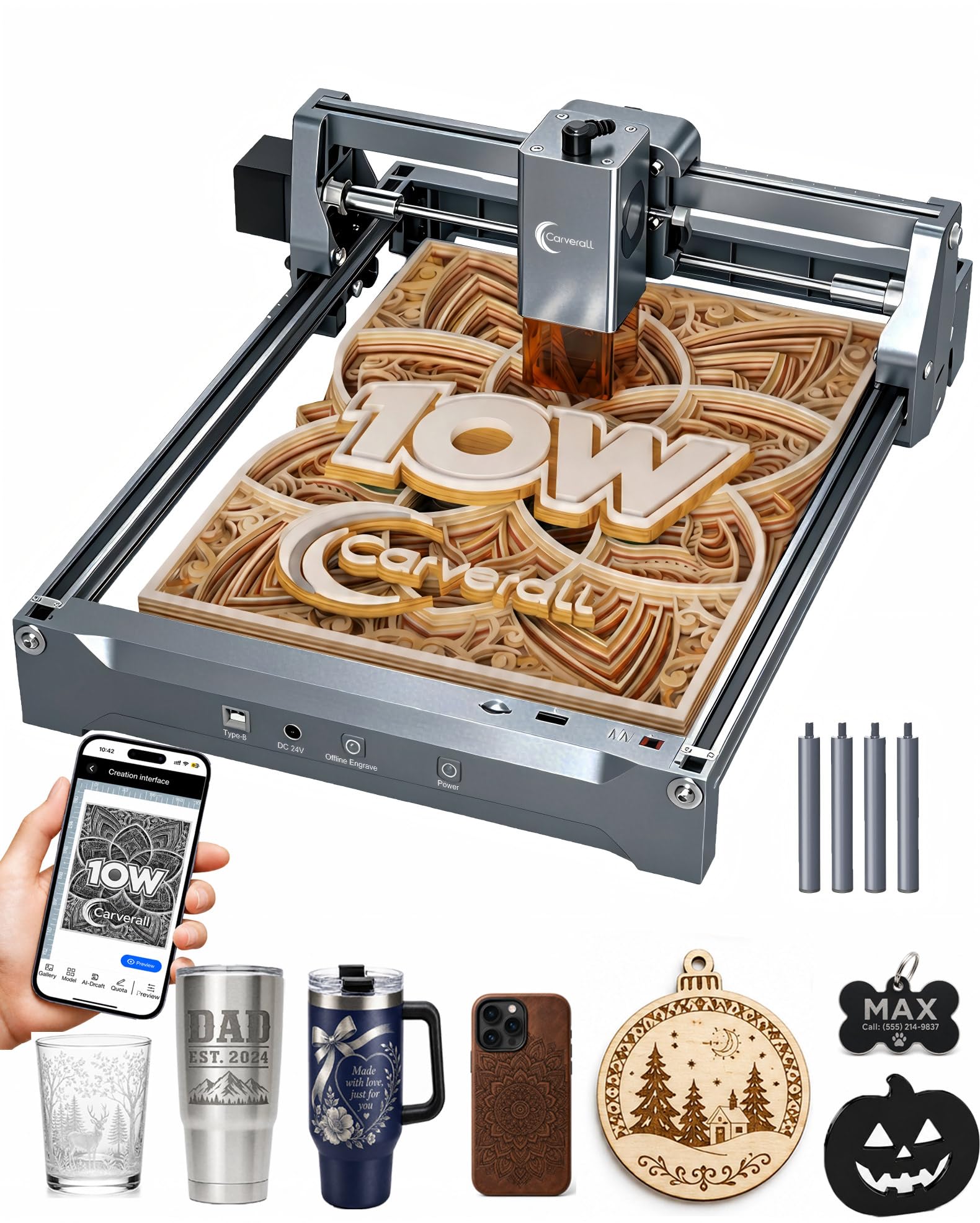
The workbed is the size of a sheet of paper — 11.8 by 7.9 inches — and for a lot of people that is genuinely enough. Coasters, tags, phone cases, and small signs all fit, and the 10W module is quoted at 0.01mm precision with 15,000mm/min travel and a one-touch focus that takes the guesswork out of lens height.

It weighs 2.68 kg and carries a Class 1 rating, so it moves from the kitchen table to a shelf when dinner starts and doesn't need a room of its own. Ours sat next to a printer for a week, which is not something we can say about anything else on this page.

The software is the friendliest here for a genuine beginner. CutLabX is free, runs on a computer, tablet, or phone, and can turn a photo or a line of text into a design without any drawing; offline control means you don't need a laptop chained to it. The manual is written in plain steps, which sounds like faint praise until you have assembled one of the others.

For an apartment, a shared desk, or a first machine that has to fit in a cupboard, we think this is the best-balanced pick here: enough power to engrave real wood, small enough to live with, and priced like a hobby rather than a business.

Pros

  • Paper-sized bed fits a real desk
  • 10W with one-touch smart focus
  • Free CutLabX software on phone or tablet
  • 2.68 kg, easy to move and store

Cons

  • A4 bed caps project size
  • Smoke still needs a window or fan
Our verdict

The best-balanced small machine here: a paper-sized bed, 10W, and software that does the design thinking, for anyone without a spare bench.

Check Latest Price
6

Fine Detail

Ortur Laser Master 2 S2

86 /100
LBD Score Excellent

Key details

Safety
G-sensor tilt stop
Spot Size
0.05 x 0.1 mm
Laser Power
10W
Frame Dimensions
22.44 x 21.65 x 6.9 in
View on Amazon

The module on this one compresses its spot to 0.05 by 0.1mm — the finest quoted figure in this group — and on wood that shows up as small text that stays legible and line art that doesn't blur into itself. Ten watts of output gives it enough bite to match.

Two safety details stand out for an open-frame machine: a G-sensor on the board that stops the beam if the frame is bumped or tilted, and a protective cover over the module that filters most of the UV light. On a workbench where people lean over the job, both are worth more than they sound.

It runs LaserGRBL or LightBurn over USB, and the learning curve is real but well travelled — there is more how-to material written around this model than around anything else here, which matters in the week when nothing seems to line up.

What keeps it below our top tier is reliability. The failures that come up are electrical rather than optical: a machine that runs well and then stops, sometimes a harness that shorts. Buy from a seller with a return window you trust and keep the box for the first month — that is the sensible hedge.

Pros

  • Finest quoted spot here at 0.05 x 0.1mm
  • G-sensor stops the beam if bumped
  • Protective cover filters most UV light

Cons

  • Printed instructions are hard to follow
  • No enclosure or smoke extraction
Our verdict

Buy it for the finest detail in this group and a genuinely useful set of safety features, but only with a return window you trust.

Check Latest Price
7

Metal and Wood

xTool F1 Ultra

81 /100
LBD Score Excellent

Key details

Camera
16MP
Lasers
20W fiber + 20W diode
Top Speed
10,000mm/s
Working Area
220 x 220 mm
View on Amazon

Two lasers in one cabinet is the whole idea: a 20W fiber source that marks bare metal and a 20W diode that cuts wood, with a quoted 10,000mm/s between them. If your work mixes brass tags with walnut coasters, this is the only machine here that does both without a second purchase, and it is comfortably the fastest thing in this group.

The 16MP camera and auto-streamline workflow are what make it feel like a printer rather than a CNC machine: set the blank down, let the camera find it, and the job lands where you put it. The 220 by 220mm work area is small for wood, and expanding it to 220 by 500mm means buying the conveyor separately.

Two things to weigh before you commit. For wood alone, the S1 gives you a much larger bed and leaves budget for material, so the fiber side has to earn its keep. And the fiber source is the part to watch over months — this is a machine to buy for the metal work that pays for it, not as an all-round workshop laser.

Where it earns its keep is a small business running jewelry, tags, and personalized metal alongside wood. The speed changes how many orders a day you can take, and the 3D embossing opens up effects the diode machines here cannot touch.

Pros

  • Fiber plus diode lasers cover metal and wood
  • 10,000mm/s is the fastest here
  • 16MP camera places jobs automatically
  • 3D embossing and deep engraving

Cons

  • Most expensive machine in this group
  • Calibration routine is fussy
Our verdict

Worth it only if metal work pays the bills — for wood alone, the S1 gives you more bed for less money.

Check Latest Price
8

Beginners

ACMER S2 7W

83 /100
LBD Score Excellent

Key details

Spot Size
0.08 x 0.08 mm
Top Speed
10,000mm/min
Laser Output
7W
Working Area
300 x 300 mm
View on Amazon

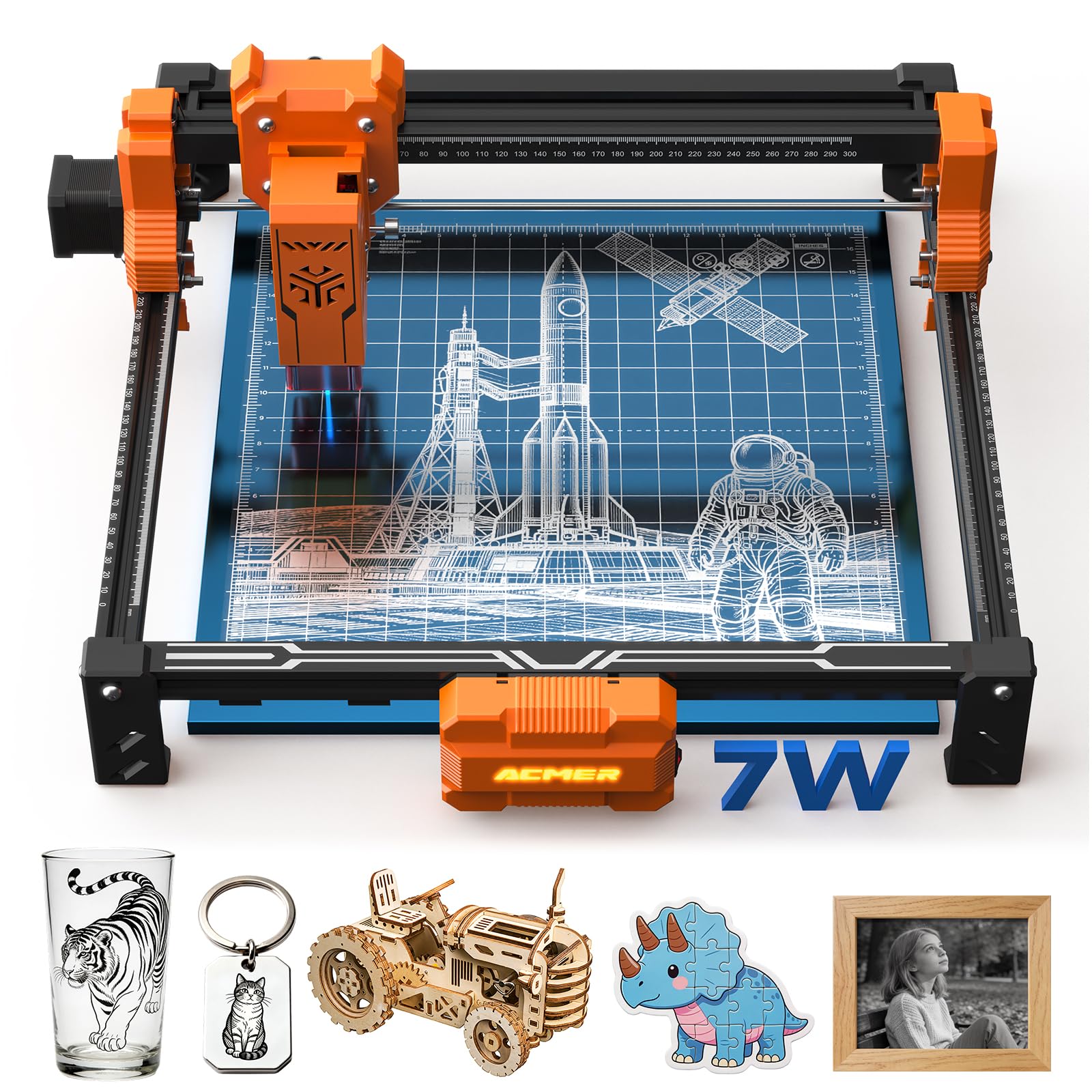
Acmerstudio is free, and it will draft a design from a line of text — a strange thing to be able to say about a laser engraver, and exactly the right feature for someone who has never opened design software. The S2 pairs that with a 7W output, a 0.08 by 0.08mm spot, a 300 by 300mm bed, and 10,000mm/min travel.

The safety package is more thought-through than the price suggests: an anti-UV shield over the module, goggles in the box, and a motion sensor that pauses the job if the machine gets knocked. None of it replaces venting the smoke, but it is a sensible set for a machine sold to schools and first-time buyers.

What we think is the deciding factor here is the software. If the design side is the thing that has stopped you before, this is the gentlest start in the group: type a prompt, get something worth engraving, then adjust it.

Seven watts is the other half of the picture. It engraves wood beautifully and cuts thin stock in a couple of passes, and a 300mm bed handles a coaster set or a small sign without complaint. Anything thicker or larger means a different machine, not an accessory.

Pros

  • Free Acmerstudio drafts designs from a prompt
  • 7W output with a 0.08mm spot
  • Anti-UV shield, goggles, and motion pause

Cons

  • Connection setup can stall
  • Exhaust and filtration are on you
Our verdict

Our pick for the design-shy beginner: free software that drafts the artwork for you, on a bed that fits a desk.

Check Latest Price

How We Tested Eight Laser Engravers in a Garage Workshop

Our shortlist started with spec sheets, then got cut down hard. We wanted a work area that could take a cutting board or a sign blank, a mix of diode and dual-source machines, both open-frame and enclosed designs, and connectivity that didn't chain you to a laptop — Wi-Fi, USB, offline files from a flash drive, a phone app. Eight machines made that cut, and each one lived in my garage workshop for eight months, through holiday gift season and a wedding's worth of coasters.

Every machine started from the box. I assembled each one alone, counted the fasteners, and timed how long it took to get from sealed carton to a completed first burn, because a two-hour build is the difference between a weekend project and a project you keep postponing. Then each unit ran an identical set of jobs: a photo engraving on maple, a cut test through 3mm and 6mm plywood, a coaster set, and a coated-metal tag. I ran the same file five nights in a row on every machine to see whether the beam drifted, the burn darkened, or the cut stopped going all the way through.

For ease of use, I handed the software to a friend who had never run a laser and watched where she stalled — setting the origin, focusing the head, saving a file. I noted which connection types actually held a signal and which dropped mid-job. Safety got its own pass: whether the lid or door interlocked, how much smoke a closed room held, and whether safety glasses were genuinely required or just strongly suggested. I also weighed what came in the box against what the machine cost, since an enclosure, rotary attachment, or camera can matter more than a higher wattage number. The test boards are still stacked in the garage, and we re-run them whenever a machine gets a firmware update.

How to Choose a Laser Engraver for Wood

Read the optical power, not the machine power

Almost everything here is a diode laser, and the number that decides what it does to wood is optical output. The bigger figure in the headline — 72W, 48W — describes total system draw, not what reaches the workpiece. Five watts engraves beautifully and cuts 3mm stock in several passes; ten watts gets through 5mm basswood in a single pass, which is where project time drops sharply; 20W and up cuts thicker stock faster, with more smoke to manage and a bigger bill.

If cutting is a maybe rather than a plan, buy the engraving machine and keep the money for material. If you already know you want boxes and 6mm panels, start at 10W and don't look below it.

Measure your biggest blank before you pick a bed

Work areas in this group run from a 130mm square up to 418mm, and the honest way to choose is to measure the largest thing you actually intend to make, then add a margin. A 300mm bed covers coasters, tags, and small signs comfortably; 418mm is what wall signs and cabinet panels want.

Watch the outer dimensions too. Frames run larger than the bed — the Twotrees TTS-20 Pro cuts a 418mm square but measures 27.4 by 23.4 inches outside — so a machine chosen for its bed can still need a bench you don't have.

The enclosure decides where the machine can live

Wood is a smoky material to engrave, and that smoke is the practical constraint, not the beam. An enclosed Class 1 machine keeps the light behind a filter and the smoke behind a lid, which is why the xTool S1 can sit in a workshop rather than a garage with the door propped open.

Open-frame machines shield the module and ship goggles, and they still need a window, a duct, or an exhaust fan. Decide where the machine lives before you decide which one to buy; if the answer is the spare room, pay for the cabinet.

Software and connection are where the evenings go

The laser is the easy part. LightBurn and LaserGRBL are the two programs nearly every machine here speaks, and both are learnable in an evening; the bundled alternatives — xTool's Creative Space, Acmerstudio, CutLabX — are gentler if you have never used design software.

What matters before ordering is the connection. Wi-Fi or a TF card slot means the machine runs without a laptop tethered to it, and USB-only machines tie up your computer for the length of every job. Check that your operating system is supported before you assume it is.

Assembly, focus, and the first week

Assembly claims run from ten minutes to a machine that arrives 99 percent built, and the printed instructions are the weakest link in most boxes — plan on a video tutorial even when a manual is included. Focus matters as much as wattage for clean wood engraving: auto-focus and one-touch systems remove the guesswork, while fixed-height modules need a spacer and a steady hand.

Run a test grid on scrap of the same stock before you commit a good blank. That single habit prevents most of the scorched, half-burned first projects that make people give up on a machine that was working fine.

Frequently Asked Questions

Final Verdict

Buy the xTool S1 if you want one machine that engraves and cuts wood with the lid closed. The 40W module and the Class 1 enclosure are what make it the default here, and the price is the honest reason to hesitate.

For engraving-first work on a budget, the Longer RAY5 gives you a bigger bed than its price suggests. And if you're cutting panels rather than blanks, the Twotrees TTS-20 Pro's 418mm bed is the one that saves you from tiling.