Best Laser Engravers for Metal of 2026

Metal is where laser engraver listings get slippery. A machine billed as metal-ready will etch an anodized tumbler, then skate across bare stainless without leaving a mark — and the difference is usually the type of laser inside, not the wattage on the box. My team and I spent seven months with eight machines, from budget diode units to dual-laser desktops, sorting out which ones actually match the metal you plan to work with.

Here's what nobody tells a first-time buyer: a plain diode marks bare metal only with help, either a marking spray or an infrared or fiber source sharing the same head. Machines that carry both handle jewelry and uncoated blanks without a coating step. The other number to distrust is top speed — I logged plenty of passes that were fast and faint. What separated the good ones was how cleanly focus held across a full sheet and how little fiddling it took to line up a small part, which is where a built-in camera earns its keep.

A few picks are generalists that run wood and leather as well as metal, which matters if you're making gifts rather than production runs. Yours is below.

1

Best Overall

xTool F2

86 /100
LBD Score Excellent

Key details

Camera
50MP
Weight
10 lb
Max Speed
6000mm/s
Laser Sources
5W IR + 15W diode
View on Amazon

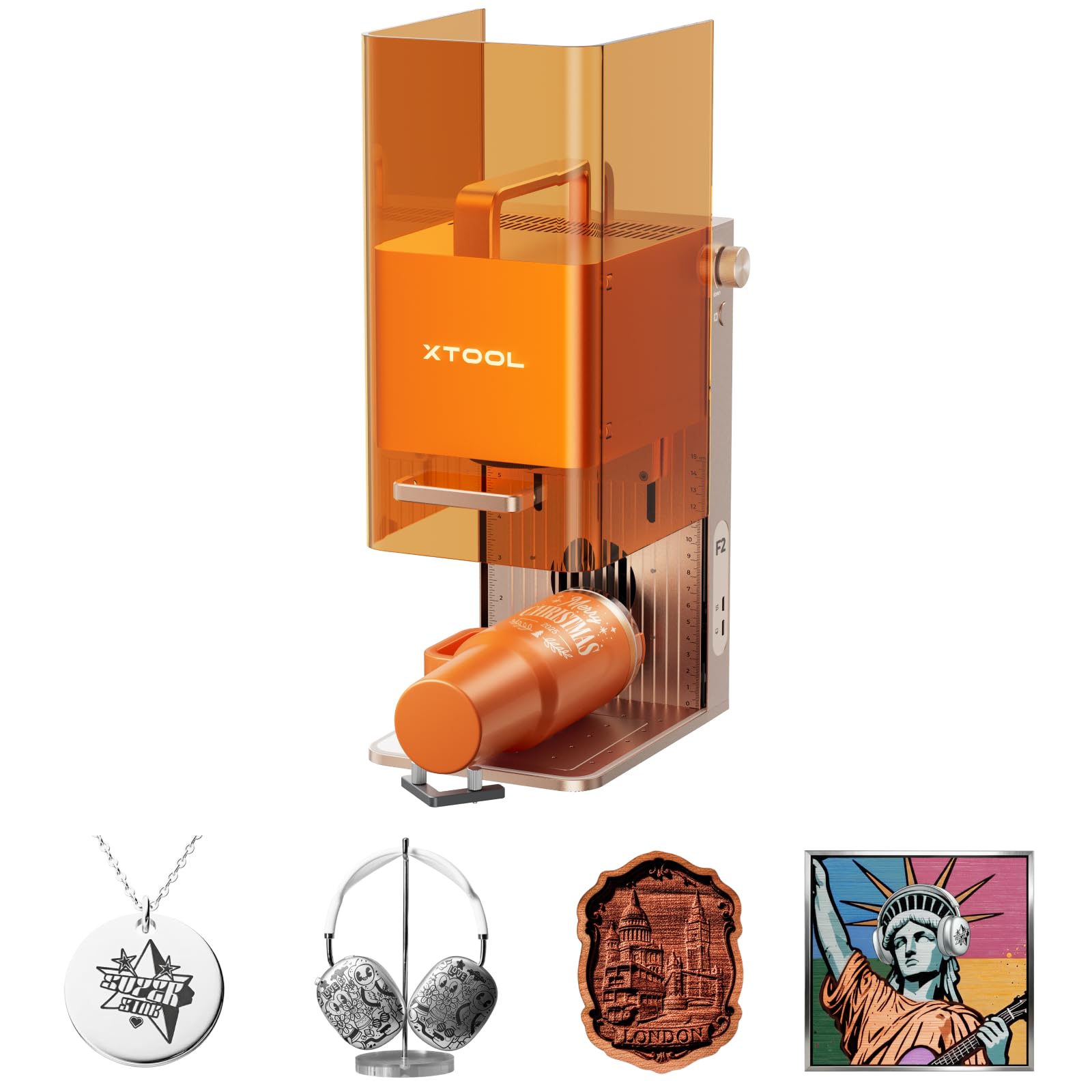
The metal work here comes from a 5W infrared module; the wood, leather, and acrylic work comes from a 15W diode, and both share one head and one program. That pairing is why we put this machine first. The IR laser marks bare stainless, anodized aluminum, and brass in a way a blue diode cannot, and the diode half means the same shop can cut a sign blank the same afternoon.

The 50MP camera is the feature we kept coming back to. Lining a logo up on a one-inch brass tag is the fiddly part of metal work, and an overhead camera turns it into dragging a box on a screen — the listing claims 0.1mm alignment on small pieces, which is the right order of precision for tags, knives, and card blanks. At 10 pounds and fully assembled, it moves from a workbench to a market table without help, and the sealed cabinet keeps the beam inside instead of in your eyes.

Repeat work is where it earns its keep. Built-in material presets take most of the guesswork out of settings, the 6,000mm/s head means a card-sized engraving finishes in about the time it takes to swap the blank, and the whole unit is small enough to leave set up on a shelf. The three-seconds-per-card figure in the listing is best-case, thin-mark territory, but the rhythm it implies is what owning this machine actually feels like.

Pros

  • IR laser marks bare stainless, brass, and anodized aluminum
  • 50MP camera makes small metal blanks easy to place
  • Sealed cabinet is safe to run in a shop or store
  • Ten pounds, fully assembled, easy to move

Cons

  • Won't emboss or cut metal like a fiber laser
Our verdict

We recommend it to anyone who wants one machine that marks real metal and still handles wood and leather.

Check Latest Price
2

Best for Deep Metal Engraving

xTool F1 Ultra

81 /100
LBD Score Excellent

Key details

Camera
16MP
Max Speed
10,000mm/s
Work Area
220 x 220mm
Laser Sources
20W fiber + 20W diode
View on Amazon

A 20W fiber laser is a different class of tool from everything else on this page. Fiber light is absorbed by metal rather than bouncing off it, so the F1 Ultra engraves solid stainless, brass, copper, and aluminum — not just coated blanks — deeply enough to cut thin sheet and to build relief in stages.

The 220 x 220mm bed is the largest fiber work area in this group, and it stretches to 220 x 500mm with the Auto Conveyor, the accessory that turns a good machine into a production one: load a jig, let it feed, keep working. A 16MP camera handles placement, the head travels at 10,000mm/s, and 3D embossing is on the menu for anyone making challenge coins, plaques, or deep-marked tools.

We think of it as the machine you buy when metal is the business rather than the sideline. Nothing else here engraves a steel dog tag with that depth, and the fiber source is the reason — not the wattage. If your work is marking anodized blanks and tumblers, you are paying for capability you will rarely switch on.

Alignment takes longer than the demo videos suggest: the fisheye camera gets you close and the last few percent is manual, so budget an evening for calibration before your first paid job and keep a jig for anything you run more than once. After that the software stays out of the way, which is more than we can say for the budget machines here.

Pros

  • 20W fiber engraves and cuts solid metal
  • Largest fiber work area here, expandable to 220 x 500mm
  • 16MP camera and 3D embossing
  • 10,000mm/s, the fastest head in this set

Cons

  • Conveyor and rotary are separate purchases
  • 43.8 pounds, so it stays on one bench
Our verdict

For work where metal is the whole point and the budget is there, this is the machine we name first.

Check Latest Price
3

Best Value

Longer RAY5 20W

88 /100
LBD Score Excellent

Key details

Display
3.5-inch touchscreen
Max Speed
24,000mm/min
Work Area
400 x 365mm
Laser Power
20W diode
View on Amazon

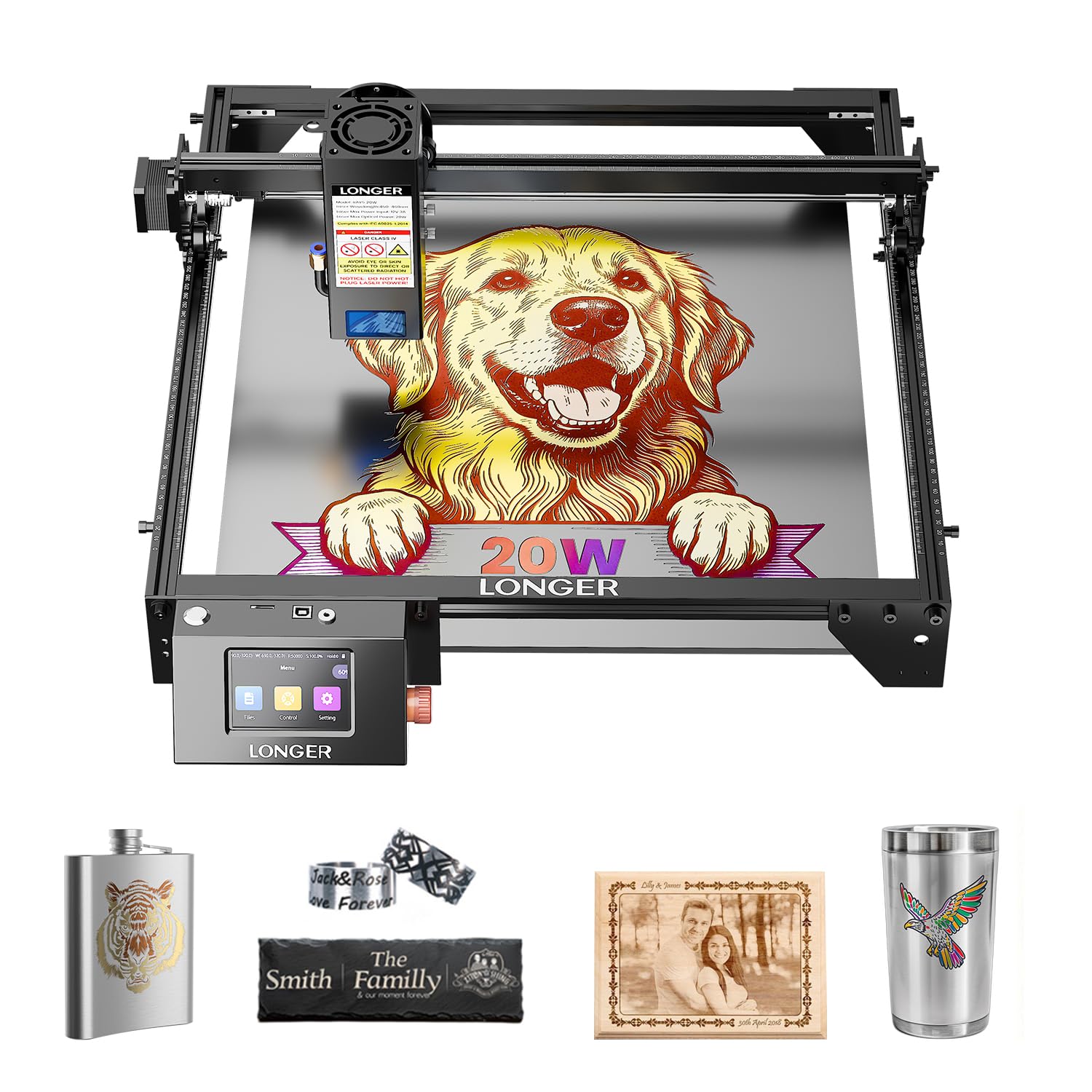
The spec sheet makes a promise no other diode here makes: cutting 0.05mm stainless steel and color engraving on metal. Behind it is a compressed 20W beam with a 0.08 x 0.1mm spot, a 400 x 365mm work area, 24,000mm/min travel, and a 3.5-inch touchscreen that runs a job without a laptop tethered to the machine.

In this set it is the value pick. Twenty watts of diode power, a bed that takes a sign blank or a knife blank, and four ways to send a file — app, Wi-Fi, USB, and the panel on the front — for midrange money. In our own use it was the machine we stopped thinking about: files went across, the head did what the preview showed, and a second job did not need a computer at all.

The open question is how long it stays that way. The touch panel and the plastic shell are the two parts to watch, so buy from a seller with a real return window and register the warranty on day one. Do that, and the 20W beam is the most machine you can get for midrange money in this group.

Pros

  • 20W compressed beam with a fine 0.08 x 0.1mm spot
  • Large 400 x 365mm work area
  • 3.5-inch touchscreen runs jobs without a laptop
  • Four connection modes including offline work

Cons

  • A diode marks metal; it won't carve deep relief
Our verdict

The one we point most makers to: 20W, a big bed, and a touchscreen for midrange money.

Check Latest Price
4

High-Power Diode Work

ATOMSTACK A20 Pro V2

82 /100
LBD Score Excellent

Key details

Weight
13.7 lb
Software
LightBurn and ATOMSTACK app
Laser Power
20W diode
Connectivity
Type-C and USB stick
View on Amazon

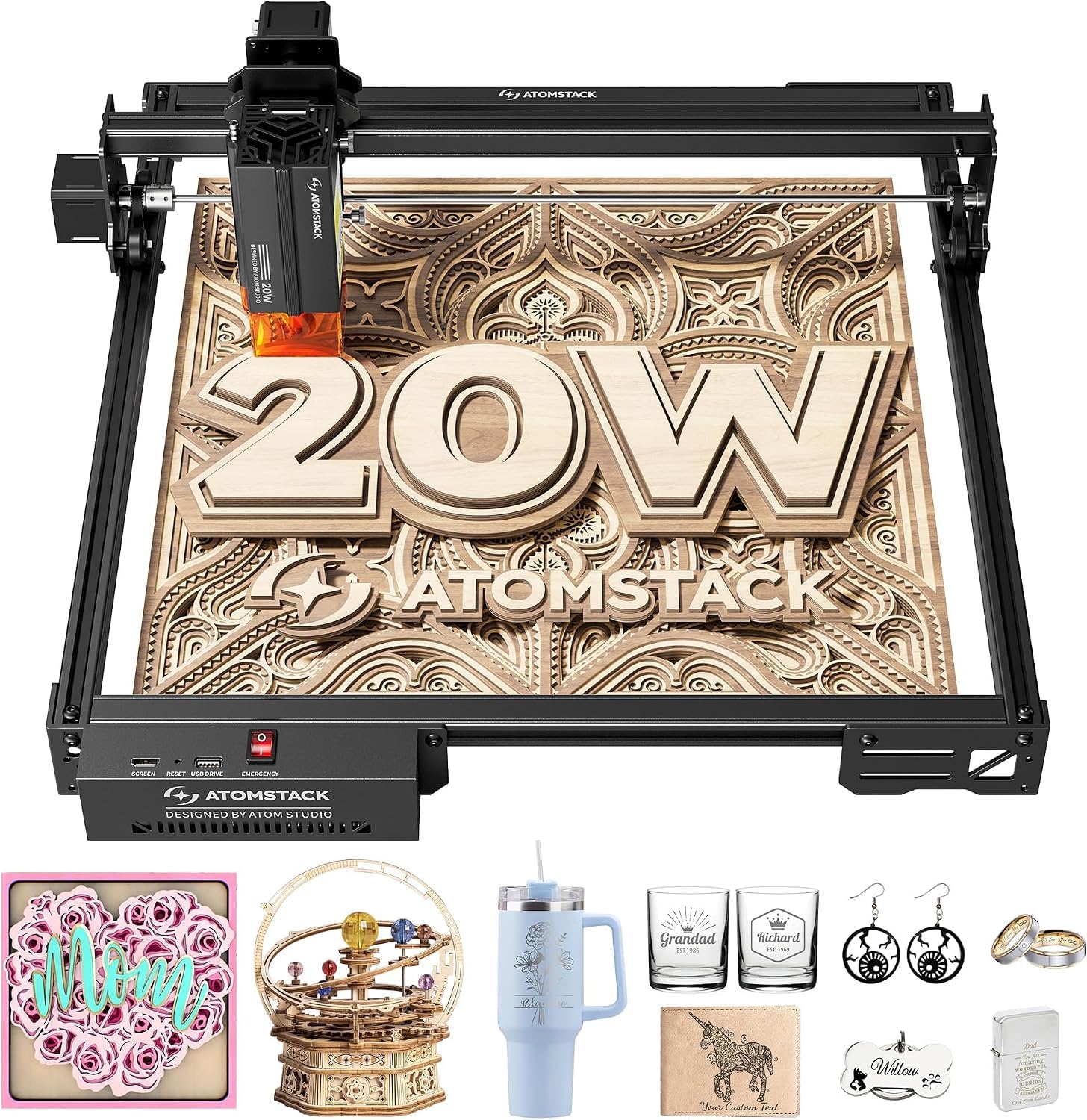
Twenty watts and an integrated linear guide frame. On paper the A20 Pro V2 sits exactly where a lot of buyers want to be: enough diode power to cut thick stock and mark coated metal, without fiber-laser money.

The guides are the part we like. Instead of separate rods and wheels, the motion structure arrives as one assembly, which shortens the build and keeps the geometry square once it is together. The frame is aluminum, the footprint is 22.83 by 9.84 inches, and at 13.67 pounds it moves between benches without a second pair of hands.

Connections are unusually generous for the money: Type-C, a USB stick for offline jobs, the ATOMSTACK app, and LightBurn or LaserGRBL if you want the full toolbox. That last part matters more than it sounds, because LightBurn is where most small shops end up and not every budget machine plays nicely with it.

Where it lands for us is just below the Longer. The A20 Pro V2 is the more rigid machine, and if your work is cutting thick stock and marking coated blanks rather than fussing with layouts, the frame is the better place to spend. The machine that wins on features is the one with the screen; the one built to stay square is this one.

Pros

  • 20W output for thick stock and coated-metal marking
  • Integrated linear guides simplify assembly
  • LightBurn, Type-C, and USB-stick offline jobs
  • 13.67 pounds with an aluminum frame

Cons

  • No touchscreen; jobs start from a computer or phone
  • 10,000-hour rating is a ceiling, not a guarantee
Our verdict

A rigid 20W diode for makers who would rather have good guides than a touchscreen.

Check Latest Price
5

Beginner Coated Metal

ACMER S2

83 /100
LBD Score Excellent

Key details

Safety
Anti-UV shield and goggles
Max Speed
10,000mm/min
Work Area
300 x 300mm
Laser Power
7W
View on Amazon

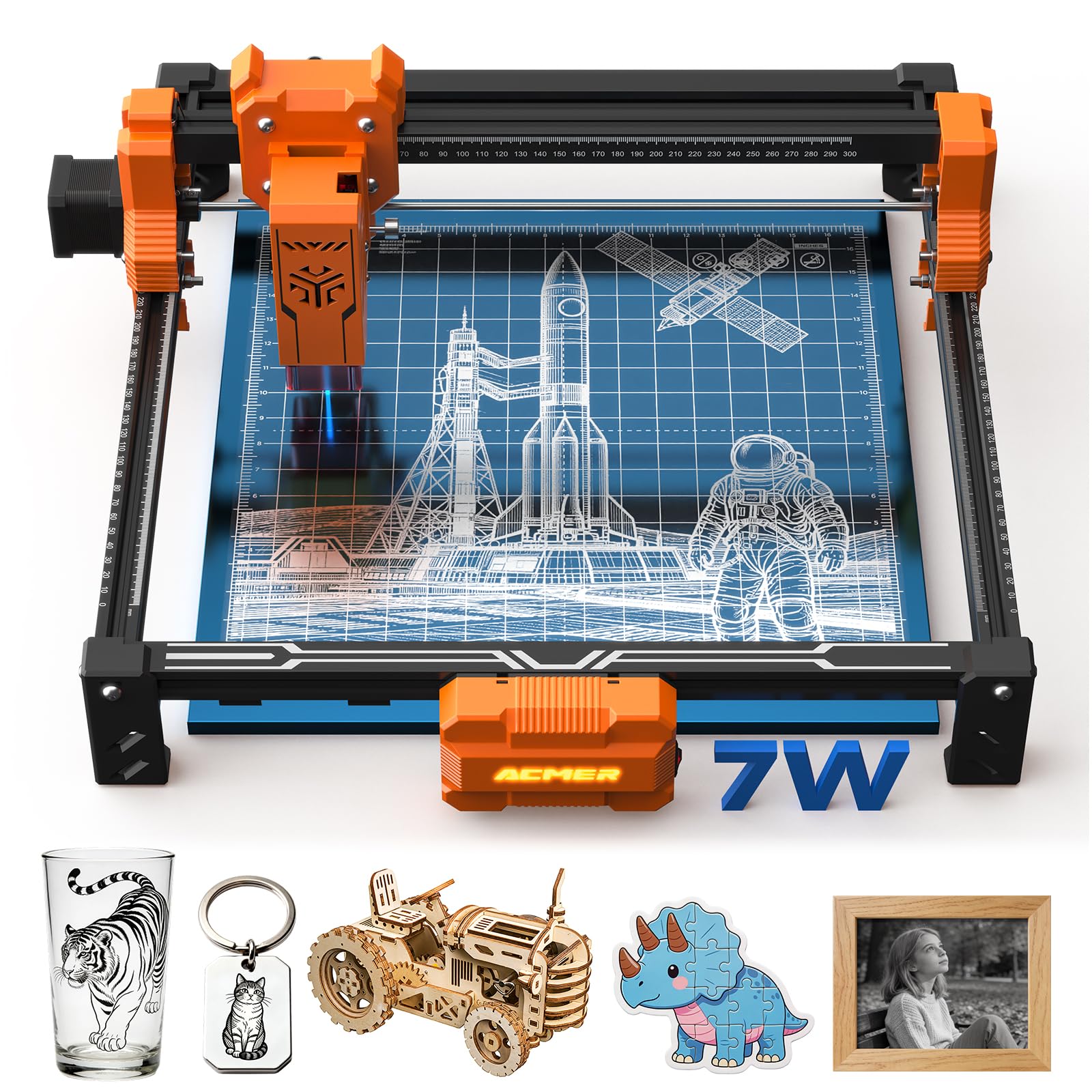
If the metal you want to mark is anodized, painted, or coated — dog tags, colored business cards, powder-coated tumblers — this is the easiest place to start. The 7W output and 0.08 x 0.08mm spot are tuned for detail, and the 300 x 300mm bed takes a set of tags or a small sign without turning the kitchen table into a workshop.

The safety package is better than the money suggests: an anti-UV shield over the beam, included goggles, and motion-detection auto-pause that cuts the laser if the machine gets knocked. Acmerstudio is free and handles the AI-assisted part of design, and 10,000mm/min travel keeps small jobs from dragging.

We like it as a first machine for blanks, tags, and gifts, and it is forgiving in the way a first machine should be. Bare stainless and raw aluminum are outside what a 7W diode will do — if bare metal is the goal, this is not the one, and the IR and fiber machines above are. For coated stock it does the job with less fuss than anything else at this end of the group.

Pros

  • Marks coated, anodized, and painted metal cleanly
  • Anti-UV shield, goggles, and motion auto-pause included
  • Free software with AI-assisted design
  • Compact 300 x 300mm frame at 7.83 pounds

Cons

  • Design software runs on desktop only
Our verdict

A forgiving first laser for coated-metal gifts, as long as bare steel isn't on the list.

Check Latest Price
6

Large Budget Projects

Creality 10W Laser Engraver

81 /100
LBD Score Excellent

Key details

Frame
All-aluminum alloy
Safety
Anti-UV filter acrylic
Work Area
17 x 16 inches
Laser Power
10W output
View on Amazon

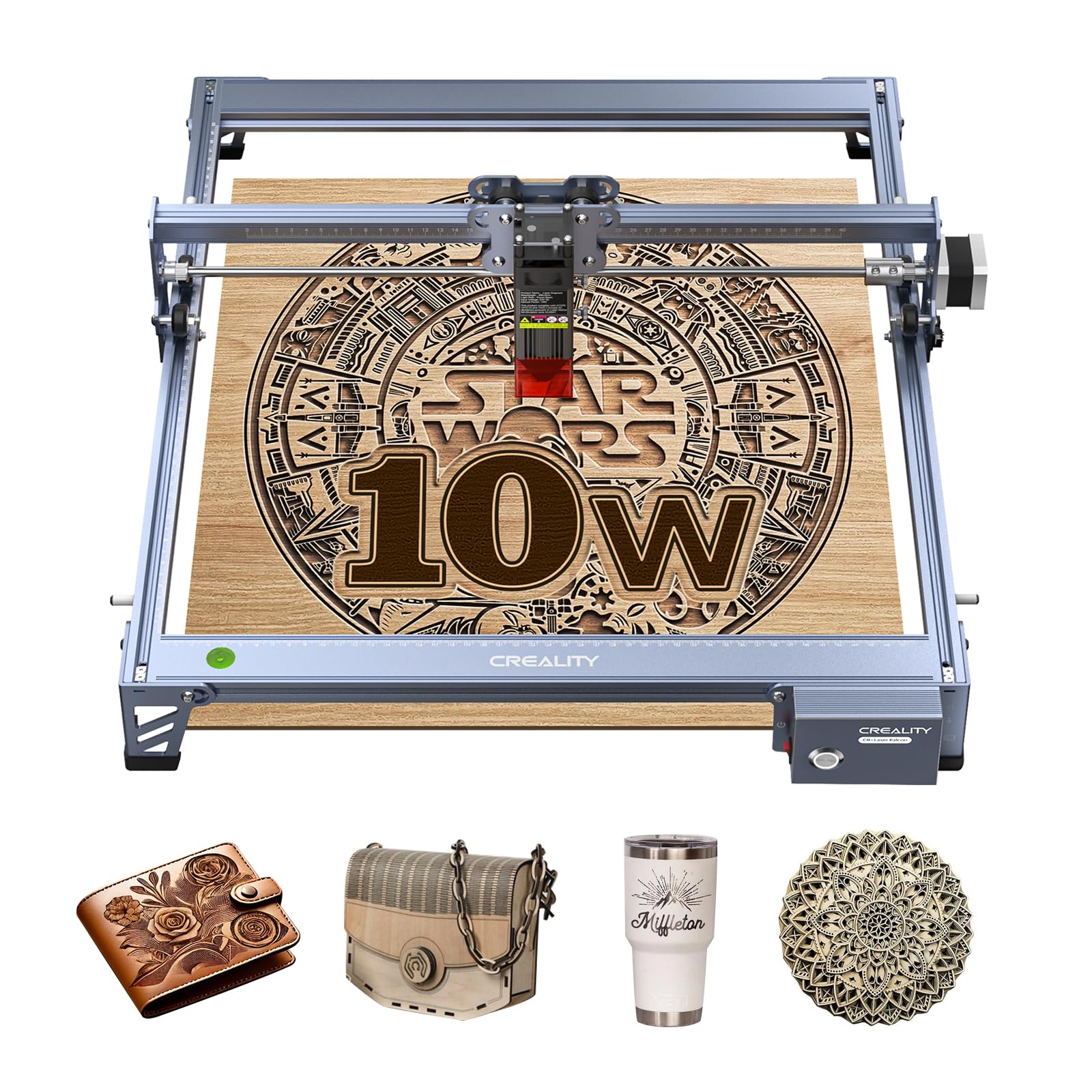
Seventeen by sixteen inches of travel, an all-aluminum frame, and a 10W output running off a 72W machine — the numbers here are about area and rigidity rather than peak power. It cuts 5mm basswood or 3mm black acrylic in one pass, assembles in 10 to 20 minutes with the supplied tools, and runs LightBurn or LaserGRBL depending on how much you want to think about settings.

For our money it is the big-flat-work machine of the budget group. If your jobs are signs, panels, and boards that need space rather than depth, the extra bed earns more than another few watts would, and the anti-UV acrylic over the module filters 97% of UV — worth having at this end of the market, though it is a filter over the beam rather than an enclosure.

The connection is the part to plan around. USB to a Mac is the pairing to test first, and LightBurn on a Windows machine is the path of least resistance. Beyond that the machine rewards a little patience: assembly is quick, the documentation is not, and an evening of videos will save you a week of guessing.

Pros

  • Largest work area in the budget group at 17 x 16 inches
  • All-aluminum frame with steel-shaft guide rails
  • Runs LightBurn and LaserGRBL
  • Anti-UV filter over the module

Cons

  • 10W output is modest next to the 20W diodes here
  • Manual focus with a spacer plate
Our verdict

The budget choice for big flat work, with metal as a sideline rather than the main event.

Check Latest Price
7

Desk-Side Small Blanks

Carverall K15 Pro

81 /100
LBD Score Excellent

Key details

Control
Phone, tablet, or computer
Max Speed
15,000mm/min
Work Area
11.8 x 7.9 inches
Laser Power
10W
View on Amazon

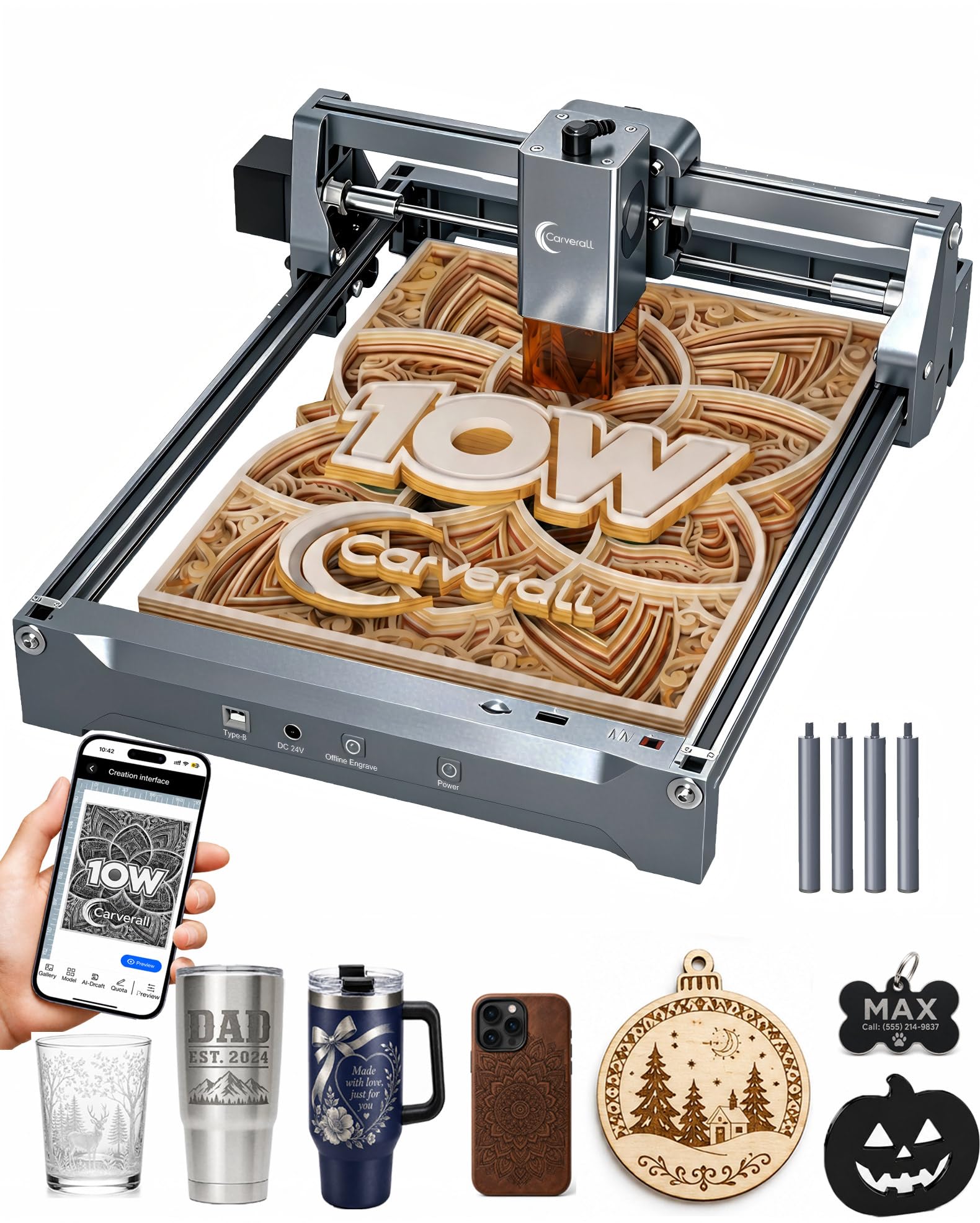
At 11.8 by 7.9 inches and 2.68 kg, this is a machine that lives on a desk and comes off it when the desk is needed for something else. For metal work that means tags, keychains, card blanks, and small plaques — and for that job it is the least intimidating machine in this set, because the whole workflow can run from a phone.

CutLabX is free and runs on a computer, tablet, or phone: you can photograph a sketch and turn it into a layout without opening a design program. The 10W module cuts and marks, 15,000mm/min keeps small jobs short, and one-touch focus removes the spacer-plate ritual the budget open-frame machines still ask for. Offline control means the machine does not need your phone in the room for the length of a job.

Where it stops is bare metal. The 10W diode marks coated and painted stock; stainless and raw aluminum need the IR or fiber machines higher up this list. And the 4K and 0.01mm figures in the listing are marketing arithmetic more than a resolution you can measure — the detail is genuinely good, but judge it on a test burn rather than a spec line.

Pros

  • Runs from a phone, tablet, or computer
  • One-touch focus, no spacer plate
  • Heat-control design for longer jobs
  • Free software with photo-to-design AI

Cons

  • Smallest work depth here at 7.9 inches
Our verdict

Our desk-side pick for small coated blanks and a phone-based workflow.

Check Latest Price

How We Tested: Metal First, Everything Else Second

We started by gathering every desktop engraver we could find that claimed metal capability, then cut the list to eight by reading spec sheets and return policies: laser type, work area, whether the frame was enclosed, and price relative to what it promised. Each one got the same first day — box to first burn, timed, with no prior knowledge of that machine assumed. I noted how many parts needed squaring, whether the manual explained focus or skipped past it, and how long it took before a design landed where the preview said it would.

Then the metal work. Every machine got the same small set of jobs: anodized aluminum cards, bare stainless dog tags, brass blanks, and powder-coated steel, run at the manufacturer's recommended settings and again at settings I dialed in myself. I compared line crispness under a loupe, counted how many passes bare metal needed, and recorded which units only worked after a marking spray. Since several of these are bought as all-rounders, each also ran a wood and a leather job. To check camera and alignment claims, I deliberately set a small part off-center and timed how long it took to frame it.

Because most of these live on a workbench in a garage or spare room, we ran them the way owners do across the seven months: a two-hour batch of business-card blanks after dinner, a repeat of the same file a month later to see whether belts had stretched or the beam had drifted, and an offline job with Wi-Fi switched off to test app and touchscreen control. We also handed each machine to someone who had never used a laser engraver and watched where they got stuck.

How to Choose a Laser Engraver for Metal

Match the Light Source to the Metal

Three sources turn up in this category and they do three different jobs. A blue diode, even a 20W one, needs something on the surface to absorb the beam: anodizing, paint, powder coat, or a coated blank. A 5W infrared module marks bare stainless, brass, and aluminum, and can pull color out of stainless without cutting. A 20W fiber laser absorbs into solid metal and carves it. Work out which of those sentences describes your jobs before you compare anything else.

The trap is the word metal on a listing. It usually means coated metal, and a diode that engraves a black business card beautifully can leave a bare steel tag untouched. Ask what the machine does to uncoated stainless, and if the answer involves a coating or a spray, you are buying a marking machine rather than an engraving one.

Size the Work Area to Your Biggest Blank

Work areas here run from an A4 sheet at 11.8 by 7.9 inches up to 17 by 16 inches, and that gap matters more than it sounds: a bed an inch short of your standard blank turns every job into a repositioning exercise. Measure the largest piece you expect to run — a knife blank, a sign panel, a set of tags laid out together — and add an inch on each side for clamping.

Compact describes the frame, not the work area. A machine can be light enough to move with one hand and still take a 300 x 300mm piece, while another can be a permanent bench fixture with a smaller bed. Check the two numbers separately. And if you plan to run one design across twenty blanks, a camera or a fixed jig saves more time than extra wattage.

Plan for the Enclosure and the Fumes

A sealed cabinet is the difference between a machine you can run in a spare room and one that needs a dedicated corner, goggles, and a conversation with everyone else in the house. Enclosed machines keep the beam in; open-frame machines put the responsibility on you and your eyewear. Either way, engraving coated metal and plastics produces fumes you do not want to breathe.

An enclosure filters light, not air. Put the machine where you can vent to outdoors — a window with a fan, a garage door, a duct — or budget for filtration. We treat that as part of the purchase rather than an accessory, because it decides where the machine lives, and where it lives decides how often you use it.

Count the Software and the Repeat Work

The laser is half the purchase and the workflow is the other half. LightBurn and LaserGRBL are the two programs most small shops settle into, and a machine that supports them stays useful after you outgrow the maker app it shipped with. Phone-first machines trade that flexibility for speed of setup: you can be engraving ten minutes after unboxing, and you will do the layout on a six-inch screen.

Presets and cameras earn real money here. Metal settings are unforgiving, and a small change in power or speed turns a crisp dark mark into a pale smear, so a machine that stores proven settings for the material in front of you saves a test burn every time. For repeat work, that library plus a camera is what separates a machine you use from one you argue with.

Frequently Asked Questions

Final Verdict

The xTool F2 is the one we recommend to most people shopping this category. Its infrared module marks bare stainless, brass, and anodized aluminum, the 15W diode covers wood and leather, and the sealed cabinet plus the 50MP camera turn metal work into something you can do in a shop or a spare room without a curtain and a pair of goggles.

If your work is deep relief in solid steel, the F1 Ultra's 20W fiber source is the upgrade that actually changes what you can make. If metal is occasional and the budget is tight, the Longer RAY5 covers marking and wood for far less, as long as you accept that a diode marks metal rather than carving it.