Best Overall
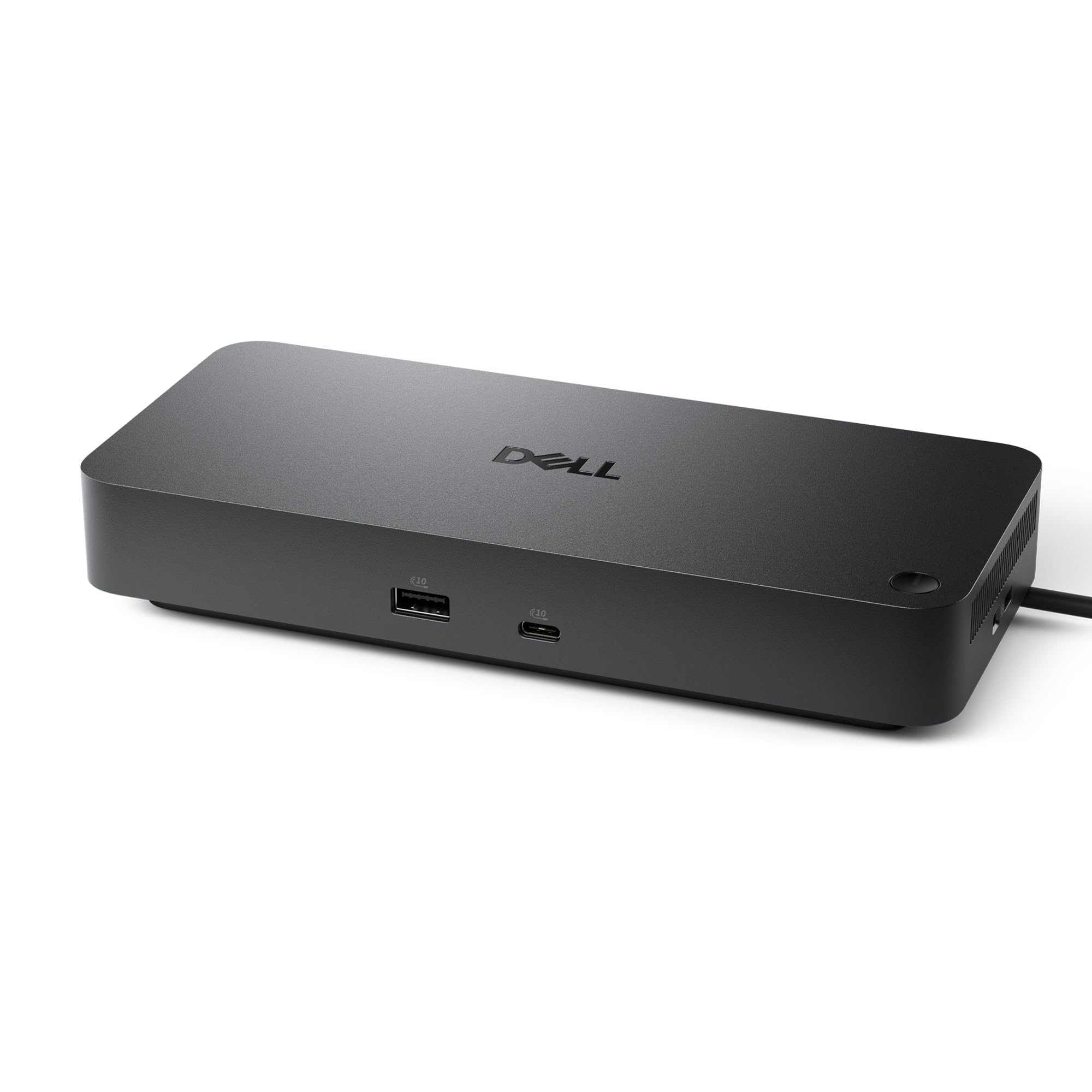
Dell Pro WD25
Key details
- Ports
- 10 (6 USB)
- Warranty
- 3 years
- Display Support
- Up to 4 displays
- Laptop Charging
- 100W
Four displays and 100W charging are the two numbers that make the Dell WD25 the default dock on this list. It's a business-class USB-C dock with 10 ports, six of them USB, plus HDMI, DisplayPort, Ethernet, and an ambidextrous USB-C cable that can route left or right. We like that flexibility because it lets the cable disappear toward the back of a desk rather than looping across the front.
What sold us is the breadth: Windows 10 and 11, Ubuntu 24.04, Red Hat Enterprise Linux 9.6+, and ChromeOS 137 are all on the compatibility list. In use, the WD25 is the kind of dock that disappears: plug in one cable, and the laptop charges, the wired network comes up, and the keyboard and mouse stay connected. The 130W adapter gives the dock headroom while delivering 100W to the laptop, so a mainstream 65W or 90W machine won't be starved.
The limitation is the single HDMI output. If both of your monitors are HDMI-only, you'll need an adapter or a DisplayPort cable for the second screen. That's a small tax on an otherwise generous port layout. The three-year limited hardware warranty with advanced exchange is the part that makes it easy to leave on a desk for years.
Pros
- 100W charging over one cable
- Up to four displays
- Broad operating-system support
- Three-year hardware warranty
Cons
- Only one HDMI output
The WD25 is the dock we recommend for most desks: 100W charging, four-display support, and a three-year warranty cover a mixed Windows, Chrome, or Linux setup.