Best Overall
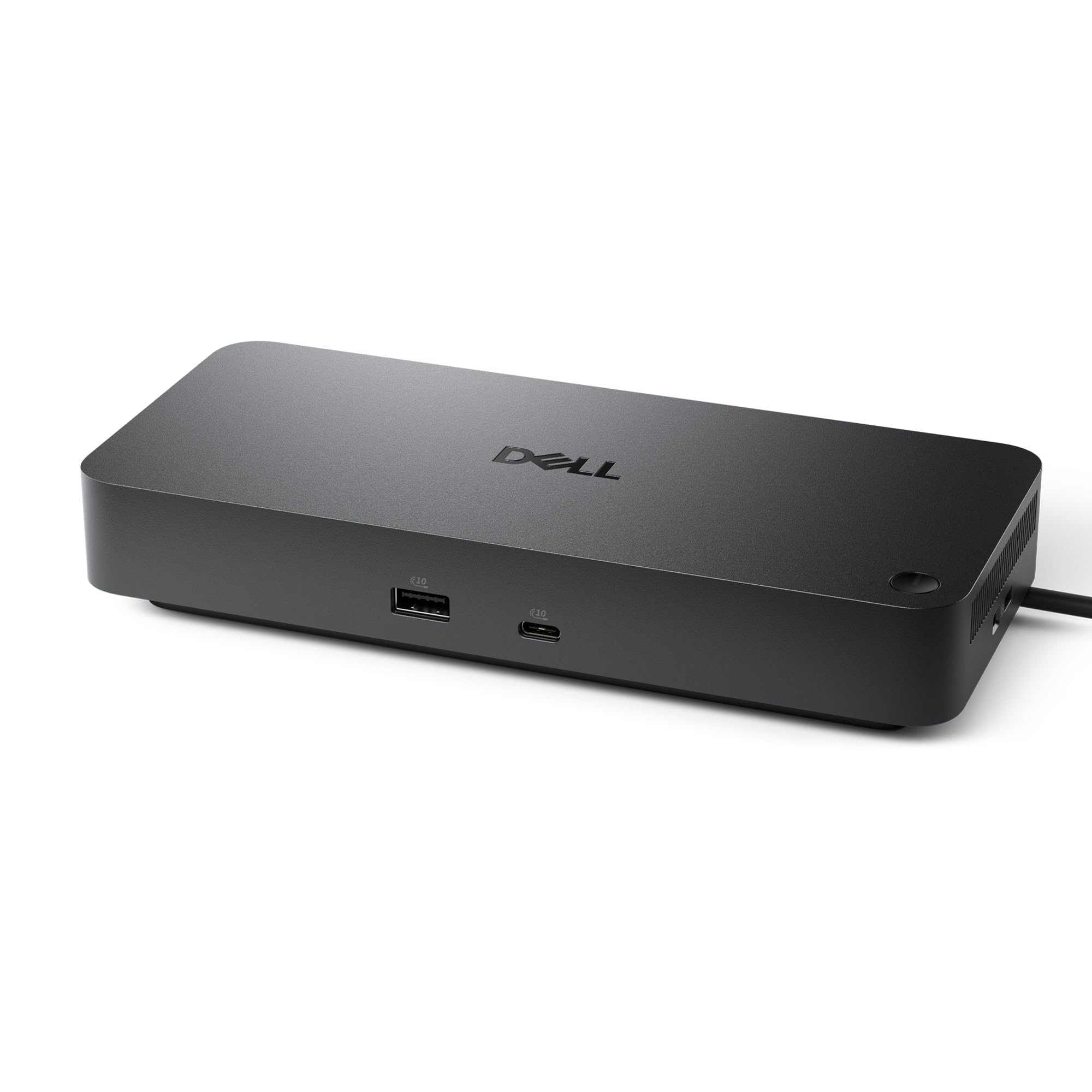
Dell Pro WD25
Key details
- Displays
- Up to 4
- Warranty
- 3 years
- USB Ports
- 6
- Laptop Charging
- 100W
The first thing we noticed about the Dell Pro WD25 is the cable: it can be routed out the left or right side, which matters more than it sounds when the dock sits against a wall or under a monitor. At 8.07 by 3.54 by 1.39 inches and 1.2 pounds, it is compact enough to tuck behind a laptop stand, and the 100W USB-C power delivery means the same cable that carries the displays also charges a mainstream laptop.
The port count is the reason we put it at the top. Six USB ports, Ethernet, one HDMI, one DisplayPort, and support for up to four high-resolution displays cover a two-monitor office without a second hub. We like that the dock is built for Windows, ChromeOS, Ubuntu, and Red Hat rather than pretending to be all things to every laptop; it is the one we choose for a mixed-PC office where the monitors stay put and the laptop comes and goes.
Dell's three-year limited hardware warranty is longer than most docks here, and the ambidextrous cable makes a tidy desk easier. The one HDMI and one DisplayPort pairing is worth checking against your monitors; a DisplayPort cable is the clean way to add the second screen. That cable routing is the small design detail we appreciate every time we slide the laptop into place.
Pros
- 100W laptop charging over USB-C
- Up to four high-resolution displays
- Six USB ports plus Ethernet and video
- Three-year hardware warranty
Cons
- No macOS compatibility listed
The WD25 is the dock we recommend first for a Windows desk: 100W charging, up to four displays, six USB ports, and a three-year warranty in one tidy box.