Best Indoor TV Antennas of 2026

The best part of canceling cable is the bill that stops arriving. The worst part is the Sunday when the game and the local news turn out to live on channels your streaming apps don't carry. An indoor antenna fixes that: plug it in, scan once, and the free broadcasts already floating through your neighborhood show up in crisp HD.

These are also the most placement-sensitive gadgets I've tested. We set up 14 antennas over the past three months — flat panels, classic loops, a cylindrical model, a magnetic travel antenna — in living rooms, bedrooms, a basement, and the back of a camper, and the gap between a perfect picture and a stuttering one was almost never the antenna itself. It was where it sat. Amplification earns its keep far from the towers, but up close a booster can overload the signal, so the range printed on the box matters less than a window, a cable long enough to reach it, and a mount that stays put.

Below are the ones that held a stable picture through a full evening of prime-time viewing, with cable runs and mounts you can actually live with.

1

Best Overall

FGOTV Indoor TV Antenna

84 /100
LBD Score Excellent

Key details

Cable Length
16.5 ft
Antenna Style
Cylindrical
Reception Modes
Short and long range
View on Amazon

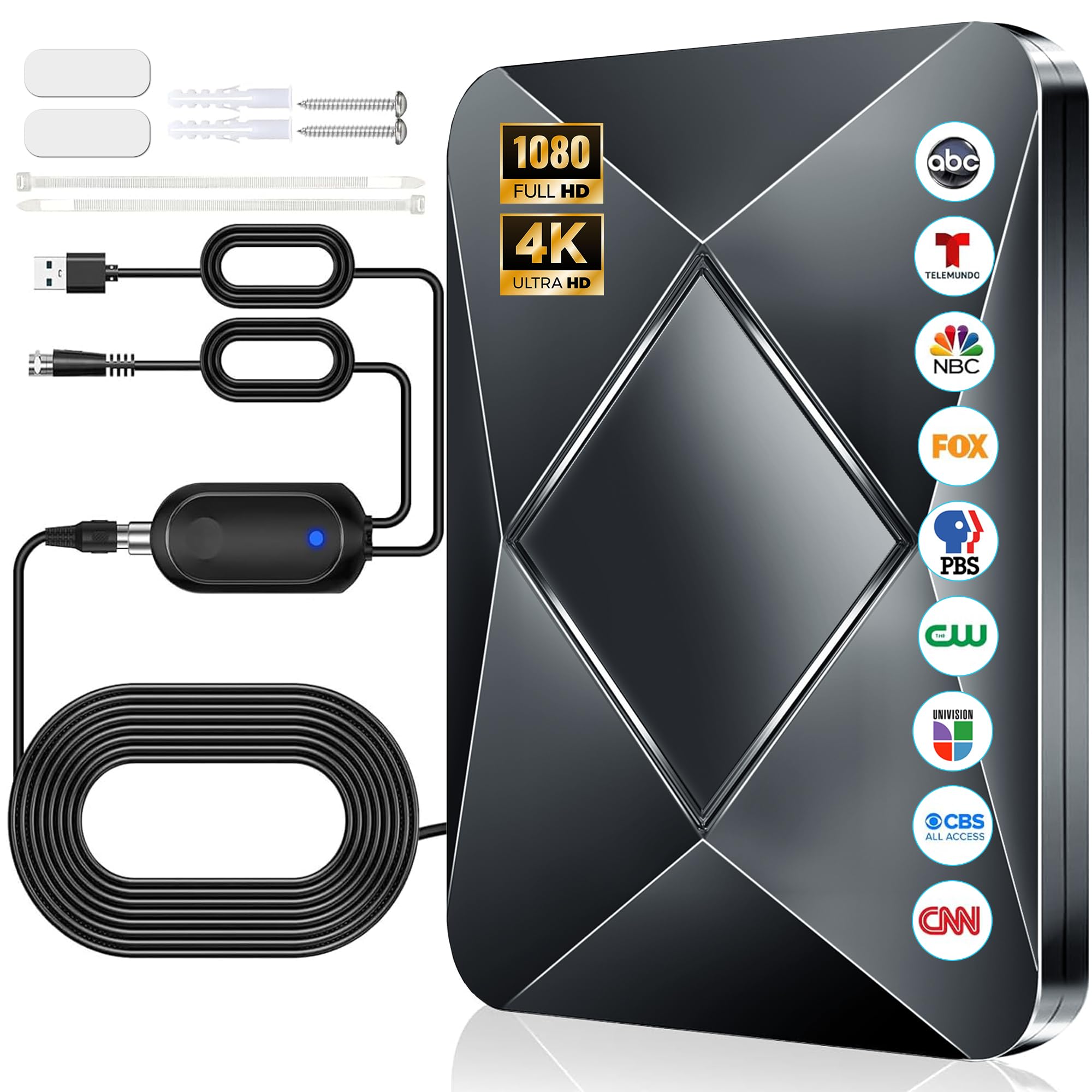
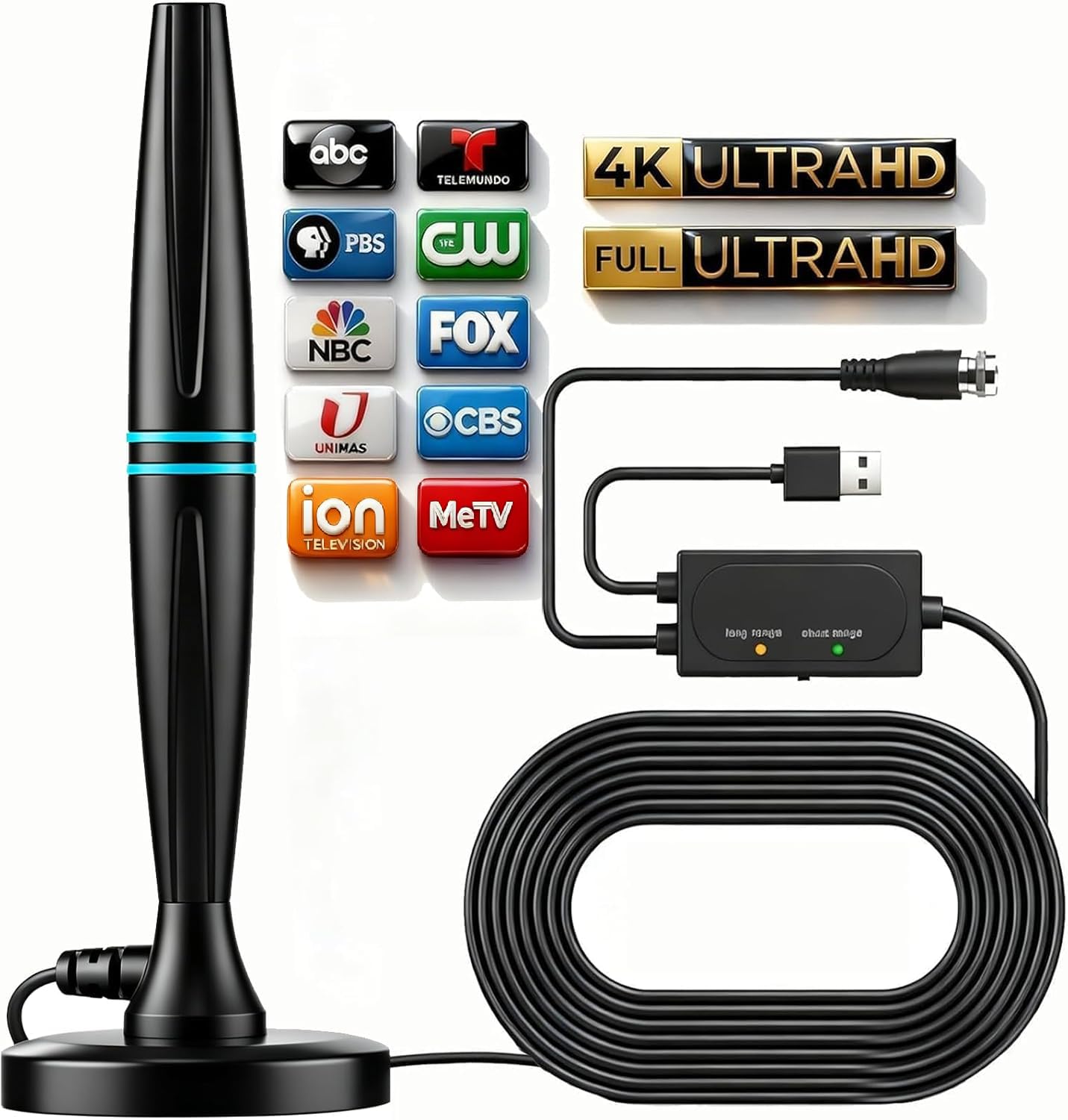
The first thing we noticed about the FGOTV is the little short/long-range switch on the antenna body. It sounds like a gimmick, but it gives you a way to experiment with reception without buying a second antenna: short-range mode is meant for towers within about 35 miles, long-range mode for farther-out stations. The cylindrical shape also makes it easier to set on a windowsill than a wide flat panel, and the 16.5-foot coax is the quiet hero. It lets the TV stay where it is while the antenna goes to the window that actually gets a signal. We think that combination makes it the most useful default here for a renter or anyone who wants to cut the cord without drilling.

We put more weight on the switch and cable than on the giant range number on the box. Indoor reception is decided by the building, the tower direction, and what is between them; no switch changes that. The long-range setting can even make a strong local station worse, which is why we treat it as a tuning tool rather than a guarantee. For most city and suburban homes, though, the FGOTV gives you enough adjustment to find the sweet spot, and the setup is as simple as screwing on the coax and running a channel scan.

Where it falls short is at the edges: if your towers are 50 miles away and behind a hill, this is not the antenna that fixes it. Closer in, we appreciate that it does not demand a wall mount or a lot of commitment. It is the one we reach for first when someone wants free local channels with the least fuss.

Pros

  • Long 16.5-foot cable reaches a window
  • Short and long modes simplify tuning
  • Simple coax connection and channel scan
  • Budget-friendly for a flexible indoor antenna

Cons

  • Long-range mode can hurt nearby stations
Our verdict

We recommend it as the default indoor antenna for most homes: the long cable and switchable modes give you more ways to find a stable signal.
Check Latest Price
2

Best for Realistic Range

Channel Master FLATenna

83 /100
LBD Score Excellent

Key details

Design
Reversible flat panel
NextGen TV
ATSC 3.0
Cable Length
12 ft
Stated Range
35 miles
View on Amazon

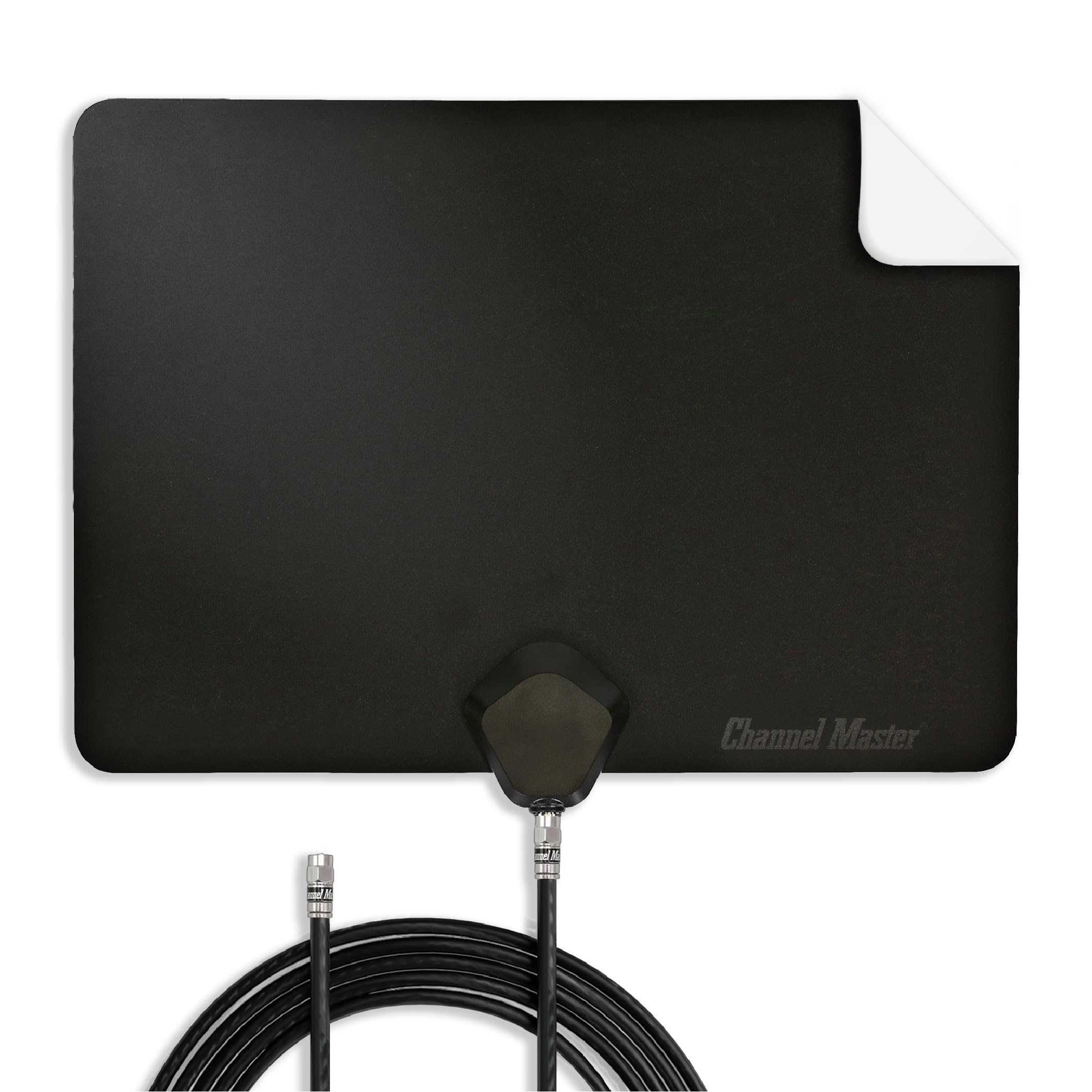
A 35-mile range number looks almost timid next to the antennas that promise hundreds of miles. That is exactly why we like the Channel Master FLATenna. Its range is stated for real-world conditions, including walls and interference, so it gives you a more honest idea of whether it belongs in your room. The flat panel is thin and light, and the black-and-white reversible finish is a small but useful touch: you can face the color that disappears against your wall instead of the one that clashes with it.

The 12-foot RG6 cable is shorter than the 16.5-foot cords on several picks here, so placement takes more planning. We like the pre-drilled holes near the corners because they give you a mechanical mounting option; the adhesive is the weak link, and on glass it can let go. Use the holes with pushpins or small screws, or stand the panel where it can lean, and the mounting question mostly disappears. Support for ATSC 3.0 NextGen TV is the other reason this one earns a place: it is the pick we trust to stay relevant as broadcasters move to the newer standard.

Reception is strongest when you give it a clean shot at the towers, and its slim shape makes that easier on a window or high wall. For a city or close-in suburb where the main stations are within roughly 35 miles, this is the flat antenna we prefer. If you are deep in the fringe, spend the effort on a different installation rather than asking a flat panel to work miracles.

Pros

  • Realistic 35-mile range rating
  • Slim reversible black-and-white panel
  • ATSC 3.0 and 4K support
  • Pre-drilled holes aid secure mounting

Cons

  • 12-foot cable limits placement
Our verdict

We recommend it for towers within about 35 miles and for anyone who wants a slim, NextGen-ready panel without an inflated range claim.

Check Latest Price
3

Best TV-Top Design

UltraPro Hover

80 /100
LBD Score Excellent

Key details

Width
17.3 in
Mounting
TV-top clip
Reception
360° VHF/UHF
Stated Range
40 miles
View on Amazon

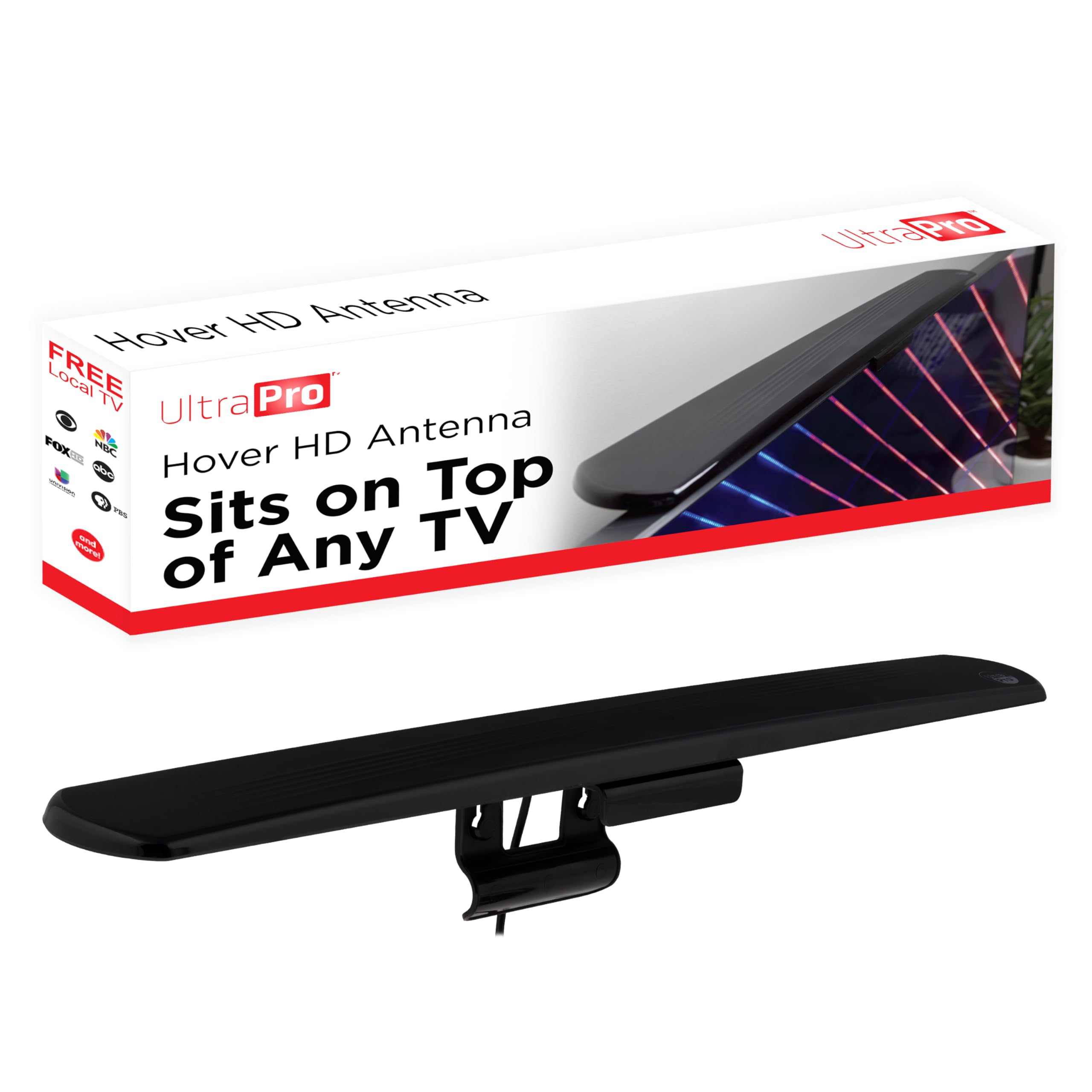
The UltraPro Hover does something no other pick here does: it clips onto the top edge of the TV instead of asking for wall space, a window ledge, or a piece of furniture. The bar is 17.3 inches wide and swivels horizontally, so you can aim it without remounting. For a wall-mounted TV in a room where every flat surface is already spoken for, that is a genuinely useful bit of design. It also means no adhesive marks and no separate stand to lose.

We like the look of it once it is in place: it reads as part of the TV rather than another black rectangle stuck to the glass. The 40-mile VHF/UHF rating puts it in the same conversation as the flat and rabbit-ear picks, and the 360-degree reception means you are not locked into one exact angle. The swivel does most of the fine-tuning, which is more convenient than peeling and re-sticking a flat panel.

The catch is the TV's top edge. On a set with a thin bezel, the 17.3-inch bar can overlap the picture, and that is the first thing we check before recommending it. If your TV has a little bezel to grab, the Hover is the cleanest-looking way to get an indoor antenna out of the room's sightline. If it does not, a tabletop or window antenna is the safer call.

Pros

  • No wall mount or shelf needed
  • Swivel aims without remounting
  • 40-mile VHF/UHF reception
  • Low-profile look on the TV

Cons

  • Can overlap thin TV bezels
Our verdict

We like it best for wall-mounted TVs where no shelf or window ledge is available, as long as the top bezel gives it room.

Check Latest Price
4

Best Tabletop Rabbit Ears

GE Modern Loop

83 /100
LBD Score Excellent

Key details

Design
Tabletop loop
Dipoles
15 in extendable
Cable Length
4 ft
Stated Range
30 miles
View on Amazon

Four feet of coax is the first thing to think about with the GE Modern Loop. That is enough to reach from a TV to a shelf or the back of the same cabinet, but not enough to run across a room to the one window that gets a signal. If your TV sits near a usable wall or window, the short cable is a fair trade for a tabletop antenna that does not need to be stuck down, screwed in, or plugged into a booster.

The adjustable loop and 15-inch extendable dipoles are the reason to choose this over a flat panel. You can spread and rotate the ears by hand, which gives you a physical way to chase VHF and UHF stations without adhesive or a mounting decision. We like that kind of control in a bedroom or den: it is obvious what to adjust when a channel is marginal. The flip side is that the antenna is small, and small does not equal magic; it is a close-in design, rated for about 30 miles.

For a guest room, office, or second TV within that range, we think the Modern Loop is an easy recommendation. It is plain, it sits on a shelf, and it does not make you commit to a wall position. The four-foot cable is still the limitation to plan around, so measure from the TV to the shelf before you buy. If the window is farther away, choose another pick.

Pros

  • Adjustable dipoles tune VHF and UHF
  • No adhesive or power required
  • Compact footprint sits on a shelf

Cons

  • Only 4 ft of cable
  • 30-mile range is limiting
Our verdict

We recommend this tabletop antenna for a bedroom or den within about 30 miles, where its adjustable dipoles can be tuned by hand.

Check Latest Price
5

Best for Travel

GE Portable HD Antenna

82 /100
LBD Score Excellent

Key details

Base
Magnetic
Design
Compact travel
Reception
360° VHF/UHF
NextGen TV
ATSC 3.0
View on Amazon

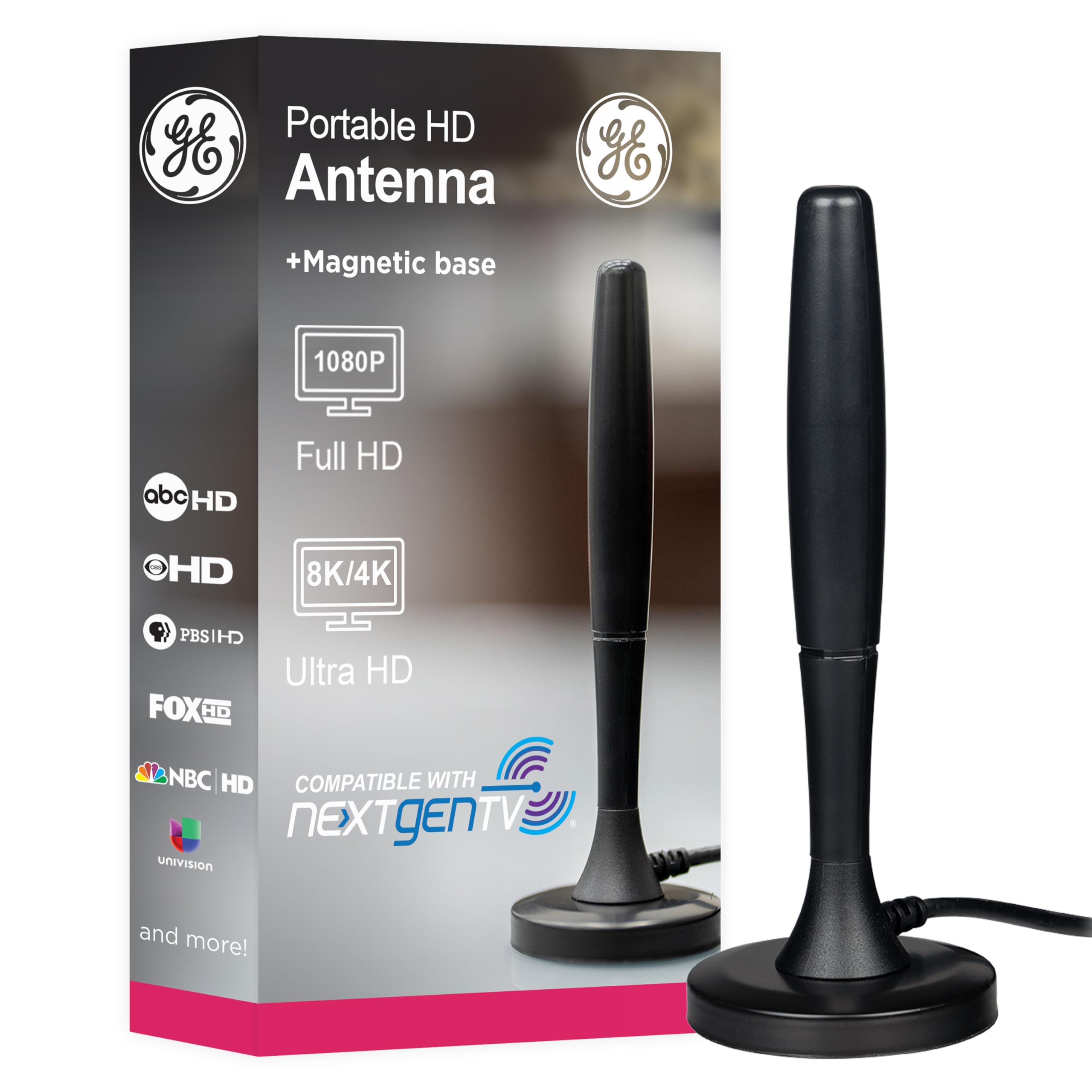
The magnetic base is the whole idea behind the GE Portable. It is a small travel antenna meant to sit on a metal surface in an RV, on a tailgate, or on a backup TV, and the magnet keeps it from sliding around when the vehicle moves or the table gets bumped. We like that it is omnidirectional and covers VHF and UHF, so you are not constantly re-aiming it. It is also one of the few antennas here that packs away without a flat panel getting bent.

Twenty miles is the number to take seriously. This is not the antenna we choose for a living room in the suburbs, and it is not a fix for a weak signal behind a hill. It is for a campsite, an RV park, or a game-day setup with towers close by, where a compact antenna and a quick scan are all you need. The magnetic mount only helps on metal; on a wood shelf the magnet has nothing to grip, so check the surface before you count on it.

We also like it as a backup for a guest room or a TV that only needs the major networks. The compact shape disappears into a bag, and the setup is short enough to do at a campsite. Just do not expect it to replace a full-size indoor antenna in a difficult house; its job is portability, and it does that job well.

Pros

  • Magnetic base grips metal surfaces
  • Packable for RVs and tailgates
  • 360° VHF/UHF and NextGen TV

Cons

  • 20-mile range limits home use
  • Magnet needs a metal surface
Our verdict

We keep this one for RVs, tailgates, and backup TVs; its 20-mile range is too limited for most living-room setups.

Check Latest Price
6

Long Cable Runs

Qboy Indoor/Outdoor Antenna

90 /100
LBD Score Outstanding

Key details

Warranty
Lifetime
Dimensions
8.18"L x 2.36"W x 9.8"H
Cable Length
40 ft
Weather Resistance
Waterproof
View on Amazon

The Qboy costs more than every other antenna here, and the 40-foot cable is the reason to consider it. That is a lot of coax: enough to put the antenna on a far window, a balcony rail, or the one wall in the room where reception actually works, while the TV stays put. The housing is compact and waterproof, so it can handle an outdoor-ish placement if that is what your signal needs. We are less impressed by the enormous range claim; it is not a number we plan around.

In a long or awkward room, the cable is the feature that matters. Most indoor antennas assume the TV and the window are on speaking terms; this one assumes they are not. We like that it comes with a lifetime warranty and a housing that does not look like a science project, but we also think it is a specialist purchase. If a 12- or 16-foot cable already reaches your best spot, you are paying for reach you do not need.

The 40 feet can also become a mess behind the TV if you just coil it up. Route it along the baseboard and keep the excess loose rather than bundled tight against the connector. For the right room, that bit of planning is worth it. For most people, the Qboy is the answer to a placement problem, not the default antenna we start with.

Pros

  • 40-foot cable reaches far windows
  • Compact, waterproof housing
  • Lifetime warranty adds peace of mind

Cons

  • Priciest pick in this group
Our verdict

We recommend it only when a 40-foot cable solves a real placement problem; otherwise, its premium price buys reach you may not need.

Check Latest Price

How We Tested the Best Indoor TV Antennas

We built the shortlist by pulling the indoor antennas with the deepest, most consistent review histories, then narrowing by mounting style, cable length, and whether the signal was amplified, passive, or switchable. Anything that duplicated a format we already had got cut, which left 14 antennas: flat panels, extendable loops, a cylindrical model, and one magnetic-base travel antenna built to be packed up.

Each one went through the same four rooms in the same order: a west-facing living room window roughly 25 miles from the broadcast towers, an interior bedroom wall, a basement room, and the back of a camper over a weekend trip. I timed installation solo with a stopwatch — unboxing, mounting, coax connection, scan — and noted whether the mount was adhesive, a stand, or a magnet, and whether the cable actually reached the best spot or forced me to settle for a worse one.

After every scan I wrote down the channel count, then re-scanned an hour later to see whether it held. Prime time was the real test: we watched live sports and evening news and logged every freeze, pixelated block, and audio drop. We also slid each antenna along the window in one-foot increments to see how much the picture changed, and toggled the amplifier on and off to find out whether it helped or made things worse.

Finally, we lived with the strong performers for weeks — dusting around them, bumping them, unplugging and re-scanning after a TV update — because an antenna that needs readjusting every time someone walks past isn't a deal at any size.

How to Choose an Indoor Tv Antenna

Start With Distance, Not the Range Claim

Indoor antennas are sold with range numbers that run from modest to absurd. Treat the number as a ceiling in perfect conditions, not a promise. Look up your address on the FCC DTV reception map or a tool such as RabbitEars, then compare that distance with the antenna's stated range. A 30- to 35-mile indoor antenna is a sensible starting point for a city or close suburb; a 20-mile model belongs in a travel kit or a room with a clear shot at nearby towers.

Signal quality also depends on terrain, buildings, and whether the station broadcasts on VHF or UHF. A flat panel that is strong on UHF may struggle with a VHF station, while adjustable dipoles give you more to work with. Check the station's RF channel rather than its virtual channel number before you assume a UHF-first design will cover it.

Measure the Cable Run Before You Buy

Coax length is the most underrated specification in this category. A four-foot cable is fine for a shelf beside the TV and almost nothing else. Twelve feet covers a short wall run; 16.5 feet gives you room to reach a window across a small room; 40 feet is for the awkward layout where the TV and the best window are nowhere near each other. Measure the path along the floor or wall, not in a straight line.

Try to avoid adding a cheap extension cable unless you have to; every connection adds loss and another place for the signal to fail. If you need the extra reach, the Qboy's 40-foot cable is the specialist answer here, while the GE Modern Loop's four-foot cable is best kept close to the TV.

Pick a Mount You Can Live With

Adhesive mounts are convenient and the most likely part of an indoor antenna to disappoint on glass, painted drywall, or a dusty windowsill. If the panel has pre-drilled holes, use them with pushpins or small screws; that is more reliable than trusting a sticky pad. A TV-top clip such as the UltraPro Hover avoids the wall entirely, but check the top bezel first because a wide bar can overlap a thin-bezel screen. Rabbit ears need a shelf, and a magnetic travel antenna needs metal.

Think about whether you want the antenna visible. A flat panel can blend into a window or wall; a loop antenna is a small object on a shelf; a TV-top bar is either nearly invisible or an obstruction depending on the TV. We care more about a mount that holds than one that looks clever for a week.

Use Amplification and Modes as Tools, Not Guarantees

An amplifier can help when a long cable run or a splitter is costing you signal, but it can also overload a strong local station. Switchable or detachable amplification is more useful than a permanently boosted design because it lets you test both. The same goes for short- and long-range modes: start with the setting that matches your distance, then try the other one if a scan comes up short. Rescan after every move; the TV has to rediscover the channels.

None of this replaces placement. Get the antenna high, near a window, and facing the towers, then add amplification only if the signal is still marginal. If you live in a basement or behind a hill, an indoor antenna may not be the right tool at all.

Expect a Setup, Not a Subscription

Setup is usually a coax connection and a channel scan, but the scan is only the start. Move the antenna a few feet, rescan, and compare the station list; a small shift can bring in a whole subchannel or lose one. Keep the antenna away from metal blinds, the metal back of a TV, and power cables where you can. Label the input or tuner setting you used so a later rescan does not send you hunting through menus.

The best test is simple: connect the coax, set the TV to antenna or air, and run a scan. If the TV finds nothing at all, try a different cable or a different TV before you blame the antenna. Keep the remote handy; some TVs hide the antenna setting under a separate input menu.

Frequently Asked Questions

Final Verdict

Start with the FGOTV if you want the most flexible indoor antenna for the money. Its 16.5-foot cable and short/long switch give you more chances to find a clean signal without moving the TV, and that is what makes it our top pick.

The Channel Master FLATenna is the better buy when your towers are within about 35 miles and you want a slim panel with NextGen TV support; we prefer its realistic range rating to the inflated numbers elsewhere on this list. If wall space is the problem, the UltraPro Hover is the one that disappears onto the TV. Those three cover the decisions that matter most: how far you are from the towers, where the antenna can sit, and how much cable you need to get there.