Best Home Security Cameras of 2026

A security camera is the rare purchase you hope never earns its keep. The best outcome is a clip you delete without a second thought — nobody at the door at 2 a.m., no strange car idling at the curb. What you're buying is a straight answer when something does go wrong: a timestamp, a face, a clear look at what happened. What you're not buying is an app that logs you out and a 3 a.m. alert triggered by a moth.

My team and I spent six months living with a dozen cameras and camera kits — on front porches, over driveways, above back doors, inside garages, and on a bookshelf pointed at a dog bed. Picture quality varied plenty, but resolution decided less than you'd think. Nearly everything looks sharp at noon. What separated the good ones was footage clear enough to identify a face at night, alerts that fire when they should, and whether a camera advertised as subscription-free actually stays free. The setups below are the ones we'd mount again.

1

Best Overall

aosu D1 Classic 4-Cam Kit

86 /100
LBD Score Excellent

Key details

Power
Solar, wire-free
Storage
32GB in base, no subscription
Coverage
360° pan and tilt
Resolution
2K (3MP)
View on Amazon

Thirty-two gigabytes sit inside the base station, and nothing about it requires a monthly plan. That combination is why the aosu D1 Classic is the kit we point most people toward: four solar cameras, a hub that records about 120 days of looped footage before it starts overwriting, and a single app screen showing all four feeds at once. It is the closest thing here to a system you buy once and then stop thinking about.

Coverage is the second reason. Each camera pans and tilts through 360 degrees and follows a person once it picks them up, so four of these sweep far more ground than four fixed lenses bolted to the same walls. The 2K sensor and 6x digital zoom are enough to tell a delivery driver from a neighbor at the end of a walk, and the built-in spotlights give you full-color night footage instead of grey ghosts.

Setup was the part that surprised us. The cameras do not join your home Wi-Fi at all; they pair to the base, which takes an Ethernet cable to the router. Keeping four video streams off a network already carrying phones and a television made a bigger difference to how quickly live view opened than we expected, and it means the cameras keep working when the Wi-Fi side of the house gets busy.

One thing to plan around: that base wants a free LAN port at the router, so a finished basement or a closet router turns into a cable run you had not budgeted for. A solar panel that sits in shade most of the day will also fall behind while the other three stay full, so walk your mounting spots before you drill.

Pros

  • 32GB local storage with no subscription
  • Pan and tilt tracking follows movement
  • Solar panels keep four cameras charged
  • Cameras talk to the base, not your Wi-Fi

Cons

  • Base needs a free Ethernet port at the router
  • Auto tracking can lose a subject after the first pass
Our verdict

For most homes this is the kit to buy: four solar cameras, local recording in the base, and no monthly bill. The hub is what makes it feel like a system.
Check Latest Price
2

Best 4K Picture

eufy SoloCam E42 4-Cam Kit

84 /100
LBD Score Excellent

Key details

Power
Solar, wire-free
Storage
Local, up to 16TB
Coverage
360° pan and tilt
Resolution
4K
View on Amazon

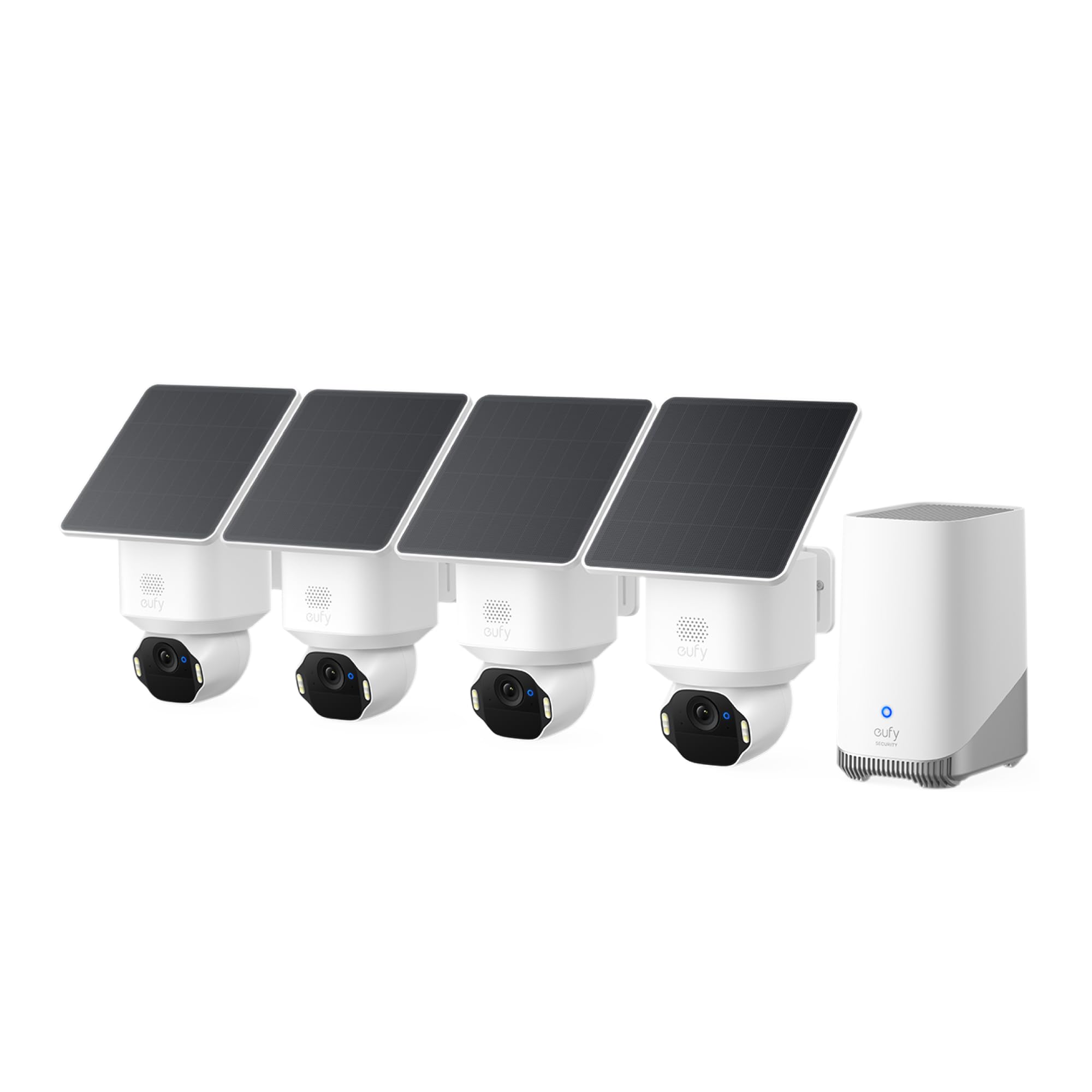
4K is the headline, but the number that matters more is 33 feet, the distance at which eufy says these cameras can still recognize a license plate. On a driveway or a front walk, that is the difference between knowing someone was there and knowing who.

We think the E42 earns its price for exactly that. Four cameras at 4K, each with its own solar panel, pan and tilt heads that track a person or a vehicle across the frame, and a motion-activated strobe and siren for when you want the camera to do something rather than just watch. Footage lands on the HomeBase 3, which expands to 16TB, and none of it comes with a monthly fee. For a house where a plate or a face would actually get used, this is the set we point you to.

The trade-offs are real but narrow. Motion detection often does not fire until someone is within roughly 12 feet, so a camera mounted high and angled down can miss the approach and catch only the arrival. Pairing a camera to the HomeBase can also take a couple of attempts before it settles, and the app is slower to open a live view than we wanted from a kit at this level.

If your goal is broad coverage of a yard and a clear record of what happened, the aosu kit does that for less money. If your goal is to zoom into a still frame and read something on it, this is the one.

Pros

  • 4K detail, plates readable at 33 feet
  • Up to 16TB of local storage, no fee
  • Solar panels keep all four cameras running
  • 360-degree pan and tilt with AI tracking

Cons

  • Detection can start only at close range
  • HomeBase pairing can take several attempts
Our verdict

Worth the premium if you need to read a plate or a face: 4K detail, up to 16TB of local storage, and no subscription. Buy it for identification, not just presence.

Check Latest Price
3

Best Wired System

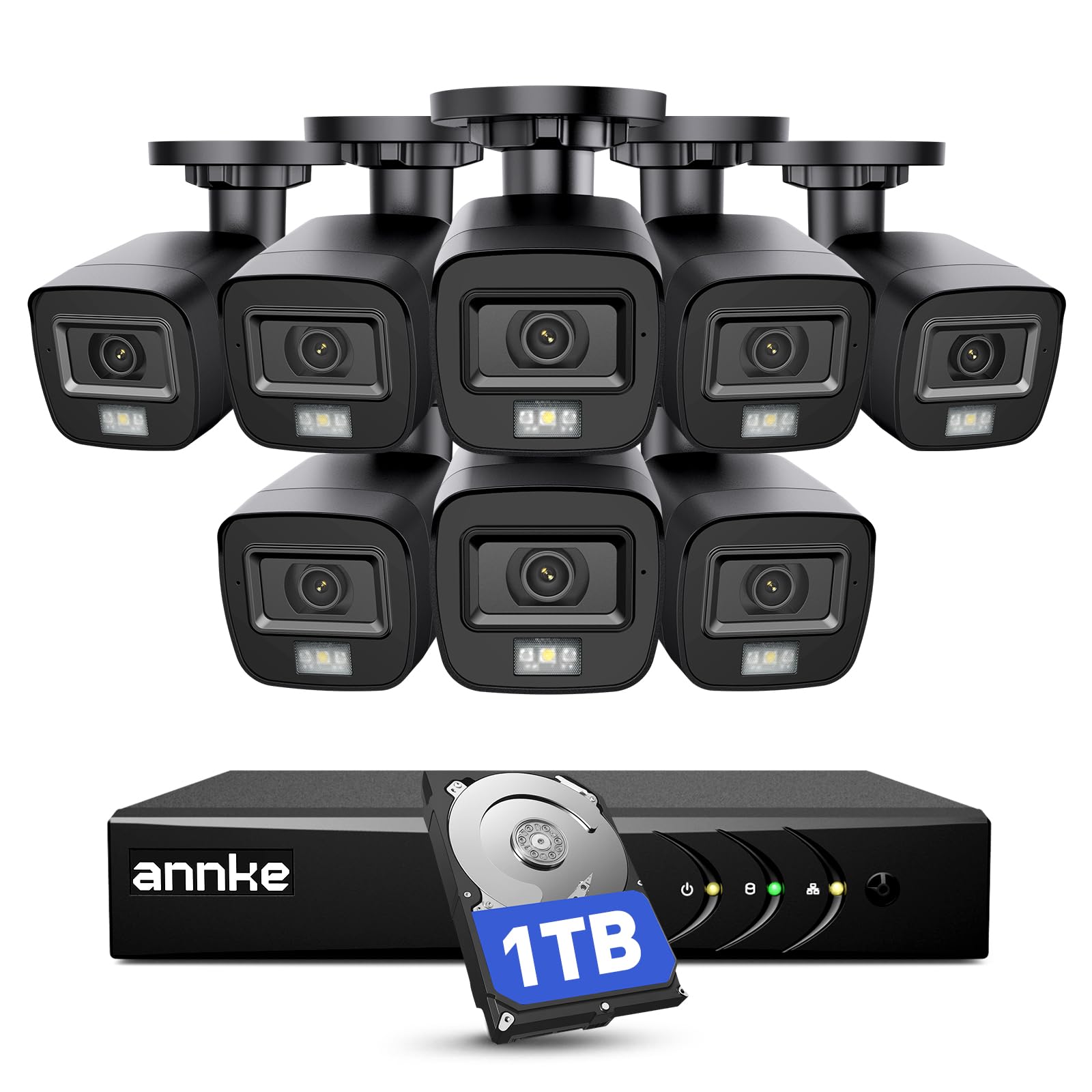
ANNKE 3K Lite 8-Camera System

89 /100
LBD Score Excellent

Key details

Power
Wired, corded electric
Storage
1TB HDD included
Resolution
1080p cameras
Night Vision
Up to 100 feet
View on Amazon

There is a box in this kit that most of the others do not have: an eight-channel DVR with a 1TB hard drive already inside it. That drive is the whole argument. Eight cameras record continuously, day and night, whether or not anything moves and whether or not your Wi-Fi is up.

The cameras themselves run on BNC cable, 60 feet per camera in the box, back to a DVR that has to live indoors near power and your router. That is a weekend of stapling cable under eaves, and it is the reason this system is not for everyone. What you get for it is a record that never blinks: no missed clip because motion detection slept through it, no gap because a battery died, no arguing with an app about whether something was saved.

We like it for exactly the job it does, and we will not pretend the wiring is easy. Aim matters more here than on a wireless camera, because a lens pointed at a wall or an eave throws the infrared back and blows out the picture. Night vision reaches about 100 feet in black and white, the housings are IP67, and human and vehicle detection means you are not scrubbing hours of a swaying branch to find the moment someone walked up.

Pros

  • 24/7 continuous recording to a 1TB drive
  • Eight cameras on a cable, not Wi-Fi
  • IP67 housings and about 100 feet of IR
  • Human and vehicle detection built in

Cons

  • Requires running cable to every camera
  • Remote phone access can be stubborn to set up
Our verdict

Pick this when you want a recording that never stops rather than an alert that might: eight wired cameras, round-the-clock to a 1TB drive, no Wi-Fi in the camera path.

Check Latest Price
4

Best Indoor Camera

Google Nest Cam Indoor (3rd Gen)

91 /100
LBD Score Outstanding

Key details

Power
Wired, plug-in
Resolution
2K HDR
Smart Home
Google Home and Gemini
Night Vision
Color night vision
View on Amazon

The Nest Cam Indoor is the one we recommend to people who already live in the Google Home app, and it is a short conversation: the camera shows up there beside your doorbell and thermostat, and the 2K HDR picture is the best indoor image in this set.

It is wired and freestanding, a little over four inches tall and around 14 ounces, so there is no battery to charge and no mount to drill. Set it on a shelf, angle it, done. Color night vision and two-way audio are standard, and the taller field of view catches more floor and ceiling than a wide-but-short lens, which matters when you are watching a room rather than a doorway.

The catch is what Google puts behind the paywall. Live view and plain motion alerts work without a plan, but the intelligent alerts, the ones that tell you the kids are playing in the living room rather than that motion occurred, and the Gemini video search both need Google Home Premium. That is a subscription sitting on top of a camera that already costs more than most indoor options here, and it is why this is not our pick for a whole house.

For an apartment, a nursery, or a single room you want to keep an eye on, the hardware is excellent and the app is the least annoying part of the package.

Pros

  • 2K HDR video with color night vision
  • Freestanding, no mount or battery
  • Slots into an existing Google Home setup

Cons

  • Smart alerts and video search need Google Home Premium
  • Indoor use only, not weatherproof
Our verdict

The best-looking indoor image here and the easiest install, provided you already live in the Google Home app and can accept a subscription for the smart alerts.

Check Latest Price
5

Best Budget Multi-Camera Kit

GMK 4 Pack Wireless Cameras

83 /100
LBD Score Excellent

Key details

Power
Rechargeable battery
Resolution
2K (3MP)
Night Vision
Color, up to 33 feet
Field Of View
110 degrees
View on Amazon

If the goal is simply to have four cameras watching four places, this is the smallest outlay here that gets you there. Four bullet cameras, 2K, rechargeable batteries, IP65 housings, enough to cover a front door, a back door, a driveway, and whatever is left over.

The picture is the surprise. Day footage is sharp and detailed, full-color night vision reaches about 33 feet, which is roughly a two-car driveway, and the motion alerts land on your phone without the lag we braced for. The 110-degree lens is narrower than the pan-and-tilt cameras in this guide, so aim each one at a specific door or gate rather than hoping it takes in a whole yard.

Setup is genuinely quick: hold the pairing button until the camera tells you it is connected, and the app handles the rest. What you live with afterwards is maintenance. Batteries mean a ladder and a recharge every so often, and this is a 2.4GHz-only system, so a crowded band is the thing most likely to spoil an evening.

For a rental, a shed, or a first setup you are not sure you will keep, that is a fair trade. These are not cameras for a twenty-foot mounting height, where every recharge turns into a project.

Pros

  • Four 2K cameras for the lowest outlay here
  • Color night vision to about 33 feet
  • IP65 housings for outdoor mounting
  • Records to microSD up to 128GB

Cons

  • 2.4GHz Wi-Fi only
  • Cameras can drop off the network and rejoin
Our verdict

The least money here for four cameras, and the 2K footage is genuinely clear. Plan on recharging batteries and living on a 2.4GHz-only network.

Check Latest Price
6

Best Budget Solar Kit

Gianteye 2K Solar 4-Pack

88 /100
LBD Score Excellent

Key details

Power
Solar and battery
Coverage
360° pan and tilt
Resolution
2K
Weatherproofing
IP65
View on Amazon

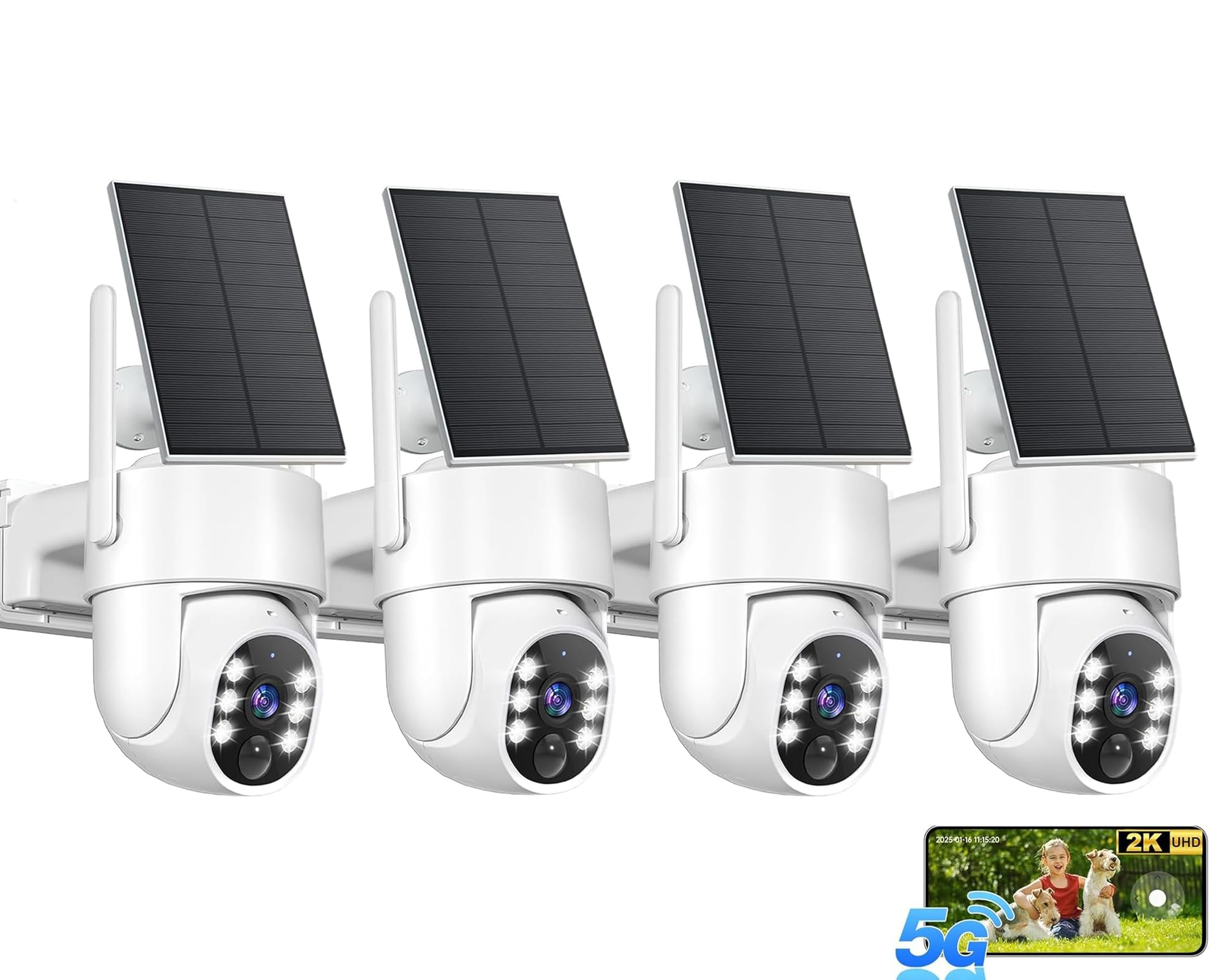
Same idea as our top pick, minus the box. Four solar cameras, no base station, no single drive holding everything. Each camera records to its own microSD card, which you supply, or to the cloud if you would rather pay for it.

We like this kit for a particular buyer: someone who wants wire-free cameras around a property without another device tethered to the router. Setup is quick, the panels hold a charge through a normal day of sun, and the 2K picture is clear enough that resolution stops being the thing you think about. The 360-degree pan and tilt head with human detection also cuts down the animal traffic that sets cheaper cameras off at two in the morning.

Two things separate it from the aosu. It handles both 5GHz and 2.4GHz, which is worth real money on a crowded network, and there is no subscription pressure to store anything. But joining the network can take several attempts, and four separate cards mean four places to look when you want one clip.

It sits between the budget four-pack and a base-station system, and that is exactly where it belongs: more capability than the cheapest kit, less commitment than a hub.

Pros

  • Detachable solar panel keeps each camera charged
  • Works on 5GHz and 2.4GHz Wi-Fi
  • 360-degree pan and tilt with human detection
  • IP65 rated for outdoor mounting

Cons

  • Memory cards are not included
  • Cameras can need several attempts to join Wi-Fi
Our verdict

A solar four-pack without the base station: you supply the cards, and the cameras handle dual-band Wi-Fi and human detection on their own.

Check Latest Price
7

Room-Wide Indoor View

Arlo Essential Indoor Pan Tilt

90 /100
LBD Score Outstanding

Key details

Power
Wired, plug-in
Coverage
360° pan, 180° tilt
Resolution
2K
Night Vision
Up to 25 feet
View on Amazon

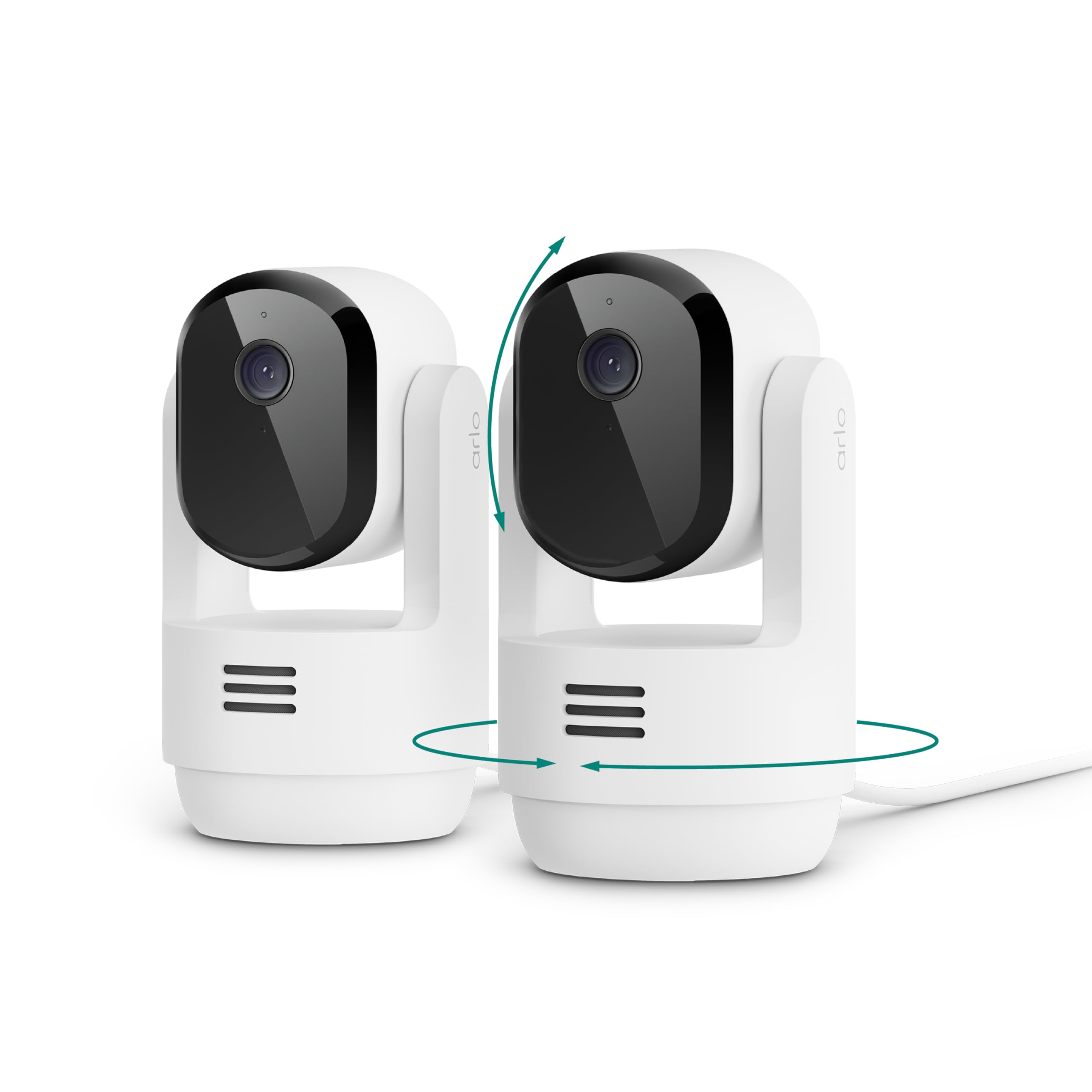
One corner of a room, one camera. The Essential's head pans a full 360 degrees and tilts 180, so a single unit covers a space that would otherwise want two or three fixed cameras. With the pair in this kit, that is a living room and a hallway without buying anything else.

The 2K picture is crisp, the tracking follows a pet or a person smoothly once it locks on, and the plug-in power means no recharging and no battery anxiety. Arlo also builds in sound detection and animal detection, which is why this is sold as much for dogs as for security, and the custom alerts are genuinely the sort of thing you set once and leave alone.

Be clear about the scope. This is an indoor camera, not weatherproof, so it belongs on a shelf or a wall inside and will not watch a driveway. The AI features also fall back to the Secure plan after the included month, so the custom alerts that make it interesting carry a monthly cost once the trial ends.

Two of them cover a lot of an apartment, and the tracking means you do not have to aim carefully when you set one down.

Pros

  • 360-degree pan and 180-degree tilt with tracking
  • 2K video with night vision to 25 feet
  • Plug-in power, no recharging
  • Animal and sound detection built in

Cons

  • Indoor only, not weatherproof
  • AI alerts revert to the Secure plan after the trial
Our verdict

The indoor camera to choose when one corner of a room is not enough: the head sweeps 360 degrees and the tracking keeps a subject in frame.

Check Latest Price
8

Plug-In Indoor

Blink Mini 2K+

89 /100
LBD Score Excellent

Key details

Zoom
Up to 4x
Audio
Two-way, noise cancellation
Power
Plug-in
Resolution
2K
View on Amazon

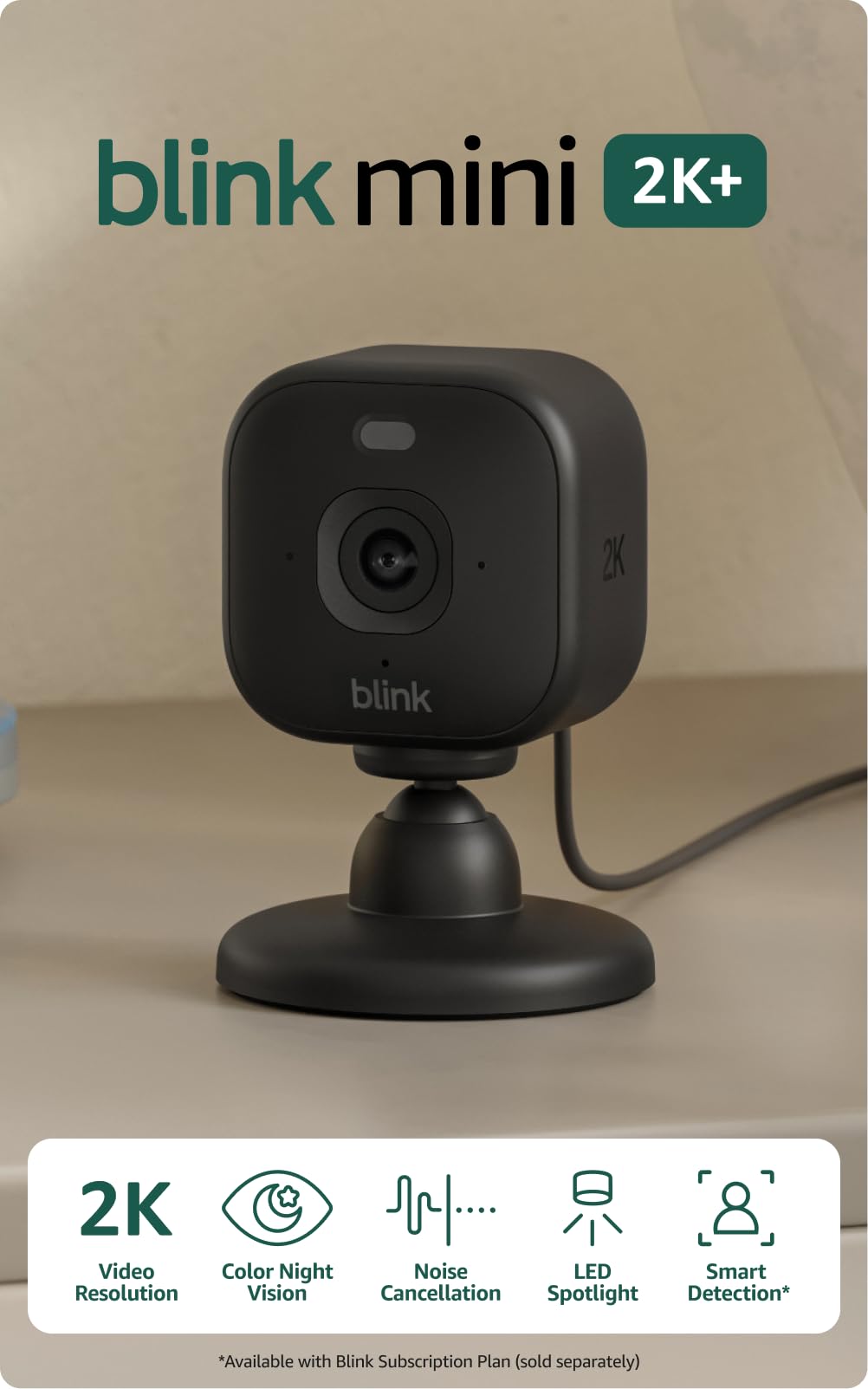
The Mini 2K+ is a small plug-in cube that does one thing well: 2K video indoors for the smallest outlay in this group. If you already run Blink cameras outside, it also appears in the same app with no second login and no second ecosystem to learn.

We keep coming back to it for the interior spots that do not need pan or tilt: a hallway, a back room, the inside of a garage. The 2K sensor and up to 4x zoom let you pull detail out of a frame after the fact, and the two-way audio uses noise cancellation, which makes talking through it sound less like a drive-thru speaker than the earlier Minis did. Indoors it is plug-and-go; taking it outside needs Blink's weather-resistant adapter, sold separately.

Wi-Fi is the weak point. Some units drop off the network and need a power cycle to rejoin, so watch the first week closely before you mount one somewhere awkward. The camera itself is otherwise the least fussy thing here: one cable, one app, no charging.

For a room-sized job at the bottom of the price range, this is the one we hand people. It is not a system and does not pretend to be; it is a camera you plug in and forget about until something shows up on your phone.

Pros

  • 2K video with up to 4x zoom
  • Two-way audio with noise cancellation
  • Plugs in anywhere indoors

Cons

  • Person and vehicle detection require a subscription
Our verdict

A sensible small 2K camera for a hallway or back room, and an easy add-on if you already run Blink. Person detection costs extra.

Check Latest Price

What Six Months With 12 Cameras Actually Showed Us

We started with a shortlist of about 40 cameras and kits and cut it to the 12 we installed, filtering on the things a listing doesn't tell you: whether local storage works with no subscription attached, whether a camera can run on battery or solar instead of an outlet, and whether the app handles both 2.4GHz and 5GHz networks. Then we put them where cameras really go — front doors, driveways, back gates, a garage, a nursery — and left them running for six months.

Every install was timed from unboxing to first live view, solo, on a ladder. In daylight we checked whether we could make out a face at 20 feet and a plate at the curb; after dark we compared standard infrared with color night vision, with the porch light on and off. For motion detection, we logged every alert for a week per camera and sorted real events from moths, branches, and headlights, watching closely how the pan-and-tilt models behaved whenever a car drove past.

Connectivity got tracked the unglamorous way: router reboots, dead zones at the far end of the yard, and how long each feed took to come back. Solar and battery units were monitored through a stretch of overcast days to see how quickly they recovered, and two-way audio got tested in wind. Finally, we added up a full year of ownership for each kit, subscription included. The highest megapixel count rarely won — the cameras that scored best were the ones we forgot were there.

How to Choose a Home Security Camera

Coverage and what you can identify

A fixed 110-degree lens throws a cone, not a circle, which is why four cameras on a house rarely overlap the way people expect. Pan-and-tilt models like the aosu and the eufy sweep a far wider arc with the same hardware, though each one can only watch where its head is pointed at that moment. Resolution matters less than distance: at 2K you can recognize a person at the end of a walk, while reading a plate is 4K territory and even then only at close range.

Before you buy, stand where each camera will go and look at what you want to identify. If the answer is a face at 40 feet, one good 4K camera beats three cheap ones.

Storage and the subscription trap

The word free on a camera box usually means live view is free. Continuous recording, person detection, and video history longer than a few hours are typically plan features, and the plan can cost more over two years than the camera did. Local storage changes the arithmetic: a microSD card, a base station with a drive, or a DVR with a hard disk keeps footage without a monthly bill.

Decide before you shop whether you will pay monthly. If the answer is no, buy a kit that stores locally and confirm which smart alerts still work without a plan.

Power and where the ladder goes

Battery cameras go anywhere, solar panels keep them there if the mount gets sun, and wired cameras never need charging but need a cable run and an outlet, or a DVR indoors. Solar is the easiest long-term answer for a camera you cannot reach and the worst for one tucked under an eave, which is why our top pick's panels are worth walking the property for before you drill.

If a recharge means a ladder every few months, pay for solar or run the wire. A cheap camera gets expensive at 20 feet.

Wi-Fi is where trust is won or lost

Most complaints in this category are about connectivity, not image quality. A 2.4GHz-only camera competes with every other device on that band, while a dual-band model can use 5GHz for a cleaner channel at shorter range. Base stations help by taking camera traffic off your router entirely, at the cost of one more box and an Ethernet port.

Test the camera's signal where you plan to mount it, not where you unboxed it. A camera that streams perfectly on the kitchen table can fail at the far corner of a garage.

Frequently Asked Questions

Final Verdict

The aosu D1 Classic kit is where we start most people: four solar cameras, 32GB of recording in the base, and pan-and-tilt heads that get more out of four lenses than fixed mounts would. It is the least fiddly way here to cover a whole house without taking on a monthly bill.

If identification is the point, a plate or a face across a driveway, the eufy SoloCam E42's 4K is worth the step up. And if you would rather trade wireless convenience for a record that never stops, the ANNKE system's 1TB drive runs around the clock.