Best Solar Security Cameras of 2026

A solar security camera is really just a battery camera with a trickle charger bolted on top, which is why two models with near-identical specs can live completely different lives. Point the panel at a few hours of direct sun and it will sit near full all summer; tuck it under a deep eave and you'll be hauling it inside to charge by Thanksgiving. The rest is how often the thing wakes up — every passing car and swaying branch costs battery, and sensible detection settings matter more than panel wattage.

I've had these over my driveway, my back gate, and one very tolerant neighbor's fence, and my team spent eight months with 14 models to see which ones hold a charge through a cold snap and which ones flood your phone with raccoon alerts at 2 a.m. The differences that matter are unglamorous: an app that demands a subscription before it shows you your own footage, a face that's recognizable versus a smudge, a solar cable too short to reach the sun. The picks below are the ones we'd re-mount on our own houses.

1

Best Overall

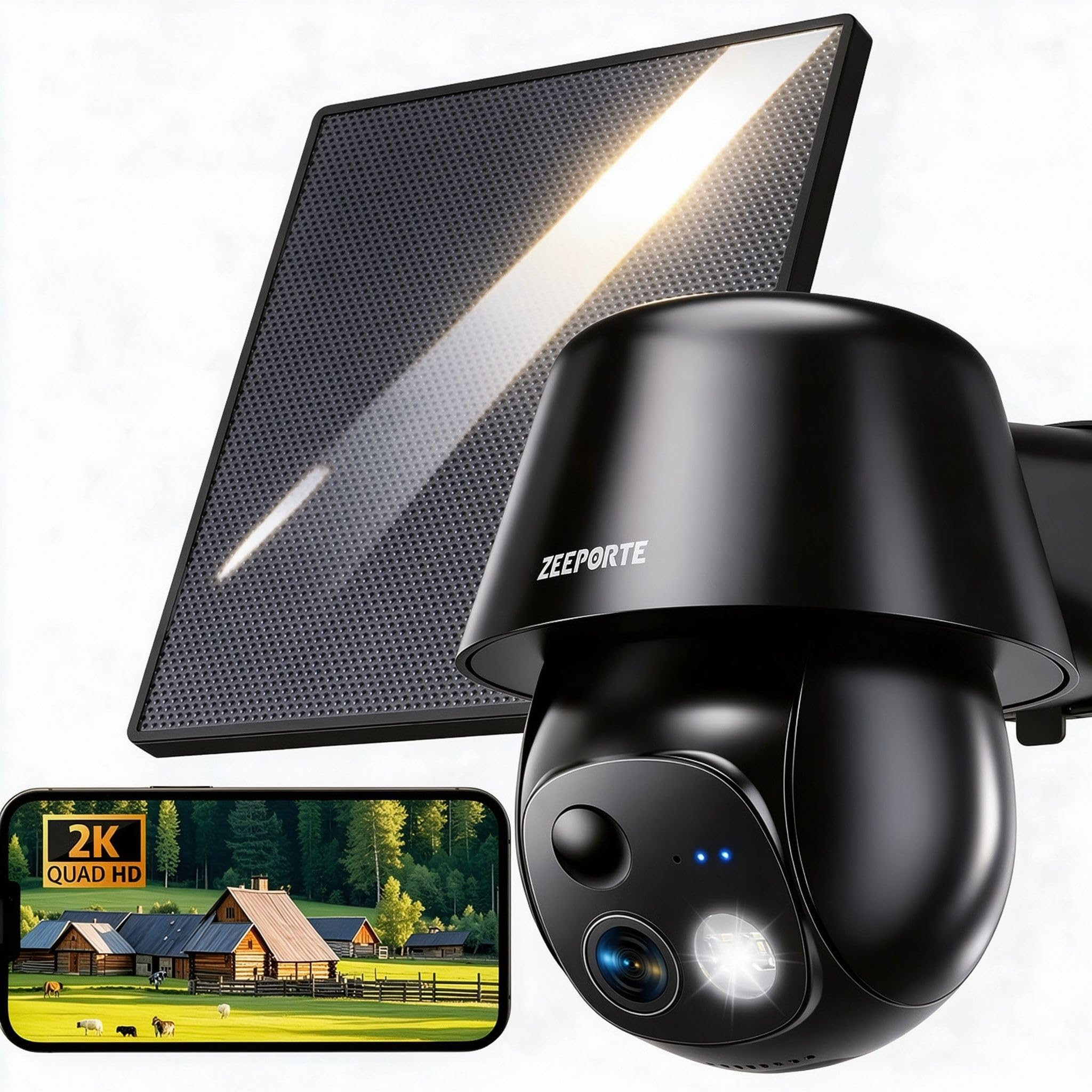
ZEEPORTE Snap 30T

88 /100
LBD Score Excellent

Key details

Battery
5,200 mAh
Storage
MicroSD up to 256GB
Resolution
2K (2304 x 1296)
Pan And Tilt
355° / 120°
View on Amazon

The cheapest camera in this group is also the one we hand to friends who want a gate covered by the weekend. One 2K unit sits on a pan-and-tilt mount that turns 355 degrees across and 120 degrees up and down, so a single camera takes in a driveway, a side path, and the back of a shed without a second unit or a second panel to mount.

Power is where inexpensive solar cameras usually fall short, and this one asks you to think about it. A 2-watt panel feeds a 5,200 mAh battery, which is enough in real daylight and not enough under a deep eave, so the panel matters as much as the view. It arrives as a separate piece on a lead, and that helps: hang the camera on the shaded wall, put the panel where the afternoon sun lands, and it looks after itself through the long days.

What settles it for us is the recording. There is a microSD slot for cards up to 256GB and a free seven-day rolling cloud plan, so the camera works without a subscription and without a hub in the house. Add the spotlight for color after dark and two-way talk, and you have a camera doing the job of a more expensive one, minus the polish.

The polish gap shows mostly in detection, which is eager out of the box: birds, bins, and the garbage truck all earn an alert until you draw motion zones and drop the sensitivity. Ten minutes in the app fixes it. Mounting is a bracket and screws, and the camera sits high enough that reaching it needs a ladder, which is exactly where you want it.

Pros

  • 360-degree pan and tilt from one camera
  • MicroSD up to 256GB plus a free 7-day cloud
  • Spotlight color night vision and two-way talk
  • Quick to mount and quick to set up

Cons

  • 2.4GHz Wi-Fi only, so the mount needs real signal
  • No microSD card in the box
Our verdict

We recommend it to anyone covering one approach to the house: a 2K pan-tilt camera that runs without a subscription and costs less than anything else here.

Check Latest Price
2

Best Whole-Home Kit

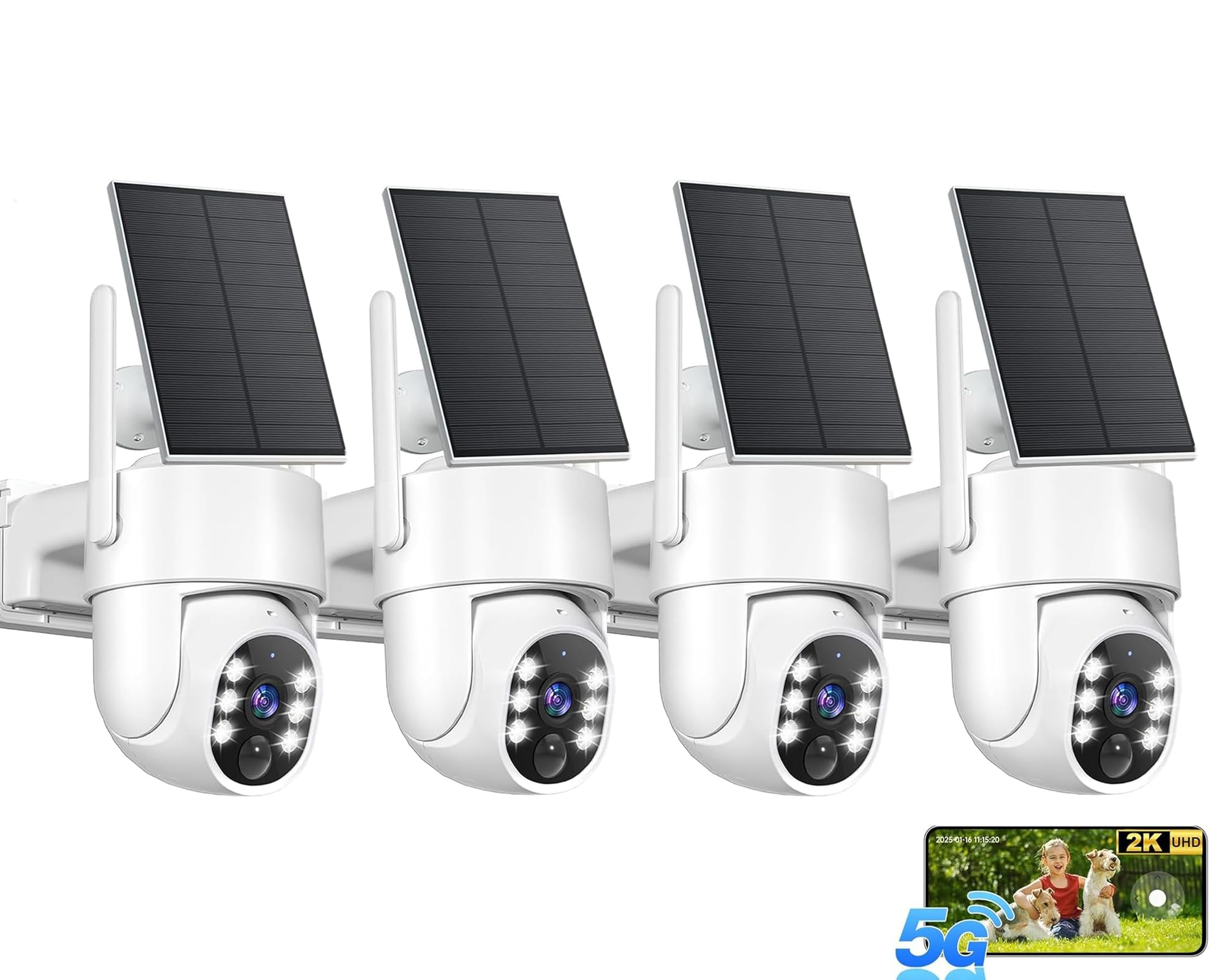
aosu D1 Classic 4-Cam Kit

86 /100
LBD Score Excellent

Key details

Cameras
4
Resolution
2K (3MP)
Pan And Tilt
360°
Local Storage
32GB in base
View on Amazon

The aosu kit takes the problem the rest of this group lives with and moves it indoors. Each camera pairs to a base unit that plugs into your router with an Ethernet cable, and that base does the recording and the relaying, so the cameras never have to hold a conversation with your home Wi-Fi. On a property where the garage or the back fence sits at the edge of the mesh, that one design decision is worth more than a bump in resolution.

We pick the aosu when coverage matters more than crispness. Four 2K cameras pan and tilt through a full turn and follow a person across the frame, the base holds 32GB, around 120 days of loop recording, and none of it needs a subscription. The app shows four feeds at once, which turns a phone into a small monitor wall, and that is how most people will actually use a four-camera kit.

Plan the install around the base rather than the cameras. It needs a socket and a free Ethernet port beside the router, and the cameras need to be within radio distance of the base rather than of the house, which is worth a walk around the yard with the app open before anything gets drilled. Detection leans toward people rather than everything that moves, which is what you want at a gate and a frustration if you were hoping to log the foxes.

Pros

  • Cameras pair to a base, not home Wi-Fi
  • 32GB of local storage, no subscription
  • Four cameras with 360 auto tracking
  • Four live views on one screen

Cons

  • A camera can stop taking a solar charge
  • Tracking can stall after long idle spells
Our verdict

Buy this kit if you are covering a whole property rather than one approach; four cameras on a wired base give you coverage that does not depend on your home Wi-Fi.

Check Latest Price
3

Best for Maximum Detail

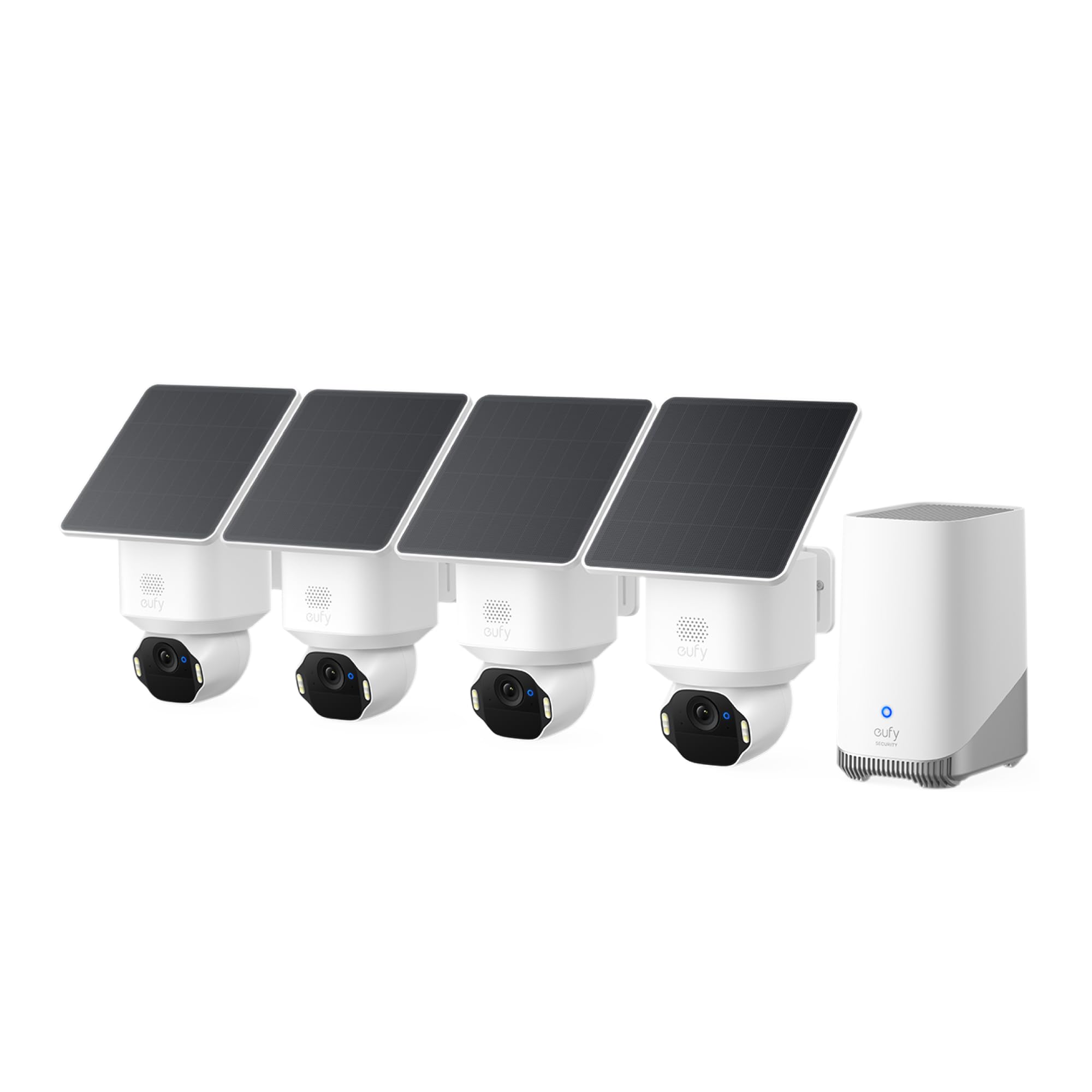
eufy SoloCam E42 4-Cam Kit

84 /100
LBD Score Excellent

Key details

Battery
55.98 Wh
Cameras
4 plus HomeBase 3
Resolution
4K
Local Storage
Up to 16TB
View on Amazon

If the reason you want a camera is the car that came up the drive at two in the morning, this is the kit that answers the question. The SoloCam E42 records in 4K, and the listing claims plate recognition at 33 feet, the kind of detail that turns a blurred shape into something you can hand to a neighbor or an officer. Nothing else in this group comes close on resolution.

What arrives is four cameras, four removable solar panels, and a HomeBase 3 with local storage that can grow to 16TB. Facial recognition runs on the base rather than in a cloud, so a familiar face can be named and a stranger left unnamed, and each camera pans a full turn with a strobe and siren for the moment you want to announce yourself. The SolarPlus claim is two hours of direct sun a day to keep a camera topped up.

We rate it the best picture here and the fussiest thing in the group to get running. Pairing cameras to the HomeBase is where this kit comes unstuck, and a camera that drops off the base is a camera you cannot watch; a wired base and a patient first evening fix most of it. Buy it for the detail, and accept that this system asks more of you than any other pick on this page.

Pros

  • 4K detail with plate recognition at 33 feet
  • Local storage expandable to 16TB, no subscription
  • On-base facial recognition and AI tracking
  • Strobe and siren for active deterrence

Cons

  • Motion detection can miss until a subject is close
Our verdict

Buy it if you need to identify a face or a plate rather than just see that something moved; it is the sharpest system here and the most demanding to set up.

Check Latest Price
4

Best Single-Camera Tracker

eufy eufyCam C37

85 /100
LBD Score Excellent

Key details

Resolution
2K
Solar Panel
3W detachable
Pan And Tilt
360°
Waterproof Rating
IP65
View on Amazon

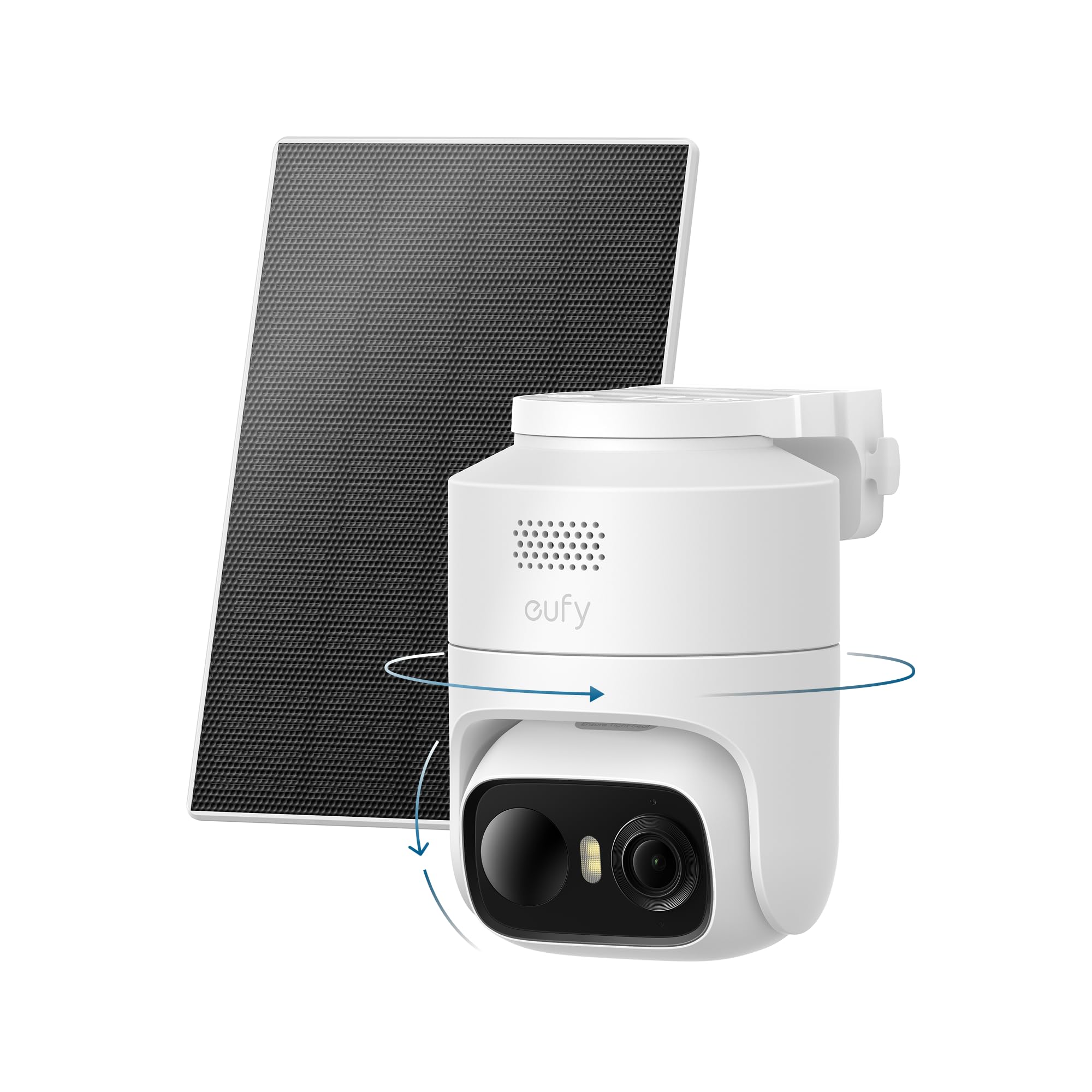
The C37 is the camera we point people to when they want tracking without buying a four-camera system. It turns a full circle, follows a person across the yard, and sorts what it sees into people, vehicles, and pets, the last of which is what stops the two-in-the-morning alert for a raccoon. The 3W solar panel detaches on a cable, so the camera can sit under an eave while the panel sits out where the sun is.

The rest is sensible rather than spectacular: 2K with a spotlight for color after dark, IP65 sealing, and no monthly fee standing between you and the features you already paid for. The panel on its lead is the detail we appreciate most, because it removes the usual compromise between a good view and good light. Longevity is the unknown, so keep the packaging and register the 12-month warranty the day it goes up.

Pros

  • 360 pan and tilt with AI person tracking
  • Detachable 3W panel mounts separately
  • No monthly fee for the core features
  • Color night vision and IP65 sealing

Cons

  • 2.4GHz Wi-Fi only, so mount near the router
  • 15 fps recording, so fast movement blurs
Our verdict

Buy it if you want one camera that follows a person around the yard without buying a four-camera system; the detachable panel makes mounting easy.

Check Latest Price
5

Best Weatherproof Budget Pick

AlkiVision Solar Camera 521

89 /100
LBD Score Excellent

Key details

Wi-Fi
2.4GHz
Battery
15 Wh
Resolution
2K
Waterproof Rating
IP67
View on Amazon

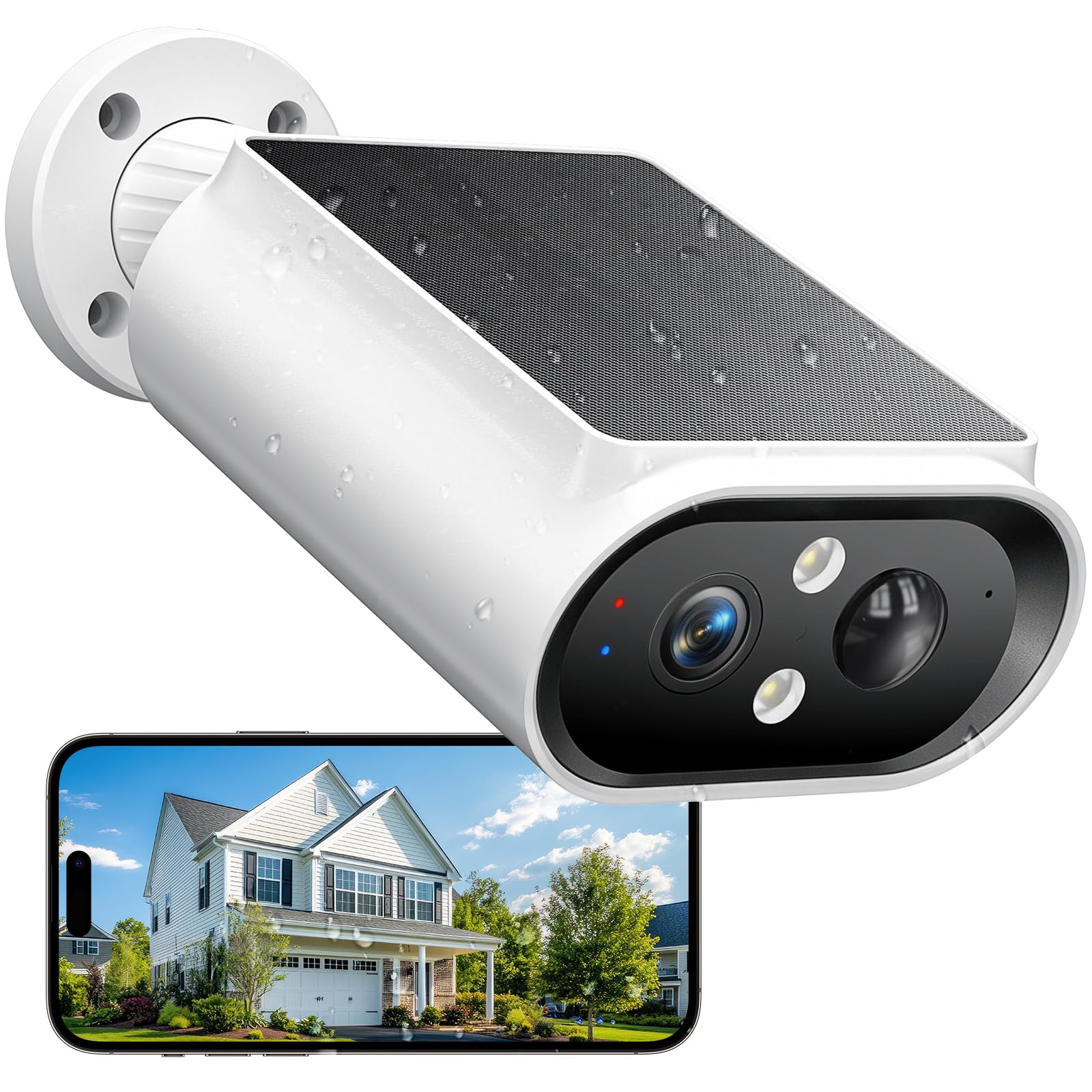
IP67 is a step beyond the IP65 that most of this group carries, and on a camera that will hang on a fence post through two winters, that step is the one we care about. The AlkiVision is the simplest camera we recommend: one 2K unit, color night vision, a siren and spotlight, and a housing you angle by hand through 120 degrees to take in a yard or a drive from a single mounting point.

Simplicity is the appeal. Nothing moves on its own, so you aim it once and it stays aimed, which suits a gate, a shed, or a corner where you want one reliable view rather than a tour of the property. The solar panel comes in the box and does the charging; on a bright wall it keeps up, and in heavy shade it will not, so put the panel where the midday sun lands rather than where the camera looks best.

Pros

  • IP67 rated, the highest sealing here
  • 2K color night vision with spotlight
  • Simple to mount and aim by hand
  • Budget tier with the panel included

Cons

  • 2.4GHz Wi-Fi only, no 5GHz option
Our verdict

Buy it for a fence post or an exposed wall where the weather is the worry; it is the best-sealed camera here and the simplest one to live with.

Check Latest Price
6

Best Dual-Band Two-Pack

ARCCTV Q01 2-Pack

82 /100
LBD Score Excellent

Key details

Wi-Fi
2.4GHz and 5GHz
Cameras
2
Resolution
4MP (2560 x 1440)
Pan And Tilt
355° / 90°
View on Amazon

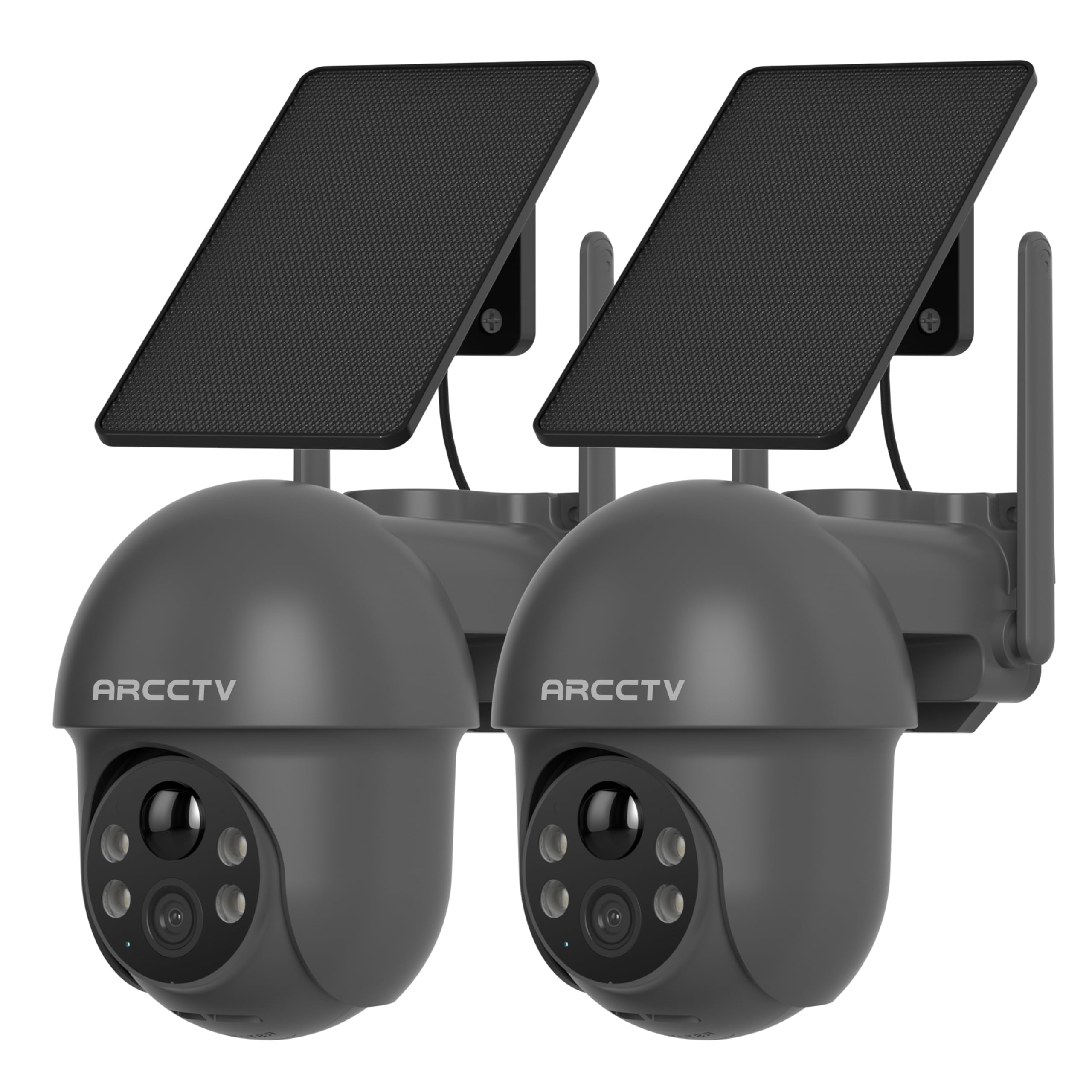
Two cameras, a 4MP sensor, and dual-band Wi-Fi set the ARCCTV pair apart from the singles here. Each unit pans 355 degrees and tilts 90, the panel detaches on a lead so it can face the sun while the camera faces the gate, and mounting is a bracket and screws rather than an electrician.

We rate it the best two-camera value in the group. Resolution is 2.5K, a real step up in detail from the 2K units that dominate here, and the 5GHz band gives you somewhere to go when a dozen networks share the air around a townhouse. If you need a front view and a back view on one app, this is the set we prefer to buying two of the cheaper singles.

Where it gives ground is detection. The sensor is tuned hot, so small movement earns an alert until you trim the sensitivity and draw zones over the path rather than the whole frame. Give it a week of tuning before you judge the alerts.

Pros

  • Dual-band 2.4GHz and 5GHz Wi-Fi
  • 4MP 2.5K picture from two cameras
  • 355 pan and 90 tilt on each unit
  • Detachable solar panel on a lead

Cons

  • Pairing can take several attempts
  • Digital zoom softens the picture quickly
Our verdict

Buy the pair if you want a front and a back view from one app, with 2.5K detail and a 5GHz option the cheap singles here do not offer.

Check Latest Price
7

Storage Without Fees

Vivideye 2-Cam Kit

84 /100
LBD Score Excellent

Key details

Battery
8,000 mAh
Cameras
2
Resolution
4MP
Local Storage
128GB card in hub
View on Amazon

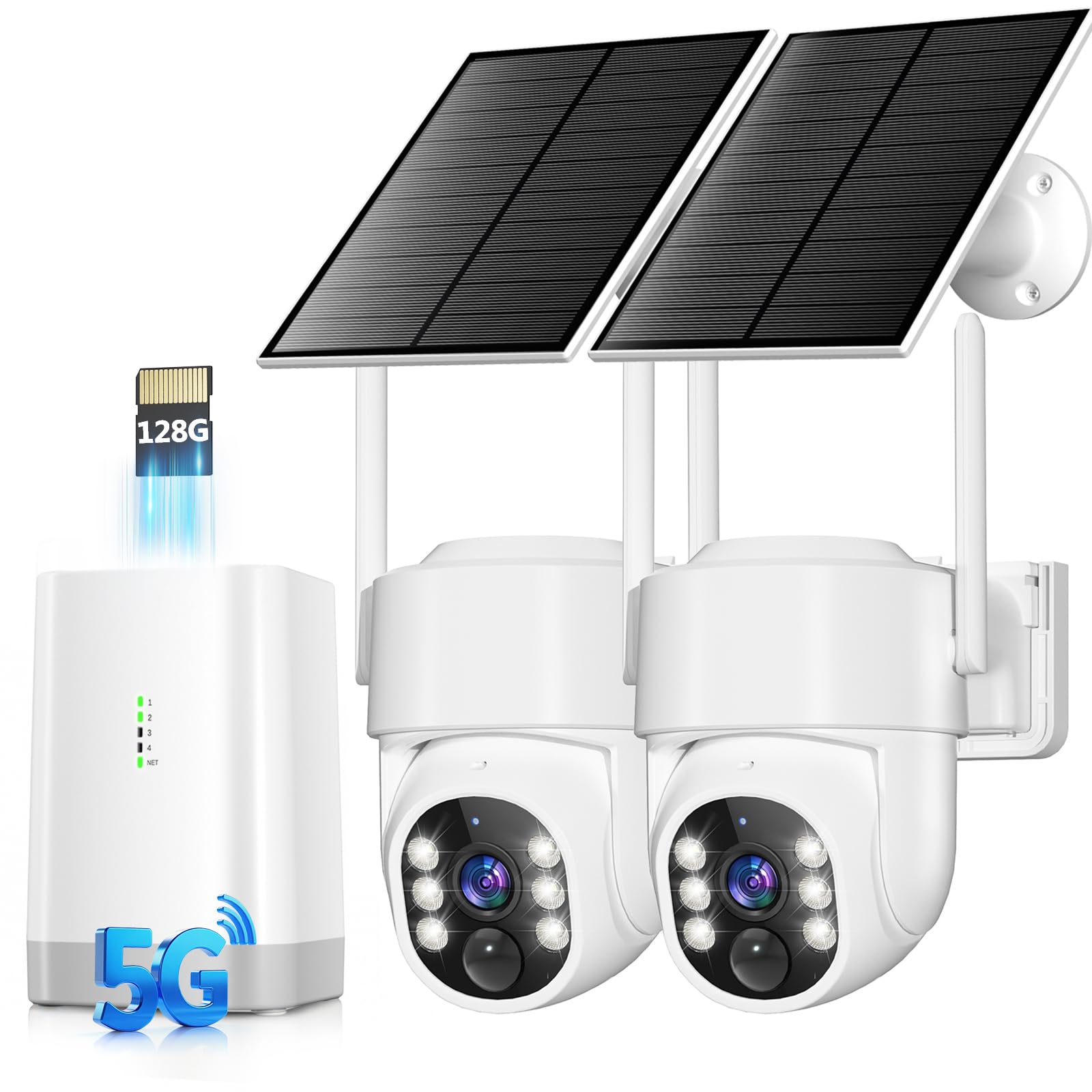
The 128GB card is already in the hub when the box arrives, and that is the detail that makes this kit interesting. Two 4MP cameras, a four-channel base, and months of local recording with no subscription attached: storage that most kits make you buy separately is already in the box.

Each camera carries an 8,000 mAh battery and a 5W solar panel, the biggest panel figure quoted in this group, and the pair should hold through a dull week where a 2-watt unit would not. The cameras pan a full circle and follow a person across the property, including handing off from one camera to the next, which is what makes a two-camera set behave like one system.

One setting to change on day one: auto tracking ships switched off, so a camera that appears to ignore a passing car is behaving as delivered until you enable it in the app. The kit also runs on its own app rather than joining a eufy or Wyze household, and the cameras talk to the hub rather than to your router, so keep them within range of the base rather than of the house.

For a small property where you want footage living in a box in the hallway rather than in someone else's cloud, we think it is an easy recommendation. Buy it for the included storage and the big panel, and treat the tracking as a bonus that has to earn its place.

Pros

  • 128GB card included in the hub
  • 5W panel, the largest figure quoted here
  • Two 4MP cameras with 360 tracking
  • No subscription required

Cons

  • Runs on its own app, separate from other systems
  • Tracking can lag on fast movement
Our verdict

Buy it if you want the recording to stay in the house and the storage question settled at checkout; the included 128GB card does most of the persuading.

Check Latest Price
8

Budget Coverage

Gianteye 2K 4-Pack

88 /100
LBD Score Excellent

Key details

Cameras
4
Storage
MicroSD or cloud
Resolution
2K
Waterproof Rating
IP65
View on Amazon

If the problem is four corners rather than one view, this is the least expensive way to cover them. Four 2K pan-tilt cameras, four solar panels, one app, and a two-year manufacturer warranty: the arithmetic is the argument, and it holds up for a big yard, a barn, or a rental where you want coverage now rather than a perfect single camera.

Storage is the flexible part. Each camera takes a microSD card you supply, and cloud storage is optional rather than required, so no subscription stands between you and the footage; put a card in each camera on day one and the free path is the one you will use. The cameras claim both 5GHz and 2.4GHz Wi-Fi, more than the cheapest singles here offer, and the listing puts night vision range at 328 feet, a figure to treat as a best case rather than a promise.

The join between camera and network is where a four-pack lives or dies. Pairing is the step to take seriously, because one camera that will not hold the network is one corner of the property going dark, and setting four up at once is how that happens. Do them one at a time, in daylight, with the router where you can see it.

What we like about the bundle is that a single failure is survivable: with four cameras running, one down still leaves three watching while you sort out the warranty, which is a genuine advantage of buying in a pack. That resilience, more than any one specification, is why it earns a place here.

Pros

  • Four cameras and panels in one purchase
  • microSD and optional cloud, no forced plan
  • 2K color night vision with pan and tilt
  • Two-year manufacturer warranty

Cons

  • Cards are not included for the four cameras
Our verdict

Buy it when four views matter more than any single one; it is the least expensive route to a full perimeter and a spare camera when one fails.

Check Latest Price

How We Tested 14 Solar Cameras (and Where We Mounted Them)

We started with roughly 40 listings and cut anything that couldn't shoot at least 2K, locked basic recording behind a subscription, or stuck to single-band Wi-Fi. That left 14 cameras, which went up across four houses over eight months — over driveways, on a back gate, beside a shed, and in a side yard where the trash cans live.

Every install was timed from unboxing to first alert, done solo with a ladder, and we noted the moments a camera genuinely needed a second pair of hands. Setup notes covered whether the app demanded a paid plan before showing footage, how far the panel cable actually reached, and whether the mount could be aimed at sun the camera's own view didn't need. We signed into each app on an iPhone and an Android phone, then checked what the camera would talk to: a smart display, a memory card read on a laptop, an existing recorder.

For picture quality, we read a license plate at 30 feet in daylight, judged whether a face at the front door was identifiable or a smear, and compared color night footage with and without the spotlight. Detection took the most abuse: we walked past at angles, had packages dropped, let the neighbor's cat cross the yard, and counted the false alerts from branches, headlights, and rain. We also timed how quickly a push notification landed and whether the clip began before the person was in frame.

Battery readings went into a spreadsheet every Sunday, so we could see which cameras held near 100 percent in full sun and which slid toward 20 percent under a shaded eave. We priced out three years of cloud storage against a memory card, because the cheapest camera on the shelf is rarely the cheapest one to own.

How to Choose a Solar Security Camera

Power and Placement Come First

A solar camera is a battery camera with a small panel bolted on, and the panel is the part that gets oversold. Two watts keeps a camera alive in full sun and will not recover one that has been running alerts all night under a porch. Look for a detachable panel on a lead, as on the eufy C37 or the ARCCTV pair, so the camera can sit where the view is and the panel where the midday sun is.

If the spot never gets direct light, plan on bringing the camera in for a cable charge a few times a year rather than pretending otherwise. In winter, when the sun sits low and days are short, assume half the charging headroom you had in June.

The Connection Decides How Much You Trust It

Every camera here is wireless, and none of them is wire-free in the way that matters: something still has to carry the video. Most of the singles run on 2.4GHz Wi-Fi, which travels further than 5GHz but shares air with every doorbell and microwave on the street. Dual-band units can use 5GHz where the signal is strong and the band is quiet.

The alternative is a base station, as in the aosu and eufy kits, which takes the cameras off your home network altogether. Whatever you choose, test the signal at the mounting point before you drill. A bar or two at the kitchen window tells you nothing about the back fence.

Storage and What You Pay After You Buy

Two costs hide behind an inexpensive camera: the card and the cloud. Several picks here ship without a microSD card, so add one to the basket; 128GB is generous for a camera that records events rather than continuously. Cloud plans are usually optional, and the free tiers tend to be a rolling few days of clips.

A kit with built-in storage, like the aosu's 32GB base or the Vivideye's included 128GB card, costs more up front and nothing every month. Add up two years of both routes before deciding which is actually cheaper.

Detection: What You Want It to Notice

Motion detection decides whether you keep the alerts switched on. Plain PIR sensors fire at anything warmer than the background; the better units pair PIR with human recognition and let you filter for people, vehicles, and pets. Even then, sensitivity is a dial you will adjust in the first week. Wind in a hedge and a cat crossing a path both look like events at default settings.

The trap is assuming more sensitivity is better. It is not. Draw zones over the driveway and the gate rather than the whole frame, then turn sensitivity down until the alerts are worth reading.

One Camera or a Kit?

A single pan-tilt camera covers more than its field of view suggests: 355 degrees of rotation can watch a drive, a gate, and a shed in sequence. But it can only look at one place at a time, and it will be pointing the wrong way eventually.

A kit trades that flexibility for simultaneity: four cameras recording four views, usually one app and one storage pool. One entrance, buy the single. A perimeter, buy the kit and accept an afternoon of setup.

Frequently Asked Questions

Final Verdict

The ZEEPORTE Snap 30T is the camera we point most people to, and the reason is unglamorous: it covers a whole corner with one unit, records 2K color after dark, and stores footage on a card you buy once rather than a plan you renew. For a drive, a gate, or a back garden, that is the sensible buy.

If you are covering a perimeter rather than an approach, the aosu D1 four-camera kit is the better answer. Its base station takes the cameras off your home Wi-Fi, which is the most common reason these systems disappoint, and 32GB of local recording keeps a subscription out of the decision.