Best Overall
PNY RTX 5060 Ti 16GB
Key details
- GPU
- NVIDIA GeForce RTX 5060 Ti
- Memory
- 16GB GDDR7
- Slot Width
- 2-slot
- Card Length
- 9.65 in
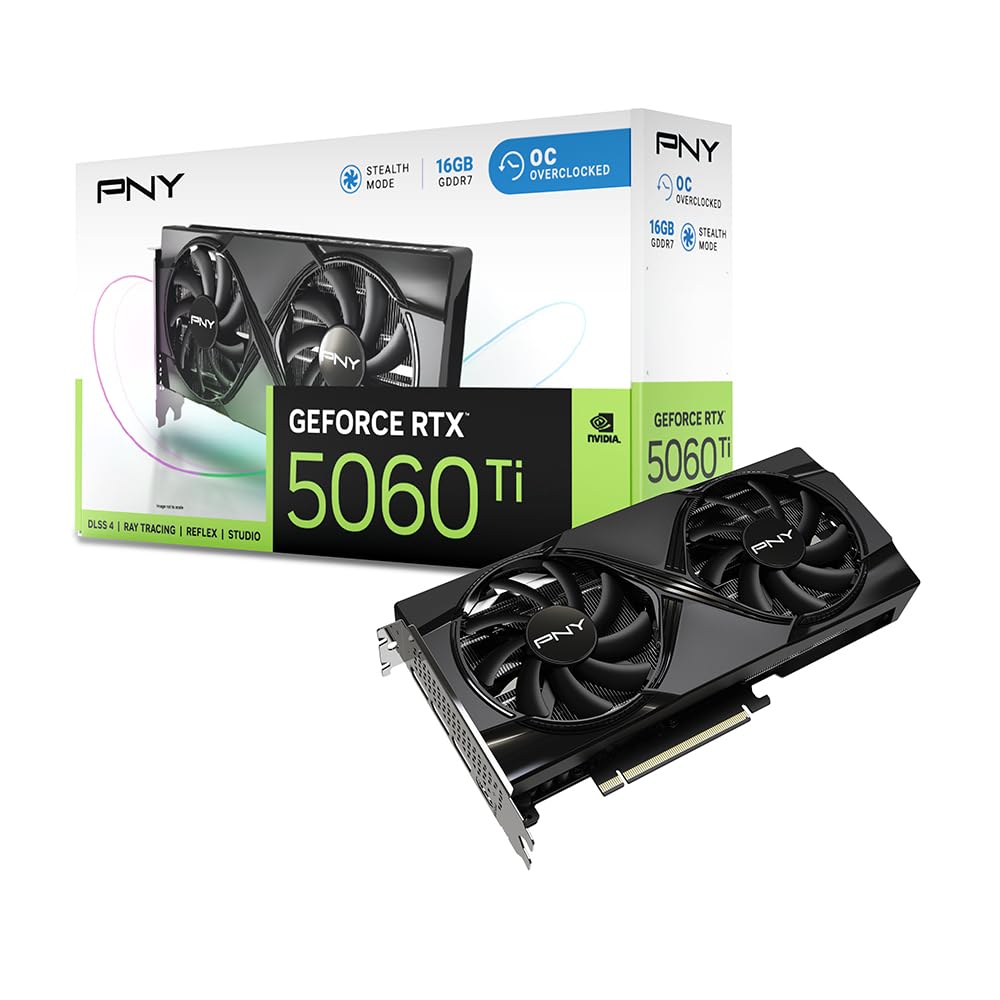
Sixteen gigabytes of GDDR7 on a 9.65-inch, two-slot card is the combination that makes this our default for Blender. The frame buffer is what decides whether a scene renders on the card or starts spilling into slower system memory, and 16GB gives you room for high-resolution textures, denser geometry, and multiple passes. We also like that it is a standard two-slot design, so it fits more cases than the big triple-fan cards.
Nvidia's software path is the other half of the recommendation. Blender's Cycles renderer works with CUDA and OptiX, and OptiX is the path most Nvidia users enable for GPU rendering. The 5060 Ti also lists 448 GB/s of bandwidth, which is healthy for a 16GB card at this size. We didn't expect a card this compact to carry that much memory without a huge cooler, and the dual-fan design is a sensible match for a two-slot body.
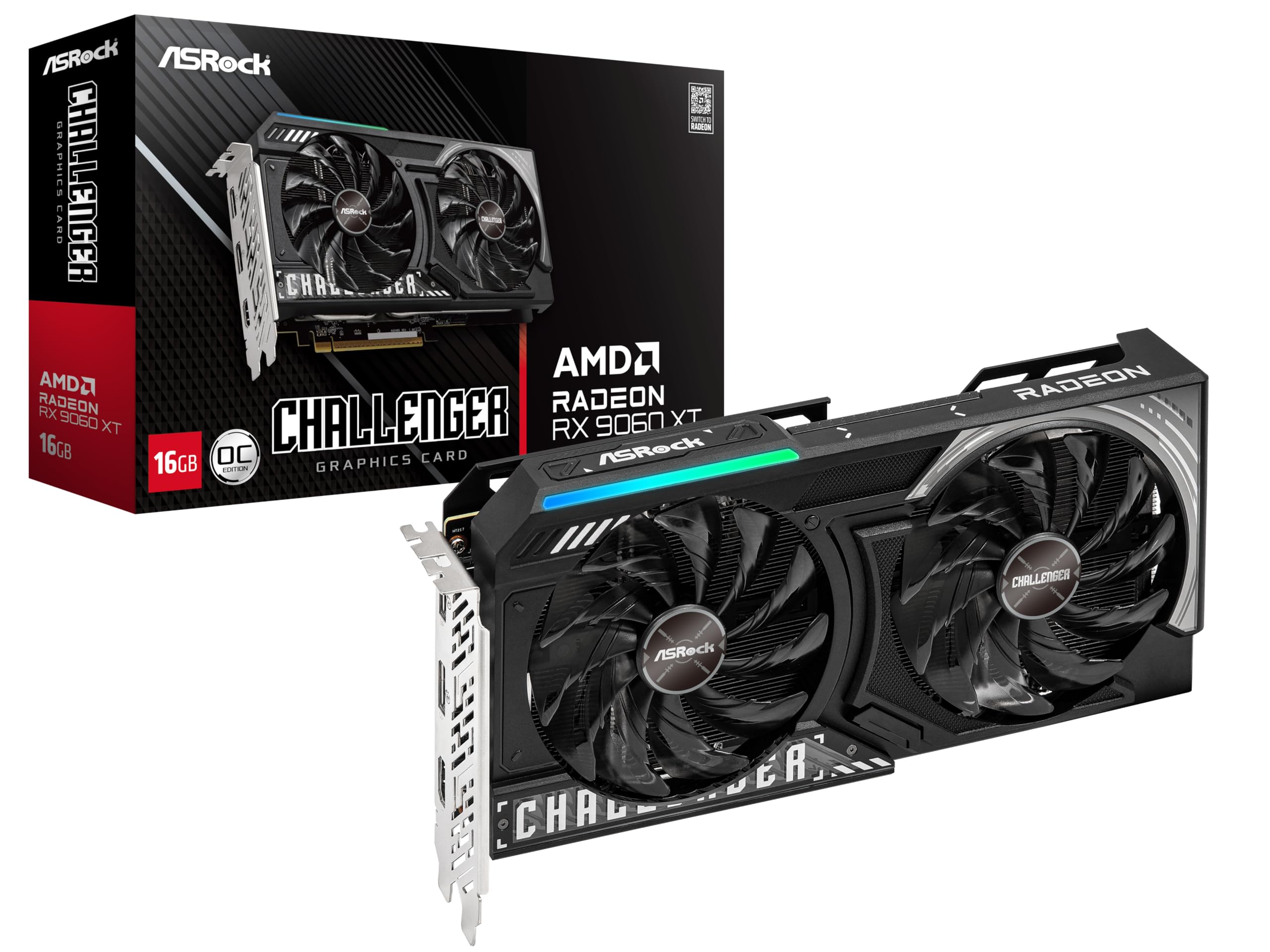
The card is not the biggest 16GB option here; the AMD cards have larger coolers and higher boost clocks. If you have the case space and want that extra thermal headroom, they make sense. But we keep coming back to the 16GB/two-slot combination because it solves the two problems that actually stop a Blender build: running out of memory and running out of case space. For most people, that is the better default.
Pros
- 16GB GDDR7 for larger scenes
- CUDA and OptiX support
- Compact two-slot, 9.65-inch body
- 448 GB/s listed bandwidth
Cons
- 128-bit memory bus limits bandwidth headroom
We recommend this as the default Blender card because 16GB of GDDR7 and Nvidia's CUDA/OptiX path cover larger scenes in a compact two-slot body.