Best Golf Launch Monitors of 2026

A launch monitor watches the club come down and the ball leave, then turns that split second into numbers: ball speed, launch angle, carry distance. What separates one from another isn't the idea — it's how much of that instant a given unit actually catches, and how honest it stays when you hit a bad one.

Any monitor will happily tell you your 7-iron carried 165 yards. The question is whether it says 165 when you actually hit it 150. My team and I spent eight months hitting balls with 11 of these, indoors into a net, at the range on windy mornings, in a backyard with a shag bag, checking the readings against ball flight I could see with my own eyes.

Two things surprised me. Price tracks reading quality less tightly than you'd expect — a couple of the cheapest units were dead consistent, just with fewer numbers attached. And decide early whether you want your own screen or don't mind a phone propped on the mat, because that one preference halves the field. The picks below are the ones that held up.

1

Best Overall

Garmin Approach R10

82 /100
LBD Score Excellent

Key details

Weight
12 oz
Simulator
42,000+ courses with membership
Battery Life
10 hours
Water Resistance
IPX7
View on Amazon

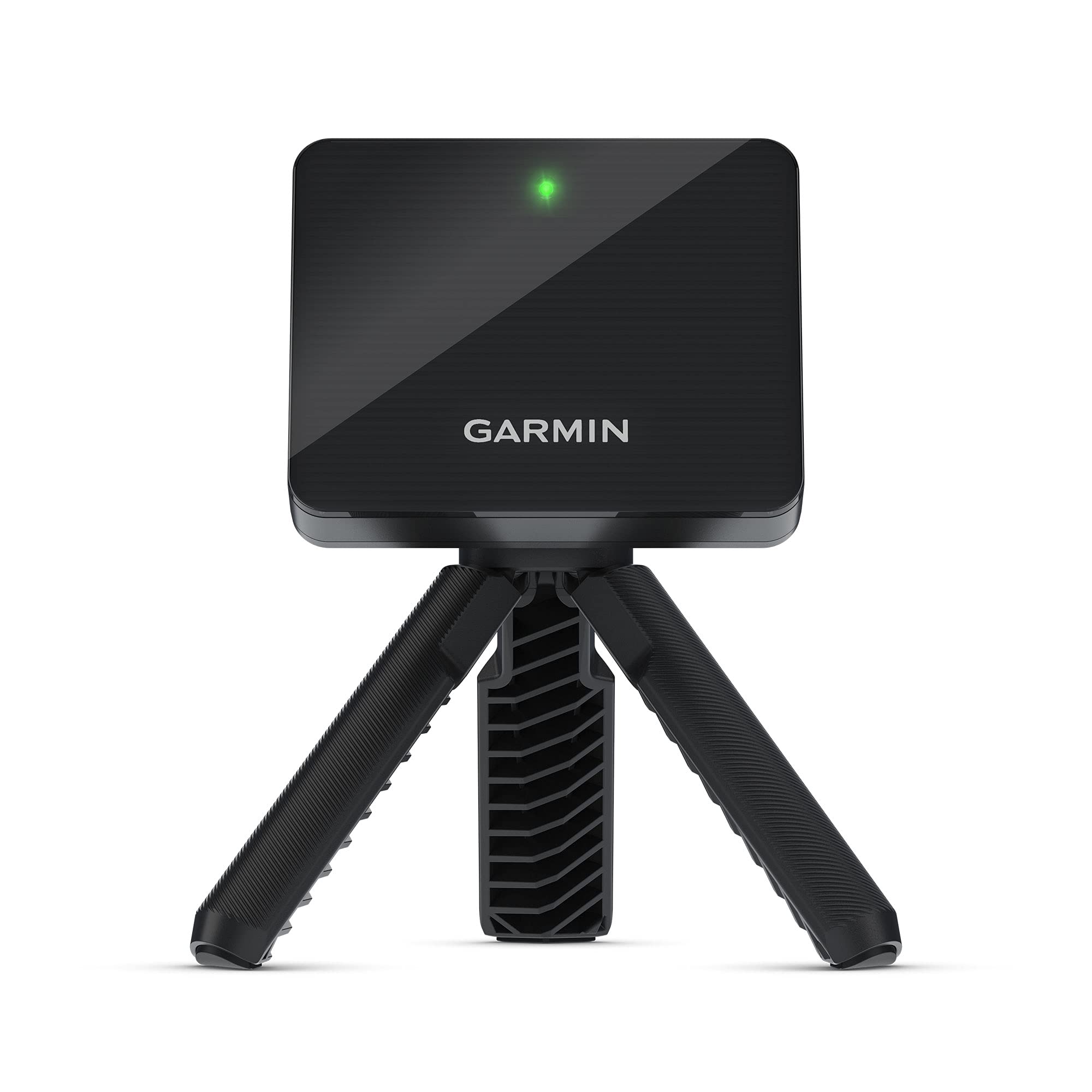
The R10 is the unit here that covers the most ground: driving range, backyard net, and a winter of virtual rounds. It tracks club head speed, ball speed and swing tempo, records a video clip of each swing with the numbers riding along, and builds a dispersion chart per club in training mode so your miss pattern shows up as a picture instead of a feeling. The box is unusually complete — tripod, phone mount and carry case all come with it.

Breadth is why it's our top pick rather than one standout number. Ten hours of battery covers several range sessions between charges, IPX7 means a damp morning doesn't end the session, and at 340 g it lives in the bag without complaint. Add a Garmin Golf membership and the same unit plays more than 42,000 courses; skip it and you still have every practice number.

Distance is the figure to watch. The R10 estimates a full ball flight from the start of it, and mid-iron carries can come up short of what you see with your own eyes. Set the unit behind the ball on the target line, on level ground, and check its numbers against a carry you already trust before you rebuild your club gapping around them.

What it won't do is replace a fitting session — this is a practice tool, and the clips are where it earns its keep. Seeing the swing that produced a thin 6-iron is worth more than the number alone, and it's the part of the app we open first after a session.

Pros

  • Ball, club and swing-tempo data with video overlay
  • 10-hour battery and IPX7 water resistance
  • Tripod, phone mount and carry case included
  • Simulator play on more than 42,000 courses

Cons

  • Virtual rounds require an active Garmin Golf membership
  • Everything runs through the paired phone app
Our verdict

Our default recommendation: the most complete launch monitor here, pairing club and ball data with swing video, a 10-hour battery and optional virtual rounds.

Check Latest Price
2

Best Value

Rapsodo MLM

83 /100
LBD Score Excellent

Key details

Weight
14.1 oz
Metrics
Ball speed, club speed, launch angle, carry, shot shape
Compatibility
iPhone and iPad (iOS only)
Video Resolution
1920 x 1080
View on Amazon

The MLM is the least expensive way into real ball-flight data here, and it doesn't feel like a compromise in use. Ball speed, club speed, launch angle, carry distance and shot shape come back on every shot, and at 0.4 kg the unit is light enough to live in a side pocket of your bag.

The tracer is what we use most. Watching a ball start right and curve back tells you more about your swing than a column of numbers, and the app keeps the clips so you can compare today's session with one from a month ago. The case and carabiner clip are small things that make it easy to bring along.

What it asks in return is line of sight. The unit sits a few feet behind the ball and reads the start of the flight, so a dim garage or a net that crowds the ball is where shots stop registering. Give it a clear view of the first stretch of ball flight and a well-lit space, and it keeps up with sessions far above its price.

Pros

  • Ball, club, launch and carry data on every shot
  • Video replay with a shot tracer
  • 0.4 kg with case and carabiner clip
  • Lowest-priced pick in this group

Cons

  • iPhone and iPad only
  • Simulator courses and game modes need the premium tier
Our verdict

The cheapest genuine launch monitor here, and the tracer video makes it feel like more than a budget buy.

Check Latest Price
3

Best for Speed Training

PRGR HS 130-A

84 /100
LBD Score Excellent

Key details

Power
AAA batteries
Dimensions
3.03"L x 1.69"W x 5.63"H
Measuring Range
135-270 yards
Water Resistance
IP54
View on Amazon

No app, no pairing, no phone. The PRGR runs on AAA batteries, shows its numbers on its own small screen, and holds the last 500 swings in memory. If you've ever stood on a range watching a Bluetooth icon spin, that simplicity is worth more than a longer feature list.

It measures club head speed on a swing with no ball at all, which is the whole point of speed training in a backyard or garage, and with a ball in front of it, it calculates ball speed, smash factor and carry. The measuring range runs 135 to 270 yards, and at 3.03 by 1.69 by 5.63 inches it disappears into a bag pocket.

The reading we sanity-check is club head speed. It can come up off on some swings, so verify against a second measurement — a fitting bay, a friend's monitor — before you build a training block on it. Everything else about the PRGR is the argument: it's the least fussy way here to put a number on every swing.

Pros

  • Measures club head speed without a ball
  • No app, phone or pairing needed
  • Holds 500 swings on board
  • IP54 rated and pocket-sized

Cons

  • No shot direction, launch or spin data
  • AAA batteries are an ongoing cost
Our verdict

Pick the PRGR if you train speed without a ball or want numbers with no app in the way; it's the least fussy unit in this group.

Check Latest Price
4

Best No-Phone Option

Voice Caddie SC200Plus

83 /100
LBD Score Excellent

Key details

Weight
8 oz
Control
Handheld remote
Display
LCD with voice output
Battery Life
Up to 20 hours
View on Amazon

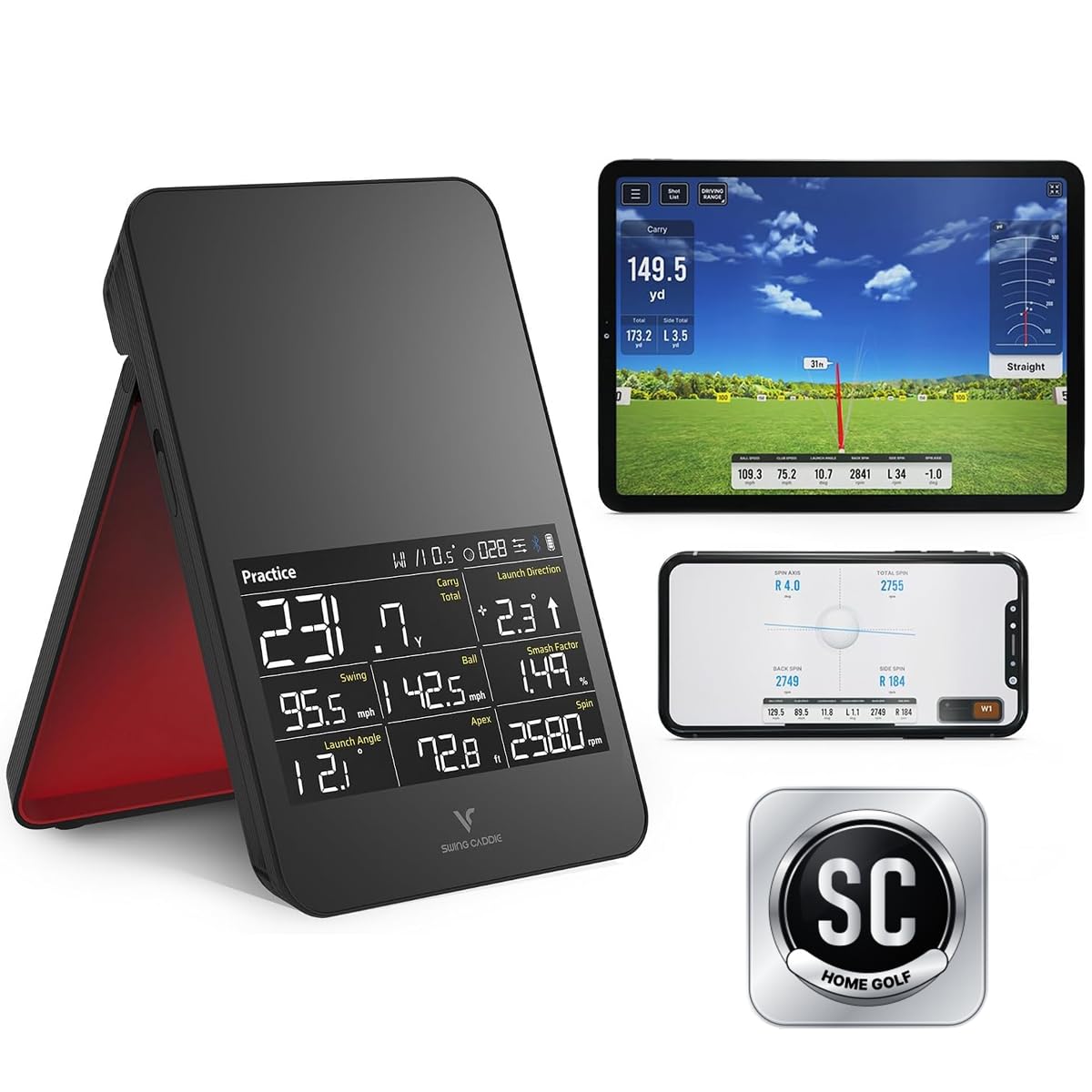
A small LCD, a handheld remote and spoken numbers. The SC200Plus is built for people who want to hit balls rather than manage an app: set the club and loft on the remote and the unit reads your numbers out as you go.

Battery life is where it beats the rest of this group — up to 20 hours, which is several range sessions and then some. At 8 ounces it disappears into a bag, and there's a swing-speed mode for practice swings with no ball. Those are the two things we reached for most.

The compromise is distance. Past roughly 250 yards the readings get less dependable, so this suits irons and wedges far better than driver work, and its numbers are a practice reference rather than the gapping sheet you build a wedge matrix from. For a beginner learning how far each club goes, that trade is an easy one.

Pros

  • Up to 20 hours of battery
  • LCD and voice output without a phone
  • Handheld remote for quick changes
  • 8 ounces and bag-friendly

Cons

  • Club and loft must be set by hand
Our verdict

A screen, a remote and 20 hours of battery make this the easiest unit here to use all afternoon without touching your phone.

Check Latest Price
5

Best Budget Simulator

Voice Caddie SC4 Pro

77 /100
LBD Score Very Good

Key details

Weight
1.3 lb
Display
Built-in screen with voice output
Simulator
E6 Connect, five courses
Subscription
None required
View on Amazon

Five E6 Connect courses and a 3D driving range come in the box with the SC4 Pro, and none of it needs a monthly subscription — which makes this the cheapest route here to virtual golf that doesn't bill you again. It also stands on its own: a screen and voice output on the unit, plus a remote for switching modes, so a session doesn't hinge on a phone.

Placement decides whether you'll get along with it. The unit wants a set distance from the ball and a clear line to the flight, and when it sits wrong the readings go with it — mark the spot on your mat the first time you get it right. At 590 g with no special balls required, everything else about setup is easy; the app's phone support is the part to confirm before you order.

Pros

  • E6 Connect courses with no subscription
  • Built-in screen, voice output and remote
  • 3D range plus target and speed modes
  • Works with normal golf balls

Cons

  • Only five E6 courses are included
Our verdict

Five E6 courses with no subscription make this the value pick for anyone building a home simulator on a midrange budget.

Check Latest Price
6

Best Premium All-In-One

Garmin Approach R50

80 /100
LBD Score Excellent

Key details

Weight
9 lb
Courses
43,000+ with membership
Display
10-inch color touchscreen
Battery Life
4 hours
View on Amazon

A 10-inch touchscreen, a three-camera array and nothing else in the loop. The R50 is the only unit here that behaves like a finished piece of equipment rather than an accessory to your phone, and it's priced as the premium buy of the group.

The measurements go deeper than anything else here: ball speed, launch angle, spin rate and spin axis, plus face-to-path if you put the supplied sticker on the club. Training mode turns those into a dispersion chart per club, and the high-speed camera gives you impact footage you can step through frame by frame.

Course play — up to four players, putting included, across more than 43,000 courses — runs through a Garmin Golf membership, so the simulator side carries a recurring cost on top of the hardware. That's the number to weigh against the convenience, because the convenience is considerable.

Where the R50 makes its case is at home, where the screen, the impact video and the virtual rounds are all in front of you with nothing to pair and no second device to charge. Standing at a bay you control with a finger is a different experience from the app-driven units here, and that's what the premium buys.

Pros

  • 10-inch touchscreen, no phone required
  • Three-camera system with impact video
  • Spin axis and face-to-path data
  • Four-player virtual rounds with putting

Cons

  • 9 pounds and 16.5 inches tall
  • Four hours of battery per charge
Our verdict

For a permanent home bay with no phone in sight, the R50 is the most capable and most convenient unit here — at a price that reflects both.

Check Latest Price
7

Best for Spin Data

FlightScope Mevo

84 /100
LBD Score Excellent

Key details

Weight
1.76 oz
Dimensions
3.5 x 1.5 x 2.4 inches
Parameters
8 full swing with direct spin
View on Amazon

At 1.76 ounces and 3.5 by 1.5 by 2.4 inches, the Mevo is the smallest thing here, and it's the one we found easiest to carry — it vanishes into a bag pocket and you forget it until you need it.

It's 3D Doppler radar, and it records video alongside the numbers on every shot. The eight full-swing parameters are the draw, because spin is measured directly, and spin is what explains why two shots carrying the same distance behave so differently when they land.

The app is the weak link. A session that drops its Bluetooth connection mid-bucket is the failure mode to plan for, so keep the phone within a few feet and close what you aren't using before the first swing. When the connection holds, the charts and the swing video are as good as anything at this price.

What it comes down to is this: the Mevo offers the most insight per shot in this group and the least hand-holding. If you want to understand your ball flight rather than just record it, the spin numbers are worth the fiddly sessions.

Pros

  • Direct spin measurement
  • Eight full-swing parameters
  • Weighs 1.76 ounces
  • Swing video and skill challenges

Cons

  • Readings can suffer under some indoor lighting
Our verdict

Choose the Mevo for direct spin data in a package you'll actually carry; the app-driven sessions are the price of that insight.

Check Latest Price
8

Stack Speed Training

TheStack Radar

87 /100
LBD Score Excellent

Key details

Apps
Stack Wedging and Stack Putting
Weight
4.23 oz
Connectivity
Bluetooth, iOS and Android
View on Amazon

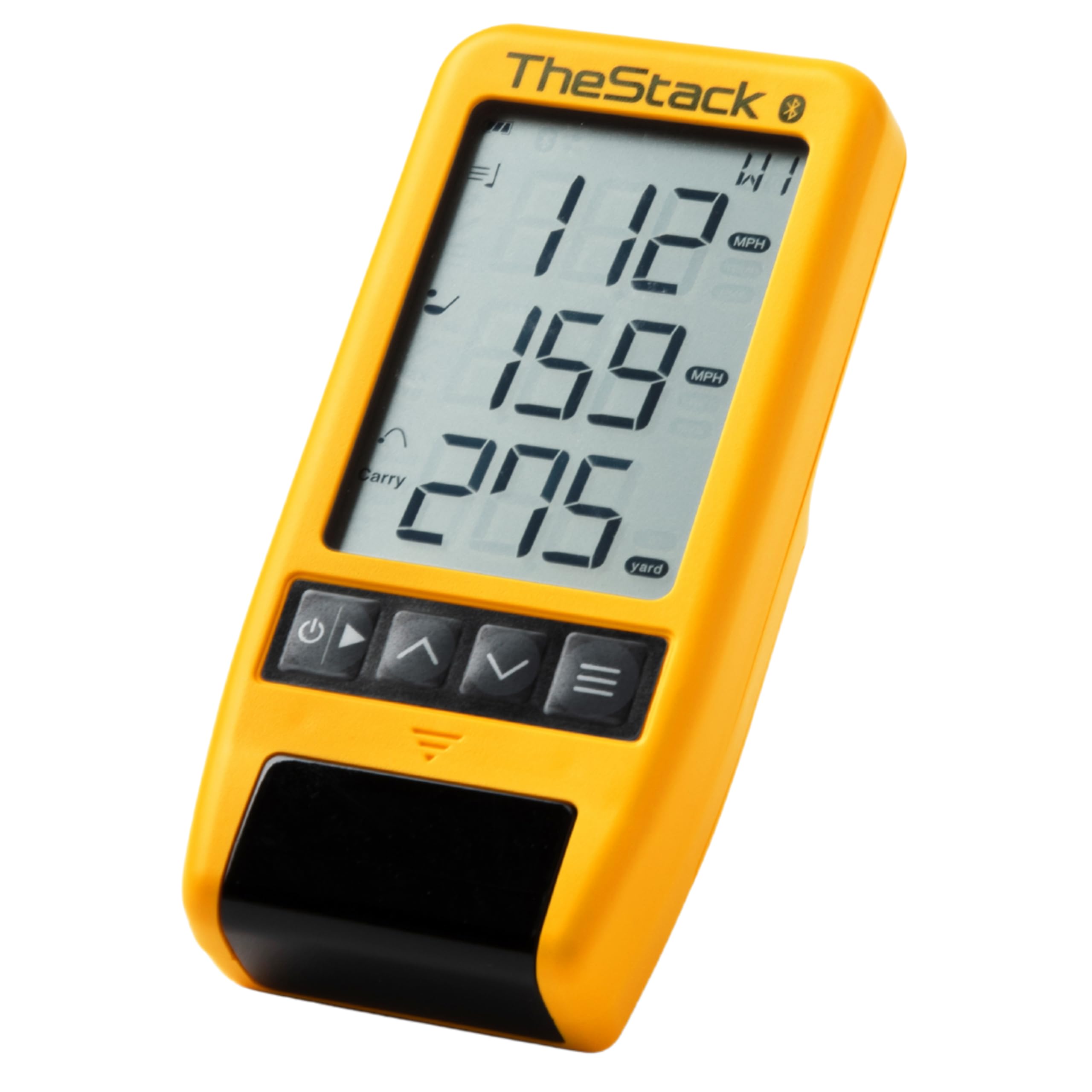
The Stack Radar is a small puck that pairs with the Stack app, and it's the only unit here that arrives with a training program attached: Stack Wedging for gamified wedge practice and Stack Putting for work on the greens. At 0.12 kg it's the sort of thing that lives in the bag and gets forgotten between sessions.

It tracks swing speed, ball speed, estimated carry and smash factor — enough to run a speed session and watch the numbers climb, not enough to map your bag the way the R10 or the Mevo can. The Bluetooth link works with both iPhone and Android, which is more than one pick here manages.

What we like is the narrowness: it does speed training properly instead of doing everything adequately. Pair it with the app, run the session it prescribes, and the radar is doing the one job it was built for.

Pros

  • Stack Wedging and Stack Putting apps included
  • Works with iPhone and Android
  • 0.12 kg and pocketable
  • Fast, focused speed sessions

Cons

  • Driver pop-ups can misread club head speed
Our verdict

A focused speed-training radar with real coaching apps attached — buy it for the program, not for a full data set.

Check Latest Price

How We Chose and Tested Golf Launch Monitors

We started by pulling every launch monitor we could find across three price bands, then cut the list to units that report more than swing speed alone and that a normal person could set up in a garage or carry to a range. Radar and camera-based designs both stayed in. The 11 that made it ranged from a pocket-sized puck to a model with its own touchscreen, and we bought or borrowed each one rather than trusting the spec sheet — including how it survived a season rattling around in a golf bag.

Accuracy got judged on the mat, not on paper. We hit blocks of ten balls with two or three monitors running at once and compared what each reported for the same swing, then repeated it with a 40-yard pitch, a topped shot, and a driver to see where readings drifted apart. We also watched how each unit handled a mis-hit — whether it logged something reasonable or invented a shot that never happened — and whether numbers wandered as a unit warmed up over a long session.

For app connectivity, we set the phone where the instructions asked, then moved it, and noted when the feed stuttered or dropped mid-session. Battery life we ran down from full in an unheated garage. Visual accuracy had its own check: reading on-device numbers at arm's length at dusk, and playing a simulated hole to see whether the ball flight on screen matched the shot I'd just hit.

Throughout, we weighed what each unit costs to own — the hardware plus whether the app wanted a subscription to unlock the useful data. That's where value for money sorted itself out: a few monitors gave up almost nothing to ones costing three times as much.

How to Choose a Golf Launch Monitor

Start With the Data You'll Use

Every unit here gives you ball speed and carry, and most add club head speed. That's enough to gap your irons and check whether practice is working. Spin, launch angle and face-to-path answer a different question: why two shots that carry the same distance behave so differently when they land.

Spin is the first thing to disappear as the price drops — the FlightScope Mevo reports it directly, and it isn't on the spec sheet for the cheapest picks here. If you only want to know how far each club goes, save the money. If you want to know why the ball does what it does, spin is where the extra spend goes.

Phone, Screen or Neither

There are three ways to read the numbers, and the choice matters more than a feature list suggests. Some units are self-contained, with a screen and a remote, as on the Voice Caddie SC200Plus and the Garmin R50. Others are sensors feeding an app, which buys better charts and video at the cost of your phone's battery, Bluetooth and operating system. The Rapsodo MLM is iPhone and iPad only; the PRGR has no app at all.

If you want to turn up, hit and read, buy the screen. If you want session history and video, accept the app and the phone that comes with it.

Where You'll Hit Matters as Much as What You Buy

The classic mistake is buying for the range and then trying to use the unit in a garage. Radar wants a set distance behind the ball and a clear view of the start of the flight; camera-based units need light and a clean background to see the shot. A dim garage with a net crowding the ball is exactly where shots stop registering.

Before you order, stand where the unit will sit and check three things: the manufacturer's distance to the ball, whether the ball has room to fly before it meets the net, and whether you'd honestly call the light bright.

The Cost That Comes After

The purchase price is rarely the last payment. Virtual rounds usually sit behind a membership: the Garmin R10 and R50 both lean on a Garmin Golf subscription for course play, while the SC4 Pro includes five E6 courses with no monthly fee.

If simulator golf is the reason you're buying, add that recurring cost to the decision before you compare hardware. If you only want range numbers, ignore it — none of these picks needs a subscription to measure a shot.

Frequently Asked Questions

Final Verdict

The Garmin Approach R10 is the one we point most golfers toward. It measures the numbers that shape a practice session, films every swing, and moves from the range to a backyard net to a virtual round without extra hardware.

On a tighter budget, the Rapsodo MLM delivers real ball-flight data and tracer video for less — provided you shoot with an iPhone. And if you're building a bay where the screen never moves, the R50 is the version to save for.