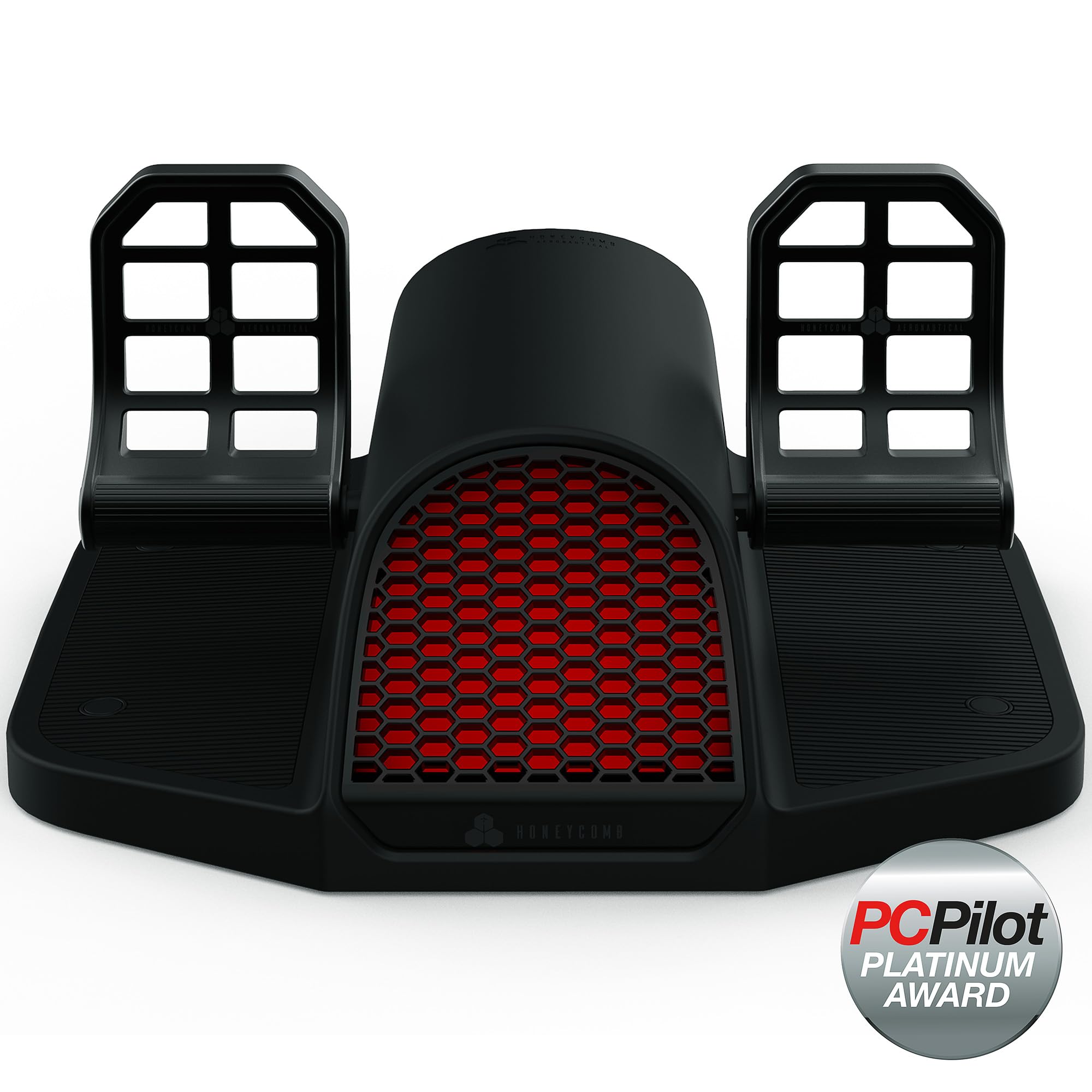
Best Overall

Logitech G Pro Flight Rudder Pedals
Key details
- Weight
- 5.1 lb
- Platform
- Windows 7 to 10
- Resistance
- Adjustable tension dial
- Axis Resolution
- 9-bit rudder, 7-bit toe brake
A tension dial is the difference between pedals that feel like an aircraft and pedals that feel like a spring in a box, and the one built into the Logitech is why this is the set we recommend first. Twisting it moves the rudder from the light, quick response you want in a Cessna to something considerably firmer for a heavy jet, and that range is what lets one set of pedals suit whatever you happen to be flying that evening.
The rest of the hardware does its job without drama. The pedals self-center cleanly, the toe brakes run on their own axes so differential braking on a taxiway behaves the way it should, and the resolution — 9-bit on the rudder, 7-bit on the brakes — is fine enough to hold a centerline without sawing at it. It appears to the sim as its own USB device, so setup means opening the control menu and assigning the axes. Nothing is bound for you, and the brake axes are worth checking for direction before your first taxi.
It's also the most forgiving set here to live with. At 5.1 pounds and roughly 18 inches across, it tucks under a chair without taking over the floor, and nothing about it needs a bolt-down plate or a permanently cleared desk. Plug it in, assign the axes once, and it fades into the background in a way the heavier metal sets don't.
Pros
- Tension dial spans light aircraft to heavy jet feel
- Separate toe-brake axes for differential braking
- Fine 9-bit rudder resolution for centerline work
- Straightforward setup in MSFS and X-Plane
Cons
- PC only; no Xbox or PlayStation support
- Plastic build, with a possible slight catch at center
For a PC setup, this is the pedal set we point people to first: the tension dial and toe brakes do the work, it plugs in and behaves, and it stops short of rig money.