Best Overall

TP-Link ES210X-M2
Key details
- Cooling
- Fanless
- Management
- VLAN, IGMP snooping
- Fiber Ports
- 2 × 10G SFP+
- Copper Ports
- 8 × 2.5G
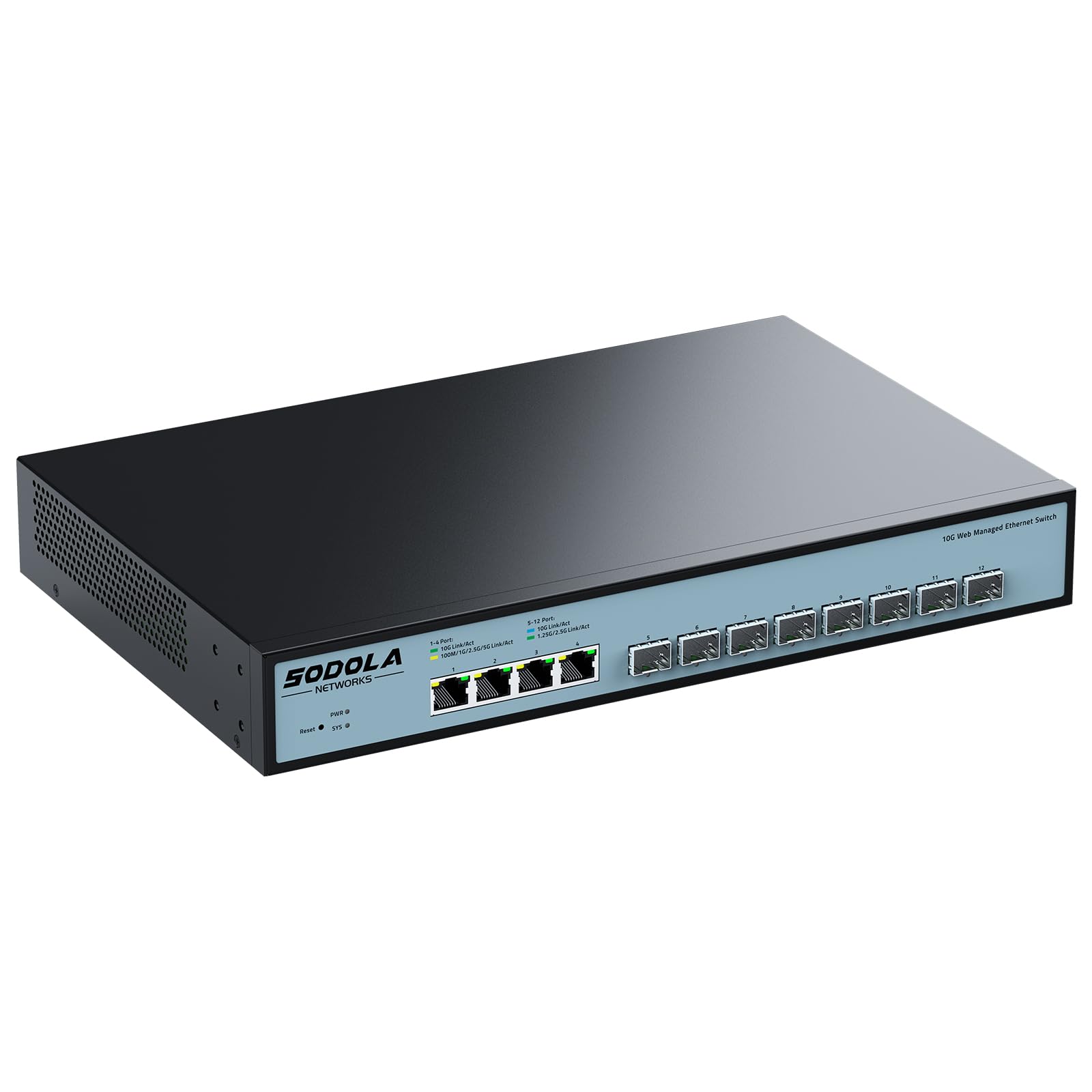
Two 10G SFP+ cages plus eight 2.5G copper ports is the port mix we keep pointing people toward, and this TP-Link is the switch we hand the recommendation to. Most home networks aren't ready to go all-fiber: the desktop, the console, and the printer still want RJ45, while the run to the NAS or the link to another floor is where fiber earns its keep. One box covers both sides of that, and it's about the size of a paperback.
Fanless is the detail we cared about most. There's no whine to plan around, so it can sit on a shelf in the same room as the router, and the metal case with shielded ports looks like something that will outlast the rest of the gear in the closet. At 8.2 by 5 by 1 inches and 2 pounds, it doesn't need a rack.
Management is deliberately small: VLANs, IGMP snooping, and loop prevention through a web interface, which is the short list most people actually use. Splitting guest and IoT traffic onto their own VLANs is a few clicks rather than a project. The cages take 10G modules for a 10G link or 1G modules where that's all the far end offers, and the five-year warranty is the second-longest in this guide.
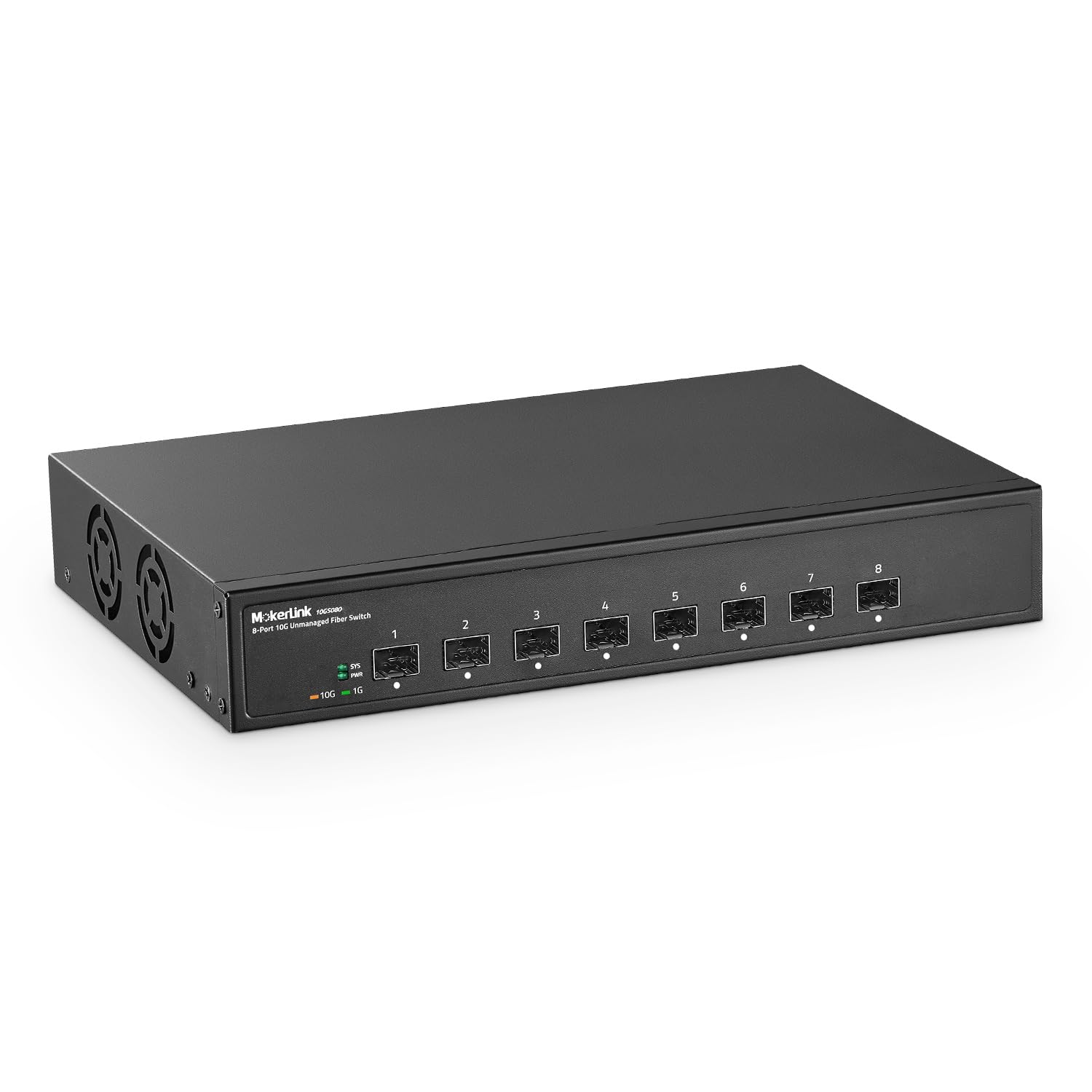
Two cages is the honest limit: one uplink and one server, and you're out. If your plan involves four or five fiber runs, the pure-fiber switches here do that job. For everyone else this is the switch to buy first and build the rest of the network around.
Pros
- Two 10G SFP+ cages plus eight 2.5G ports
- Fanless, so it can live next to a desk
- VLAN and loop prevention without a controller
- Five-year manufacturer warranty
Cons
- Two SFP+ cages leave no room for a third fiber run
- Copper ports stop at 2.5G, with no 10G RJ45
We recommend this to anyone upgrading a home or small-office network who wants real 10G fiber uplinks without rebuilding everything around fiber.