Best Dual Monitor Wall Mounts of 2026

Two monitors eat a desk alive, and a wall mount gives that space back — but only after you drill into a wall and commit to a height. I've had screens hanging off a gas spring arm in my own office for years, which has made me unreasonably picky about how an arm holds its tilt and swings when you nudge it.

We've spent the past seven months mounting and living with 10 dual monitor wall mounts, from compact arms for lighter screens to heavy-duty gas springs built for big gaming panels. What separated them was rarely the spec sheet: it was whether the tilt held after a week, whether the VESA plate lined up without swearing, and whether the spring floated a light monitor or slowly sank under a heavy one.

Check your monitor's weight before anything else. The 75x75 and 100x100 bolt patterns are close to universal now, but each arm's weight range is where the real differences hide, and a mount that's rated too high for your screens can drift upward on its own. The picks below run from a light home office pair to a couple of serious panels, and every one of them earned its holes in the wall.

1

Best Overall

BONTEC Dual Monitor Wall Mount

90 /100
LBD Score Outstanding

Key details

Tilt Range
±35 degrees
Screen Size
13 to 32 inches
VESA Pattern
75x75 or 100x100 mm
Weight Capacity
19.8 lbs per arm
View on Amazon

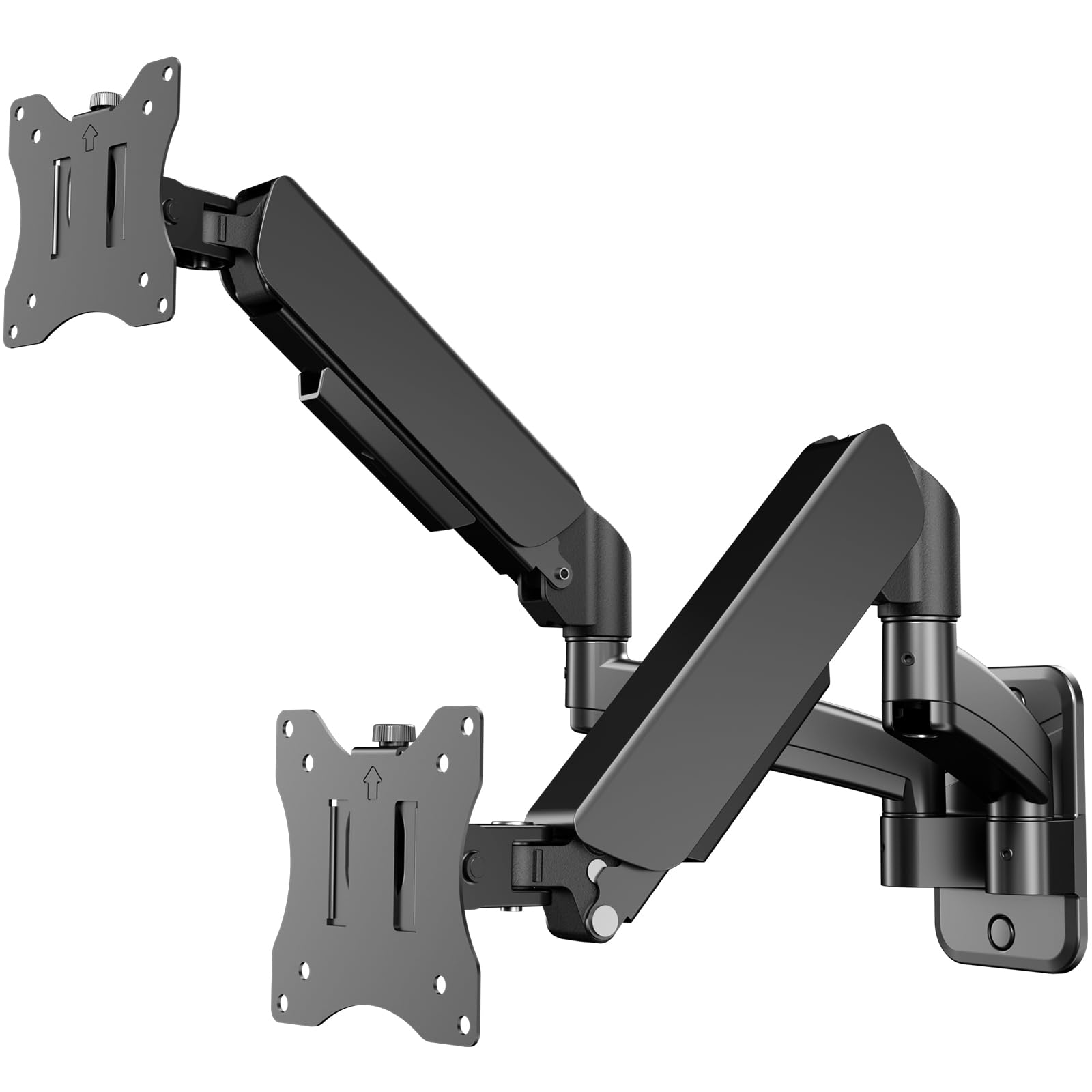
Gas-spring tension is the first thing we check on a wall mount, because it decides whether a screen stays where you put it or slowly sinks. BONTEC rates this one at 19.8 pounds per arm and fits 13- to 32-inch displays, which covers the common mix of a 24-inch side screen and a 27- or 32-inch main panel. The spring is designed to take the monitor's weight as you raise or lower it, and that matters more on a dual mount, where one arm may carry a heavier screen than the other.

What sold us on this as the default is the combination of that gas spring and a genuinely broad fit range. The VESA plates accept 75 x 75 mm and 100 x 100 mm, the bracket works on wood studs, concrete, and brick, and the masonry hardware is included. Installation is the usual bracket-first, plate-second sequence, and the arms have cable clips to keep the pair tidy. We paid attention to the wall requirement: drywall alone is not enough, so plan around a stud or a masonry surface.

The motion covers ±35° tilt, 180° swivel, and 360° rotation. That tilt range is narrower than the 90° mounts here, but it is enough to kill glare and set a comfortable desk angle; we did not miss the extra travel. The black finish and cable clips help the pair read as one setup rather than two screens bolted to a wall.

Pros

  • Gas-spring arms rated to 19.8 lbs each
  • Fits 13- to 32-inch screens and both VESA patterns
  • Smooth height, swivel, and rotation
  • Cable clips keep wires tidy

Cons

  • One-month warranty is very short
Our verdict

We recommend the BONTEC for most dual-monitor walls: its gas-spring arms carry 32-inch screens, fit a broad 13- to 32-inch range, and stay smooth through height and angle changes.

Check Latest Price
2

Best Flush-To-Wall

VIVO MOUNT-TS32B

90 /100
LBD Score Outstanding

Key details

Arm Design
Telescoping, flush to wall
Screen Size
21 to 32 inches
VESA Pattern
75x75 or 100x100 mm
Weight Capacity
22 lbs per arm
View on Amazon

A pair of monitors on a wall can look like office equipment or like part of the room. VIVO's MOUNT-TS32B leans toward the second: the arms telescope straight out from the wall and slide into each other, so the screens sit close and the hardware stays visually quiet. We like the look for a living room or a tidy home office, but the design is practical too: the arms pull forward for cable work and push back to reclaim floor space.

The fit starts at 21 inches, which leaves out small 17- to 20-inch screens but covers the 24-, 27-, and 32-inch displays most people pair. Each arm holds up to 22 pounds, and the VESA plates accept 75 x 75 mm and 100 x 100 mm. We appreciate the three-year warranty here; a wall mount is a long-term fixture, and the coverage is longer than most in this group. The motion is broad too: ±90° tilt, 180° swivel, and 360° rotation for portrait or landscape.

Telescoping arms trade folding bulk for a straighter pull, so the wall plate and stud location matter. At full extension a heavy pair puts leverage on the plate; keep the arms closer in if the stud placement is off-center, and check the tension after the first week. The 21-inch minimum is the line to watch: below that, choose a smaller mount. Otherwise, this is the cleanest-looking way here to put two standard screens close to a wall.

Pros

  • Telescoping arms sit close to the wall
  • 22-pound capacity per arm
  • Broad tilt, swivel, and rotation
  • Three-year warranty

Cons

  • Arms may sag at full extension with heavy screens
Our verdict

For a flush wall look, we recommend the VIVO: telescoping arms carry up to 22 pounds each, adjust through a wide arc, and come with a three-year warranty.

Check Latest Price
3

Best for Ultrawide Monitors

ARES WING Dual Monitor Wall Mount

86 /100
LBD Score Excellent

Key details

Tilt Range
+60 to -20 degrees
Screen Size
24 to 57 inches
VESA Pattern
75x75 or 100x100 mm
Weight Capacity
60 lb
View on Amazon

Ultrawides expose weak mounts. A 49- or 57-inch panel is wide, heavy, and far from the wall plate, so the arm has to resist a leverage load that a 27-inch monitor never creates. ARES WING rates this mount at 60 pounds and fits screens from 24 to 57 inches, which puts it in a different class from the rest of this group. We like the bearing head for the same reason: a friction joint that feels fine with a 24-inch screen can become a wrestling match with a curved 49-inch.

The motion set is generous: +60° to -20° tilt, ±90° swivel, and ±90° rotation. That asymmetric tilt is deliberate for large panels; it gives more downward angle than upward, which is where a high wall mount usually needs help. The steel and aluminum build is finished in matte black, and cable management runs along the arms. Installation needs a wood stud, solid concrete, or brick wall, and the hardware is included.

For a pair of 27-inch screens, the extra capacity is headroom you may never use. The case for it is specific: a 49- to 57-inch ultrawide, a heavy curved gaming panel, or a mixed-size pair where one screen is much larger than the other. For that setup, the bearing head and 60-pound rating are worth the premium; for a standard office pair, the BONTEC does the job with less mount.

Pros

  • 60-pound weight capacity
  • Fits screens from 24 to 57 inches
  • Bearing head smooths tilt adjustment
  • Wide swivel and rotation

Cons

  • Premium price relative to standard mounts
  • No support for screens below 24 inches
Our verdict

We recommend the ARES WING for large ultrawides: it carries up to 60 pounds, fits screens up to 57 inches, and its bearing head keeps heavy panels moving smoothly.

Check Latest Price
4

Best for Tight Clearance

PUTORSEN Gas Spring Wall Mount

89 /100
LBD Score Excellent

Key details

Screen Size
17 to 32 inches
VESA Pattern
75x75 or 100x100 mm
Wall Clearance
3.85 inches minimum
Weight Capacity
19.8 lbs per arm
View on Amazon

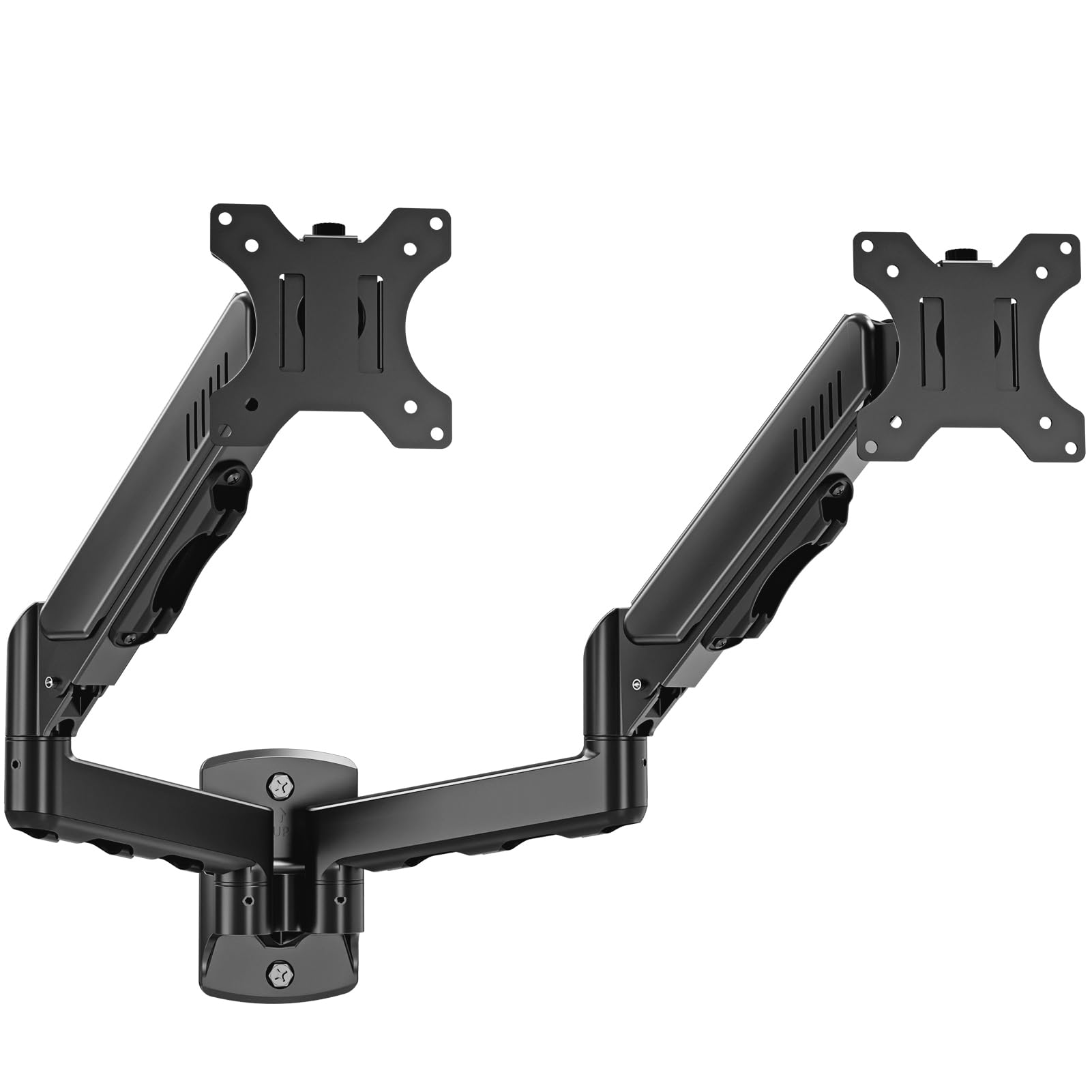
Wall clearance is the measurement that makes or breaks a dual mount in a small room. PUTORSEN's IMA13-S024 folds to 3.85 inches at its closest and extends to 20.9 inches, so it can sit almost flat when you are not using the desk and still pull forward for a closer view. We value that range because it covers both a tight spare-room office and a deeper desk where the screens need to come toward you.

The fit is 17 to 32 inches and 19.8 pounds per arm, with 75 x 75 mm and 100 x 100 mm VESA plates. The gas spring is the smooth-adjustment part: raise or lower a screen and the arm is designed to take the weight instead of making you loosen a knob. Tilt runs ±45°, swivel 180°, and rotation 360°. We appreciate the two-year warranty and the masonry hardware in the box; the wall has to be wood stud, concrete, or brick, not drywall alone. What makes this our pick for shallow desks is the combination of that near-wall fold and a long enough reach to be useful at a normal desk depth.

The compact folded depth is the reason to choose this over the BONTEC, and the 20.9-inch reach is why it does not feel like a low-profile-only mount. For a pair of 27- or 32-inch screens on a shallow desk, this is the one we point to when the wall is close and the room is small. The black finish and built-in cable management keep the setup from looking like a bracket experiment.

Pros

  • Folds to 3.85 inches from the wall
  • Reaches 20.9 inches
  • Gas spring carries 19.8 lbs per arm
  • Two-year warranty

Cons

  • No support for screens over 32 inches
Our verdict

We recommend the PUTORSEN for shallow desks: it folds to 3.85 inches from the wall, reaches 20.9 inches, and its gas spring carries 19.8 pounds per screen.

Check Latest Price
5

Best Budget for 27-Inch Screens

WALI 012ARM Dual Monitor Wall Mount

91 /100
LBD Score Outstanding

Key details

Wall Type
Concrete or brick only
Screen Size
13 to 27 inches
VESA Pattern
75x75 or 100x100 mm
Weight Capacity
22 lbs per arm
View on Amazon

A concrete or brick wall is a different shopping problem, and the WALI 012ARM is built around it. The mount attaches to masonry, not drywall or a wood stud, so it suits a basement, garage, or brick office wall where drilling into the block is the plan. Each arm holds up to 22 pounds and fits screens from 13 to 27 inches, with 75 x 75 mm and 100 x 100 mm VESA plates. That combination suits a pair of 24- or 27-inch work screens, where the weight is easy and the wall is the hard part.

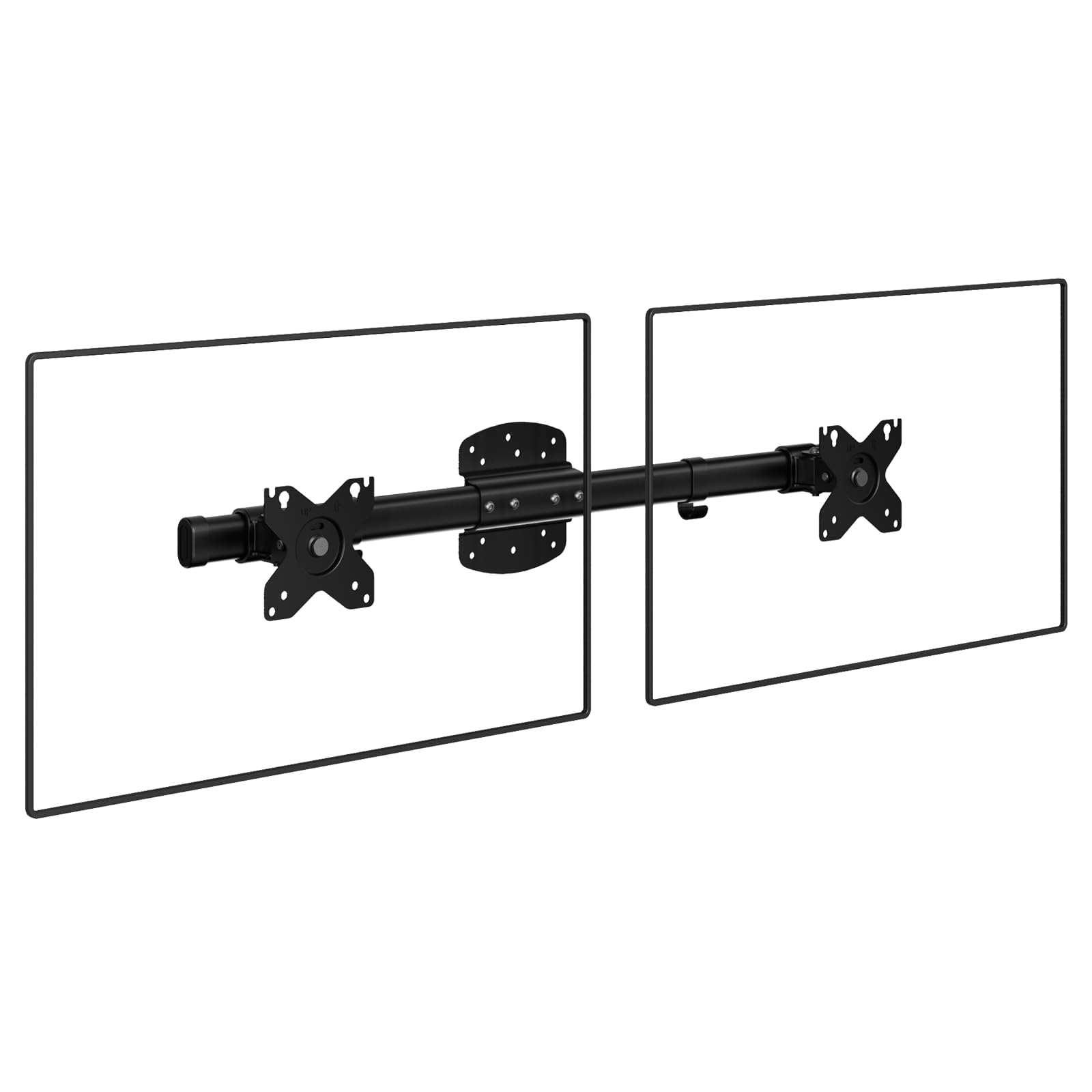
The arm is a horizontal assembly with adjustable VESA plates, so you set the distance between the two screens at the bracket rather than by swinging two long arms. Tilt is ±45°, swivel is ±15°, and rotation is ±180°. The swivel is narrow compared with the articulating mounts here, which makes this a set-and-leave setup more than a daily repositioning arm. The tilt joint can also be stiff enough that you adjust it once and then leave it alone.

The 10-year warranty is the longest in this group, and the price is the lowest, so the value case is easy for the right wall. We keep this one for masonry and smaller screens; for a 32-inch pair or a drywall-and-stud wall, the BONTEC or VIVO is the better starting point. The narrow swivel is the trade-off, not a dealbreaker for a fixed side-by-side layout.

Pros

  • 22-pound capacity per arm
  • Fits 13- to 27-inch screens
  • 10-year warranty
  • Lowest price in this group

Cons

  • Concrete or brick walls only
  • Swivel limited to ±15 degrees
Our verdict

We recommend the WALI for a concrete or brick wall with 27-inch-or-smaller screens: it holds 22 pounds per arm, rotates freely, and carries a 10-year warranty.

Check Latest Price
6

Light Monitors

HUANUO Dual Monitor Wall Mount

88 /100
LBD Score Excellent

Key details

Tilt Range
±35 degrees
Screen Size
17 to 32 inches
VESA Pattern
75x75 or 100x100 mm
Weight Capacity
4.4 to 17.6 lbs per arm
View on Amazon

HUANUO backs this mount with a lifetime warranty, a longer commitment than most of this group offers. It fits 17- to 32-inch screens, uses 75 x 75 mm and 100 x 100 mm VESA plates, and rates each arm for 4.4 to 17.6 pounds. The mount is steel, the arms are articulating, and the design is simple enough to install with the included hardware.

The weight ceiling is the number to check before you buy. A 27-inch office panel usually sits comfortably under 17.6 pounds, while a 32-inch gaming or professional display can exceed it. The motion is modest but usable: ±35° tilt, ±90° swivel, and 360° rotation. That is enough to set a comfortable side-by-side pair and rotate one screen to portrait; it is not the mount for constant repositioning or a standing-desk workflow that needs a long gas-spring lift.

We recommend this HUANUO for a pair of standard 24- or 27-inch monitors where the warranty matters more than the last degree of movement. The 32-inch ceiling is real, but it is a ceiling for light panels, not a free pass to hang two heavy gaming screens. If your monitors are on the heavy side, the BONTEC's 19.8-pound rating is the safer place to start.

Pros

  • Lifetime warranty backs the mount
  • Fits 17- to 32-inch screens
  • 360-degree rotation for portrait mode
  • Budget-friendly among these picks

Cons

  • Lower 17.6-pound weight cap
  • Swivel limited to 90 degrees
Our verdict

We recommend the HUANUO for lighter monitors: it fits 17- to 32-inch screens up to 17.6 pounds per arm and backs the mount with a lifetime warranty.

Check Latest Price
7

Lighter 32-Inchers

MOUNTUP MU2004 Dual Monitor Wall Mount

85 /100
LBD Score Excellent

Key details

Warranty
3 years
Screen Size
Up to 32 inches
VESA Pattern
75x75 or 100x100 mm
Weight Capacity
4.4 to 19.8 lbs per arm
View on Amazon

The 4.4-pound minimum is the spec we noticed first. Most dual mounts are rated for a maximum weight and say little about the bottom of the range, which is why a pair of light 24-inch screens can float up on an arm designed for a heavy 32. MOUNTUP rates each arm from 4.4 to 19.8 pounds and fits screens up to 32 inches, with 75 x 75 mm and 100 x 100 mm VESA plates. That range is useful for a mixed pair, such as a light side monitor and a heavier main display.

The build is aluminum and steel, and the arms are full motion: tilt, swivel, height adjustment, and 360° rotation. The VESA plate is a standard two-piece design, so you attach the plate to the monitor first and then hang it on the arm. Cable management is integrated, and the mount fits wood studs or solid concrete walls. The hardware is included.

The three-year warranty is a confidence boost at the budget end of the group. The tension arms are the trade-off: with a screen near the top of the weight range, they need more attention than a gas spring and can drift if the tension is not set carefully. That is a setup issue, not a reason to avoid the mount for a lighter pair.

What settles it for us is the range. A mount that starts at 4.4 pounds is easier to balance with a light side screen than one built only for heavy panels, and the 19.8-pound ceiling still covers a standard 32. The tension arms reward a careful setup and ask for more attention than a gas spring when the load changes. That is the trade for a lower-cost full-motion mount, and for the right pair it is a good one.

Pros

  • 4.4- to 19.8-pound range per arm
  • Full motion with 360-degree rotation
  • Three-year warranty
  • Aluminum and steel build

Cons

  • No support beyond 32-inch screens
Our verdict

We recommend the MOUNTUP for lighter 32-inch screens: it adjusts through a full range, handles 4.4 to 19.8 pounds per arm, and includes a three-year warranty.

Check Latest Price
8

Stacked Screens

PUTORSEN Vertical Stacked Wall Mount

85 /100
LBD Score Excellent

Key details

Pole Height
32 inches
Screen Size
17 to 32 inches
VESA Pattern
75x75 or 100x100 mm
Weight Capacity
19.8 lbs per monitor
View on Amazon

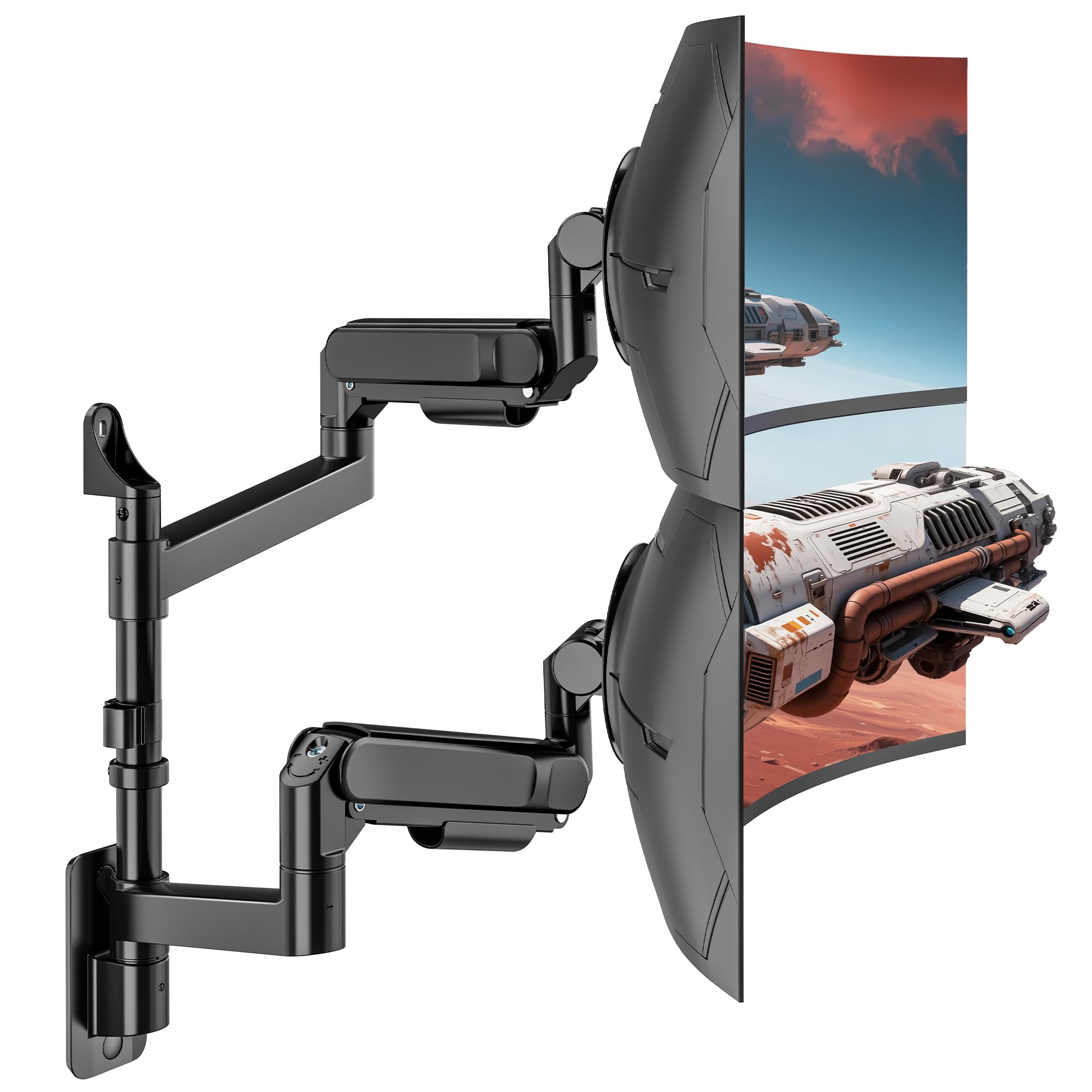
A 32-inch pole is the reason to consider this PUTORSEN. It is a vertical dual mount, so the two screens stack instead of sitting side by side, and the tall pole gives you a wide height range without spreading the setup across the wall. It fits 17- to 32-inch screens, holds 19.8 pounds per monitor, and uses 75 x 75 mm and 100 x 100 mm VESA plates.

The movement is narrower than a side-by-side articulating arm: tilt runs ±45° and swivel ±45°. That is enough to angle each screen toward you and set a comfortable viewing position, but it is not a mount for pulling one screen across the desk or swinging it out of the way. The quick-release VESA plates make the install easier, and the integrated cable management keeps the stack tidy.

Stacking changes the ergonomics. The lower screen should sit at your natural reading height, with the upper screen angled down; the 32-inch pole gives you room to do that without a second wall plate. The mount needs a wood stud, concrete, or brick wall, and the hardware is included. Measure the height of both screens before you drill, because the pole position is fixed once the bracket is up.

We like this one for a narrow home office, a trading desk, or any setup where width is the constraint and height is available. It is not a replacement for a side-by-side arm if you need both screens at the same level. The vertical layout is the whole point, and for the right desk it solves a problem the other mounts here cannot.

Pros

  • 32-inch pole adds height range
  • 19.8 pounds per monitor
  • Quick-release VESA plates
  • Integrated cable management

Cons

  • Stacked-only layout
  • Swivel limited to ±45 degrees
Our verdict

We recommend the PUTORSEN vertical mount for stacked screens: a 32-inch pole gives you height, each arm carries 19.8 pounds, and it keeps a narrow footprint.

Check Latest Price

How We Chose and Tested Dual Monitor Wall Mounts

We started by pulling every dual wall mount we could find that published a real weight range per arm, fit a 75x75 or 100x100 VESA pattern, and had a wall plate narrow enough to land on a single stud. Anything with a vague capacity claim or an arm that needed two tools to adjust got cut, which left us with 10 mounts to test over seven months.

Each one went up on the same home office wall, anchored to a stud with the hardware in the box, one person doing the work with a stopwatch running. We noted where the instructions stalled, whether the VESA plates had to go on the monitors before or after hanging, and whether lifting a screen into place realistically needed a second set of hands.

Then we lived with them through full workdays, late-night gaming sessions, and a few weeks with a lighter secondary screen on one arm to see how the spring behaved. At one week and again at one month we set a spirit level across each monitor and looked for droop, and we pushed tilt, swivel, and height through the full range with screens attached to check that a light panel didn't float up and a heavy one didn't sink.

Stability got a crude but honest test: typing hard on the desk beneath and watching the screen edges. Finally we weighed what came in the box — lag bolts, drywall anchors, cable clips, arms that reached past the wall plate instead of fighting it — against what each mount cost.

How to Choose a Dual Monitor Wall Mount

Match the Mount to Your Screens and VESA Pattern

Check each monitor's weight without its stand, not the shipping weight, and compare it with the per-arm rating. A dual mount may hold 22 pounds per arm, but a heavy 32-inch gaming panel can use most of that; a light 24-inch office screen may sit near the bottom of the range and need a mount that adjusts down to it. Then confirm the VESA hole pattern: 75 x 75 mm and 100 x 100 mm are the common sizes here, and a mount that lists only one will not fit a screen drilled for the other.

Screen size is a guide, not a guarantee. A 32-inch ultrawide is wider and heavier than a standard 32-inch 16:9 panel, so compare the actual weight and width. The ARES WING's 60-pound rating is the outlier for large panels; the BONTEC's 19.8-pound arms cover ordinary 27- and 32-inch displays.

Choose the Right Wall Structure

A wall mount is only as secure as its fasteners. Wood studs, solid concrete, and brick are the usual approved surfaces; drywall alone is not, even with heavy-duty anchors, unless the manufacturer explicitly rates the mount for it. The WALI 012ARM is the specialist here because it mounts to concrete or brick only, which makes it a poor choice for a stud wall but a sensible one for a masonry room. Find the studs before you choose the mount's horizontal position, because the bracket has to land on solid material.

Decide How Much Motion You Need

Tilt, swivel, rotation, and reach are not equally useful. A ±35° tilt is enough to control glare for most desk work; ±90° helps if you mount high or use a standing desk. Swivel matters when you want to share a screen or angle it away from a window, while 360° rotation lets you switch one monitor to portrait. Gas-spring arms make height changes easier, but a tension arm is fine for a set-and-forget pair. The PUTORSEN gas mount folds to 3.85 inches and reaches 20.9 inches, which covers both a tight wall and a closer viewing position.

Plan for Alignment and Clearance

Two monitors on separate arms can be level and still look wrong if the gap between them is uneven or the screens sit at different depths. Look for sliding VESA plates or a horizontal assembly that lets you set the spacing at the bracket. The VIVO's telescoping arms produce a flush line, but the wall plate and stud location decide where the pair sits; measure the monitor widths and mark a centerline before drilling. Near-wall depth matters too: a mount that folds to 3.85 inches keeps a small office clear, while a long extension brings the screens forward for a deeper desk.

Choose a Layout: Side by Side, Stacked, or Heavy-Duty

Most dual mounts assume side-by-side screens, but a vertical mount can be better when wall width is limited. The PUTORSEN vertical mount uses a 32-inch pole to stack two screens, while the ARES WING is built for wide, heavy panels that would overwhelm a standard arm. Be honest about the layout: a stacked mount does not give you two screens at the same level, and a heavy-duty arm is overkill for a pair of 24-inch office monitors. The right choice follows the shape and weight of the screens, not the largest number on the box.

Frequently Asked Questions

Final Verdict

Most dual-monitor setups should start with the BONTEC. Its gas-spring arms cover 13- to 32-inch screens, hold 19.8 pounds each, and the motion is broad enough for a comfortable working angle without asking you to rebuild your desk.

If your priority is a flush wall look, the VIVO's telescoping arms are the better fit; if you're mounting 49- to 57-inch ultrawides, go ARES WING. For a concrete or brick wall and 27-inch screens, the WALI keeps the cost low. The right mount follows the wall and the screens, not the other way around.