Best Overall

Plugable UD-6950PDH
Key details
- Displays
- 2x 4K 60Hz (HDMI/DisplayPort)
- USB Ports
- 5
- Compatibility
- macOS 11+, Windows 10+, ChromeOS 100+
- Laptop Charging
- 100W
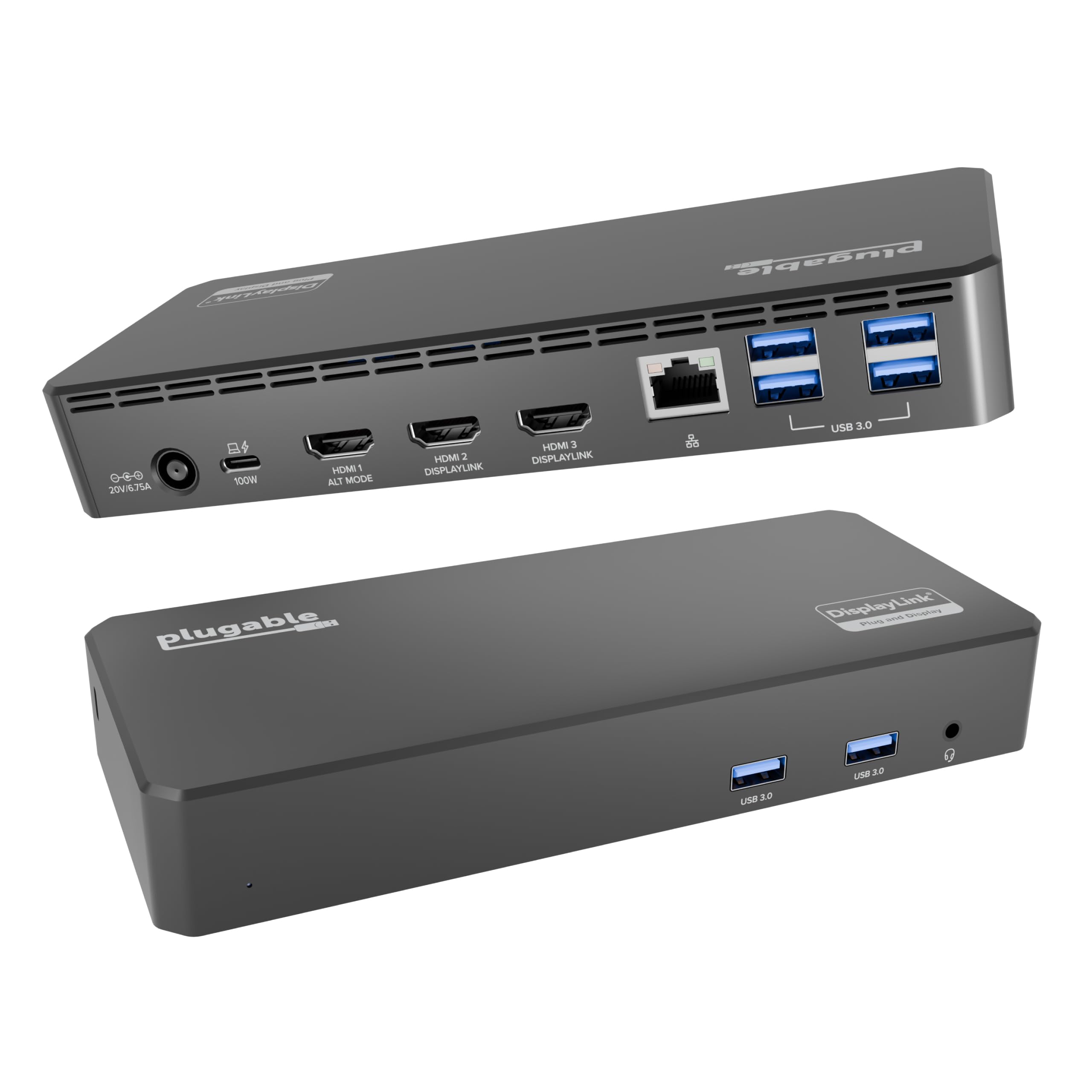
Apple Silicon Macs will happily run one external display and pretend the second one does not exist. The Plugable UD-6950PDH is the dock we reach for when that limit is the problem: DisplayLink drives two 4K monitors at 60Hz over HDMI, DisplayPort, or one of each, and it does it from a single USB-C connection. The 100W power delivery means the same cable charges a MacBook Pro, so the desk stays a one-cable setup. We also appreciate that the 14-in-1 layout gives you five USB ports and the front-facing access most people actually use.
The aluminum body has a small footprint and a space-gray finish that disappears next to a MacBook. In use, the dock is the least interesting part of the desk, which is the goal: the screens wake, the keyboard and mouse stay connected, and the laptop charges without a second cable. DisplayLink software is required, as it is on every dock in this guide, so install the driver before you judge the dock. We found the setup straightforward, but it is still an extra step that native USB-C video does not need.
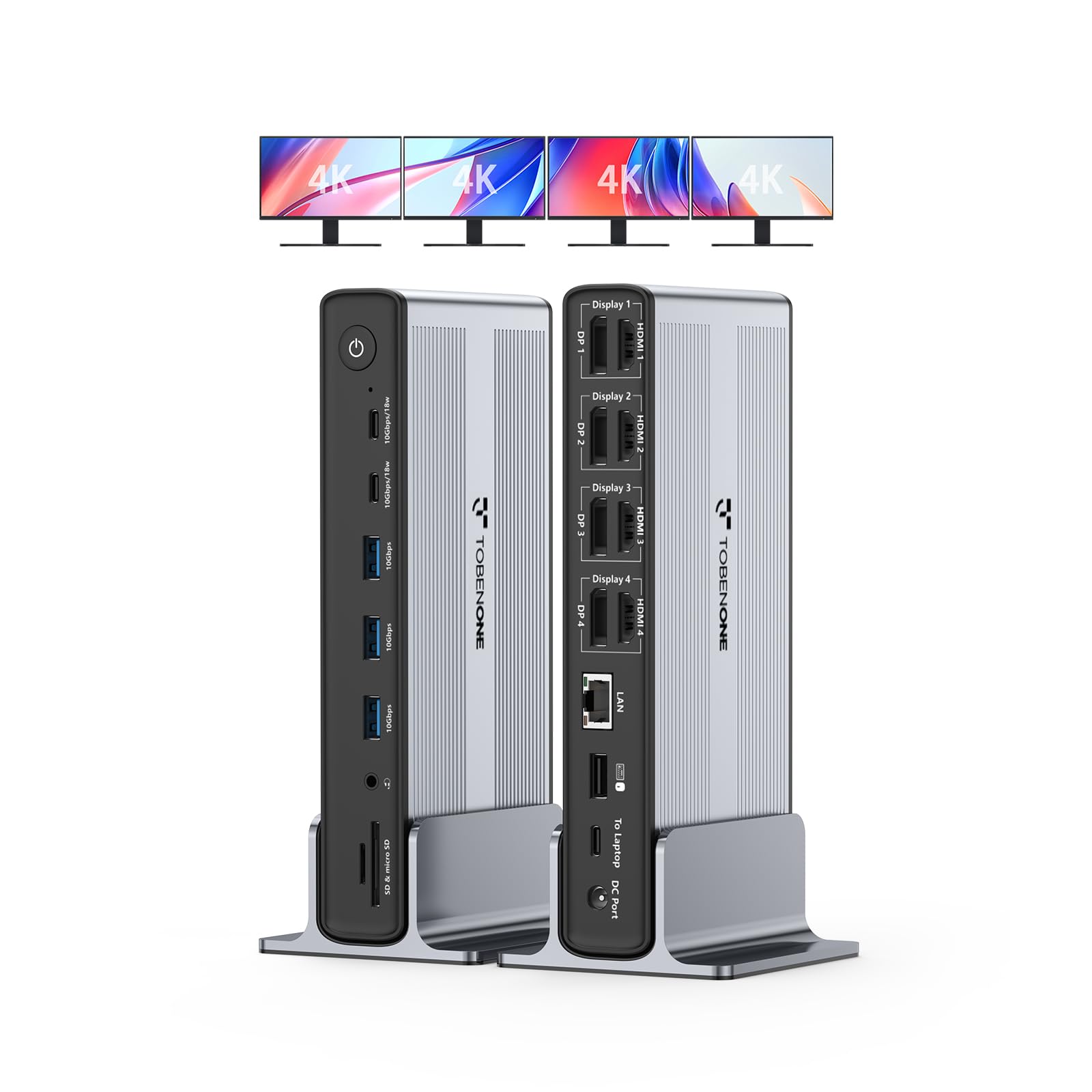
Where it gives ground is display count. It stops at two external monitors, so the TobenONE is the one for a four-screen wall. For a dual-4K Mac or Windows desk, though, this is the balance we prefer: 4K60 on both screens, 100W charging, and a two-year warranty.
Pros
- Dual 4K60 over HDMI or DisplayPort
- 100W laptop charging
- Five USB ports plus front access
- Two-year limited warranty
Cons
- Stops at two external monitors
We think this is the best default for a two-monitor Mac or Windows desk: dual 4K60, 100W charging, and a full port set in one solid dock.