Best Digital Photo Frames of 2026

A digital photo frame looks like a solved problem until you own one. The screen is rarely the letdown — the upload is. If getting a single picture from your phone onto the frame takes four steps and a password reset, it stops changing by week two and quietly becomes a very expensive digital clock.

My team and I have spent the past six months living with 12 of them, from compact 10-inch models on nightstands to 15-inch panels mounted in a hallway, and the split showed up fast: the frames that stayed interesting were the ones a grandparent or a babysitter could add to without being taught. One thing worth knowing before you shop — panel sharpness matters less than where the frame sits. A modest screen viewed straight on from a kitchen counter beats a fancier one you're always squinting at from the couch.

What's below are the frames worth giving as a gift and worth keeping plugged in at home, all of which solve the uploading problem in their own way.

1

Best Overall

Aura Carver 10-inch

95 /100
LBD Score Outstanding

Key details

Display
10.1 inches
Resolution
WXGA
Aspect Ratio
16:9
Connectivity
Wi-Fi
View on Amazon

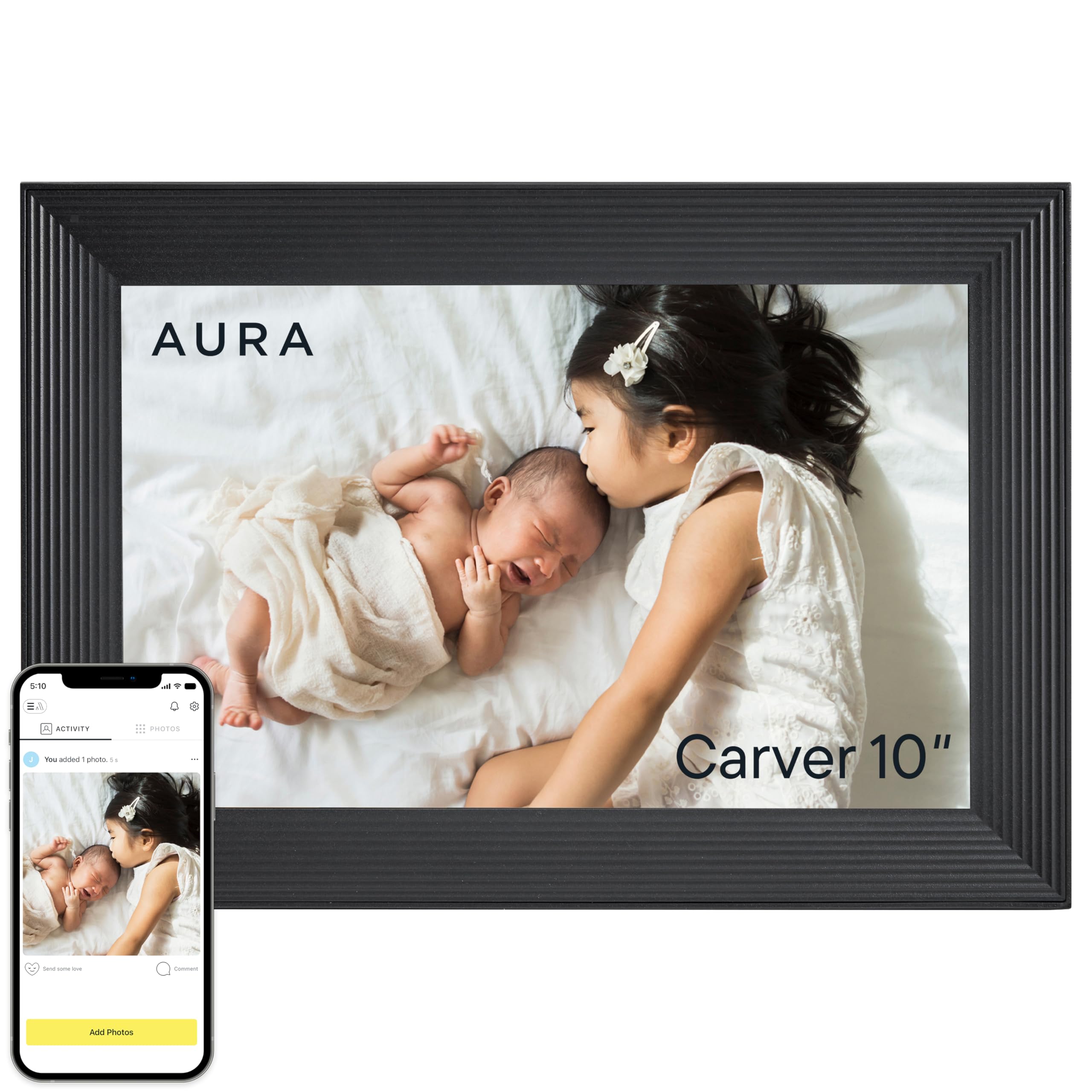
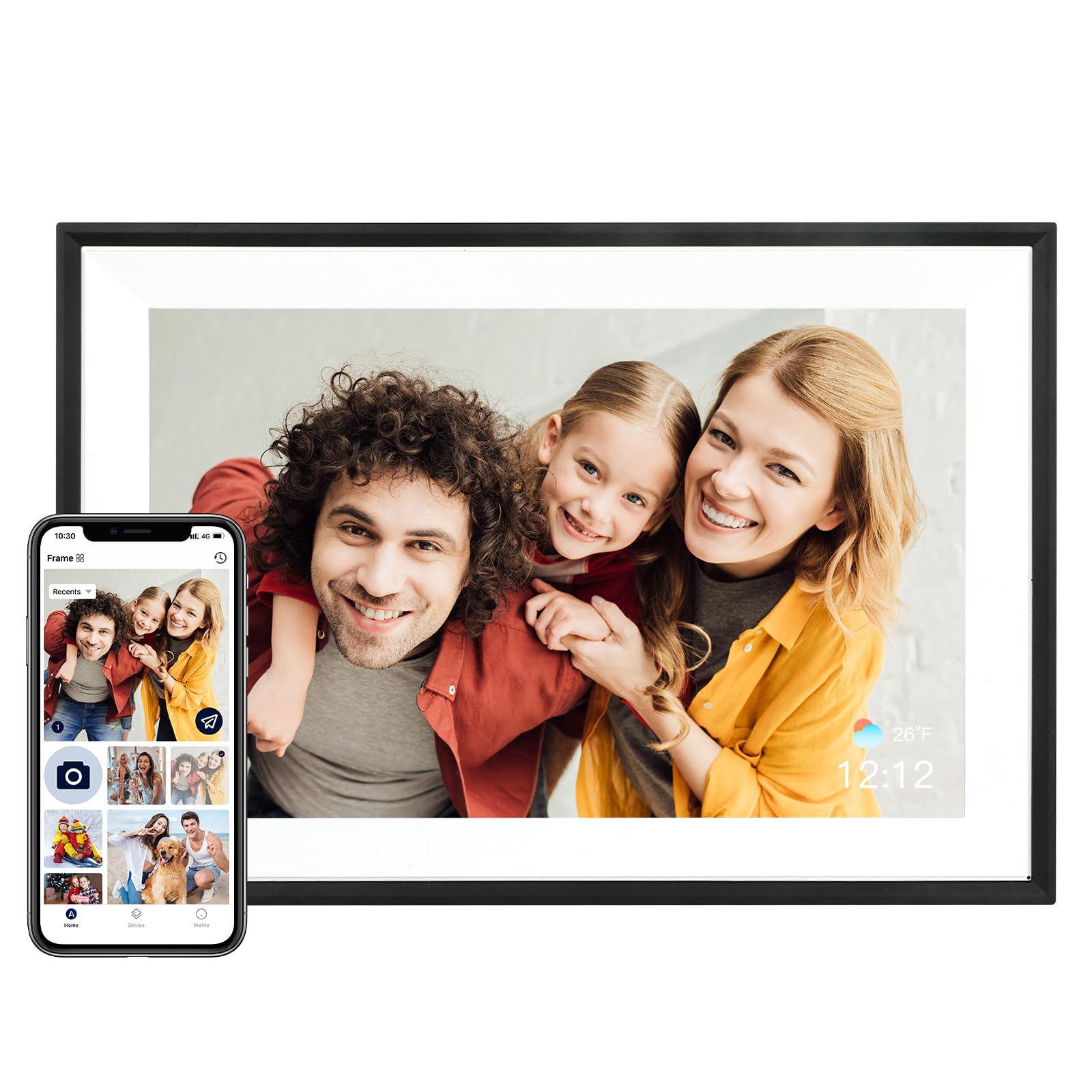
The Carver is the one in this group that looks like a piece of furniture rather than a gadget. The 10.1-inch screen sits behind a clean black bezel, and the 16:9 shape gives horizontal photos room to breathe. We think that matters in a frame that stays on a sideboard all day: you want it to settle into the room until a photo catches your eye.

Where it earns its keep is the path from phone to screen. The Wi-Fi app handles uploads, and the touchscreen makes it easy to swipe through albums or leave a slideshow running. In our testing, pictures looked crisp and evenly lit, with enough brightness to hold up in a bright room. We also appreciated that the frame can be managed remotely once it is set up, which is the difference between a gift that keeps getting new photos and one that freezes on last Christmas.

The Aura is not the most flexible frame here for someone who wants to manage a local library by hand. It is built around the app, and the 10.1-inch size is best on a counter or shelf rather than a big wall. We like that focus, but it means the Carver is a poor fit if you want a self-contained frame that works without a phone.

For a family that will actually send new pictures, that trade-off is easy to accept. The Carver is the most complete package in this set for display quality, simple sharing, and looks—the frame we point to for someone who wants one good choice and no project.

Pros

  • Crisp, evenly lit 10.1-inch display
  • Remote uploads stay simple through the app
  • Furniture-like finish suits a living room
  • Touchscreen makes album browsing easy

Cons

  • Premium price for a 10-inch frame
  • Long-term reliability can be uneven
Our verdict

We think the Aura Carver is the frame most people should buy: its 10.1-inch display and polished app make daily sharing feel effortless, and the finish looks at home in a living room.
Check Latest Price
2

Best for Family Sharing

Skylight 10-inch

95 /100
LBD Score Outstanding

Key details

Display
10 inches
Storage
8 GB
Resolution
1280 x 800
Connectivity
Wireless
View on Amazon

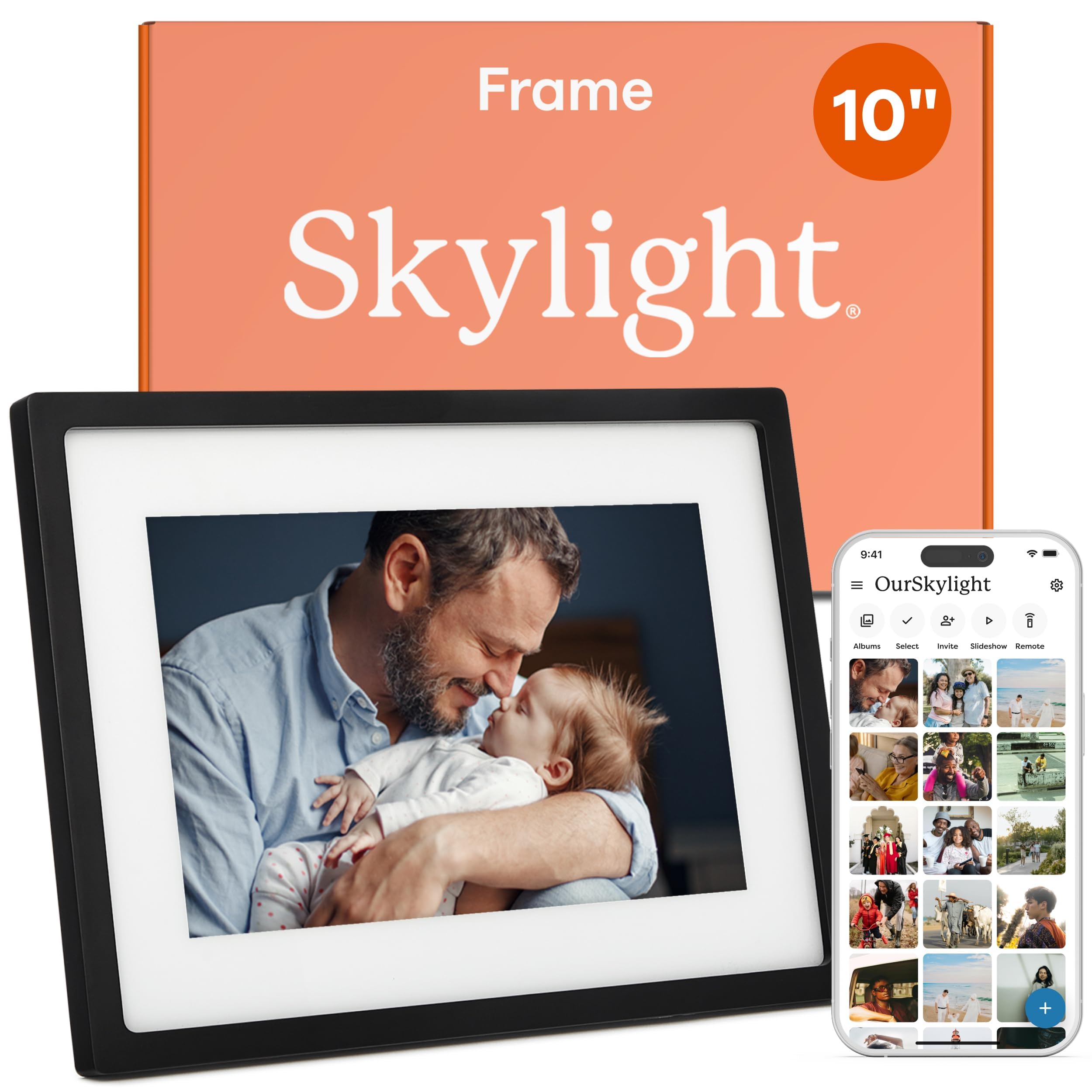
The Skylight's defining feature is not the screen; it is the unique email address assigned to each frame. A relative can send a photo from the phone or computer they already use, which removes the usual invitation dance and the forgotten password that comes with it. We have seen how quickly a frame goes stale when only one person knows how to add pictures, so a lower-friction route is worth attention.

The 10-inch 1280 x 800 touchscreen is crisp enough for a kitchen counter, and the interface is aimed at people who do not want a project. We found the setup straightforward, and Gift Mode is a genuinely useful touch: it lets you preload photos before the frame is unwrapped. The offline mode is a sensible backup for a spotty connection, too.

The frame is built around cloud sharing, so it needs a connection to keep receiving new photos. Offline mode covers gaps, but this is not the pick for a cabin with no Wi-Fi. Local storage is not the focus, so it suits a family that lets the app do the organizing.

What stays with us is how little explanation the frame needs. The screen is sharp, the sharing is unusually direct, and the gift-ready details show someone thought about the person receiving it rather than the person setting it up.

Pros

  • Unique email address simplifies family sharing
  • No subscription needed
  • 10-inch touchscreen is sharp for a counter
  • Gift Mode preloads photos before gifting

Cons

  • 8GB onboard storage is modest
Our verdict

We recommend the Skylight for families who want to send photos by email rather than teach everyone an app; the 10-inch screen and simple sharing make it a natural grandparent frame.

Check Latest Price
3

Best Budget

AEEZO 10.1-inch

91 /100
LBD Score Outstanding

Key details

Display
10.1 inches
Storage
32 GB
Resolution
1280 x 800
Connectivity
Wi-Fi
View on Amazon

The first thing that stands out about the AEEZO is how much frame the budget buys. It pairs a 10.1-inch 1280 x 800 IPS touchscreen with 32GB of built-in storage, which is not a stripped-down spec sheet just because the price is low. We think that combination makes it the easy first stop for a spare room, a first frame, or a gift with a fixed budget.

The AiMOR app is the control room: it handles remote uploads, and the touchscreen is responsive enough for swiping through albums. We found the auto-rotate sensor useful when moving the frame between portrait and landscape, and the light sensor does a small but welcome job of keeping the screen comfortable as the room changes.

The main friction is Wi-Fi setup. Give the frame a strong signal and a little patience, and it settles into the routine; a weak spot in the house is the wrong place for it. The finish is plain black, which is fine on a desk but will not pass as furniture. In a home office or spare room, neither is a dealbreaker.

Those are reasonable compromises for the money. The AEEZO gives you the core experience—sharp pictures, enough storage, and simple sharing—without asking you to treat the purchase as a centerpiece.

Pros

  • 32GB built-in storage for a large slideshow
  • Crisp 10.1-inch touchscreen
  • AiMOR app handles remote uploads

Cons

  • Reliability can be uneven over time
Our verdict

The AEEZO is the budget pick we point to first: a 32GB, 10.1-inch Wi-Fi frame that covers the basics for a lot less than the premium options.

Check Latest Price
4

Best Large Screen

Pastigio 15.6-inch

91 /100
LBD Score Outstanding

Key details

Display
15.6 inches
Storage
32 GB
Resolution
1920 x 1080
Connectivity
Wi-Fi
View on Amazon

At 15.6 inches, the Pastigio is not a frame you tuck beside a lamp; it is a display you plan a wall around. The 1920 x 1080 IPS panel is the reason to consider it. A group photo reads from across the room, and the 16:9 shape gives landscapes the width they need.

That extra size changes how the frame gets used. We like it for a living room or a wide kitchen wall where several people view at once. The Frameo app handles uploads and short videos, and the React feature lets someone send an emoji back to the frame—a small bit of fun that makes the sharing feel two-way.

The frame itself is a plain black-and-white plastic rectangle. At this size, the bezel is more noticeable than it is on a 10-inch model, and it will not disappear into a room the way the Aura does. The screen also wants a strong Wi-Fi signal; when the connection is good, the big display is a pleasure, but a weak signal leaves you staring at the same photos. In a room with a strong router, that is a minor caveat.

If you want a big, bright photo display and can hide the cord, the Pastigio earns its place. It is less successful as a decorative object, so plan the wall before you plan the photos.

Pros

  • 15.6-inch 1920 x 1080 display
  • 32GB storage for a large library
  • Frameo app supports remote uploads
  • Wall-mountable for big rooms

Cons

  • App functionality can be uneven after setup
Our verdict

For a wall or a big room, the Pastigio's 15.6-inch 1080p screen is the one we choose; it makes photos legible from the couch, not just up close.

Check Latest Price
5

Best for Big Photo Libraries

Humblestead 15.6-inch

87 /100
LBD Score Excellent

Key details

Display
15.6 inches
Storage
64 GB
Resolution
1920 x 1080
Connectivity
Wi-Fi
View on Amazon

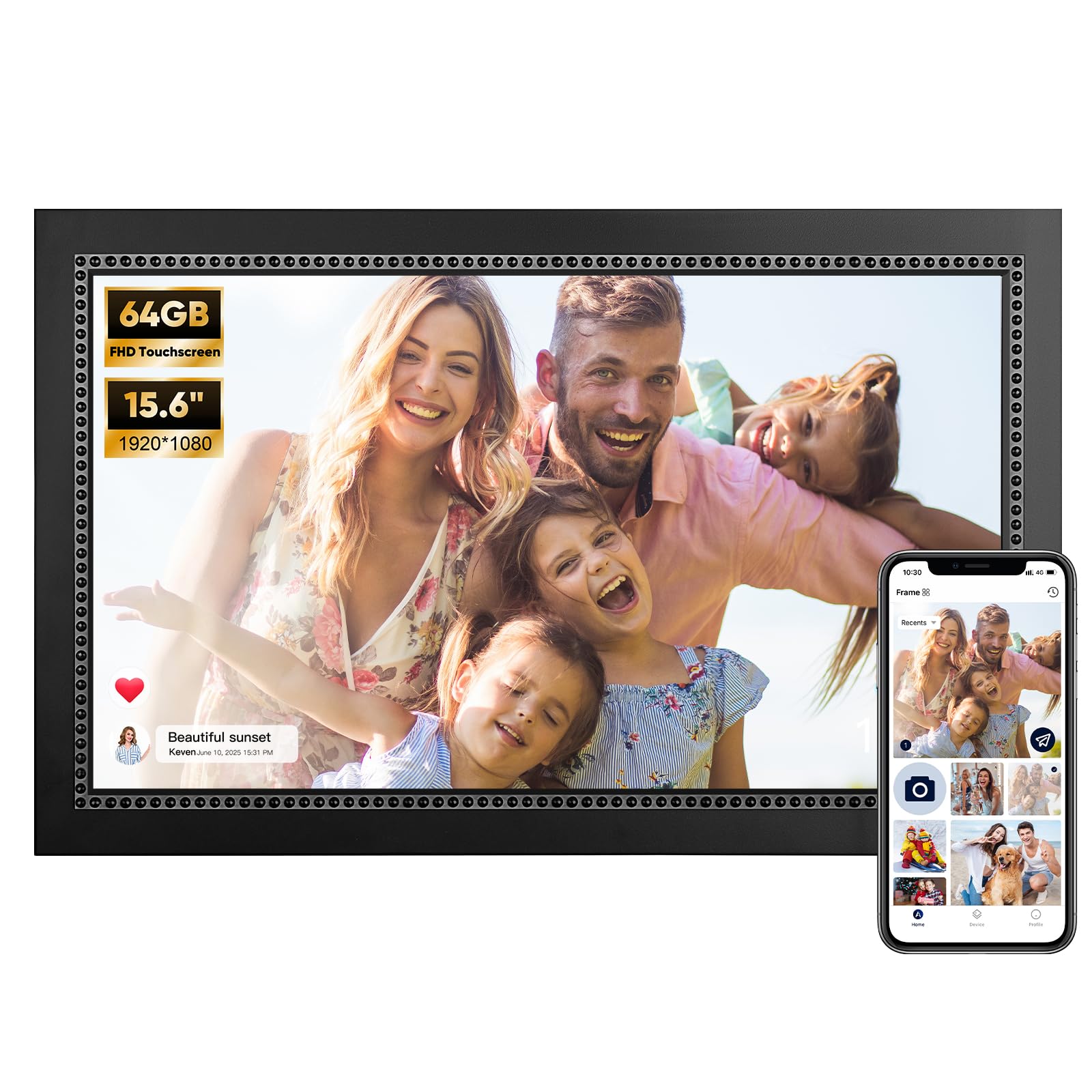
Sixty-four gigabytes is the number that separates the Humblestead from the other big-screen frame here. That is twice the built-in storage of the 32GB Pastigio, and it sits behind a 15.6-inch 1920 x 1080 screen. If your idea of a frame is a deep archive rather than a rotating handful, this is the one that makes that possible.

The AiMOR app supports batch uploads, so loading a year of phone photos is less of a chore than it sounds. The touchscreen is responsive, and the auto-rotate handles portrait shots without fuss. In our testing, the display was bright and detailed enough to justify the big panel; this is a frame that can carry a wall.

The look is the dividing line. The 'Black with Beaded' finish is more decorative than the Aura's clean bezel, and the frame reads as a frame rather than furniture. We think that is the wrong choice for a minimalist room but a warm one for a hallway or a family room where the display is meant to be noticed.

For a household with years of photos and no interest in pruning, the Humblestead's storage is the practical advantage. Check the beaded finish against your wall first; if it fits, the capacity is the reason to choose it over a prettier 10-inch frame.

Pros

  • 64GB built-in storage for a deep library
  • 15.6-inch 1920 x 1080 display
  • Batch uploads through the AiMOR app

Cons

  • Wireless connection can be uneven
Our verdict

We like the Humblestead for households with years of photos: its 64GB storage and 15.6-inch 1080p screen give you room to keep a large library on the frame itself.

Check Latest Price
6

Expandable Storage

Euphro 10.1-inch

89 /100
LBD Score Excellent

Key details

Display
10.1 inches
Storage
32 GB
Expansion
MicroSD
Resolution
1280 x 800
View on Amazon

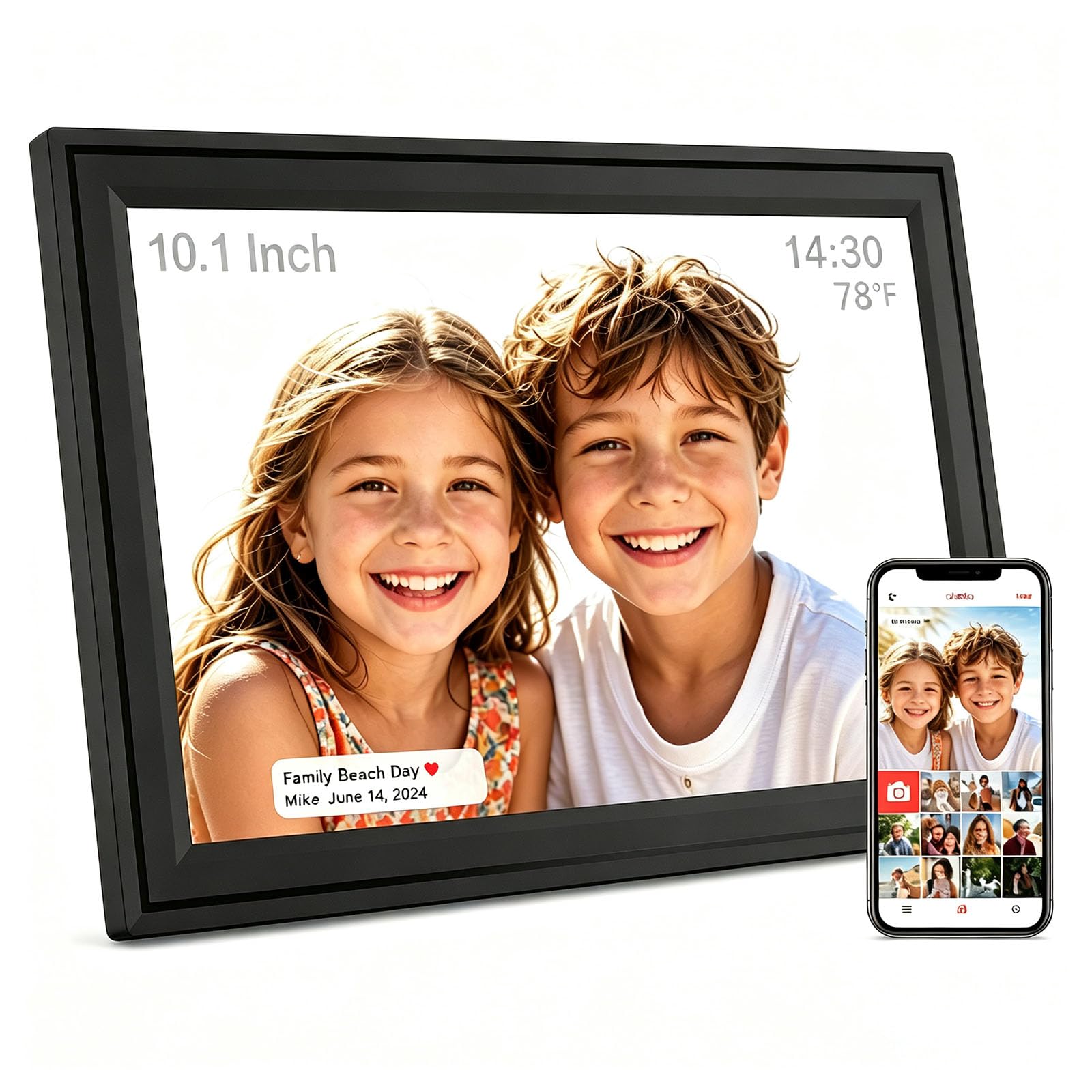
The Euphro's clearest advantage in this group is a microSD slot next to its 32GB of built-in storage. That matters if you keep a card full of photos from a camera or want a physical backup you can move between devices. It is a practical feature that sets it apart in this group.

The 10.1-inch 1280 x 800 IPS touchscreen is bright and crisp, and the Uhale app handles photo and video uploads without much ceremony. We appreciated the customization options for slideshow order and image fit, which make a mixed library look more deliberate.

Setup is where the frame asks for patience. Wi-Fi connectivity can be uneven, and a weak signal makes the app less forgiving. Place the frame within good coverage before you decide it is faulty, and keep a card in the slot so you always have a local library to fall back on.

That makes the Euphro a good fit for someone who wants an expandable local collection, not a set-and-forget gift. The storage flexibility is worth the trade; the more polished frames here are safer for a parent or grandparent who will not troubleshoot.

Pros

  • 32GB plus a microSD slot
  • 10.1-inch 1280 x 800 IPS touchscreen
  • Uhale app handles photo and video uploads

Cons

  • Slideshows can freeze
Our verdict

The Euphro is the one to choose if you want a 10-inch frame with 32GB and a microSD slot; it is a practical midrange option for people who keep a local photo library.

Check Latest Price
7

Wall Display

Annalivkg 10.1-inch

88 /100
LBD Score Excellent

Key details

Display
10.1 inches
Mounting
Wall or desktop
Warranty
1 year
Resolution
1080p
View on Amazon

The Annalivkg is the frame in this group that most clearly wants to live on a wall. It is a 10.1-inch model with a 1080p panel, and it can be mounted rather than propped on a shelf. At its price, that combination is unusual.

The app handles remote photo and video sharing, and auto-rotation means portrait shots do not arrive sideways. We like the idea of a hallway frame that gets new pictures without anyone touching it. The 1080p resolution is the spec to care about here; it gives the 10.1-inch screen more detail than the 1280 x 800 panels used by several rivals.

The hardware is where the savings show. The frame is plastic, and the finish is basic. Wall-mounting sidesteps the stand entirely, which is the better setup for a frame that will sit high or in a busy hallway.

A hallway or kitchen wall is the right setting for it: the picture is sharp, the price is low, and the mounting option matters more than the finish. As a main gift, the Aura or Skylight makes a more polished impression.

Pros

  • 10.1-inch 1080p display
  • Wall-mount or desktop placement
  • Remote photo and video sharing via app

Cons

  • Kickstand can come loose
Our verdict

The Annalivkg is a useful low-cost wall-mount option: a 10.1-inch 1080p frame for a hallway or kitchen, provided you want a simple secondary display.

Check Latest Price

How We Tested 12 Frames Over Six Months

We started by collecting every frame with a working companion app, a current-generation screen, and enough built-in storage to hold a few thousand photos, then trimmed the list to 12 that covered 10- to 15-inch sizes and both tabletop and wall-mountable designs. Each has been running in someone's actual home for six months — on kitchen counters, bedside tables, a hallway wall, and in two households where the owner is over 70 and does not set anything up herself.

We timed setup from the moment the box opened to the moment the first photo appeared, writing down every prompt the frame asked for along the way. Then we handed the phone to a person who had never touched the app and timed how long it took them to send ten photos and one video, because that's the real test of whether a frame keeps getting updated.

Picture quality was judged from the couch rather than six inches away: we looked at skin tones in indoor shots, checked whether portrait photos rotated on their own or arrived sideways, and watched how the screen held up from an angle across the room. For connectivity and reliability, we switched off the Wi-Fi for an hour to see whether the frame rejoined the network by itself, then kept watching for duplicates, photos landing out of order, and slideshows that stalled after a few weeks of continuous running.

Value came down to what's included out of the box — storage, screen size, no extra hardware to buy — rather than how a frame performs in its first hour. Six months in, the ones we still glance at without thinking are the ones that never made us open the app in frustration.

How to Choose a Digital Photo Frame

Match the screen to the room

Size matters more than resolution on its own. A 10.1-inch frame is the countertop and shelf default; a 15.6-inch model is a wall display you view from across a room. At 10 inches, a 1280 x 800 IPS screen is crisp enough, and the wide viewing angle matters when several people look at once. At 15.6 inches, 1920 x 1080 is the panel to want because individual pixels are more visible.

Before you choose, decide where the frame will sit and measure that spot. A big screen can overwhelm a narrow bookshelf, while a 10-inch frame disappears on a wide living-room wall. Our large-screen picks, the Pastigio and Humblestead, make sense when the wall is the destination; the Aura and AEEZO suit a counter.

Choose the sharing route your family will use

The app is not a detail; it is the product. Aura's app-first approach gives you a polished album to manage, while Skylight's unique email address lets a relative send a photo without installing anything. Think about who will actually add pictures. If it is one tech-comfortable person, either route works; if it is a group of relatives, pick the one they will not abandon after a week.

Check the network before setup. Some frames require a 2.4GHz Wi-Fi band, and a router set to 5GHz only can turn a simple gift into a troubleshooting session. Know which band your frame needs and whether your router can provide it.

Treat storage as a library decision

Built-in storage decides whether the frame is a rotating highlight reel or a home for the whole archive. A 32GB frame is a sensible default for most families; 64GB gives you room to keep more originals, and a microSD slot lets you move a card between camera and frame. The tiny 8GB capacity on a cloud-first frame is less of an issue if the app is doing the heavy lifting, but it is not the choice for a self-contained library.

Do not assume storage is the same as backup. A frame is a display, not a photo vault; keep the originals in your phone or cloud account as well. If you want the frame to work without a subscription, confirm that before you buy and keep a card-based fallback.

Plan for power, placement, and upkeep

Every frame here runs on a cord, so the nearest outlet is part of the decision. A wall-mounted frame needs a route for the cable, and a countertop frame needs a stand that holds the screen at a comfortable angle. Auto-rotate is worth having if you mix portrait and landscape photos; without it, every vertical shot becomes a sideways interruption.

Long-term reliability is the category's weak spot. Buy from a seller with a straightforward return policy, keep the warranty information, and test the frame with your own photos before the return window closes. A frame that stays on all day is a small appliance, not a picture hook.

Frequently Asked Questions

Final Verdict

The Aura Carver is our default because it pairs the strongest photo-first display and app experience in this set with a finish that looks at home in a living room. For most families, that is the frame that stays filled. If your relatives will not install an app, choose the Skylight; if the frame is going on a large wall, the Pastigio 15.6 makes better use of the space.