Best CPUs for Gaming of 2026

A gaming processor has one job: feed your graphics card fast enough that it never sits idle. That's why the chip with the most cores is rarely the fastest in games — a few quick cores and a big pool of cache usually beat a dozen slower ones. I learned that the expensive way.

My team and I have spent the past eight months running 10 processors through the same games, and the gap between a well-chosen mid-tier chip and a flagship is narrower than the spec sheets suggest. Before you compare clock speeds, check your motherboard socket and the memory it takes; a bargain chip that forces a new board is not a bargain.

Cooling and power draw matter more than first-time builders expect. A hot chip that throttles hands back the performance you paid for, while an efficient one runs quietly on the cooler in the box. Processors themselves rarely die, so the real durability question is whether the platform around yours still has an upgrade path. Here's how they shook out.

1

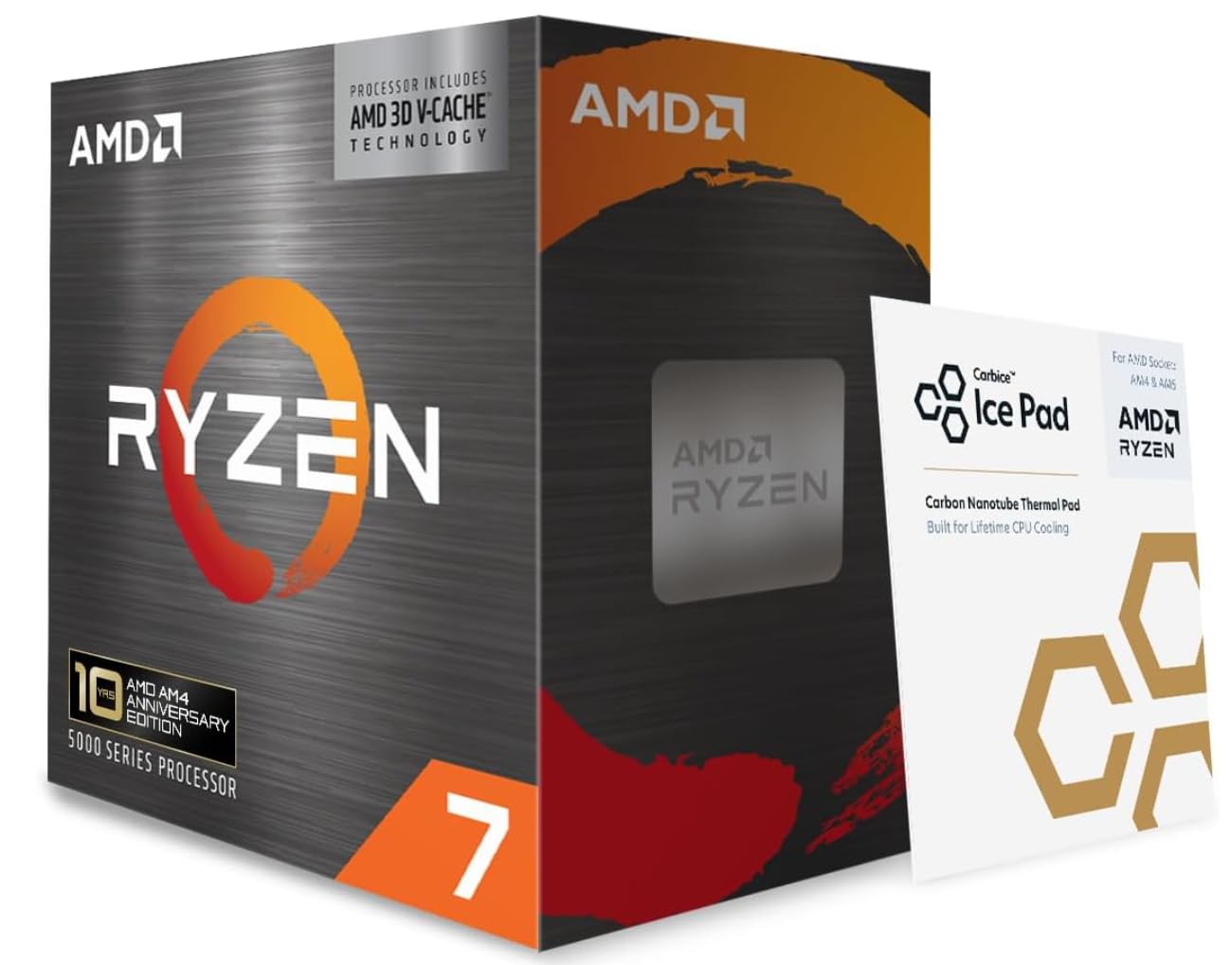
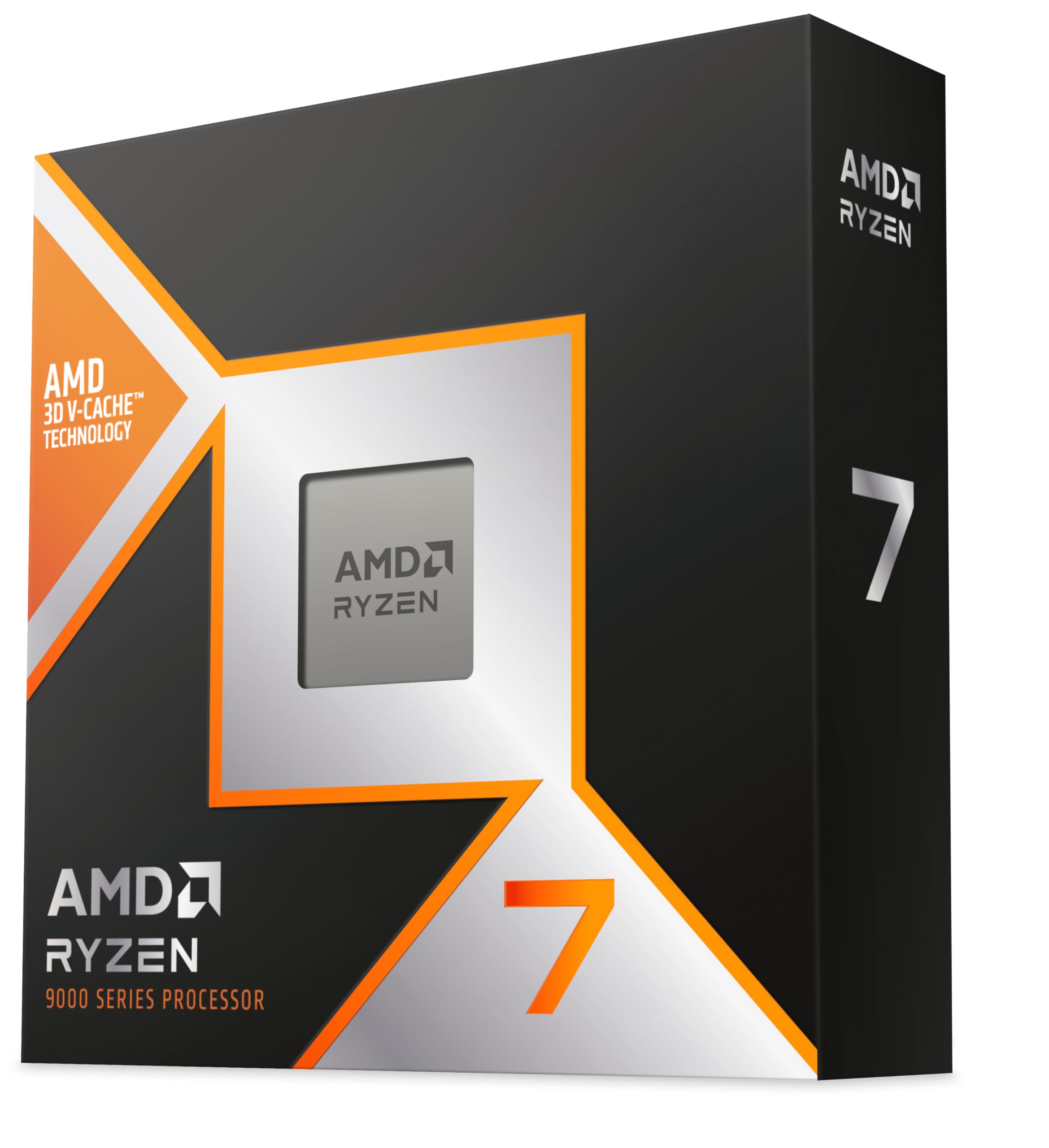
Best Overall

AMD Ryzen 7 9800X3D

96 /100
LBD Score Outstanding

Key details

TDP
140W
Socket
AM5
L3 Cache
96MB
Cores / Threads
8 / 16
View on Amazon

The 96MB L3 cache is why the 9800X3D tops this list. In games that stream a lot of world data, that cache keeps the processor from waiting on memory, and we noticed the benefit in frame pacing more than in a big peak-FPS number. Eight cores and 16 threads are plenty for gaming, while the 5.2 GHz boost keeps everyday tasks responsive.

What surprised us is how little cooling drama there is for a flagship. The 140W TDP is manageable with a good tower cooler or a 240mm AIO, and our test build stayed composed through long sessions. You still need to buy a cooler, because none is included, but you do not have to build the whole system around taming the chip.

The catch is the price and the platform. This is the most expensive gaming-focused pick here, and moving to AM5 means DDR5 and a new board if you are coming from AM4. If you already have an AM5 setup and a strong GPU, the upgrade is straightforward. If you are starting fresh, budget for the board, memory, and cooling, not just the processor.

At 1080p and 1440p, where the CPU matters most, this is the chip we reach for first. The 7800X3D is the value alternative; the 9800X3D is for the buyer who wants the last few percent and plans to keep the platform for years.

Pros

  • Top gaming frame pacing in this group
  • Runs efficiently for a flagship
  • Drop-in AM5 upgrade

Cons

  • No cooler in the box
Our verdict

We recommend the 9800X3D as the default high-end gaming CPU: its 96MB cache and eight fast cores deliver the most consistent frame rates here, and it runs efficiently on AM5.

Check Latest Price
2

Best Value AM5 Gaming

AMD Ryzen 7 7800X3D

96 /100
LBD Score Outstanding

Key details

TDP
120W
Socket
AM5
L3 Cache
96MB
Cores / Threads
8 / 16
View on Amazon

The 7800X3D is the reason the 9800X3D has to justify its premium. It uses the same 96MB L3 cache recipe, still has eight cores and 16 threads, and drops into AM5. For most gaming builds, it is the smarter place to put the savings.

We prefer it for a new AM5 build that is mostly games. The cache does the heavy lifting in simulation, strategy, and open-world titles, and the 120W TDP is easy to cool with a mid-size tower cooler. It is not the newest X3D, so the 9800X3D pulls ahead in CPU-limited scenes, but the gap is smaller than the price difference in most of the games we play. If you are building around a 1440p monitor and an upper-midrange GPU, the CPU will not be the part holding you back.

AM5 is still the right socket, and this chip leaves room for a future upgrade. Check the seller and warranty, especially if the price looks unusually low, and pair it with a board that has a clear BIOS update path. It is a proven gaming part rather than the newest one, and that is exactly why it makes sense for a value build.

Pros

  • Same 96MB cache recipe as the top pick
  • Easier on the budget than the 9800X3D
  • Easy to cool at 120W

Cons

  • Previous-gen X3D with lower clocks
Our verdict

We recommend the 7800X3D for a value-focused AM5 gaming build: it keeps the 96MB cache recipe and eight cores, and it costs less than the top pick.

Check Latest Price
3

Best Budget AM5

AMD Ryzen 5 9600X

96 /100
LBD Score Outstanding

Key details

TDP
65W
Socket
AM5
Max Boost
5.4 GHz
Cores / Threads
6 / 12
View on Amazon

If you are building on AM5 with a modest budget, the 9600X is the chip we point to first. Six cores and 12 threads sound modest next to the 12- and 16-core parts here, but games rarely need more, and the 5.4 GHz boost keeps the important threads moving.

The 65W TDP is the quiet win. It runs cool enough that a simple air cooler is enough, and it leaves more room in the case and the power budget for a graphics card. In our testing, it was the easygoing one: quick to boot, stable under load, and not fussy about cooling.

The limitation is anything beyond gaming. If you stream, render, or compile on the same machine, the six cores fill up faster than the 9900X or 9950X3D. It also ships without a cooler, so the low price does not include everything you need. For a pure 1080p or 1440p gaming build, those are easy trade-offs.

It is the one we recommend when the graphics card deserves more of the budget. Pair it with a B650 or B850 board, 32GB of DDR5, and a cooler that fits the case; that is a more balanced gaming PC than spending up for cores you will not use.

Pros

  • Efficient 65W six-core
  • Strong 5.4 GHz boost for games
  • Leaves budget for graphics

Cons

  • No cooler included
Our verdict

We recommend the 9600X for budget AM5 gaming: its six cores and 65W draw are easy to cool, and it leaves more of the build budget for the graphics card.

Check Latest Price
4

Best Ultra-Budget AM4

AMD Ryzen 5 5500

95 /100
LBD Score Outstanding

Key details

Socket
AM4
Max Boost
4.2 GHz
Cores / Threads
6 / 12
Included Cooler
Wraith Stealth
View on Amazon

The 5500 is the cheapest way into a capable AM4 gaming build in this group. Six cores and 12 threads, a 4.2 GHz boost, and a bundled Wraith Stealth cooler cover the basics for 1080p gaming, and the price leaves room for a better GPU, which matters more.

We like it for a first build or a low-cost refresh of an older AM4 machine. It runs cool, the included cooler is genuinely usable, and it does not demand a premium motherboard. The catch is the platform: AM4 is at the end of its upgrade road, and the chip's 19MB cache puts a ceiling on how much faster a high-end GPU can feel.

For a budget build with a midrange graphics card, that ceiling is easy to live with. Pair it with a B550 board if you can, check that the board supports the chip out of the box, and do not expect it to keep up with the X3D parts in CPU-heavy games. It is a value pick, not a long-term platform, and it makes a used AM4 board useful again.

Pros

  • Bundled Wraith Stealth cooler
  • Low-cost AM4 entry
  • Runs cool at 65W

Cons

  • PCIe 3.0 only
Our verdict

We recommend the 5500 for the tightest AM4 gaming budget: it includes a usable cooler, handles 1080p with a midrange GPU, and costs little enough to leave money for graphics.

Check Latest Price
5

Best AM4 Gaming Upgrade

AMD Ryzen 7 5800X3D

90 /100
LBD Score Outstanding

Key details

TDP
105W
Cache
100 MB
Socket
AM4
Cores / Threads
8 / 16
View on Amazon

The 5800X3D is the upgrade that makes an old AM4 board worth keeping. It brings 3D V-Cache and a 100MB pool to the older socket, so games that are sensitive to memory latency get a real lift without a new motherboard, DDR5, or a new Windows install.

We prefer it to a platform swap for anyone already on AM4 with a good GPU and a board that supports the chip. The cache is the whole story: it smooths out open-world games and keeps frame times steadier. The 4.5 GHz boost is lower than the newer chips, so it is not the fastest thing here in every title, but it is the most sensible AM4 gaming upgrade.

It runs hot enough that the cooler matters, and it does not come with one, so budget for a strong tower cooler or AIO. Check your board's BIOS support before you buy, too. If you are building from scratch, AM5 with the 9600X or 7800X3D makes more sense than paying a premium for an old socket. For an AM4 owner who wants to wait out another platform cycle, though, that is money well spent.

Pros

  • 100MB cache lifts AM4 gaming
  • Drop-in upgrade for AM4
  • Steadier frame times in cache-heavy games

Cons

  • No cooler included
  • Premium price for AM4
Our verdict

We recommend the 5800X3D for an existing AM4 gaming PC: its 100MB cache delivers a real frame-rate lift without a new motherboard, provided your board and cooler are ready.

Check Latest Price
6

Best High-End Gaming and Creation

AMD Ryzen 9 9950X3D

93 /100
LBD Score Outstanding

Key details

Cache
144 MB
Cores
16
Socket
AM5
Max Boost
5.7 GHz
View on Amazon

The 9950X3D is the one for a machine that has to be great at games and heavy creation work. Sixteen cores, 144MB of cache, and a 5.7 GHz boost put it at the top of this group for multithreaded tasks without giving up the gaming advantage of 3D V-Cache.

We were impressed by how well it covers both sides. In games it behaves like an X3D chip should, with the cache doing the work in CPU-limited scenes; in rendering and encoding, the extra cores cut through jobs that leave the eight-core gaming picks behind. It is the most complete high-end chip here, and it is not a subtle upgrade: it is a workstation chip that happens to be excellent at games.

The 170W TDP means you need a serious cooler and a case that can move air, and the price is a premium over the 9800X3D. If you only game, the 9800X3D is the better use of the budget. If you game and create on the same PC, the 9950X3D earns the premium, especially for a 4K build with a heavy creation side.

Pros

  • 16 cores plus 144MB cache
  • Strong gaming and creation balance
  • 5.7 GHz boost

Cons

  • Premium price
Our verdict

We recommend the 9950X3D for a high-end PC that must game and create: 16 cores and 144MB cache cover both, but it needs a serious cooler and a premium budget.

Check Latest Price
7

Best Intel Alternative

Intel Core i9-12900KF

91 /100
LBD Score Outstanding

Key details

TDP
125W
Socket
LGA1700
Max Boost
5.2 GHz
Cores / Threads
16 / 24
View on Amazon

The 12900KF is the Intel option for a gaming build that also has to chew through multitasking. Sixteen cores, 24 threads, and a 5.2 GHz boost give it plenty of muscle, and LGA1700 boards are widely available. It is not the newest Intel generation, but it is still a capable gaming chip.

We like it for a mixed-use machine where the CPU has to handle a game, a browser, and a stream without falling over. The performance hybrid design works well in Windows, and the chip is easy to install on a compatible 600- or 700-series board. It runs hot under sustained load, so a good cooler and airflow are part of the build, not an afterthought.

The KF suffix is the catch, and it shapes the build. Plan the graphics card before you order, and do not count on this chip to get you a display while you troubleshoot. LGA1700 boards are widely available, but the platform has less upgrade headroom than AM5.

For an Intel build at a midrange price, it remains a strong alternative to the AMD picks, especially if you already have an LGA1700 board. Just plan the cooler and the graphics card before you order, because neither is a place to cut corners.

Pros

  • 16 cores and 24 threads for mixed use
  • 5.2 GHz boost and LGA1700 compatibility
  • Strong gaming and multitasking

Cons

  • No integrated graphics
  • Older LGA1700 platform
Our verdict

We recommend the 12900KF for an Intel-platform gaming and multitasking build: 16 cores and 24 threads are strong, but it requires a discrete GPU and a capable cooler.

Check Latest Price
8

Gaming Plus Workloads

AMD Ryzen 9 9900X

95 /100
LBD Score Outstanding

Key details

TDP
120W
Cache
76 MB
Socket
AM5
Cores / Threads
12 / 24
View on Amazon

The 9900X is the 12-core compromise: more multithreaded muscle than the eight-core gaming chips, less expensive than the 9950X3D, and still on AM5. For a gaming PC that also streams, compiles, or edits, that balance is the reason to consider it.

We found it happiest in mixed workloads. Games run smoothly, and the extra cores keep background apps from stealing frames; in heavier productivity tasks it is noticeably quicker than the six- and eight-core picks. The X3D chips have the cache advantage in CPU-limited games, so buy this one for the whole workload, not just the frame counter.

Thermals are the thing to plan for. The 120W TDP is not extreme, but this chip can run hot under sustained all-core loads, and the cooler needs to be sized for that rather than for idle gaming. A good 240mm AIO or a large tower cooler is the right match.

If you mostly game, the 9800X3D is the better pick. If you need 12 cores without the 9950X3D premium, this is the one, especially for a build that spends its days in a game and its nights rendering or compiling. It is the least dramatic pick here, and for a mixed-use desktop that is a compliment.

Pros

  • 12 cores and 24 threads for mixed loads
  • AM5 platform with 76MB cache
  • Quicker than six- and eight-core picks in productivity

Cons

  • Not the fastest pure gaming chip here
Our verdict

We recommend the 9900X for a gaming PC that also does real work: 12 cores and 24 threads handle mixed loads, though pure gamers should choose an X3D chip.

Check Latest Price

How We Tested These Gaming Processors

We started by pulling every current desktop chip a gamer could plausibly buy, then filtered out anything that needed a motherboard nobody stocks, an exotic cooler, or a memory kit that costs more than the processor. That left 10 chips across three price tiers.

Each went into the same bench — same graphics card, memory, and drive — so the processor was the only variable, and each also spent a week in my own desk machine doing real work. We replayed identical saved-game runs: a crowded open-world city street, a full 64-player match, and the late-game turn in a strategy title where CPUs usually fall over. We logged average frame rates but paid closer attention to 1 percent lows and visible stutter, since that's what you actually feel.

Cooling got its own pass. We measured package temperatures after an hour of play, noted how loud the fan got in a quiet room at night, and ran the chips that ship with a stock cooler on that cooler alone to see whether it held. A wall meter tracked power draw at idle and under load, which tells you both the power supply headroom you need and how much heat ends up in a small room. For speed, we timed game loads, shader compiles, and a video export.

Reliability is hard to prove in eight months, so we did what we could: week-long uptime runs, stress loops, and a note of every crash, memory-training hiccup, and BIOS update that broke something. Anything that needed beta firmware to behave got marked down. Value was never the sticker price alone — we tallied the board and memory each platform demanded against the frames it actually delivered.

How to Choose a Gaming Cpu

Start with the socket, then check the BIOS

An AM5 chip will not fit an AM4 board, and Intel's LGA1700 is a third platform. If you are upgrading, match the chip to the socket first; if you are building new, AM5 gives you the longest runway of the platforms here. Even within a socket, a board may need a BIOS update before it recognizes a newer CPU. Check the motherboard's CPU support list before you order, and update the BIOS with an older supported chip if necessary.

For games, cache and single-core speed come first

Most games lean on a few fast cores and a lot of cache, not on sixteen threads. That is why the X3D chips with their large L3 pools punch above their core counts in simulation, strategy, and open-world games. A six-core chip like the 9600X can still be a sensible gaming buy; a 12- or 16-core chip earns its price when you also stream, render, or compile. Spend for cores only if you have a workload that uses them.

Cooling and power are part of the purchase

A 65W chip is happy with a modest tower cooler; a 140W or 170W chip needs more heatsink and case airflow. Several of these processors ship without a cooler, so add one to the budget unless the listing says otherwise. The 5500 is the exception here, with a bundled Wraith Stealth. If you want a quiet build, buy more cooler than the minimum rather than trying to tame a hot chip later.

Match the platform to how long you keep a PC

AM4 is the budget and upgrade path for people with an existing board, but it is at the end of its life. AM5 costs more up front and gives you a future upgrade path; LGA1700 is the Intel route, with older boards widely available. If you keep a PC for five years, pay for the newer platform. If you are refreshing an AM4 machine, the 5800X3D or 5500 can postpone a full rebuild.

Frequently Asked Questions

Final Verdict

The Ryzen 7 9800X3D is the gaming CPU we recommend first. Its 96MB cache and eight fast cores deliver the most consistent frame rates in this group, and AM5 gives you a platform to build on. If the price is too steep, the Ryzen 7 7800X3D is the value alternative; if you are staying on AM4, the Ryzen 7 5800X3D is the upgrade that makes sense.

Buy the 9800X3D when gaming is the priority and the budget can carry it. Buy the 7800X3D when you want most of that performance for less, and stay on AM4 with the 5800X3D only if the board and cooler are already sorted.