Best Business Projectors of 2026

The moment a projector fails is rarely dramatic. The lights go down, the first slide comes up, and the people in the back row start squinting — or your carefully color-coded spreadsheet lands on screen as a pale gray smear. A business projector's job is to prevent exactly that, whether you're presenting in a fluorescent-lit conference room or a borrowed space where nobody can find the blinds.

Brightness gets all the attention, and it does matter. But a lumen count on the box tells you nothing about whether small text holds its edges across a 100-inch image, or whether the fan whines loud enough to compete with your voice by slide four. After six months with eight projectors set up in meeting rooms, hotel conference spaces, and one very dim basement office, the things that actually shaped my opinion were keystone correction, optical zoom, and how quickly I could get a laptop connected and mirrored.

The picks below are the ones I'd hand to a colleague without a caveat. Each earned its spot on picture quality, brightness, or straight-up value, and none of them needed a manual to get running. A couple are happiest on a permanent ceiling mount; others are built to be zipped into a bag and carried to a client site. Figure out how you'll actually use yours, then read on.

1

Best Overall

Epson Pro EX11000

90 /100
LBD Score Outstanding

Key details

Brightness
4,600 ANSI lumens
Connectivity
2 HDMI, Miracast
Light Source
Laser, 20,000 hours
Native Resolution
1920 x 1080
View on Amazon

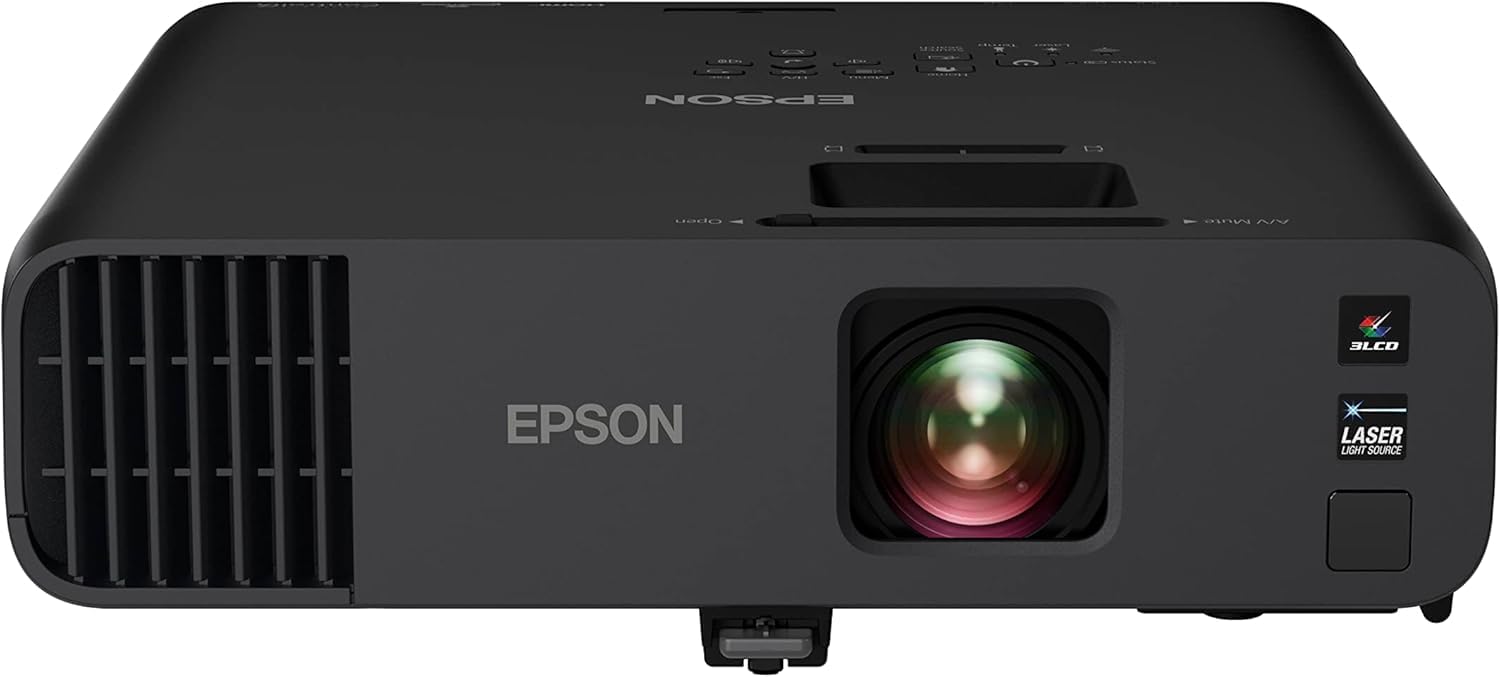
The Epson Pro EX11000 is the projector we choose when the room has windows and the lights are staying on. Its 4,600 lumens are the reason: spreadsheets, video calls, and slide titles hold their shape instead of washing into the wall. We also like that the light comes from a laser rated for 20,000 hours, so a ceiling-mounted unit in a busy conference room is not waiting on a lamp swap. That combination is what makes it the default for a fixed meeting room.

Full HD matters here too. The 1920 x 1080 native resolution gives small text a cleaner edge than the WXGA business projectors in this group, and the two HDMI ports plus Miracast cover the awkward mix of laptops, room PCs, and phones that show up in meetings. The 16W speaker is loud enough for a huddle room, though we still route bigger rooms through the house audio. We also appreciate the carrying case, which keeps the remote and cable together when the projector moves.

For a dedicated boardroom, this is the set-and-forget choice: the laser light source means no lamp schedule to track, and the 1080p picture is sharp enough for a shared spreadsheet. The included case is a small but welcome extra when the projector moves between rooms. That is the combination we want in a room that has to work every day.

Pros

  • Keeps images readable with the lights on
  • Laser light source rated for 20,000 hours
  • Native 1080p sharpens small text
  • Two HDMI ports plus Miracast

Cons

  • 9.5 pounds is heavy for daily travel
Our verdict

For most conference rooms, we reach for the Pro EX11000: it stays readable with the lights on, and the laser light source means no lamp swaps to plan around.
Check Latest Price
2

Best Value Full HD

ViewSonic PA503HD

81 /100
LBD Score Excellent

Key details

Weight
6 lb
Brightness
4,000 ANSI lumens
Light Source
Lamp, 4,000 hours
Native Resolution
1920 x 1080
View on Amazon

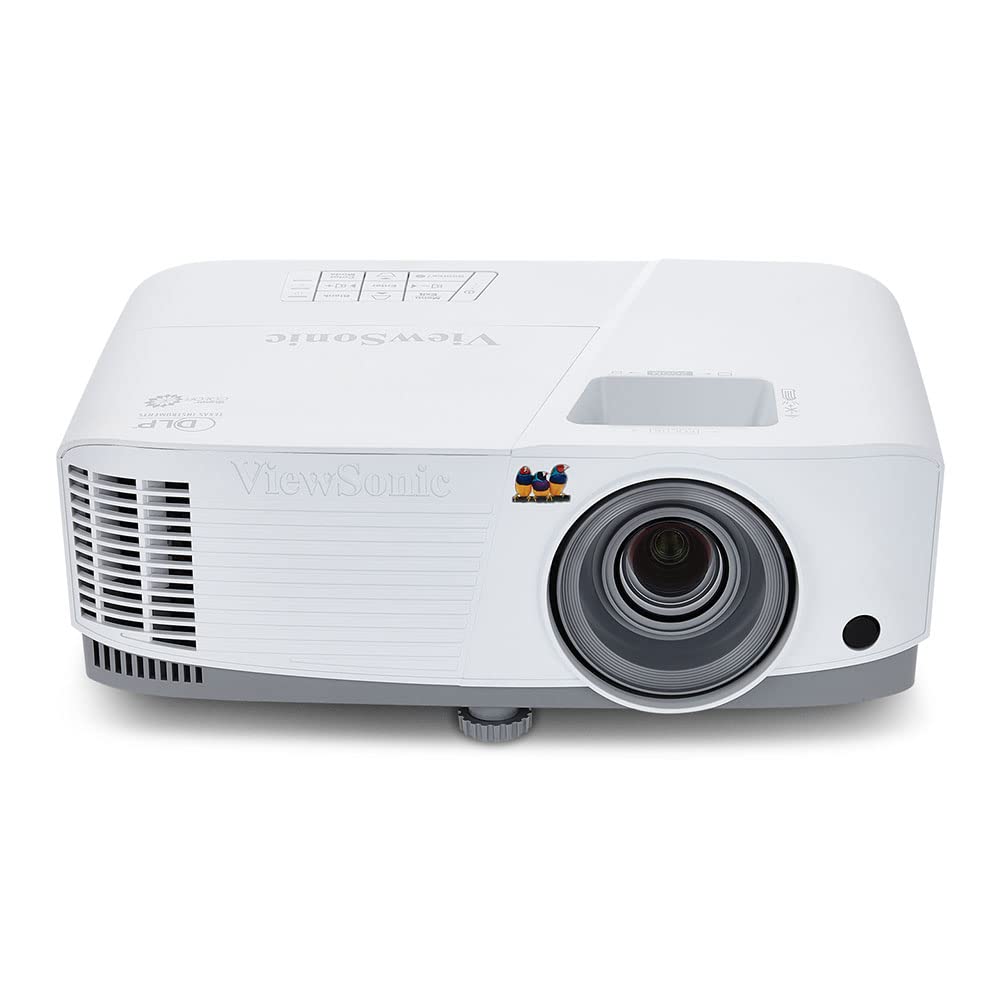
The ViewSonic PA503HD is the full-HD pick for a midrange budget: native 1920 x 1080 and 4,000 lumens, with the kind of crisp text that makes a spreadsheet readable from the back row. We put a dense slide on screen and the numbers kept their edges; that is the practical difference between this and the WXGA models here. If your meetings are mostly documents and detailed charts, the resolution step is worth taking.

The 120Hz refresh rate and 16ms input latency are unusual in a business projector. They matter less for a static deck, but they make video clips and cursor movement look smooth, and they give the PA503HD a second life for training videos or a product demo that needs smooth motion. We also noted that the 1.1x optical zoom gives you a little room to adjust the image without moving the table.

The 6-pound body is easy to move from room to room, and the three-year parts-and-labor warranty is a stronger safety net than the one-year coverage on several picks here. The lamp is rated for 4,000 hours, so it will need a replacement eventually, but that is a reasonable trade for a lamp-based projector. For a small office that wants full-HD text without a laser projector, this is the sensible middle.

Pros

  • Native 1080p for crisp text
  • 4,000 lumens holds up in ambient light
  • 120Hz refresh and 16ms input latency
  • Three-year parts and labor warranty

Cons

  • Vertical-only keystone limits off-axis setup
Our verdict

Crisp 1080p text and 4,000 lumens make the PA503HD the value pick, as long as you can square it to the screen.

Check Latest Price
3

Best Budget Portable

Epson EpiqVision Flex CO-W01

89 /100
LBD Score Excellent

Key details

Weight
5.3 lb
Brightness
3,000 lumens
Connectivity
HDMI, USB
Native Resolution
1280 x 800
View on Amazon

At 5.3 pounds, the Epson EpiqVision Flex CO-W01 is the one we pack when the meeting is somewhere else. It slips into a backpack, starts from HDMI, and throws a 3,000-lumen image that is bright enough for a dim conference room or a classroom with the blinds closed. The compact body also makes it easy to move between tables when the room layout is not what you expected.

The 3-chip 3LCD light engine is the reason to choose it over a cheap single-chip projector: color stays even across the frame, and skin tones in a video call do not go green at the edges. We also liked the simple HDMI-and-go setup for guest laptops. It is not a home-theater projector, but it handles a training video without making the room feel like a compromise.

The catch is resolution. At 1280 x 800, the CO-W01 is fine for slides and video, but small text in a dense spreadsheet loses crispness compared with the full-HD picks. For the price, that is a fair trade for a projector that travels well and does not make you baby it. It is the budget companion, not the primary boardroom projector.

Pros

  • 5.3 pounds travels easily
  • 3,000 lumens with 3LCD color
  • Simple HDMI setup for guest laptops

Cons

  • Built-in speaker is weak for larger rooms
Our verdict

Pack the CO-W01 when the meeting is somewhere else: it is light, bright enough for a dim room, and a solid value for travel.

Check Latest Price
4

Best Bright Budget

ViewSonic PA503W

89 /100
LBD Score Excellent

Key details

Weight
4.85 lb
Brightness
4,000 ANSI lumens
Connectivity
HDMI, VGA, Mini USB
Native Resolution
1280 x 800
View on Amazon

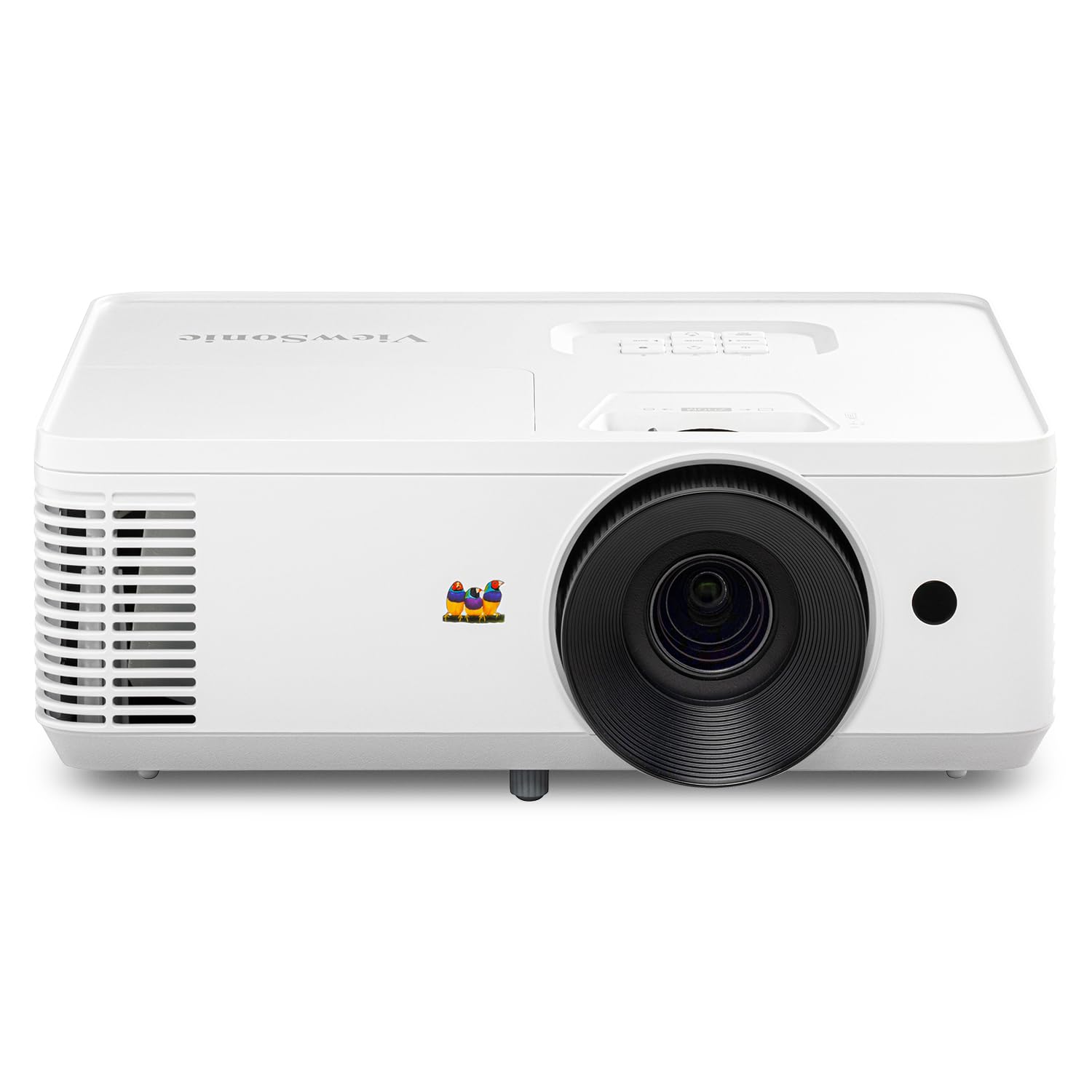
If your presentations are mostly slides and the room is large, the ViewSonic PA503W makes more sense than paying for full HD. Its 4,000 lumens keep a title and a chart visible with the lights on, and the 120Hz refresh rate is a nice surprise when a video clip rolls. The low 16ms input latency also keeps a laser pointer or cursor from lagging.

We like it as the budget workhorse for a classroom or training room: the 2.2 kg body is easy to move between tables, and HDMI, VGA, and Mini USB cover the older equipment that still shows up in schools. The picture is bright and even, and we did not have to chase the blinds during an afternoon session. The controls are straightforward enough to hand to a substitute teacher.

The 5,000-hour lamp is not the 20,000-hour laser of the top pick, but it is a reasonable life for a projector that runs a few hours a day. For a school or training room that needs a bright, uncomplicated projector, that is the trade we are happy to make. It is the one we leave on a cart for the whole term.

Pros

  • 4,000 lumens for lit rooms
  • 120Hz refresh and 16ms latency
  • Light 2.2 kg body
  • HDMI, VGA, and Mini USB inputs

Cons

  • WXGA resolution softens small text
Our verdict

For slide-heavy classrooms, the PA503W's 4,000 lumens and easy inputs are the draw; just accept WXGA detail.

Check Latest Price

How We Tested Business Projectors

We started by pulling every projector that showed up repeatedly in business and classroom use, then filtering by resolution, brightness class, port selection, form factor, and how much of the hardware budget went toward the lens rather than the casing. From that pool we brought in eight units across the price range, from basic presentation workhorses to wireless units aimed at conference rooms, and lived with each for six months.

Every projector got the same three rooms: a conference room with the fluorescents on full and no dimming, a dim basement office, and a bright room with uncovered west-facing windows. We projected slide decks with dense small type, spreadsheets with thin gridlines, video clips, and a few dark scenes, then walked to the back of the room — about fifteen feet out — to see what survived. Setup was timed solo, from opening the bag to a usable image, and we counted how many adjustments it took to square the frame without a remote.

For sound and connectivity, we played a recorded presentation through the built-in speaker at normal speaking volume, then listened for fan noise from the seat closest to the unit. We plugged in laptops, a phone, and a streaming stick, hot-swapped cables mid-session, and tested wireless mirroring on the models that offered it, noting whether input switching stayed clean after repeated use. Reliability meant leaving each one running for a full eight-hour day and checking for heat buildup or color drift, plus packing it back into a bag and carrying it between offices. Value came down to what you get for the money out of the box, not what you could add later.

How to Choose a Business Projector

Match brightness to the room

Brightness is the first filter because a washed-out slide is useless, no matter how sharp the resolution. For a small, dim meeting room, 3,000 lumens is workable; for a classroom or conference room where the lights stay on, aim for 4,000 or more. The 4,600-lumen Epson Pro EX11000 is our default for that reason, while the 3,000-lumen CO-W01 makes sense as a travel backup. Compare color and white brightness ratings together, and be skeptical of a single big number without a measurement label.

Choose resolution by what is on screen

Native resolution matters more than the resolutions a projector accepts. A 1280 x 800 projector can display a 1080p signal, but it will not show all that detail; fine print in a spreadsheet or a small footnote gets softer. If your meetings are mostly slides and video, WXGA is fine. If people read dense documents from the back of the room, full HD is worth the step. That is the split between the ViewSonic PA503HD and the PA503W here.

Decide between laser and lamp

The light source is a maintenance decision. A laser projector like the Pro EX11000 is rated for 20,000 hours and does not need lamp replacements, which suits a ceiling mount that runs every day. Lamp projectors such as the PA503HD and PA503W are rated for 4,000 to 5,000 hours and make sense for occasional use. If the projector will live in one room and you do not want to think about it, choose laser; if it comes out for meetings, a lamp is fine.

Check the connections and placement controls

Count the inputs you need before you rely on a wireless claim. Two HDMI ports are useful if a room PC and a laptop both stay connected; Miracast is convenient for a phone or a guest laptop, but it is not a substitute for an HDMI cable. Then look at keystone and zoom. The PA503HD has vertical-only keystone and 1.1x zoom, so it needs to sit fairly square to the screen. A projector with horizontal correction is easier in a flexible room.

Weigh portability against installation

If the projector travels, weight and setup speed matter more than a long feature list. The 5.3-pound CO-W01 is the one to put in a bag; the 9.5-pound Pro EX11000 is better on a cart or a ceiling mount. Check whether a carrying case and a remote are included, and treat the built-in speaker as a backup for a small room. In a fixed room, spend the weight budget on brightness and lens flexibility instead.

Frequently Asked Questions

Final Verdict

Most conference rooms should get the Epson Pro EX11000. Its 4,600 lumens and 20,000-hour laser solve the two things that go wrong in business projection: a washed-out image when the lights stay on, and a lamp that dies on a schedule. The 1080p picture keeps spreadsheets readable, and Miracast plus two HDMI ports cover everyday sources. If the budget is tighter and the room is dim enough, the ViewSonic PA503HD is the full-HD alternative with a lamp instead of a laser. If you carry the projector from site to site, the 5.3-pound CO-W01 is the easier companion.