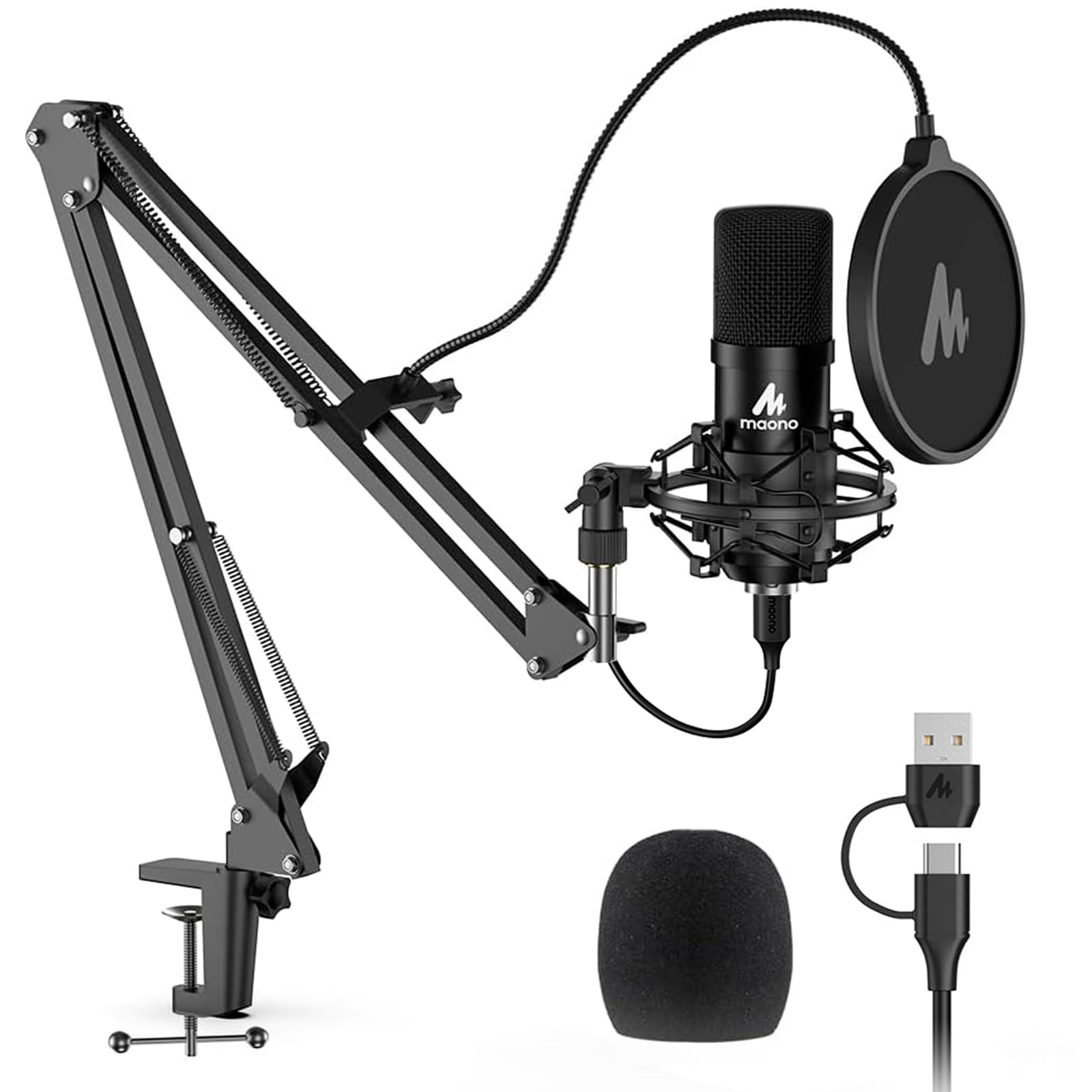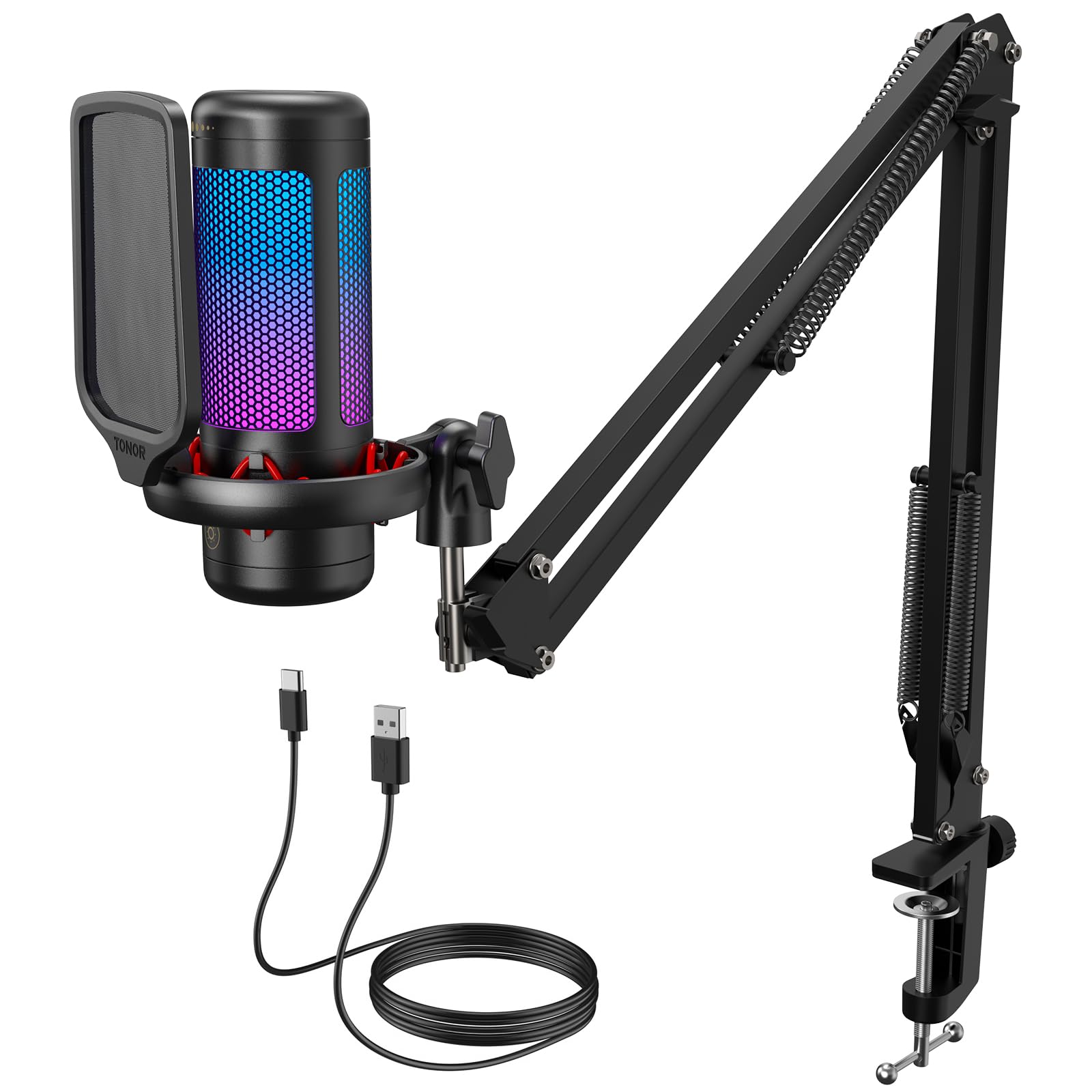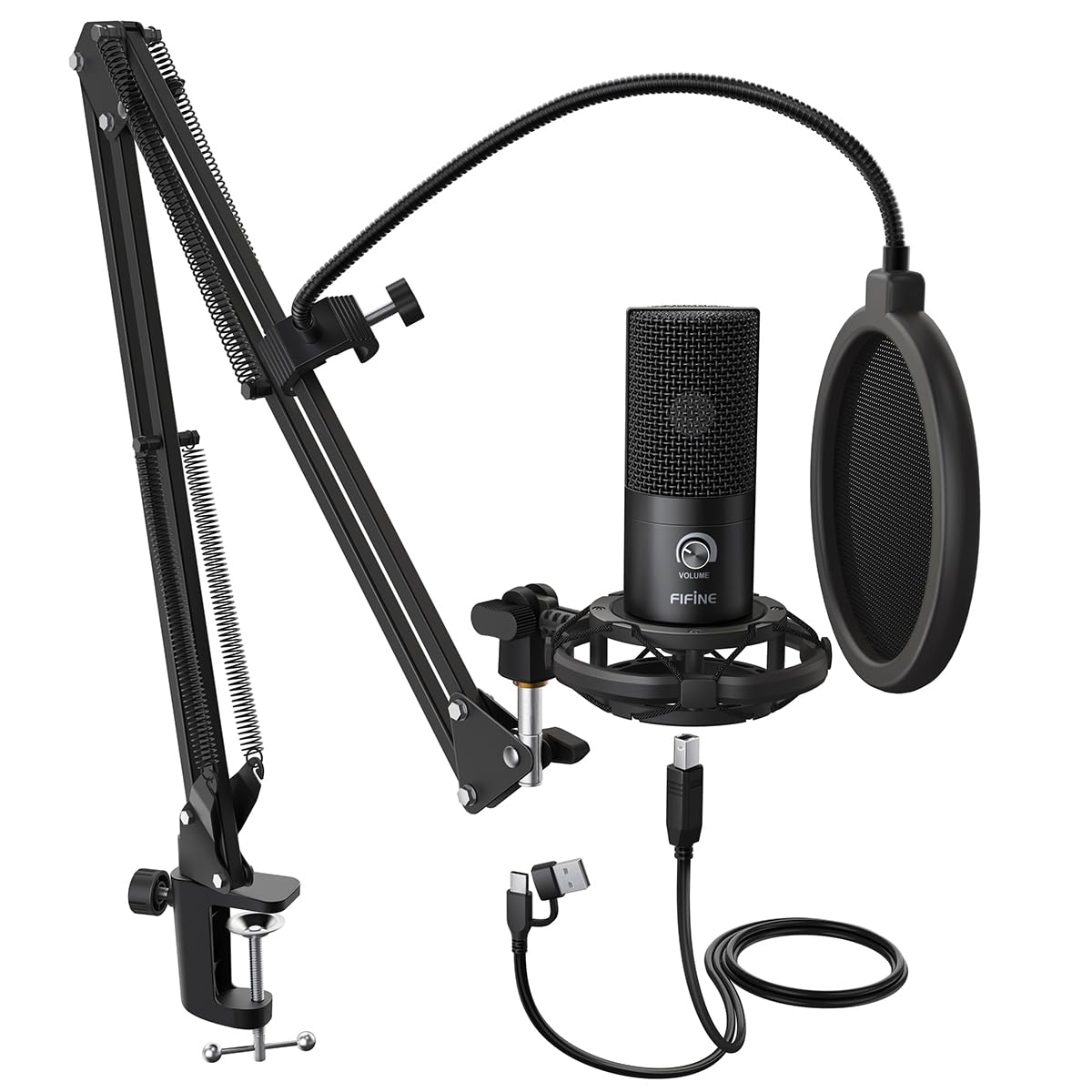
Best Boom Microphones of 2026

A boom microphone is really one idea: distance. Pull the capsule a few inches from your mouth, turn the gain down, and the keyboard, the box fan, and the room's own hum fall away. Everything else — capsule, shock mount, arm — exists to hold that position. Done right, you sound close and present on a call, a stream, or a podcast without recording from inside a blanket fort.

I've recorded in enough untreated rooms to have opinions. My team and I spent six months talking into 14 boom mics through real workdays — standups, evening streams, weekend voice-over — and the differences showed up in unglamorous places: whether the arm stays where you leave it, whether the mute button sits under your hand, whether the box has the cable you need. That last one catches first-timers; an XLR-only mic is often the better long-term buy, but it assumes an interface and a cable. The picks below are the ones still clamped to a desk.

1

Best Overall

FIFINE T669

93 /100
LBD Score Outstanding

Key details

Capsule
Cardioid condenser
Boom Arm
Scissor arm and C-clamp
Included
Shock mount, pop filter, windscreen
Connectivity
USB
View on Amazon

The T669 is the kit that removes the second shopping list. In the box you get the microphone, a scissor boom arm, a C-clamp, a shock mount, a pop filter, a windscreen, and an 8.2-foot USB-B to USB-A/C cable. That completeness is why it is our first recommendation: you can clamp it to a desk, plug into a laptop, and start recording without guessing which mount or cable you still need.

The sound is a clear, forward USB condenser voice, with a cardioid pattern and a listed 20 Hz to 20 kHz range. We found it flatters speech more than it flatters a room full of instruments; keep gain modest and speak close, because it is sensitive enough to pick up a keyboard or a fan. The onboard gain knob is useful for quick adjustments, and the detachable cable is easier to replace than a fixed one.

For a first podcast or a small streaming setup, that combination is hard to argue with. The detachable cable matters more than it sounds: a snagged cable is a cheap replacement instead of a dead mic.

Pros

  • Complete arm, shock mount, and pop filter kit
  • Clear cardioid USB voice
  • Detachable 8.2-foot cable
  • Easy plug-and-play setup

Cons

  • Boom arm and clamp feel basic
  • Picks up room and keyboard noise
Our verdict

This is the boom mic we recommend first for a first podcast or stream: the arm, shock mount, pop filter, and USB connection are all in the box.
Check Latest Price
2

Best Dynamic Upgrade

MAONO PD200XS

90 /100
LBD Score Outstanding

Key details

Capsule
Cardioid dynamic
Controls
Mute, gain, headphone volume
Included
Boom arm, shock mount, USB cable
Connectivity
USB-C and XLR
View on Amazon

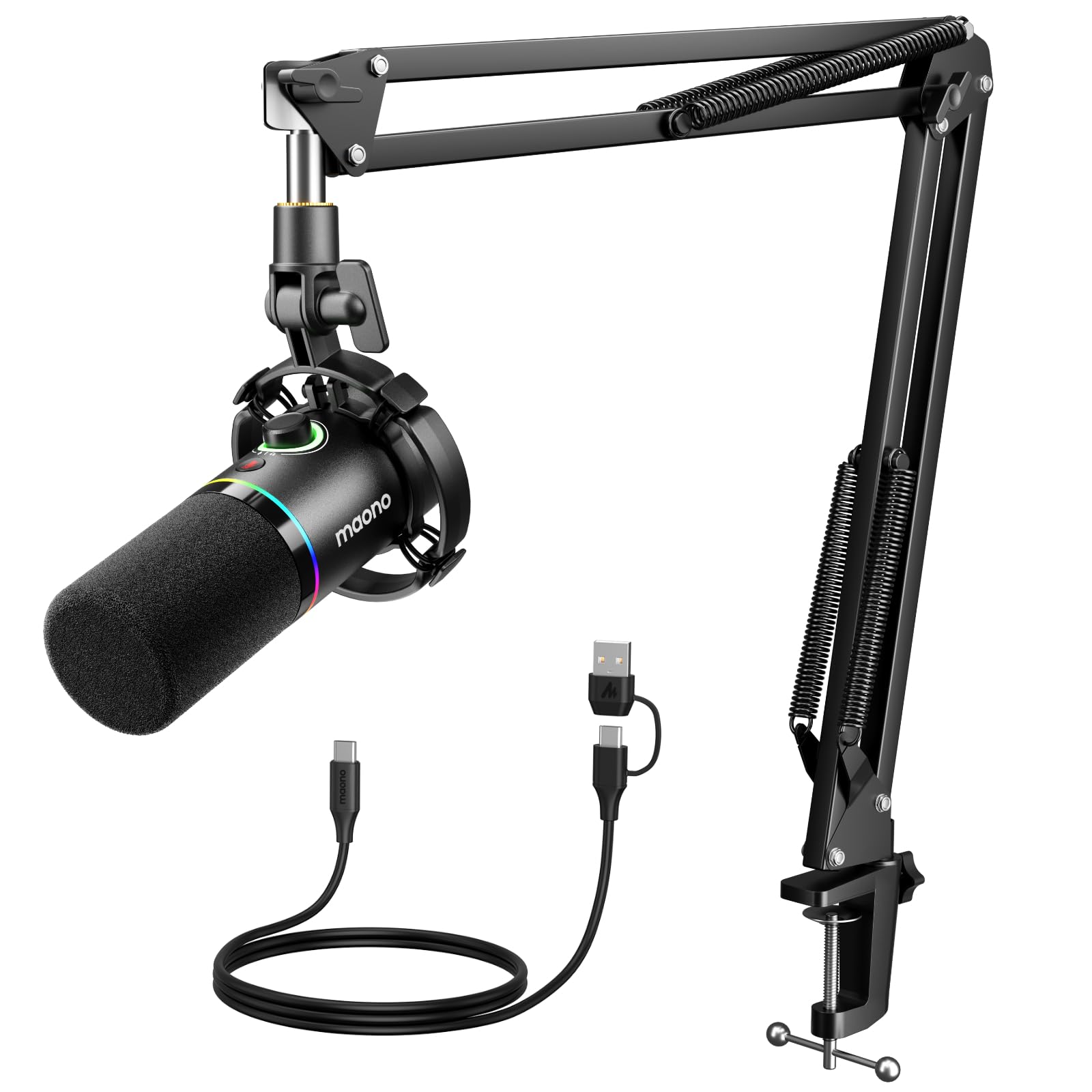
The PD200XS is the kit for someone who wants a dynamic mic now and an XLR path later. It ships with a boom arm, shock mount, and USB-C cable, and it can run through USB or a separate XLR cable into an interface. The dynamic capsule and cardioid pattern are the practical parts: they focus on the voice in front of the mic instead of treating the whole room as material.

That makes it our midrange pick for a noisy desk. The listed 40 Hz to 16 kHz range and 80 dB signal-to-noise ratio are decent on paper, and the smart knob handles mic gain and headphone volume without a software detour. The mute button and MAONO Link software add polish, though the software is optional rather than essential. We liked the dual path most: USB gets you recording today, XLR leaves the door open if you add an interface.

For a streamer who wants a warmer, less room-sensitive voice and a clear upgrade route, this is the one to shortlist. The mute button sits where a quick tap makes sense, and the headphone jack is the detail that makes live monitoring practical.

Pros

  • Dynamic capsule focuses on voice
  • USB and XLR connections
  • Mute, gain, and headphone control
  • Optional software EQ

Cons

  • Boom arm and shock mount feel less robust than the mic
Our verdict

Choose this dynamic kit if you want a warmer voice, less room noise, and a USB path today with XLR waiting for a future interface.

Check Latest Price
3

Best Voice Isolation

Shure MV7X

94 /100
LBD Score Outstanding

Key details

Cable
Not included
Mount
Yoke and 3/8-inch adapter
Capsule
Cardioid dynamic
Connectivity
XLR only
View on Amazon

The MV7X is the voice-first mic in this group. Its dynamic cardioid capsule and integrated shock mount are built to reject room sound and handling noise, and the all-metal body and adjustable yoke give it a broadcast look that does not feel fragile. The listed 50 Hz to 16 kHz range and 72 dB signal-to-noise ratio point to a warm, speech-focused sound rather than airy detail.

It is also the least turnkey pick here. There is no USB output, so you need an audio interface before you can hear anything. That is not a flaw in the mic; it is the entry fee for the cleaner voice isolation and the upgrade path. If you already own an interface, the MV7X makes more sense than a USB condenser.

We recommend it for podcasters, streamers, and voice-over users who want a professional vocal sound without treating every wall. The integrated shock mount and 3/8-inch adapter mean it mounts on a boom arm without a separate suspension cradle, which removes one rattle-prone joint from the setup.

Pros

  • Strong voice isolation
  • All-metal body and yoke
  • Integrated shock mount and 3/8-inch adapter
  • Warm broadcast-style tone

Cons

  • No XLR cable included
Our verdict

The MV7X is the pick for interface owners who want broadcast-style voice isolation and can accept an XLR-only, cable-free box.

Check Latest Price
4

Best Budget Gaming

FIFINE A6T

93 /100
LBD Score Outstanding

Key details

Capsule
Cardioid condenser
Boom Arm
Metal boom arm
Sampling
192 kHz / 24-bit
Connectivity
USB
View on Amazon

The A6T is the mic we point at a gaming desk first. The two-tone gradient RGB gives it a personality that most black boom mics lack, but the practical parts matter more: a metal boom arm, shock mount, pop filter, touch mute, gain control, and an 8.2-foot USB-C to USB-A/C cable. For a first streaming setup, that is a lot of kit in one box.

The cardioid condenser and 192 kHz/24-bit sampling give it a crisp, present voice for Discord, Twitch, and casual recording. It is not a room-noise miracle; keep the gain low and the mic close, because it will pick up a fan or a mechanical keyboard. The touch mute is quiet and easy to hit, and the gain knob is right on the body where you can find it mid-session.

We recommend it for a gamer who wants the setup to look as good as it sounds and does not want to buy an arm separately. The smiley-face pop filter is a small thing, but it makes the mic feel less like generic black hardware.

Pros

  • Complete gaming boom kit
  • Clear 192 kHz/24-bit USB sound
  • Quiet touch mute and onboard gain
  • Metal arm and shock mount included

Cons

  • RGB lighting is automatic, not customizable
Our verdict

For a first gaming stream, this kit gives you a metal arm, clear USB sound, and a quiet touch mute without making you shop for parts.

Check Latest Price
5

Best Budget Podcast Kit

MAONO A04

91 /100
LBD Score Outstanding

Key details

Capsule
16 mm condenser
Included
Arm, shock mount, pop filter, windscreen
Sampling
192 kHz / 24-bit
Connectivity
USB-A / USB-C
View on Amazon

The A04 is the budget kit we suggest when the desk needs a real boom setup but the spending has to stay tight. The box includes the condenser mic, a scissor arm, a metal shock mount, a pop filter, a foam windscreen, a table clamp, and a USB-A/USB-C to USB-B cable. The 16 mm capsule and 192 kHz/24-bit sampling are the headline specs; the point is that you get a complete recording setup rather than a mic alone.

Sound is clear and a little fuller in the low end than the thinnest USB mics, which suits spoken voice and casual music recording. The cardioid pattern keeps the focus in front, but it still picks up room noise and keyboard clatter when the gain is high. Setup is plug-and-play, and the arm clamps to a desk without extra hardware.

This is our budget podcast pick for a first setup. The pop filter and foam windscreen are both included, so you can test which one handles your plosives better without buying either.

Pros

  • Complete kit with arm and shock mount
  • Clear 192 kHz/24-bit condenser
  • Pop filter and windscreen included
  • Simple USB setup

Cons

  • Arm, clamp, and shock mount feel less robust
Our verdict

A complete budget podcast kit that sounds clear and includes the pop filter, shock mount, and arm most first setups still need.

Check Latest Price
6

USB/XLR Recording

TONOR TD510 AIR H+

90 /100
LBD Score Outstanding

Key details

Capsule
Cardioid dynamic
EQ Modes
Three
Monitoring
3.5 mm headphone jack
Connectivity
USB and XLR
View on Amazon

The TD510 AIR H+ is the tweaker's mic in this group. It has three EQ modes, a bass roll-off setting, vocal clarity, and mid-range emphasis, plus an AI noise-reduction switch, tap mute, a 3.5 mm headphone jack, and both USB and XLR outputs. That is a lot of control for a single boom-mounted mic.

We see it as a strong alternative rather than a default. The dynamic cardioid capsule is a sensible choice for spoken voice, and the EQ modes give you a way to thin out a boomy desk or push vocals forward without opening software. The headphone jack and volume control are genuinely useful for live monitoring. It is the most tweakable mic here, but not the most turnkey.

The catch is the control layer: three EQ modes and an AI noise-reduction switch are useful if you will actually use them, and easy to leave in the wrong setting if you will not. For someone who likes shaping tone at the mic, the TD510 is a flexible step up from a plain USB condenser. The 3.5 mm jack is the detail that makes it feel more like a small studio tool than a gaming accessory.

Pros

  • Three EQ modes
  • USB and XLR outputs
  • Headphone monitoring and volume control
  • Dynamic capsule for voice

Cons

  • Not compatible with Xbox
Our verdict

The TD510 rewards tinkerers with three EQ modes, dual outputs, and headphone monitoring, but it is not the simplest set-and-forget kit.

Check Latest Price
7

Entry-Level Gaming

TONOR TC310+

91 /100
LBD Score Outstanding

Key details

Boom Arm
Metal boom arm
Lighting
Four RGB modes
Desk Clamp
Up to 2.36 inches
Connectivity
USB-A
View on Amazon

The first thing to check on the TC310+ is the clamp. It fits desks up to 2.36 inches thick, so a thick desktop or a lip under the edge can rule it out before you get to the sound. If it fits, the kit is complete: microphone, pop filter, metal boom arm, shock mount, USB cable, and a clamp.

The sound is clear and bright for chat, entry-level streaming, and casual recording, with a cardioid pattern and a listed 78 dB signal-to-noise ratio. The tap mute and volume control are handy, and the four RGB modes give the mic more personality than a plain black cylinder.

The metal arm is the pleasant surprise at this end of the market; it feels more substantial than the rest of the kit.

It earns a place as the least expensive complete kit here, and the right choice for a teen's first gaming desk or a secondary setup where the mic does not need to carry a professional recording. The static color option is the one we leave on; it gives the desk some glow without turning the mic into a light show.

Pros

  • Lowest-cost complete kit here
  • Metal boom arm and clamp
  • Four RGB modes with brightness control
  • Simple USB setup

Cons

  • Picks up desk and room noise
Our verdict

This is the least expensive complete boom kit here, and the right entry point for a young gamer or a secondary desk.

Check Latest Price

How We Chose and Tested These Boom Mics

We started with spec sheets, gathering every kit a first-time buyer would realistically land on — plug-and-play USB sets, XLR dynamics, and a couple that switch between the two — then cut anything that didn't come with an arm and a mount. That left 14 microphones, and we used them for six months.

Testing happened where these mics actually live: a desk in a shared apartment with a window air conditioner, a carpeted bedroom used for voice-over, and a gaming setup with a mechanical keyboard clacking two feet away. We recorded the same spoken paragraph at the same distance on every mic, then listened back for room ring, plosives, and keyboard bleed. We typed and shuffled papers mid-take on purpose and ran the AC at a fixed distance to hear what each pickup pattern let through. We also noted how much gain each mic needed to hit the same level, since the ones that demanded less kept the room quieter underneath.

Setup was timed with a stopwatch, from cutting the tape to recording a first sentence, and we wrote down what was in the box — an XLR cable is the thing people forget, and plenty of mics don't ship with one. Every mute button got pressed mid-sentence to hear whether it popped and whether its light was visible out of the corner of my eye; in a dim room that lighting is more useful as a status indicator than as decoration, so we checked which mics let you dim it. After six months we went back to the arm clamps, joints, and cable jackets to see what had loosened or frayed.

How to Choose a Boom Microphone

Match the clamp and arm to your desk

Desk thickness is the first hard limit. The TONOR TC310+ clamp fits edges up to 2.36 inches, for example, and a thick desktop or a lip underneath can rule out a kit before sound quality matters. Measure the edge where the clamp will sit, not the middle of the desk.

If you already own a sturdy arm, a mic-only option like the Shure MV7X can make sense. If you do not, a kit such as the FIFINE T669 removes the guesswork because the arm, clamp, shock mount, and cable arrive together. A heavier mic on a light arm will drift or sag, so match the load to the arm.

Choose USB for speed or XLR for headroom

USB is the fast route: plug the mic into a laptop or desktop and you are recording. That is why the FIFINE T669, FIFINE A6T, and MAONO A04 are easy first kits. The trade-off is that the mic and its converter are one unit, with less room to change the signal path later.

XLR sends analog audio to an interface or mixer, which adds a box and a cable but gives you cleaner gain control and an upgrade path. The MAONO PD200XS does both, while the Shure MV7X is XLR-only. If you do not own an interface, budget for one before choosing an XLR mic.

Pick the capsule for your room

Condenser capsules are sensitive and detailed, which suits a quiet room and close speech. The FIFINE T669, FIFINE A6T, and MAONO A04 are condensers, so they will reward a treated space and punish a loud keyboard or fan.

Dynamic capsules focus on the voice and reject more room sound, which is why the MAONO PD200XS, Shure MV7X, and TONOR TD510 are better bets in an untreated room. Cardioid pattern is the default for solo work; it listens mostly in front and rejects the back. If you record a guest across a table, you need a different pattern or a second mic.

Decide which controls and extras you will use

A mute button and a headphone jack matter most for live work: you can silence the mic without reaching for software and hear what your audience hears. The MAONO PD200XS and TONOR TD510 include headphone monitoring; the Shure MV7X leaves control to your interface.

Pop filters and shock mounts are not accessories to skip. They tame plosives and desk thumps, and kits such as the FIFINE T669 and MAONO A04 include both. Check the cable too: the Shure MV7X does not include one. Add the missing parts to your budget before you decide.

Frequently Asked Questions

Final Verdict

The FIFINE T669 is the boom mic we recommend first because it turns a desk into a recording setup without a second shopping trip. Its voice is clear, the USB connection is simple, and the included arm, shock mount, and pop filter cover the parts beginners forget. If your room is noisy or you want an XLR path later, the MAONO PD200XS is the better buy. If you already own an interface and want the strongest voice isolation here, choose the Shure MV7X.