Best Overall
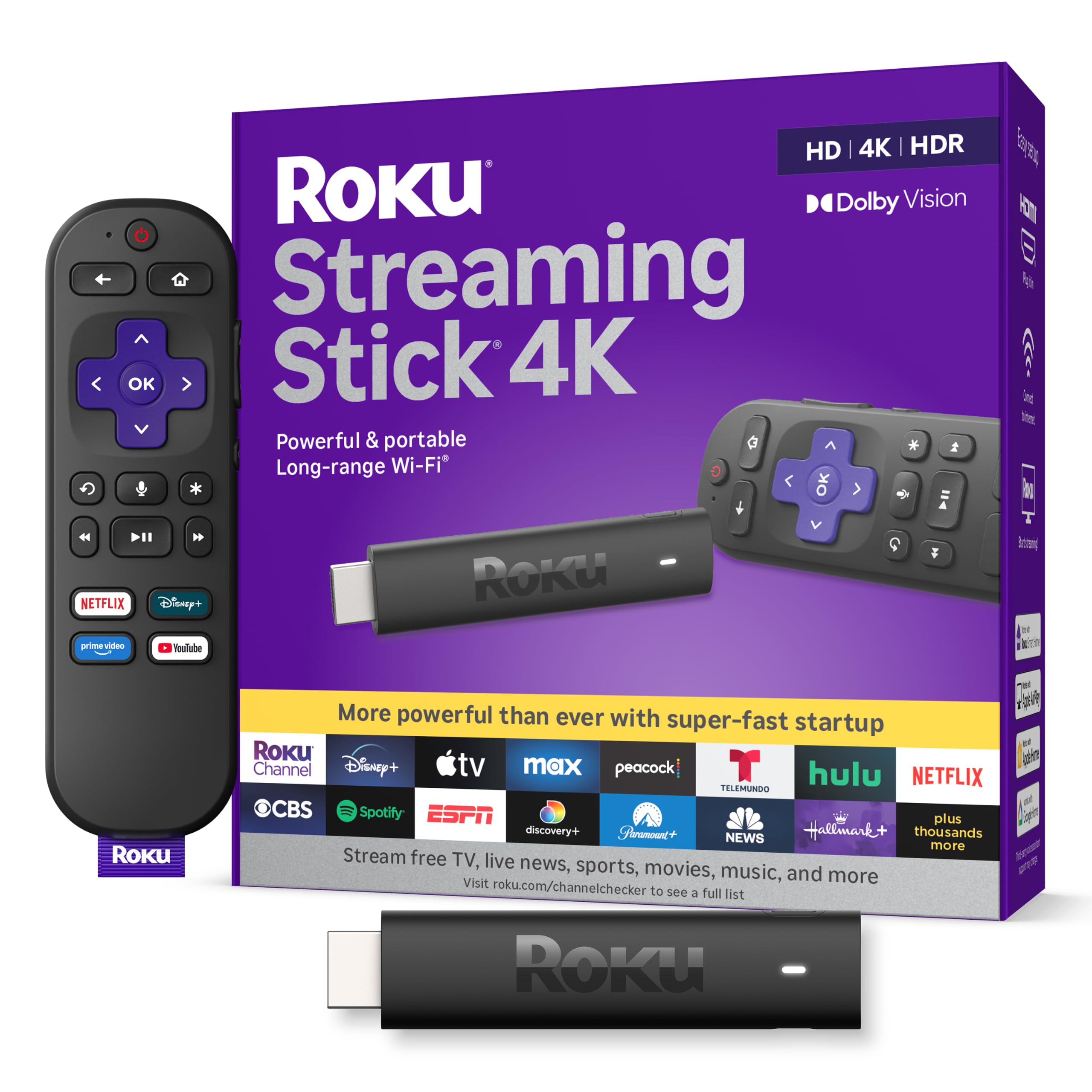
Roku Streaming Stick 4K
Key details
- HDR
- Dolby Vision, HDR10+
- Remote
- Voice remote with TV controls
- Resolution
- 4K UHD up to 2160p at 60fps
- Connectivity
- Wi-Fi with long-range receiver
The first thing to notice about the Roku Streaming Stick 4K is how little of it you see. The stick is short enough to sit alongside neighboring HDMI ports, and Roku puts the long-range Wi-Fi receiver in the USB power cable rather than in the stick itself. That is a clever bit of design: the antenna can sit away from the back of the TV, where HDMI cables and metal can work against a weak signal. The voice remote also handles TV power, volume, and mute, so you can put the television remote away.
Roku's home screen remains the least fussy of the major platforms. Apps are arranged in a simple grid, search stays neutral across services, and the 4K picture is sharp with Dolby Vision and HDR10+ content. We found app switching quick and the interface easy to read from across the room. The 16GB of storage gives you room for a healthy app list, though this is still a streaming stick, not a media server.
Our recommendation comes down to the combination: strong 4K formats, a compact design that disappears, and an interface we do not have to explain to guests. The caveat is stability; freezing and reboots come up often enough that we treat the return window as part of the purchase. If you want a wired connection, the Roku Ultra is the better fit. Otherwise, this is the one we reach for first.
Pros
- Dolby Vision and HDR10+ support
- Long-range Wi-Fi receiver in power cable
- Voice remote controls TV power and volume
- Compact stick clears HDMI ports
Cons
- Wi-Fi-only connection
- Remote pairing can drop out
Our default 4K streamer: the Roku Streaming Stick 4K pairs Dolby Vision and HDR10+ with the simplest interface here, and its long-range Wi-Fi receiver helps in rooms far from the router.