Best TV Wall Mounts of 2026

The worst ten seconds of hanging a TV come right after you let go. I've mounted screens on a single stud, on a wall where the stud finder gave up, and in a rental where every hole felt like a negotiation. The mounts that made me nervous were rarely the cheap ones. What matters is how the plate fastens, how much steel is in the arms, and whether you can still level the screen once it's up.

My team and I have hung 12 mounts over the past six months, from low-profile tilt plates to dual-arm brackets that pull a screen two feet off the wall. The number to distrust is the maximum screen size on the box. VESA pattern and weight decide whether a mount holds your TV; reach decides whether you gain a viewing angle or a dusty gap.

Everyone asks about swivel and tilt; almost nobody asks whether the mount will still be level by spring. That's most of what we watched for. The picks below cover the walls people actually have.

1

Best Overall

Mounting Dream MD2380 Full Motion

96 /100
LBD Score Outstanding

Key details

Extension
Up to 17 in
Stud Spacing
16 in
VESA Pattern
Up to 400 x 400 mm
Weight Capacity
110 lb
View on Amazon

The step that decides whether a mount looks right is the last one: the TV is on the wall, you step back, and the top edge is a quarter inch off level. Mounting Dream builds a plus-or-minus 3-degree correction into this bracket for exactly that moment, so the screen can be brought straight while it hangs instead of after the drill comes out again. It is the adjustment we reached for most during setup, and it is why the finished wall looks like somebody who knew what they were doing did the work.

That forgiveness is a large part of why this is the mount we recommend first for a typical living room. Underneath, there is more steel than the price suggests: six articulating arms, a 110-pound rating, and a wall plate that spans standard 16-inch framing. VESA support runs to 400 x 400 mm. Go by that number and by your TV's weight rather than by the screen size in the title, because the headline says 32 to 70 inches while the specification table caps supported screens at 65.

Articulation is the other half of the case. The arms pull the screen out to 17 inches and swing it toward a second seating area, then fold back against the wall when the room returns to normal. Tilt runs 5 degrees up and 15 down, enough to kill a reflection from a window opposite. In an open-plan room, that reach does the job a second television would.

What you accept for it: the box is heavy, and lifting the wall plate into position is easier with a second pair of hands. The tilt stops at 15 degrees, which handles a window across the room and not much else. The rest is housekeeping done well — hardware sorted into labeled bags, a paper template for the drill holes, and a lifetime warranty that will outlast most of what is on this page.

Pros

  • Post-install leveling saves a second round of drilling
  • Six arms carry 110 pounds
  • Hardware in labeled bags with a paper template
  • Lifetime warranty

Cons

  • Costs more than the budget full-motion mounts here
Our verdict

For a living room with a 55- to 65-inch TV, this is the mount we tell people to buy: full motion that stays where you put it, and leveling that hides small mistakes.
Check Latest Price
2

Best Tilting

Mounting Dream MD2268-LK Tilting

95 /100
LBD Score Outstanding

Key details

Profile
1.5 in
Stud Spacing
16, 18, or 24 in
VESA Pattern
Up to 600 x 400 mm
Weight Capacity
132 lb
View on Amazon

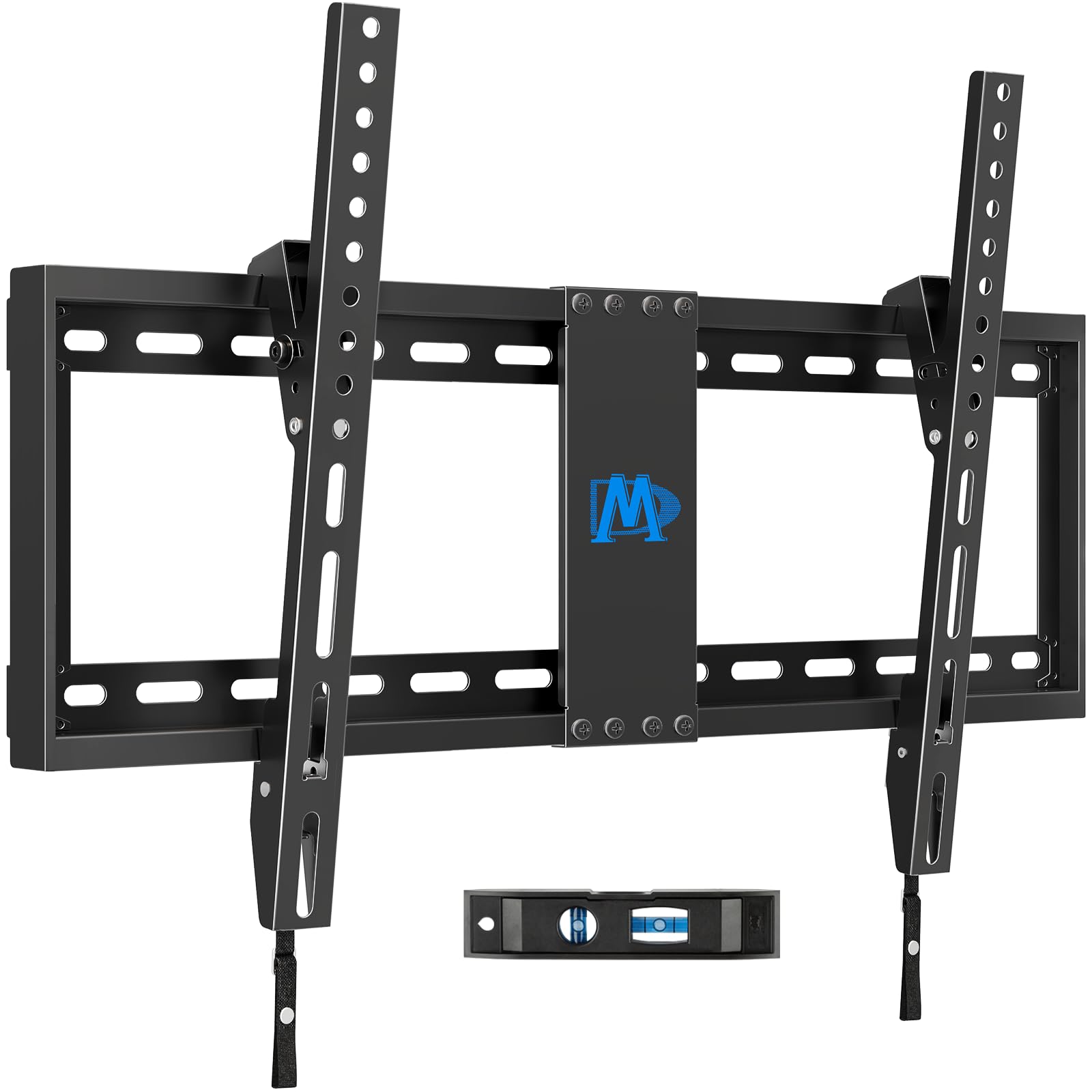
A 1.5-inch standoff is the quiet luxury of a tilting mount. The screen reads as part of the wall rather than something bolted onto it, there is no arm at shoulder height to walk into, and the whole assembly disappears behind a 75-inch panel. This is the bracket we point people to when the television is going on a big flat wall and the only problem to solve is the window opposite.

It will take almost any screen you put on it: 37 to 90 inches, 132 pounds, and VESA patterns up to 600 x 400 mm. The wall plate covers 16-, 18-, and 24-inch stud spacing, which matters in older houses where the framing is not where the manual assumes it is. Installation is a three-step job with a level in the box, and the quick-release latches mean the TV can come off again without dismantling the bracket.

Eight degrees of tilt is the number to think about before ordering. That is enough to knock glare off a screen at seated height; it is not enough to rescue a TV hung above a mantel, and the closer the bracket holds the bottom edge to the wall, the less that travel buys you. For a level wall and a sofa straight on, we have not missed the extra range, and the ten-year warranty covers the part that actually carries the load.

Pros

  • Hangs a 90-inch screen 1.5 inches from the wall
  • Fits 16-, 18-, or 24-inch stud spacing
  • Quick-release latches for lifting the TV off

Cons

  • Not rated for drywall-only walls
Our verdict

The tilting bracket we suggest for big screens: 132 pounds of capacity, 24-inch stud coverage, and a TV that ends up an inch and a half off the wall.

Check Latest Price
3

Best Budget Full Motion

USX Mount XMM006-1 Full Motion

95 /100
LBD Score Outstanding

Key details

Extension
16.7 in
Folded Depth
2.81 in
VESA Pattern
75 x 75 to 400 x 400 mm
Weight Capacity
77 lb
View on Amazon

One line in this mount's description does more work than the rest of it: UL listed. No other bracket here makes that claim, and at the budget end of the category it is the detail that separates a mount you trust with a 55-inch screen from one you simply hope holds. We think that, plus a 16.7-inch reach and a fold-back to 2.81 inches, makes it the value pick of the articulating group.

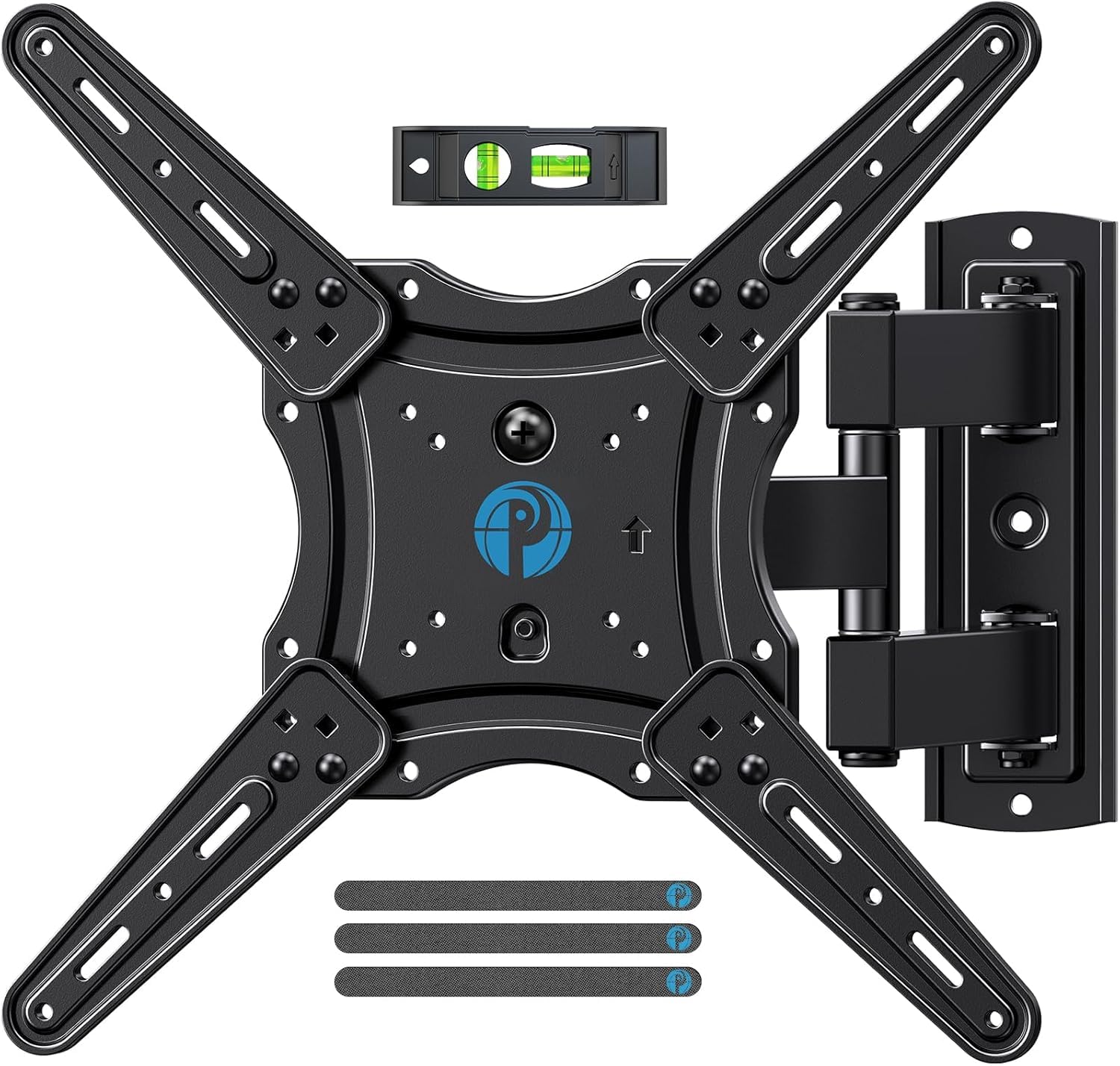
The motion is the standard recipe done properly: 15 degrees of downward tilt, 5 up, roughly 90 degrees of swivel each way, and a plus-or-minus 5-degree leveling adjustment after the plate is on the wall. It fits 26- to 65-inch sets up to 77 pounds with VESA patterns from 75 x 75 to 400 x 400 mm, mounts to wood studs or solid concrete, and ships with a bubble level and cable ties along with the usual hardware. The ten-year warranty is longer than the price suggests.

The paperwork is where it slips. The diagrams assume you already know which bag of screws matches your TV's back panel, so empty the labeled bags onto the floor in order and watch a video of the install before you pick up the drill; it turns a puzzling afternoon into a short one. Once the plate is level and the arms are on, the bracket behaves like something that cost rather more.

Pros

  • UL listed, which none of the others here claim
  • Extends 16.7 inches and folds back to 2.81
  • Five degrees of leveling after installation

Cons

  • 77-pound weight limit
  • Swivel range depends on your TV's width
Our verdict

Our value full-motion pick: 16.7 inches of reach, a fold-back under three inches, and the only UL listing in this group.

Check Latest Price
4

Best for One-Stud Walls

Pipishell PIMF7 Full Motion

95 /100
LBD Score Outstanding

Key details

Extension
17 in
Folded Depth
2.36 in
VESA Pattern
75 x 75 to 400 x 400 mm
Weight Capacity
80 lb
View on Amazon

The wall where the TV has to go rarely cooperates. Sometimes there is exactly one stud within reach of the outlet, and a dual-arm bracket that wants sixteen inches of clean framing is simply not an option. A single-stud full-motion mount answers that, and this one answers it with 17 inches of reach.

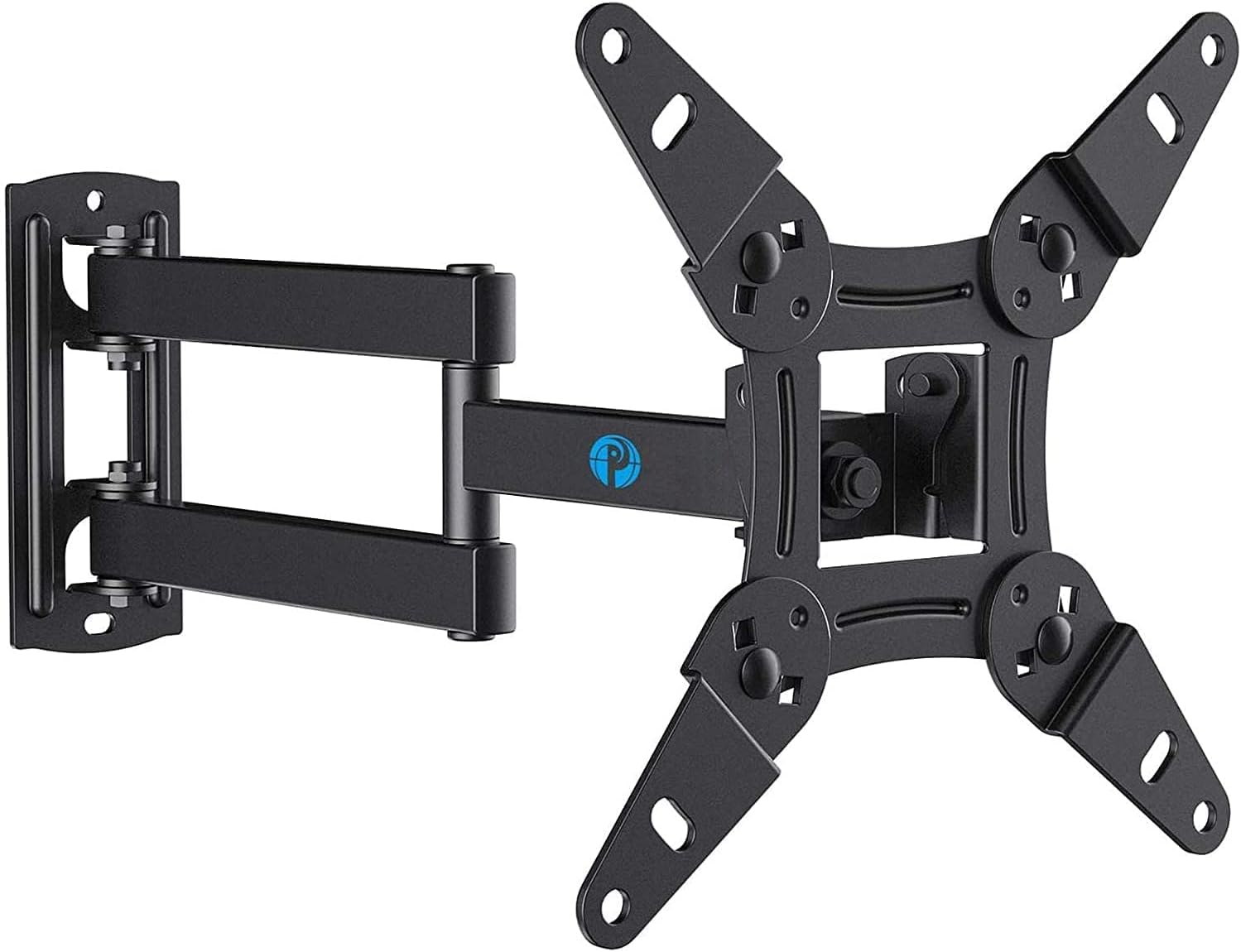
The numbers suit a mid-size screen: 26 to 65 inches, 80 pounds, VESA patterns from 75 x 75 up to 400 x 400 mm, and a plate that goes into wood stud or concrete. It swivels about 90 degrees each way, tilts 5 degrees up and 15 down, and folds back to 2.36 inches — closer to the wall than the other articulating mounts here list.

The single-stud design is what we appreciate most during install: one set of lag bolts, no hunting for a second stud, and less time with a drill over your head. It also means the entire load rides on that one stud, so it needs to be a real one, with the lag bolts sunk into the middle of the wood rather than the edge.

Of the two single-stud full-motion mounts here, this is the one we take for most rooms: it folds flatter against the wall, and the five-year warranty covers a part that is doing real work. A 55-inch screen on this bracket sits close when it is off and swings clear when it is on, which is the whole reason to pay for the articulation in the first place.

Pros

  • Single stud leaves placement open
  • Folds back to 2.36 inches
  • 17 inches of reach with 90-degree swivel
  • Five-year warranty

Cons

  • Stiff arms make repositioning a two-hand job
  • 80-pound weight limit
Our verdict

For a wall with one usable stud, this is the full-motion mount we trust: 17 inches of reach and a 2.36-inch fold-back.

Check Latest Price
5

Best No-Stud Option

Auoace No Stud Drywall Mount

95 /100
LBD Score Outstanding

Key details

Mount Type
Fixed, drywall only
Screen Range
12 to 55 in
Weight Capacity
99 lb
View on Amazon

Renters get the worst of this category. The standard advice is to find a stud, and the wall you are allowed to use may not have one anywhere near where the TV needs to go — or you may not be permitted to put four half-inch lag bolts into it. This bracket skips the question: a fixed steel cleat that hangs on angled nails driven into drywall, with no stud and no drill.

It is not the mount for a family room television, and it is not trying to be. It is the mount for the 43-inch in a rental, the spare room, or the corner where the framing is not where you need it, and it is the only thing here that solves that problem. The ceiling is 55 inches and 99 pounds, installation is a hammer-and-screwdriver job rather than a drill-and-stud-finder one, and a small level is in the box.

Two limits decide whether it suits you. Nothing moves — no tilt, no swivel — so the screen has to be at the right height and facing the right way before the first nail goes in, and the drywall has to be sound, with no patch or hollow spot behind the cleat. Check the included bolts against your TV's back panel as well, because a recessed mounting area is the usual reason a kit like this needs a trip to the hardware store.

Pros

  • Hangs on drywall with angled nails, no studs
  • Goes up with hand tools in minutes
  • 99-pound rating on a no-drill bracket

Cons

  • No tilt or swivel at all
  • Caps out at 55 inches
Our verdict

We keep this one for drywall-only walls and rentals: a fixed bracket that goes up with a hammer and holds a 55-inch screen.

Check Latest Price
6

75-Inch and up

USX Mount XML019 Full Motion

95 /100
LBD Score Outstanding

Key details

Swivel
±45 degrees
Extension
16.61 in
VESA Pattern
Up to 600 x 400 mm
Weight Capacity
132 lb
View on Amazon

An 86-inch television on the end of an articulating arm is a lever, and most full-motion brackets quietly stop at 65 or 70 inches for that reason. This one is built for the top of the range: 42 to 86 inches, 132 pounds, and VESA patterns up to 600 x 400 mm.

Six arms pull the screen out 16.61 inches and fold it back to 2.52, with 15 degrees of downward tilt, 5 up, and plus-or-minus 4 degrees of leveling once the plate is on the wall. Swivel is listed at 45 degrees each way. The wall plate wants 16-inch studs, the hardware arrives in labeled bags with a template and a bubble level, and the warranty runs ten years.

Of the mounts here, this is the one for a 75-inch or larger screen that still has to move. The extra steel is doing real work — a wider wall plate, heavier arms, and a capacity that matches the biggest sets in this group. If your big TV only needs to tilt, a simpler bracket will hang it; if the screen has to swing toward a dining table, this is the mount that will.

Pros

  • Handles 86-inch screens at 132 pounds
  • Folds to 2.52 inches when closed
  • Four degrees of leveling after install

Cons

  • Swivels 45 degrees, not 90
  • Costs the most here
Our verdict

This is what we recommend when a 75-inch or larger TV still has to swing: 132 pounds of capacity on a 16-inch stud plate.

Check Latest Price
7

Frequent Tilt Changes

Perlegear PGMF3 Full Motion

95 /100
LBD Score Outstanding

Key details

Extension
17.3 in
Folded Depth
3 in
VESA Pattern
Up to 400 x 400 mm
Weight Capacity
82 lb
View on Amazon

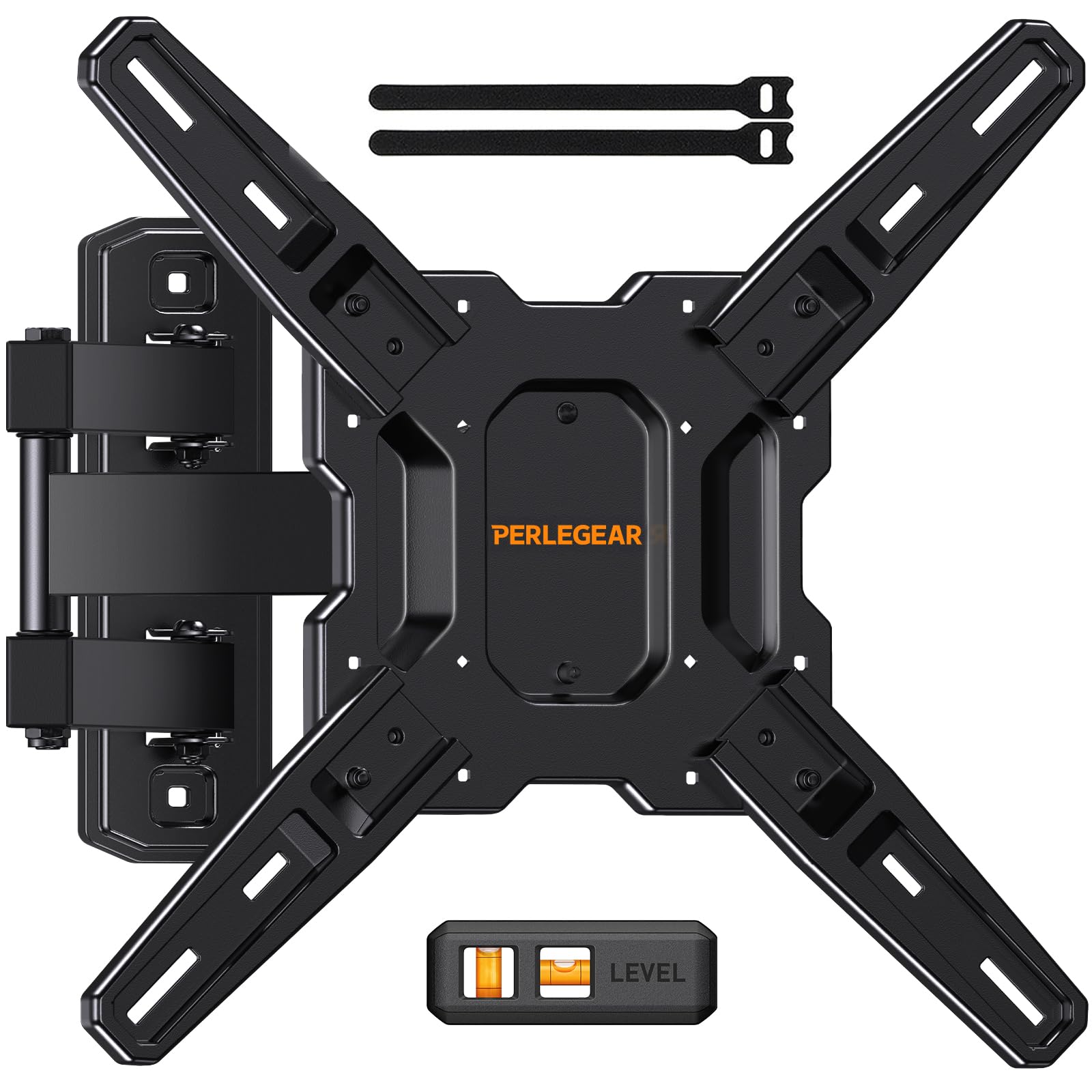
Reaching behind a mounted TV with an Allen key is the least pleasant chore in this category. Perlegear's bracket adjusts tilt by hand — 5 degrees up, 15 down — so the angle can be changed while you are standing in front of the screen looking at the glare you are trying to fix.

The rest of the package covers a single-stud install: 26 to 65 inches, 82 pounds, VESA up to 400 x 400 mm, a 17.3-inch extension, and roughly 90 degrees of swivel each way. The plate goes on one stud, the arms are heavier than the budget norm, and the box includes a bubble level and pre-labeled hardware for a three-step install.

Two single-stud full-motion mounts made the cut, and this is the one for a screen you adjust often: the tool-free tilt is a real improvement over digging out a wrench, and 17.3 inches of reach covers a corner where the sofa sits off to one side. Verify the bolt pattern before ordering, because 82 pounds and a 400 x 400 mm ceiling suit most 55-inch sets and not every 65-inch one.

Pros

  • Tilt adjusts by hand, no tool
  • 17.3 inches of reach on a single stud
  • Three-step install with labeled hardware

Cons

  • Sits 3 inches off the wall when folded
Our verdict

If you change the tilt often, this is the mount we hand over: tool-free angle changes on an 82-pound single-stud bracket.

Check Latest Price
8

Small TVs, Monitors

Pipishell PISF1 Small Full Motion

93 /100
LBD Score Outstanding

Key details

Swivel
±90 degrees
Screen Range
13 to 43 in
VESA Pattern
75 x 75 to 200 x 200 mm
Weight Capacity
44 lb
View on Amazon

Most full-motion brackets start at 26 or 32 inches and go up, which leaves a 32-inch kitchen TV or a 27-inch monitor sitting on a plate built for a screen several times its size. This one starts at 13 inches and stops at 43, with a 44-pound ceiling that matches what small screens actually weigh.

The useful part is that it behaves like the bigger mounts: a single-stud plate, about 90 degrees of swivel each way, a modest tilt range for glare, and VESA patterns from 75 x 75 to 200 x 200 mm. Pipishell also lists it for the Echo Show 21 and 15 and for ultrawide monitors, which matters when a 34-inch display has to sit above a desk rather than on it.

On a single stud it goes almost anywhere there is framing, and a small screen does not ask for much more than that. Swinging it toward a chair or away from a window is the whole point of the articulation, and the plate hides behind a 32-inch set rather than sticking out around it.

For a small screen, this is the mount we pick, and the number to check is the bolt pattern: 200 x 200 mm is the ceiling, so a 43-inch set with a wider spread will not go on it. Put the lag bolt into a stud — a bracket rated to 44 pounds still has no business hanging from drywall anchors.

Pros

  • Fits screens from 13 to 43 inches
  • Single-stud install with 90-degree swivel
  • Listed for monitors and Echo Show displays

Cons

  • 200 x 200 mm VESA ceiling
  • Narrow tilt range
Our verdict

We recommend it for small screens: 13 to 43 inches, 44 pounds, and enough swivel to turn a kitchen or desk display toward you.

Check Latest Price

How We Hung, Shook, and Re-Leveled 12 TV Mounts

We started with the mounts that keep turning up in reviews and spec sheets for screens in the 32- to 86-inch range, then filtered by VESA range, weight rating, and stud spacing so the group covered 16-inch bays, wider 24-inch bays, a single-stud corner install, and one no-drill drywall option. Twelve made the cut.

Every mount got the same first test: a Saturday install with one person and a stud finder. We timed from unboxing to the TV hanging, counted how many times we had to re-drill, and noted whether the paper template and included hardware matched what the instructions promised. Then we tried leveling with the TV already on the plate — using the bubble level in the box, a phone app, and once a torpedo level held at arm's length.

After that we lived with them. We swung full-motion arms through their whole arc with a hand on the screen to feel for wobble, tilted the panel up and back, and pressed the bottom edge to see how much flex the arms had. We checked for sag at one week and again at one month, re-tightening whatever had loosened. Corner and single-stud mounts got extra attention, since that's where leverage works against you.

Adjustability surprised us: we logged whether tilt was tool-free or meant reaching a wrench behind the screen, whether the arm reach let us angle the TV toward a sofa or only toward a doorway, and whether we could get to the cables without taking the whole thing down. Value came down to hardware — good lag bolts, a usable template, and a level in the box saved more time than anything printed on the packaging.

How to Choose a Tv Wall Mount

Start With the Back of Your TV

The measurement that decides whether a mount fits is the bolt pattern on the back of the TV, quoted as horizontal by vertical spacing in millimeters — 200 x 200, 400 x 400, and so on. Weight is the second number. Screen size is a rough guide at best, because listings quote broad ranges while the specification table underneath sometimes caps supported screens lower. Note the pattern, note the pounds, and match both against the bracket's stated range.

Exceeding the requirement is fine; falling short is not. Buying a mount rated well above your screen's weight costs a little more and does nothing to hurt the install.

Studs Decide Where the TV Goes

Standard framing is 16 inches on center, which is why most wall plates are built around it. Older homes and some exterior walls run 24 inches, and a handful of mounts cover both — the Mounting Dream tilting bracket spans 16, 18, and 24 inches, which is worth having when your wall refuses to be standard. Single-stud designs buy placement freedom and put the entire load on one fastener.

The trap is drywall. Anchors are not a substitute for framing, and toggles in a hollow wall are how televisions end up on the floor. If there is no usable stud, use a bracket rated for drywall-only installation rather than improvising with the fasteners you have.

Match the Movement to the Room

Fixed sits closest to the wall and costs least. Tilt adds glare control. Full motion adds reach and swivel, and reach is the number that matters: 17 inches lets one screen serve a sofa and a dining table. More extension means more leverage on the wall, which is why the largest full-motion mount here caps swivel at 45 degrees while the 65-inch models claim 90.

The trap is tilt. The closer a bracket holds the bottom edge of the screen to the wall, the less room that edge has to swing, so an 8-degree tilting mount fixes a reflection across the room and does not rescue a TV hung above a mantel.

Budget for the Install, Not Just the Box

Every mount here includes lag bolts, TV screws, spacers, and a template; none includes the drill, stud finder, or socket set, and the TV screws will not suit every back panel. Two details make the afternoon go better: a plate that hooks onto the wall so one person can hang the screen, and a leveling adjustment you can use after the plate is drilled. Our top pick allows plus or minus 3 degrees, the USX full-motion bracket 5. Without either, a crooked line means drilling again.

Frequently Asked Questions

Final Verdict

If you want one answer, it is the Mounting Dream MD2380. It carries a 65-inch set at 110 pounds, swings out 17 inches for a second seating area, and its leveling adjustment covers the small errors that make a finished wall look unfinished.

Change one requirement and the answer changes with it. A wall with a single usable stud sends you to the Pipishell PIMF7, a screen that only needs glare control to the Mounting Dream tilt bracket, a 75-inch or larger set that still has to move to the USX XML019, and a drywall wall you are not allowed to drill to the Auoace. Those four cover almost every room; the rest of the list is a variation on them.