Best 27-Inch Gaming Monitors of 2026

Every 27-inch gaming monitor is a budget in disguise. Panel type, refresh rate, resolution, and stand hardware all come out of the same pile of money, so a screen chasing 300Hz tends to hand something back — a stand that only tilts, thin built-in speakers, or a picture that stops at 1080p. Knowing which of those compromises you can actually live with is most of the decision.

I've played on 27-inch panels for years, and what bothers me after the first week is rarely the number printed in the biggest font. My team and I have spent six months with 12 monitors lined up across a long desk, cycling between fast shooters, slow cinematic games, and too many late nights of spreadsheet work. Refresh rate gets all the attention, but pixel quality, brightness, and a stand you can raise to eye level matter just as much at 2 a.m.

The eight picks below are the ones that survived that desk, sorted by the kind of player and the kind of desk they suit best.

1

Best Overall

AOC Q27G41ZE

90 /100
LBD Score Outstanding

Key details

Stand
Tilt only
Panel Type
IPS
Resolution
2560 x 1440
Refresh Rate
240 Hz (260 Hz overclock)
View on Amazon

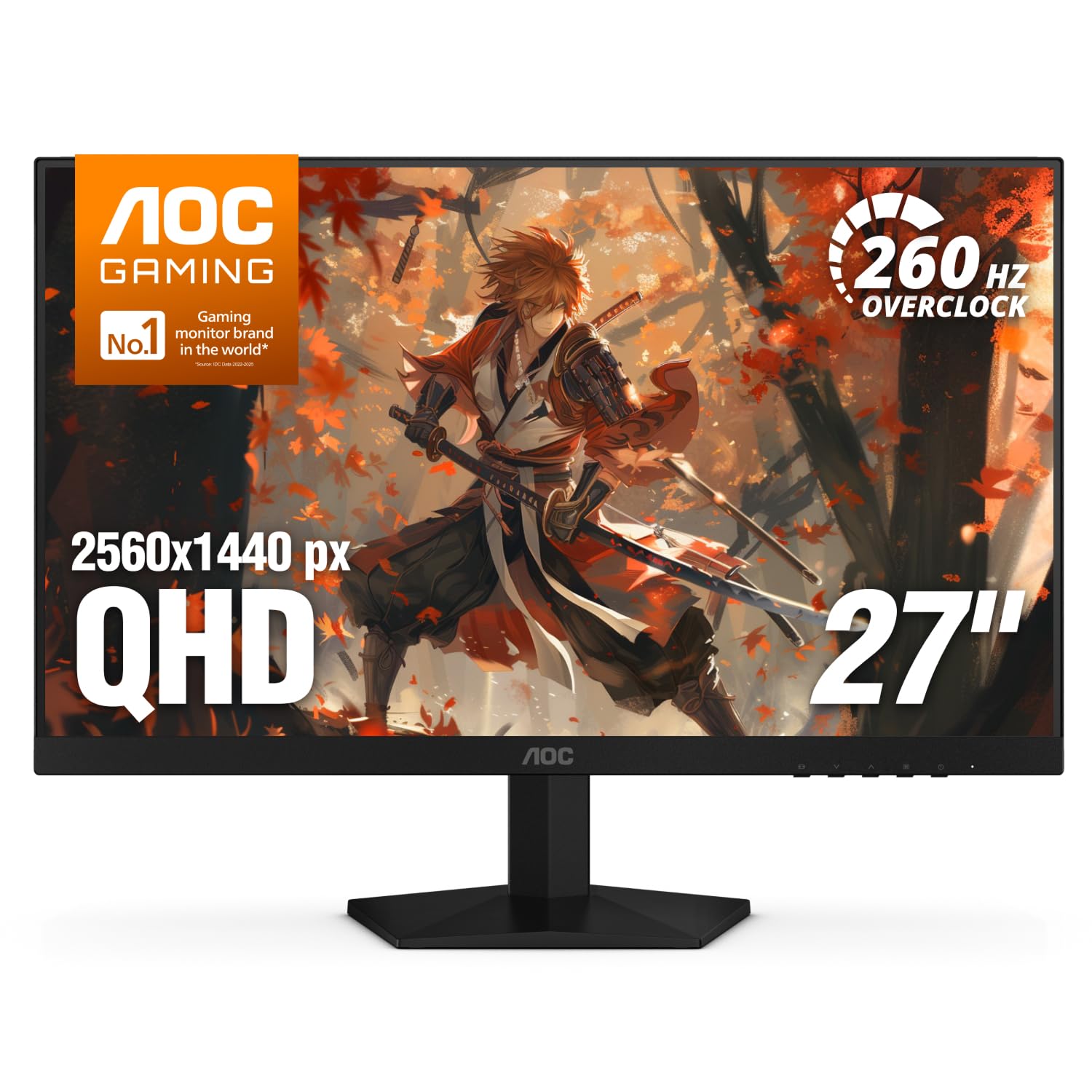
At 2560 x 1440 and 240Hz, the Q27G41ZE puts the two numbers most gamers care about in the same sentence. The panel is IPS, adaptive sync covers both FreeSync and G-Sync Compatible cards, and the refresh can be pushed to 260Hz. A three-year warranty is more coverage than many budget-minded monitors include.

We think that makes it the first monitor most shoppers should consider. A 27-inch 1440p screen has enough pixel density for sharp text and clean edges, and 240Hz keeps fast games fluid without demanding the absolute top tier of graphics hardware. The 0.3ms response is an MPRT figure, so read it as a motion-blur claim rather than a direct comparison with the 1ms gray-to-gray numbers on other monitors. Compared with the Samsung Odyssey G5, it gives up some contrast but gains a much faster refresh; compared with the ASUS TUF, it gives up the last 60Hz.

The glossy finish is the detail that changes where the monitor goes: it looks clean and saturated in a shaded room, but a window or lamp behind you will show up in dark scenes. We also like the five-button control layout for quick menu changes, and the VESA mount gives you an upgrade path if you want a different arm.

Pros

  • Sharp 1440p resolution at 27 inches
  • 240Hz native with 260Hz overclock
  • FreeSync and G-Sync Compatible support
  • Three-year manufacturer warranty

Cons

  • Tilt-only stand
Our verdict

The AOC Q27G41ZE is the one we tell most gamers to buy: 1440p sharpness, 240Hz speed, and broad adaptive-sync support in one balanced package.
Check Latest Price
2

Best QHD All-Rounder

Samsung Odyssey G5 G51F

92 /100
LBD Score Outstanding

Key details

Stand
Height, tilt, pivot
Panel Type
VA
Resolution
2560 x 1440
Refresh Rate
180 Hz
View on Amazon

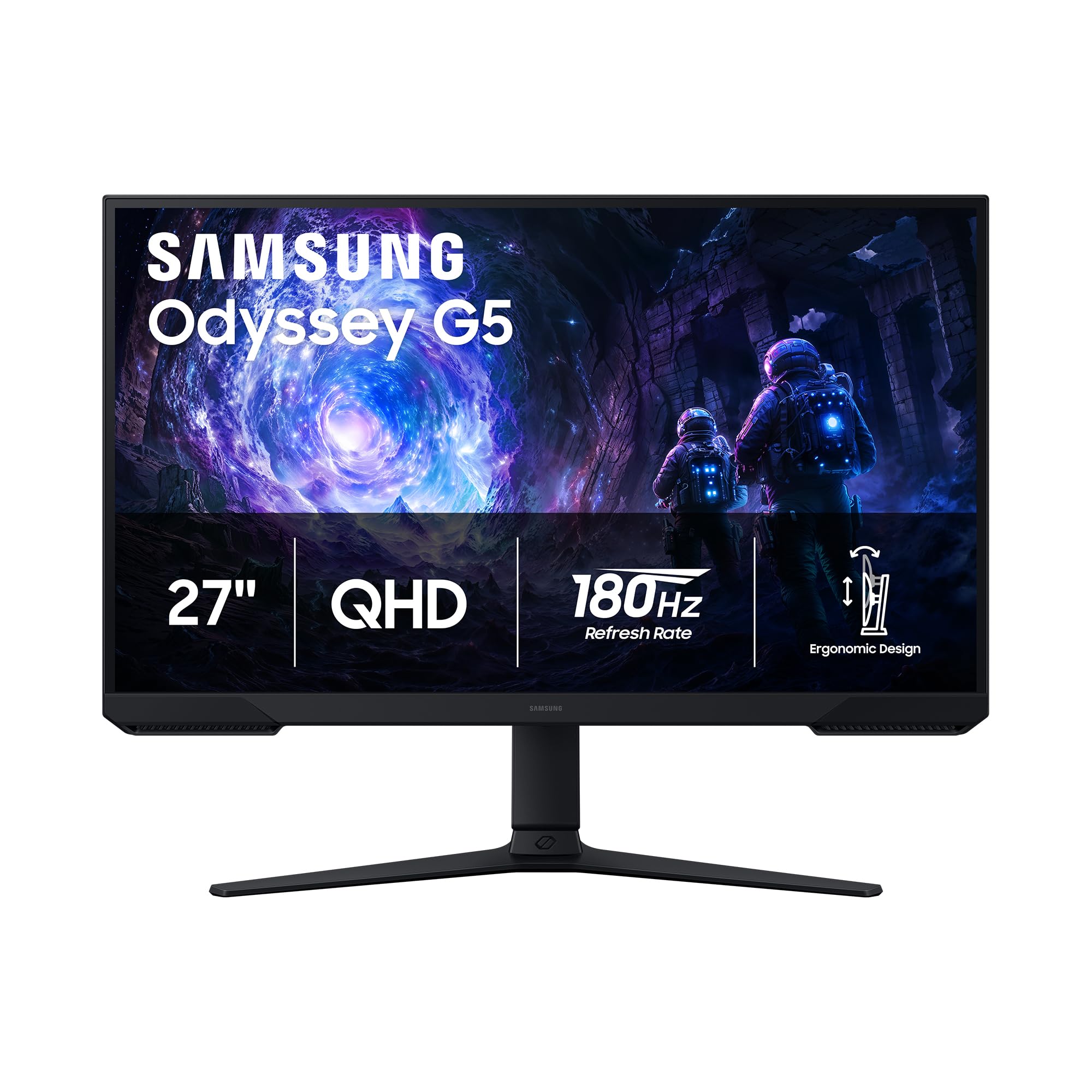
The stand is the first thing that separates the Odyssey G5 from most budget gaming monitors. It adjusts for height, tilt, and pivot, so you can bring the screen up to eye level instead of stacking books under it. The panel itself is a 27-inch 2560 x 1440 VA unit with a 180Hz refresh, 1ms response, FreeSync, and HDR10.

We like it most for immersive single-player games. The VA panel's 3000:1 contrast gives dark scenes more depth than the IPS picks here, and 180Hz is high enough to keep fast action smooth without requiring a flagship graphics card. The AOC Q27G41ZE is quicker, but the Samsung is the more comfortable screen to sit in front of for a long campaign.

Color is the part to manage. This panel can look duller or warmer than an IPS until you tune it, so give yourself time in the menu rather than judging it out of the box. The 300 cd/m² brightness is fine for a shaded room; beside a bright window, you will want to control the light.

Pros

  • Height, tilt, and pivot adjustment
  • Deep 3000:1 VA contrast
  • 180Hz QHD with FreeSync

Cons

  • HDR impact is limited by modest brightness
Our verdict

For immersive single-player games, we prefer the Samsung Odyssey G5: its height-adjustable stand and deep VA contrast make long sessions comfortable and atmospheric.

Check Latest Price
3

Best for Competitive Esports

ASUS TUF VG27AQM5A

87 /100
LBD Score Excellent

Key details

Panel Type
Fast IPS
Resolution
2560 x 1440
Refresh Rate
300 Hz
Response Time
0.3 ms
View on Amazon

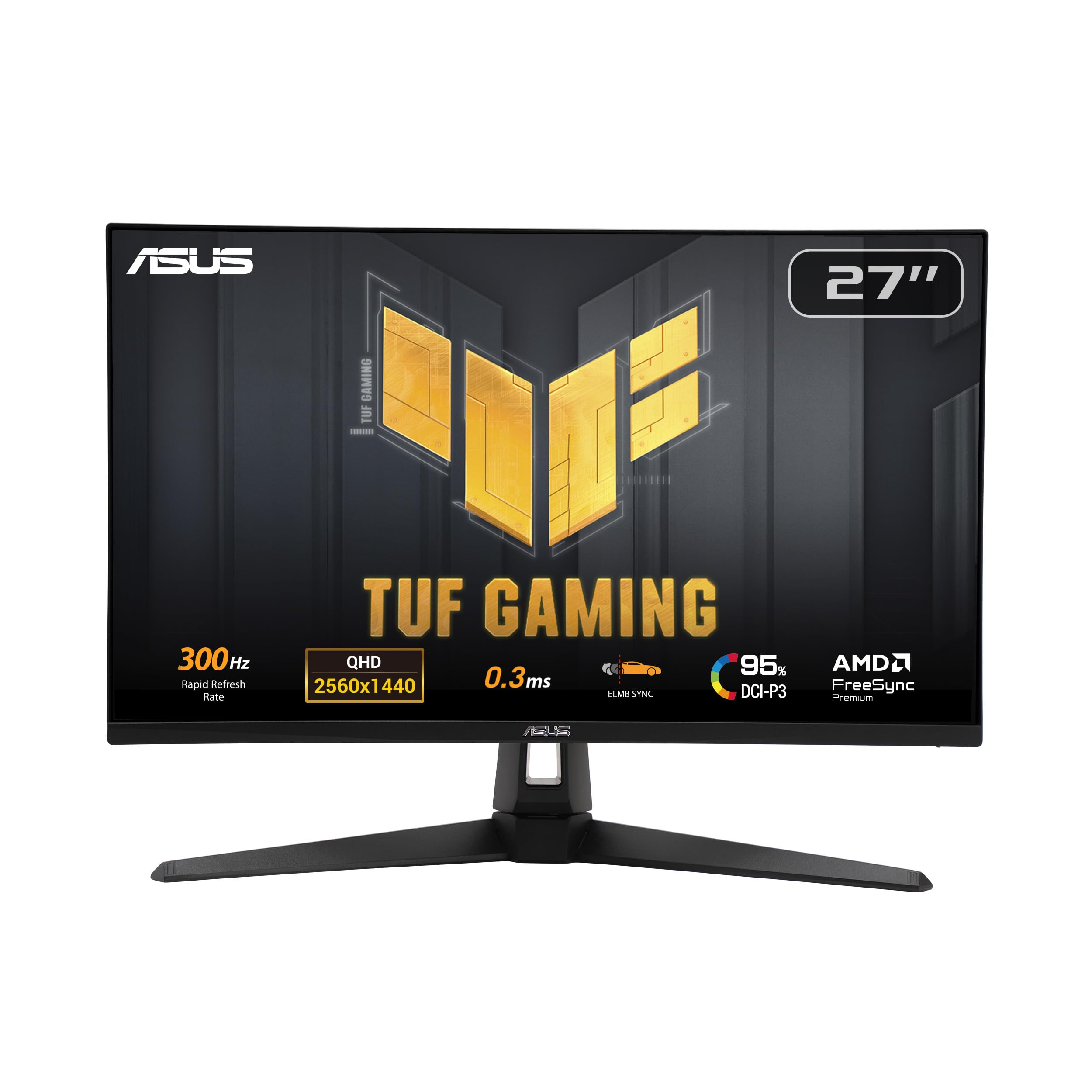
Three hundred hertz is the whole pitch of the TUF VG27AQM5A, and we think it is worth the premium only if your PC can actually feed a 1440p panel at that speed. The rest of the package is built to keep up: Fast IPS, a 0.3ms gray-to-gray response, ELMB Sync, and 95% DCI-P3 coverage.

At 2560 x 1440, this is a sharper monitor than the 1080p speed models, and the Fast IPS panel gives the wide viewing angles and consistent color that competitive players notice when they glance across the screen. ELMB Sync is the feature we appreciate most, because it lets blur reduction and variable refresh work together instead of forcing a choice. Built-in speakers are included, but they are a convenience for desktop audio, not a reason to skip a headset.

The practical limit is frame rate. Hitting 300Hz at 1440p takes a top-tier graphics card, a DisplayPort connection, and a game that can run that fast; on a midrange build you will spend most of your time well below the ceiling, where a 240Hz monitor makes more sense. If you are already chasing the last few frames in competitive shooters, the motion clarity is the payoff.

Pros

  • 300Hz refresh for esports
  • 1440p Fast IPS panel
  • ELMB Sync blur reduction
  • 95% DCI-P3 coverage

Cons

  • Needs a top-tier GPU to exploit 300Hz
  • Premium price for a narrow use case
Our verdict

Buy the ASUS TUF VG27AQM5A only if your PC can drive 1440p near 300Hz; then its motion clarity is the reason to pay the premium.

Check Latest Price
4

Best Budget 240Hz

Dell SE2726HG

86 /100
LBD Score Excellent

Key details

Panel Type
IPS
Resolution
1920 x 1080
Refresh Rate
240 Hz
Adaptive Sync
FreeSync Premium
View on Amazon

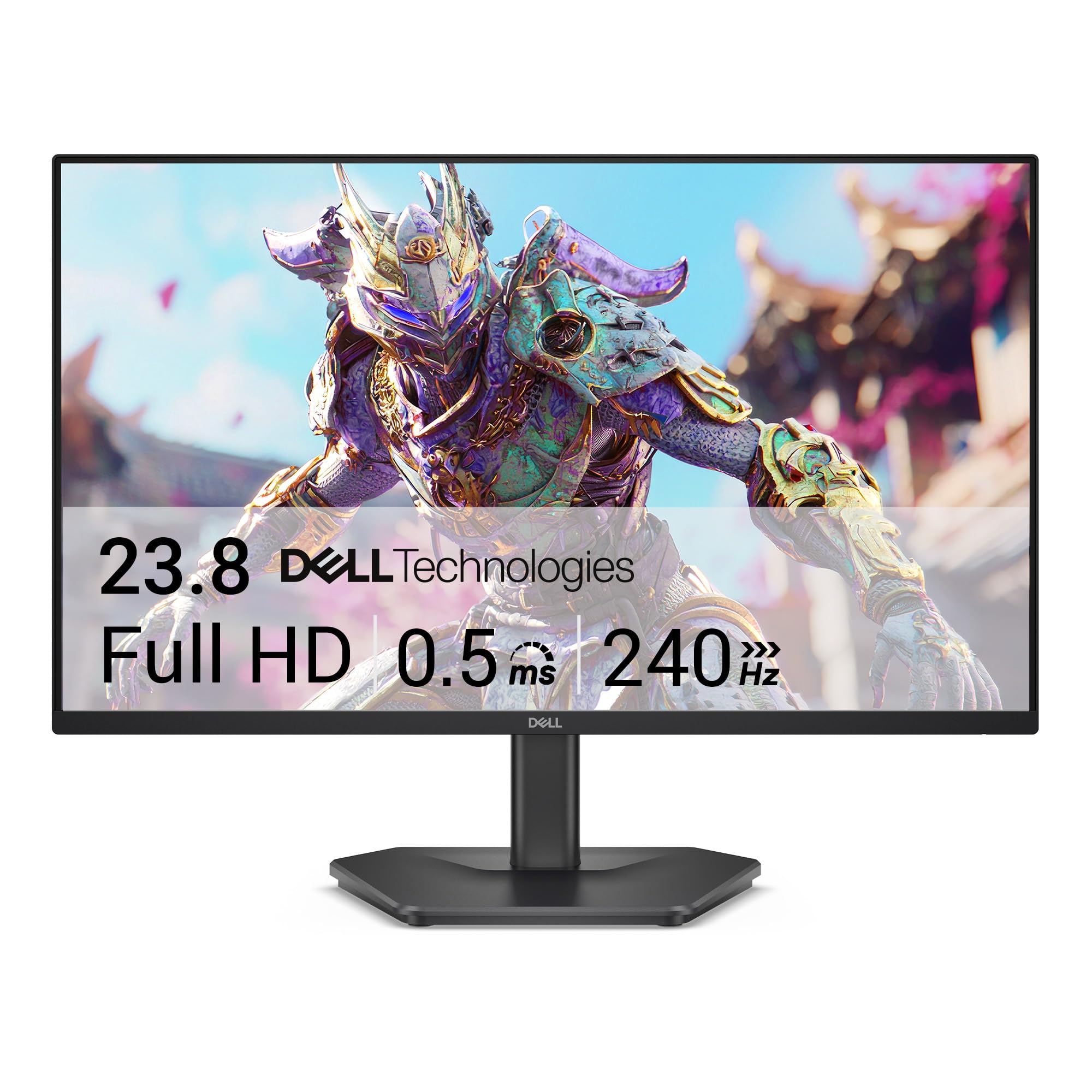
A 240Hz gaming monitor at the lowest price here is the SE2726HG's whole argument. It uses a 27-inch 1920 x 1080 IPS panel, covers 99% of sRGB, and adds FreeSync Premium plus HDMI VRR, so both PC and console sources can benefit from variable refresh.

We think it is the right first stop for a budget esports build. The 1080p resolution is easier to drive at 240Hz than 1440p, and the IPS panel gives cleaner viewing angles and more consistent color than the cheapest VA alternatives. It is not the sharpest 27-inch screen for text, but for fast shooters the trade makes sense. On a PC, use DisplayPort for the full 240Hz; the HDMI inputs are better for a console.

The TÜV Rheinland 3-star eye-care certification is a useful extra for long sessions, and setup is about as simple as a monitor gets. We also appreciate that the 1080p panel keeps the whole package light and easy to move between desks.

Pros

  • 240Hz at the lowest price here
  • IPS color and wide viewing angles
  • FreeSync Premium and HDMI VRR
  • TÜV 3-star eye comfort

Cons

  • No built-in speakers
  • Tilt-only stand
Our verdict

The Dell SE2726HG is our budget esports pick: it brings 240Hz and IPS color to the lowest price here, with the essentials and nothing extra.

Check Latest Price
5

Best Curved Budget Pick

Sceptre C275B-FWT240

87 /100
LBD Score Excellent

Key details

Curvature
1500R
Panel Type
VA
Resolution
1920 x 1080
Refresh Rate
240 Hz
View on Amazon

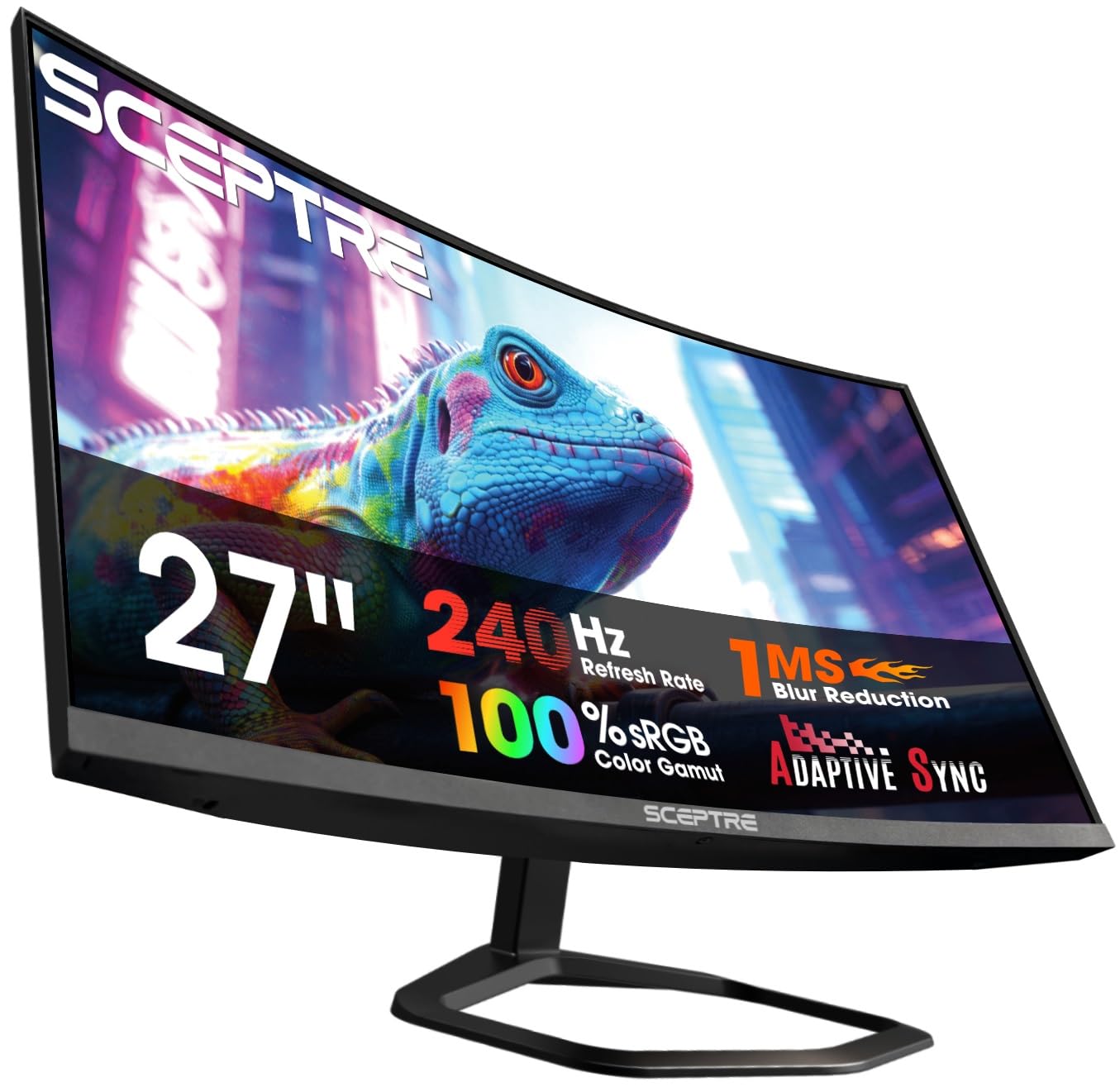
The 1500R curve is the first thing you notice on the C275B, and at 27 inches it adds a gentle wrap that brings the screen edges into view without feeling like a fishbowl. We think that makes it a fun budget pick for immersive games, especially when the 240Hz refresh and FreeSync Premium are part of the same package.

The panel is a 1920 x 1080 VA unit with a 3000:1 contrast ratio and 99% sRGB coverage. That contrast is the part we value most: dark scenes have more depth than they do on a budget IPS screen, and the 240Hz refresh keeps fast motion smooth. The built-in speakers are handy for a quick desktop setup, though a headset will serve you better in games.

A VESA mount is the practical way to get it to eye level, and the matte finish keeps reflections down in a room with a lamp nearby. The 240Hz refresh and FreeSync Premium are the real reasons to buy; the curve is not just styling because it brings the edges into your peripheral vision.

Pros

  • 240Hz with FreeSync Premium
  • 1500R curve adds immersion
  • 3000:1 VA contrast
  • 99% sRGB coverage

Cons

  • 1080p looks soft at 27 inches
Our verdict

We think budget players who want immersion should look at the Sceptre C275B: the 1500R curve and 240Hz panel deliver atmosphere and speed for the money.

Check Latest Price
6

Sharp 1440P Value

Acer Nitro KG271U

87 /100
LBD Score Excellent

Key details

Panel Type
IPS
Resolution
2560 x 1440
Color Gamut
95% DCI-P3
Refresh Rate
180 Hz
View on Amazon

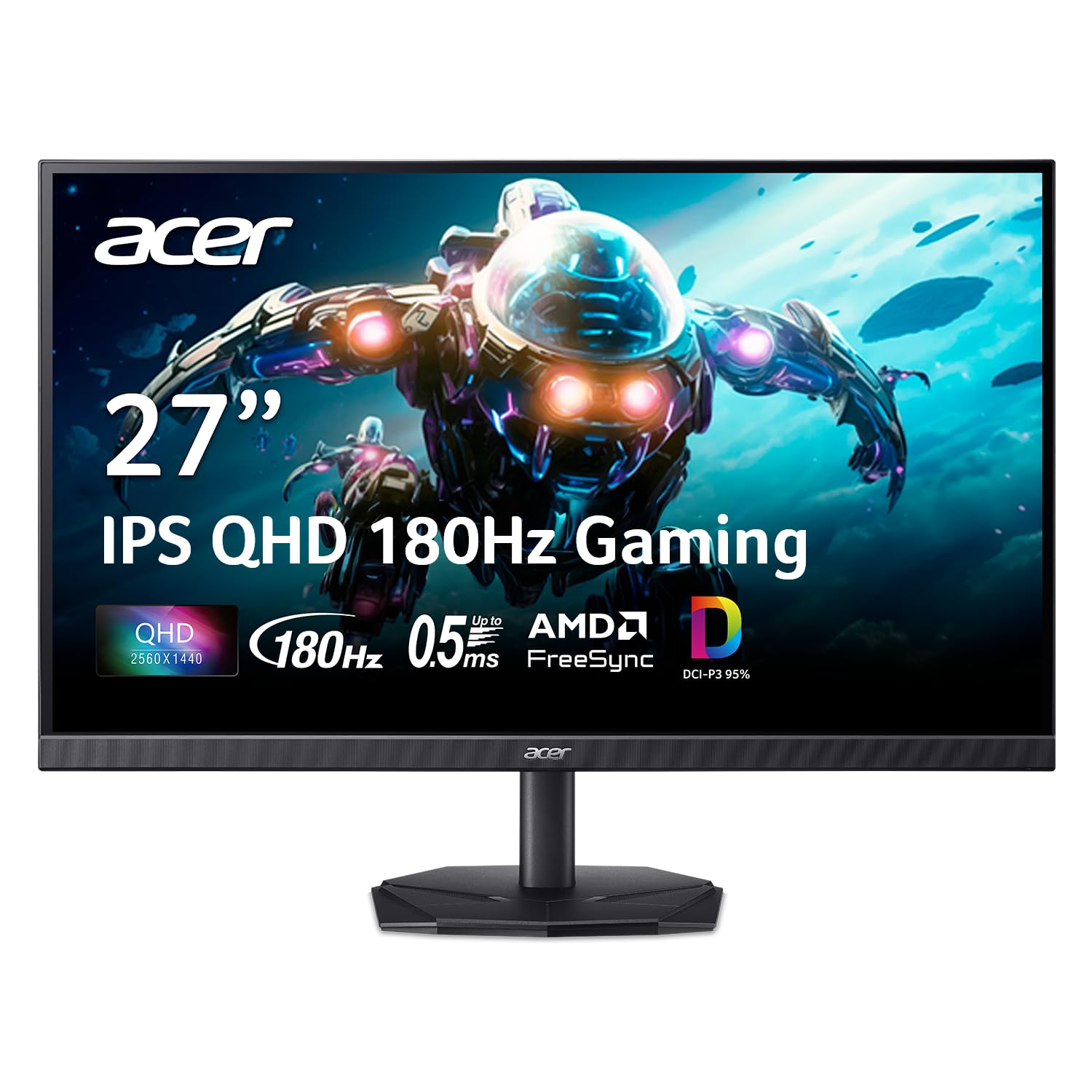
A 27-inch 1440p IPS panel at 180Hz is a sensible sweet spot for a mixed-use desk, and the Nitro KG271U N3bmiipx hits it without moving into premium territory. It also carries 95% DCI-P3 coverage, HDR10 support, FreeSync, and a three-year warranty.

We like it for a desk that has to do double duty. The 2560 x 1440 resolution keeps text crisp for work, while the 180Hz refresh and FreeSync make games feel much smoother than a 60Hz office panel. It gives up 60Hz to the AOC Q27G41ZE, but it keeps the 1440p sharpness that matters for documents and strategy games.

The 250-nit brightness is the practical limit: it is comfortable in a shaded room, but daylight behind the desk will wash out dark scenes. HDR10 is mostly a label at this brightness, so do not buy it for HDR. We also treat the built-in speakers as a backup for system sounds rather than a serious audio solution.

Pros

  • Sharp 1440p IPS panel
  • 180Hz with FreeSync
  • 95% DCI-P3 color coverage
  • Three-year warranty

Cons

  • Dead pixels can appear out of the box
  • Tilt-only stand
Our verdict

We like the Acer Nitro KG271U for a desk that mixes work and games: 1440p IPS sharpness and 180Hz speed cover both without a premium tag.

Check Latest Price
7

Budget Everyday Gaming

Acer KB272 G0bi

92 /100
LBD Score Outstanding

Key details

Panel Type
IPS
Resolution
1920 x 1080
Color Gamut
99% sRGB
Refresh Rate
120 Hz
View on Amazon

The KB272 G0bi is the office-first monitor in this group, and its low price and 120Hz refresh are the reasons to look. It is a 27-inch 1920 x 1080 IPS panel with 99% sRGB coverage, 250-nit brightness, Adaptive-Sync support, and a three-year warranty.

We like it for a budget desk that sees documents, video, and casual games. The 120Hz refresh is a real step up from 60Hz for scrolling and everyday motion, and the IPS panel keeps colors consistent when you look at the screen from an angle. It is not a competitive gaming monitor, but it is comfortable for long work sessions.

The 120Hz ceiling is the line between this and the gaming-first picks: 180Hz and 240Hz panels are clearly quicker in fast shooters, and this one does not pretend otherwise. The 250-nit brightness is fine for a shaded office, less so in direct sun. If you want a big, easy screen for schoolwork and light play, it covers the basics without fuss.

Pros

  • 120Hz IPS screen
  • 99% sRGB color coverage
  • Three-year warranty
  • VESA mountable

Cons

  • No built-in speakers
  • Single HDMI plus VGA limits inputs
Our verdict

The Acer KB272 is the sensible budget choice for a home office that sees casual games; we value its 120Hz IPS screen more than its gaming ambition.

Check Latest Price
8

Ultra-Budget 180Hz

Sceptre E275B-FW180T

85 /100
LBD Score Excellent

Key details

Ports
2 HDMI, 2 DisplayPort
Resolution
1920 x 1080
Refresh Rate
180 Hz
Response Time
1 ms
View on Amazon

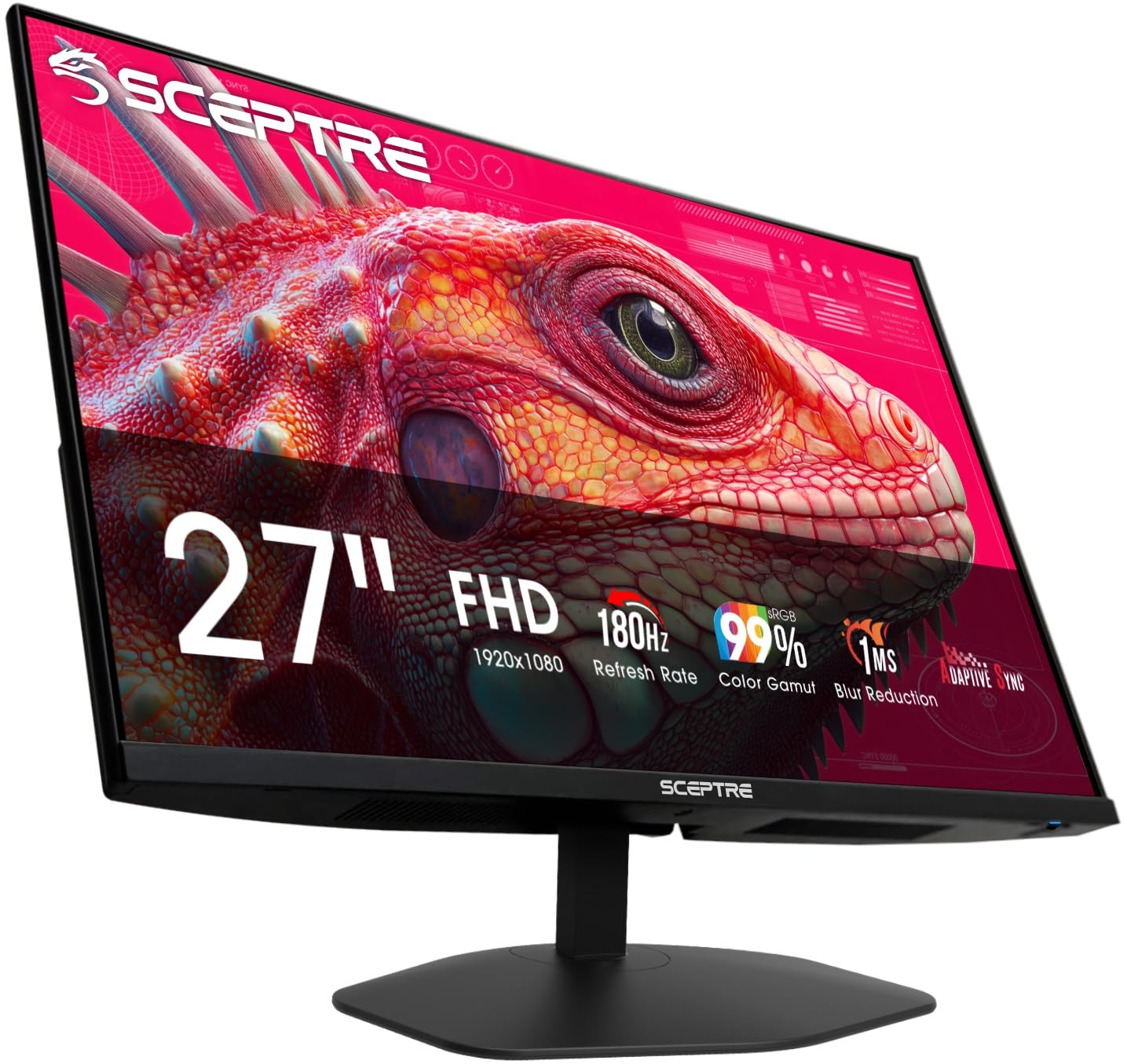
The E275B-FW180T is the lowest-priced way into 180Hz here, and we think that makes it the entry-level pick to beat for a first gaming setup. It is a 27-inch 1920 x 1080 panel with 1ms response, 94% color gamut, two HDMI ports, two DisplayPort inputs, and built-in speakers.

The refresh rate is the reason to buy it. 180Hz is smooth enough for fast games, and the four video inputs are unusually generous at this end of the market; you can keep a PC and a console connected without swapping cables. The 1ms response is a blur-reduction figure, not a guarantee of low input lag, but the panel is clearly aimed at speed rather than color work.

Color is the part to keep in perspective: the 94% gamut is fine for casual games and video, but this is not a monitor for photo editing. The built-in speakers are handy for system sounds, though a headset will sound better in games. For a second screen, a dorm setup, or a first gaming monitor, the speed is what counts.

Pros

  • 180Hz at the lowest price here
  • Two HDMI and two DisplayPort inputs

Cons

  • 1080p looks soft at 27 inches
Our verdict

Our ultra-budget pick is the Sceptre E275B: 180Hz and four video inputs at the entry price, with 1080p softness as the honest trade.

Check Latest Price

How We Tested 27-Inch Gaming Monitors

We started by gathering every 27-inch gaming monitor from brands we'd recommend to a friend, then filtered on the things that change how a screen feels rather than how it reads: panel type, native resolution, refresh rate, and whether the stand height adjusts or the back fits a VESA arm. That narrowed the field to 12 monitors across several price bands, and we set all of them up on one long shared desk for six months.

On arrival, each monitor went through the same first hour: solid red, green, blue, white, and black fields to hunt for dead or stuck pixels and uneven backlighting, then a plain-text document at 100% scale to see whether small type stayed crisp. We watched the same three game sequences and one dark movie scene on all 12, side by side where we could, judging skin tones, shadow detail, and how badly a bright window behind the desk washed out the picture at midday.

For the fast stuff, we played the same twitchy shooter and swept the camera across open sky and detailed foliage to look for smearing, then ran adaptive sync on and off to see whether tearing or stutter was more obvious. We also timed how long each screen took to hop between a PC on DisplayPort and a console on HDMI, and counted button presses to drop brightness at night.

Audio got its own pass: we played the same clip through each monitor's built-in speakers at full volume, then through headphones in the audio-out jack, since some of these screens have speakers and some only pass sound through. We raised and lowered every stand to eye level, checked how much desk space the feet ate, and mounted the VESA-ready models on arms. Throughout, we kept a running note of what each price step actually bought — a better panel, a sturdier stand, or just more hertz.

How to Choose a 27-Inch Gaming Monitor

Resolution: 1080p or 1440p?

A 27-inch 1080p screen is the budget route to high refresh. It is easier to drive at 240Hz, which is why the Dell SE2726HG and Sceptre C275B use it, but the larger pixels make text and distant details look softer than on a 1440p panel. We prioritize 1440p for an all-round gaming monitor because the AOC Q27G41ZE and Acer Nitro KG271U keep 27-inch games crisp without demanding flagship hardware. Choose 1080p when the lower price or maximum frame rate matters more than sharpness.

Refresh Rate and Adaptive Sync

Refresh rate is the number that makes a monitor feel like a gaming display. 120Hz is a real step up from 60Hz; 180Hz suits most fast games; 240Hz and 300Hz are for players chasing the last bit of motion clarity. Adaptive sync is worth having because it matches the monitor's refresh to your frame rate, keeping the image stable when frames dip. The catch is that you need the right cable, port, and frame rate: many monitors reach their top refresh only over DisplayPort, and a 300Hz panel is wasted on a graphics card that cannot push past 180fps.

Panel Type, Brightness, and Color

IPS panels such as the AOC and Acer Nitro give wide viewing angles and more consistent color; VA panels such as the Samsung Odyssey G5 trade some of that for deeper blacks and stronger contrast. Neither is universally better. Brightness matters too: a 250-nit panel can look flat beside a sunny window, while 300 nits is comfortable in a shaded room. At this level, treat HDR support as a bonus rather than a reason to buy; none of these monitors has the brightness for a dramatic HDR image.

Stand, Ports, and Desk Fit

Most 27-inch monitors here are about 24 inches wide and 7 to 9 inches deep, so plan on roughly two feet of desk width before you add speakers. A height-adjustable stand, as on the Samsung, is worth paying for if you sit for long stretches; tilt-only models like the AOC are fine on a VESA arm or a desk that already sits at the right height. Check the ports for your devices too: one HDMI input is enough for a PC, but a console plus a PC needs more. Built-in speakers are usually a backup, not a replacement for a headset.

Frequently Asked Questions

Final Verdict

Most gamers should buy the AOC Q27G41ZE. It is the best balance here of 1440p sharpness, 240Hz motion, and adaptive-sync support, and it leaves room in the budget for a VESA arm if you need height adjustment.

Choose the Samsung Odyssey G5 instead if you want deeper contrast and a stand that adjusts without an arm. Choose the ASUS TUF VG27AQM5A if you have the GPU for 300Hz and competitive play is the whole point.