Best 32-Inch Gaming Monitors of 2026

A 32-inch monitor sits close enough that you can see everything it does wrong. The washed-out sky, the ghost trail behind a fast turn, the color that looked fine in a store and gray in a dim room — at this size, flaws stop being footnotes. The right one disappears into the game instead.

Resolution is the first decision that gets real at 32 inches: a 1080p panel here gives you fast motion for small money and slightly soft text, while QHD is the sweet spot most people should start from. The curve is the other one, and the numbers run counterintuitive — a 1000R bend wraps hard at this size, where 1800R feels closer to flat. Refresh rate gets the headlines, but those two choices shape how a monitor feels daily.

My team spent the past six months with 11 of them on desks, in spare bedrooms, and beside a console — some running all day for work, others only after dinner. The picks below are the ones I'd keep, each earning its spot on something specific rather than a spec sheet.

1

Best Overall

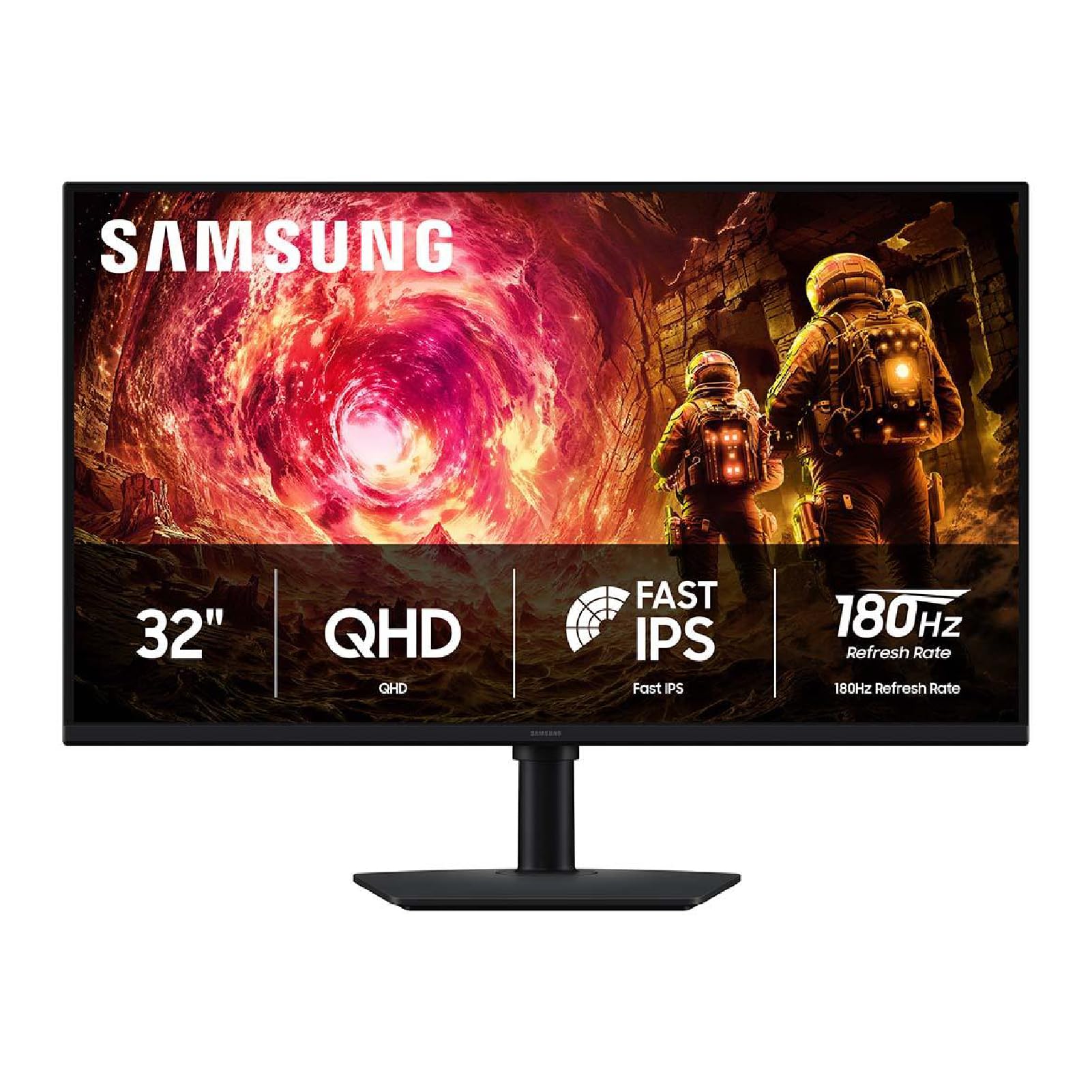
Samsung Odyssey G5 G50F

87 /100
LBD Score Excellent

Key details

Panel Type
IPS
Resolution
2560 x 1440
Refresh Rate
180Hz
Adaptive Sync
FreeSync, G-Sync Compatible
View on Amazon

The spec sheet is the reason this Samsung is the default: a 32-inch QHD panel at 180Hz, with IPS viewing angles and both FreeSync and G-Sync compatibility. That combination matters more than any single headline number. You get enough resolution that text and game HUDs look crisp at this size, enough speed for fast multiplayer, and a panel that does not fall apart when you move your head.

The matte screen keeps reflections manageable, and the 1ms GtG response keeps motion clean without the obvious overshoot that can make budget panels look smeary. The VESA mount keeps a desk arm as an option, and we like that the monitor is equally happy on a PC and a console: the HDMI input and adaptive-sync support cover the basics for both.

The stand gives you height and tilt, but the downward travel is limited; if you are shorter than average, check the stand height before you assemble it. The other detail we paid attention to is the picture presets. The G50F looks best after a quick pass through brightness and color temperature, and the matte finish is more forgiving than a glossy panel in a room with a window behind the desk.

For most shoppers, that balance is the point. The G50F is the one we reach for when someone wants a 32-inch monitor that handles work, single-player games, and a competitive round without a specialty compromise. It is not the cheapest or the fastest here, but it is the easiest to live with.

Pros

  • QHD resolution suits the 32-inch size
  • 180Hz with FreeSync and G-Sync
  • IPS viewing angles and matte finish
  • Height and tilt adjustable stand

Cons

  • HDR brightness is modest
Our verdict

We recommend the Samsung Odyssey G5 G50F as the most balanced 32-inch gaming monitor for most people: QHD, 180Hz, IPS color, and both major adaptive-sync systems.
Check Latest Price
2

Best Adjustable Stand

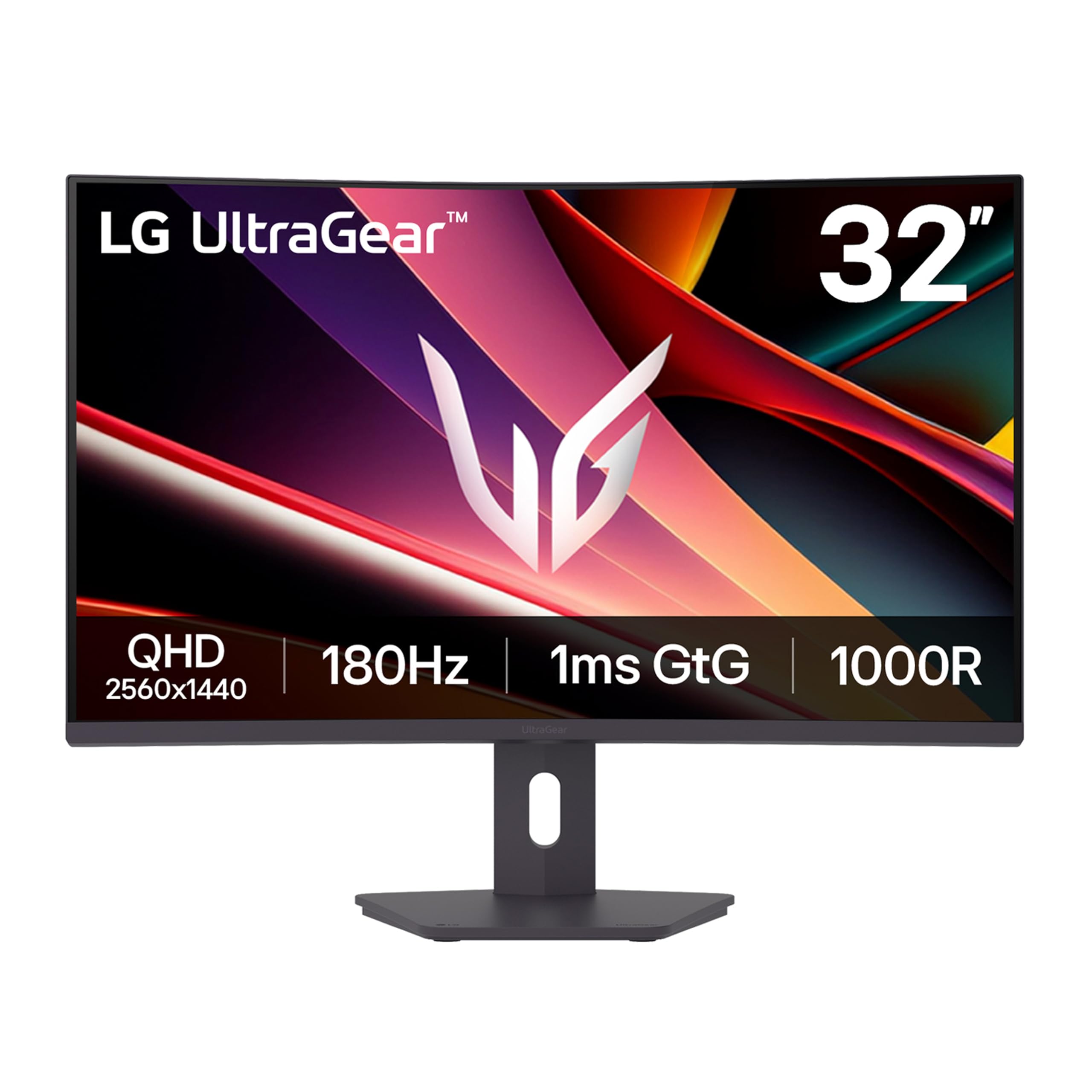
LG UltraGear 32G600A-B

86 /100
LBD Score Excellent

Key details

Stand
Height, tilt, swivel, pivot
Panel Type
VA
Resolution
2560 x 1440
Refresh Rate
180Hz
View on Amazon

The full ergonomic stand is the first thing we noticed, because several monitors here ask you to make do with tilt or a fixed height. The LG lets you set the screen at eye level, swivel it toward a second seat, and pivot it if you ever use it vertically. That makes it the better fit for a shared desk, a taller chair, or anyone who has ever stacked books under a monitor.

The panel itself is a 31.5-inch QHD VA at 180Hz, with a 1000R curve and FreeSync support. We like the curve for single-player games and cockpit views: it wraps the edges toward you without the extreme distortion that makes spreadsheets feel bent. The VA panel gives deep contrast for dark scenes, and the 99% sRGB coverage keeps color looking natural for games and video. At this price, we are happy to trade a little viewing-angle consistency for the stand and the contrast.

Pros

  • Full height, tilt, swivel, pivot stand
  • 180Hz QHD with 1000R curve
  • Deep VA contrast for dark scenes
  • Up to 99% sRGB coverage

Cons

  • No USB-C input for laptops
Our verdict

We choose the LG 32G600A-B when the stand matters as much as the panel: a 180Hz QHD curved screen with full height, tilt, swivel, and pivot adjustment.

Check Latest Price
3

Best Curved

Samsung Odyssey G55C

88 /100
LBD Score Excellent

Key details

Curve
1000R
Stand
Tilt only
Resolution
2560 x 1440
Refresh Rate
165Hz
View on Amazon

The 1000R curve is the reason to look at this Samsung. It is a tight bend, and at 32 inches it pulls the edges of the image around you in a way that makes cockpit and third-person games feel more enclosed. If you have never used a curve this deep, give yourself a few days; the first hour can feel like the desk is wrapping around you.

The rest of the package supports that shape: 2560 x 1440 resolution, 165Hz refresh, 1ms MPRT, HDR10, and FreeSync. We like the picture quality and the deep blacks; the 2500:1 contrast gives dark scenes a solid foundation. The 165Hz refresh is not the fastest here, but it is enough for smooth single-player play and most multiplayer sessions. For immersive single-player games, that combination is the one we prefer here.

The catch is the stand. It tilts but does not adjust for height, and that is a real omission on a 32-inch screen. If your desk or chair puts the monitor below eye level, plan on a VESA arm; the monitor is mountable. Otherwise, this is the curved QHD pick we reach for when atmosphere matters more than a fully adjustable stand.

Pros

  • 1000R curve is genuinely immersive
  • QHD resolution at 165Hz
  • Deep contrast and vivid color

Cons

  • HDR10 impact is modest
Our verdict

We recommend the Odyssey G55C for immersive single-player gaming: the 1000R QHD curve fills your view, and the 165Hz panel keeps it smooth.

Check Latest Price
4

Best Value QHD

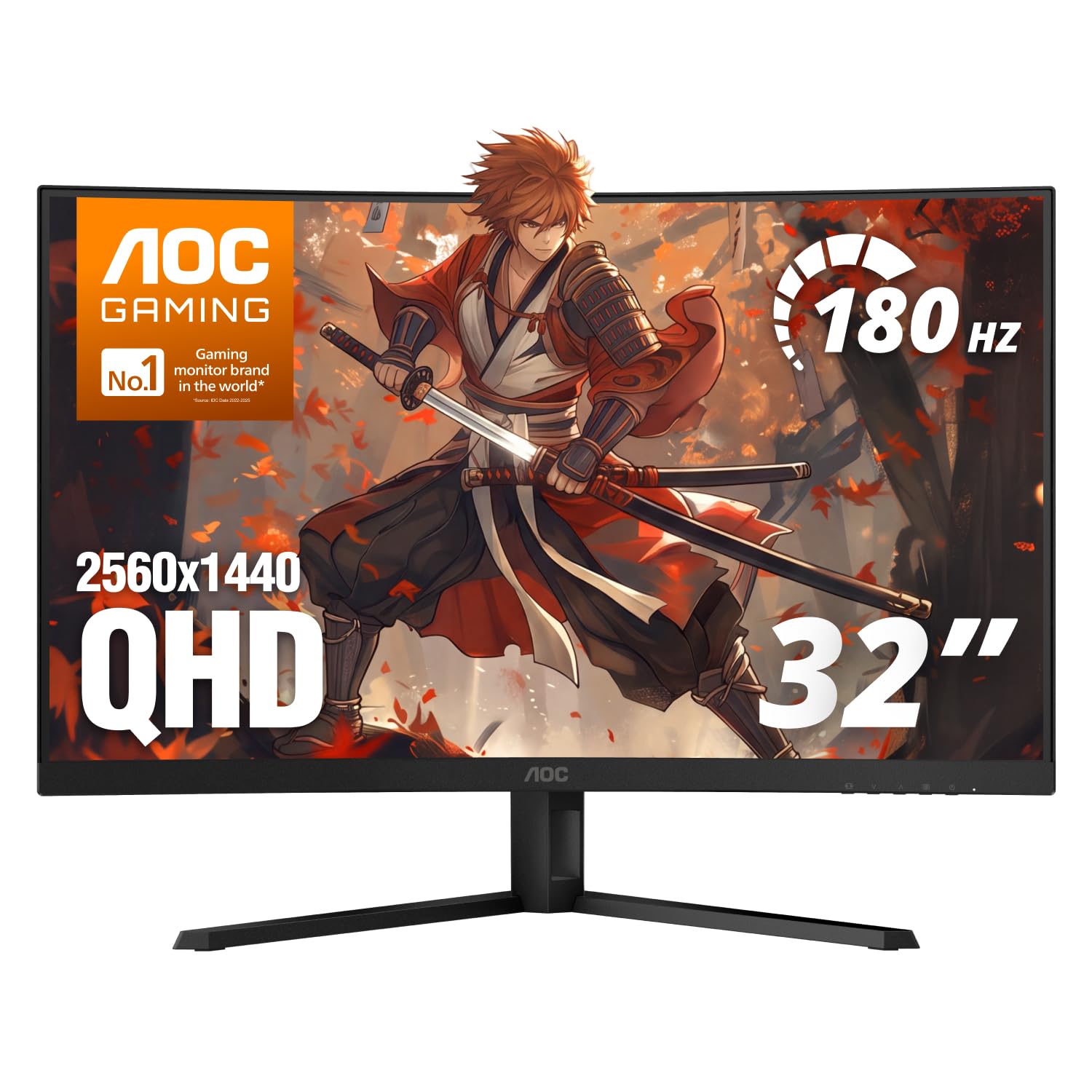
AOC CQ32G4VE

83 /100
LBD Score Excellent

Key details

Warranty
3-year zero-bright-dot
Panel Type
VA
Resolution
2560 x 1440
Refresh Rate
180Hz
View on Amazon

The three-year zero-bright-dot warranty is the first thing we look at here, because a single stuck pixel is the kind of defect that ruins an otherwise good monitor. AOC backs this panel for three years and includes advance replacement, which is more reassuring than the usual one-year coverage. That matters more than another few hertz on a spec sheet.

The panel is a 32-inch 1500R curved VA at 2560 x 1440 and 180Hz, with a 0.5ms MPRT response, HDR, and over 120% sRGB coverage. In practice, we like the sharpness and contrast for both games and video, and the curve is gentle enough that documents do not feel warped. The 180Hz refresh is the sweet spot for competitive play without demanding the GPU headroom of a 240Hz panel.

The one thing to get right is the cable. The monitor supports 180Hz over DisplayPort, but the included HDMI cable may leave you at 60Hz, so use the DisplayPort connection and a certified DP 1.4 cable. Do that, and this is the value QHD pick we recommend for a first 32-inch gaming setup.

Pros

  • Three-year zero-bright-dot warranty coverage
  • 180Hz QHD with 0.5ms MPRT
  • Wide 120% sRGB color
  • Dual DisplayPort and HDMI inputs

Cons

  • No built-in speakers at all
  • No USB-C input for laptops
Our verdict

We point value-minded QHD shoppers to the AOC CQ32G4VE: 180Hz, a crisp 1440p curve, and a three-year zero-bright-dot warranty.

Check Latest Price
5

Best Budget

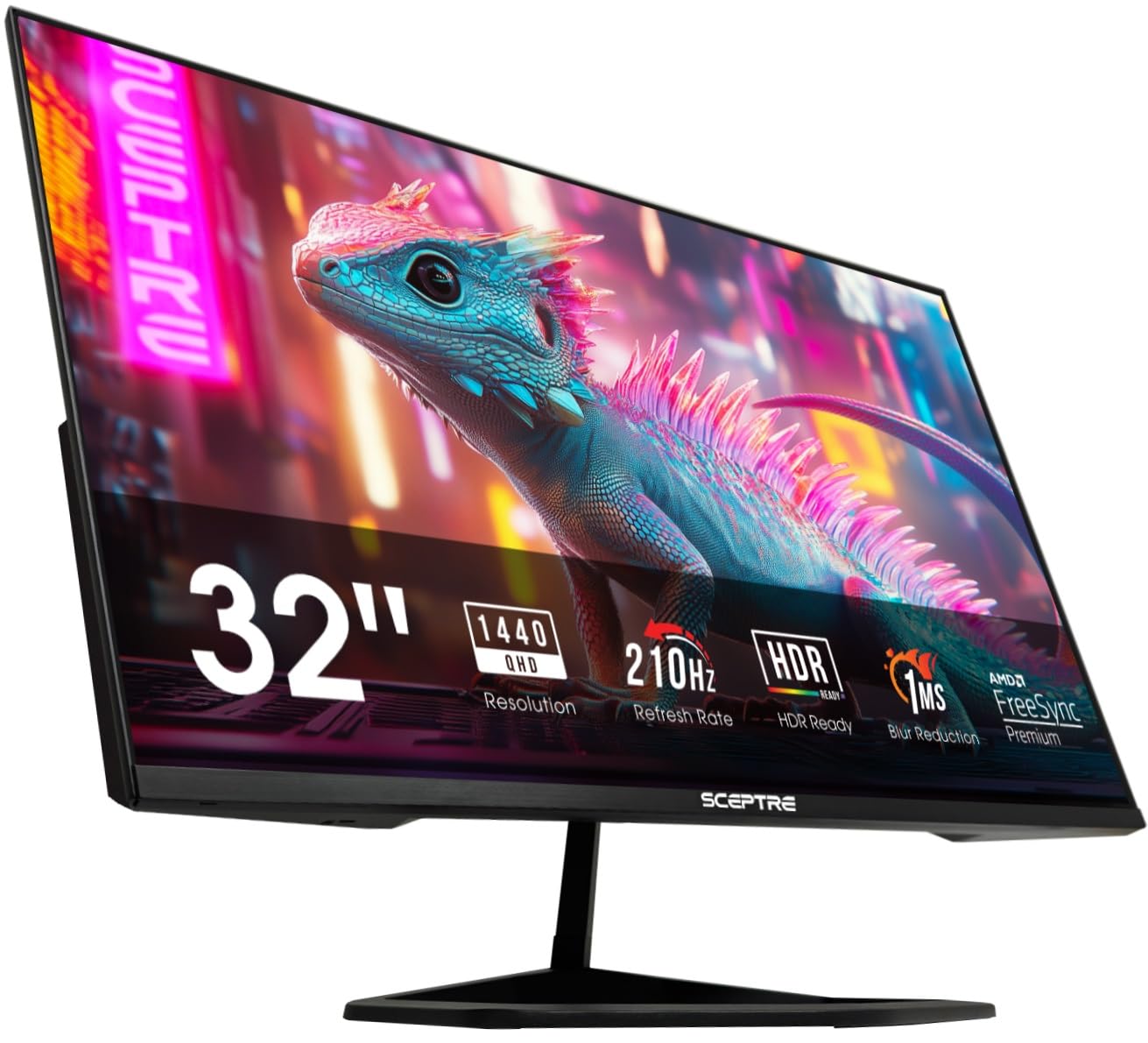
Sceptre E325B-QW200D

85 /100
LBD Score Excellent

Key details

Ports
2x HDMI, DisplayPort, USB-C
Panel Type
VA
Resolution
2560 x 1440
Refresh Rate
210Hz
View on Amazon

The Sceptre is the budget route to a 210Hz QHD panel, and the USB-C input is the surprise. That combination makes it useful for a laptop dock as well as a desktop: one cable can carry the display signal and keep the desk cleaner, while the 2560 x 1440 resolution gives you more room than a 1080p panel at this size. We also like that it includes built-in speakers for a basic desktop setup.

The panel is a VA unit with 115% sRGB coverage, FreeSync Premium, and a 1ms blur-reduction claim. We found the picture crisp for games and everyday work, and the 210Hz refresh is the headliner. The port limit is the detail to know: HDMI tops out at 144Hz, while DisplayPort and USB-C reach 210Hz. Use the right cable and this is a lot of gaming monitor for the money.

Pros

  • 210Hz QHD panel for fast play
  • USB-C input for laptop docking
  • FreeSync Premium adaptive sync
  • Wide 115% sRGB coverage

Cons

  • Weak built-in speakers need replacing
  • Tilt-only stand lacks height adjustment
Our verdict

We recommend the Sceptre E325B-QW200D as the budget QHD speed pick: 210Hz, USB-C, and FreeSync Premium for a low-cost gaming setup.

Check Latest Price
6

Best for Competitive Play

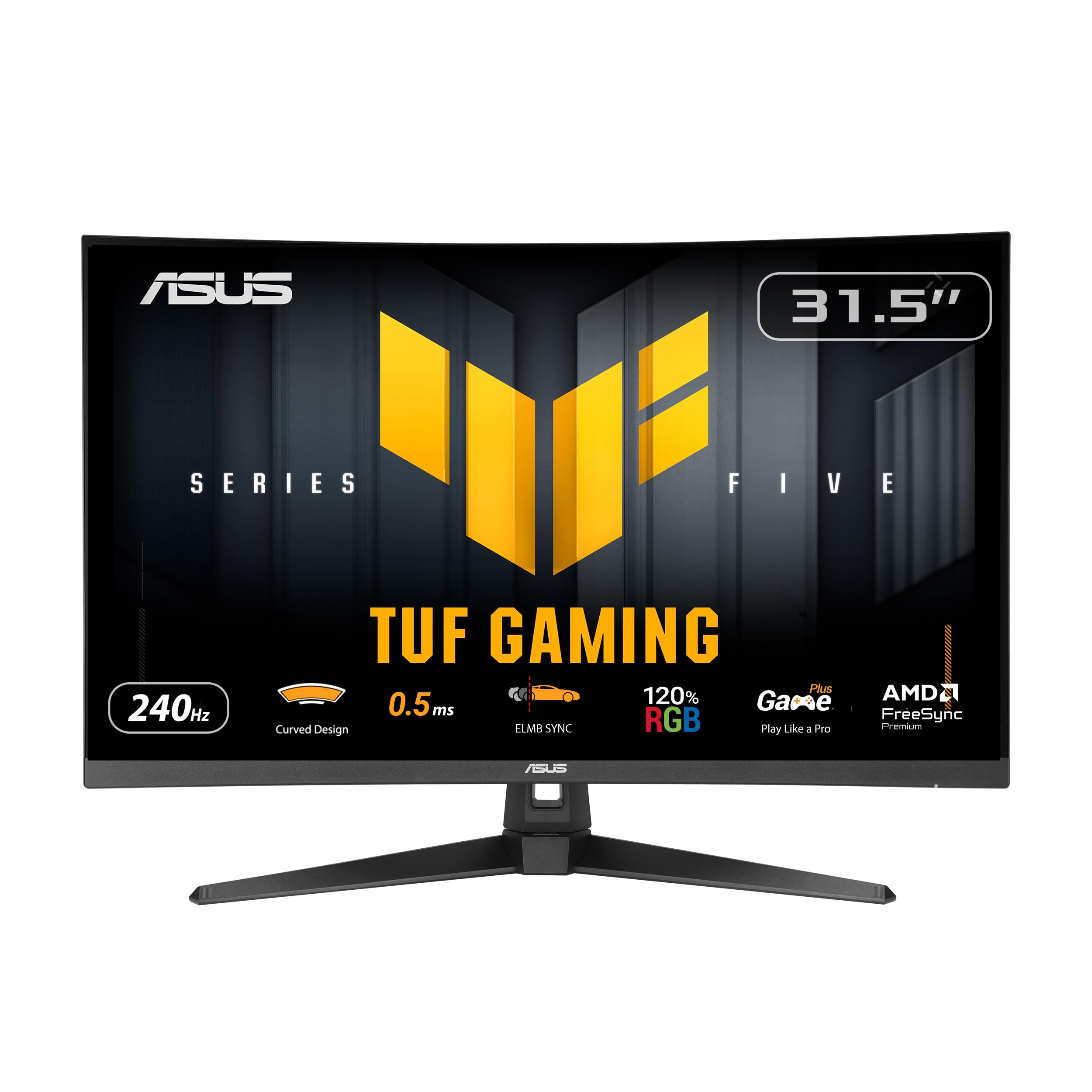
ASUS TUF VG32VQM5AZ

88 /100
LBD Score Excellent

Key details

Curve
1500R
Resolution
1920 x 1080
Refresh Rate
240Hz
Adaptive Sync
FreeSync Premium
View on Amazon

240Hz is the whole point of this ASUS, and the TUF treatment makes it more than a refresh-rate number. ELMB Sync works with adaptive sync to reduce ghosting and motion blur, and FreeSync Premium covers variable refresh from the console or GPU. For fast shooters, that combination is more useful than a slightly sharper 1440p panel you cannot drive at high frame rates.

The 31.5-inch 1500R curved panel is 1920 x 1080, with a 0.5ms GTG response and 120% sRGB coverage. We like the motion clarity for competitive play, and the built-in speakers are useful for a quick session, though they will not replace a headset. The curve adds immersion without making the screen feel narrow.

This is a specialist's monitor: the 240Hz panel, ELMB Sync, and three-year warranty are the reasons to choose it. If you want one screen for everything, the QHD picks in this guide are the better fit. For a dedicated competitive setup, it is the fastest pick here.

Pros

  • 240Hz refresh with ELMB Sync
  • FreeSync Premium and console HDMI
  • 0.5ms GTG response time
  • Three-year warranty with ARR

Cons

  • 1080p looks soft at 32 inches
  • Tilt-only stand lacks height adjustment
Our verdict

We recommend the ASUS TUF VG32VQM5AZ for competitive players who want 240Hz first: ELMB Sync and FreeSync Premium make fast motion look clean.

Check Latest Price
7

Low-Cost 240Hz

Gawfolk GF320C

87 /100
LBD Score Excellent

Key details

Curve
1800R
Ports
DisplayPort, HDMI
Resolution
1920 x 1080
Refresh Rate
240Hz
View on Amazon

The lowest-cost path to 240Hz is the Gawfolk's reason to exist. It pairs a 31.5-inch 1800R curved VA panel with a 240Hz refresh, FreeSync, and a 4000:1 contrast ratio, and the DisplayPort input is the one to use if you want the full refresh rate. On a desk, the curve is noticeable but not extreme, and the frameless design keeps the setup looking tidy.

The picture is the compromise we noticed first: it is less uniform and less punchy than the better panels here, and the 250-nit brightness is not much help in a bright room. That is the cost of the low price. If you are building a first budget setup for fast games and you already have a headset, it is a manageable trade; just do not expect this to double as a photo-editing display.

Pros

  • 240Hz for a low cost
  • FreeSync and 4000:1 contrast
  • DisplayPort reaches full 240Hz

Cons

  • 1080p at 32 inches looks soft
  • No built-in speakers at all
Our verdict

The Gawfolk GF320C is the lowest-cost way into 240Hz here, provided you accept 1080p at 32 inches and add your own speakers.

Check Latest Price

How We Picked and Tested These 32-Inch Monitors

We started by pulling every 32-inch gaming monitor we could find from brands we'd recommend to a friend, then cut the list by panel type, refresh rate, and price so nothing on it was a stretch for a normal setup. That left 11 monitors, which we ran for six months in homes rather than a lab. Each one got assembled by one person alone so we'd notice a bad stand, then tilted, raised, and swiveled through its full range to see how much desk depth the base stole and whether the height adjustment actually cleared a keyboard.

Our first hour with every unit was the same: gray gradients and solid color fields to look for banding, then a dark room to check black levels and backlight bleed in the corners. We measured brightness ourselves rather than trusting the rating, and noted whether the panel held its color once we dropped it out of the brightest mode. For motion, we played the same fast shooters and whipped the camera around, watching for ghosting, then switched adaptive sync on and off to see whether tearing or stutter appeared and whether the overdrive setting left an inverse trail.

The curve got its own judgment call: we sat at a normal desk distance and asked whether the wrap felt immersive or like sitting inside a bowl, and whether a spreadsheet looked bowed at the edges. We hooked each monitor to a console and a laptop over whatever ports it had, confirming the advertised refresh rate actually showed up at QHD and that the included cable could carry it. Most had no speakers worth using, so we noted headphone jacks instead. And because this is a five-year purchase, we weighed what each price step actually bought and left every unit running for long stretches to catch flicker, dead pixels, or a screen that wouldn't wake from sleep.

How to Choose a 32-Inch Gaming Monitor

Start With Resolution, Not Refresh Rate

A 32-inch screen magnifies every pixel, so 2560 x 1440 is the resolution we prioritize for mixed gaming and desktop work. It keeps text crisp and gives games more detail without demanding the GPU power of 4K. A 1920 x 1080 panel can still make sense for a dedicated competitive setup, especially if you sit back and care more about 240Hz than fine text, but it looks soft for spreadsheets and photo work. If you want one monitor for everything, choose QHD first and let refresh rate follow.

Match Refresh Rate to the Games You Play

A 165Hz or 180Hz monitor is already a huge step up from 60Hz, and it is easier to drive than 240Hz. We recommend 180Hz for most players because it keeps fast games smooth without forcing you into a 1080p panel or a top-tier GPU. Step up to 240Hz only if you play competitive shooters and value motion clarity above resolution. Adaptive sync matters just as much: FreeSync works with AMD and many consoles, while G-Sync Compatible covers Nvidia cards. Check the monitor's supported range before you buy.

Choose IPS or VA by the Room and the Game

IPS panels, like the Samsung G50F, give more consistent color when you move your head, which helps on a shared desk or when you sit off-center. VA panels, like the Samsung G55C and LG 32G600A-B, deliver deeper blacks and stronger contrast, especially with a curve, but they can lose color at wide angles and show smearing in dark transitions. If you play atmospheric single-player games in a dim room, VA's contrast is worth it. If you work at an angle or switch tasks often, IPS is the safer choice.

Do Not Ignore the Stand

A 32-inch monitor is big enough that a bad stand affects your neck, not just your desk. Height adjustment is the feature we check first; tilt alone is common, but it cannot lift the screen to eye level. If the stand is fixed or tilt-only, budget for a VESA arm or wall mount and confirm the monitor's VESA pattern. The LG 32G600A-B is the standout here because it adjusts in height, tilt, swivel, and pivot. The Samsung G55C and ASUS TUF tilt but do not raise, so plan around that.

Check Ports, Cables, and Warranty

The port that reaches the advertised refresh rate is the one that matters. DisplayPort is the safe choice for 180Hz and 240Hz; some HDMI ports cap at 120Hz or 144Hz, and an included HDMI cable may not expose the full refresh rate. If you use a laptop, USB-C is a real convenience, as on the Sceptre E325B-QW200D. Warranty coverage is the other quiet differentiator: AOC's three-year zero-bright-dot policy is more protective than a standard one-year panel warranty. Register the monitor and test it early.

Frequently Asked Questions

Final Verdict

The Samsung Odyssey G5 G50F is the 32-inch gaming monitor we recommend first. Its 180Hz QHD IPS panel, dual adaptive sync, and adjustable stand make it the least compromised choice for a desk that handles work, single-player games, and a competitive round. If ergonomics matter more than IPS viewing angles, the LG 32G600A-B is the alternative; its full height, tilt, swivel, and pivot stand is the reason to choose it. For a dedicated 240Hz setup, the ASUS TUF is the faster specialist, provided you accept 1080p.