Best Overall
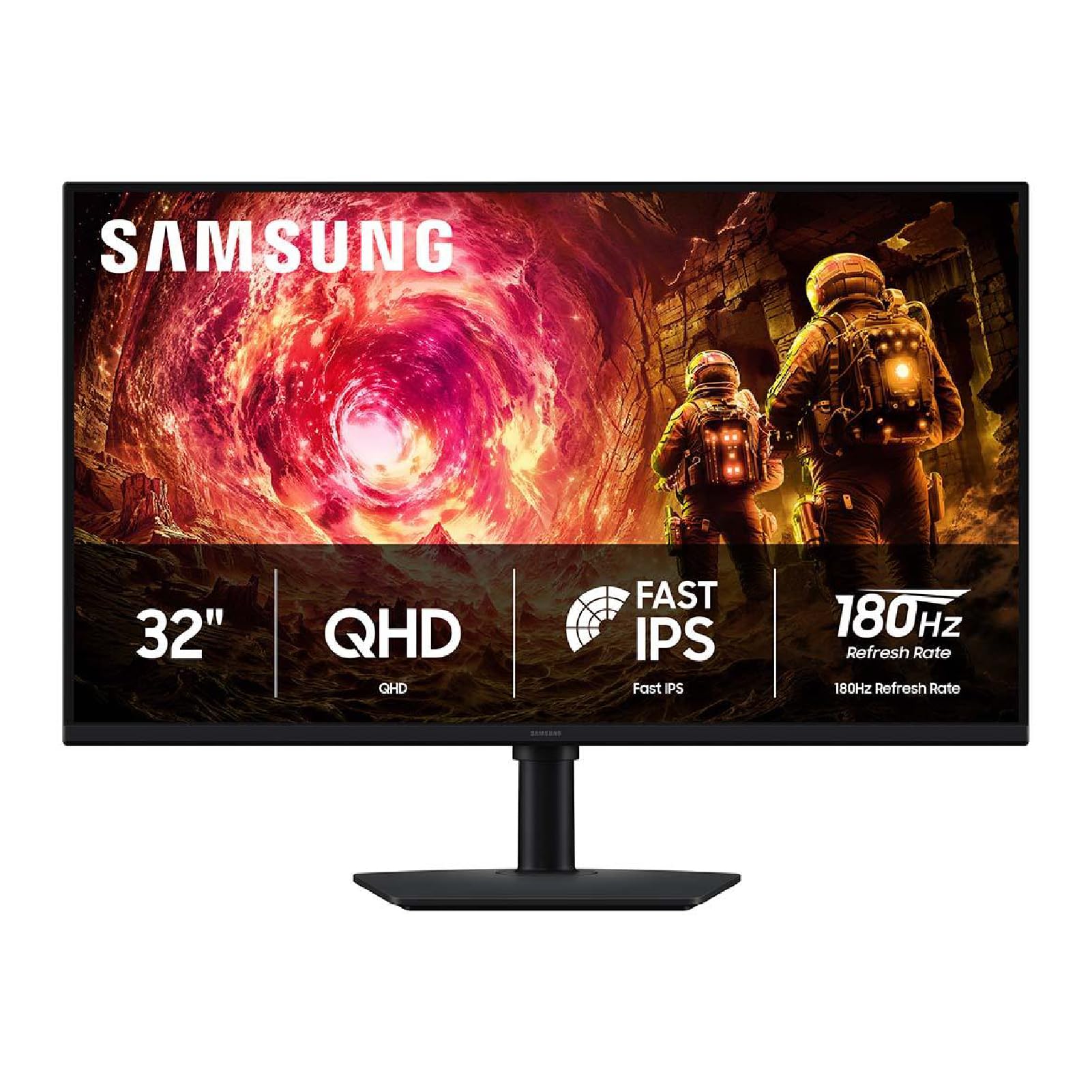
Samsung Odyssey G5 (G50F)
Key details
- Panel Type
- IPS
- Resolution
- 2560 x 1440
- Refresh Rate
- 180 hertz
- Adaptive Sync
- FreeSync, G-Sync Compatible
The Odyssey G5 G50F is the monitor we recommend first because it gets the two things that matter at 32 inches right: a 2560 x 1440 panel that keeps text crisp and a 180Hz refresh that makes movement feel fluid. We like that it does both with an IPS panel rather than forcing a choice between office sharpness and gaming speed. On a desk, the height-adjustable stand is a bigger deal than the spec sheet suggests; it lets you bring the screen to eye level instead of stacking it on books.
Colors are lively and the 1ms GtG response is quick enough for fast games, while FreeSync and G-Sync compatibility cover both major graphics-card camps. We also appreciate the matte finish, which keeps reflections under control in a room with a window behind the desk. The panel is at its best in a shaded office or a room with blinds; a very bright window will still ask more of it than 300 nits can give.
At 32 inches, 1440p is the resolution we prefer for spreadsheets, browsers, and photo work; 1080p at this size can look coarse beside it. The G5 also gives you DisplayPort and HDMI, so a PC and a console can share the desk without swapping cables. We did find the stand's lowest setting worth checking on a shallow desk, so measure the height before you commit.
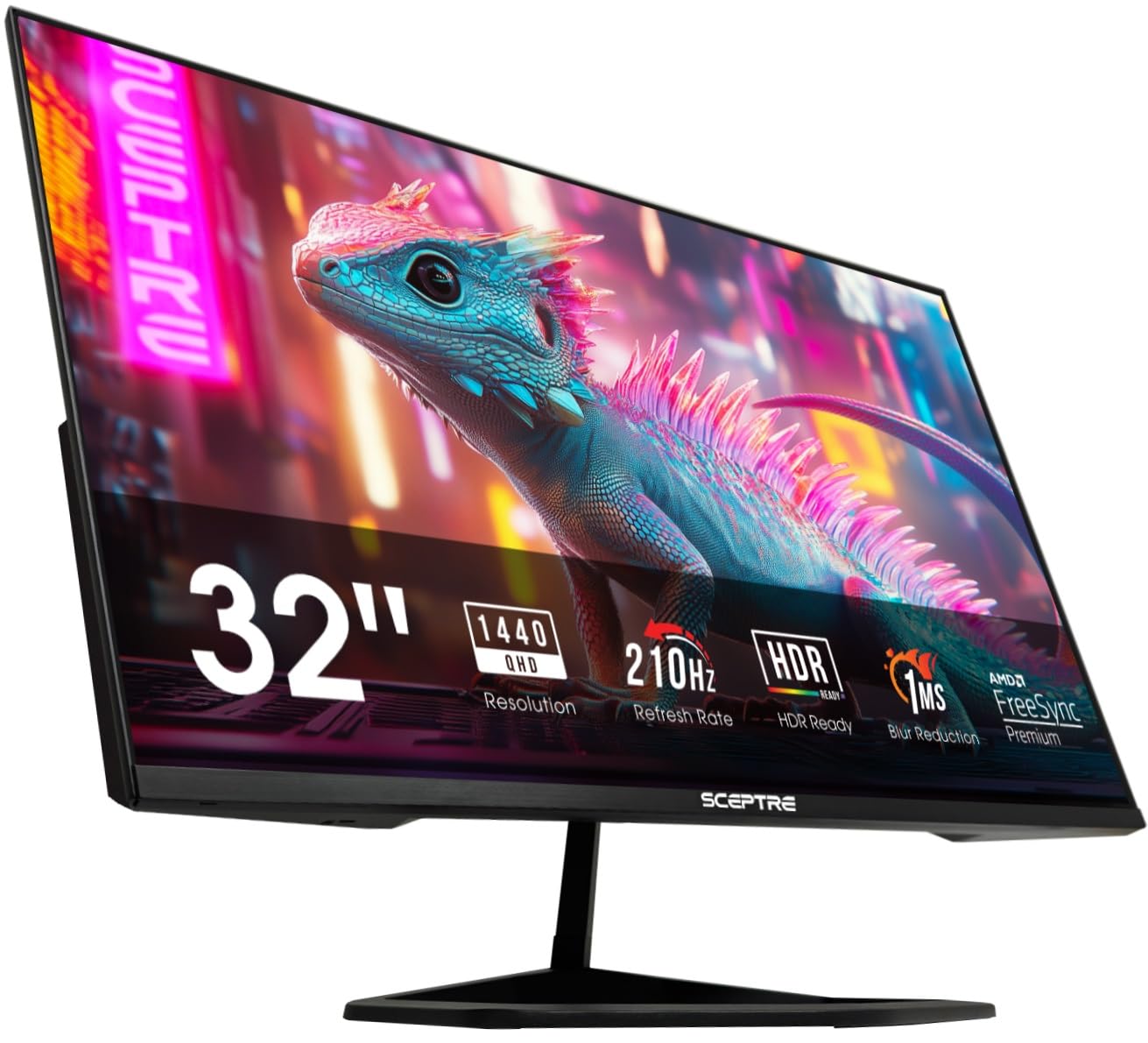
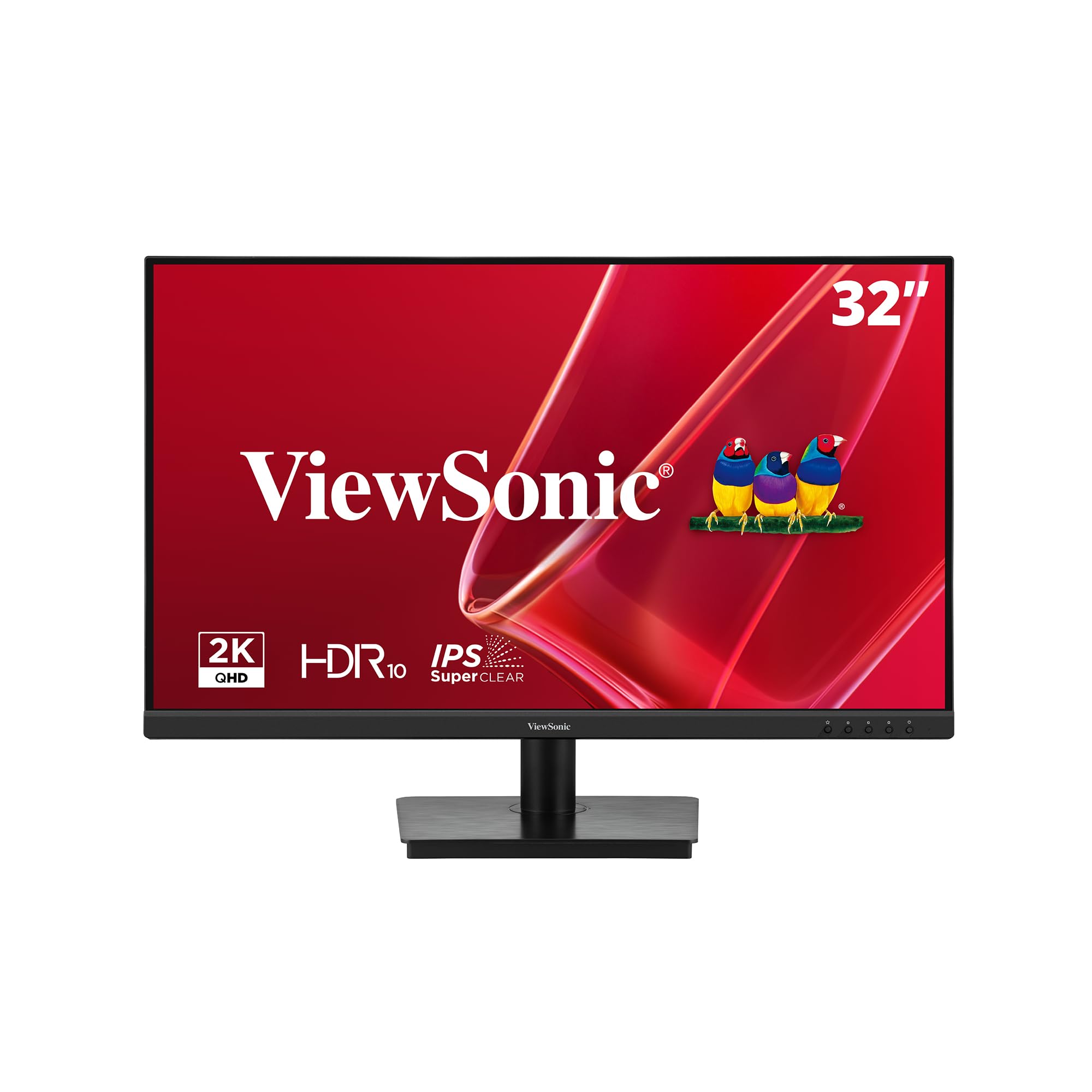
The Sceptre is faster on paper and the ViewSonic VS3225 is cheaper for pure office work, but neither covers both jobs as evenly as this Samsung. That range is why it earns the top spot.
Pros
- Sharp QHD resolution at 32 inches
- 180Hz IPS panel with adaptive sync
- Height-adjustable stand improves comfort
- Covers work and gaming in one screen
Cons
- HDR10 is limited by the 300-nit panel
For one desk that has to handle spreadsheets by day and fast games at night, we pick the Odyssey G5: sharp QHD, 180Hz, and an adjustable stand.