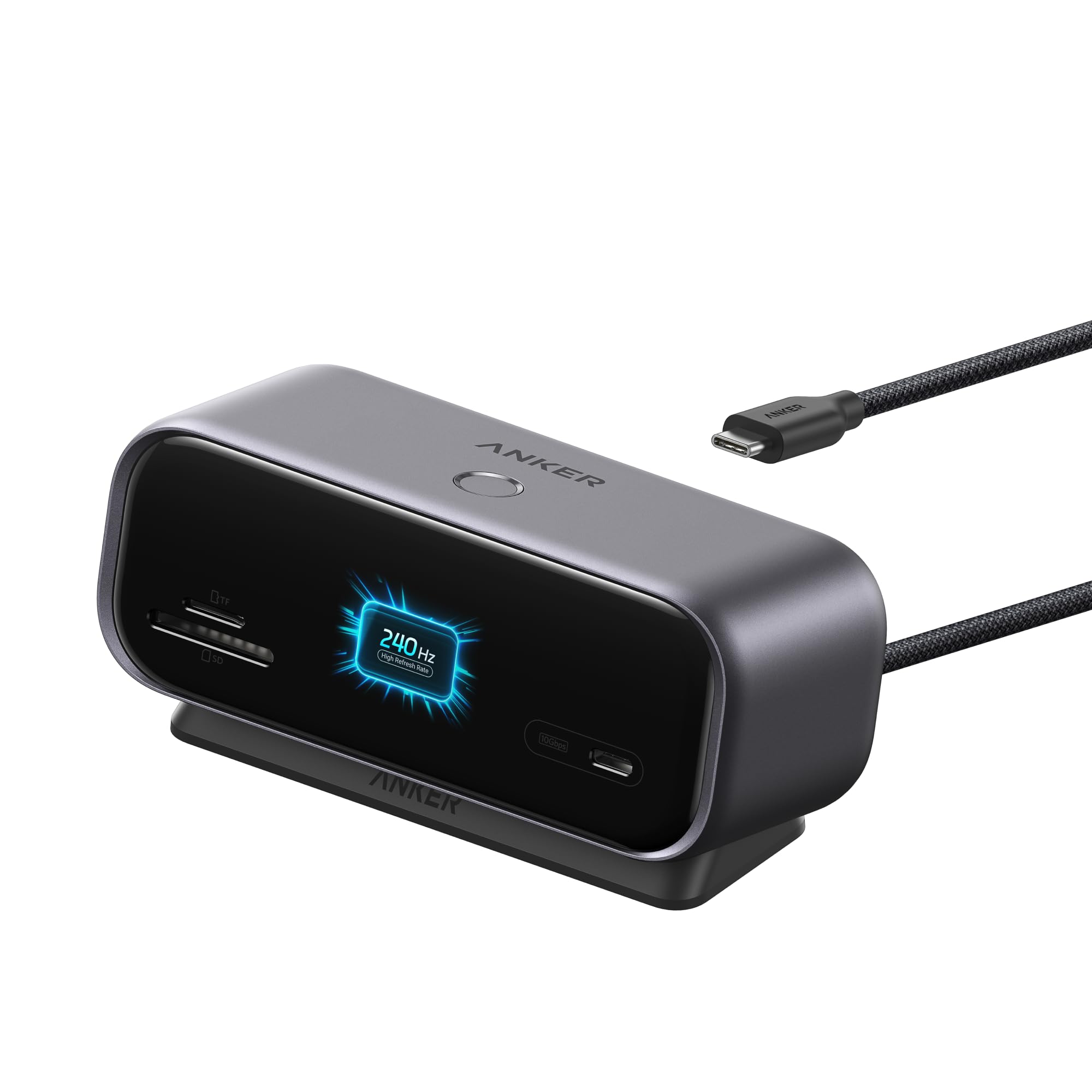
Best Overall

Anker 7-in-1 USB-C Hub
Key details
- Ports
- 7 (HDMI, 2 USB-A 3.0, USB-C data, SD/TF, USB-C PD)
- Data Speed
- 5 Gbps
- Video Output
- 4K at 60Hz
- Power Delivery
- Up to 85W
A USB-C laptop with two ports feels like a phone with a keyboard until you add a hub, and the Anker 7-in-1 is the one we reach for first. It covers the daily handoff without making you choose between a monitor, a flash drive, and a charge: HDMI at 4K60, two USB-A 3.0 ports, a USB-C data port, SD and TF card slots, and 85W pass-through charging sit on one slim metal bar. We made it the top pick because that mix fits the widest range of laptop desks here, not because it has the longest port list.
The metal housing gives it a sturdier feel than the plastic-bodied hubs in this group, and at 67 grams it is light enough to move between a desk and a bag. The 4K60 HDMI is the detail that matters if you use a 60Hz monitor: motion and cursor travel look smooth instead of stepping. Two USB-A ports are enough for a keyboard and mouse, with the USB-C data port left for a portable SSD; the SD/TF reader saves carrying a separate dongle for camera cards.
The main catch is host compatibility. The HDMI and charging features need a USB-C port that supports DisplayPort Alt Mode and Power Delivery, and not every USB-C laptop has both. The single HDMI output also means one external screen, not the dual-monitor desk the Anker Smart Display Hub is built for. Check those two points before ordering; if they fit, this is the hub that makes a small laptop feel properly docked.
Pros
- Seven ports cover video, data, cards, and charging
- 4K at 60Hz keeps a desktop monitor smooth
- 85W pass-through charging for most ultraportables
- Metal body is light enough to travel
Cons
- No charger included
Our default USB-C hub is the Anker 7-in-1: it adds 4K60 HDMI, two fast USB-A ports, USB-C data, a card reader, and 85W pass-through charging in one metal body.