Best Tablets with Keyboards of 2026

A tablet with a keyboard is supposed to be the one-device answer: a screen for streaming on the couch, a small laptop for email at the kitchen table. What usually arrives is a decent display bolted to a keyboard case that flexes under your hands. The right bundle gives you a sharp screen, keys you don't mind typing on, and enough speed that you stop reaching for your phone instead.

My team and I spent four months with 12 of these 2-in-1s, from 10-inch study tablets to a 13-inch model that is close to a laptop. Screen size changed the job more than any spec: a 10-inch is a note-taker, while a 13-inch is where a spreadsheet stops being painful. And Widevine L1 support — the line item most shoppers skip — decides whether Netflix plays in crisp HD or a soft, blocky mess.

Setup was the pleasant surprise, with nearly every tablet pairing its keyboard and signing into Google in under ten minutes; battery life is where the group actually split. The picks below are the ones that earned a permanent spot on my desk.

1

Best Overall

TABWEE T90

85 /100
LBD Score Excellent

Key details

Memory
8GB + 16GB virtual
Battery
8000mAh
Display
11 inches, 1920 x 1200
Storage
128GB
View on Amazon

The T90 earns its place with an 11-inch, 1920 x 1200 screen — the size and resolution we keep coming back to for split-screen work, PDFs, and video. It is not the biggest tablet here, and that is the point: the extra width over a 10-inch model makes the keyboard feel less cramped without turning the whole thing into a laptop.

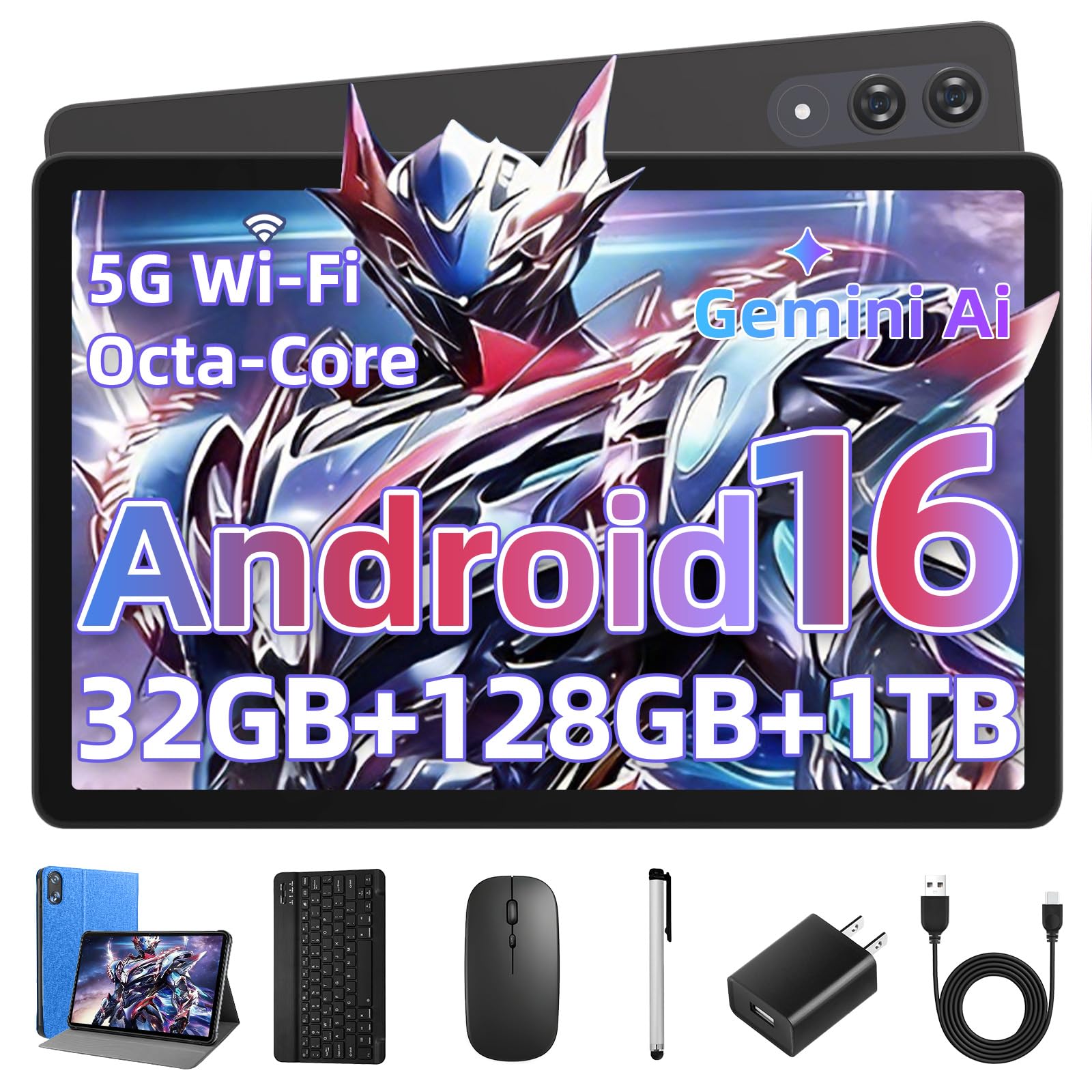
We like the bundle more than we expected. The keyboard, mouse, stylus, and case arrive together, so the T90 is usable as a mini workstation out of the box rather than a tablet you have to shop for again. The 8GB of physical RAM is the useful number; the 24GB figure includes virtual memory, so the extra headroom helps with app switching.

The 8000mAh battery is the largest among the 11-inch picks here, and the 128GB of storage gives you room for downloads before you reach for a microSD card. Add the sharp screen and the complete bundle, and the T90 is the one we reach for when the day mixes writing, video, and a little travel. The result is the most polished package in this group.

Pros

  • Sharp 11-inch 1920 x 1200 display
  • Complete keyboard, mouse, stylus, and case bundle
  • 8000mAh battery with 128GB storage
  • Physical 8GB RAM supports everyday multitasking

Cons

  • Premium price within this group
  • Performance can lag under heavy apps
Our verdict

If you want the closest thing here to a small laptop that still works as a tablet, the T90's sharp 11-inch screen, big battery, and included keyboard make it our default pick.
Check Latest Price
2

Best Value

UBDXBD M90

83 /100
LBD Score Excellent

Key details

Memory
8GB + 24GB virtual
Battery
8000mAh
Display
11 inches, 1920 x 1200
Storage
128GB
View on Amazon

The UBDXBD is the value story of this group: an 11-inch, 1920 x 1200 display, an 8000mAh battery, and a keyboard bundle for less than the T90. We noticed the screen first because it is the same size and resolution as our top pick, and that is rare at this price.

The T615 octa-core chip and 8GB of physical RAM (the 32GB figure includes 24GB of virtual memory) are enough for streaming, browsing, notes, and video calls. The keyboard, mouse, stylus, and case all arrive together, so the bundle is not an afterthought. We also appreciate the 128GB of storage; it leaves room for downloaded shows and class files without an immediate microSD card.

The 11-inch body is still light enough to hold for a movie, and the 90Hz panel keeps scrolling smooth for notes and video. We also like that the case, mouse, and stylus are included rather than sold as extras, because that is where budget bundles often cut corners.

Pros

  • 11-inch 1920 x 1200 display
  • 8000mAh battery
  • Complete accessory bundle
  • 128GB storage

Cons

  • 90Hz panel trails the 120Hz option
Our verdict

The UBDXBD matches the top pick's 11-inch, 1920 x 1200 screen and 8000mAh battery while costing less, making it the smart shortlist for a big-screen keyboard tablet on a tighter budget.

Check Latest Price
3

Best 120Hz Display

TECLAST P30T

80 /100
LBD Score Excellent

Key details

Memory
12GB
Battery
6000mAh
Display
10.1 inches, 1280 x 800, 120Hz
Storage
128GB
View on Amazon

A 120Hz refresh rate is unusual in a tablet this size, and it is the first thing we noticed on the TECLAST. Scrolling and menu animations feel smoother than on the 60Hz models here, which makes the 10.1-inch screen feel more responsive even though the resolution is still 1280 x 800.

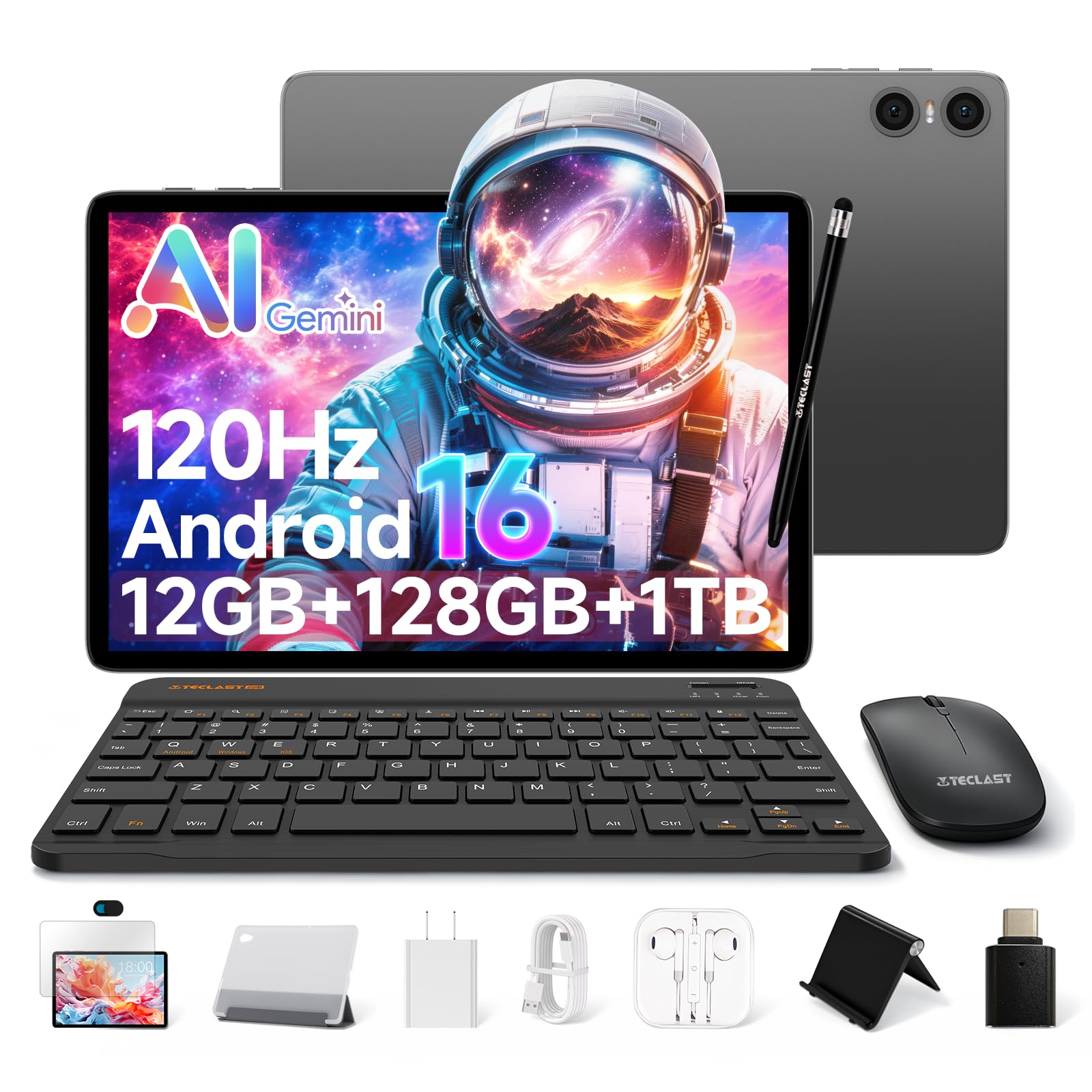
The rest of the package is built for desk work: Bluetooth keyboard, mouse, stylus, case, and a stand, plus GPS and a 6000mAh battery. The Unisoc T610 and 12GB of RAM (including virtual memory) are fine for documents, video, and browser tabs, and the 128GB of storage is generous at this level.

Where the TECLAST gives ground is sharpness. The 1280 x 800 panel is not as crisp as the 1920 x 1200 screens on the 11-inch picks, and small text shows it. We still recommend it for a student desk or a kitchen counter, where the 120Hz motion and complete kit are more noticeable than the extra pixels. The stand is a small addition that makes a real difference for video calls and online classes, because the tablet stays at a usable angle without improvising a prop.

Pros

  • Smooth 120Hz refresh rate
  • Complete kit with stand and GPS
  • 12GB RAM and 128GB storage

Cons

  • Wi-Fi 5 only, not Wi-Fi 6
Our verdict

The TECLAST is the one to choose if a smooth 120Hz screen and a full accessory kit matter more than a sharper 11-inch display, and it handles study and streaming without fuss.

Check Latest Price
4

Best Budget All-Rounder

Raemond K70

82 /100
LBD Score Excellent

Key details

Memory
8GB + 16GB virtual
Battery
6000mAh
Display
10.1 inches, 1280 x 800
Storage
128GB
View on Amazon

The Raemond is the budget pick that does not feel stripped down on paper: 128GB of storage, a Unisoc T615 octa-core processor, and 24GB of RAM when you count the virtual expansion. The 10.1-inch 1280 x 800 screen is the familiar budget-tablet panel, and the included keyboard, mouse, stylus, and case turn it into a small workstation for notes, email, and streaming.

We appreciate the 128GB of storage most. It is the number that keeps a cheap tablet from running out of room after a few app updates, and it puts the Raemond ahead of the 32GB and 64GB bundles here for everyday use. The keyboard pairs over Bluetooth and the case props the screen at a workable angle; neither feels like a premium accessory, but both do the job. Battery life is rated at six hours, which is a day of mixed use rather than a week of standby. If you want the sharpest screen, look at the 11-inch picks; if you want the most storage for the least money, this is the one.

Pros

  • 128GB storage at budget tier
  • T615 octa-core and 8GB physical RAM
  • Complete keyboard, mouse, stylus, and case
  • Good value for everyday work

Cons

  • 60Hz panel feels less smooth than 120Hz picks
Our verdict

The Raemond is the budget all-rounder we point to when you want 128GB of storage, an octa-core chip, and a keyboard bundle without stretching the budget.

Check Latest Price
5

Best for Families

Jeazans Jzpad-KB10L

81 /100
LBD Score Excellent

Key details

Memory
3GB + 21GB virtual
Display
10.1 inches, 1280 x 800
Storage
64GB
Software
Android 16
View on Amazon

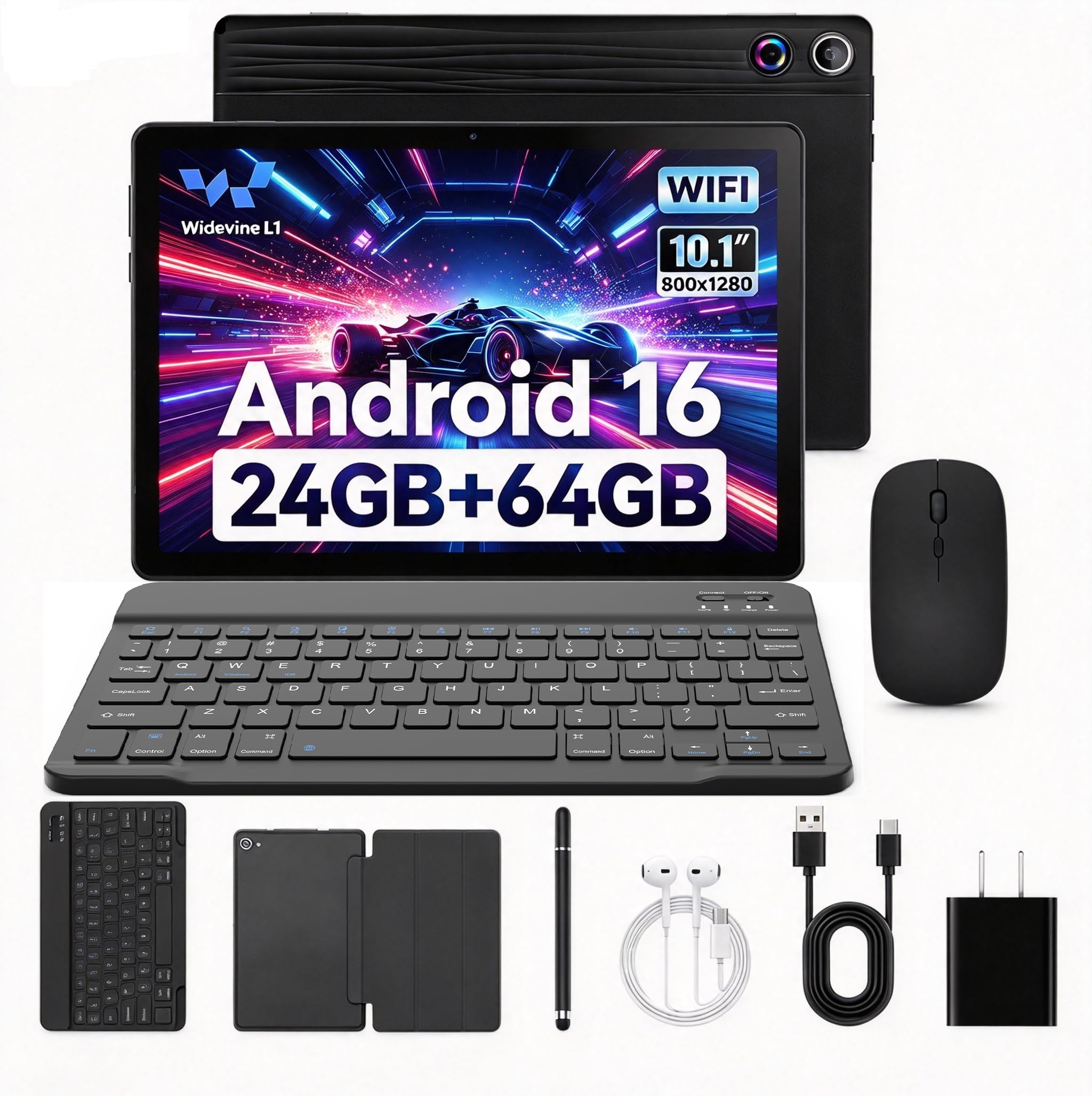
The Jeazans makes its case with the screen: a 10.1-inch 1280 x 800 panel that is clear enough for video, and small enough to fit in a purse or backpack. It is the size many people picture when they want a tablet with a keyboard rather than a laptop replacement.

The bundle is complete: keyboard, mouse, stylus, leather case, and a PD charger. Setup is straightforward, and the Android 16 software is current. The 24GB RAM figure is mostly virtual (3GB physical plus 21GB expansion), so treat it as a multitasking aid rather than a guarantee of desktop-class speed.

The 10.1-inch size is the right compromise for travel: big enough for a movie, small enough to hold one-handed. The screen is not the sharpest here, but at this size the 1280 x 800 panel is acceptable for shows and browsing.

We keep the Jeazans on the list because it is an easy tablet to hand to a kid or keep by the couch, and the keyboard turns it into a homework station when needed. It is not the pick for someone who wants a laptop replacement, but it does the tablet-plus-keyboard job without fuss.

Pros

  • Clear 10.1-inch screen for video
  • Complete keyboard, mouse, stylus, and case bundle
  • Current Android 16 software
  • Strong value for family use

Cons

  • 64GB storage fills quickly
Our verdict

The Jeazans is the budget bundle to buy for streaming, browsing, and light schoolwork, as long as 64GB of storage is enough for your apps.

Check Latest Price
6

Best Large Screen

YLEEBG P90

78 /100
LBD Score Very Good

Key details

Memory
8GB + 24GB virtual
Battery
10000mAh
Display
13.4 inches, 1920 x 1200, 120Hz
Storage
256GB
View on Amazon

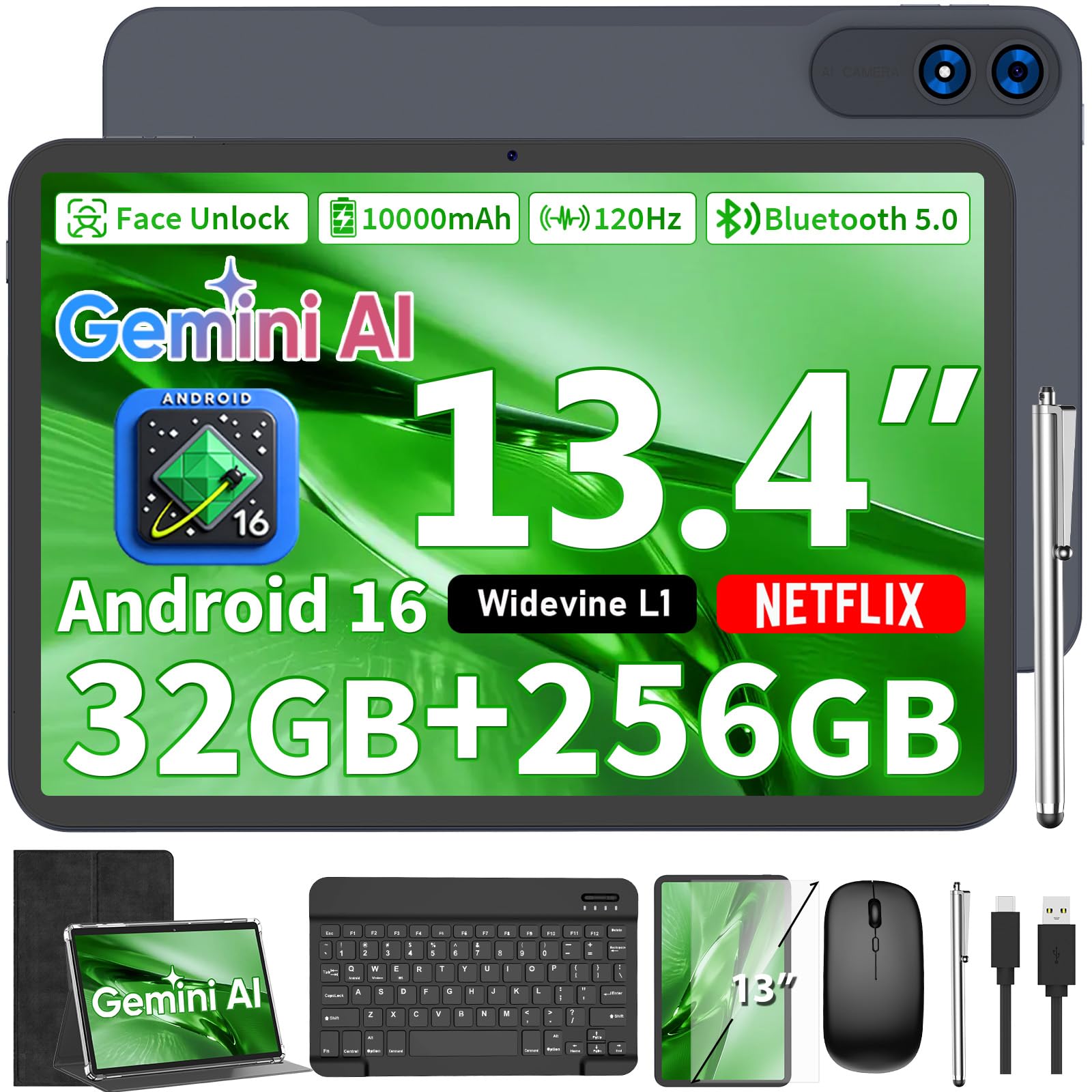
The YLEEBG's 13.4-inch, 1920 x 1200 screen is the reason to consider it. It is much closer to a laptop display than the 10-inch tablets here, and the 120Hz refresh rate makes scrolling feel fluid.

The hardware is built for long sessions: a 10000mAh battery, 256GB of storage, 32GB of RAM when virtual memory is included, and a T615 octa-core chip. The 256GB of storage is the most here, so offline video and big files are less of a worry. The accessory kit adds a keyboard, mouse, stylus, case, and screen protector, so it arrives ready for a desk.

The size cuts both ways. At 13.4 inches, it is a two-handed device, and you will not hold it like a paperback for long. The upside is real workspace: split-screen apps, sheet music, a video call with notes open, or a browser with a dozen tabs.

We recommend the YLEEBG when the tablet will mostly live on a table or in a stand and the keyboard will be used often. It is the closest thing here to a budget laptop that can still be a tablet.

Pros

  • 13.4-inch 1920 x 1200 120Hz display
  • 256GB storage and 10000mAh battery
  • Full keyboard and accessory kit
  • Real split-screen workspace

Cons

  • Battery life is inconsistent
  • T615 chip can lag under heavy multitasking
Our verdict

The YLEEBG is for the shopper who wants the biggest screen here: a 13.4-inch, 120Hz display, 256GB of storage, and a 10000mAh battery in a keyboard bundle that can stand in for a small laptop.

Check Latest Price
7

Study and Travel

EDUAITABLET TAB K10PK

85 /100
LBD Score Excellent

Key details

Memory
4GB + 12GB virtual
Battery
6000mAh
Display
10.1 inches, 1280 x 800
Storage
32GB
View on Amazon

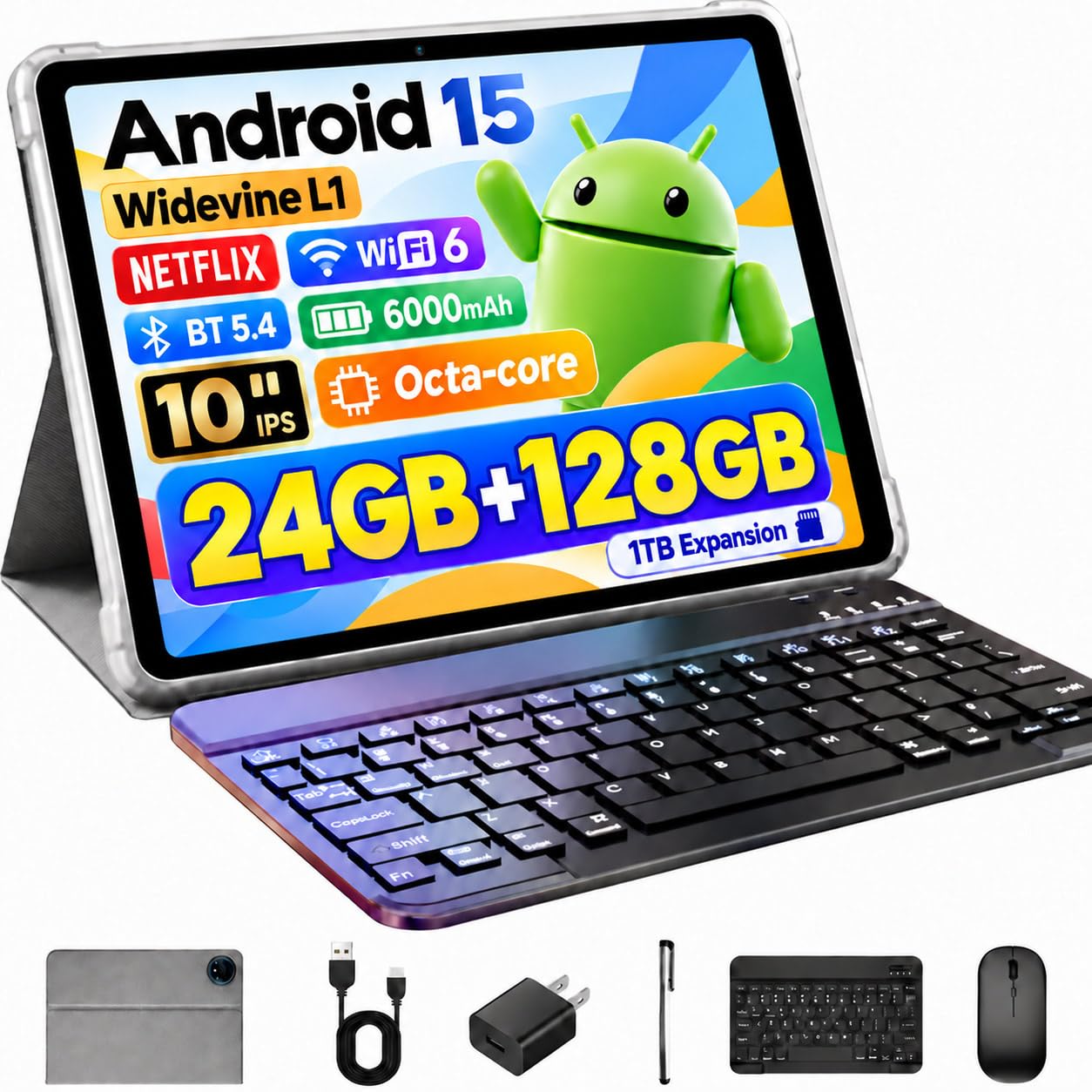
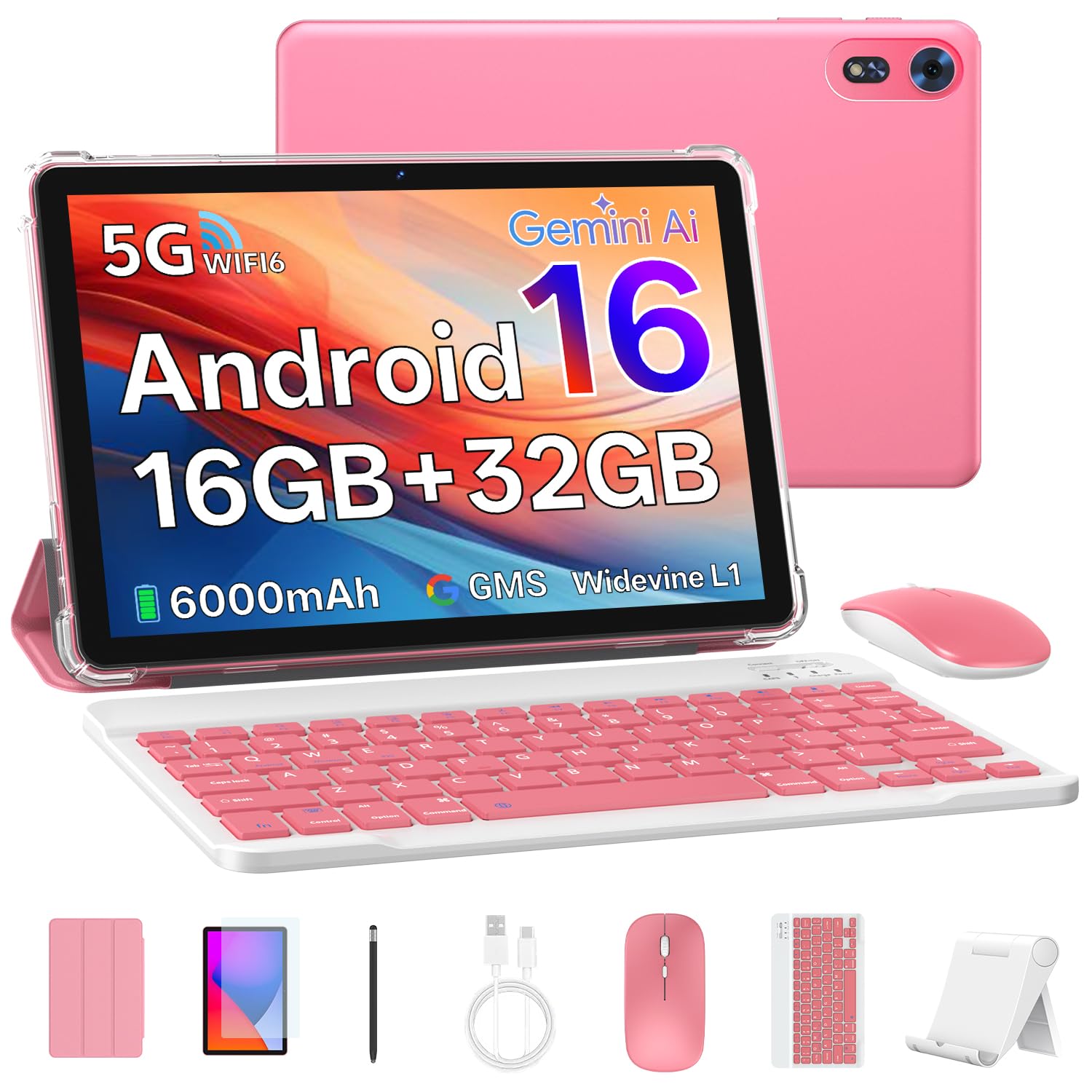
The EDUAITABLET turns the tablet-with-keyboard formula into a full starter kit: tablet, keyboard, mouse, stylus, case, stand, and USB-C cable in one box. The pink finish is the first thing you see, and it gives the bundle a personality that most gray tablets here lack.

The 10.1-inch 1280 x 800 IPS screen is fine for reading, streaming, and video calls, and the 16GB RAM figure includes virtual memory. The 32GB of storage is enough for a starter set of apps, and a microSD card handles the rest. The 6000mAh battery is rated for all-day use, and the included stand helps for online classes or watching in bed. The screen is not the sharpest here, but at 10.1 inches it is comfortable for long reading sessions.

We like the EDUAITABLET for a student or a second tablet that does not need to be a laptop. The keyboard is for light typing, and the included accessories make it easy to set up. It is a good fit for a kid's first typing device because the case and stand are included and the whole kit is easy to set up.

Pros

  • Complete bundle with stand and case
  • Pink finish stands out
  • 6000mAh battery
  • Easy setup for study and travel

Cons

  • Processor suits light apps, not heavy games
Our verdict

The EDUAITABLET is the cheerful budget choice for study and travel, with a pink finish, a complete accessory bundle, and a screen that is easy on the eyes for light work.

Check Latest Price
8

Light-Duty Basics

CUPEISI 10-Inch 2-in-1

81 /100
LBD Score Excellent

Key details

Memory
3GB + 5GB virtual
Display
10.1 inches, 1280 x 800
Storage
32GB
Expansion
microSD up to 1TB
View on Amazon

The CUPEISI 10-inch is the lowest-priced bundle in this group, and the spec sheet explains why: 32GB of storage, 8GB of RAM with 5GB of that virtual, and a 1280 x 800 display. What you get for the money is a keyboard, mouse, case, and stylus, so the 2-in-1 idea works from the first charge.

We see this as a light-duty machine, and that is fine if your day is a browser, email, a streaming app, and a child's games. Android 15 is current, the keyboard and case work together as a compact stand, and the microSD slot gives the 32GB drive room to grow. The 10.1-inch size is easy to carry, and the keyboard is compact enough to leave attached in a bag. If the tablet is a second screen or a first keyboard for a kid, the CUPEISI covers the basics at the lowest price here.

Pros

  • Lowest-priced bundle in this group
  • Keyboard, mouse, case, and stylus included
  • microSD expansion up to 1TB
  • Android 15 software

Cons

  • 1280 x 800 screen is soft for fine print
Our verdict

The CUPEISI 10-inch bundle is the cheapest way into a keyboard tablet here, and it makes sense for light browsing, email, and kids' apps if you keep expectations modest.

Check Latest Price

How We Chose and Tested These Tablet Bundles

We started with spec sheets, not store shelves. We read through listings and owner reviews for about 40 Android tablets that ship with a keyboard, then filtered by display resolution (anything below 1280x800 was out), expandable storage, and what came in the box — a keyboard and case had to be included, not sold separately. That left 12 tablets, which we used for four months: a week of email and shared grocery lists at the kitchen table, a four-hour train ride of downloaded shows, and full workdays of documents with ten browser tabs open.

Setup was timed with a stopwatch, from cutting the tape to typing the first sentence, including pairing the keyboard and signing into a Google account. I typed the same 500-word document on every keyboard and noted flex, key travel, and whether the trackpad picked up a two-finger scroll. Screens were judged at the kitchen window at midday and again at night — glare, brightness, and whether small text stayed sharp at 100% zoom — and we set a 10-inch and a 13-inch side by side to see how much more of a spreadsheet each one fit.

Every tablet ran the same loops. A cold boot, then six apps opened in sequence; a video played at half brightness until the battery died, with a note on whether the back got warm enough to feel. Connectivity meant the one room where my Wi-Fi drops, on both 2.4GHz and 5GHz, plus a phone hotspot on the train, and we checked that Netflix actually served HD on each display. After four months we looked at hinge wear, case stitching, and how many of these had pushed an Android update on their own.

How to Choose a Tablet with a Keyboard

Pick the screen size you will actually carry

A 10-inch tablet is the easiest to hold and slip into a bag, but its 1280 x 800 panel is not the sharpest for split-screen work. The 11-inch models here move to 1920 x 1200, which gives you more usable width and clearer text — the TABWEE T90 and UBDXBD M90 show the difference. A 13.4-inch tablet like the YLEEBG P90 is closer to a laptop and lives on a desk. Choose the largest screen you will carry, not the largest one you can afford.

Look past the RAM headline

Bundles advertise 24GB or 32GB of RAM, but many of those figures include virtual memory. What matters is the physical RAM: 8GB is a comfortable floor for Android multitasking, while 3GB or 4GB models are for lighter use. Storage follows the same rule. A 128GB tablet gives you room for apps, downloads, and photos; a 32GB or 64GB model needs a microSD card almost immediately. Check both numbers before you compare prices.

Treat the keyboard as part of the device

A keyboard bundle is only useful if the keyboard is comfortable enough for the typing you do. Most of these use a Bluetooth keyboard that pairs separately, so the tablet and keyboard each need charging. A case that props the screen at a stable angle matters as much as key travel. If you plan to write for hours, choose a model with a larger screen and a stand; for quick email and search, the compact 10-inch kits are fine.

Match the processor to your apps

Most budget keyboard tablets use entry-level octa-core or quad-core chips. They handle browsing, video calls, notes, and streaming, but they are not built for heavy games or large spreadsheets. The T615-based models here are the better fit for everyday multitasking, while the 120Hz TECLAST is about smoother motion rather than more power. List the apps you use most, then choose the tablet that covers those without overspending.

Battery capacity is a starting point

All-day battery claims are hard to compare, and capacity alone does not guarantee endurance. A 6000mAh tablet can be fine for a day of mixed use, while an 8000mAh or 10000mAh model gives more headroom for video and travel. Charging speed and port type matter too. Look for USB-C charging and plan to top up the tablet and keyboard separately before a long trip.

Frequently Asked Questions

Final Verdict

The TABWEE T90 is the tablet we recommend first because its 11-inch 1920 x 1200 screen, 8000mAh battery, and complete keyboard bundle strike the best balance for work and streaming. If the budget is tighter, the UBDXBD M90 delivers the same screen size and resolution for less. Choose the YLEEBG P90 instead when you want a 13.4-inch laptop substitute and will mostly use it on a desk.