Best Standing Desk Converters of 2026

A standing desk converter has one job, and it's a job your current desk can't do: let you stand for an hour without being replaced. Cubicle walls, built-ins, a desk that finally matches the room — all of that stays where it is, and a platform on top does the lifting. Whether you keep standing past the first week comes down to how the thing feels on day nine, not how it looks in the listing photo.

I've kept one on my desk for years, and over the past eight months my team and I have lived with 10 converters, raising and lowering them several times a day. What separates the one you use from the one you stop using is usually the lift: a spring-assisted platform goes up with two fingers, while a stiff manual clamp turns a 10-second break into a chore. The other thing nobody warns you about is sway — a monitor perched at standing height will move while you type if the frame is thin and the top is shallow.

The picks below are the ones that stayed steady, adjusted without a fight, and earned the footprint they take up.

1

Best Overall

VIVO 32-Inch Desk Converter

93 /100
LBD Score Outstanding

Key details

Unit Weight
26 lb
Height Range
4.5" to 20"
Work Surface
31.5" x 15.7"
Lift Capacity
33 lb
View on Amazon

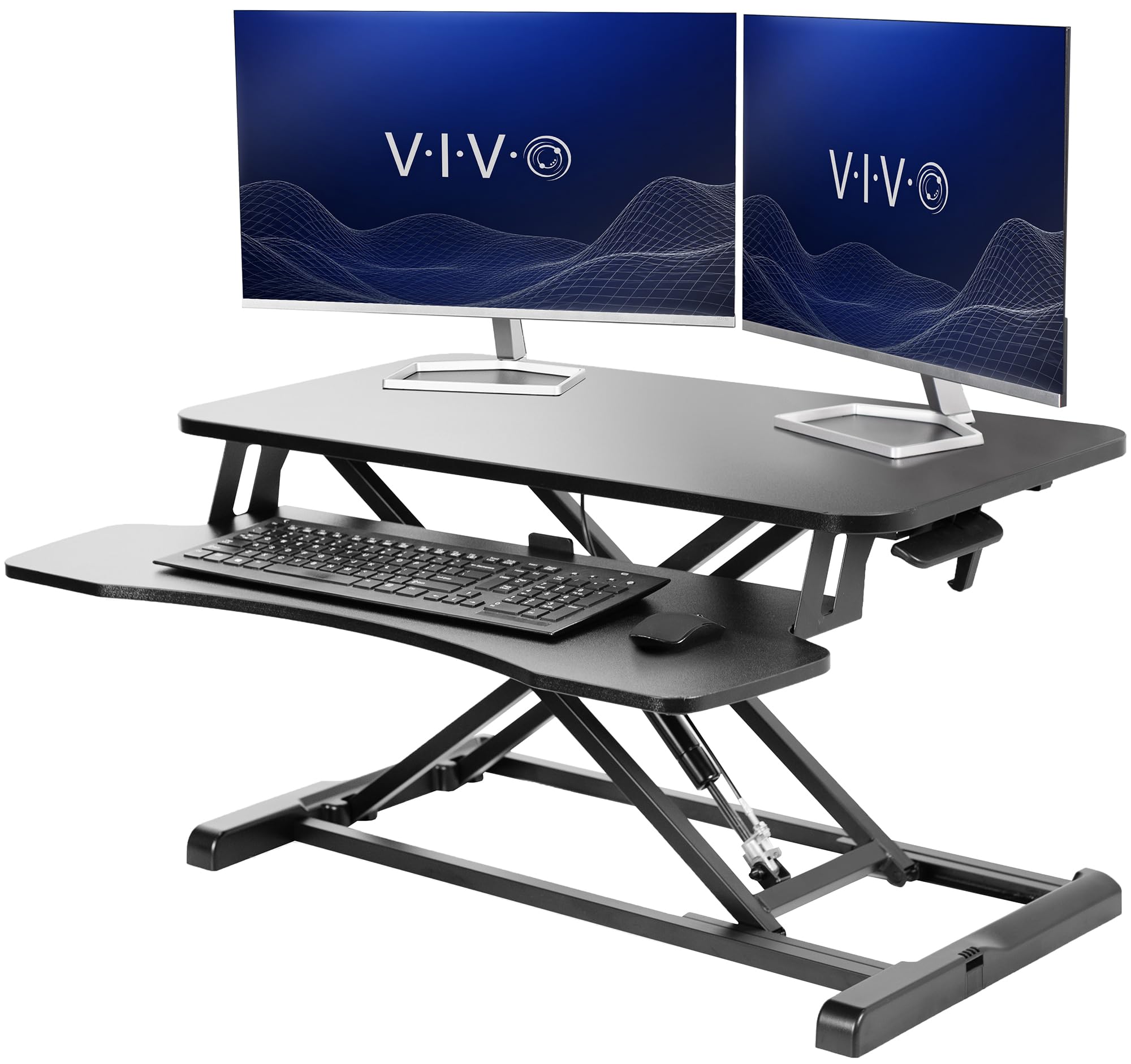
We measure every riser in this guide against this one, and most of them lose on the same three counts: surface, lift, and setup. The top is 31.5 by 15.7 inches, which is enough for two monitors, and the keyboard tray is 31.3 inches across, so a full-size keyboard and a mouse fit side by side without a fight. Assembly is a handful of screws for the tray and nothing else. Nothing else here pairs that much room with that little fuss, which is why this is the converter we recommend first.

The pneumatic lift runs from 4.5 to 20 inches, more travel than most people need, and it goes up with one hand on the touch release. What we noticed in daily use is how little the switch interrupts anything: push, it locks, keep typing. Up near the top of that range the platform gets looser and a heavy monitor will sway under fast typing, so keep the weight centered and don't stack a tower on it.

The finish matters more than it should. The black laminate reads as furniture on a video call rather than a contraption bolted to your desk, which is more than the open steel frames here can claim. Add a three-year warranty that runs longer than most, and there is very little to talk yourself out of.

Pros

  • 31.5-inch top and a nearly full-width tray
  • One-hand lift with 4.5 to 20 inches of travel
  • Setup is just the keyboard tray
  • Three-year manufacturer warranty

Cons

  • Keyboard tray height is fixed
Our verdict

This is the converter we tell most people to buy: a roomy dual-monitor top, a one-hand lift, and setup that takes minutes, all for less than the fancier risers here.

Check Latest Price
2

Best Premium

Vari Pro Plus 36

94 /100
LBD Score Outstanding

Key details

Upper Tier
36" x 12.25"
Unit Weight
52.5 lb
Lift Capacity
35 lb
Height Settings
11
View on Amazon

Nothing about the Vari needs a toolbox. It arrives in one piece, 52.5 pounds of steel and laminate, and the first thing you notice is the lift: two foam-wrapped handles and a rowing motion that raises both tiers together. The upper deck is 36 by 12.25 inches for your monitors; the keyboard lives on the lower tier, which is the whole point of a two-tier design.

This is the riser we point to when someone actually stands for hours rather than minutes. Dropping the keyboard onto its own deck keeps your wrists flat and your monitors at eye level, and the spring assist means the platform moves with you instead of against you. The 35-pound capacity carries two monitors and a laptop without the lift feeling strained, and the handles sit where your hands already are.

The honest obstacle is cost: this is the most expensive converter here by a wide margin, and the parts that justify it are the ones you notice in month three rather than minute three. What you get is the longest warranty in the group at five years, 30-day returns, and a mechanism that will not need replacing. If you stand in short bursts, the VIVO does the same job for far less.

Pros

  • Arrives fully assembled, ready to place
  • Two tiers keep the keyboard below the monitors
  • Dual-handle spring-assisted lift
  • Five-year warranty, the longest here

Cons

  • The most expensive converter in this group
Our verdict

For a workstation you stand at for hours, the two-tier Vari earns its price: it arrives assembled, lifts on two handles, and carries the longest warranty here.

Check Latest Price
3

Best for Three Monitors

Rocelco 46-Inch Desk Converter

91 /100
LBD Score Outstanding

Key details

Desktop
45.75" x 23.25"
Unit Weight
42 lb
Keyboard Tray
25.75" x 11.25"
Lift Capacity
45 lb
View on Amazon

Forty-five and three-quarter inches is the number that matters, because this is the widest work surface in the guide and the only one that comfortably seats three monitors, or two large ones with room left over. It is 23.25 inches deep and rated to 45 pounds, the highest load here, and the keyboard tray is a separate 25.75-inch deck that slides out of the way when you stand.

Sliding that tray out is the detail we like most. Extended, it sits 4.5 inches below the desktop, which puts your hands at a typing angle rather than flat on the same plane as your monitors. The grommet hole is the other useful bit: it takes a single, double, or triple monitor mount, so three screens can come off the surface entirely and leave the desktop for actual work. It also arrives assembled, so the first thing you do is put monitors on it.

For a three-monitor desk nothing else here comes close, and the 42-pound frame settles once it is up. The thing to learn is the descent: the release takes a firm pull and the platform can drop faster than you expect, so keep a hand on the surface and bring it down in one motion rather than letting it fall.

Pros

  • Widest surface in this guide at 45.75 inches
  • 45-pound capacity is the highest here
  • Retractable tray sits 4.5 inches below the top
  • Grommet hole accepts a monitor mount

Cons

  • 23-inch base needs a deep desk
Our verdict

If three monitors is the requirement, this is the only converter in the group with the surface and the 45-pound capacity to do it.

Check Latest Price
4

Best Straight-Up Lift

FITUEYES 36-Inch Desk Converter

92 /100
LBD Score Outstanding

Key details

Lift Type
Dual gas spring
Max Height
19.8"
Work Surface
36" x 24.2"
Lift Capacity
33 lb
View on Amazon

Most converters carry the platform toward you as it rises, so the keyboard you lined up at sitting height ends up closer than you left it. The FITUEYES travels straight up and down instead, and that single choice is why we reach for it in a narrow office: your monitors, keyboard, and mouse keep their relationship to your body, and the riser does not push you back from your own desk.

The top is 36 by 24.2 inches, the deepest here, and two gas springs share the load through a touch lever. With a monitor and a laptop aboard it still goes up in one motion, though it wants a firm push rather than a fingertip, and there is a little wobble on the way up that settles once it locks. The keyboard tray is wide enough for a full-size board and a mouse, and it is the only piece you have to attach.

Assembly is that tray and nothing else. What you are paying for is the path: nothing about the riser moves except up, so your setup lands exactly where it was, just higher, and that is what makes the switch feel like nothing at all.

Pros

  • Rises straight up rather than arcing toward you
  • Dual gas springs carry 33 pounds
  • Deep 36 by 24.2-inch work surface
  • Only the keyboard tray needs attaching

Cons

  • Deepest base here, so a shallow desk loses room
Our verdict

The straight-up lift is worth the extra desk depth: your keyboard stays where you put it, and you do not get pushed back as the platform rises.

Check Latest Price
5

Best for Small Desks

VIVO 26-Inch Desk Converter

92 /100
LBD Score Outstanding

Key details

Unit Weight
17 lb
Work Surface
26.4" x 18.5"
Lift Capacity
17.6 lb
Height Settings
5
View on Amazon

A 26-inch riser is a different product for a different desk: a writing table, a narrow apartment desk, a spot where a 36-inch platform would hang off both sides. The top is 26.4 by 18.5 inches, it arrives assembled at 17 pounds, and it drops to 1.8 inches off the desktop when you are not using it, low enough to leave in place under a monitor.

For one monitor and a laptop, this is the least fussy way into standing that we have set up: no tools, no tray to align, and five lockable stops that click from one setting to the next rather than gliding. It is also the least expensive riser here, and it does not feel like it, since the steel frame and laminate top are the same materials as the bigger VIVO. Within a week you will know which stop is yours by feel.

Pros

  • No assembly, ready in seconds
  • Narrow 26.4-inch top for small desks
  • Collapses to 1.8 inches off the desktop
  • Five lockable height settings

Cons

  • 17.6-pound limit rules out a two-monitor setup
  • Keyboard sits on the monitor's own surface
Our verdict

The right riser for a genuinely small desk: light, assembled, and narrow enough for a single monitor and laptop, as long as you do not need two screens.

Check Latest Price
6

Best Value

TechOrbits Rise-X Pro 36

92 /100
LBD Score Outstanding

Key details

Warranty
2 years
Unit Weight
29.8 lb
Work Surface
36" x 24.4"
Lift Capacity
35 lb
View on Amazon

Set the TechOrbits next to our top pick and the difference is mostly depth: 24.4 inches against 15.7, plus 4.5 inches more width, for about the same money. That changes where your monitors sit. They go back toward the rear edge and leave the front of the platform clear for a keyboard and your forearms, which is closer to how a real desk feels than the shallow risers here.

A gas-spring lever does the lifting with a 35-pound capacity, and the 29.8-pound frame is what keeps it from walking around. Setup is four screws for the keyboard shelf, and there is a zip tie holding the lift for shipping that has to come off before the lever will engage. Miss it and you will think the mechanism is broken.

The 24.4-inch depth is what buys the room, so measure before you commit: on a shallow desk the front edge ends up closer to your chair than the VIVO's does. Everything else about it is a straightforward trade of polish for surface, and if surface is what you are short on, that is the right trade.

Pros

  • 36 by 24.4-inch top at a budget price
  • 35-pound capacity on a gas-spring lift
  • Keyboard shelf installs with four screws

Cons

  • Two-year warranty, the shortest here
  • Platform flexes under hard typing
Our verdict

You get noticeably more desktop than our top pick for about the same money, which makes this the value play if your desk is deep enough to hold it.

Check Latest Price
7

Wide Two-Screen Setups

G-PACK PRO 38-Inch Converter

90 /100
LBD Score Outstanding

Key details

Width
38"
Lift Type
Gas spring
Unit Weight
35.2 lb
Lift Capacity
28.6 lb
View on Amazon

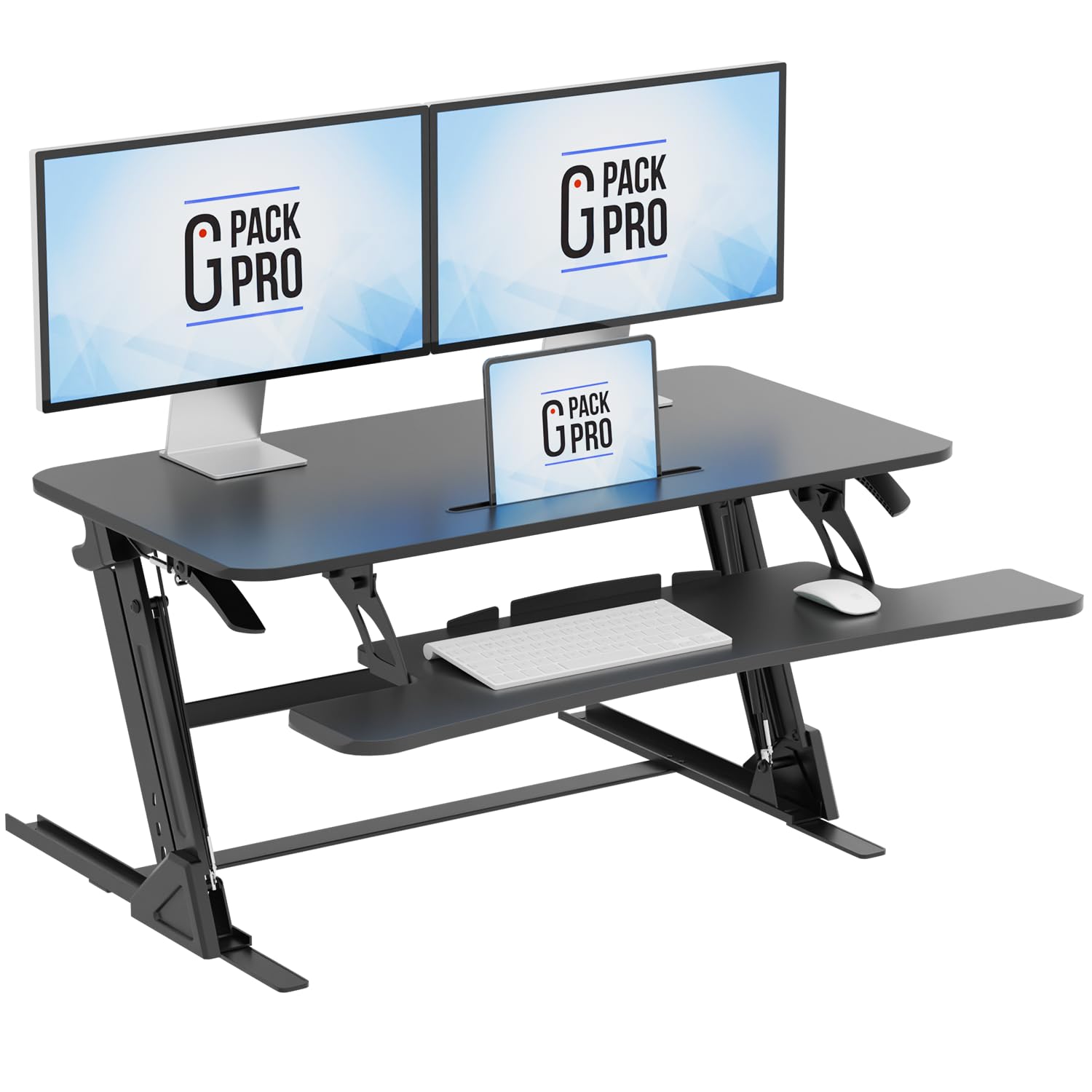
Thirty-eight inches of width looks like a lot of capacity until you read the rating: 28.6 pounds, the lowest of the wide risers here and lower than the 36-inch models on either side of it. In practice that is two monitors and a laptop, or two monitors and a dock, and not much more. It is the number to check before you add a third screen or a monitor arm.

What it does well is stay put. The platform rises and descends inside its own footprint instead of sweeping forward, so you do not drift away from your desk as you stand, and it sits on a trestle base that keeps the stance wide.

It is 35.2 pounds, so getting it onto the desk is a two-hand job, and 38 inches of platform wants a desk of at least four feet to look deliberate. Assembly is the keyboard tray and nothing else.

This is the wide riser for someone who wants a planted platform more than a load rating: two monitors, a laptop, and no plans to grow. If three screens or a monitor arm is in your future, the Rocelco is the one to look at instead.

Pros

  • 38-inch surface for two monitors and a laptop
  • Rises inside its own footprint
  • Setup is only the keyboard tray

Cons

  • 28.6-pound limit leaves little headroom
Our verdict

For a wide desk with two screens and no monitor arm, this riser's 38-inch platform and straight vertical lift make it an easy daily driver.

Check Latest Price
8

Shared or Visible Rooms

Mount-It! 32-Inch Desk Converter

89 /100
LBD Score Excellent

Key details

Assembly
None required
Lift Type
Gas spring
Height Range
2.5" to 16.9"
Work Surface
32" x 22"
View on Amazon

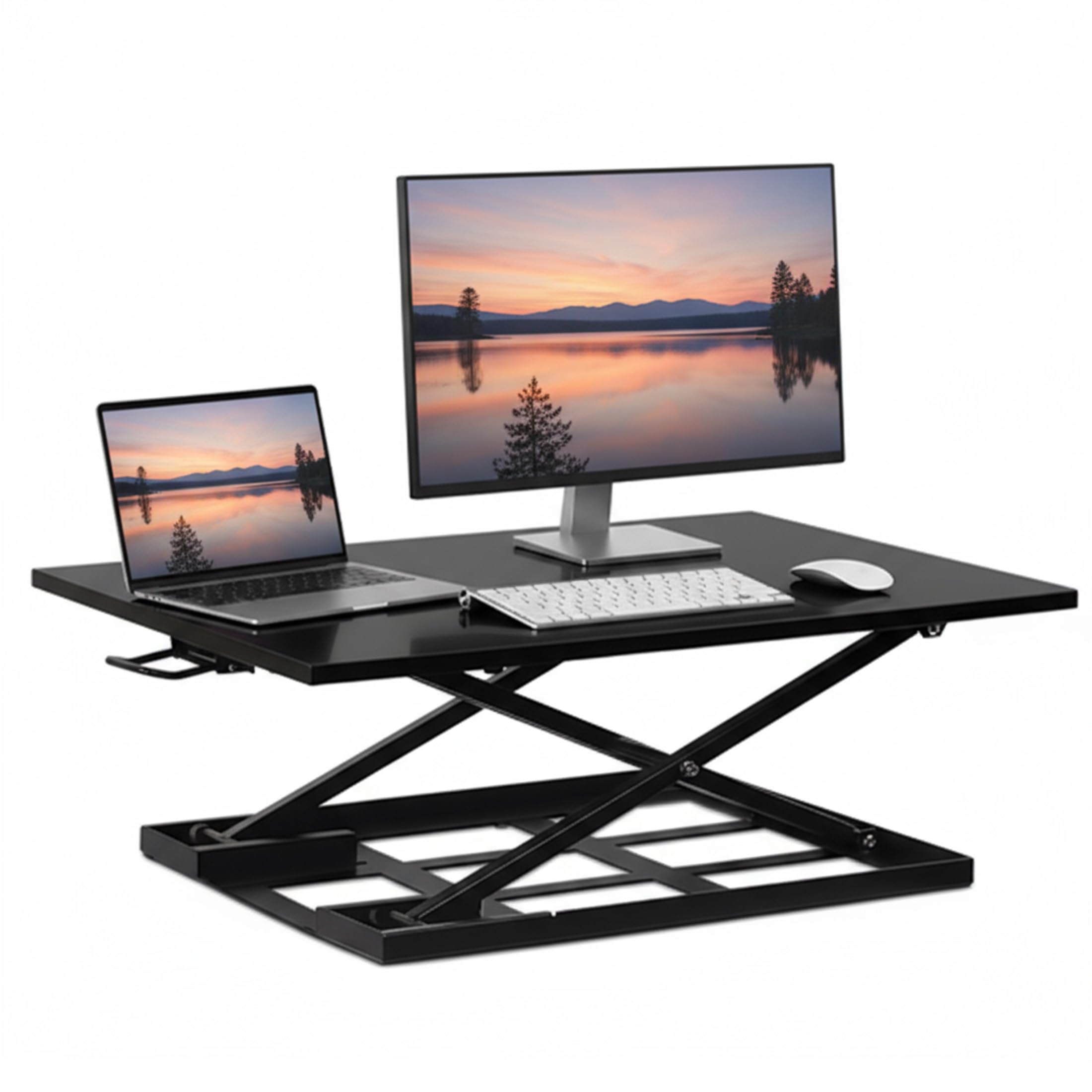
In a room where the desk is visible from the sofa, what you want is a converter that disappears, and this one comes closer than anything else here. Down, the platform sits 2.5 inches off your desktop, low enough that a monitor on top still reads as a monitor on a desk rather than a workstation perched on a stand.

The top is 32 by 22 inches on one plane, with no separate keyboard deck, which is the trade for that low profile: your keyboard and your monitor share a surface, and the ergonomics come from how far you push the monitor back. It suits a laptop or a screen you already look at slightly downward.

A gas-spring lever on the side releases the platform, and it moves without jerking or a two-handed shove. It arrives fully assembled, which also means it arrives heavy in the box, so set it down where it is going to live rather than shuffling it around the desk.

For a shared room, a guest room, or any desk that has to look clear when you are done, this is the one to get. It is the priciest single-surface riser here, so if you want a separate keyboard deck or more height, the FITUEYES and the VIVO cost less and reach higher.

Pros

  • Collapses to a 2.5-inch profile
  • 32 by 22-inch single surface
  • Arrives fully assembled
  • Gas-spring lever lifts without wobble

Cons

  • Tops out at 16.9 inches
  • Keyboard shares the monitor's platform
Our verdict

This is the one for a desk that has to look clear when you are not standing: it collapses to 2.5 inches and needs no assembly.

Check Latest Price

How We Tested Standing Desk Converters

We started by pulling every converter we could find with a real spec sheet — platform dimensions, stated weight capacity, lift type, and desk footprint — and cut anything that would hang off the front edge of a standard desk or require drilling into the desktop. That left 10 models. We used each one for eight months across home offices, a shared office desk, and a spare-room setup that doubles as a guest room.

Assembly came first, since it's the first thing you'll fight with. We timed how long each one took to unpack and set up, noted whether the hardware was labeled, and checked whether one person could get it onto a desk alone — a couple arrived fully assembled, and the difference in those first 20 minutes was obvious. Then we settled in: raised and lowered each converter several times a day, between morning email and afternoon video calls.

Along the way we noted whether the lift went up with one hand or needed two, and whether it held its height once set. We typed at full height and watched the top for sway, then bumped the desk on purpose to see how much a monitor moved. We checked whether the keyboard tray cleared our knees, whether a monitor stand actually fit on the platform, and what came standard — tray, lift, cable routing — versus what felt like an afterthought at the price.

How to Choose a Standing Desk Converter

Start with the desk you already have

Converters sit on your desktop, so their footprint is the first thing to measure. The wide models here run 22 to 24 inches deep and 36 to 46 inches across. On a two-foot-deep desk, the Rocelco's 23.25-inch base leaves almost nothing to work around, and a 45.75-inch platform on a 48-inch desk will look like it belongs in a different room.

Two traps catch people here. Compact in a listing describes the riser's own body, not how far it reaches toward you once it is raised. And the base has to sit entirely on the desktop, because a foot hanging over the back edge turns every keystroke into a wobble. Whatever space is left in front of the unit is where your keyboard and hands go.

Pick the lift by how it moves

Every manual riser here runs on springs: a gas cylinder with a squeeze lever on most, two springs on the FITUEYES, and a two-handle spring-assist rowing lift on the Vari. The one-hand models are easier to live with when you are holding a coffee or a phone as you switch, which is more often than you think.

The path matters more than the power source. An arcing lift carries the platform up and toward you, so your keyboard ends up nearer your chest than you left it; a vertical lift keeps the setup where it was. The FITUEYES and the G-PACK both travel straight up, and if you sit close to your keyboard or work in a tight corner, that is a difference you feel every time you stand.

Check the height against your own elbows

The height in a listing is how far the platform rises above your desk, not how high it stands off the floor. Measure from the floor to your standing elbows, subtract your desk height, and you have the lift you need. A 29-inch desk and elbows at 44 inches means 15 inches of rise, and a riser that stops short leaves a tall user typing downhill.

Then look at the top of the range, not just the bottom. The Mount-It! stops at 16.9 inches and the Vari at 17.5, while the FITUEYES and the VIVO reach close to 20. That spread is what separates a comfortable standing position from one where you look down at your monitor all afternoon.

Settle the keyboard deck and the load

A single-surface riser puts your keyboard on the same plane as your monitor, which is fine for a laptop and awkward for a desktop keyboard you would rather have lower. A separate deck fixes it: the Vari drops the keyboard to a lower tier, and the Rocelco's retractable tray extends to sit 4.5 inches below the desktop. Neither comes free, since a tray adds depth and a little flex.

Capacity runs from 17.6 pounds on the VIVO 26 up to 45 on the Rocelco, and it is easy to underestimate your gear once monitor, stand, laptop, and speakers are added up. Leave headroom. The lift effort climbs with the load, and a riser working near its rating has no margin left for the bigger monitor you buy next year.

Frequently Asked Questions

Final Verdict

Most people should buy the VIVO 32-inch converter. It has room for two monitors, a lift that works with one hand, and an assembly that takes minutes rather than an afternoon, and after living with all eight of these it is the one we stopped thinking about.

Step up to the Vari Pro Plus 36 if you stand for long stretches and want the keyboard on its own tier; the five-year warranty softens the price. If your office is narrow and you sit close to your keyboard, the FITUEYES' straight-up lift is worth the deep base. Everyone else can stop at the VIVO.