Best Single Monitor Arms of 2026

The appeal of a single monitor arm is easy to state: your screen floats where you want it, and the desk underneath is yours again. The trouble shows up later — a joint that sags an inch a week, a tilt head that droops under a heavier panel, a clamp that dents a hollow-core desktop it was never meant for.

I've worked under a monitor arm for years, and the difference between a good one and a cheap one lives in the hardware you touch: the clamp, the joint tension, the VESA plate. We mounted 12 single arms over seven months, on solid wood and particleboard desks, with panels from a 24-inch office screen to a 49-inch ultrawide.

The spec first-time buyers lean on — screen size — matters less than the weight rating, and the two don't always agree. An arm rated to 20 pounds holds a 34-inch panel fine if the panel is light, and fights you daily if it isn't. Below are the arms that held their position and left their desks intact after months of daily use.

1

Best Overall

Ergotron LX

93 /100
LBD Score Outstanding

Key details

Lift
13 in
Warranty
10 years
Screen Size
Up to 34 in
Weight Capacity
7-25 lb
View on Amazon

The Ergotron LX comes with a premium price and a 10-year warranty, which is the first clue that it is built for a long stay on your desk. The metal parts feel dense and finished, and the two-piece clamp is designed to sit close to the desk edge instead of hanging off the back. If you have ever tightened a cheap arm until something creaked, the hardware here is the antidote.

What we like most is how controlled the movement is. The LX takes a 7- to 25-pound monitor up to 34 inches and gives you 13 inches of lift, so a 27- or 32-inch screen can sit at eye level without a riser. The tension adjustment is straightforward, and the arm stays where you leave it instead of drifting down after an hour. That is the whole job, and the LX does it with less fuss than the budget arms here.

The price is still the hard part. If your monitor is a light 24-inch panel and you set it once, the HUANUO FlowLift covers the same basic job for much less. The LX earns its keep when you share the desk, switch between sitting and standing, or pull the screen forward for detail work. It is also the arm we trust most with a 34-inch ultrawide that is close to the top of its weight range.

One detail we appreciate on a shallow desk is the low-profile clamp: it leaves more room behind the arm for the screen to swing without hitting the wall. The 10-year warranty is the other reason we are comfortable recommending it as the default. This is the arm for someone who wants to mount the monitor once and stop thinking about the mount.

Pros

  • Moves smoothly and holds position
  • 10-year warranty backs the build
  • 13 inches of lift covers most desks
  • Low-profile clamp fits shallow desks

Cons

  • Premium price
  • Not for 40-pound ultrawides
Our verdict

Buy the Ergotron LX if you want the steadiest, longest-warranty arm for a typical 27- to 34-inch monitor and do not mind paying for it.
Check Latest Price
2

Best Value

HUANUO FlowLift

93 /100
LBD Score Outstanding

Key details

Mounting
C-clamp or grommet
Warranty
5 years
Screen Fit
17-27 in
Weight Capacity
4.4-19.8 lb
View on Amazon

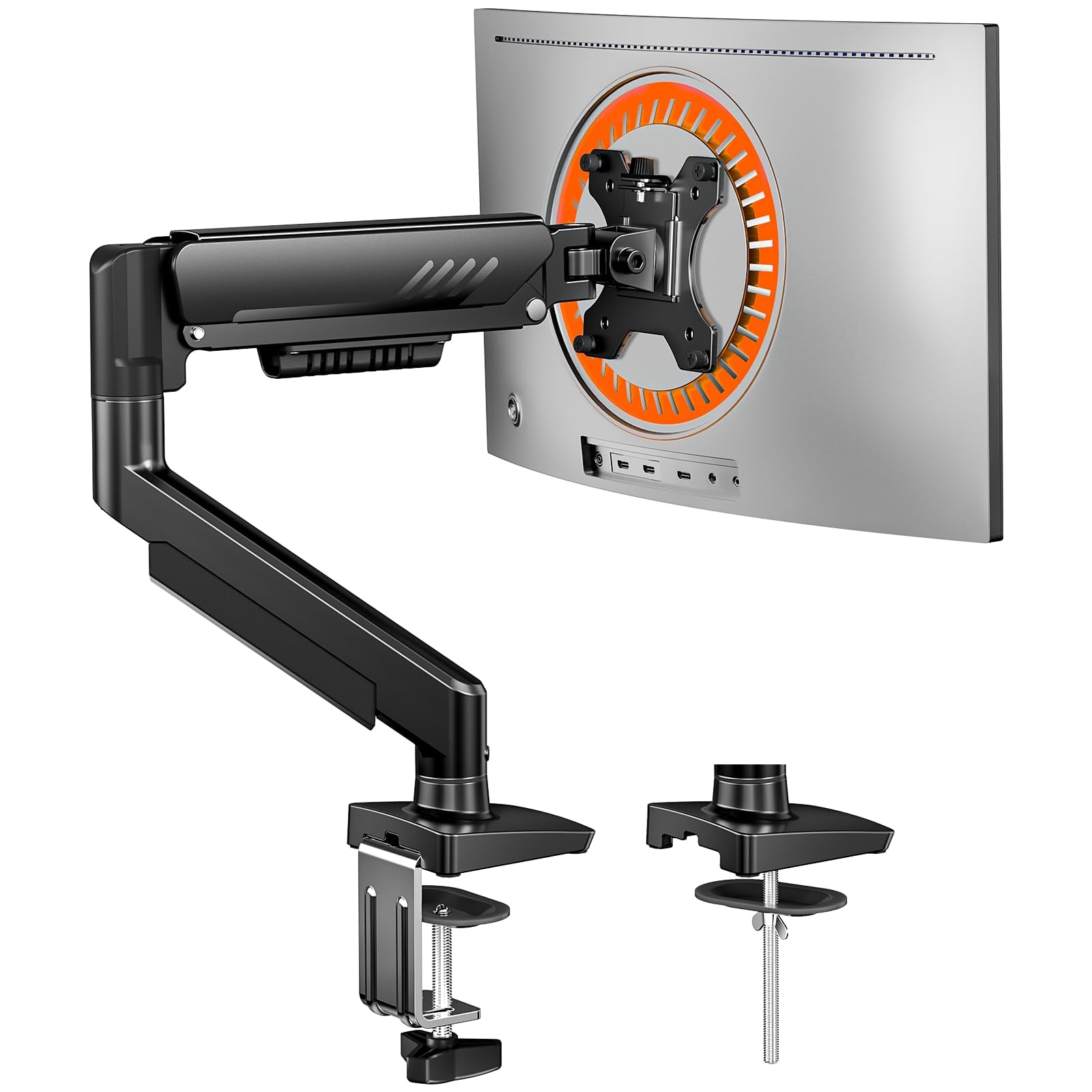
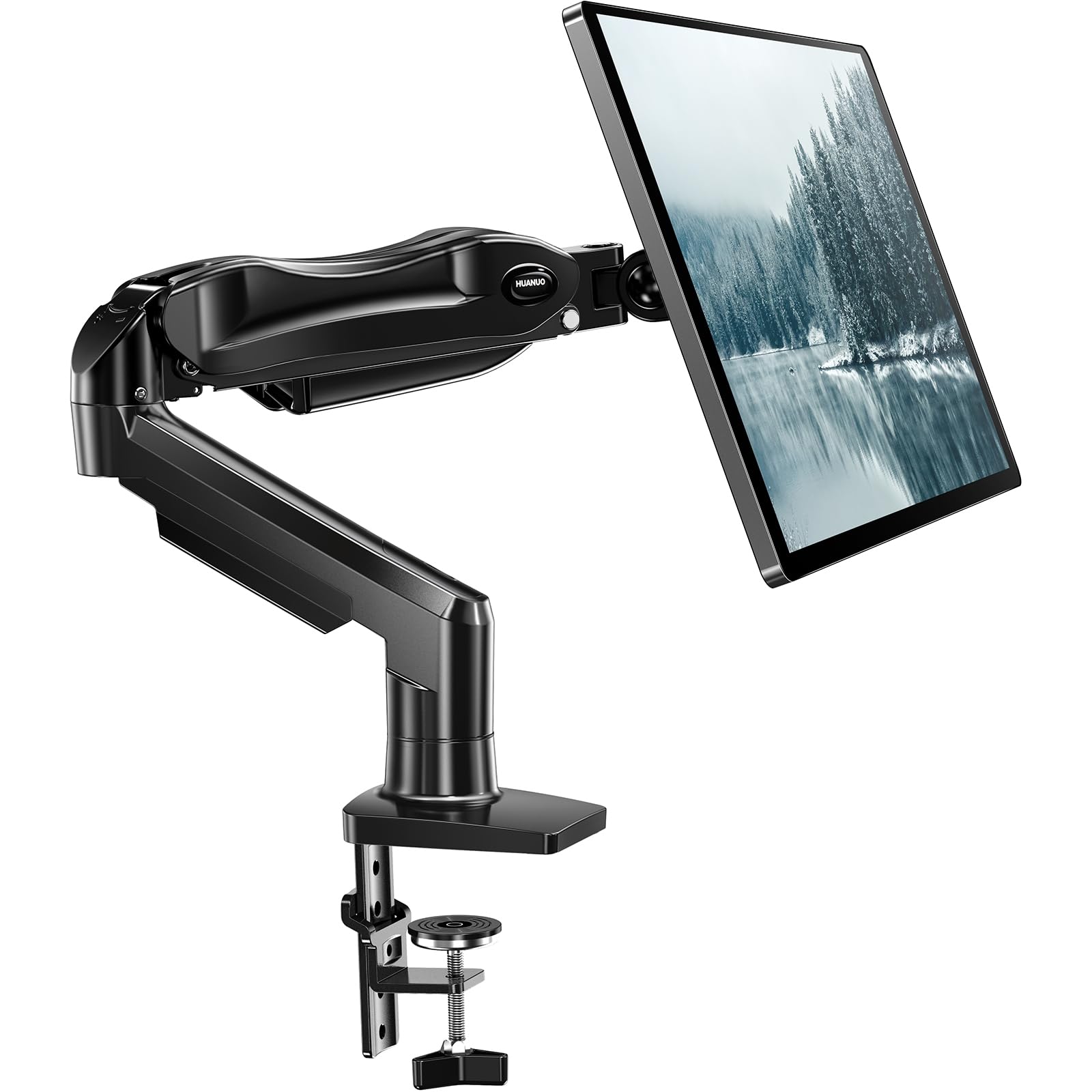
The HUANUO FlowLift is the arm we recommend when someone wants a real upgrade without paying premium money. The one-piece design and included hardware make it unusually easy to get onto a desk, and the 5-year warranty is generous at this end of the market. We think it is the best value in this group for a typical 24- to 27-inch office monitor.

It holds 4.4 to 19.8 pounds and has enough lift and reach to put a screen at eye level, with a head that tilts up to 85 degrees. The arm is at its best when the monitor sits close to the base; stretched all the way out, it is not as planted as the Ergotron LX. That is the trade-off you make for the lower price, and for most people who position a screen once and leave it, it is a fair one.

The fit details need a careful look. The listing calls this a 13- to 32-inch arm, but the fine print lists a 17- to 27-inch range, and we treat the smaller figure as the safe limit. If you have a 32-inch panel, measure before you order rather than assuming the headline size applies. For a 27-inch monitor, the FlowLift is a simple, sturdy solution that leaves the desk looking much cleaner.

Pros

  • One-piece install is unusually simple
  • 5-year warranty at a budget price
  • Holds a typical 24- to 27-inch monitor steadily
  • Good tilt range for the money

Cons

  • Can wobble at full extension
  • Screen-size ratings conflict in the listing
Our verdict

Choose the HUANUO FlowLift if you want a sturdy, easy-install arm for a 24- to 27-inch monitor without paying premium money.

Check Latest Price
3

Best for Heavy Ultrawides

Ergotron HX

92 /100
LBD Score Outstanding

Key details

Lift
11.5 in
Warranty
10 years
Screen Size
Up to 49 in
Weight Capacity
20-42 lb
View on Amazon

The Ergotron HX is not a general-purpose arm with a bigger spring. It is built for the 20- to 42-pound, up-to-49-inch monitors that make ordinary arms sag, and that is exactly where we recommend it. If your screen is a 27-inch office panel, this is more arm than you need; if it is a heavy ultrawide, it is the one that stops the arm from becoming the weak link.

The HX gives you 11.5 inches of lift and raises the screen 17.8 inches above the desk, with a low-profile clamp that fits surfaces from 0.4 to 2.6 inches thick. The build is the point: the joints feel like they belong on a piece of office furniture, and the 10-year warranty matches that impression. We like that the arm holds a heavy screen without asking you to over-tighten everything.

There is an important exception for Samsung's 49-inch Odyssey G9. That monitor needs Ergotron's separate heavy-duty tilt pivot, or the bundled version that includes it; the standard pivot is not enough for that panel. This is the kind of detail that separates a safe heavy-monitor mount from a hopeful one, so check the exact model before you order.

The HX is expensive, and it is not the arm for a light monitor that would float more easily on a smaller spring. For a 40- to 49-inch ultrawide, though, the extra capacity and the low-profile clamp are worth the space they take. This is the pick for someone who has already spent a lot on the monitor and does not want to think about the mount again.

Pros

  • Holds 20- to 42-pound ultrawides securely
  • 10-year warranty and premium build
  • 11.5-inch lift with a low-profile clamp
  • Smooth movement for a heavy arm

Cons

  • Premium price
  • Overkill for monitors below 20 pounds
Our verdict

Buy the Ergotron HX if your monitor weighs 20 to 42 pounds and you need an arm that treats a 49-inch ultrawide as ordinary cargo.

Check Latest Price
4

Best for Large Screens on a Budget

VIVO STAND-V001

91 /100
LBD Score Outstanding

Key details

Warranty
3 years
Screen Size
Up to 38 in
Weight Capacity
Up to 22 lb
Height Adjustment
16 in
View on Amazon

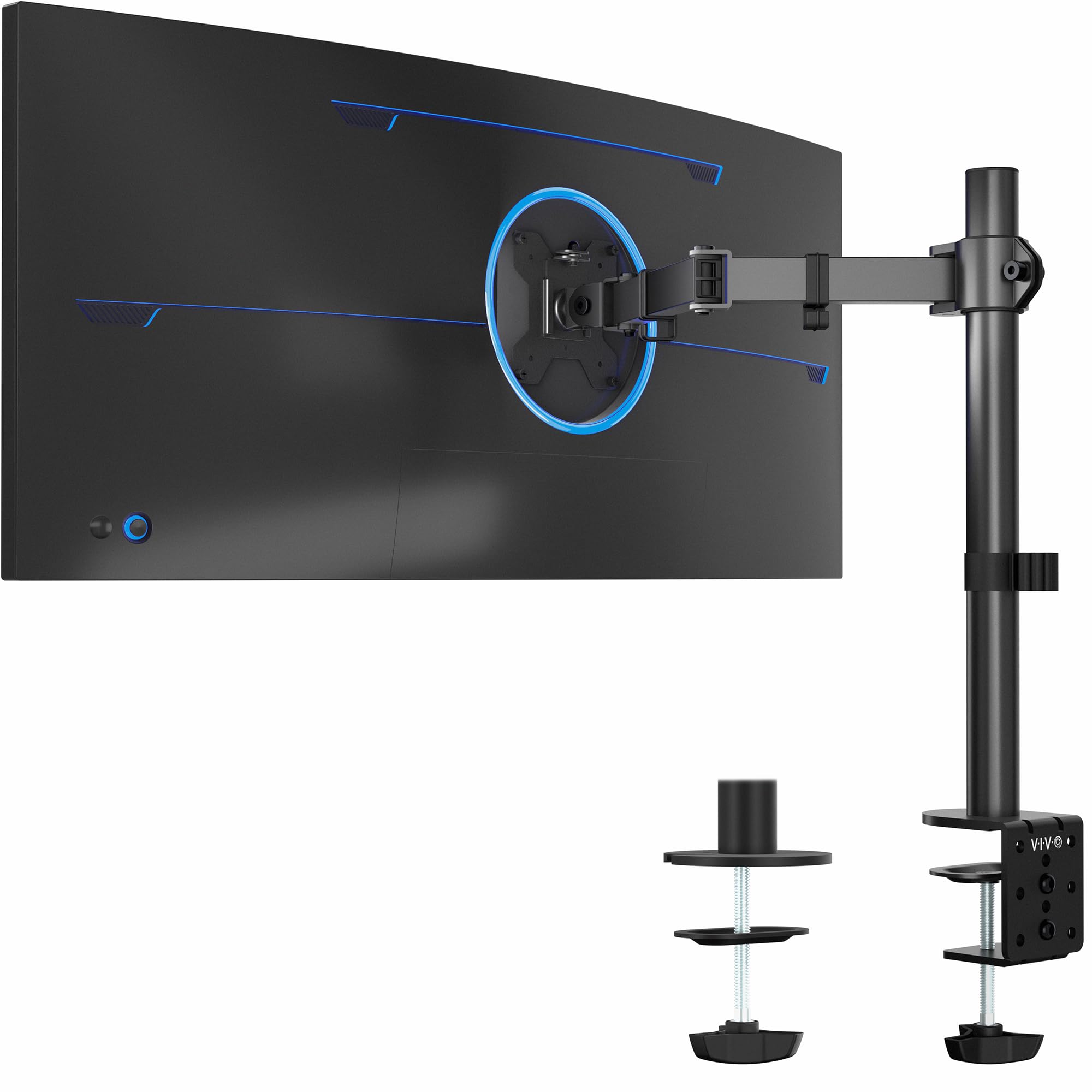
VIVO's STAND-V001 makes a big claim for a budget arm: up to 38-inch ultrawides and 22 pounds. That is enough for many 34-inch and 38-inch panels that would otherwise push you toward a premium mount. The arm is a known quantity for a reason; it gets the basics right without a lot of polish.

The pole and articulating arm give you 16 inches of height adjustment, a clamp that fits desks up to 3.25 inches thick, and a grommet option for through-hole mounting. The detachable VESA plate makes it easier to attach the monitor before you hang it on the arm, and the cable clips keep the back of the desk from turning into a nest. The 3-year warranty is reasonable for the price.

The hardware is where we slow down. The included screws can be too long for a recessed VESA mount, so test the depth with the supplied spacers before you tighten anything. We think this is the best large-screen value in this group, as long as you keep the monitor within 22 pounds and take the install seriously.

It is not the arm for a 49-inch Samsung ultrawide; that is HX territory. For a 34-inch ultrawide, a 32-inch monitor, or a big screen that stays in one position, the STAND-V001 does the job for a lot less than the premium picks. The wide clamp is a real advantage on a thick wooden desk, which is more than some budget arms can handle.

Pros

  • Handles up to 38-inch, 22-pound screens
  • 3.25-inch clamp fits thick desks
  • Detachable VESA plate simplifies mounting
  • Cable clips keep wires tidy

Cons

  • Tilt joint may need retightening under load
  • Not as fluid as premium arms
Our verdict

Buy the VIVO STAND-V001 if you have a large screen up to 38 inches and want big-monitor support without paying premium-arm money.

Check Latest Price
5

Best Tool-Free Installation

ErGear Single Arm

89 /100
LBD Score Excellent

Key details

Warranty
2 years
Screen Size
13-34 in
Weight Capacity
Up to 19.8 lb
Height Adjustment
17.5 in
View on Amazon

The ErGear's tool-free VESA plate is the detail that sold us on it for anyone who mounts a monitor alone. The plate slides onto the arm after the monitor is attached, so you are not holding a screen in one hand and hunting for a screw with the other. It is a small convenience that changes the whole installation.

The arm fits 13- to 34-inch screens up to 19.8 pounds, with a VESA head that is wider than the usual budget design and cable clips that open without tools. The 2-year warranty is shorter than the best here, but the build feels solid for the price. We think it is the best pick in this group for a tool-free install and a clean cable run.

The clamp tension screw is stiff, and the arm is not as fluid as the Ergotron LX when you move it around. Neither is a dealbreaker for a monitor you position a few times a week. We prefer it for a home office where the screen goes up once and the cables disappear, not for a shared desk that gets rearranged every day.

Pros

  • Tool-free VESA plate simplifies solo mounting
  • Wider VESA head adds stability
  • Fits 13- to 34-inch screens up to 19.8 pounds
  • Cable clips open without tools

Cons

  • Clamp tension screw is stiff
  • 2-year warranty trails the best here
Our verdict

Buy the ErGear if you mount a monitor alone and want the easiest tool-free VESA installation here, with a solid 13- to 34-inch fit.

Check Latest Price
6

Best for Dell Monitors

Dell MSA20

90 /100
LBD Score Outstanding

Key details

Warranty
3 years
Tilt Range
-35° to 80°
Screen Size
19-38 in
Weight Capacity
Up to 22 lb
View on Amazon

The Dell MSA20 is the arm that makes the most sense if your monitor is a Dell or Alienware panel. The snap-in mounting plate is the cleanest installation here: the monitor clicks into place instead of balancing on a plate while you tighten screws. That is a real advantage if you mount a 38-inch screen by yourself.

It handles up to 22 pounds and 38 inches, with -35 to 80 degrees of tilt, 180 degrees of swivel, and integrated cable management. The arm has a clean, office-friendly look that disappears against a Dell monitor, and the movement is smooth enough for daily small adjustments. The warranty is decent, though not the longest here.

We think it is the best Dell-specific choice in this group, but it is not the universal value pick. If you use a non-Dell monitor with a 75mm pattern, the ErGear is the easier fit. The MSA20 rewards you for staying inside the Dell ecosystem, where the fit and finish feel intentional rather than generic.

For a Dell U3219Q, an Alienware 34-inch ultrawide, or another 100mm VESA Dell panel, the fit and finish are the reason to choose it. We like the built-in cable channels because they keep the arm looking like part of the monitor rather than an accessory. This is a specialist, and it is very good at being one.

Pros

  • Snap-in VESA plate is easy to mount solo
  • Holds up to 38 inches and 22 pounds
  • Integrated cable management looks clean
  • Strong fit for Dell and Alienware panels

Cons

  • VESA 100 only
  • Premium price for a 3-year warranty
Our verdict

Buy the Dell MSA20 if you have a Dell or Alienware monitor with a 100mm VESA pattern and want the cleanest snap-in installation here.

Check Latest Price
7

Simple Pole Mount

Amazon Basics Arm

88 /100
LBD Score Excellent

Key details

Desk Clamp
0.8-3.9 in
Screen Size
13-30 in
Weight Capacity
Up to 22 lb
Height Adjustment
7.9-14.2 in
View on Amazon

The Amazon Basics arm is a pole mount, not a gas-spring arm, and that is the first thing to understand. The monitor rides on a collar that you set between 7.9 and 14.2 inches high, then tighten. There is no floating, one-finger lift here, just a simple, solid mount that stays where you put it.

It fits 13- to 30-inch screens up to 22 pounds, clamps to desks 0.8 to 3.9 inches thick, and includes cable management. The steel build feels more substantial than the price suggests, and the detachable VESA plate makes installation straightforward. The tilt range runs from -15 to +85 degrees, which is enough to angle the screen without turning it into a constantly moving object.

The height ceiling is the limitation. At 14.2 inches, the top of the pole is lower than many gas-spring arms, so a tall person or a low desk may leave the monitor below eye level. The arm also is not meant for constant repositioning; you loosen, set, and tighten. That is fine for a spare office or a reception desk, less so for someone who shares a screen all day.

We think it is the best simple pole mount here for a set-and-forget screen, especially if you do not need the monitor above 14 inches. The 3.9-inch clamp range is wider than most, so it fits thicker desktops without a trip to the hardware store. We recommend it when the goal is a cleaner desk and a stable screen, not a floating monitor you move every hour.

Pros

  • Simple steel pole mount is sturdy
  • Fits thick desks up to 3.9 inches
  • Detachable VESA plate eases installation
  • Wide tilt range for a basic arm

Cons

  • Height tops out at 14.2 inches
  • 1-year warranty is short
Our verdict

Buy the Amazon Basics arm if you want a simple, sturdy pole mount for a set-and-forget screen and do not need the monitor above 14 inches.

Check Latest Price
8

Light Monitors

WALI GSMP001N

88 /100
LBD Score Excellent

Key details

Warranty
10 years
Screen Size
17-34 in
Weight Capacity
Up to 26.4 lb
Height Adjustment
17.3 in
View on Amazon

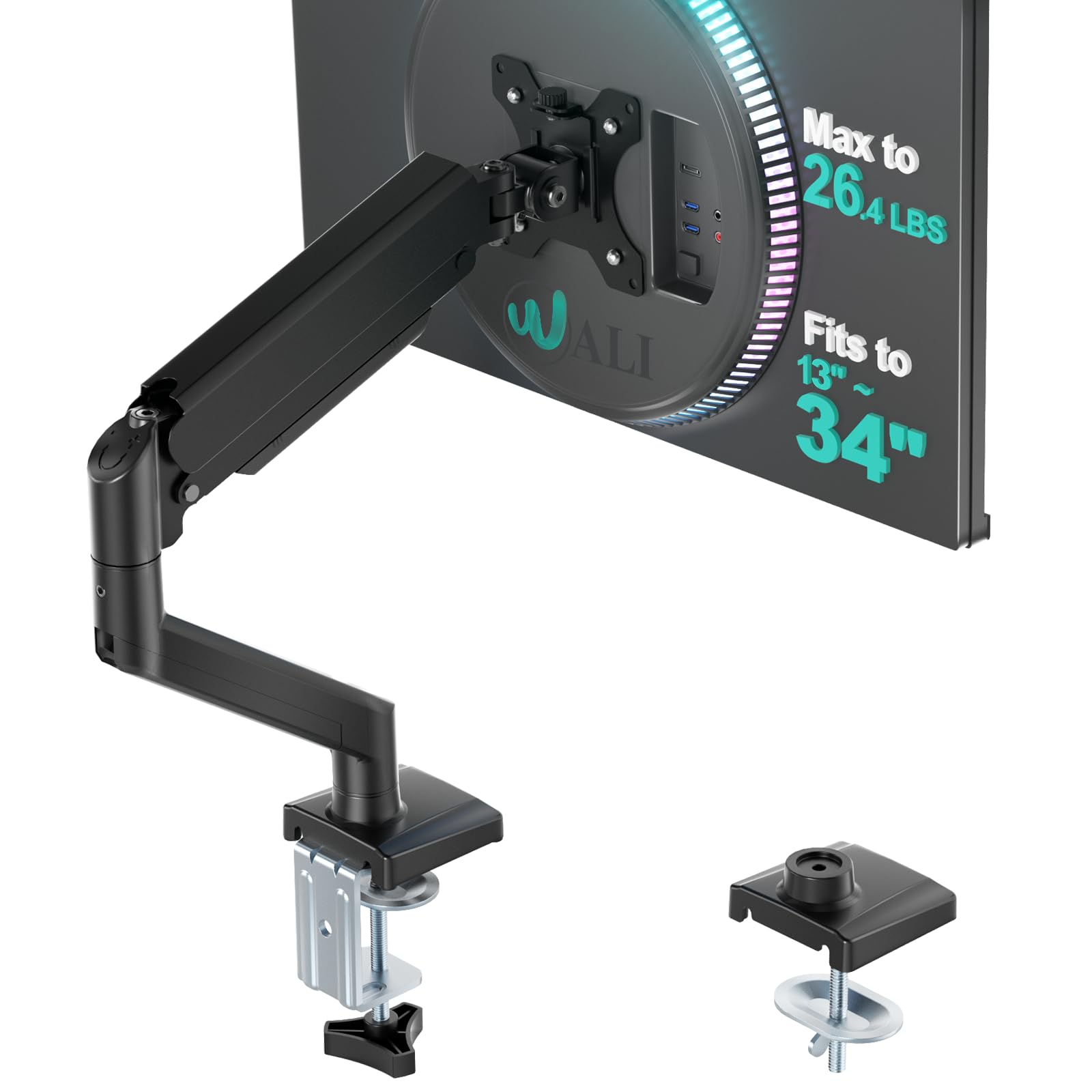
WALI's GSMP001N looks like a lot of arm for the money: 17- to 34-inch screens, up to 26.4 pounds, 17.3 inches of height, and a 10-year warranty. The spec sheet is generous. The part that gives us pause is the one you cannot see in a product photo: how well the joints hold a heavy monitor in place.

The arm uses a wider VESA head and a tighter-fitting VESA panel, and it comes with both C-clamp and grommet mounting for desks 0.39 to 2.76 inches thick. Cable management is built in, and the reach is long enough to pull the screen forward for detail work. On paper, it covers the same ground as arms that cost much more.

The tension hardware is the weak point. With a heavier monitor, the head can creep down unless the tilt screw is snug, and the arm can feel fussy when you try to fine-tune the height. That is a condition, not a verdict: with a lighter 24- or 27-inch screen, it is easier to live with, and the 10-year warranty gives you some cover if a joint gives out.

We think it is a reasonable budget pick for a light monitor, not the arm we recommend for a heavy 32-inch panel. We recommend it when the price matters more than buttery movement, and when you are willing to spend a few minutes setting tension before you trust it. The wide clamp range is a practical bonus on an older desk with a thick top.

Pros

  • Wide 17- to 34-inch, 26.4-pound range
  • 10-year warranty at a budget price
  • Clamp and grommet mounts included
  • Cable management keeps the desk tidy

Cons

  • Stability is the weakest in this group
Our verdict

Consider the WALI GSMP001N for a light monitor and a tight budget, but only if you will take the time to set the joint tension carefully.

Check Latest Price

How We Tested These Monitor Arms

We started by pulling every single arm we could find that published a real weight capacity and listed VESA 75x75 or 100x100 compatibility, then narrowed the field to arms that covered the screens people actually own — 24-inch office panels up to 49-inch ultrawides — and the desks under them, from thin hollow-core to two-inch solid wood. Twelve made the cut, and each one stayed mounted through seven months of ordinary workdays.

Assembly came first: I installed each arm alone with a clock running, noting whether the VESA plate could be attached to the monitor before lifting it (much easier on the back) and whether the hardware bags were labeled by step. Clamp bases went onto three desktops of different thicknesses, including a hollow-core one, where I checked underneath for crushing and denting; where a grommet base was included, I drilled through and used that instead.

Once mounted, every arm went through a full range of motion each morning — raised, lowered, pulled close, pushed flat, tilted up and down, swiveled to show someone the screen. I marked the top edge of the monitor on the wall with painter's tape and checked it weekly for creep, and I loaded the heaviest panel we had near the top of each arm's stated capacity to see whether the tilt head held its angle.

Sturdiness got a cruder test: I typed hard, knocked the desk, and watched how much the screen moved. Cable management was judged by whether the covers clipped back on over a display cable and a power cord without popping loose. Value, in the end, came down to how much metal and how many adjustments we got compared with everything else on the table.

How to Choose a Single Monitor Arm

Fit Comes Before Features

Start with the monitor, not the arm. Check the weight without the stand, because that is the number the arm has to carry, and confirm the VESA hole pattern: 75 x 75mm or 100 x 100mm is standard. A 27-inch office monitor usually lands in the 10- to 15-pound range, while a 34-inch ultrawide can be heavier and more off-balance. Stay comfortably under the arm's maximum rather than buying at the limit.

Screen-size claims are a rough guide, and they sometimes disagree with the detailed fit table. When they do, trust the weight and VESA pattern first, then the smaller screen range. If the monitor is near the top of the arm's weight range, choose a mount with more capacity; the HX is the obvious example here.

The Joint Is the Product

A monitor arm can look sturdy and still be annoying if the tilt joint creeps or the lift tension is wrong. The specification to look for is adjustable tension at the head and, on a gas-spring arm, at the lift. You want to set it with the monitor attached, then move the screen through its range and confirm it stays put.

Gas springs are easier to reposition with one hand; a pole mount is simpler and often more rigid for a screen that never moves. We prioritize a tool-adjustable tilt joint over a long list of swivel angles, because droop is the failure you notice every day. If you have a heavy ultrawide, pay for capacity rather than features.

Measure Your Desk, Not Just Your Screen

The clamp or grommet is what transfers the monitor's weight into the desk, so desk thickness and construction matter as much as the arm. Check the underside for a support beam or a lip that will stop the clamp from seating. A thin or hollow top may need a load-spreading plate; glass needs the desk maker's approval before you clamp anything to it.

Reach matters too. An arm that extends 18 inches needs clearance behind and beside the desk, and a low-profile clamp helps on a shallow surface. Measure the desk thickness, the distance to the wall, and the height of your eyes when you sit. The VIVO's 3.25-inch clamp and the Amazon Basics arm's 14.2-inch height ceiling are the kind of limits that decide the purchase.

Decide How Often You Will Move It

If the screen stays in one place, a pole mount or a mechanical arm is enough; you set it and forget it. If you share the desk, switch between sitting and standing, or pull the monitor forward for detail work, a gas-spring arm earns its keep. Tool-free VESA plates and snap-in mounts also matter more when you install alone or move the arm between desks.

Warranty length is a useful proxy for how long the maker expects the tension hardware to last. A 10-year warranty on the Ergotron arms is a different proposition from a 1- or 2-year warranty on a budget model. We think the extra coverage is worth paying for on an arm you will adjust daily, and less important on a set-and-forget mount.

Frequently Asked Questions

Final Verdict

For most people, the Ergotron LX is the arm we recommend. It covers the 7- to 25-pound range that includes most 27- to 34-inch monitors, holds its position, and comes with a 10-year warranty. It costs more, but it is the one we trust to disappear into the setup.

If you have a 24- to 27-inch screen and a tighter budget, the HUANUO FlowLift is the value choice. For a 40- to 49-inch ultrawide, go straight to the Ergotron HX and check the pivot requirement for your exact model.