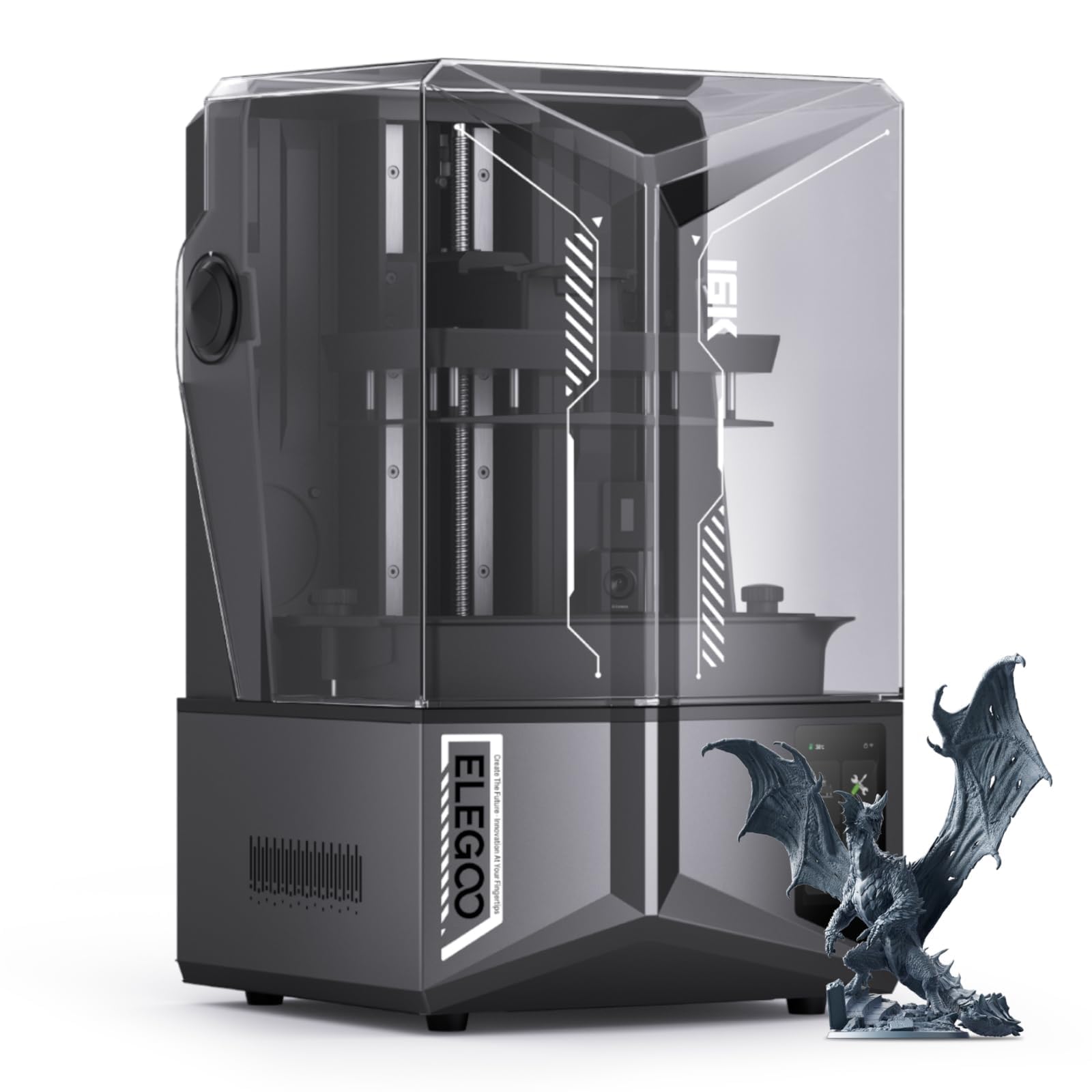
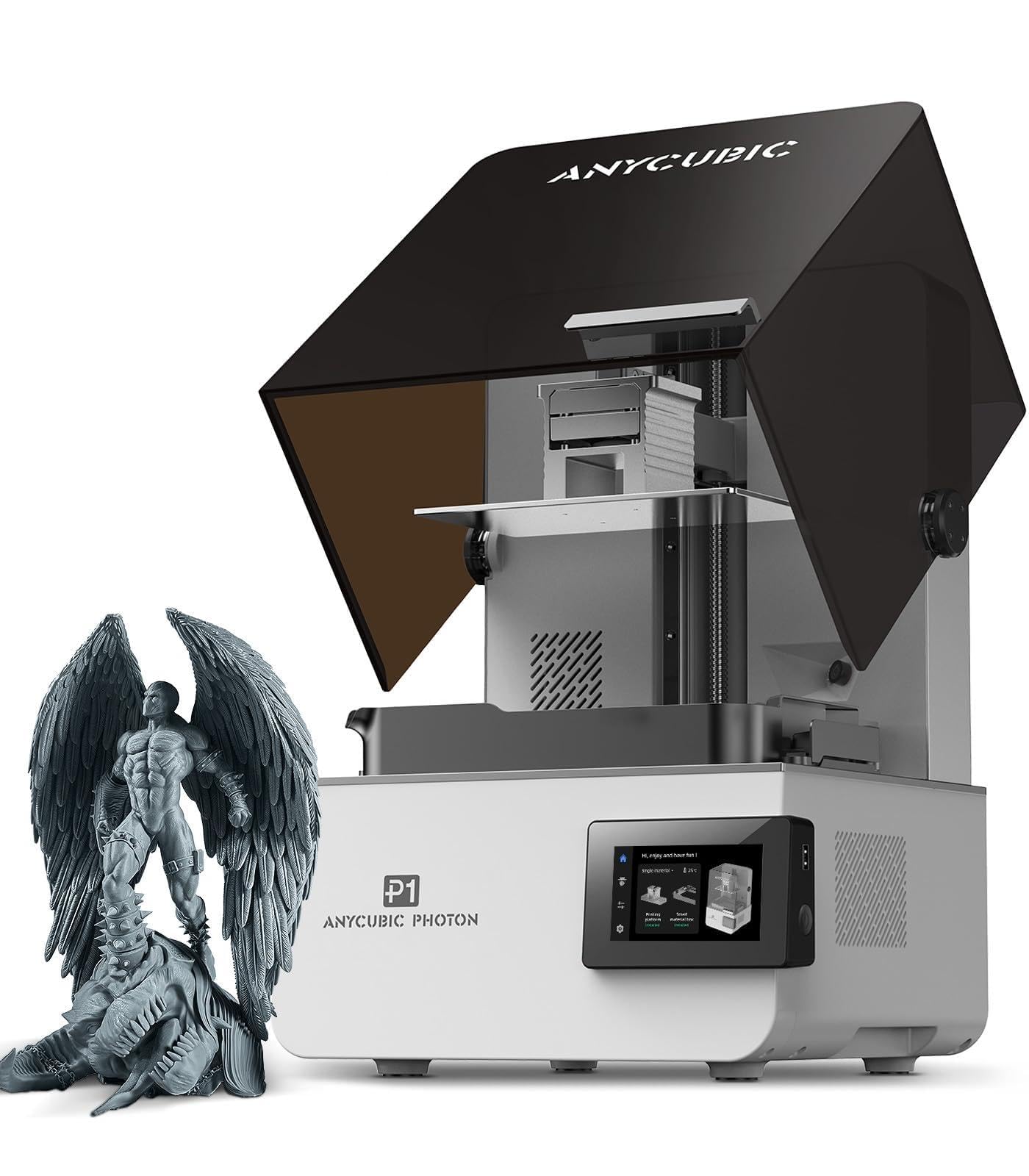
Best Resin 3D Printers for Miniatures of 2026

If you've only printed with filament, the first resin print is a shock. An LCD printer cures a whole layer at once — light through the screen hardens a thin slice of resin against the build plate, the plate lifts, the next layer starts. That's why a tabletop machine holds detail a filament printer smears: the stitching on a cloak, a nostril on a 28mm goblin.

Not every screen does it equally well. Layer height gets the attention, but XY resolution decides whether a sword edge comes out crisp or stepped, and build volume decides how many figures fit on a plate. Leveling is the other quiet divider — a machine you have to re-tram before every batch stops being fun by week three — and a noisy lift or fan can rule out printing after bedtime.

We bought nine printers over seven months and ran the same miniatures through every one, from compact 7-inch screens to big 10-inch plates. The ones that stuck were boring to set up and boring to run. Below, the picks are grouped by what you're printing, and each earned its place on the plate, not the spec sheet.

1

Best Overall

ANYCUBIC Photon Mono 4

86 /100
LBD Score Excellent

Key details

LCD
7 in 10K mono
Print Speed
70 mm/h
Build Volume
6.04 × 3.42 × 6.49 in
XY Resolution
17 × 17 µm
View on Amazon

Seventeen microns is the finest pixel on this page, and it belongs to the cheapest printer here. That combination is the whole case for the Photon Mono 4: a 7-inch 10K panel packing 9,024 by 5,120 pixels means faces, cloak folds, and the thin edge of a blade come off the plate already defined, before you've touched them with a file. At the size most people print — a 28mm hero on a 25mm base — the machine stops being the limit. Your supports and your exposure settings take over.

The plate is modest at 6.04 by 3.42 inches, which we didn't mind at all: miniatures are small, a full plate of infantry is plenty for one session, and a smaller vat means less resin sitting open to the air. Two details earn their keep. The laser-engraved surface grips hard — hard enough that a stubborn print sometimes needs a firm hand with the scraper, which is easy to dial back with a little less bottom-layer exposure. And the four-point leveling is a set-once job: tighten the screws, and the plate stays where you put it.

Longevity is the open question. Machines that quit inside a year are the failure that would sting, usually at the LCD, and that's worth planning for rather than being surprised by. Buy from a seller with a real return window, and treat a replacement panel as part of the long-run cost rather than a disaster. Do that and the resolution-per-dollar argument here is hard to beat.

Pros

  • Finest 17 µm pixels on the least expensive machine here
  • LighTurbo light source keeps exposure even across the plate
  • Level once with four screws, then leave it

Cons

  • Slowest print speed here at 70 mm/h
  • Small plate holds a squad, not an army
Our verdict

For crisp faces and clean blade edges on a hobby budget, we point people here first: 17-micron pixels and a plate sized for a squad, with nothing else on this list matching that pairing.
Check Latest Price
2

Best for Batch Printing

ELEGOO Mars 5 Ultra

84 /100
LBD Score Excellent

Key details

LCD
7 in 9K mono
Print Speed
Up to 150 mm/h
Build Volume
6.04 × 3.06 × 6.49 in
XY Resolution
18 µm
View on Amazon

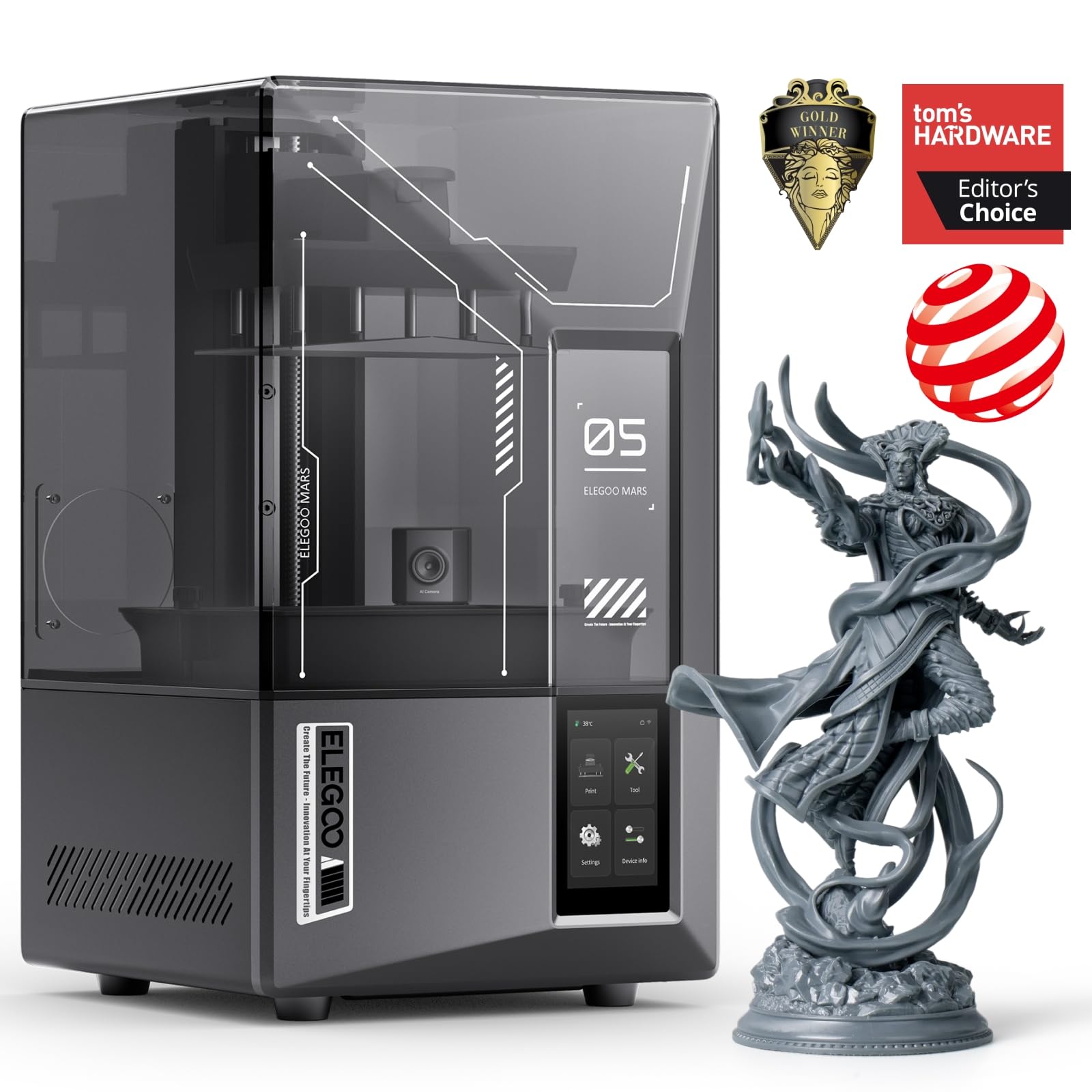
A hundred and fifty millimeters an hour is the fastest figure in this group, and it doesn't come from printing sloppier. The vat tilts to peel each layer away instead of hauling the plate straight up off the film, which quickens the cycle and spreads the peel force rather than concentrating it on a thin spear shaft. On a plate of infantry that's the difference between a machine you check on and a machine you wait for.

What we value more than the speed is the pair of sensors. A mechanical sensor looks for resin residue sitting in the vat and warns you before a cured lump gets pressed into the LCD — the expensive way these printers die — while the AI camera flags a print that has come off the plate. Neither improves a good print. Both protect you from a bad night, and on a machine at this price that's the better use of the upgrade.

Worth knowing before you order: eighteen microns is a hair coarser than the top pick's seventeen, and you will not see that difference on a 32mm figure. The plate is narrower, though — 3.06 inches against 3.42 — so a fully packed run holds fewer figures. If your printing is one hero at a time that costs you nothing; if you're building a regiment, it's a real tax.

Pros

  • Fastest claimed speed here, up to 150 mm/h
  • AI camera flags failed prints while they happen
  • Residue sensor protects the LCD from cured debris
  • Auto-leveling and Wi-Fi transfer built in

Cons

  • Setup takes more software work than auto-leveling implies
  • Reliability is uneven across the first year
Our verdict

Choose this one if you print in batches and want the machine watching itself — the camera and residue sensor pay for themselves the first time a print fails without ruining the screen.

Check Latest Price
3

Best for Small Spaces

Phrozen Sonic Mini 8K S

83 /100
LBD Score Excellent

Key details

LCD
7.1 in 8K mono
Build Volume
6.5 × 2.8 × 6.7 in
XY Resolution
22 µm
Slicer Support
Lychee, Chitubox, Tango
View on Amazon

Desk space is the first thing this one solves. With 6.5 by 2.8 inches of plate, the Sonic Mini 8K S is the narrowest machine here, and it will sit on a shelf beside the wash station instead of claiming a whole workbench. We think that's the right trade for a miniatures printer: you rarely need a wide plate, and you always need somewhere to put the thing, its resin, and its drips.

Twenty-two microns is the coarser end of this group — 17 and 18 sit above it — and on a 32mm figure you would be hard pressed to point at the difference once primer is on. It's at 10mm scale, or on display pieces you plan to photograph, that the gap starts to show. The open-slicer support matters more day to day: Lychee, Chitubox, and Tango all work, so the support profiles you've already tuned come straight across.

Dialing in exposure is on you, and the first plate or two will be experiments — that's the honest cost of a machine that leaves the decisions with the operator. Phrozen's Z-axis calibration keeps layers even once you're there. For a painter who wants one printer on a shelf and a reliable supply of 28mm heroes, that's a fair exchange.

Pros

  • Narrowest plate here, sized for a shelf
  • Takes Lychee, Chitubox, and Tango
  • 22 µm detail with calibrated Z-axis motion

Cons

  • Coarser pixels than the 17-18 µm picks
Our verdict

If your hobby lives on one shelf, this is the printer to put there: compact, easy to live with, and open to whichever slicer you already use.

Check Latest Price
4

Best for Big Models

Phrozen Sonic Mighty 8K

85 /100
LBD Score Excellent

Key details

LCD
10 in 8K mono
Z-axis
Reinforced dual linear rails
Build Volume
8.6 × 4.8 × 9.3 in
XY Resolution
28 µm
View on Amazon

Two 10-inch printers sit on this list, and the Mighty 8K is the simpler, less expensive one. It's also the clearest illustration of a rule worth knowing before you shop: 8K means nothing on its own. The same pixel count spread across a 10-inch panel lands at 28 microns, while 8K on a 7-inch panel lands at 22. Bigger screen, bigger pixels — the badge hides the arithmetic.

What those bigger pixels buy is room. At 8.6 by 4.8 inches the plate swallows a full warband, a knight, or a piece of terrain that would have to be cut into sections on a 6-inch machine. The reinforced dual linear rails matter here too: tall prints wander when the Z axis flexes, and a full-height banner is exactly where a wobbly column shows up as a stair-step.

For miniatures, 28 microns is still comfortably under the point where layer lines survive a coat of primer, so the resolution trade costs you very little. Where it earns its place is the entry ticket to large-format printing — it's the least expensive 10-inch machine here, and what you don't spend on the panel goes a long way toward the wash-and-cure station you'll need anyway.

Pros

  • 10-inch plate takes a warband or a large model
  • Dual linear rails hold alignment on tall prints
  • Less expensive than the other 10-inch printer here

Cons

  • 28 µm is the coarsest pixel size here
  • 31.5 lb is a lot to shift for cleaning
Our verdict

Anyone printing dragons, vehicles, or whole warbands should start here — a 10-inch plate at a detail level small figures never outgrow, for less than the 16K machine beside it.

Check Latest Price
5

Best for Cold Rooms

ELEGOO Saturn 4 Ultra 16K

84 /100
LBD Score Excellent

Key details

LCD
10 in 16K mono
Leveling
Automatic
Build Volume
8.33 × 4.66 × 8.66 in
Tank Heating
30 °C
View on Amazon

Resin gets thick when it's cold. In an unheated garage in January, a standard resin that pours like syrup at room temperature turns sluggish, layers under-cure, and prints fail in ways no amount of exposure tuning will solve. ELEGOO's answer is a tank heater that holds the resin at 30 °C, and for anyone printing outside a warm room it is the single most useful thing about this machine.

The 16K panel is the headline, and it's the sharpest large-format screen in this set — you don't have to choose between a big plate and fine detail, so a knight and the texture on its shield print on the same run. Auto-leveling takes the plate out of the equation, the tilt-release peel keeps the pull gentle on thin parts, and it runs quietly enough that we stopped thinking about it in the next room.

The catch is that a 10-inch printer is furniture. It measures 24 by 17 inches, weighs 35.5 pounds, and needs a stable table, real ventilation, and somewhere to put the lid while you work — the flip-up design helps, but plan the space before it arrives rather than after. Reliability is the weak spot, with some units failing early and repairs that mean disassembly, so buy it with a warranty you trust.

Pros

  • Heated tank holds resin at 30 °C
  • 16K panel is the sharpest large-format screen here
  • Auto-leveling and tilt release cut the fiddling
  • Quiet enough for a neighbouring room

Cons

  • Reliability is the weak spot; some units fail early
Our verdict

This is the large-format pick for a cold workshop: the heated vat removes the winter failure mode no exposure setting fixes, and the 16K panel is the sharpest big screen here.

Check Latest Price
6

Engineering Resins

ANYCUBIC Photon P1

80 /100
LBD Score Excellent

Key details

Z-axis
Ball screw
Leveling
Automatic, factory-calibrated
Build Volume
8.78 × 4.96 × 9.05 in
Resin Viscosity
Up to 8,000 cps
View on Amazon

Eight thousand cps is the number that matters here. That's roughly forty times the viscosity of a standard miniature resin, and it's the reason this printer exists: it can push filled, tough, and engineering resins that would stall an ordinary vat. If your figures are gaming pieces that get handled, dropped, and carried in a box, that capability is worth real money. If you print in standard grey, you're paying for headroom you'll never use.

Two other details aim squarely at the way miniatures fail. The ball-screw Z axis and precision guide rails hold the platform steady, which is what keeps a tall banner from wobbling halfway up, and the Wave Release system claims a 60 percent cut in release force — the pull that snaps thin ankles and spear shafts off their supports. On a set of 32mm infantry you won't notice. On a centerpiece model with a two-inch overhang, you will.

Where it gives ground is the workflow, and that's why it stays an also-consider rather than a top pick. The build is the largest here and the price is the highest, but the software story is the thing to check before ordering: this machine is set up around Anycubic's own slicer and Wi-Fi transfer, and it may not slot into a Lychee or Chitubox routine the way the Phrozen machines do. If your support profiles already live in Lychee, confirm compatibility first — that's the difference between a tool and a project.

Pros

  • Handles resins up to 8,000 cps
  • Ball-screw Z axis steadies tall, thin models
  • Wave Release claims 60% lower peel force
  • Largest build volume on this list

Cons

  • Slicer support may be limited to Anycubic's own app
Our verdict

Worth it if your shelf is full of engineering resins or your models run tall — for standard miniature resin, cheaper printers here do the same job.

Check Latest Price

How We Chose and Tested the Best Resin 3D Printers for Miniatures

We started with a list of roughly thirty resin printers and cut it down by reading spec sheets and owner reviews against what actually matters for miniatures: mono LCD resolution and XY resolution, build volume, whether the machine levels itself, and price. Then we bought nine outright, so no brand could send us a hand-tuned review unit, and set them up on the same bench.

Setup was timed from the box opening to the first layer going down, and we logged every step — whether the plate had to be trammed by hand, whether the printer leveled itself, and whether it was still level after ten prints and a resin swap. Each machine ran a print over Wi-Fi or a stick depending on what it supported, and we noted how often that transfer failed.

Every printer then ran the same plate: a 32mm fighter with a thin sword and a cloth cape, a 75mm bust, and a presupported ten-figure warband. We checked layer lines and edge sharpness under a magnifier, cleaned and cured everything in the same station, and counted failed prints per bottle of resin. Noise got measured at arm's length with a decibel app, at night, with the cover on.

Value came down to cost per finished miniature rather than sticker price, and durability meant what it always means here: how the plate, the film, and the screen held up after seven months of near-daily use. A few machines earned their spot by being unremarkable — they just printed, every time, without fuss.

How to Choose a Resin Printer for Miniatures

Read Microns, Not Megapixels

An 8K badge tells you how many pixels are on a panel, not how small they are. The same 8K count spread across 10 inches lands at 28 microns; on a 7.1-inch panel it lands at 22. Anycubic's 10K on a 7-inch screen reaches 17. For 28-32mm figures, anything under roughly 35 microns is finer than you will see, so a sharper panel buys headroom for display pieces and smaller scales rather than a dramatically better goblin.

If a listing doesn't publish the micron figure, screen width and pixel count will get you there. Treat the bigger number on the box as marketing until you've done that division.

Match the Plate to What You Print

A 6-inch-class plate holds a squad of infantry, which is what a typical painting session actually consumes. Ten inches is for something else: a dragon, a vehicle, a chunk of terrain, or a whole warband in one run. The trade is arithmetic — a bigger panel spreads the same pixel count thinner, so 10-inch 8K is coarser than 7-inch 8K.

Leveling, Sensors, and the Failure That Costs Money

The expensive failure on a resin printer is not a failed print — it's a cured lump pressed into the LCD. That's why a residue sensor earns its place: it stops the machine before the plate mashes debris into the screen. Auto-leveling is the other convenience worth paying for on a first machine. A four-point manual plate only needs setting once, but it has to be right that once, and getting it wrong shows up as lopsided bases for a week.

Check the Slicer Before You Check the Price

Supports are where miniature printing is won, and most people build them in Lychee or Chitubox. A printer that only accepts its maker's own software makes you rebuild that workflow from scratch, so confirm slicer support before you order. The Phrozen machines here name Lychee, Chitubox, and Tango; the Anycubic Photon P1 is built around Anycubic's own app. It's the least glamorous line on a spec sheet and the one most likely to annoy you every week.

Budget for the Consumables, Not Just the Printer

The printer is the cheap part. Resin, isopropyl alcohol, gloves, a wash-and-cure station, FEP film, and eventually a new LCD all recur, and the panel is a wear item on every machine here regardless of resolution. Set aside the cost of a replacement screen within the first couple of years and keep a spare FEP on the shelf. A punctured film that leaks onto the panel is the most ordinary way a working printer becomes a bad one.

Frequently Asked Questions

Final Verdict

For most people printing 28-32mm figures, the Photon Mono 4 is the answer: 17-micron pixels, a plate that handles a squad, and the lowest price of anything here. Buy it where returns are straightforward, because longevity is the one thing we can't vouch for.

If your printing runs in batches, the Mars 5 Ultra's tilting vat and camera are worth the step up. If your workshop is cold or your models are big, go straight to the Saturn 4 Ultra 16K — the heated tank solves a problem no exposure setting will.