Best Portable Touchscreen Monitors of 2026

A second screen is the easiest upgrade to a workday, right up until you have to leave the house with it. Portable monitors fix that, with a catch: touch adds a layer of glass, brightness eats power, and the single-cable setup promised on the box doesn't always carry video and charge at once. What you're really buying is a display that slides into a laptop sleeve and wakes up the moment you unfold it. We spent six months with 10 of them, and the gap between a good one and a maddening one shows up in the first five minutes.

Touch is what shoppers ask for and the easiest thing to get wrong. A slow digitizer gives itself away instantly — drag a window toward the corner and your finger arrives first. Glossy glass that looks fine at a desk becomes a mirror beside a coffee shop window, and not every USB-C port on a laptop actually sends video. The picks below earned their spots on picture quality and portability first, then on how little fuss it took to get one working.

1

Best Overall

Caperave CF15T-1 Touchscreen Monitor

91 /100
LBD Score Outstanding

Key details

Ports
HDMI, 2x USB-C
Brightness
300 nits
Resolution
1920 x 1080
Screen Size
15.6 inches
View on Amazon

Plenty of laptops still ship without a touchscreen, and the Caperave is aimed squarely at them. It puts a 10-point capacitive touch layer on a 15.6-inch 1080p panel, works with Windows and macOS, and gives you two ways in: one full-featured USB-C cable that carries picture, power, and touch, or HDMI for the picture plus a USB cable for the touch signal.

The touch layer is the part we care about most, and it is the part that holds up. Tapping through Windows settings, dragging a spreadsheet with a finger, or driving a phone in DeX mode all feel like using a tablet rather than a monitor with a gimmick bolted on. Tempered glass is the reason: your finger slides on glass instead of pressing into plastic, and it wipes clean without smearing.

Around the edges there is more connectivity than most of this group offers, including a full-size HDMI port, so you are not hunting for a mini-HDMI adapter the night before a trip. The kickstand props it at a working angle, the built-in speakers are loud enough for a video call, and the metal case is 0.46 inch thick, thin enough to slide into the laptop sleeve you already carry.

What it will not do is flatter a game: 60Hz and 1080p are the baseline, and FreeSync does not change that. As a second screen for work, for a phone, or for a console it is the one we hand to most people, because it sets up with one cable and nothing about it feels like a shortcut taken to hit a price.

Pros

  • 10-point touch on Windows and macOS
  • Full-size HDMI, no adapter needed
  • Tempered glass over a metal case
  • Kickstand and speakers built in

Cons

  • Glossy panel reflects windows and lamps
  • One-year warranty, shortest here
Our verdict

Our default recommendation: the Caperave adds real 10-point touch to a Windows or Mac laptop over a single cable, with the ports and build to live in a bag.
Check Latest Price
2

Best Big Screen

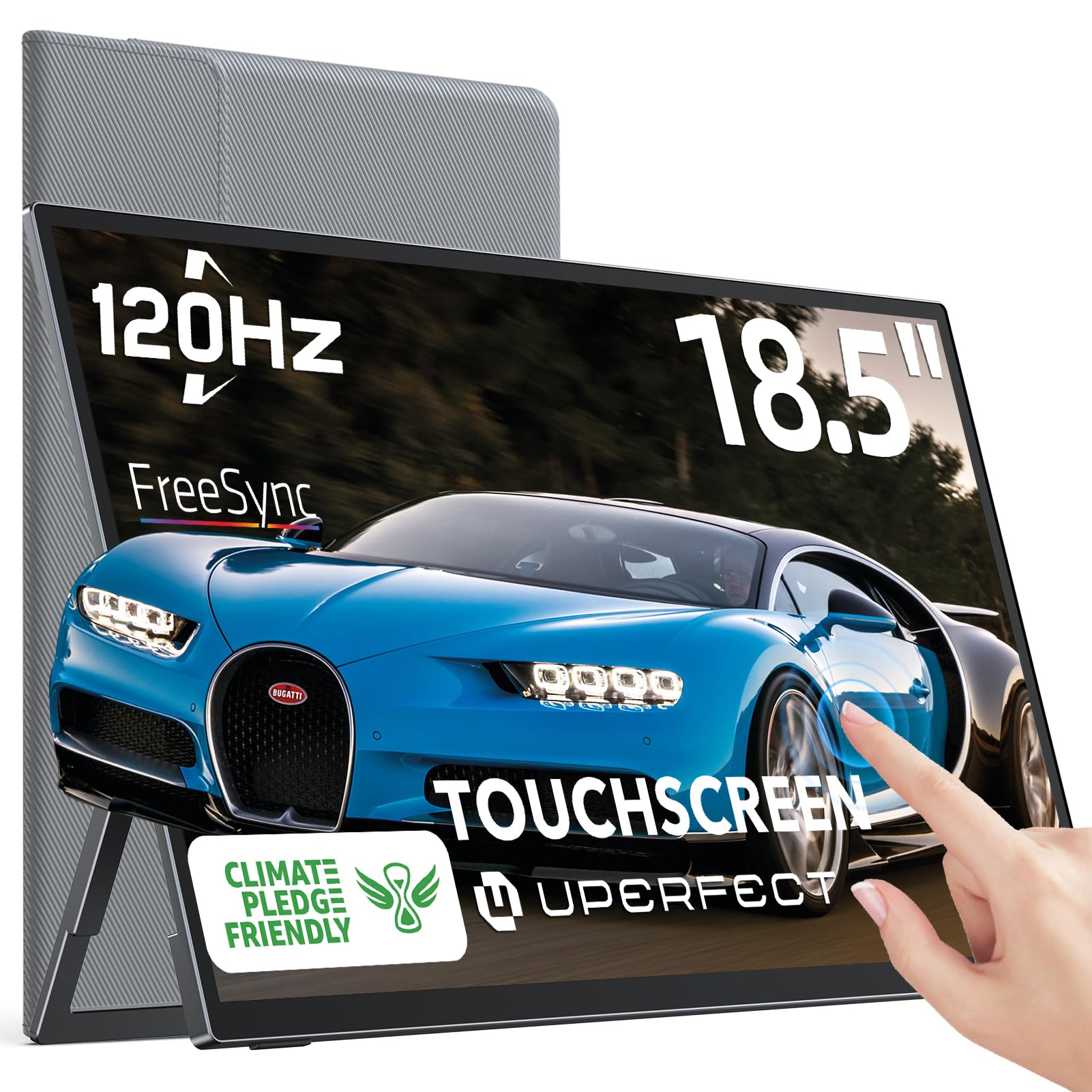
UPERFECT 18.5-Inch Touchscreen Monitor

88 /100
LBD Score Excellent

Key details

Weight
2.9 lb
Resolution
1920 x 1080
Screen Size
18.5 inches
Refresh Rate
120 Hz
View on Amazon

Most of the monitors here are laptop-sized; this one is desk-sized. At 18.5 inches the UPERFECT gives you roughly the panel area of a small desktop display, which is the difference between a second screen you glance at and one you actually work on. That the whole thing folds down to half an inch thick is the trick that makes it portable at all.

The 120Hz refresh rate separates it from every other big panel in this group. Scrolling a long document or a timeline is visibly smoother than on the 60Hz picks, and with FreeSync and a 1ms response it doubles as a gaming display for a handheld or a console. At 350 nits it is bright enough for a lit office, though the 800:1 contrast ratio is the lowest here, so dark scenes read gray rather than deep.

The stand deserves its own mention: a 180-degree kickstand plus VESA holes, so it works propped on a table or bolted to an arm. Ports are a mini HDMI, two USB-C, and a headphone jack, and the box includes a PD power adapter and both USB cables.

At this size, 1080p works out to about 119 pixels per inch, so text is a touch soft next to the 15.6-inch 1080p panels in this guide. If crisp type is the priority, the Newsoul's 4K panel is the better answer. If you want one screen that stands in for the desk monitor you left behind, this is it.

Pros

  • 18.5-inch panel replaces a desk monitor
  • 120Hz with FreeSync for gaming
  • 180-degree kickstand plus VESA holes
  • PD power adapter and USB cables included

Cons

  • 2.9 pounds is a load in a bag
  • No HDMI cable in the box
Our verdict

The closest thing here to a real desktop monitor you can carry: 18.5 inches, 120Hz, and a kickstand that holds steady on any table.

Check Latest Price
3

Best Premium Pick

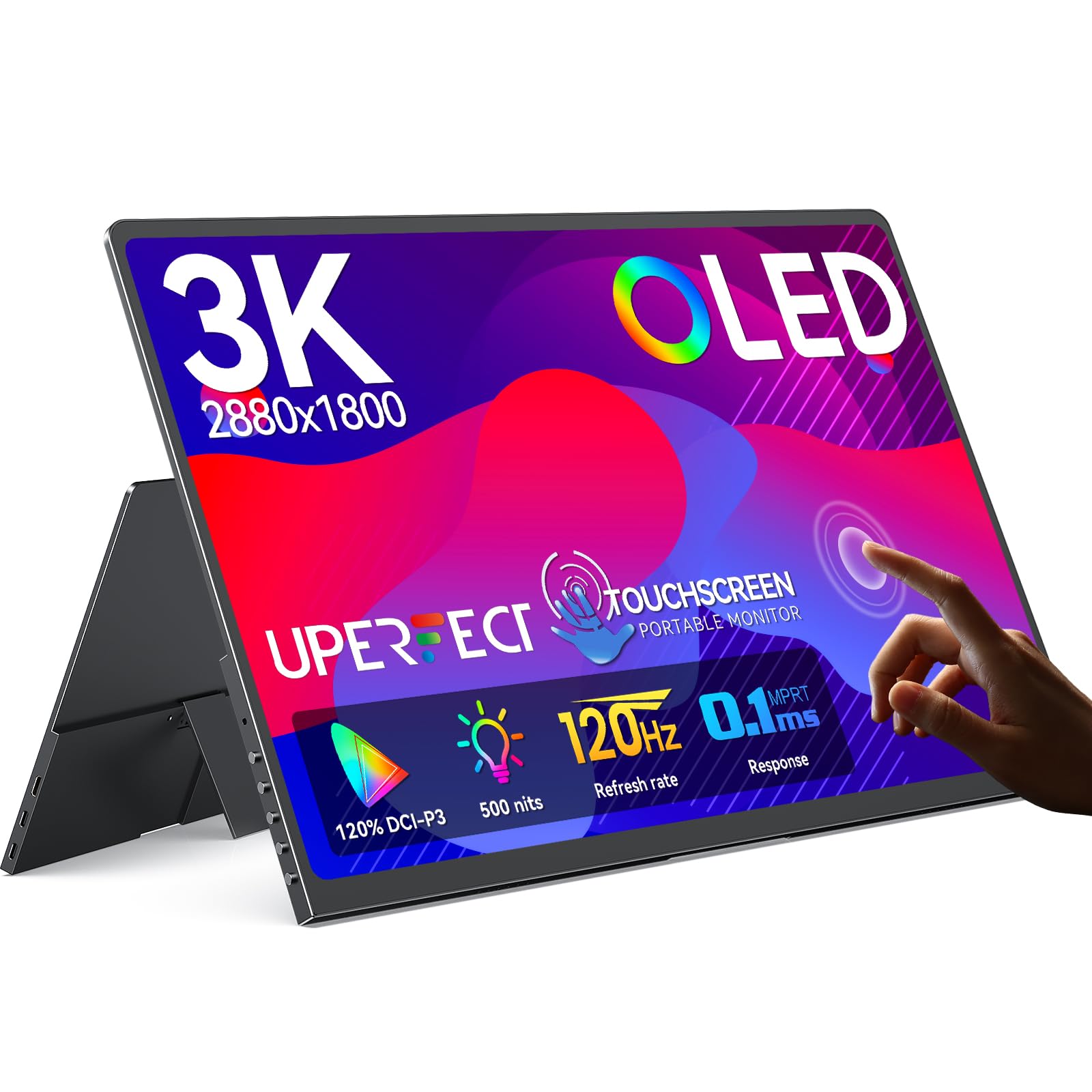
UPERFECT 14-Inch OLED Touchscreen Monitor

88 /100
LBD Score Excellent

Key details

Panel
OLED
Brightness
500 nits
Resolution
2880 x 1800
Screen Size
14 inches
View on Amazon

You are paying for the panel here, not the acreage. Fourteen inches is the smallest screen in this guide, and the 3K OLED inside it is the best picture on the page: true blacks, a contrast ratio that runs into the hundreds of thousands, and 500 nits, which makes it the brightest display we recommend.

Add 120Hz, a 0.1ms response, and FreeSync and it is also the most gaming-capable screen in the group. Touch on a panel this thin is the part we wondered about, and the input is rated pixel-accurate with no offset, which is the claim that matters when you are tapping small icons on a 2880x1800 display.

Physically it is the easiest of the group to live with: 0.12 inch thick, 1.29 pounds, a full-metal body, and a stand that adjusts without a separate cover to lose. That is the specification that matters if the monitor rides in a backpack next to a 13-inch laptop, and it is the reason we reach for this one on a flight.

The trade is size and money. Fourteen inches is tight for two side-by-side windows, and this is the priciest pick we recommend. If you mostly want more room for spreadsheets, the 18.5-inch UPERFECT costs less and gives you nearly a third more diagonal; if you want the best-looking image in the smallest package, this is the one.

Pros

  • 3K OLED with near-infinite contrast
  • 120Hz, 0.1ms, and FreeSync
  • 0.12 inch thick at 1.29 pounds
  • 500 nits, the brightest pick here

Cons

  • Glossy finish shows reflections
Our verdict

The pick for travelers who care what the picture looks like: a 3K OLED that weighs barely more than a paperback and outshines everything else here.

Check Latest Price
4

Best for Detail Work

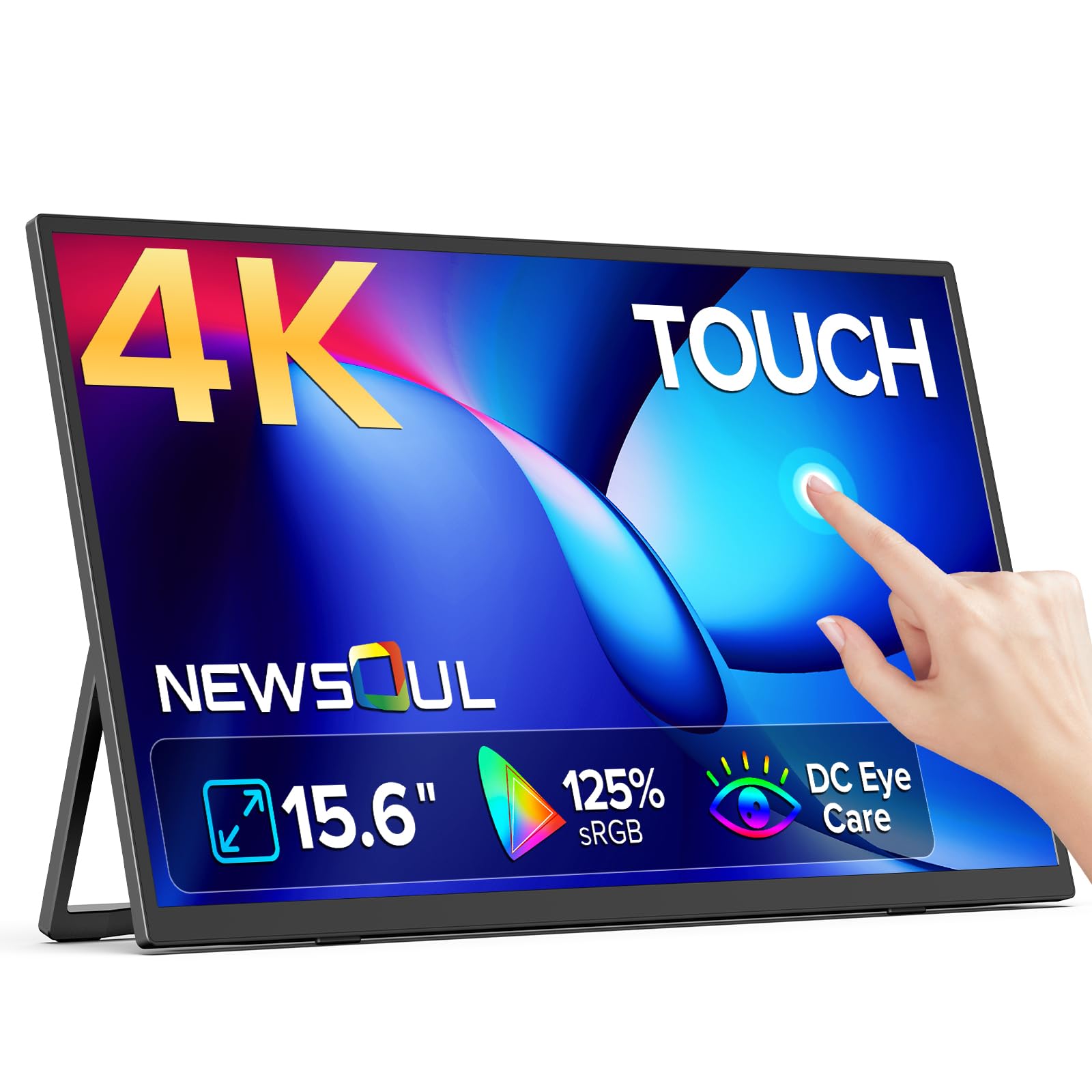
Newsoul 15.6-Inch 4K Touchscreen Monitor

87 /100
LBD Score Excellent

Key details

Weight
1.8 lb
Resolution
3840 x 2160
Color Gamut
125% sRGB
Screen Size
15.6 inches
View on Amazon

4K on a 15.6-inch panel works out to around 283 pixels per inch, and the difference shows the first time you open a spreadsheet or a code editor: no shimmer on thin text, no smearing on small type. If the reason you want a second screen is reading, this is the one to beat.

The other half of that is the finish. A touchscreen collects fingerprints, and this matte panel hides them far better than the glossy glass on our top pick while killing most window reflections at the same time. Sharp pixels plus a surface that does not fight the room is what makes it a good work panel rather than merely a high-resolution one.

Ports are mini HDMI and USB-C, there is a kickstand and a set of VESA holes, and it carries a two-year warranty. At 125% sRGB the color is wider than the 1080p picks, which matters if you touch up photos or review design work on the second screen. For the money, this is the most screen we recommend for detail work.

Two practical notes: at 1.8 pounds it is the heaviest 15.6-inch monitor here, and the mini-HDMI port rewards a decent cable rather than the thinnest one in your drawer. Neither changes the recommendation for desk-and-hotel use, where it spends most of its life propped on a table.

Pros

  • 3840x2160 resolution on 15.6 inches
  • Matte finish resists fingerprints
  • 125% sRGB color coverage
  • Two-year warranty

Cons

  • 1.8 pounds is heavy for 15.6 inches
Our verdict

Best for anyone who reads or writes on the second screen: 4K resolution and a matte finish for well under what the OLED asks.

Check Latest Price
5

Best for Bright Rooms

HotYeah 15.6-Inch Touchscreen Monitor

88 /100
LBD Score Excellent

Key details

Brightness
350 nits
Resolution
1920 x 1080
Screen Size
15.6 inches
Contrast Ratio
1500:1
View on Amazon

A hotel desk with a window behind it is where cheap portable monitors fall apart, and it is where the HotYeah holds up. It is one of only two 1080p panels here rated at 350 nits, and the one with the higher contrast ratio at 1500:1, so the matte panel turns glare into a dull sheen instead of a mirror. For work beside a window, that combination decides the purchase.

At 1.3 pounds and 0.23 inch it disappears into a backpack, and the box includes a travel sleeve, a power adapter, and a USB-A to USB-C cable for the touch signal on a desktop. There are 75 x 75mm VESA holes on the back if you prefer to clamp it to an arm rather than trust the folding stand.

The 24-month warranty and 30-day return window are longer than most of this group offers, and the one-cable USB-C setup works with any laptop that supports DP Alt Mode. Color coverage is a full sRGB, so photos and slides do not look washed out the way they can on a budget 1080p panel.

The catch is refresh rate and history. Sixty hertz is fine for documents and dull for games, and there is less of a track record behind this one than behind the Caperave, which is the only reason it is not our top pick. On a specification-by-specification basis it is the closest call in the guide.

Pros

  • 350 nits and 1500:1 contrast
  • 1.3 pounds and 0.23 inch thick
  • 75 x 75mm VESA and a 180-degree stand
  • 24-month warranty and a sleeve in the box

Cons

  • 60Hz refresh rate
Our verdict

Our bright-room pick: 350 nits and 1500:1 contrast keep it readable beside a window, and it weighs barely more than a hardcover.

Check Latest Price
6

Best Budget

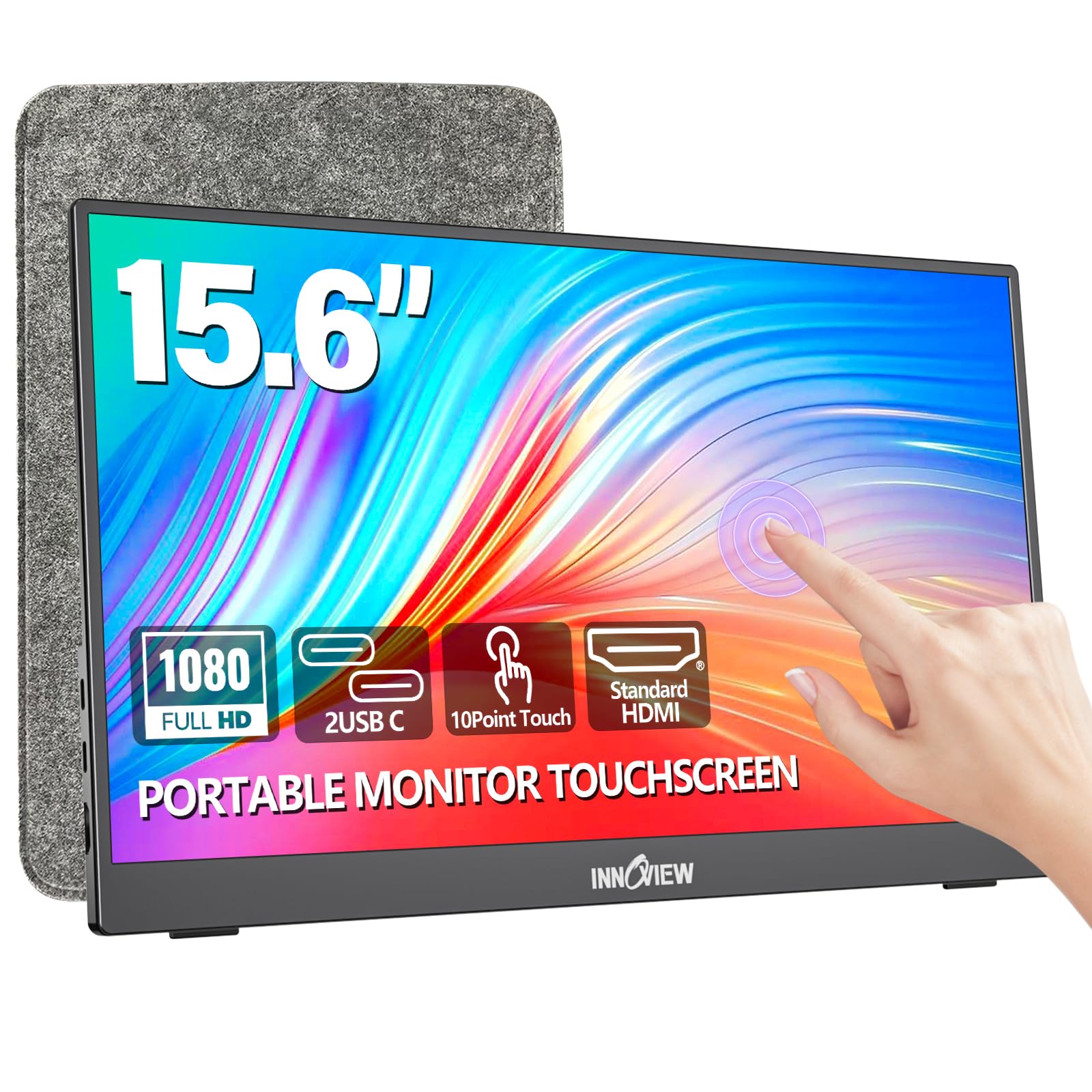
InnoView 15.6-Inch Touchscreen Monitor

88 /100
LBD Score Excellent

Key details

Warranty
18 months
Resolution
1920 x 1080
Screen Size
15.6 inches
Contrast Ratio
1200:1
View on Amazon

The catch is easy to miss: every connection on this monitor needs its own power, and the adapter is not in the box. A 15W USB-C phone charger covers it and most people already travel with one, but check before you order, because an underpowered port shows up as a flickering or dim screen rather than an error message.

Get past that and it is our budget pick. The 1200:1 contrast ratio is higher than the Caperave's, the matte IPS panel holds its angle, and touch runs to a full 10 points on Windows. A fitted protective sleeve is included, which means you are not shopping for a case the same week you buy the screen.

Setup is genuinely one-and-done: HDMI plus USB on a desktop, or a single full-featured USB-C cable on a laptop, with two USB-C ports and a standard HDMI to choose from. The kickstand is built in and the warranty runs 18 months. It is the pick for a first second screen you do not want to think hard about.

Pros

  • 1200:1 contrast at a budget price
  • Matte IPS panel with 10-point touch
  • Protective sleeve included
  • 18-month warranty

Cons

  • Narrowest color coverage here
Our verdict

The budget pick we hand to most people: solid contrast, matte IPS, and 10-point touch for the least money in this guide.

Check Latest Price
7

High-Res Value

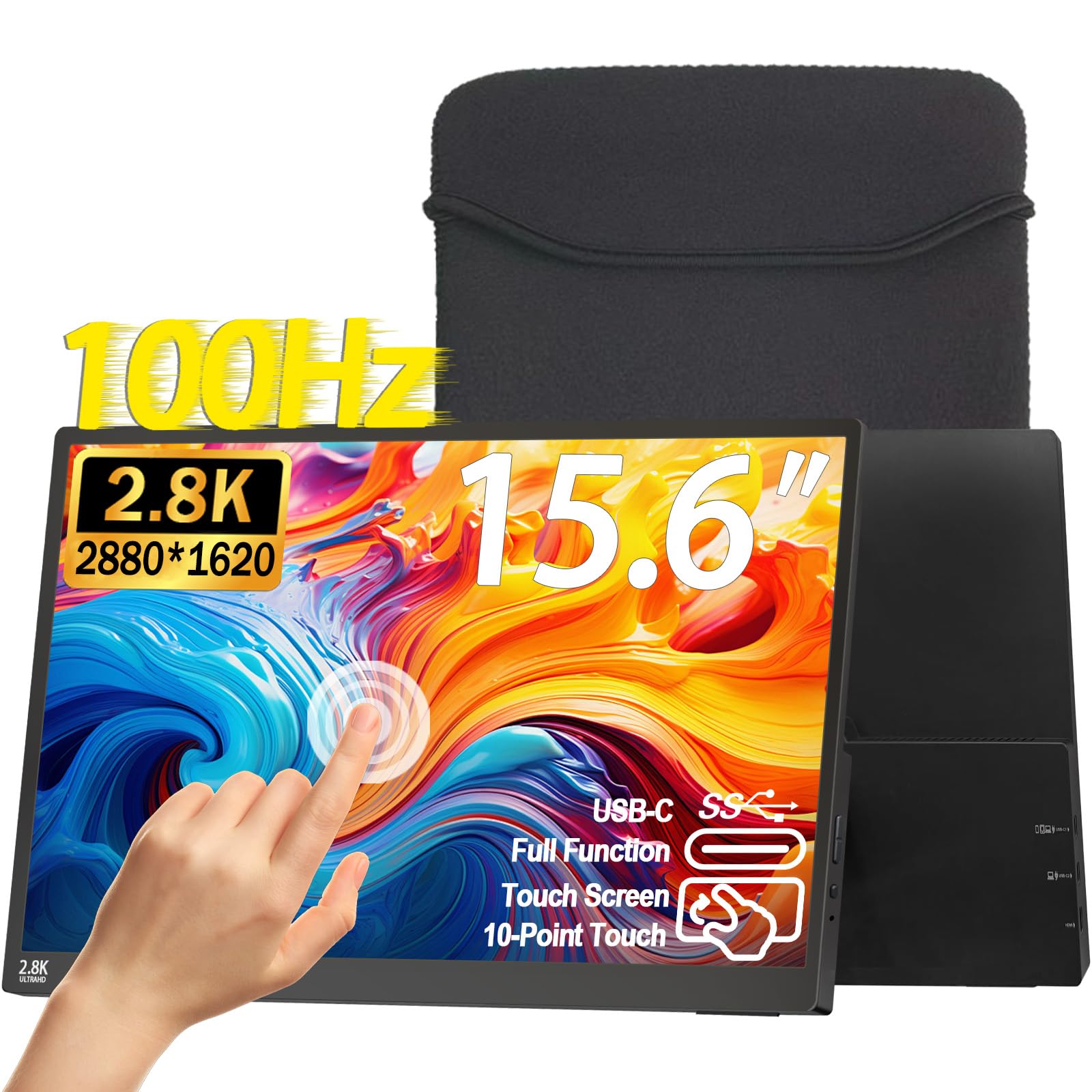
Topmonitor 15.6-Inch 2.5K Touchscreen Monitor

80 /100
LBD Score Excellent

Key details

Weight
1.3 lb
Resolution
2880 x 1620
Screen Size
15.6 inches
Refresh Rate
100 Hz
View on Amazon

Compared with our top pick, this one trades a familiar 1080p panel for 2880x1620 resolution and a 100Hz refresh, for roughly the same money. At 15.6 inches the pixel density lands around 212 per inch, which sharpens small type noticeably without the graphics load a 4K panel adds to a thin laptop.

The rest of the sheet is complete: full sRGB coverage, 1200:1 contrast, HDR and FreeSync, a 0.3-inch body at 1.3 pounds, two USB-C ports and a mini HDMI, plus a sleeve and a power adapter in the box. The 100Hz refresh is the part you notice daily, with smoother scrolling and less blur on fast-moving pages.

The kickstand is built in, there are VESA holes if you want it on an arm, and the included power adapter means you are not buying accessories on day one. Brightness sits at 300 nits, which is indoor territory rather than window-seat territory.

What holds it back is the record behind it: there is less to go on here than with the Caperave or the InnoView, and touch is exactly the feature you want a long history on before you trust it with a work trip. The specification earns the recommendation; the track record is why it sits in our also-consider tier.

Pros

  • 2880x1620 resolution at 15.6 inches
  • 100Hz refresh with FreeSync
  • 1.3 pounds and 0.3 inch
  • Power adapter and sleeve included

Cons

  • 300 nits is dimmer than our bright-room pick
  • One-year warranty
Our verdict

Nothing here packs more pixels or a faster panel for the money: a 2.5K, 100Hz touchscreen at what the 1080p picks cost.

Check Latest Price
8

Warranty and Charging

ViewSonic TD1655 Portable Touchscreen

87 /100
LBD Score Excellent

Key details

Warranty
3 years
Brightness
250 nits
Resolution
1920 x 1080
Screen Size
15.6 inches
View on Amazon

What you are paying for is the warranty. The TD1655 carries a three-year limited warranty, the longest coverage in this guide, from a company whose business is monitors, and for a screen that travels in a bag that is worth real money.

The second reason it is here is power. Its USB-C port is a two-way 60W connection, so a single cable can carry picture, touch, and up to 60W of charge to a laptop, which is more than any other pick offers. The panel is matte 1080p with dual speakers, a built-in stand, and a protective cover.

The thing to manage is the connection rather than the glass. No-signal dropouts are the failure to watch for, and USB-C video does not handshake with every device, so test both cables in the first week and let the warranty cover anything that misbehaves.

At the top of the price range it is a narrow recommendation: buy it for the coverage and the charging, and treat the panel as the cost of both. If neither of those is what keeps you up at night, the Caperave or the HotYeah does the same job for less.

Pros

  • Three-year limited warranty
  • 60W USB-C two-way charging
  • Matte panel with dual speakers
  • Cover and stand included

Cons

  • 250 nits, the dimmest here
  • About 2.2 pounds, the heaviest pick
Our verdict

The one to pick when support and one-cable power matter most: a three-year warranty and 60W USB-C charging no other pick here matches.

Check Latest Price

How We Tested Portable Touchscreen Monitors

We started by gathering every portable touchscreen we could find in the 14- to 18.5-inch range, then narrowed the pile by panel type, resolution, refresh rate, port selection, and what actually came in the box — a folding kickstand, a protective sleeve, VESA mounting holes, built-in speakers. That left 10 monitors, which we lived with for six months rather than an afternoon.

Every unit got the same first test: I unpacked it, timed how long it took to go from bag to a working second display, and counted the cables involved. Each one ran from a laptop over a single USB-C connection, then over HDMI with separate power, then from a phone and a handheld console. We watched how quickly the signal locked on, whether the image dropped or the screen renegotiated when we switched inputs, and whether the laptop's battery fell faster than it did running alone.

Touch got a real workout — dragging windows corner to corner, pinch-zooming photos, signing a PDF, drawing slow diagonal lines in a notes app to see if the line kept up, and typing on the laptop keyboard to check that a resting palm didn't send the cursor flying. For picture quality we played the same high-contrast clip and a set of color bars on every screen, set each next to a calibrated laptop display, and looked at brightness and color straight on and from an angle with a window behind us.

The rest was ordinary life. Monitors rode in backpacks and carry-ons, propped up on hotel desks, an airplane tray table, and a kitchen counter. We weighed each one with and without its sleeve, folded every kickstand to its lowest angle and jostled the surface underneath, mounted the VESA-compatible models on an arm, and noted which metal cases and hinges still felt tight in month six. At the end we asked the blunt question: for the money, what did you actually get?

How to Choose a Portable Touchscreen Monitor

Start With the Port, Not the Panel

Touch is a data signal, and video alone will not carry it. A full-featured USB-C port with DisplayPort Alt Mode, or a Thunderbolt 3 or 4 port, sends picture, power, and touch down a single cable, and that is the setup you want. HDMI carries the picture only, so touch then needs a second cable from the monitor to a USB-A port on the computer.

Check your laptop's specifications for DP Alt Mode before ordering; a USB-C port that only charges will not drive the display. Games consoles and most phones send video but never touch, so if that is the plan, buy for picture quality and treat the touch layer as a bonus.

Brightness and Finish Set the Room You Can Work In

The picks here run from 250 to 500 nits. Below 300 you are fine in a dim room or on an evening flight and unhappy beside a window; 350 and up holds its own under office lighting. Contrast matters nearly as much in dark scenes, where 800:1 looks gray next to 1500:1.

Finish matters more on a touchscreen than on a television. Matte hides fingerprints and reflections, while glossy glass feels better under a finger and shows every lamp in the room. Choose the surface for the room where the monitor spends most of its time.

Size and Weight Are the Real Trade

A 15.6-inch panel measures roughly 14 by 8.4 inches; an 18.5-inch one adds close to two inches in each direction and about a pound and a half. The big screen replaces a desk monitor and still lies flat in a 17-inch laptop sleeve, while the 14-inch OLED disappears into a bag you already carry.

Decide by what the screen is for. If it lives on one desk, weight is irrelevant and size wins. If it flies twice a month, 1.3 pounds is the number that matters.

Resolution, Scaling, and Finger-Sized Buttons

1080p on a 15.6-inch panel is perfectly readable and keeps icons big enough to hit with a thumb. Step up to 2.5K or 4K and text gets noticeably cleaner, but the operating system scales the interface to compensate, which can shrink touch targets and puts more load on a modest laptop GPU.

Buy resolution for what you read rather than for the specification sheet. Dense spreadsheets and code reward 4K; a screen you mostly tap through is better served by 1080p.

Stands, Mounts, and What Is Actually in the Box

Most of these rely on a folding kickstand, which is fine on a table and useless on a lap. If the monitor will live on an arm or a wall, look for 75 x 75mm VESA holes, which several picks here have.

Then read the box contents. Some monitors include a power adapter, a sleeve, and cables for both connection routes; others ship without an adapter and expect a 15W-or-better USB-C charger you already own. That is the difference between a working setup on day one and a second order.

Frequently Asked Questions

Final Verdict

The Caperave is the monitor we point most people to: 10-point touch that behaves on both Windows and Mac, a full-size HDMI port so nothing needs an adapter, and a metal body that survives a backpack, all for less than the premium names ask.

If your desk sits beside a window, the HotYeah is worth the small step up for 350 nits and a matte finish. If you read dense text all day, the Newsoul's 4K panel earns its place, and the UPERFECT OLED is the one to buy when the picture itself is the point.