Best Overall

Fractal Design Node 804
Key details
- Dimensions
- 13.54 x 12.09 x 15.31 in
- Drive Bays
- Up to 10 x 3.5-inch, 2 x 2.5-inch
- Included Fans
- 3 x 120mm
- Motherboard Support
- Micro ATX, ATX
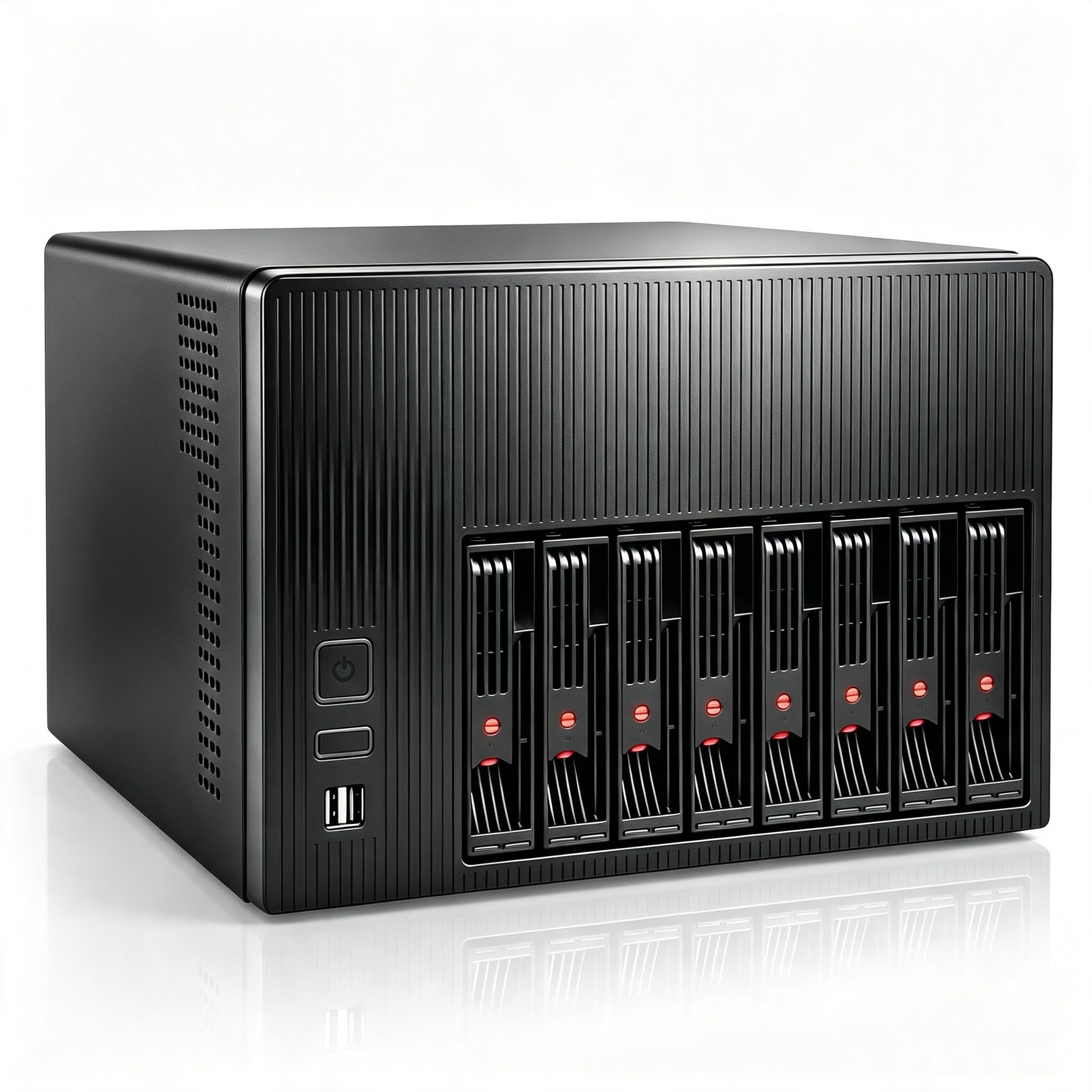
The Node 804 splits the motherboard and the drives into separate chambers, and that single decision explains why it works so well as a home server. The drive cages live in the back compartment, the motherboard and expansion cards get their own side, and three 120mm fans move air through both. It is a cube, not a slim tower, so the storage is the point rather than an afterthought.
We kept coming back to how little drama there is in servicing it. The drive mounting system lets you pull and install drives without dismantling the whole build, and the airflow path is direct enough that we didn't have to treat cooling as a separate project. For a server that runs all day, that combination matters more than a glass panel or a front-panel light show.
The rest of the case is quietly sensible: room for a micro-ATX or ATX board, three included fans, and enough drive mounts to grow into. It is not a hot-swap chassis, so drive swaps mean opening the case and undoing a few screws. For a set-and-forget server, that is a fair trade; if you swap drives weekly, one of the hot-swap picks here is the better fit. The drive cages can be configured for up to ten 3.5-inch drives or a mix of 3.5 and 2.5, so you can start smaller and add later.
Pros
- Dual-chamber airflow keeps drives and board separate
- Up to ten 3.5-inch drives in a cube
- Drive cages are easy to access and service
- Three 120mm fans included
Cons
- Wide cube needs a deep shelf
For most home NAS builds, the Node 804 is the case we recommend first: eight to ten 3.5-inch drives, strong airflow, and drive access that doesn't fight you.