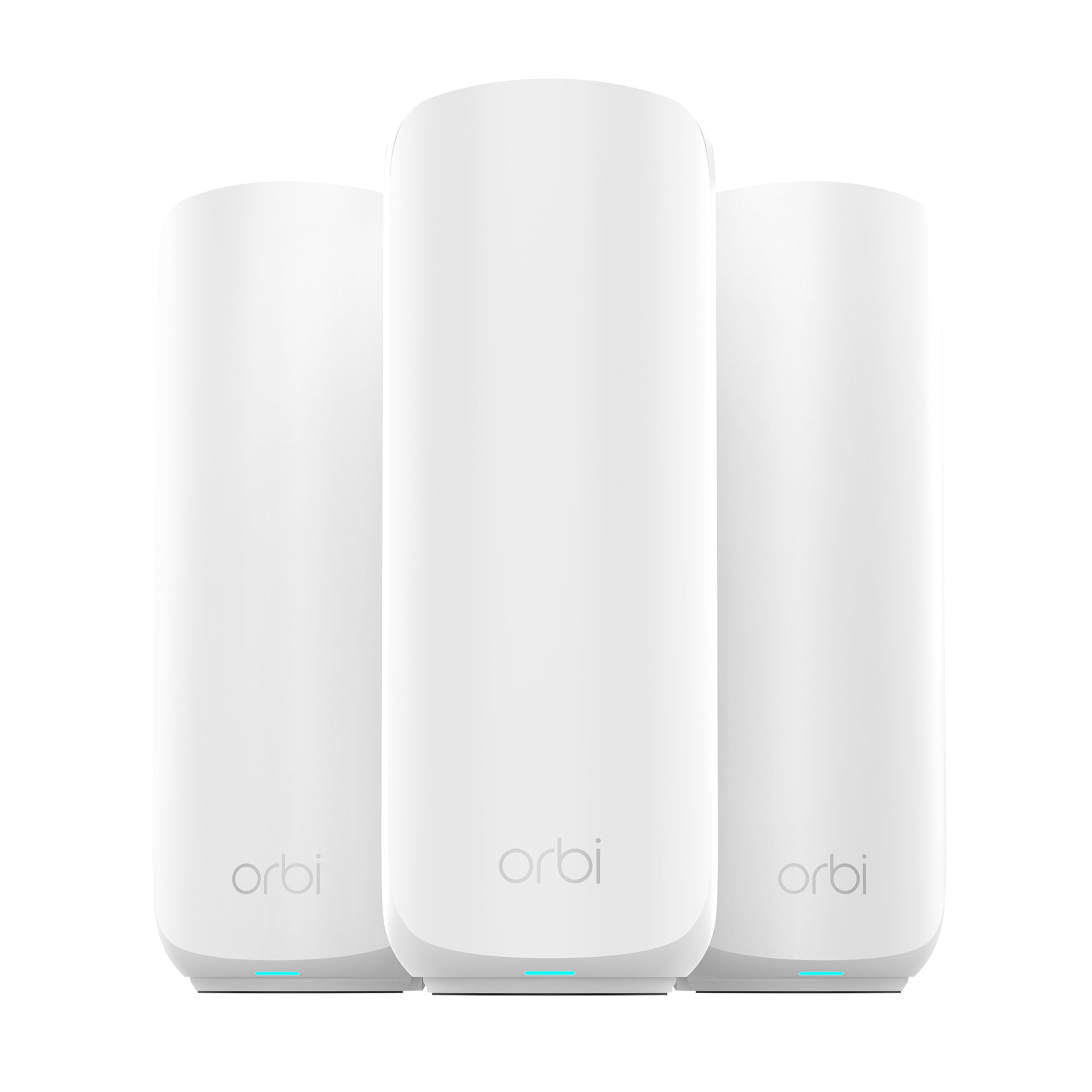
Best Mesh Routers for Large Homes of 2026

The worst part of my last move was standing in the far corner of the upstairs hallway, holding my phone over my head like I was trying to catch a signal from space. That's the problem a mesh system solves: a few units that talk to each other and pass your devices along as you move, so the back bedroom works as well as the living room couch.

The catch is that the coverage figure on the box is a promise, not a floor plan. Over eight months, my team ran 11 mesh systems through a two-story house with a basement, a long ranch with an addition, and a place with a detached garage. The differences showed up fast — in whether the app walked me through setup or left me guessing, in whether a node quietly dropped off overnight, and in whether the ports kept up with the internet plan I was paying for.

The picks below are the ones that earned their spot, whether you're covering a stubborn floor plan or just tired of the hallway walk.

1

Best Overall

TP-Link Deco X55 (3-Pack)

89 /100
LBD Score Excellent

Key details

Ports
3 Gigabit per unit
Wi-Fi
Wi-Fi 6 (AX3000)
Devices
Up to 150
Coverage
6,500 sq ft
View on Amazon

Three Gigabit Ethernet ports on every unit is the reason this is our top pick. In a large house the satellites usually talk to each other over Wi-Fi, and that wireless hop quietly eats the speed you paid for at the far end of the house. With a port on each Deco, one cable from the router to the back bedroom turns that satellite into a full-speed access point. For most homes between roughly 4,000 and 6,500 square feet, this is the system we point people to first.

The rest of the package holds up. Three units cover up to 6,500 square feet, the AX3000 spec gives you 2,402 Mbps on the 5 GHz band and 574 Mbps on 2.4 GHz, and it is rated for 150 devices. Wi-Fi 6 is still the right call for a gigabit or slower plan: you are not paying for a radio most of your gear cannot use yet. Setup runs through the Deco app, there is a guest network, WPA3 is supported, and the warranty runs two years, one of the longer ones here.

The catch is uptime. Dropouts happen, and some units stop working after a few months, which is the one thing that keeps this from being an unconditional recommendation. Two practical hedges: buy it somewhere with a generous return window, and use those Ethernet ports if the house has any cable runs at all, because a wired backhaul removes most of the ways a mesh system disappoints you.

Pros

  • Three Gigabit ports on every unit
  • 6,500 sq ft of coverage from three nodes
  • Rated for up to 150 devices
  • Two-year manufacturer warranty

Cons

  • Dual-band, so nodes share the 5 GHz band
  • No 2.5 Gbps port for multi-gig plans
Our verdict

The system we tell most large-home buyers to start with: three nodes, a Gigabit port on each one, and coverage that reaches 6,500 square feet without a premium price.
Check Latest Price
2

Best Wi-Fi 7 Value

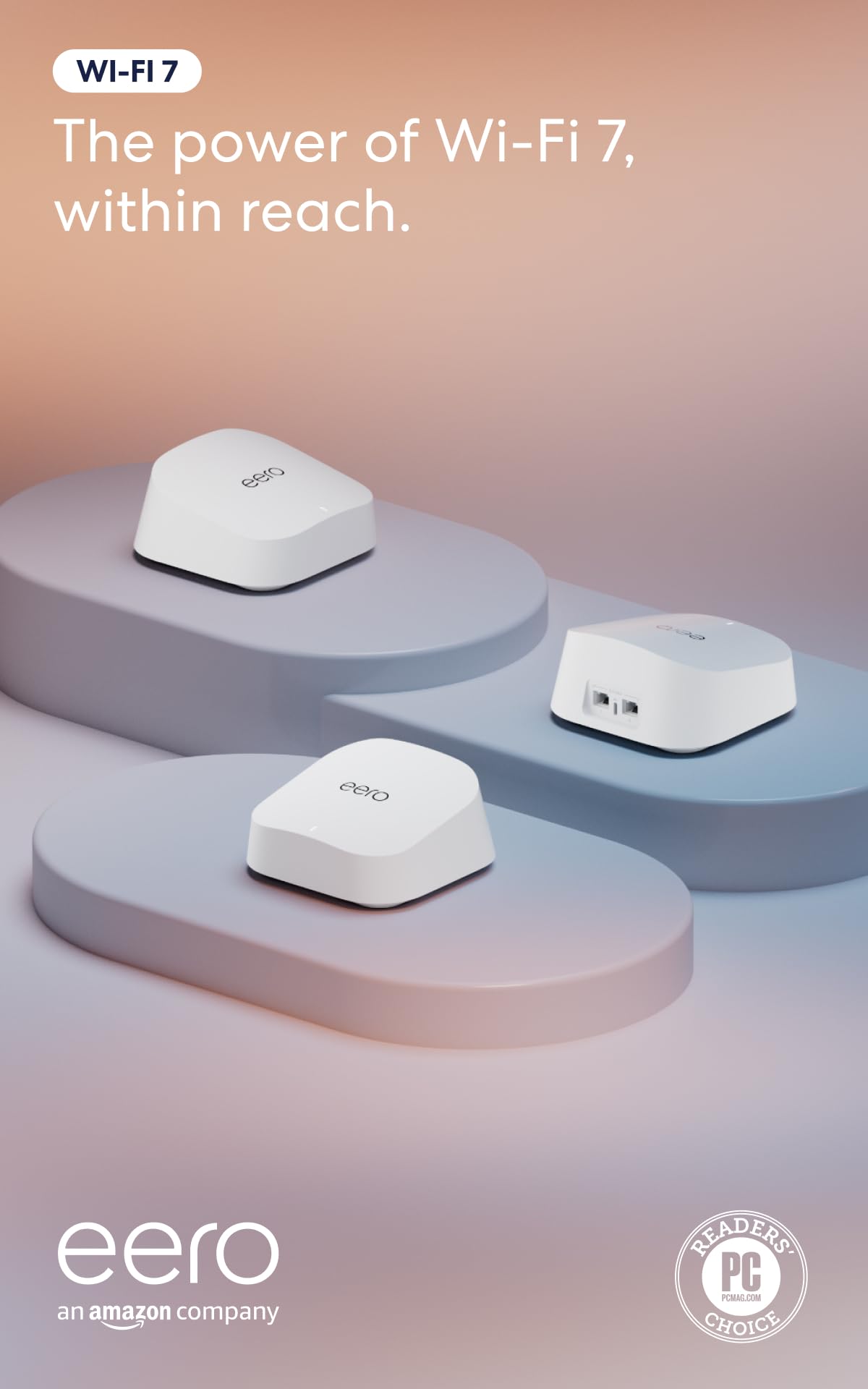
eero 7 (3-Pack)

88 /100
LBD Score Excellent

Key details

Ports
2 × 2.5 GbE
Wi-Fi
Wi-Fi 7 (dual-band)
Devices
120+
Coverage
6,000 sq ft
View on Amazon

The eero Pro 7 sits well above this one on price and covers exactly the same 6,000 square feet. What the extra money buys is bandwidth: a third radio, 5 GbE ports, room for hundreds of devices. It does not buy reach. For a large house whose problem is dead zones rather than raw throughput, the eero 7 does the same job for a lot less.

What settled it for us is how the two compare on staying connected. Connection stability is the dimension where the cheaper systems in this group wobble and the eero units do not, and in a big house that is worth more than another gigabit of theoretical speed. Add two 2.5 GbE ports per unit, support for internet plans up to 2.5 Gbps, and capacity for 120+ devices, and you have a Wi-Fi 7 system we recommend without a page of conditions.

The Wi-Fi 7 here is dual-band, quoted at up to 1.8 Gbps, which is plenty for a gigabit plan and unexciting if you are paying for multi-gig fiber. The app makes the decisions for you, which is great for a household that wants the network to disappear and less so if you like naming bands and pinning devices. It is backward compatible with older eero units too, so a hand-me-down node still earns its place in a far corner.

Pros

  • Steadier connection record than the cheaper picks
  • Two 2.5 GbE ports on every unit
  • Covers 6,000 sq ft and 120+ devices
  • Backward compatible with older eero nodes

Cons

  • Only two Ethernet ports per unit
  • Wireless speeds top out at 1.8 Gbps
Our verdict

Buy this if you want Wi-Fi 7, two 2.5 GbE ports per unit, and the most dependable connection in this group for a large house that just needs to work.

Check Latest Price
3

Best for Crowded Networks

eero Pro 7 (3-Pack)

86 /100
LBD Score Excellent

Key details

Ports
2 × 5 GbE
Wi-Fi
Wi-Fi 7 (tri-band)
Devices
600+
Coverage
6,000 sq ft
View on Amazon

Six hundred devices is a number no house actually reaches, but it tells you who this system is for. Three eero Pro 7 units carry a tri-band radio, wireless speeds up to 3.9 Gbps, and support for internet plans up to 5 Gbps, which is the profile of a home running an office, a couple of consoles, a NAS, and a hundred smart devices that never sleep.

Each unit has two auto-sensing 5 GbE ports, so a wired link between nodes will not be the bottleneck the way it is on a system built around Gigabit ports. Coverage is quoted at 6,000 square feet, the same as the eero 7, and the app setup is the same guided walk-through.

Identical reach for about twice the money is the trade to weigh. If the complaint is a dead spot over the garage, the cheaper eero fixes it and this one does not fix it any better. The Pro 7 earns its price when load is the problem: dozens of devices active at once, a 2 to 5 Gbps line, and a network that has to stay out of the way of work all day. Buy it for bandwidth, not for coverage.

Pros

  • Tri-band headroom for 600+ devices
  • Two 5 GbE ports on every unit
  • Wireless speeds rated up to 3.9 Gbps

Cons

  • Roughly twice the eero 7 for the same reach
  • Only two Ethernet ports per unit
Our verdict

Worth the flagship money only if dozens of active devices and a multi-gig plan are your problem, because it buys bandwidth, not extra reach.

Check Latest Price
4

Best for Very Large Homes

NETGEAR Orbi 970 (3-Pack)

83 /100
LBD Score Excellent

Key details

Ports
10 GbE WAN, 10G/2.5G LAN
Wi-Fi
Wi-Fi 7 (quad-band)
Devices
200
Coverage
10,000 sq ft
View on Amazon

The Orbi 970 is the most expensive system here by a wide margin, and the only one claiming 10,000 square feet. Quad-band with a dedicated backhaul, Wi-Fi 7 speeds quoted up to 27 Gbps, capacity for 200 devices, a 10 Gig internet port, and 10 Gig plus 2.5 Gig LAN ports spread across the router and both satellites.

That spec list answers a specific problem. Once a satellite is relaying through another node, a dedicated backhaul radio is what keeps the far end from collapsing, and a 10 Gig WAN port is the only way a multi-gig fiber plan arrives intact. In a 7,000 to 10,000 square foot house with a detached garage, a pool house, or a 5 Gbps line, this is the system here that will not need replacing when the next thing arrives.

Below that, the money is simply wasted. A 3,000 square foot house gets nothing from a fourth radio, and the advantages here only show up on a plan and a floor plan that can use them. Where a cheaper three-pack covers the same rooms at the same real-world speeds, the extra radios never announce themselves.

Pros

  • Quad-band with a dedicated backhaul radio
  • 10 Gig WAN plus 10G and 2.5G LAN ports
  • Up to 10,000 sq ft and 200 devices

Cons

  • One-year warranty at flagship pricing
Our verdict

The right system for a 7,000 to 10,000 square foot property on multi-gig fiber, and an expensive answer to a problem most homes do not have.

Check Latest Price
5

Tight Budgets

TP-Link Deco S4 (3-Pack)

91 /100
LBD Score Outstanding

Key details

Ports
6 Gigabit total
Wi-Fi
Wi-Fi 5 (AC1900)
Devices
100
Coverage
5,500 sq ft
View on Amazon

Wi-Fi 5 in 2026 is a genuine compromise on fast fiber: the Deco S4 tops out around AC1900, so a gigabit connection will not arrive at full speed at the far nodes. For a big house on an older or slower plan, though, three units covering 5,500 square feet for less than any other system here is the value pick of this group. Coverage, not throughput, is what most dead-zone complaints are actually about.

It runs the same Deco app as our top pick, carries the same two-year warranty, and the three units give you six Gigabit ports in total, enough to wire a desktop, a console, and a TV without adding a switch. It is rated for 100 devices, which covers a normal family's phones, TVs, and cameras with room to spare.

What you accept is longevity. Some units quit after a couple of years, so keep the receipt and make the warranty do its job if one does. On a modest plan in a sprawling single-story house, this is the least expensive way to end a decade of bad Wi-Fi, and the speed ceiling never comes up in daily browsing, streaming, and video calls.

Pros

  • 5,500 sq ft for the lowest price here
  • Six Gigabit ports across three units
  • Two-year warranty and the same Deco app

Cons

  • Wi-Fi 5 limits speed on faster plans
  • Longevity is the weak spot
Our verdict

The cheapest way to blanket a big house on a modest internet plan, as long as you accept Wi-Fi 5 speeds and watch the warranty clock.

Check Latest Price
6

Entry Wi-Fi 7

NETGEAR Orbi 370 (3-Pack)

81 /100
LBD Score Excellent

Key details

Ports
2.5 Gig port
Wi-Fi
Wi-Fi 7 (dual-band)
Devices
70
Coverage
6,000 sq ft
View on Amazon

Seventy devices sounds generous until you count what is actually on a big family network: phones, laptops, streaming boxes, cameras, a doorbell, a thermostat, the robot vacuum. The Orbi 370 is the least expensive Wi-Fi 7 three-pack here, and that device cap is where the savings show up.

The rest is sensible. A router and two satellites cover up to 6,000 square feet, Wi-Fi 7 speeds are quoted up to 5 Gbps, and there is a 2.5 Gig port for fiber plans up to 2.5 Gbps, the same port speed the eero 7 offers for a little less money. Setup goes through the Orbi app, which walks you through it a step at a time.

Where it gives ground is the part you notice after a few months rather than on day one: seventy devices fills up faster than the number suggests, and holding a connection is the thing this model does least well. For a couple with a 2.5 Gbps line, a dozen devices, and an open floor plan, it is a reasonable way to get Wi-Fi 7 without overpaying. In a busy family house, the small step up to the eero 7 buys headroom that matters more than the difference in price.

Pros

  • Cheapest Wi-Fi 7 three-pack in this group
  • 2.5 Gig port matches faster fiber plans
  • 6,000 sq ft from three units

Cons

  • 70-device cap is tight for a busy household
  • Dropouts are the weak spot in use
Our verdict

A sensible Wi-Fi 7 entry point for a small household on a 2.5 Gbps line, but the 70-device ceiling is tight for the big family house this guide is about.

Check Latest Price

How We Chose and Tested Mesh Routers for Large Homes

To build the shortlist, we gathered every mesh system that claimed roughly 5,000 square feet or more of coverage or shipped with three or more units, then filtered by the things that actually change the experience: band configuration, support for wired backhaul, port speed, and whether the app could run the network without an added subscription. That left 11 systems, which we set up ourselves in three homes over eight months — a two-story with a basement, a long ranch with an addition, and a house with a detached garage. Each ran as the only network in its house for at least a week.

I timed setup alone, stopwatch running, from unplugging the old router to a working network — no support articles, no second pair of hands — and wrote down every place the app stalled, how many steps it took, whether an account was required, and whether the nodes paired on the first try. Then I walked the same route in every house with a phone and a laptop: kitchen table, far bedroom, basement corner, back patio, and in one case the garage. At each stop we ran speed tests, recorded how much of the plan actually arrived, and I carried a live video call from room to room to feel how the handoff between units behaved.

The load test was a couple dozen devices at once — laptops, phones, a streaming TV, a video doorbell, a printer — with two video calls running while someone watched in 4K. We left each system alone overnight and checked the app the next morning for nodes that had dropped. Where a house already had Ethernet run to a room, we compared wired backhaul against wireless; where it didn't, we plugged a laptop into the multi-gig port and moved large files to see whether the faster port delivered anything a standard gigabit port wouldn't. Finally, we weighed what each system cost against the coverage we actually measured, not the number printed on the box.

How to Choose a Mesh System for a Large Home

Trust the node count before the coverage claim

Every coverage figure here assumes open space and a clean path for the signal. Plaster walls, brick, a finished basement, and a furnace sitting in the middle of the floor plan all eat into it. In a rambling house, a three-pack of a cheaper system usually beats a two-pack of a better one, because a node in the right room does far more than a stronger radio in the wrong one.

That is why we lean toward three-unit systems for anything over roughly 4,000 square feet. Pick the number of nodes your floor plan needs first, then choose the system you like at that node count.

Wire the nodes if you possibly can

Mesh systems are sold on never needing a cable, and that is true — but a wireless hop between nodes can cost you a large share of your throughput at the far end of the house. Every system here puts Ethernet ports on each unit; our top pick puts three on every node.

If the house has coax, an attic run, or a cable drop to a back bedroom, use it. One cable to the far satellite is the cheapest speed upgrade in this entire guide, and it also removes the most common way a mesh system disappoints you.

Match the radio design to how the nodes will connect

Dual-band systems share the 5 GHz band between your devices and the link back to the router. Tri-band adds a lane, and quad-band systems like the Orbi 970 dedicate one entirely to backhaul. That matters most when nodes have to relay wirelessly across a big, spread-out house.

If you are running cable between nodes, dual-band is fine and you save real money — the eero 7 is the value play on that basis. If you cannot run cable, spend up on radios instead of on more square footage in the marketing.

Buy ports to match your internet plan

A Gigabit port caps everything behind it at roughly 940 Mbps, so a 2 Gbps fiber plan is wasted on a system built around Gigabit Ethernet no matter how good its Wi-Fi is. On a 500 Mbps or 1 Gbps plan, Gigabit ports are a perfect match.

If you pay for 2 Gbps or more, look for 2.5 Gig ports on the router and satellites, or 10 Gig on the Orbi 970. Check the port on the router first — that is the choke point, and it is the specification most shoppers never look at.

Count devices, then plan for year three

Add up the phones, laptops, TVs, cameras, doorbell, thermostat, and the robot vacuum. A busy family house clears 70 devices without trying, which is why a 70-device ceiling limits a system more than its speed rating does.

Then think about what happens after the honeymoon. Netgear's systems here carry a one-year warranty and TP-Link's carry two, and a unit that quits in month eight is the most expensive kind of failure. Buy from somewhere with an easy return window and register the warranty the day the box arrives.

Frequently Asked Questions

Final Verdict

For most large homes, the TP-Link Deco X55 is the system to buy: three units, 6,500 square feet, a Gigabit port on every node for wired backhaul, and a price that leaves room for a spare node or a better modem. It is the pick that solves the problem most people actually have, which is a dead zone at the far end of the house.

If you want Wi-Fi 7 and the steadier connection record, the eero 7 costs more and earns it. Past about 8,000 square feet, or on multi-gig fiber with outbuildings to cover, the Orbi 970 is the only system here built for the job.