Best Laptops for Teachers of 2026

Most teachers I know bought their classroom laptop out of their own pocket, which makes this decision heavier than it looks. The failure modes are small and brutal: a laptop that takes four minutes to wake up while 28 students watch, or one that dies in third period with the charger still in the faculty lounge. What you want is continuity: fast logins, a dozen tabs held without a wheeze, and battery that reaches the last bell.

The spec sheet doesn't say much about any of that. For teaching work, memory and a real solid-state drive matter more than the processor's model number. A touchscreen earns its keep once you're annotating a worksheet or signing a form, and plenty of these machines now arrive with the office suite and cloud storage already loaded, sparing you a subscription.

Over eight months, my team and I carried eight laptops through a full school calendar: carts, after-school grading, parent video calls, and dropped into totes full of binders. The ones that earned a permanent spot in my work bag are below.

1

Best Overall

Apple MacBook Neo 13

0 /100
LBD Score Fair

Key details

Memory
8GB unified
Display
13-inch Liquid Retina
Storage
256GB SSD
Battery Life
Up to 16 hours
View on Amazon

Sixteen hours is the figure to hold on to. A teaching day isn't a two-hour meeting: the laptop opens at 7:30 on a desk, gets carried to a lab, wakes up for a video call with a homebound student, and is still on at 5:00 while you finish comments on a stack of lab reports. The MacBook Neo has the longest rated battery life of anything in this guide, and at 2.71 pounds and half an inch thick it's also the lightest, so the charger can stay in a drawer.

We think the 13-inch Liquid Retina display is where the extra money goes. A rubric, a gradebook, and a slide deck all read cleanly at this density, which is not something we can say about the 1366 x 768 panels on the cheaper picks — reading a two-page PDF on one of those is a chore by November. The aluminum chassis is the premium part, it comes in four colors (Silver, Blush, Citrus, Indigo) with a color-matched keyboard, and the 1080p FaceTime camera beats the 720p units on the rest of this list, which matters when half your afternoon is video calls.

The real constraint is memory. Eight gigabytes of unified memory and 256GB of storage are fixed at purchase, and while that is plenty for a browser, a gradebook, and a video call running at once, teachers who cut video lessons or keep a dozen desktop apps open will feel the ceiling. Then there's the platform question: confirm that your district's gradebook and state testing client run on macOS before you spend the money, because the exceptions are immovable and no amount of battery life makes up for them.

Pros

  • Longest rated battery life in this guide
  • 2.71 pounds with a half-inch aluminum body
  • Crisp 13-inch Liquid Retina display
  • 1080p FaceTime camera for meetings

Cons

  • Costs more than any other laptop here
Our verdict

The laptop we tell teachers to buy when the budget stretches: 16 hours of battery, a 2.7-pound body, and a screen that makes grading bearable.
Check Latest Price
2

Best Value

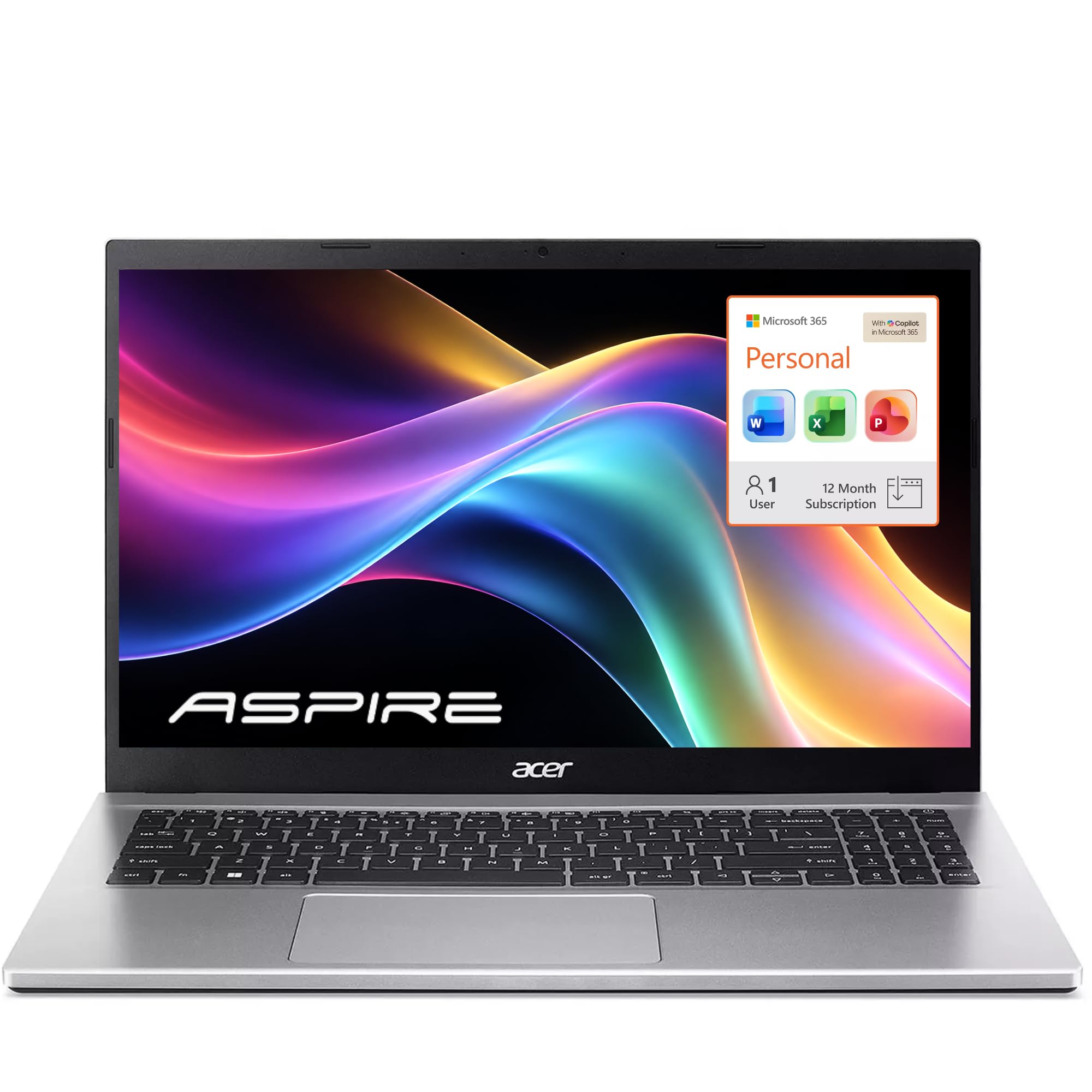
Acer Aspire Lite 15

86 /100
LBD Score Excellent

Key details

Memory
16GB DDR4
Display
15.6-inch FHD IPS
Storage
256GB NVMe SSD
Battery Life
Up to 11 hours
View on Amazon

Set this beside the MacBook and the Acer wins the spec sheet: 16GB of memory instead of 8, a 15.6-inch full HD IPS screen instead of a 13-inch one, and a backlit keyboard with a numeric keypad — for a midrange price rather than a premium one. It also bundles Microsoft 365. On the two things a teacher runs out of first, memory and screen space, this is the best-equipped laptop in the guide, and it's the Windows machine we point most people to.

The memory is what you'll notice day to day. Sixteen gigabytes keeps Google Classroom, a gradebook, a dozen lesson-planning tabs, and a video call open at once without the machine going to sleep on you, and the board takes up to 32GB if you want more later. The 1920 x 1080 panel is the quieter win: at 15.6 inches you can put a rubric and a student's submission side by side, which is how grading actually happens, and the anti-glare ComfyView finish holds up under classroom fluorescents. Acer rates the battery at 11 hours, and the whole thing weighs 3.9 pounds.

One thing tempers it. These don't all behave the same way over time: some run for months without a complaint, others restart at random or blue-screen mid-task. Buy from a seller with an easy return window and put it through a full week of real work before the term starts — a good unit is the best value on this page, and the difference is worth protecting.

Pros

  • 16GB of memory and a 256GB SSD
  • Sharp 15.6-inch full HD IPS screen
  • Backlit keyboard with a number pad
  • Microsoft 365 included

Cons

  • N150 processor is modest for heavy apps
  • Speakers sound thin on video calls
Our verdict

Sixteen gigabytes, a 256GB SSD, and a full HD screen for midrange money — the Windows default for teachers, if you buy where returns are easy.

Check Latest Price
3

Best Touchscreen

HP 15 Laptop Ryzen 3

88 /100
LBD Score Excellent

Key details

Memory
8GB LPDDR5
Display
15.6-inch HD touchscreen
Storage
128GB PCIe SSD
Processor
AMD Ryzen 3 7320U
View on Amazon

A touchscreen on a teacher's laptop sounds like a gimmick until you're circling a line in a poem on a projector, thumbing through a gradebook at the board, or tapping through slides while standing at the front of the room. This is the touch pick here, and it's the one we reach for when the work is more interactive than typing: the 15.6-inch panel takes pinches and swipes cleanly, and at 3.5 pounds the machine tucks under one arm with a coffee in the other hand.

Under the glass it's a capable everyday laptop. The AMD Ryzen 3 7320U has four cores and eight threads, and with 8GB of LPDDR5 behind it you can keep a browser, a gradebook, and a video call running together, which is roughly what a planning period asks for. The full-size keyboard includes a number pad, worth having if you enter scores row by row, and HP rates the battery at 12 hours, which on paper covers a school day.

There's one setup step to plan for: it arrives in Windows 11 Home in S Mode, which locks you to the Microsoft Store until you switch it off, so do that before you install anything your district hands you. Beyond that, the decision comes down to what you value. If touch is the thing you'll use every day, this is the pick; if a sharper panel and twice the memory matter more for about the same money, the Acer is the better trade.

Pros

  • Responsive 15.6-inch touchscreen
  • Ryzen 3 processor with 8GB of memory
  • Full-size keyboard with a number pad
  • 3.5 pounds with a 12-hour battery rating

Cons

  • Memory soldered at 8GB with a 128GB drive
  • 1366 x 768 panel on a 15.6-inch screen
Our verdict

If you annotate on screen or scroll a gradebook with a thumb, this is the touchscreen to get, and it handles a normal teaching day without drama.

Check Latest Price
4

Best Budget

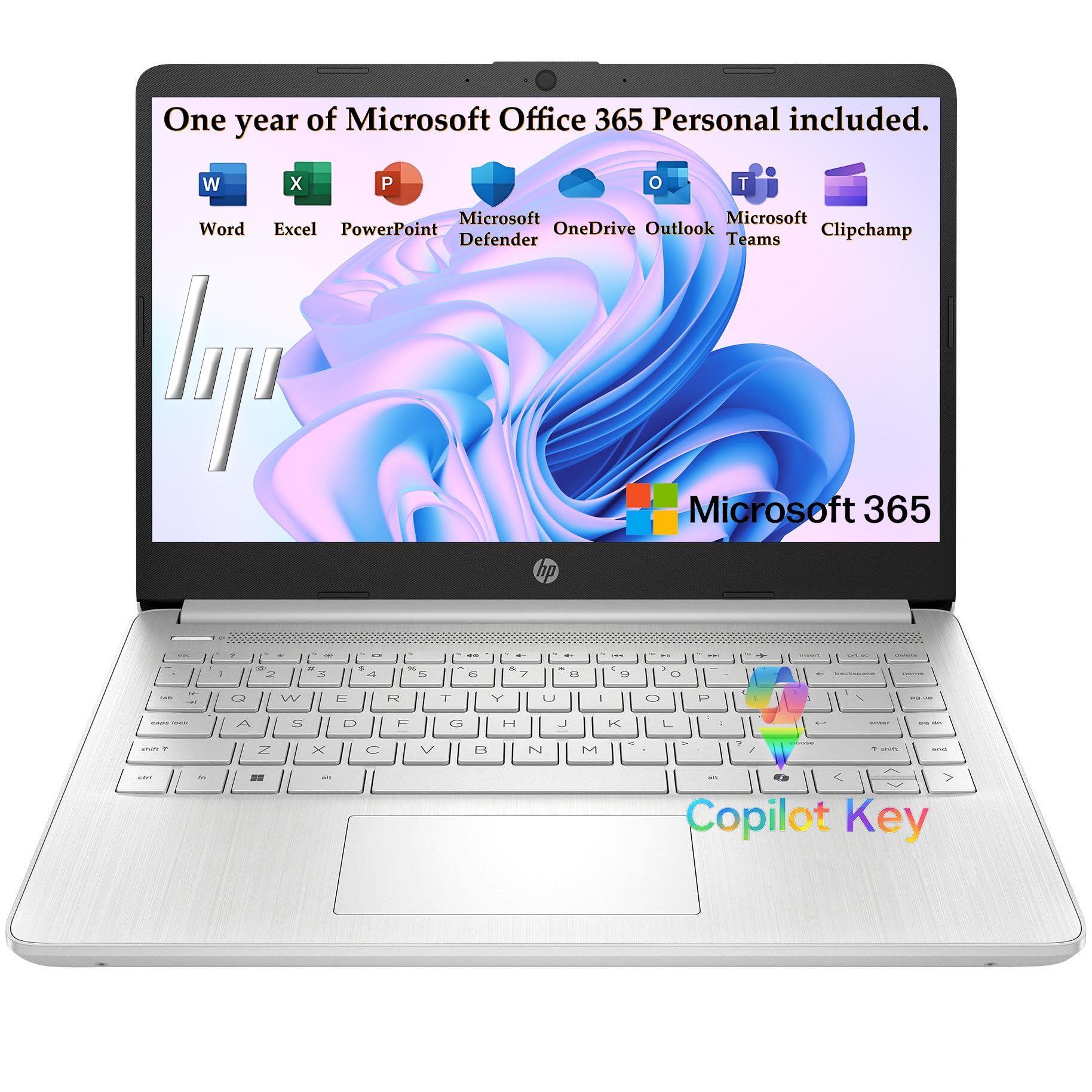
HP 14 Essential Laptop

87 /100
LBD Score Excellent

Key details

Memory
4GB LPDDR5
Display
14-inch HD anti-glare
Storage
128GB UFS
Battery Life
Up to 11 hours video
View on Amazon

This is the least expensive laptop in the guide, and it covers more than the price suggests: a 14-inch screen, Windows 11 Home with Microsoft 365 included, Wi-Fi 6, and a chassis 0.71 inches thick. For a teacher who needs Word, a browser, and Zoom and not much else, it's the difference between spending a lot and spending a little.

The honest limit is memory. Four gigabytes of LPDDR5 is soldered in place and sets the ceiling on everything: a handful of tabs, a document, and a video call run fine, but open a gradebook in one tab, Classroom in another, and a dozen curriculum PDFs in a third and you'll watch the machine think. Work a few tabs at a time and this is a perfectly pleasant laptop; work with twenty open and it isn't, and no setting changes that.

The rest is a set of fair trade-offs. The Intel N150 is a four-core chip built for exactly this kind of work — documents, browsers, calls — and the stated battery life runs to 11 hours of video playback, comfortably more than a day of classes. Three USB ports, HDMI, and Bluetooth 5.4 mean it connects to a projector and a document camera without a dongle.

Pros

  • Microsoft 365 included with Windows 11
  • Up to 11 hours of video playback
  • Wi-Fi 6 and a full port set

Cons

  • Dim 1366 x 768 display
  • 128GB of storage fills quickly
Our verdict

For the smallest budget in this guide, it covers documents, email, and video calls — as long as you keep your browser tabs to a handful.

Check Latest Price
5

Desk-Based Teaching

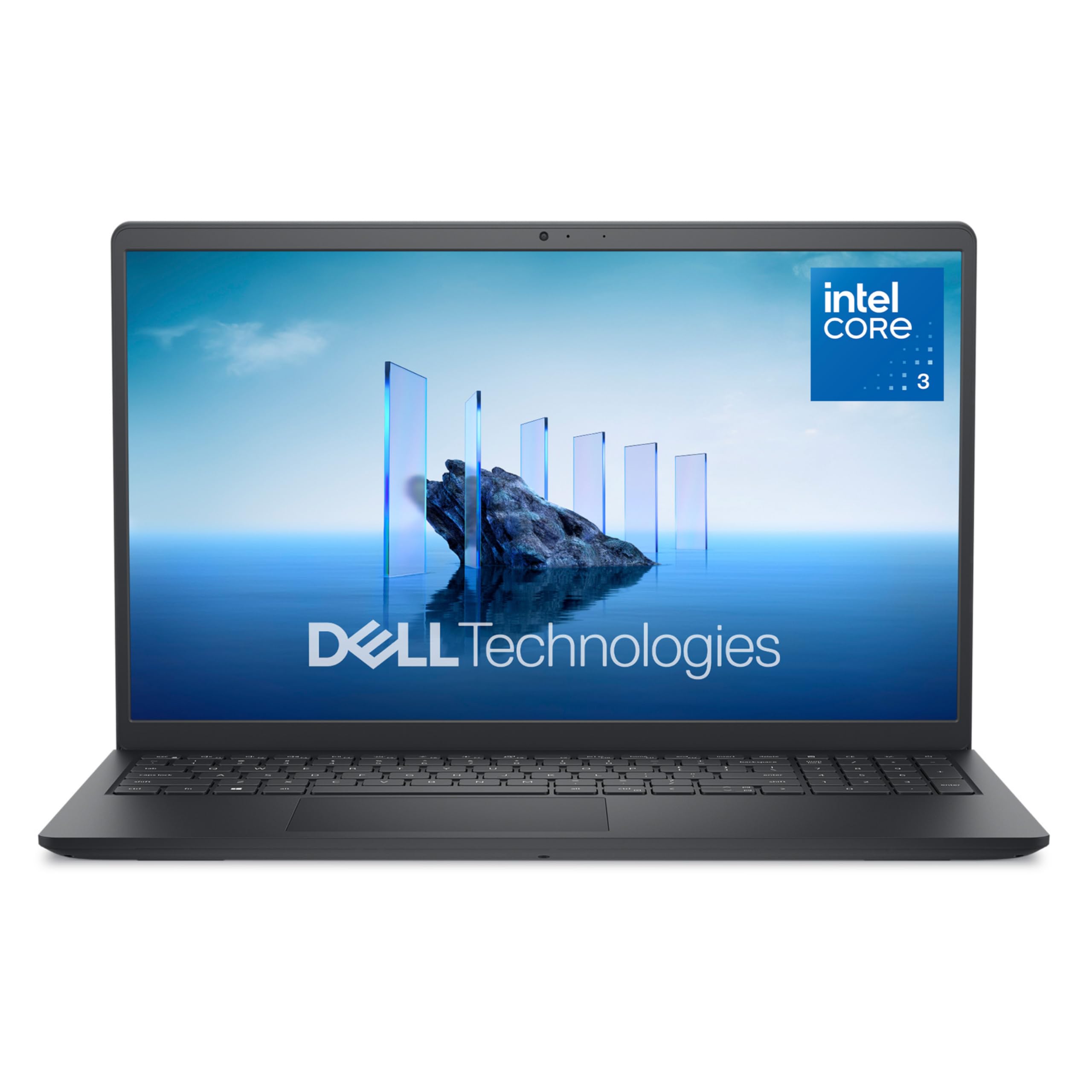
Dell 15 DC15250

83 /100
LBD Score Excellent

Key details

Memory
8GB DDR4
Display
15.6-inch FHD IPS
Storage
512GB SSD
Processor
Intel Core 3 100U
View on Amazon

Fifteen point six inches at 1920 x 1080 is the most comfortable place on this list to read a document. Two pages of a rubric side by side, a spreadsheet with all the columns visible, a slide deck you can read from a step back — the matte IPS panel handles all of it, and the anti-glare coating takes the edge off classroom lighting.

It's also the most office-like machine here. The 512GB SSD is four times the storage of the budget picks, the six-core Intel Core 3 100U has more headroom than the N150 laptops, and there's a separate number pad with a calculator hotkey for grade entry. The hinges lift the deck to a slight typing angle, and the single memory slot takes the 8GB of DDR4 to 16GB if you need it later.

What it won't do is travel. Battery life is the weak spot, and a full day away from an outlet isn't realistic, so this is a classroom laptop that lives on a desk with the charger nearby and goes home in a bag when it has to. If that's how you work — one room, a monitor, a stack of grading — the screen and the storage make it worth a look. If you're moving between three buildings, they don't.

Pros

  • Full HD 15.6-inch matte IPS screen
  • 512GB SSD, the most storage here
  • Six-core Intel Core 3 processor
  • Number pad and lifted-hinge typing angle

Cons

  • Fan noise carries on video calls
  • Heaviest pick here at 4.2 pounds
Our verdict

Buy it for a classroom desk where the charger stays plugged in: a full HD screen and more storage than anything else here, with battery life as the price.

Check Latest Price

How We Tested Teacher Laptops

We started with roughly 30 models sold as everyday machines for school and office work, then cut the list using the things teachers lean on daily: at least 8GB of memory, a solid-state drive rather than a spinning one, and a 15.6-inch screen that stays readable from the back of a classroom. Bundled software and cloud storage counted in a laptop's favor, since a bundled office suite is one less thing to pay for out of a classroom budget.

Eight made the final cut and stayed with us for eight months. We set each one up the way a teacher would, out of the box and signed into a school account, timing how much of the first hour went to updates and permission screens instead of actual work. Then we lived with them through a real school calendar: taking notes in meetings, projecting slides, grading at the kitchen table at night, joining parent video calls, and carrying them room to room in a tote along with binders and a water bottle.

For speed, we timed cold starts and wake-from-sleep, then opened twelve browser tabs, a gradebook spreadsheet, and a video call at once to see where each machine bogged down. Battery runs started at 7:45 a.m. unplugged, at our usual brightness, and we noted when each laptop hit 20 percent. We read documents next to a window to judge glare and text sharpness, played a lecture video at conversation volume to listen for distortion, and on touchscreens dragged slides and annotated a PDF to check whether taps landed where we aimed. Every one rode home in a bag, and we flexed lids and hinges and logged each crash, hitch, and surprise restart as it happened.

How to Choose a Laptop for Teaching

Start With Your District's Software, Not the Spec Sheet

Teachers rarely get to pick their software — their district does. Gradebook clients, IEP platforms, state testing browsers, and interactive-whiteboard tools are often Windows-only, and a laptop that can't open the gradebook is the wrong laptop no matter how good the screen is. Ask IT for the list before you buy, and ask specifically about testing, because those clients are the ones least likely to have a macOS version. If the answer is that anything works, you're free to choose on battery, screen, and weight.

Memory Decides How the Laptop Feels in Year Three

Four gigabytes is the number that quietly ruins a budget laptop. A gradebook, a learning management system, a video call, and a dozen tabs will fill 4GB and leave the machine working off the drive; 8GB handles that load, and 16GB leaves room for the browser bloat that arrives with every new platform your school adopts. Nearly every budget model solders the memory to the board, so buying the 8GB or 16GB version up front is the only chance you get. The Acer and the Dell are the two picks here you can add memory to later.

Battery Life, Judged Against a Real Teaching Day

Manufacturers quote video playback, which is the easiest thing a laptop ever does. A teaching day is harder: Wi-Fi, a browser, a video call, a lid opened and closed a dozen times. Treat the number on the box as a ceiling. If your room has an outlet near the desk, a short-running machine like the Dell is perfectly workable; if you push a cart between three rooms or teach in a portable, pay for the longest battery you can, which is where the MacBook earns its price.

Resolution Matters More Than Screen Size

A 15.6-inch screen at 1366 x 768 shows you less than a 13-inch panel at higher density, and reading a rubric or a scanned IEP on it is genuinely unpleasant. Look for 1920 x 1080 on anything 14 inches or larger. Brightness matters as much: 250 nits is standard at this price and washes out beside a window or under bright fluorescents, so sit closer to the front or plan on an external monitor. Touch is a real bonus for annotating and scrolling, but it never substitutes for resolution.

Weight, Keyboard, and the Parts You Touch Every Day

You'll carry this between rooms, meetings, and home, which makes 2.7 pounds and 4.2 pounds different laptops by Thursday. A number pad speeds up grade entry if you type scores row by row; a backlit keyboard matters when you work after the lights go down for a video. Check the camera too — 1080p is worth having for meetings with students and parents, while 720p is still what most budget models ship. None of that appears in a processor name, and all of it shapes your week.

Frequently Asked Questions

Final Verdict

If the budget stretches, buy the Apple MacBook Neo 13. It's the only laptop here that gets a teacher from first period to after-school tutoring without a charger, it weighs 2.71 pounds, and the screen makes a stack of grading easier on your eyes.

If your district runs Windows-only software, or the money isn't there, the Acer Aspire Lite 15 is the alternative: 16GB of memory and a full HD screen for less, provided you buy it where returns are easy.