Best Laptop Screen Extenders of 2026

Alt-tabbing is the tell. Somewhere on every trip — a hotel desk at midnight, a kitchen table doubling as an office — I've caught myself cycling through windows on one laptop screen and losing the thread of what I was reading. A screen extender ends that by clipping one or two extra panels to your laptop lid, no separate monitor, outlet, or spare inch of desk required.

The trouble is these look identical online and behave nothing alike in a bag. We've spent eight months with 12 of them, from an ultralight 14-incher to a 16-inch model, and what separated them was setup, weight, connectivity, picture quality, and whether the extra screen earned its place in the bag.

Here's what first-time buyers rarely hear: fit is everything. A bracket that clamps your lid a hair wrong wobbles every time you type, and a 15.6-inch panel on a 13-inch laptop hangs over the edge. Check your laptop's width and port count before anything else, then read on — the picks below are the ones that got both right.

1

Best Overall

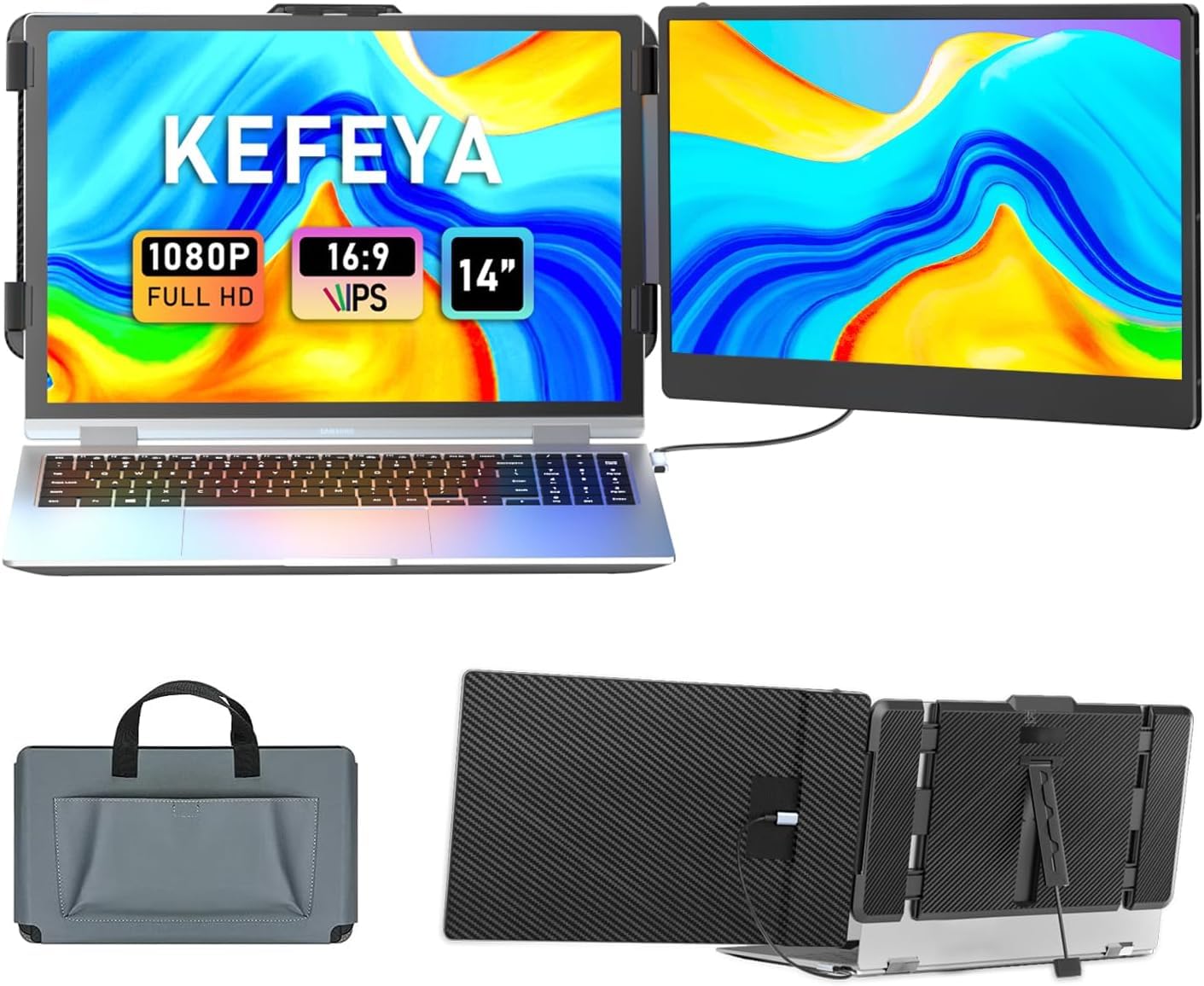
KEFEYA S1 Laptop Screen Extender

91 /100
LBD Score Outstanding

Key details

Weight
2.29 lb
Connection
USB-C or HDMI
Laptop Fit
13 to 17 in
Extra Screen
14 in FHD IPS
View on Amazon

A single 14-inch panel on a bracket is the least dramatic thing on this page, and that is exactly why we point most people here first. One USB-C cable carries video and power on a full-featured port; if your laptop does not have one, the box includes USB-C to USB-A and HDMI to USB-C leads that do the same job. No driver, no software, no second power brick to hunt for in a hotel room.

What we liked most is how little it disturbs the way you work. The panel swings through 180 degrees and flips into portrait for a full page of a document, the brightness and volume controls sit on the top edge where your fingers find them, and the kickstand keeps the laptop from tipping back under the extra weight. Attached, it reads as part of the machine rather than a second object you are balancing on a tray table.

The compromises are narrow but real. The panel is a matte 1080p IPS rated at 300 nits with a 72% color gamut, comfortable for email, code, and spreadsheets, and not what we want under a photo edit. It also puts about a kilogram on your laptop lid, so keep the machine on a table rather than your knees, and the matte finish is doing more for you under airport lighting than the brightness number suggests.

Pros

  • One cable, no drivers, no power brick
  • Matte 14-inch 1080p IPS panel
  • Fits 13- to 17-inch laptops
  • Light enough to leave in the bag

Cons

  • One extra panel only
  • 72% color gamut limits color work
Our verdict

Our default for first-time buyers: one light 14-inch panel, one cable, no drivers, and the least fuss of anything we recommend here.
Check Latest Price
2

Best Triple-Screen Value

Macsecor S10Pro Triple Screen Extender

86 /100
LBD Score Excellent

Key details

Weight
2.3 lb
Laptop Fit
13 to 17.3 in
Extra Screens
Two 14 in FHD
Panel Thickness
0.27 in
View on Amazon

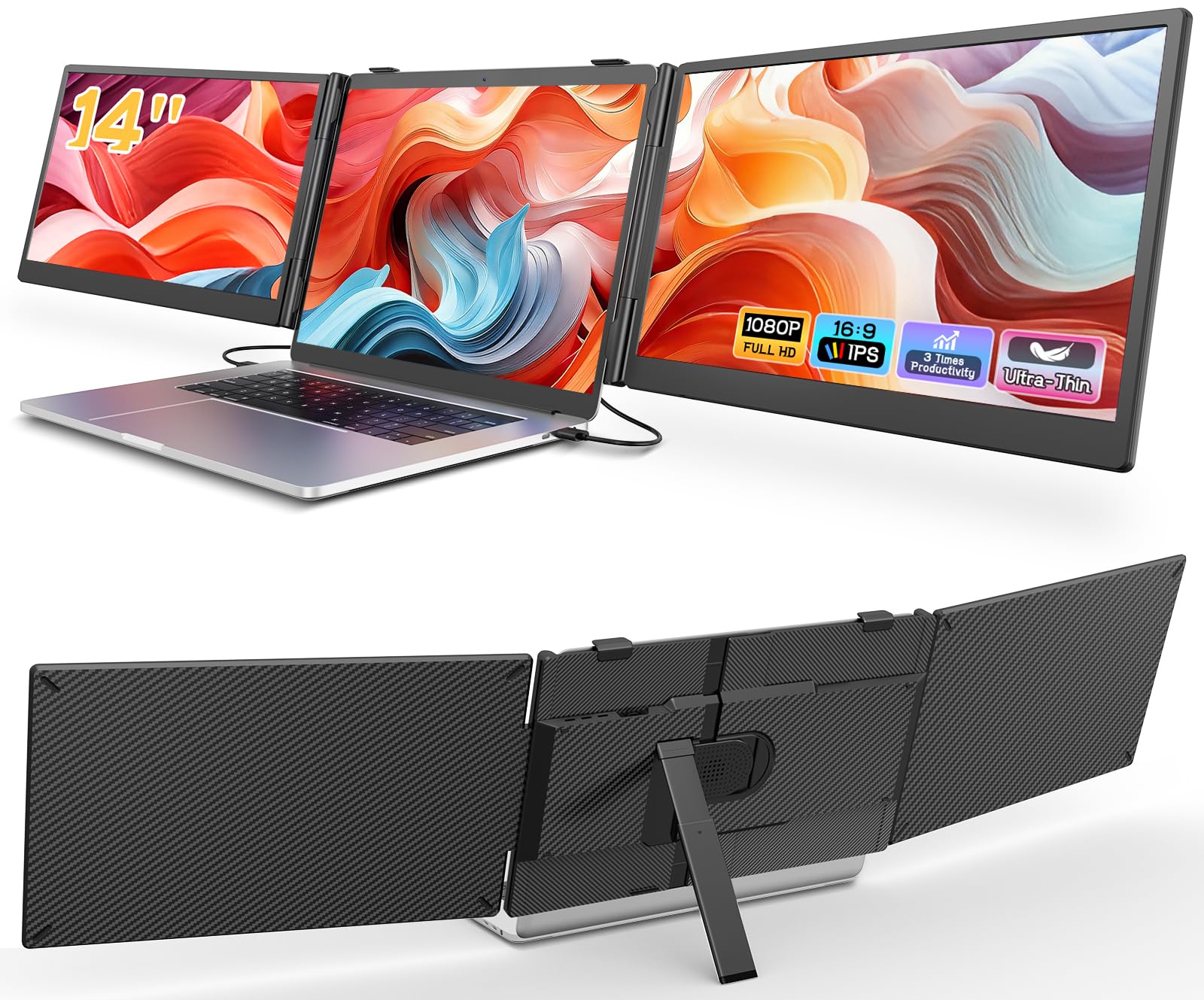
Two 14-inch panels, a folding aluminum stand, and a 2.3-pound frame: the Macsecor delivers the full three-screen arrangement at roughly the weight of the single-panel KEFEYA. That is the whole argument for it. You do not add a second object to your bag, and you do not need a spare desk to set it up on.

We also like how the stand behaves. It folds out to 90 degrees and takes the laptop's weight, so the lid, the panels, and the machine all stay where you put them instead of drifting backward when you press on the trackpad. Both screens are 0.27 inch thick, 1080p at 60 Hz, with a blue-light filter and built-in speakers, and the bundle includes every lead you need plus a padded bag.

Indoors the panels are bright enough at 300 nits, and the glossy coating makes text crisp in a hotel room. Under a window or an overhead strip light, that gloss is the first thing you notice, and the matte finishes elsewhere in this group handle glare better. Two panels also mean two video connections, which is the one thing to check against your laptop's ports before you commit.

Pros

  • Two 14-inch panels at 2.3 pounds
  • Stand props up the laptop
  • Cables and carry bag included
  • Thin 0.27-inch panels fold flat

Cons

  • Glossy screens pick up window glare
Our verdict

Two extra 14-inch panels and a folding stand for the laptop, at about the weight of our single-screen pick: the three-screen setup we recommend for travel.

Check Latest Price
3

Best Screen Quality

Xenotik S12 16-Inch Triple Extender

88 /100
LBD Score Excellent

Key details

Weight
4.6 lb
Brightness
350 nits
Aspect Ratio
16:10
Extra Screens
Two 16 in 1200p
View on Amazon

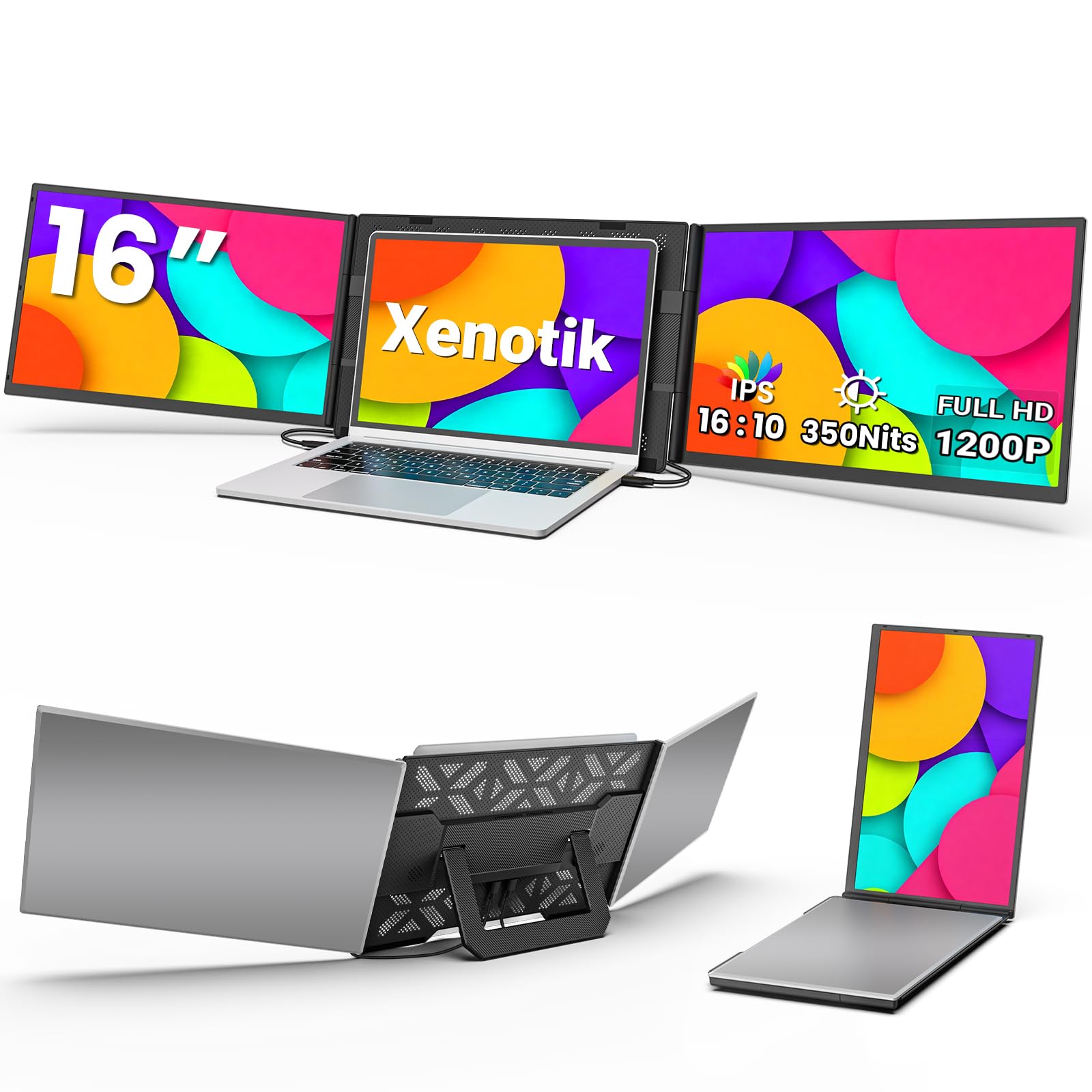
1920 by 1200, and the extra 120 rows are the point. Two 16-inch panels at that resolution give you a taller spreadsheet, a longer code file, or a full page of a PDF without scrolling, and the 16:10 shape sits more naturally beside a modern laptop than the 16:9 panels most of these use.

They are also the brightest screens we recommend here at 350 nits, which matters more than resolution in a bright room, and the aluminum body has a matte finish that resists fingerprints. The open frame is the part we appreciate most: the panels sit in their own structure instead of clamping or hanging from your laptop, so your hinges carry none of the 4.6 pounds.

That weight is the trade. At 4.6 pounds it is the most you will carry in this group, and it is noticeable in a backpack next to a laptop and a charger. The frame opens wide enough for a 12-inch machine or a 17.3-inch one, though, which makes it the pick that survives your next laptop.

Pros

  • Two 16-inch 1920x1200 panels
  • Brightest screens here at 350 nits
  • Open frame leaves hinges unloaded
  • Fits 12- to 17.3-inch laptops

Cons

  • 4.6 pounds in the bag
  • Costliest of the three-screen picks
Our verdict

We think it has the best picture here: two 16-inch 1920x1200 panels at 350 nits, in a frame that keeps the weight off your hinges.

Check Latest Price
4

Best Budget

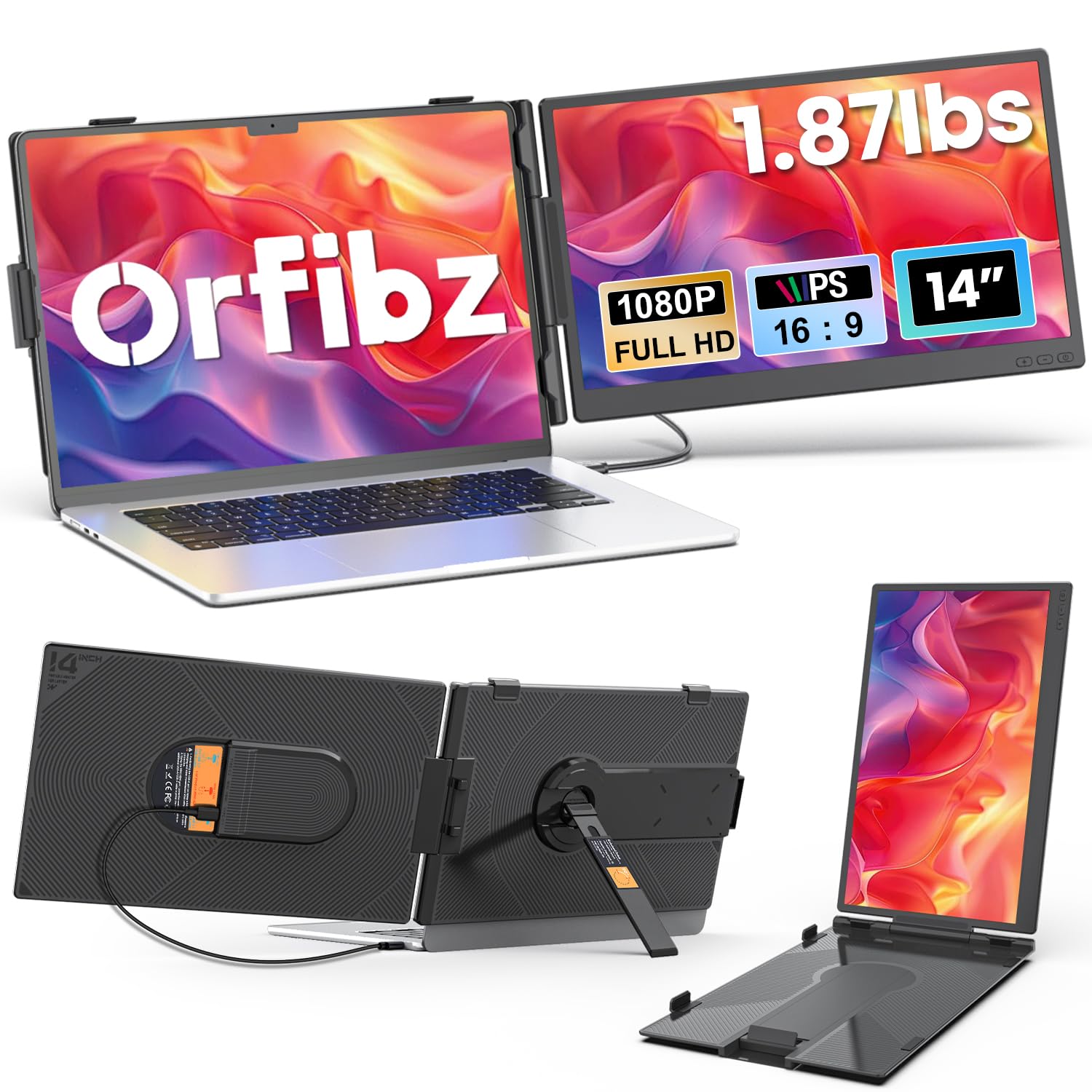
Orfibz A3 Portable Screen Extender

88 /100
LBD Score Excellent

Key details

Weight
1.87 lb
Thickness
0.27 in
Laptop Fit
14 to 17.3 in
Extra Screen
14.2 in FHD IPS
View on Amazon

The Orfibz is the least expensive extender we recommend, and it is the one that makes the least sense to overthink. At 1.87 pounds and 0.27 inch thick it goes into the laptop bag and disappears, and the matte 1080p IPS panel is rated at 300 nits.

Where it gives ground is at the edges. The fit range starts at 14 inches, so a 13-inch MacBook Air or a small XPS is out, and that is worth checking before you order rather than after. Color coverage is rated at 80%, which is fine for documents and duller than we like for photo work.

What you get for the money is more than we expected: a panel that runs in extend, mirror, or portrait mode, a single-cable connection on a full-featured USB-C port, and a 226-degree hinge. That hinge is the detail we did not expect to care about, since it lets you angle the screen toward you when the laptop is pushed back on a small table.

Pros

  • 1.87 pounds with a 0.27-inch profile
  • Matte 300-nit 1080p IPS panel
  • Least expensive extender here
  • 226-degree hinge angles toward you

Cons

  • Fits 14-inch laptops and up only
  • 80% color coverage is modest
Our verdict

Cheaper and lighter than the panel we recommend overall, as long as your laptop is 14 inches or larger: the lowest-risk way to try a second screen.

Check Latest Price
5

Best for Glare-Heavy Rooms

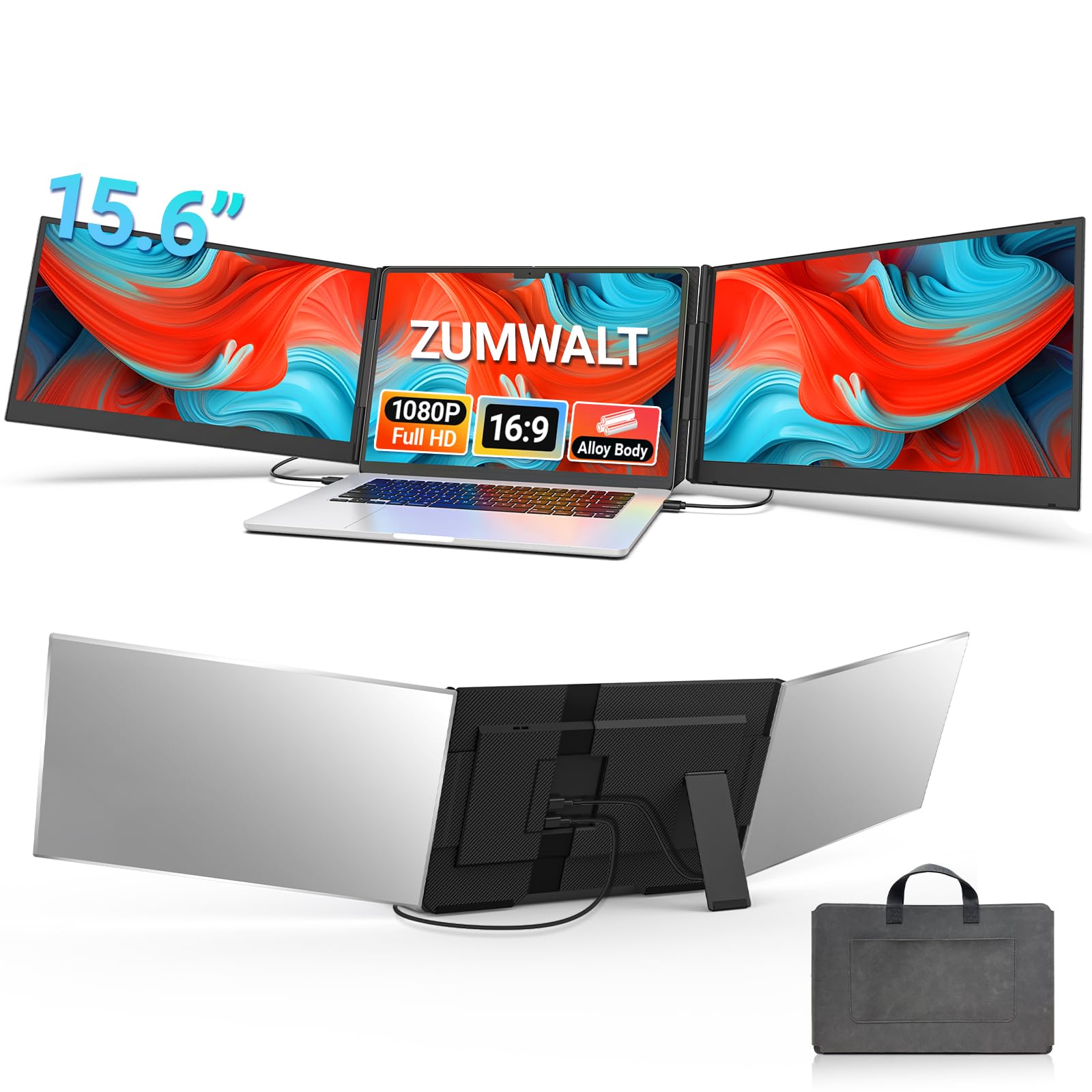
ZUMWALT P7 15.6-Inch Triple Extender

86 /100
LBD Score Excellent

Key details

Finish
Matte
Brightness
280 nits
Laptop Fit
13 to 17.3 in
Extra Screens
Two 15.6 in FHD
View on Amazon

Glossy is the default on these panels, and it is the wrong default for anyone working in borrowed rooms. ZUMWALT's pair is matte, which knocks down the reflection of a window or an overhead strip light and keeps text comfortable through a long afternoon. That, more than any figure here, is why we prefer it for glare-heavy spaces.

The panels are 15.6-inch 1080p IPS with a 100% color gamut, in an aluminum shell rather than plastic, which is what we look for on something that lives in a bag and gets stacked on hotel furniture. Two cables are all it takes: a pair of USB-C leads, or USB-C plus HDMI if your laptop needs the fallback.

The compromise is brightness. At 280 nits it is the dimmest of the three-screen picks, fine beside a lamp and washed out on a patio. And at 1080p across 15.6 inches you are getting more screen than a 14-inch panel, not sharper text, because the pixel density is slightly lower.

Pros

  • Matte finish cuts reflections
  • Two 15.6-inch 1080p IPS panels
  • Aluminum shell, not plastic
  • Fits 13- to 17.3-inch laptops

Cons

  • 280 nits is dim outdoors
Our verdict

We prefer the matte pair here: two 15.6-inch panels that stay readable beside a window, at the cost of the dimmest rating in this group.

Check Latest Price
6

Best Adjustable Viewing

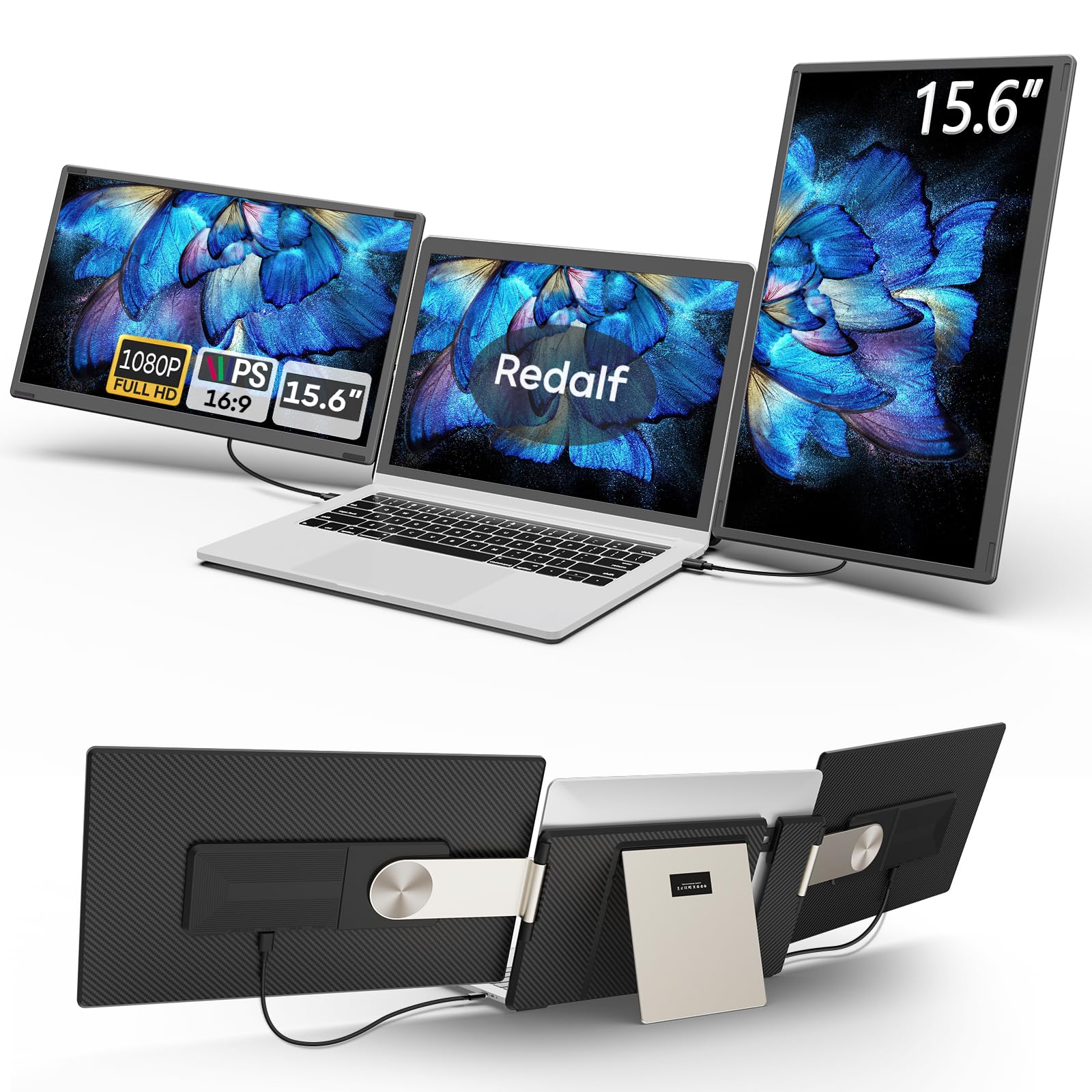
Redalf S6 Rotating Screen Extender

85 /100
LBD Score Excellent

Key details

Weight
2.1 lb
Rotation
235 degrees
Laptop Fit
13 to 17.3 in
Extra Screens
Two 15.6 in FHD
View on Amazon

The hinge is the feature. Each panel swings out 235 degrees horizontally and rotates 90 degrees into portrait, so you can angle a screen at a colleague across the table, or at yourself when the laptop sits off to one side.

Two 15.6-inch 1080p IPS panels at 300 nits sit in that frame, and the whole assembly is 2.1 pounds, light for a three-panel unit and light enough that the lid does not feel dragged over. Extend, mirror, and portrait modes are all there, and a carrying case comes in the box.

Five cables come with it because the design expects different laptops: HDMI to USB-C, two USB-C to USB-C, two USB-A to USB-C. Work out which two your machine needs, label them, and leave the rest in a drawer, because the setup stops being a puzzle once those two live in the case.

We like it most for shared work. The wide swing is worth more than a slightly brighter panel when two people are reading the same chart, and it is the one here for anyone who works across a table rather than squared up to a wall.

Pros

  • 235-degree swing on each panel
  • 2.1 pounds for a three-screen unit
  • Portrait, mirror, and extend modes
  • Carrying case included

Cons

  • Five-cable bundle to sort through
Our verdict

Two 15.6-inch panels on a 235-degree hinge, and the pick we reach for when you are working across from someone rather than facing a wall.

Check Latest Price
7

Color-Accurate Work

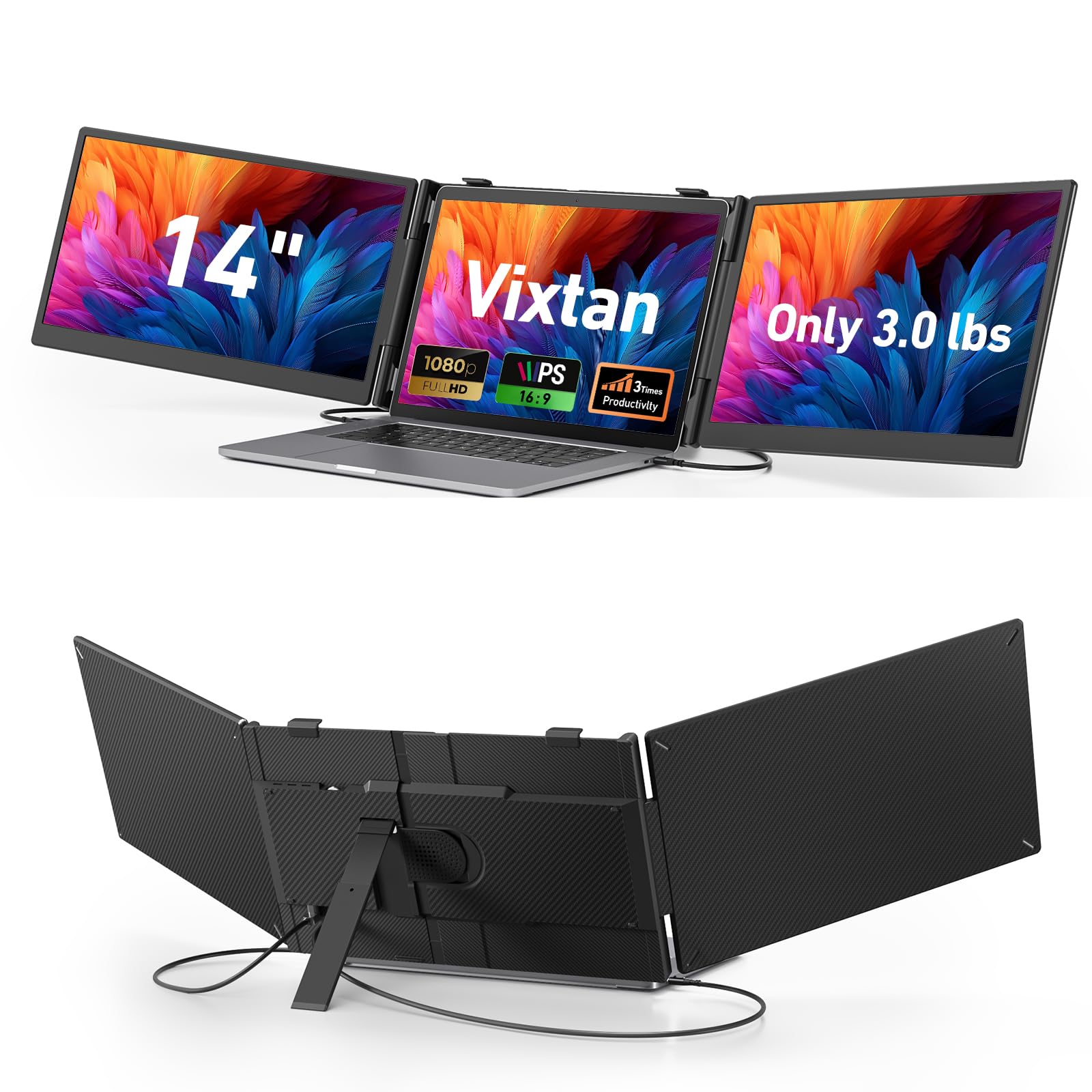
Vixtan S10 PRO Triple Extender

85 /100
LBD Score Excellent

Key details

Stand
Height adjustable
Weight
3 lb
Extra Screens
Two 14 in FHD
Color Coverage
100% sRGB
View on Amazon

Two 14-inch 1080p IPS panels, a stand that adjusts through several heights as well as angles, and 100% sRGB coverage: this is the 14-inch three-screen unit for someone who cares about color and about not looking down all evening.

The height adjustment is the part we like. Most extenders hold the panels at whatever height your laptop lid happens to sit at, which on a low hotel desk means an evening of neck strain. Raising the frame brings the far screen closer to eye level, and the 180-degree swivel lets you push a panel toward someone sitting beside you.

What holds it back is the comparison with our 14-inch pick. It is 3.0 pounds against 2.3, it uses a reinforced plastic stand where the Macsecor uses aluminum, and it costs more for the same panel size. The anti-glare coating and driver-free setup are sound, so the difference goes to color coverage and the stand's range of movement.

Pros

  • 100% sRGB color coverage
  • Height-adjustable stand
  • 14-inch panels keep the footprint small
  • All cables included

Cons

  • 3.0 pounds in the bag
  • Reinforced plastic stand
Our verdict

A 14-inch three-screen setup with a height-adjustable stand and full sRGB color, though it is heavier and pricier than the 14-inch pick we prefer.

Check Latest Price
8

One Big Panel

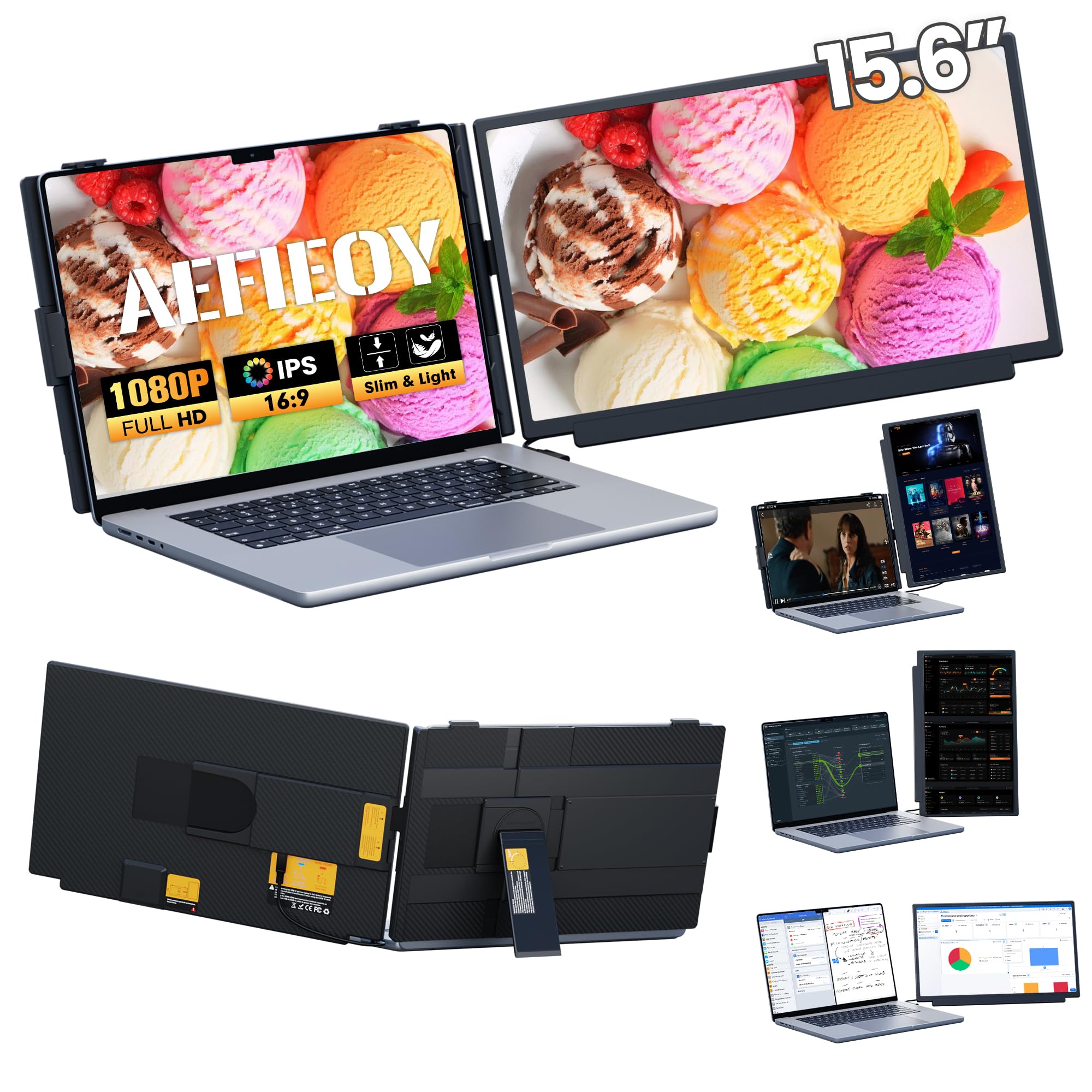
Aefieoy M5 15.6-Inch Screen Extender

84 /100
LBD Score Excellent

Key details

Weight
2.8 lb
Brightness
280 nits
Extra Screen
15.6 in FHD IPS
Display Modes
Four
View on Amazon

One screen, not two. The M5 puts a single 15.6-inch 1080p IPS panel beside your laptop, which is a different proposition from the three-screen units: less to balance, less to cable, and a bigger single canvas than any 14-inch panel gives you.

The panel detaches from its mount and folds down into a compact block, which is what makes it a travel item rather than something that lives on a desk. The shell mixes aluminum with PC+ABS so it resists fingerprints, and the panel is rated at 280 nits with a 1000:1 contrast ratio.

Connection is driver-free over USB-C, or over HDMI plus USB-A for power, and it switches between extended, mirrored, and rotated modes without software. The mount folds flat enough to slide beside a laptop in a bag.

We think the appeal is narrow but real: one large panel for reading, coding, or marking up a document, without the extra width and cable count of a two-panel frame. What we do not like is the brightness, since 280 nits is the dimmest we recommend here, and one panel at a midrange price is hard to justify against a three-screen unit. Buy it for the bigger canvas, not for value.

Pros

  • Single 15.6-inch FHD IPS panel
  • Detachable mount folds flat
  • Driver-free over USB-C or HDMI
  • Fingerprint-resistant aluminum shell

Cons

  • 280 nits is dim for bright rooms
  • One panel at a midrange price
Our verdict

For people who read one long document at a time, we like the single 15.6-inch panel, as long as you are not chasing brightness.

Check Latest Price

How We Tested a Dozen Laptop Screen Extenders

We built the shortlist by working backward from the laptops people actually carry: 13-inch ultraportables, 15-inch work machines, a 17-inch desktop replacement. Anything that couldn't span that range, weighed over about three pounds, needed a driver download, or demanded its own power brick came off. That left 12 units, and each spent at least two weeks as my only second screen, with the whole group in rotation for eight months.

Setup got a stopwatch, not a shrug: from sealed box to second screen lit, working solo, laptop still charging. I counted the ports each one consumed, since on a two-port laptop that number decides whether the setup works at all. Then I ran the same units on a Mac, a Windows laptop, a ChromeOS machine, and a handheld console, over USB-C and over HDMI, noting which needed an adapter and which woke up on their own.

Every extender was weighed, then packed beside a 14-inch laptop and a charger for a week of trains, gate seats, and hotel desks. I noted which ones flexed when the lid moved, which slipped out of the clamp mid-sentence, and which I'd quietly stopped carrying by day three. The detachable panels earned their keep too — flipping one around to show a colleague across the table was the one party trick I actually used. At the desk I ran the same spreadsheet, the same batch of photos, and the same video across all three panels, checking text sharpness, window glare, and how closely the extra screen matched the laptop's own color. Ease of use came down to how often I re-tightened or re-plugged, and value to whether I missed the screen on days I left it home.

How to Choose a Laptop Screen Extender

Count the screens, then count the weight

One extra panel roughly doubles your workspace and adds between about 1.8 and 2.3 pounds. Two panels give you three windows and add anywhere from 2.1 to 4.6 pounds, depending on the frame. Some designs clamp onto the laptop lid, which puts that load on the hinges and makes the machine tip-prone on a soft surface; others carry the panels in their own frame.

If you work on trains or in coffee shops, a single panel under two pounds is the easier object to live with. If you set up in one hotel room for a week, a three-screen rig earns the extra weight back in a single afternoon of not switching tabs.

Check the port before the panel

A USB-C port on a spec sheet does not mean it can carry video. The connection needs DisplayPort Alt Mode, usually marked with a lightning bolt or listed as Thunderbolt; a charging-only port will leave you with a black screen and a wasted afternoon. On laptops without one, these units fall back to HDMI for video plus USB-A for power.

Count your video-capable ports before you order a two-panel unit. A single-panel extender only needs one, which is why it is the safer buy for a thin laptop with two ports total.

Match size, resolution, and finish to what you read

Fourteen inches is the travel size. A 15.6- or 16-inch panel gives you more canvas at the same 1080p pixel count, so text is slightly softer and you get more room. A 1920x1200 screen adds 120 rows, and for spreadsheets, timelines, and code that vertical space is worth more than another inch of width.

Brightness across this group runs from 280 to 350 nits, all of it comfortable indoors and none of it truly daylight-ready. If you work near windows, put a matte finish ahead of a brightness number.

Look at how it stands up

There are three approaches: brackets that clamp or hang on the laptop lid, open frames that hold the panels without touching your screen, and free-standing units with their own foot. Clamps travel as one piece with the laptop but load the hinges; frames are kinder to the machine and bulkier in the bag; free-standing designs need a desk and will not work on your lap.

Whichever you choose, check the bottom of the fit range. A unit listed for 14 to 17.3 inches will not grip a 13-inch laptop, and the clamp is the first thing you notice when it does not fit.

Frequently Asked Questions

Final Verdict

We recommend the KEFEYA S1 to almost everyone. One panel, one cable, no software, and a weight that does not argue with your laptop lid, it is the least risky way to find out how much a second screen changes your day.

If you want the full three-screen desk, the Macsecor delivers two extra panels at the same weight. If vertical space matters more than anything and you would rather not hang a frame on your lid, the Xenotik's 1920x1200 pair is the best picture here.